
Free
The Bridge finds the sim. The app finds the Bridge.
Install Cobalt Bridge on the sim PC. It connects over SimConnect to MSFS 2020 or 2024 and Cobalt discovers it on your Wi-Fi.
 Cobalt
MSFS 2020 and 2024. One small Bridge on the PC and Cobalt sees your flight, your systems, and the network.
Free to fly. MSFS 2020, 2024, X-Plane 11 and 12. iPhone and iPad.
Install Cobalt Bridge on the sim PC. It connects over SimConnect to MSFS 2020 or 2024 and Cobalt discovers it on your Wi-Fi.
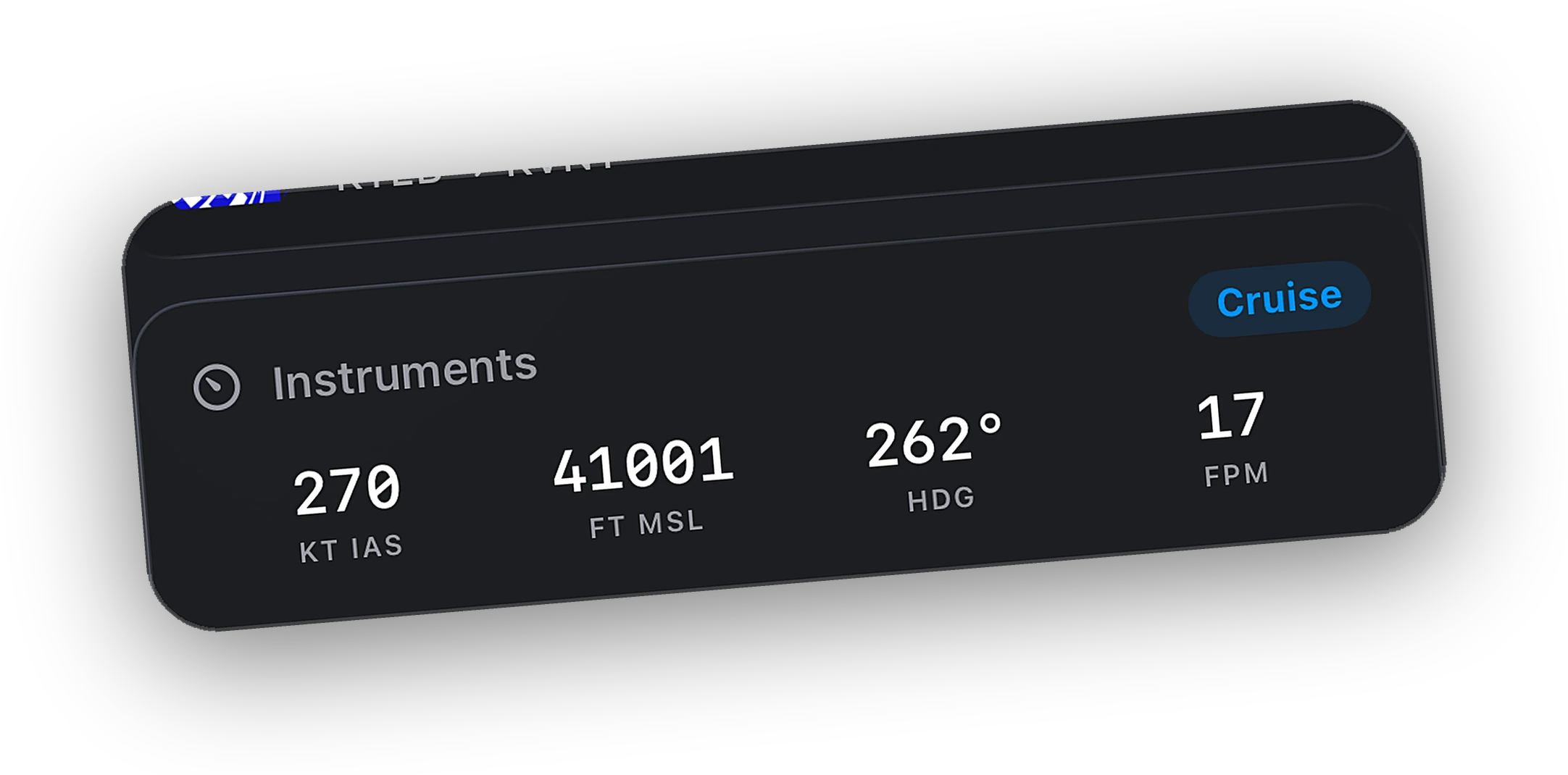
Airspeed, altitude, heading, and vertical speed over SimConnect. No aircraft mods, no config files.
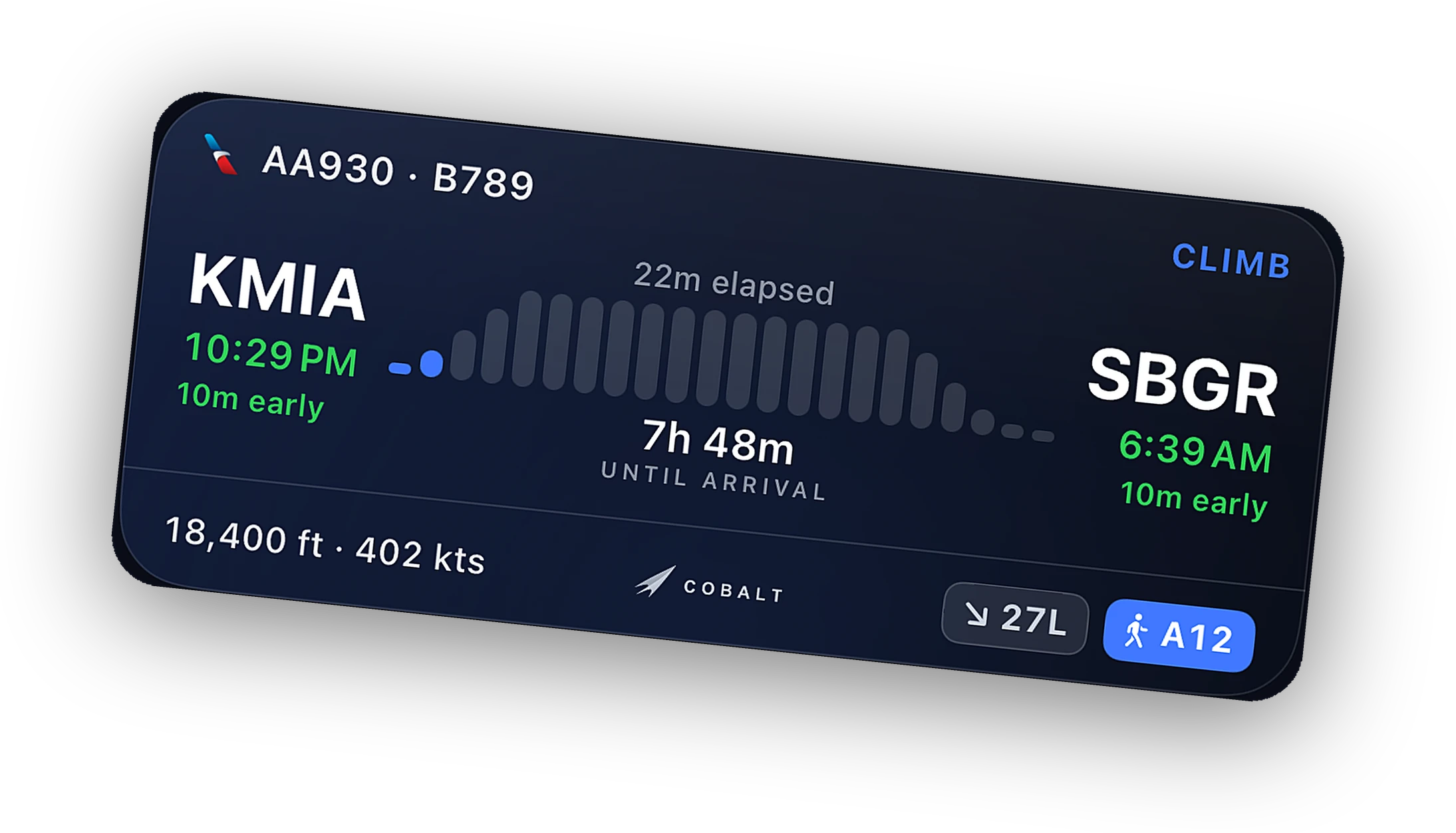
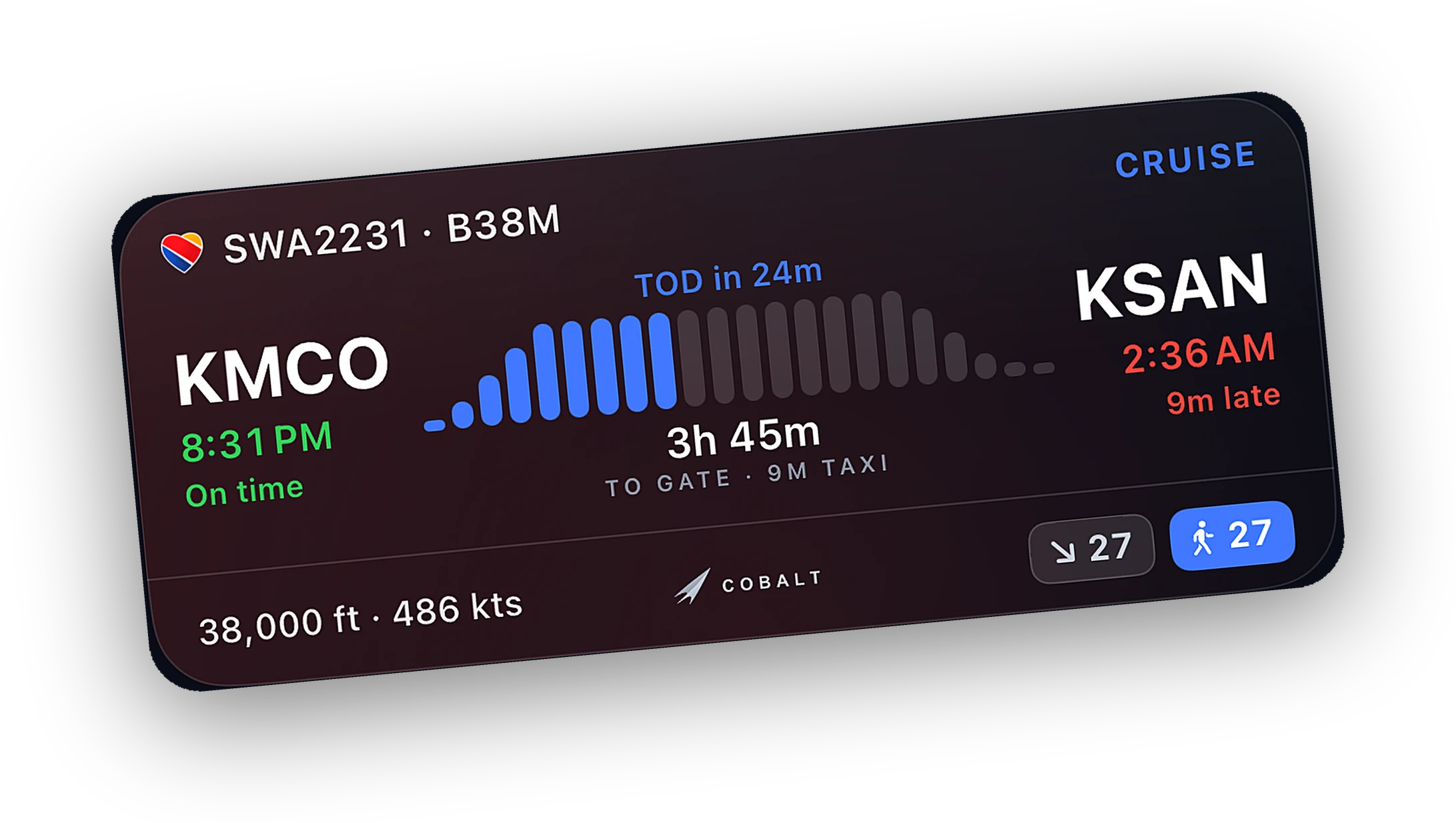
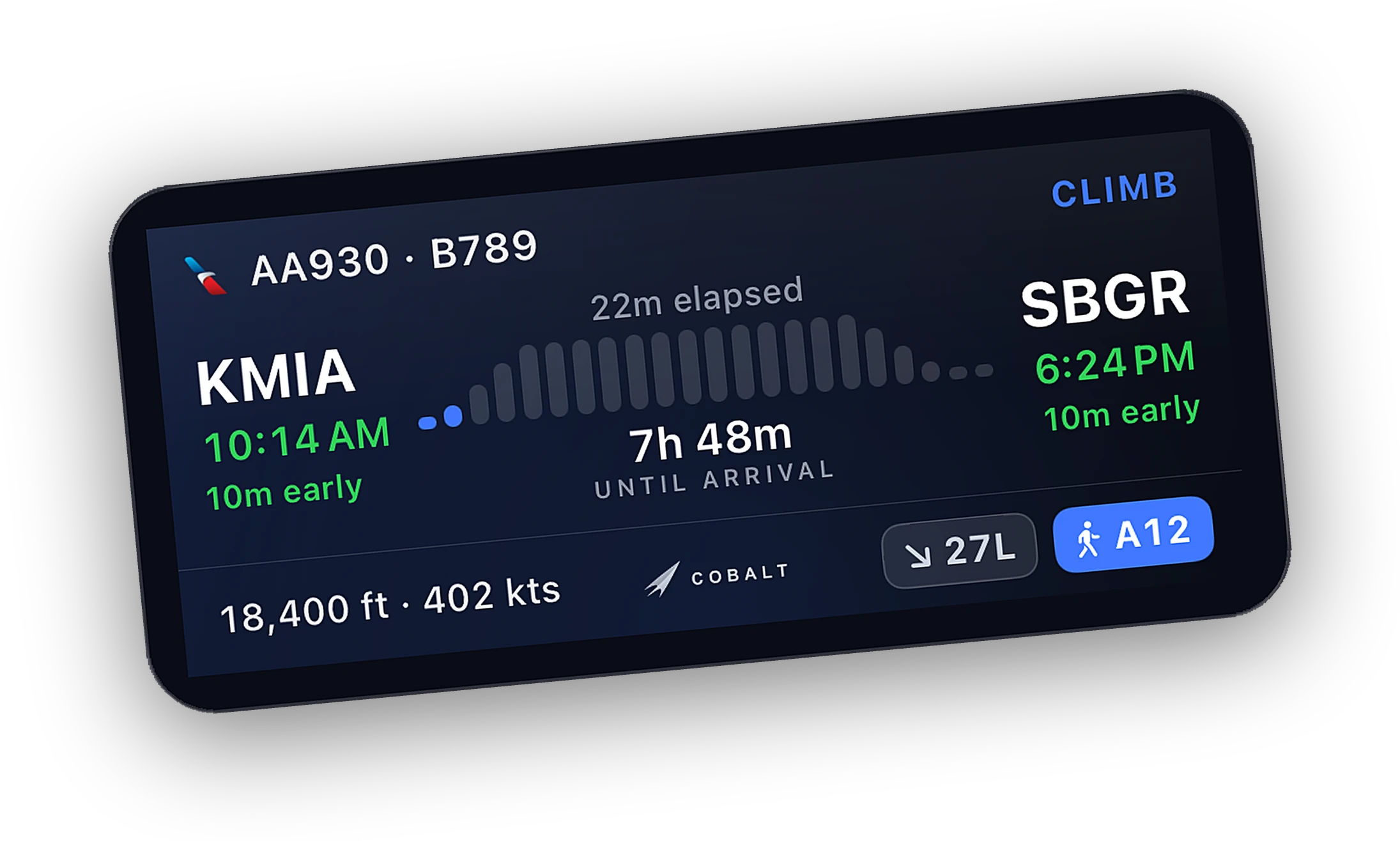
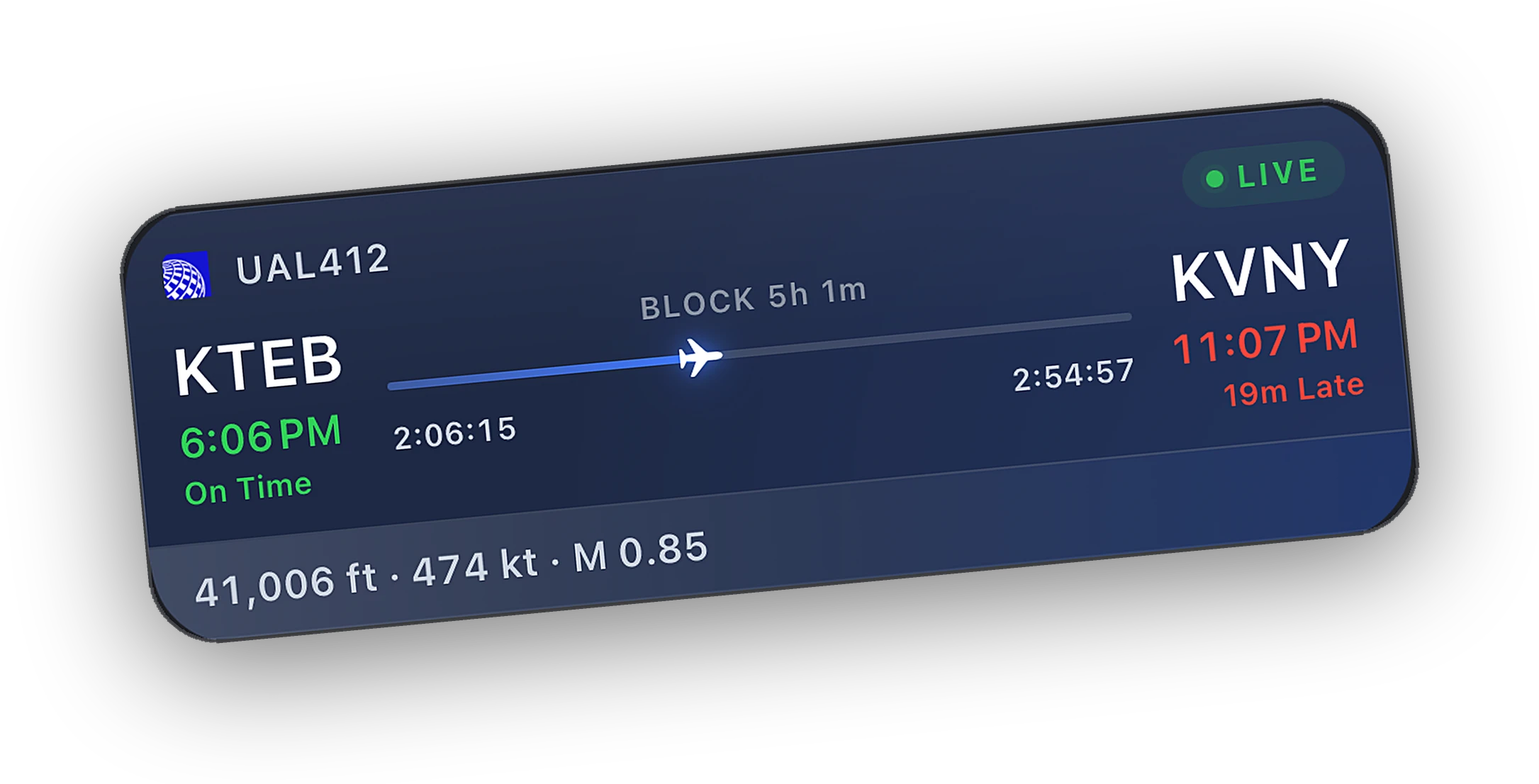
Phase, progress, and ETA on the Lock Screen and in the Dynamic Island. A top-of-descent alert brings you back.
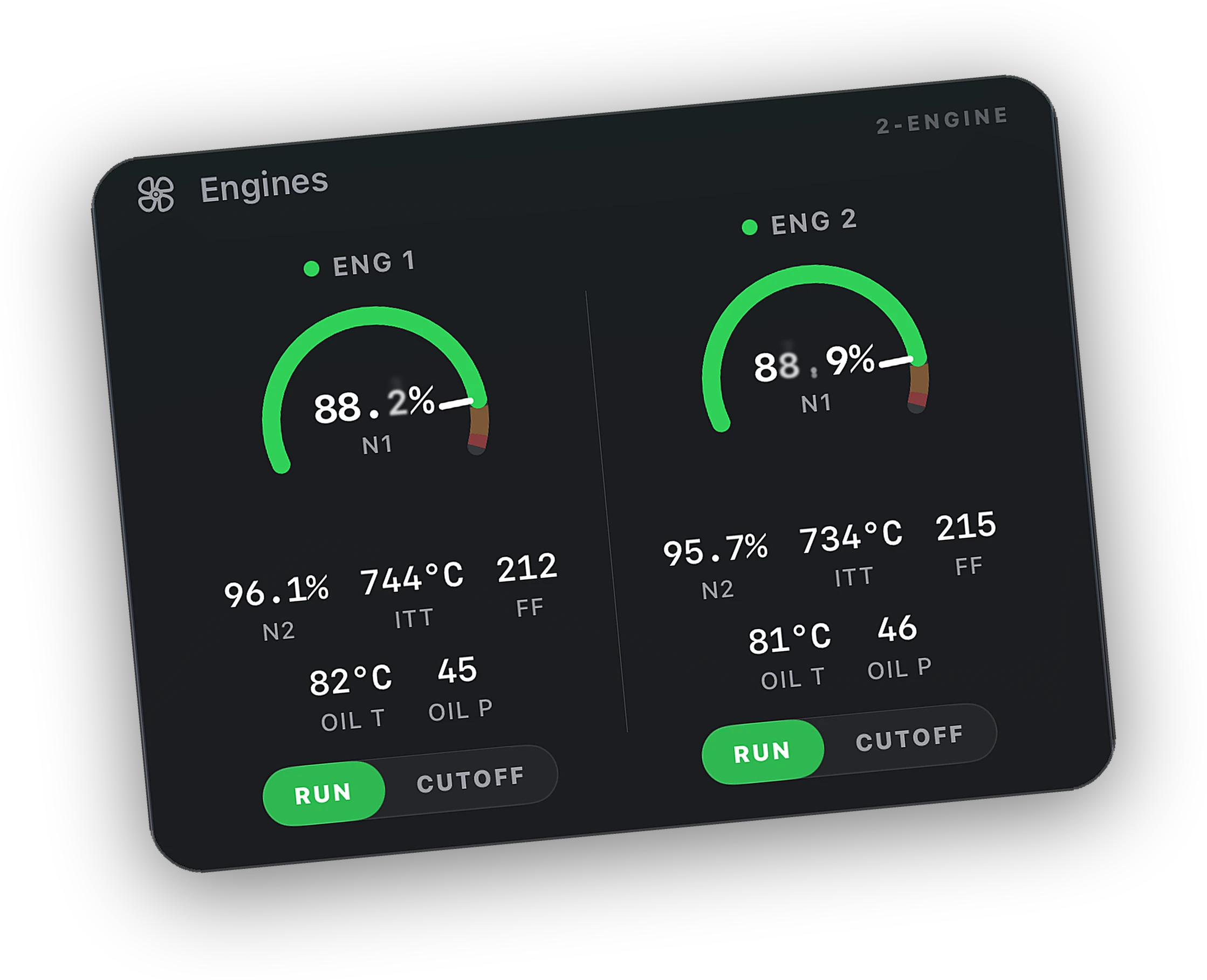
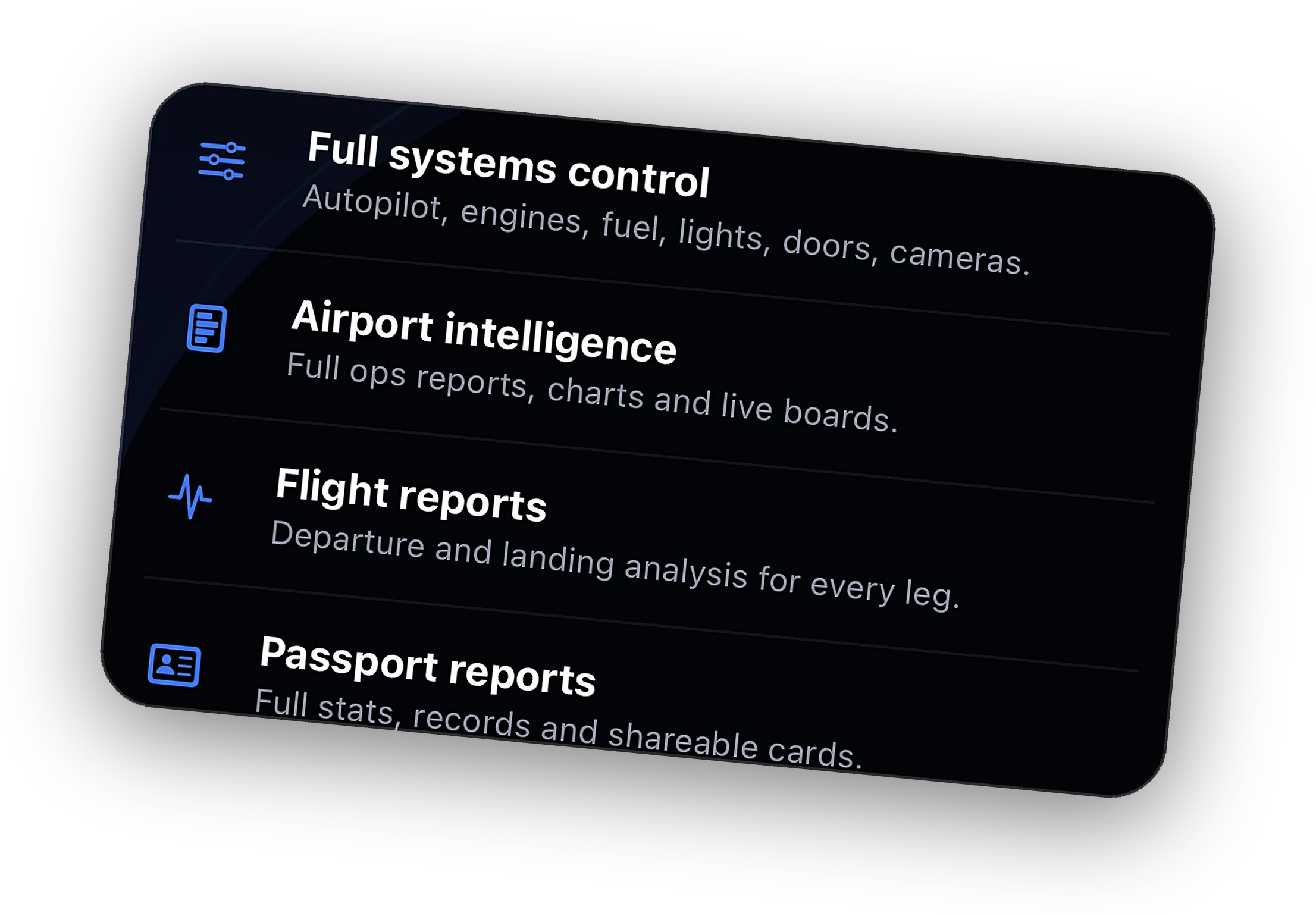
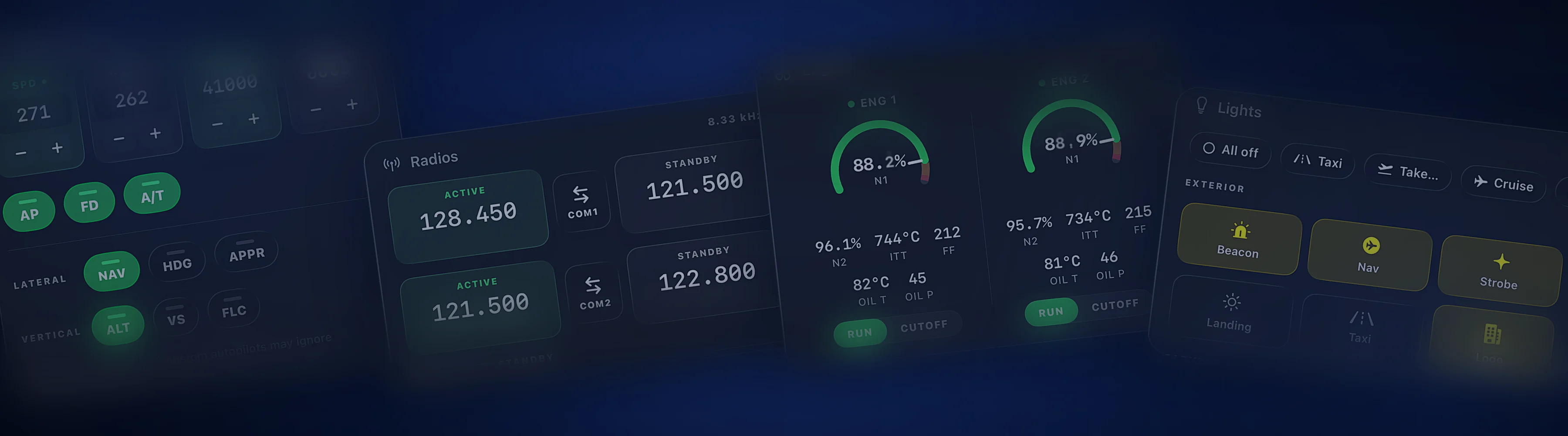
Live readouts for every system, free. Control autopilot, engines, lights, and the small switches with Peak.
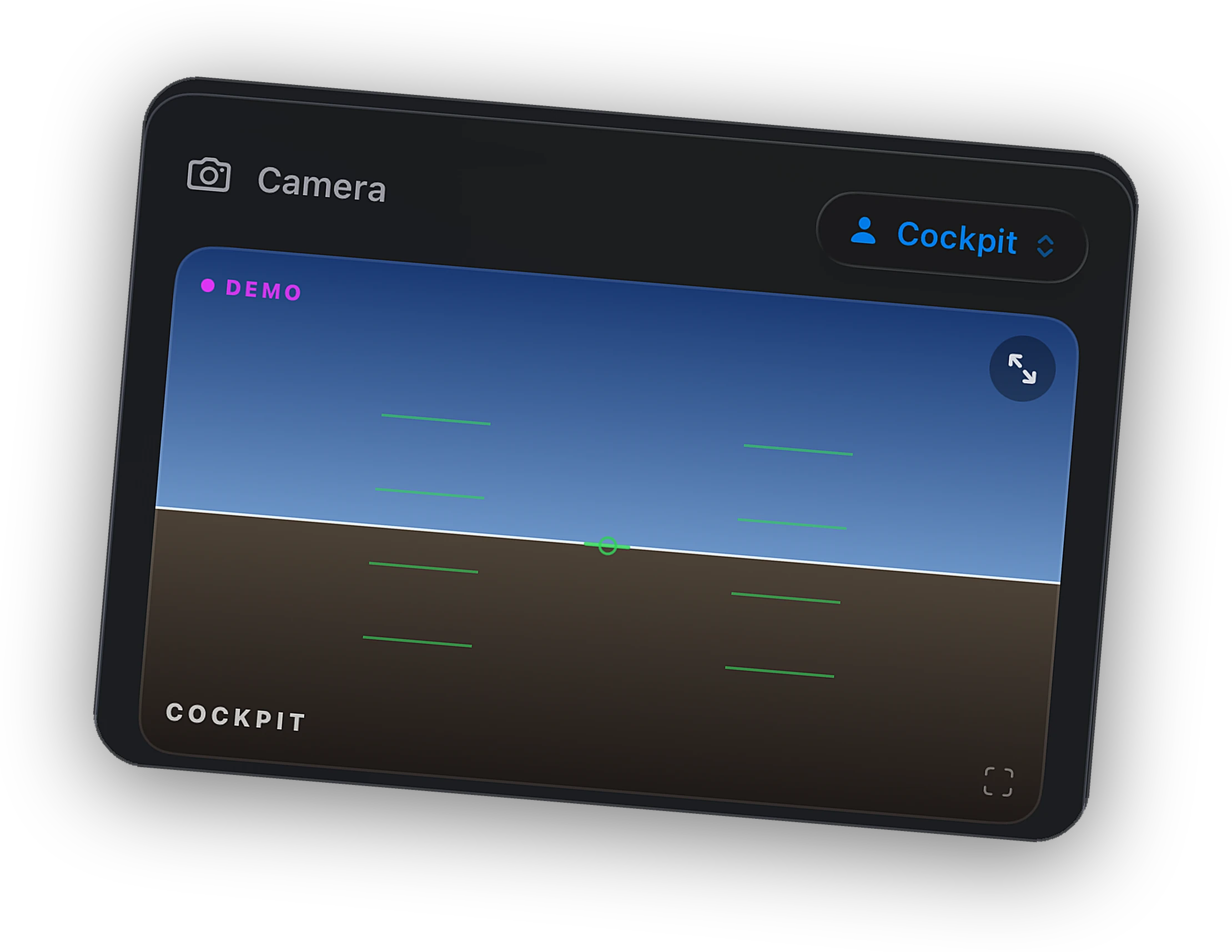
Cockpit, external, drone, and saved views. Made for streaming and screenshots.
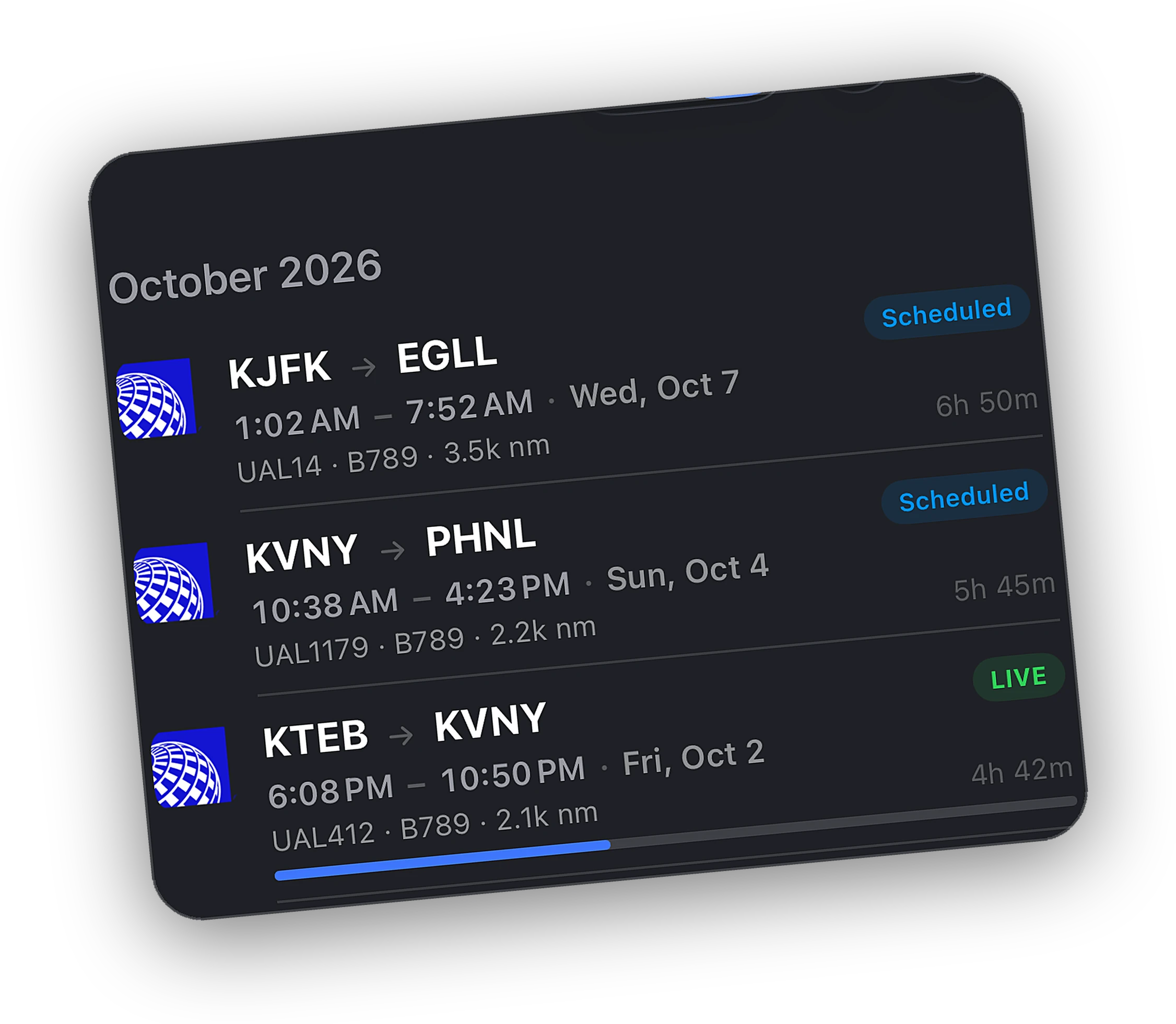
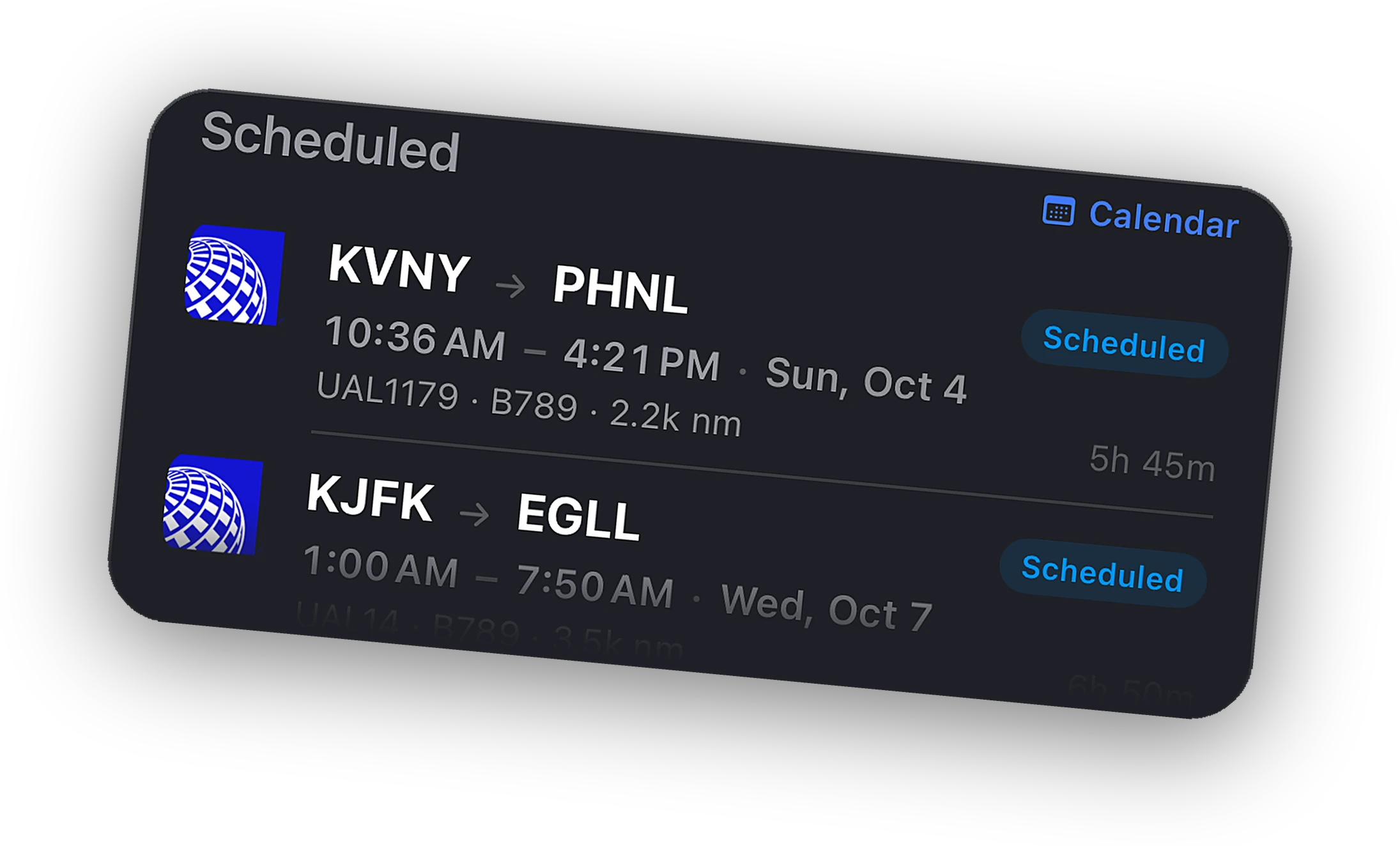
Every MSFS flight lands in the logbook with actual times and a landing grade. Export to CSV or PDF.
One app for iPhone and iPad. Watching is free. Peak adds control and range.
Your aircraft, route, and live telemetry on the map, with every VATSIM and IVAO flight around you.
Live map →The map stays on screen and the flight sheet becomes a sidebar. A calm second screen beside the monitor.
iPad setup guide →Autopilot targets, lights, engines, electrical, cameras, and pause. Every readout is free. The switches are Peak.
Systems remote →A Live Activity from wheels up to on-block, a top-of-descent alert, Home Screen widgets, and a Watch app.
Lock Screen →An alert when a controller opens on your route. With Peak, reply to private messages from the phone.
ATC alerts →Leave the house mid-flight. Relay keeps the map, alerts, and remote working over cellular.
See Peak →One Bridge for both. Steam and Microsoft Store builds. Default and add-on aircraft.
No aircraft modifications and nothing to install inside the sim. The Bridge talks to SimConnect.
Enable vPilot messaging in the Bridge and ATC private messages reach your phone. Peak replies.
Install the Cobalt vPilot plugin from Bridge Settings and ATC private messages reach your phone, with replies sent through your own session.
One small app on the sim PC. The phone does the rest.
A small free app for the sim PC. Windows or Mac. It finds MSFS or X-Plane on its own.
Same Wi-Fi, no pairing codes. The app sees the Bridge and connects in a few seconds.
Your flight on the map, the Live Activity on the Lock Screen, and the logbook writing itself.
Nothing is hidden on the free plan. Peak unlocks control, depth, and history.
Both big sims, both networks, and the devices already in your pocket.
The Cobalt Bridge runs on the same Windows PC as the sim and talks to MSFS through SimConnect, the interface built into the sim. Nothing goes into your Community folder and there is no config file to edit.
Your iPhone or iPad finds the Bridge on your Wi-Fi on its own. With Peak, Relay carries the same connection over cellular when you leave the house.
Aircraft notes, step-by-step guides, and honest comparisons.
MSFS 2020 and MSFS 2024, from Steam or the Microsoft Store. The Bridge detects whichever is running.
No. The Bridge runs on the PC next to the sim. Xbox does not allow it.
No. The Bridge connects to the default SimConnect on the same machine. Just run it.
Yes. Telemetry works for everything. Some study-level aircraft with custom systems expose fewer remote controls.
Yes. Cobalt is a free MSFS companion app for iPhone and iPad. Install the free Bridge on the sim PC and your flight appears on the phone with a live map, Lock Screen tracking, and live readouts.
Yes, with Peak. Set autopilot targets, flip lights, start engines, switch cameras, and pause the sim from iPhone or iPad. On home Wi-Fi it connects directly. Relay reaches the sim from anywhere.
Cobalt runs on iPad with a layout of its own. The map stays visible and the flight, systems, and airports open in a sidebar, so the iPad works as a second screen beside the sim.
On the free plan, yes. The phone finds the Bridge on your home network with no pairing codes. Peak adds Relay, which connects over cellular or any other network.
More ways pilots use Cobalt.
Join the list and the launch code lands in your inbox the moment the app is live. 10% off Peak.
 CobaltLaunching Saturday, October 10