Free
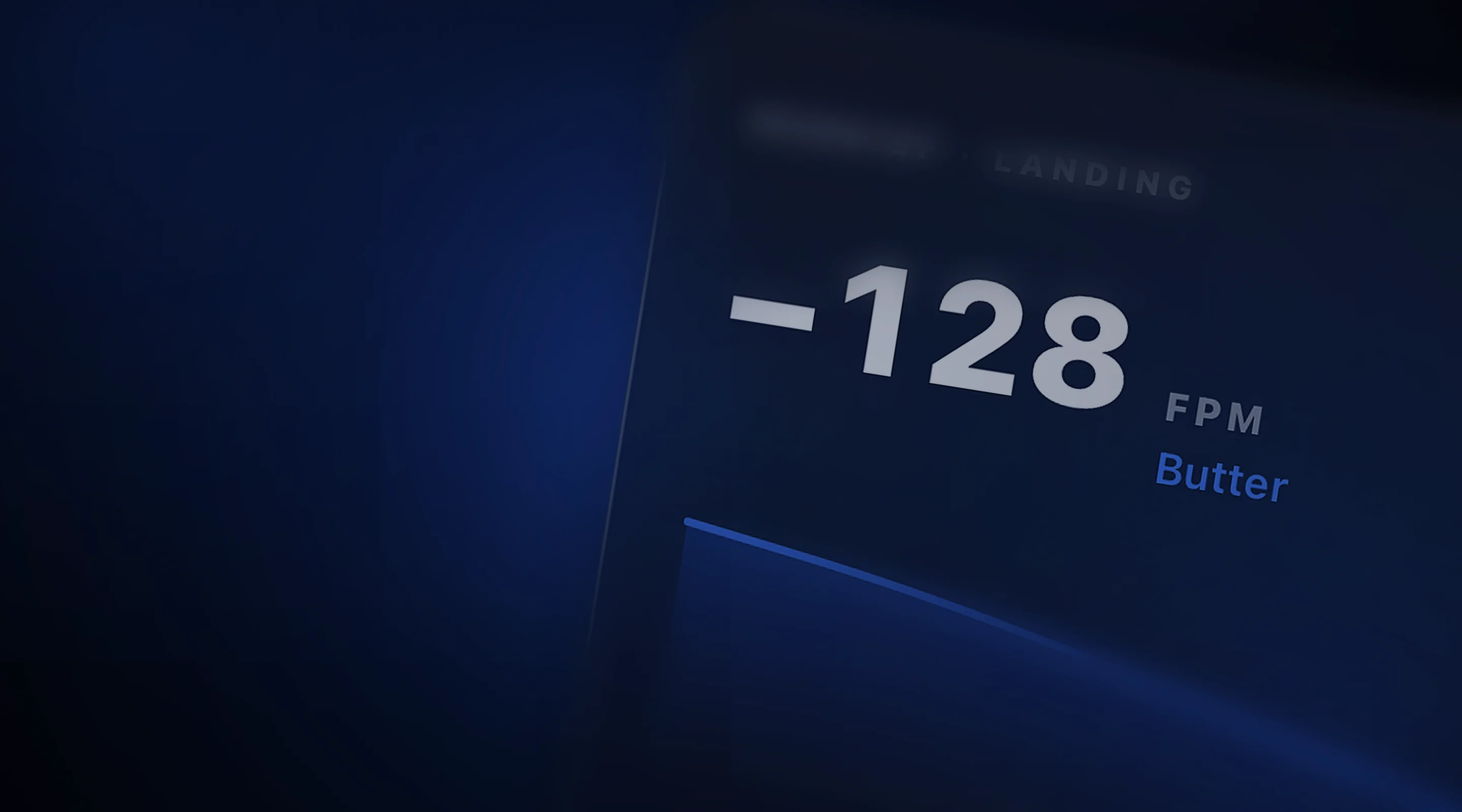
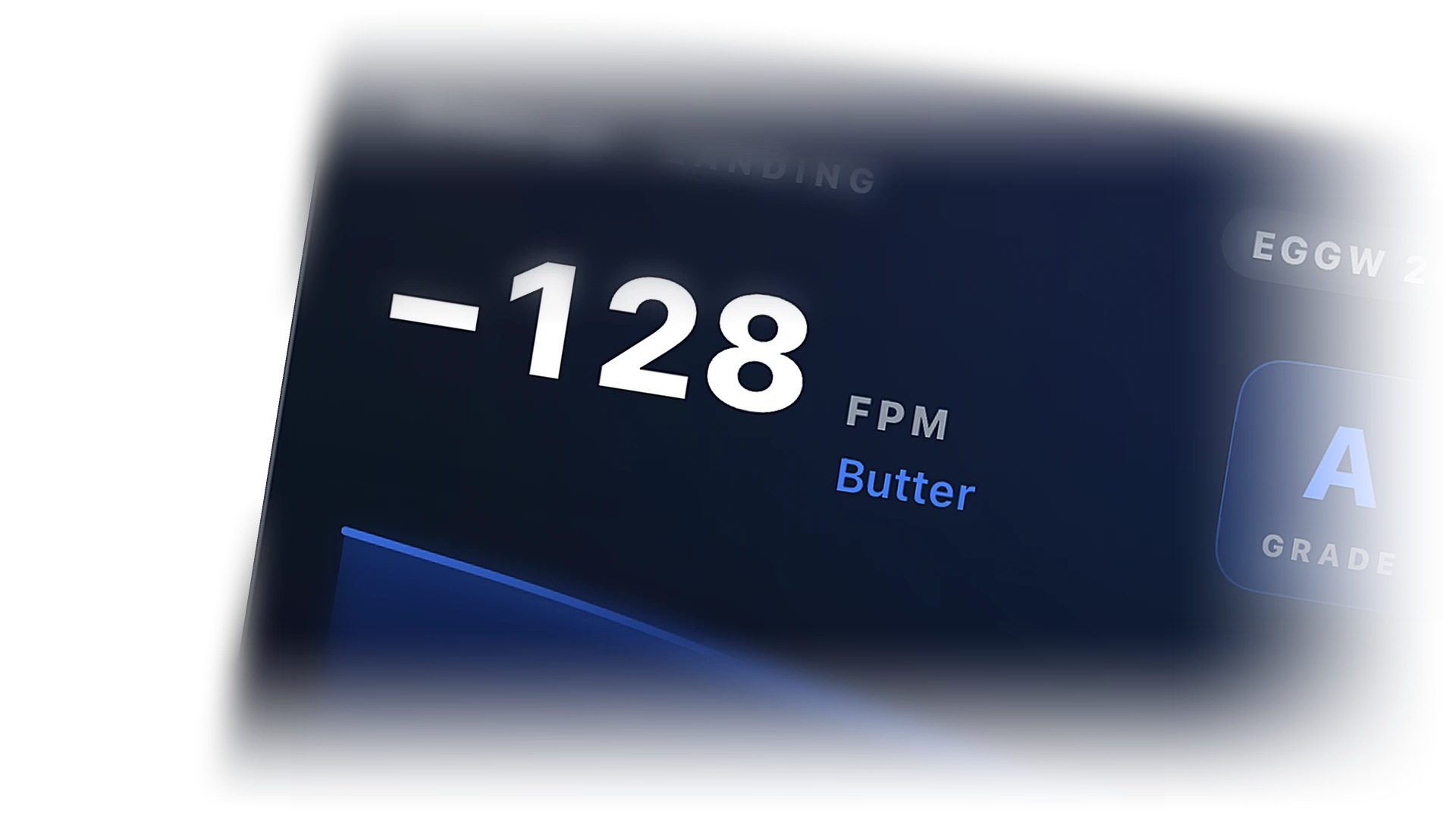
Minus 128. Butter.
Touchdown rate the moment the mains touch, with a verdict you can argue with your friends about. Logged with the flight.
 Cobalt
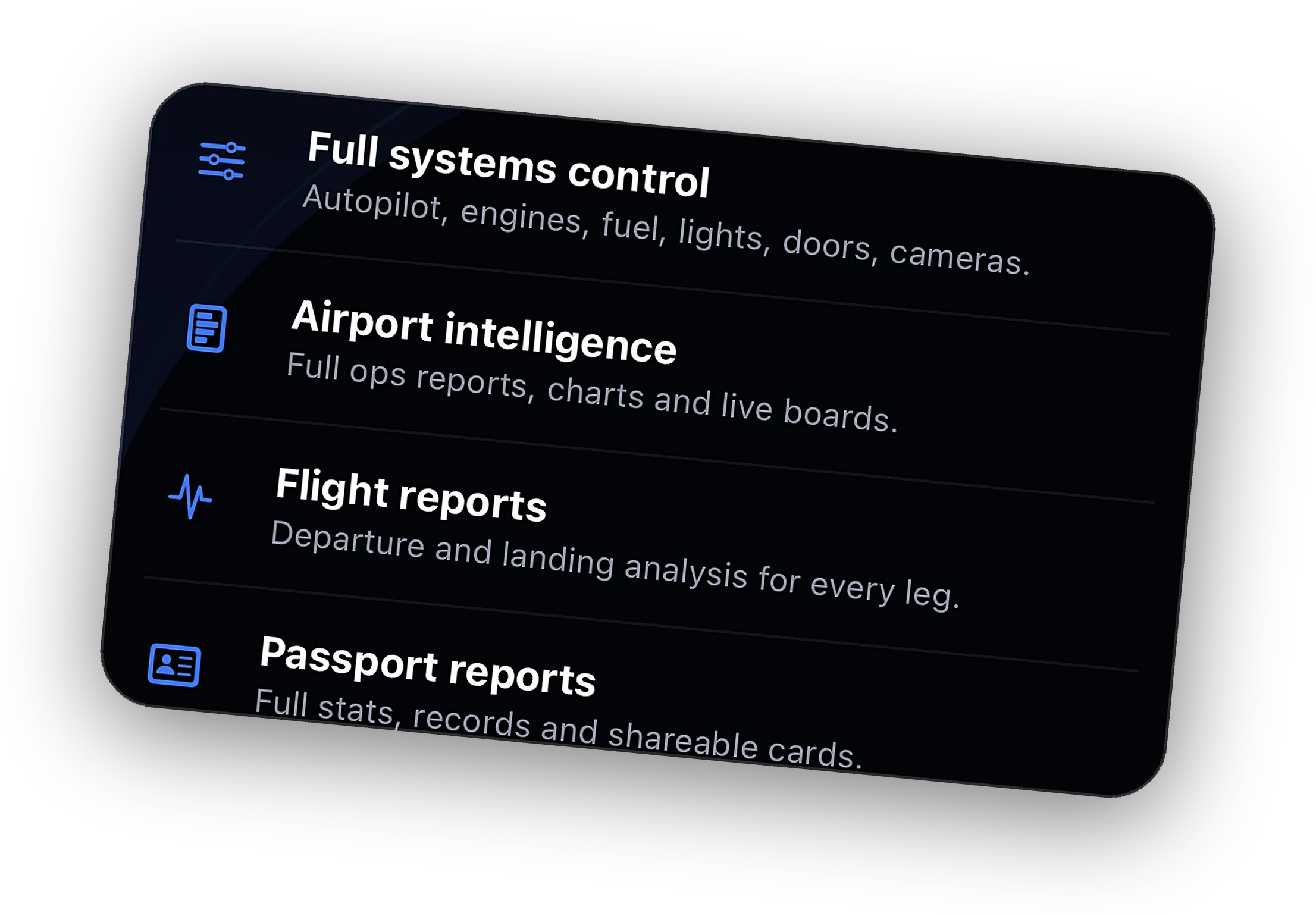
Remote systems, live camera, Relay from anywhere, ATC messaging, full history, and the Bridge on 3 PCs.
Explore →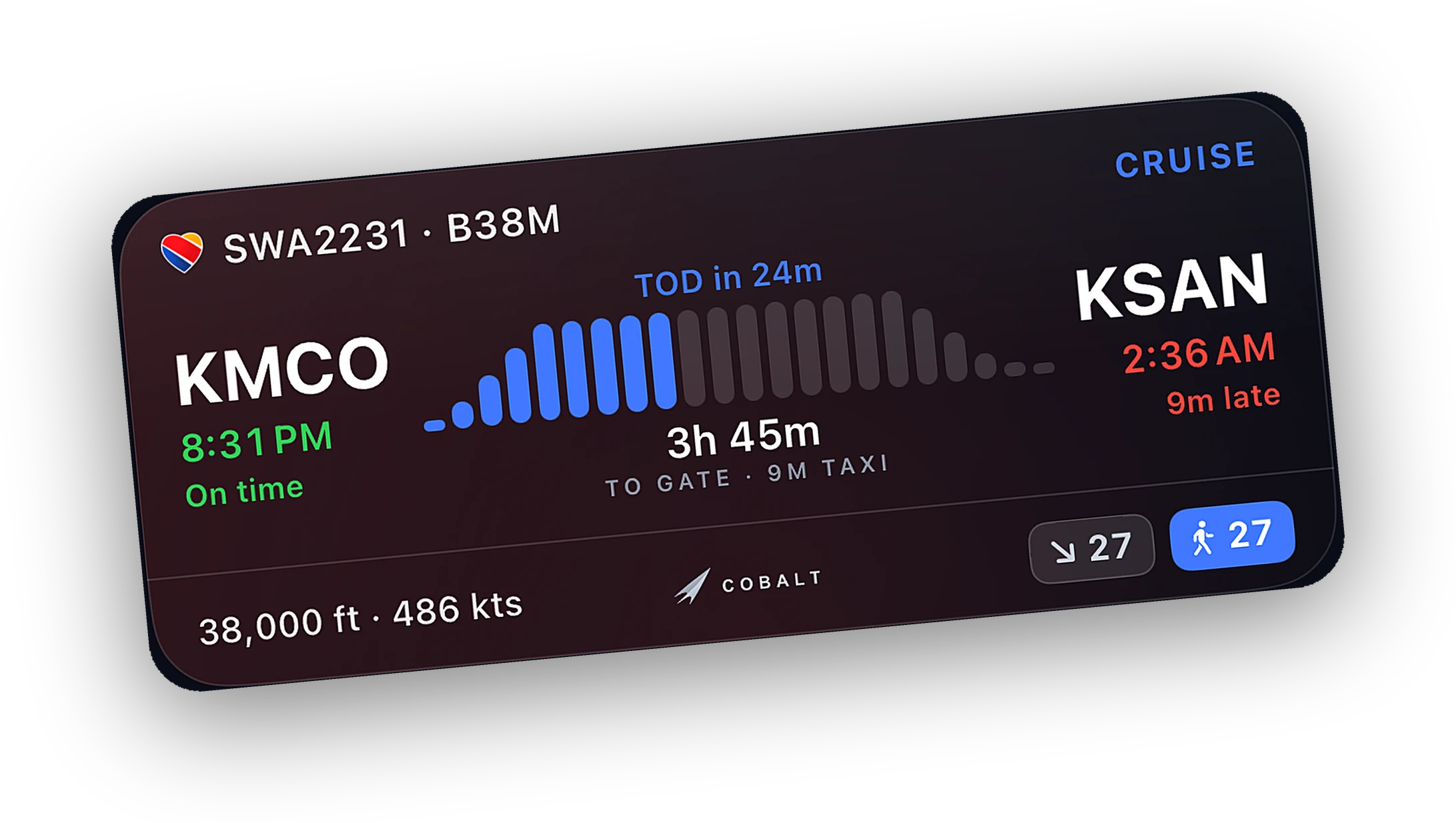
Progress, altitude, and a ticking ETA on the Lock Screen. A top-of-descent alert brings you back.
Explore →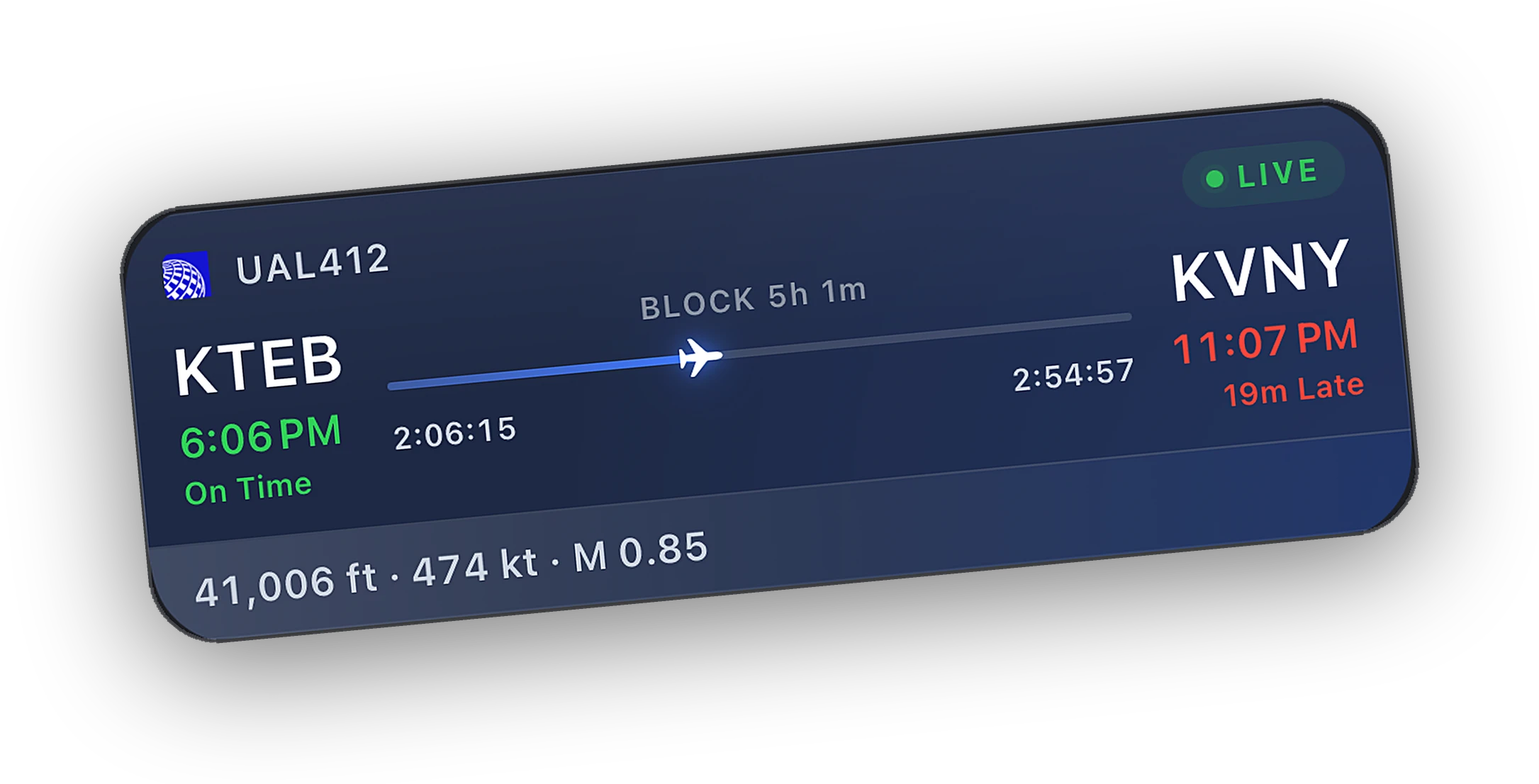
Install the Bridge, open Cobalt on the same Wi-Fi, and it finds the sim on its own.
Explore →Touchdown rate, an honest verdict, and a card you will want to share. Then the replay to see what you did right.
Free to fly. MSFS 2020, 2024, X-Plane 11 and 12. iPhone and iPad.
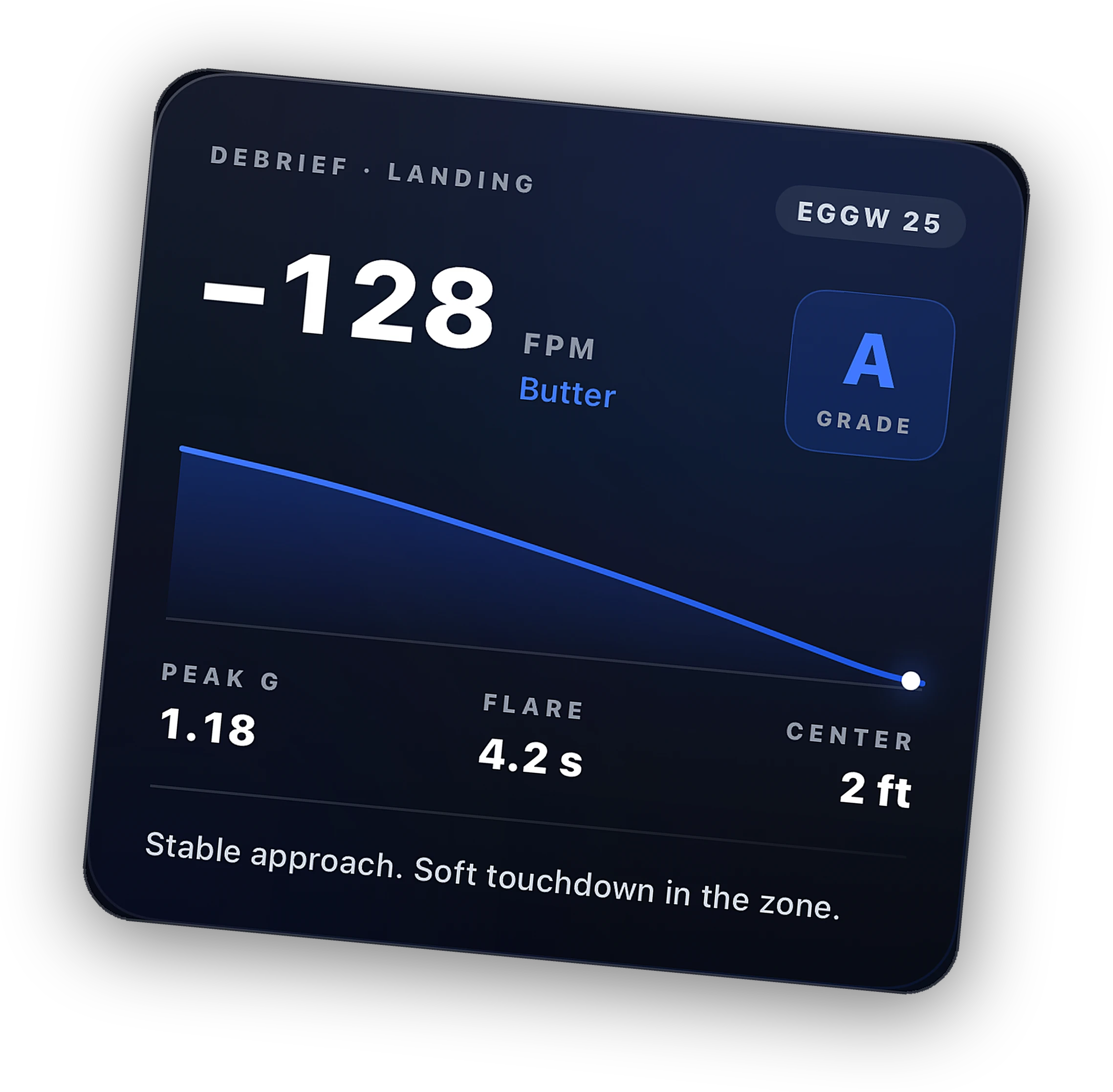
Touchdown rate the moment the mains touch, with a verdict you can argue with your friends about. Logged with the flight.
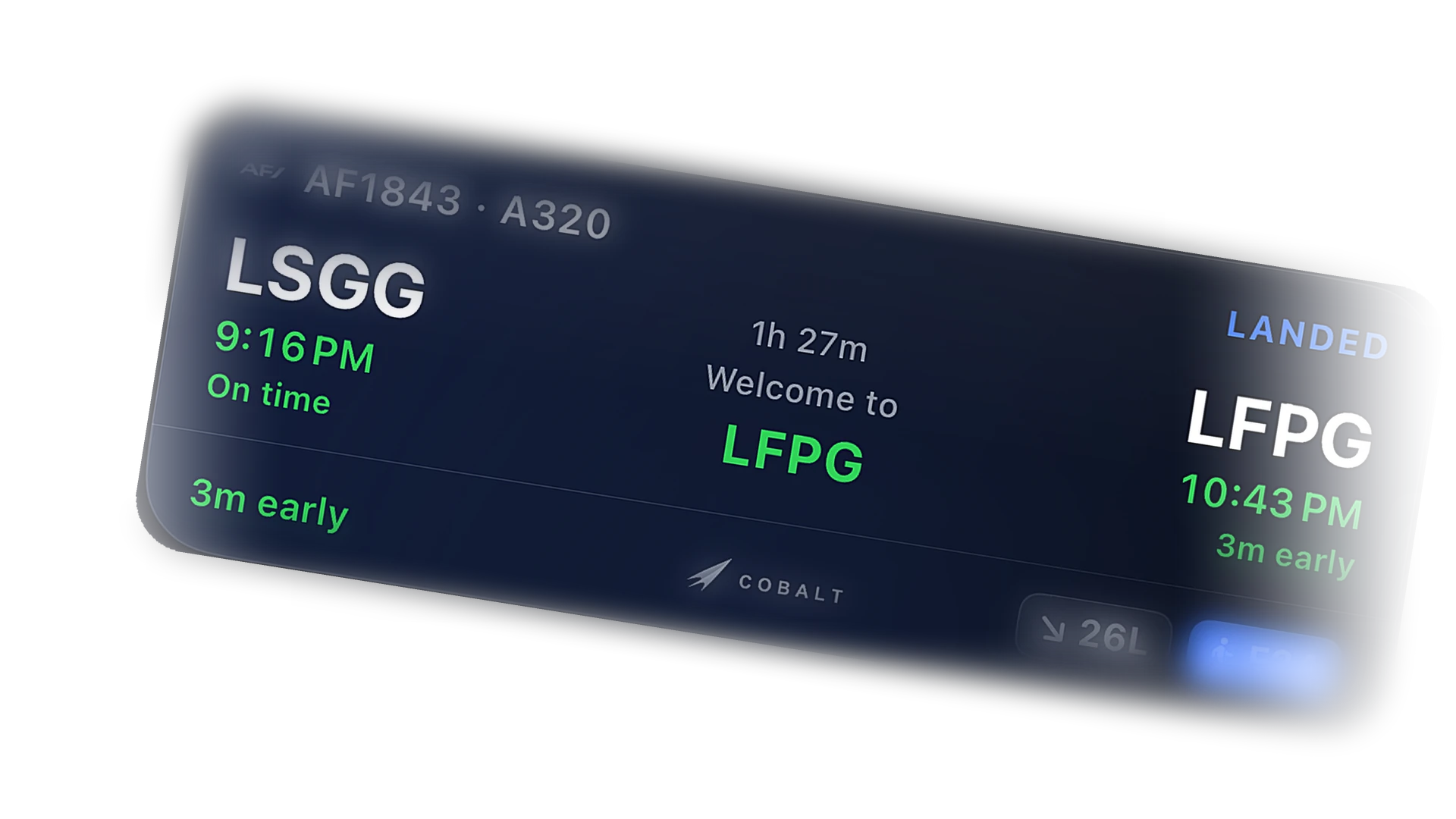
The Live Activity flips to landed with the touchdown rate and block time. Tap through to the report.
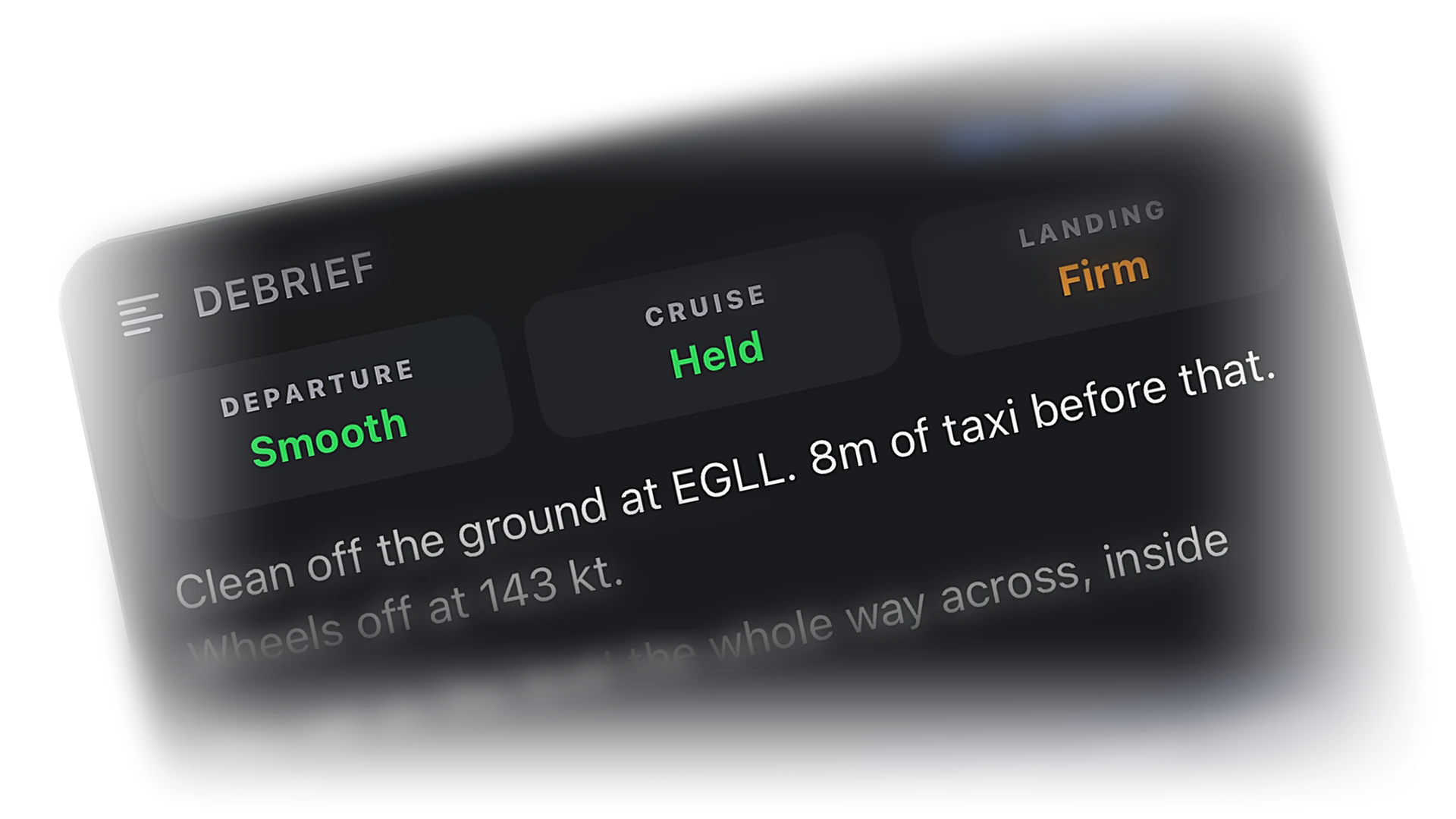
Phase breakdown, speeds, and a written debrief from the recorded trace. Read why it was firm instead of guessing.
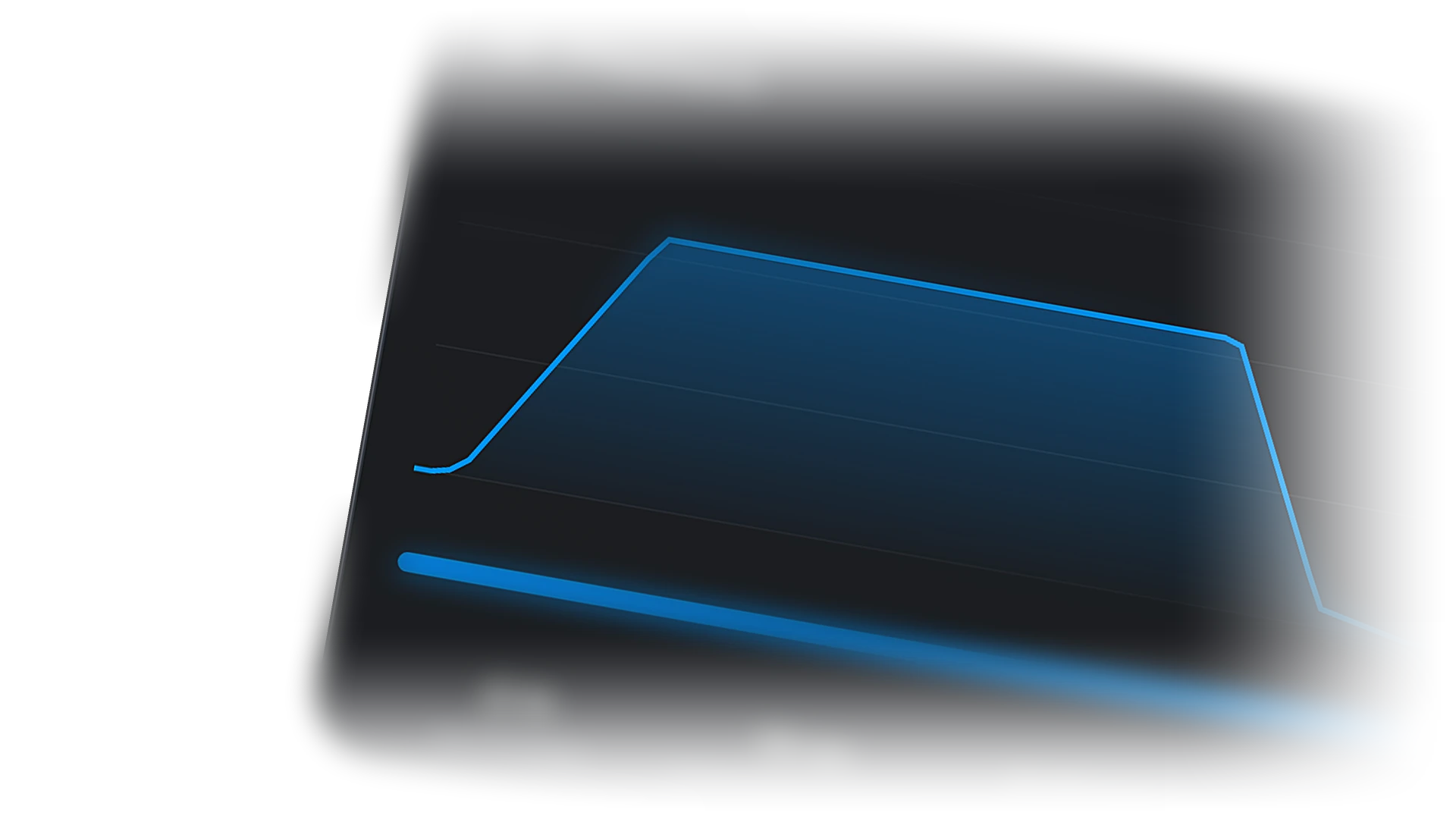
Replay the recorded track with altitude, speed, and heading at every point. Compare this one to the last one.
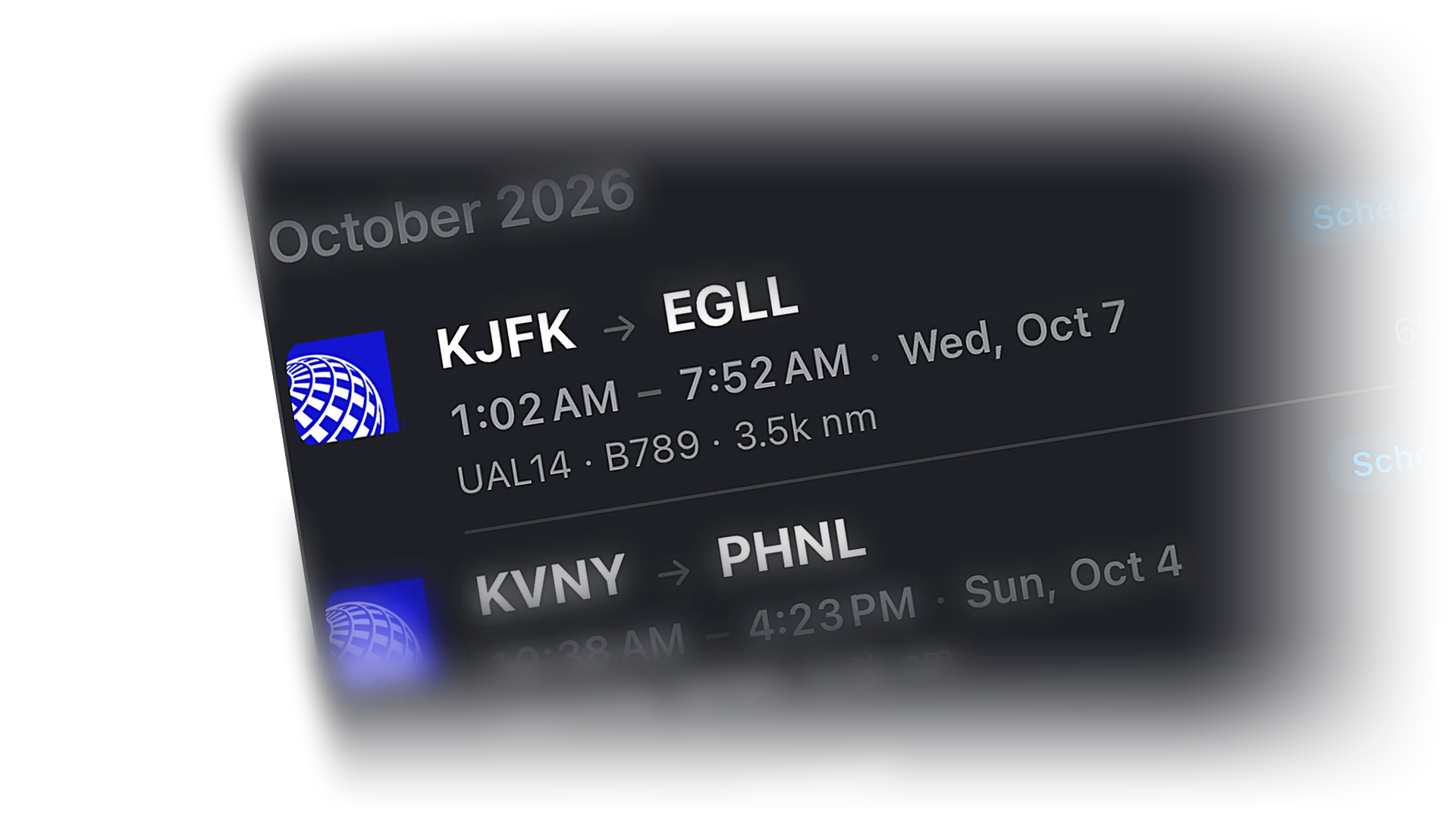
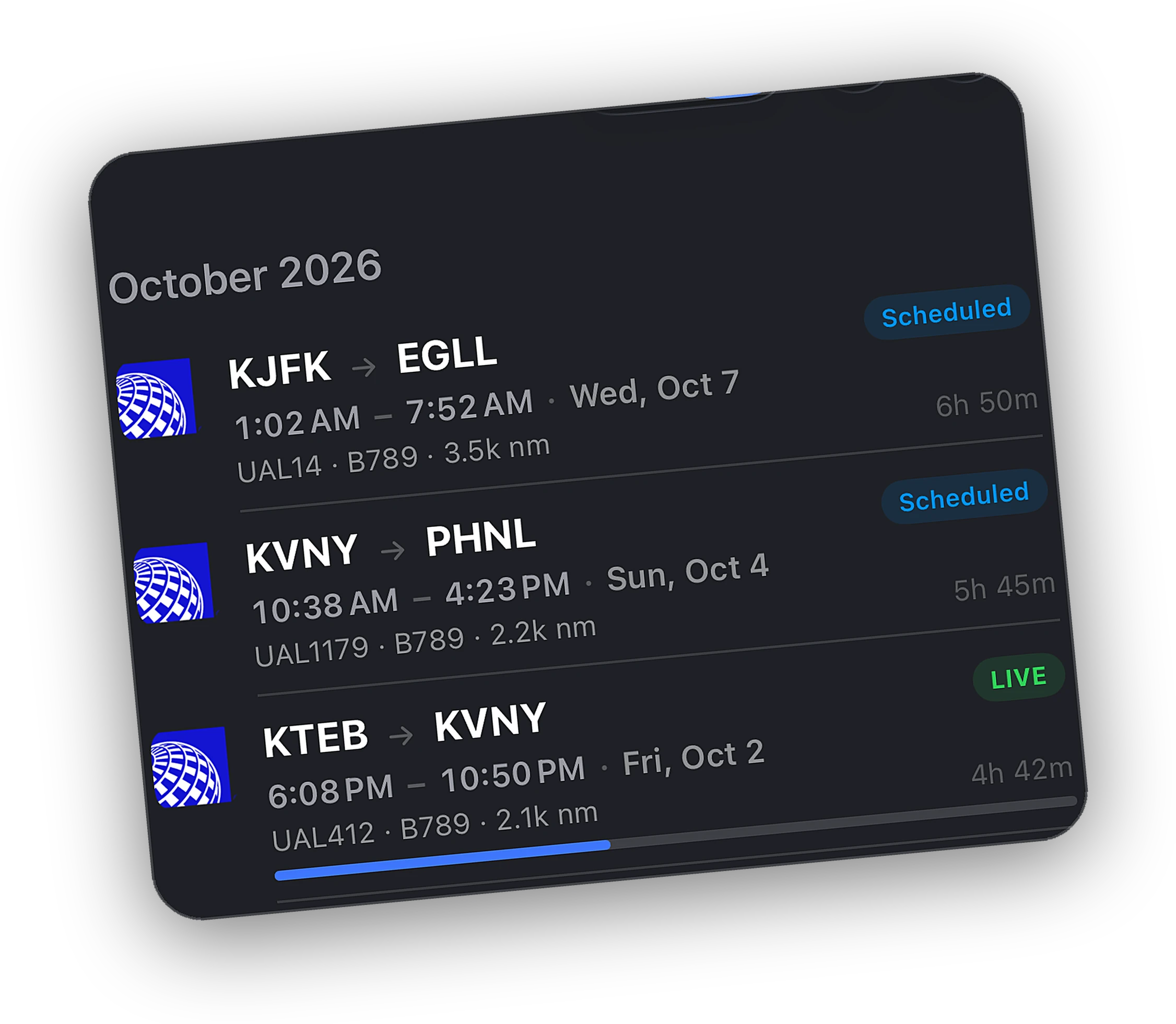
Every landing lives in the logbook with its rate and verdict. Scroll back and see the trend.
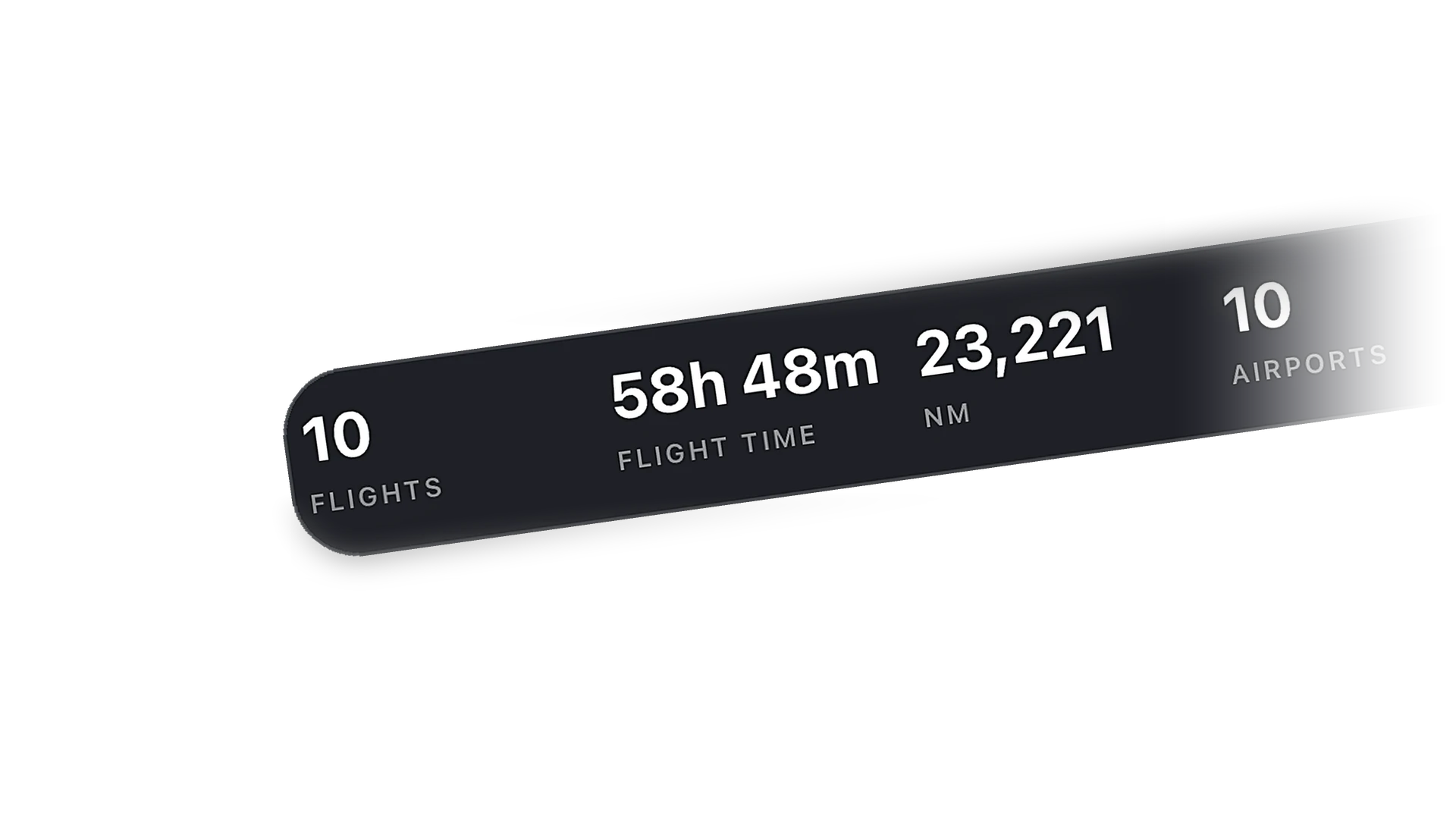
Two or more weeks of flying lights the streak flame on your Atlas. Pattern work counts.
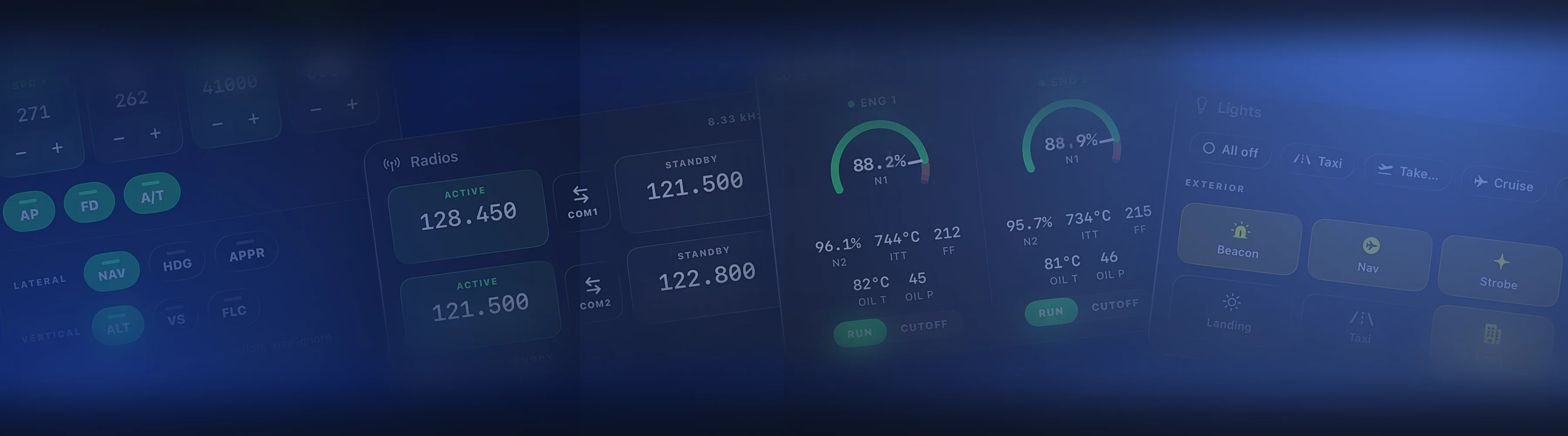
Short hops and circuits log like any other flight. The grade is waiting on the Lock Screen when you roll out.
Nothing is hidden on the free plan. Peak unlocks control, depth, and history.
From the recorded telemetry at main gear touchdown, in feet per minute. It works the same in MSFS and X-Plane.
The report notes the touchdown events it sees. The grade reflects the landing as recorded.
Yes. Every completed flight gets a share card. Post it to the Cobalt feed or anywhere else.
No. The grade, the card, and recent history are free. Peak adds the written debrief, playback, and unlimited history.
More ways pilots use Cobalt.
Cobalt launches soon. Join the list for a launch code worth 10% off every Peak purchase.