
The small app on the PC.
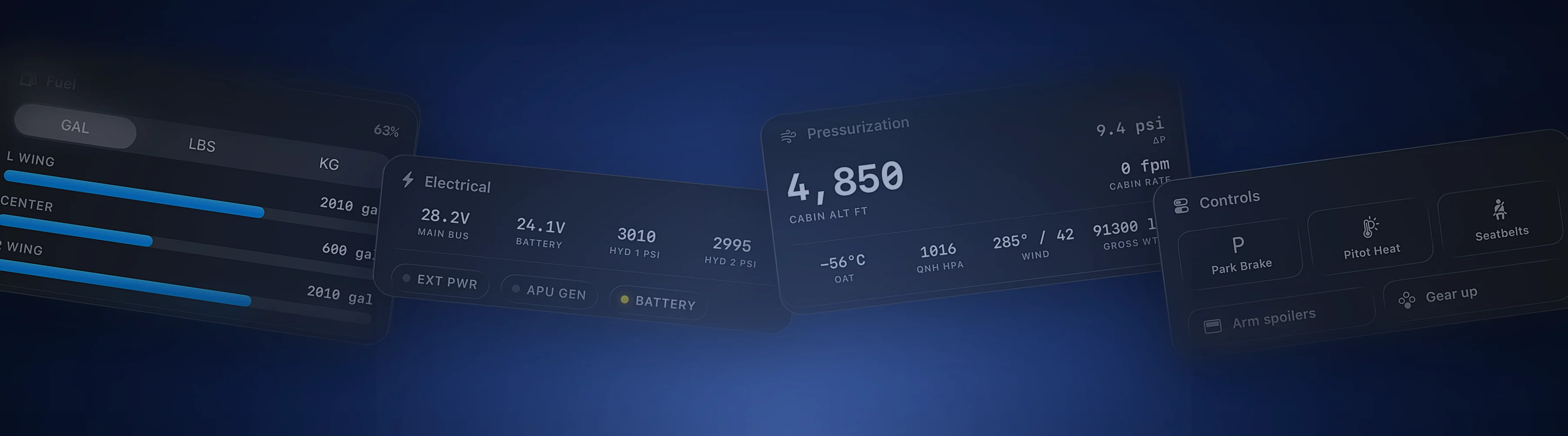
It runs beside Microsoft Flight Simulator or X-Plane and streams the aircraft to Cobalt on your phone. On your Wi-Fi at home, or from anywhere with Peak Relay.
Also available for Mac.
- Version
- v1.2.4
- Requires
- Windows 10+ · macOS 13+
- Size
- 74 MB
- Updated
- Oct 6, 2026
- Price
- Free
Four steps, once.
After that the Bridge waits in the tray for the sim.
-
01
Run the installer
Windows or Mac, on the PC that runs the sim.
-
02
Start the sim and the Bridge
MSFS or X-Plane. The Bridge sees it on its own.
-
03
Allow it through the firewall
Once, when Windows asks. Private networks.
-
04
Open Cobalt on the phone
Same Wi-Fi, no pairing codes. The flight is on the map.
One job. Done quietly.
The Bridge sits in the tray and keeps the phone in step with the aircraft.
MSFS 2020, MSFS 2024, X-Plane 11 and 12. Start the sim and the Bridge sees it. Nothing to configure.
On your Wi-Fi at home with no pairing codes. With Peak, Relay carries the connection over the internet, so the phone works from anywhere.
One tap on Bridge Settings copies CobaltVPilot.dll into place, so ATC messages reach your phone on Microsoft Flight Simulator.
An opt-in relay sits between xPilot and its X-Plane plugin. Full two-way ATC messaging on X-Plane.
Activate the Bridge on the main rig, the laptop, and the spare. Peak covers up to three.
If the phone drops, the Bridge keeps recording. Hours, landings, and grades come from telemetry.
Both big sims, both networks, and the devices already in your pocket.
- MSFS 2020
- MSFS 2024
- X-Plane 11
- X-Plane 12
- VATSIM
- IVAO
- SimBrief
- vPilot and xPilot
- iPhone and iPad
- Apple Watch
Questions
Is the Bridge free?
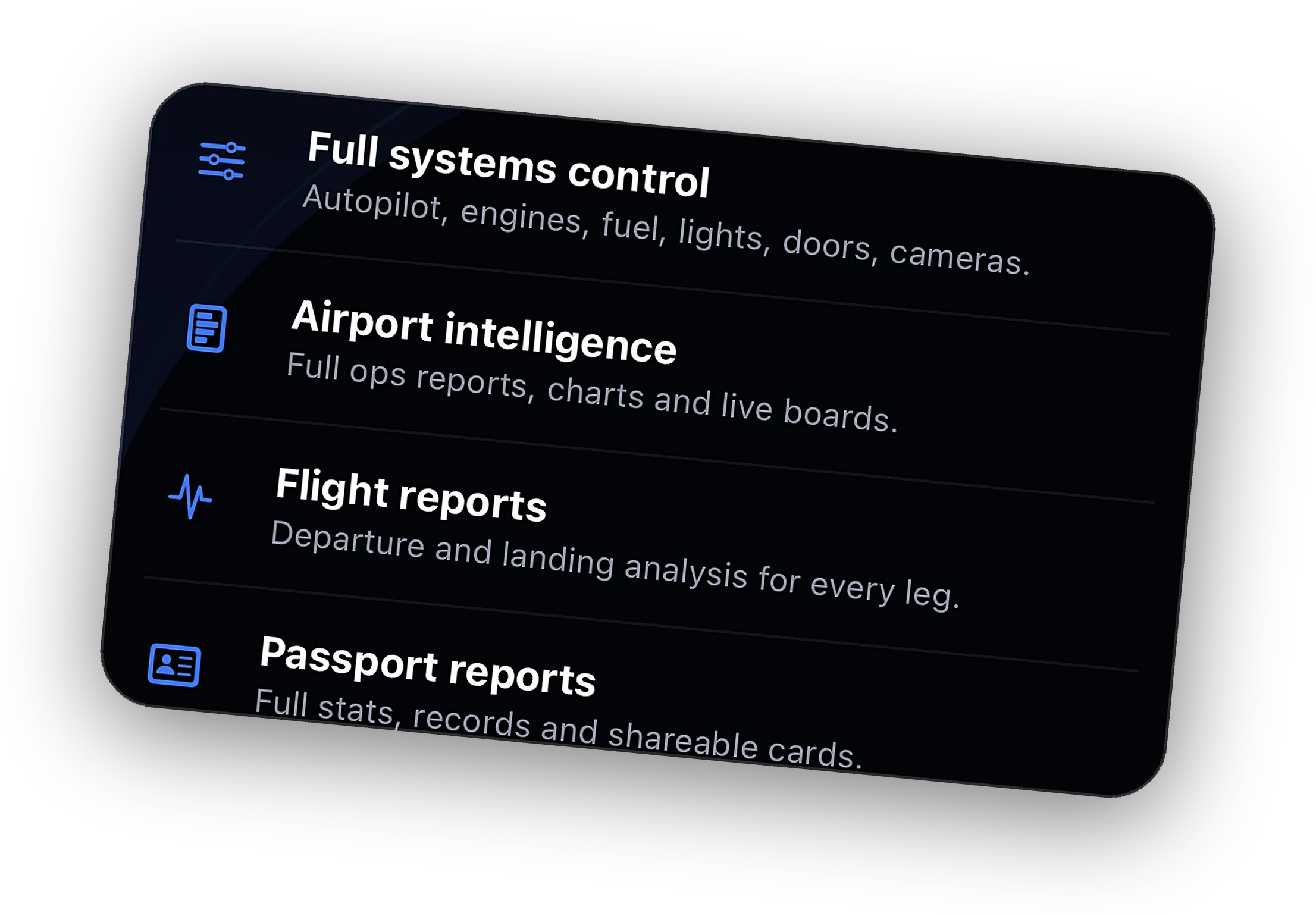
Yes. Cobalt Bridge is free on Windows and Mac, and it stays free. Peak adds Relay from anywhere, remote systems, ATC messaging, and the Bridge on up to three PCs.
Does it run on a Mac?
Yes, for X-Plane. The same Bridge ships for macOS 13 and later, for a Mac that runs X-Plane 11 or 12. Microsoft Flight Simulator runs on Windows, so MSFS pilots install the Windows Bridge.
Do I need a pairing code?
Activate this PC links the Bridge to your Cobalt account with the code from Cobalt Settings, Cobalt Bridge. After that the phone finds the Bridge on your Wi-Fi on its own.
Does the Bridge update itself?
Yes. The Bridge checks for updates and installs them. The downloads here always point at the latest published release, so a fresh install is current too.
Which sims and pilot clients work?
Microsoft Flight Simulator 2020 and 2024, and X-Plane 11 and 12. For ATC messaging, vPilot on MSFS and xPilot on X-Plane. The setup guide walks through both.
Your flight, off the screen.
The Bridge is free today. The app lands on the App Store soon. Join the list for a launch code.