
Flight sim companion apps, explained.
Sim pilots run a handful of tools around the sim. Each kind does one job well. Here is what they are for, and where Cobalt fits.
Free to fly. MSFS 2020, 2024, X-Plane 11 and 12. iPhone and iPad.
Six kinds of tool, six different jobs.
What each one is for, and where Cobalt fits next to it.
Flight trackers and logbooks
Apps that record every flight on their own, with a map and a history of where you have been.
Cobalt Cobalt tracks every flight on its own and keeps an automatic logbook, free.
Cobalt vs VolantaHardware panel software
Software that makes yokes, panels, and button boxes talk to the sim, with a profile for each aircraft.
Cobalt Cobalt does not drive hardware. It runs alongside and follows what you press.
Cobalt vs SPAD.neXtProgrammable keypads
Physical keys and dials with sim plugins. You import or build a layout for each aircraft.
Cobalt No physical keys. With Peak, the phone is a remote that shows live values first.
Cobalt vs Stream DeckTablet instrument panels
Gauge-accurate instruments on a tablet or a second screen, often the heart of a home cockpit.
Cobalt Cobalt shows clean cards, not gauge replicas, and covers the flight around the panel.
Cobalt vs Air ManagerFlight planning and charts
Dispatch tools that build the route and the fuel plan, and chart viewers for every procedure.
Cobalt Cobalt imports your SimBrief plan and links each airport to its charts. It does not replace either.
Airport briefingsNetwork pilot clients
Clients such as vPilot and xPilot connect your aircraft to VATSIM for voice and text with controllers.
Cobalt Cobalt alerts you when a controller opens on your route. With Peak, reply to private messages through your own client.
Cobalt for VATSIMLast reviewed October 2026. Something out of date? Tell us at cobaltsim.com/support.
Where Cobalt fits.
Cobalt is a companion. It reads the sim through the free Bridge on your computer and sends commands to the aircraft you already have loaded. It does not fly the aircraft, replace the sim, or replace your charts.
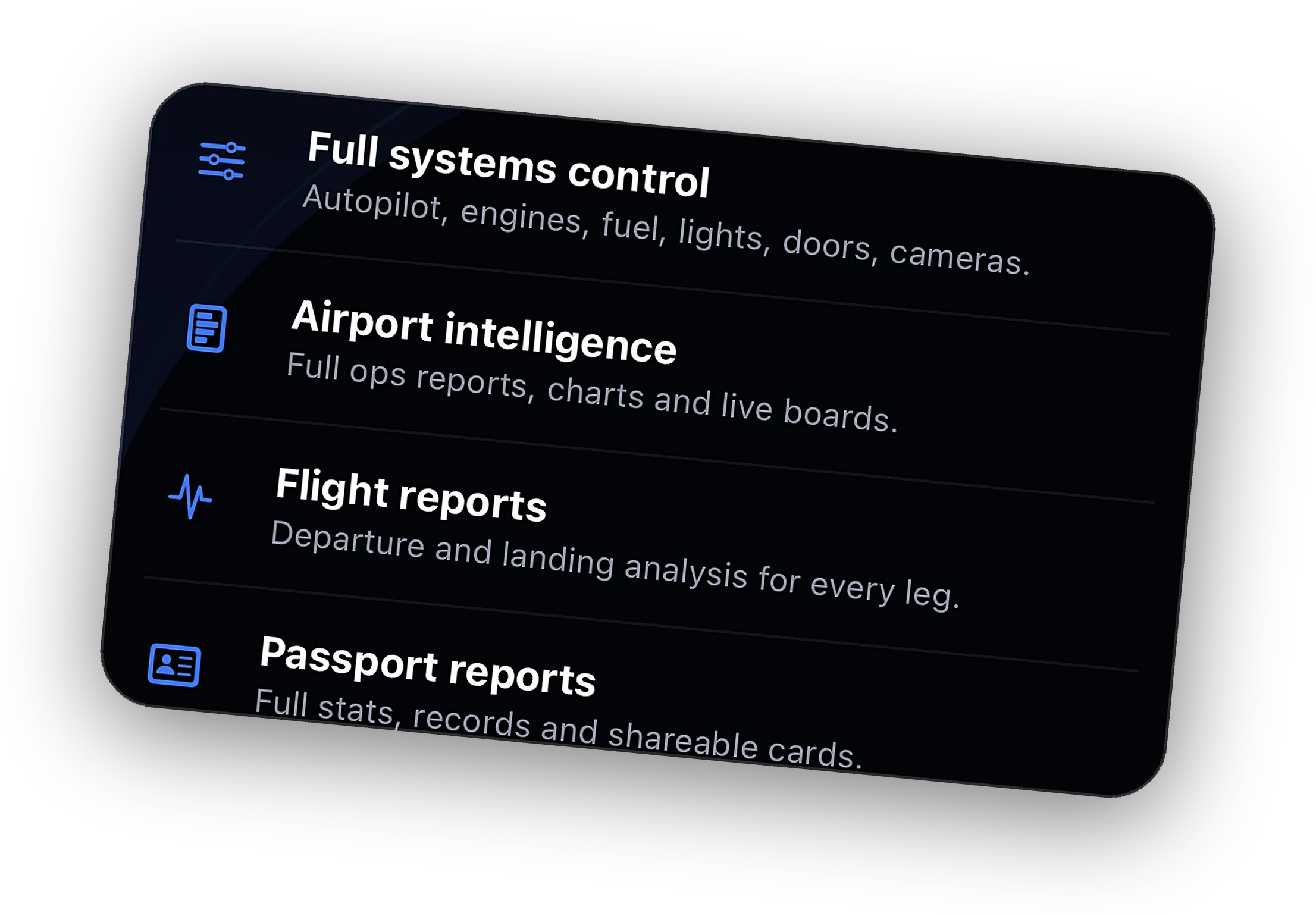
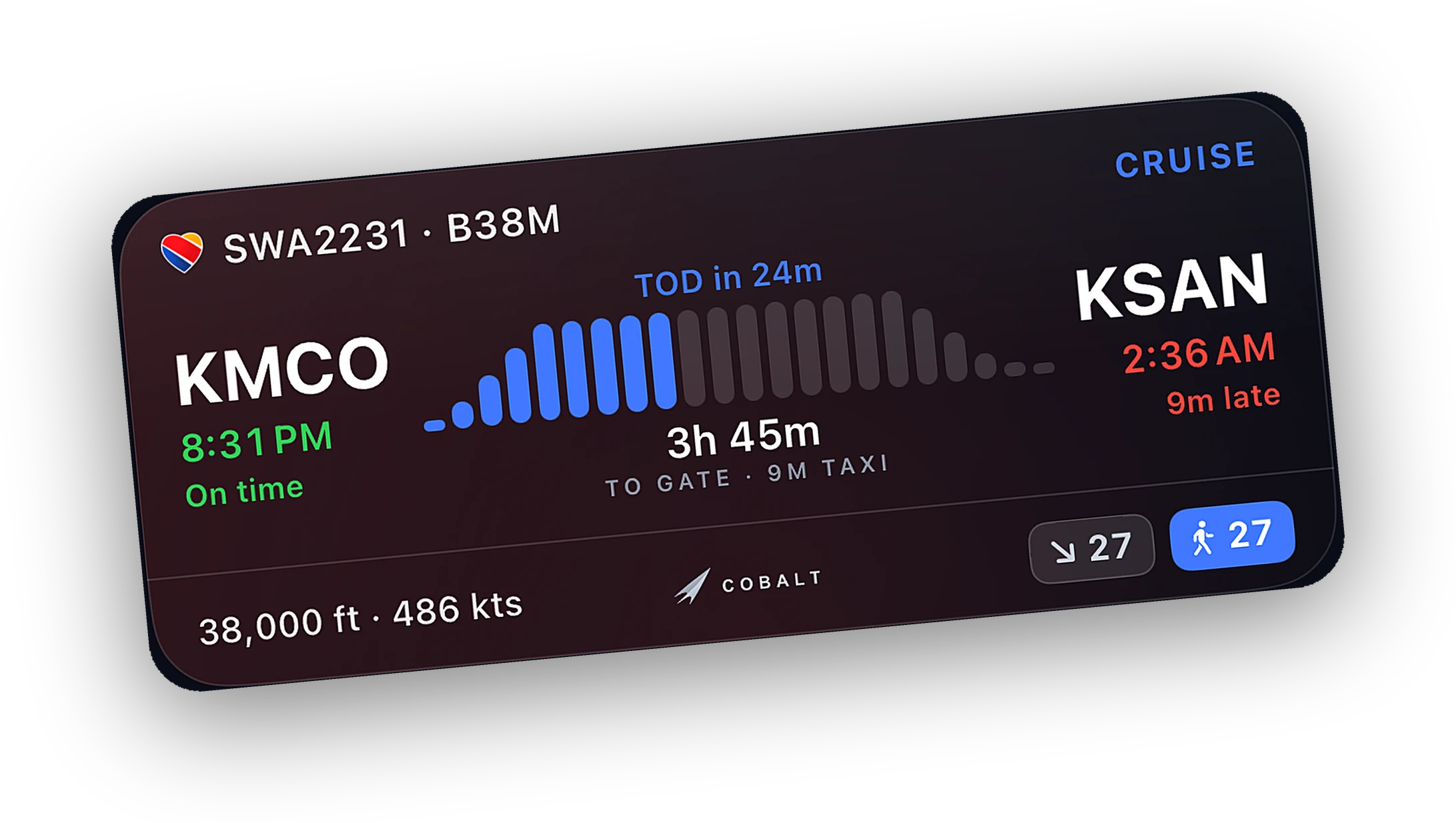
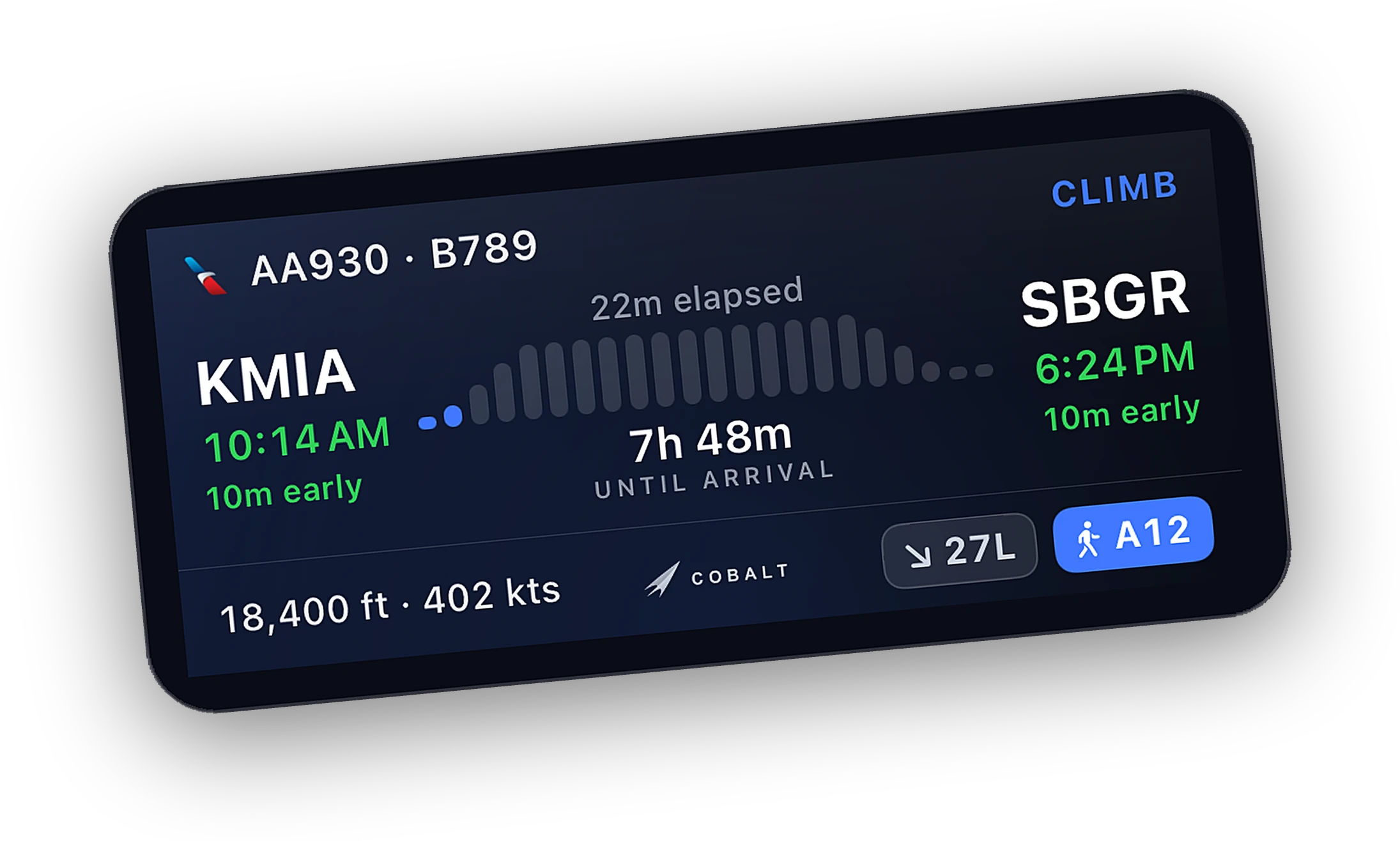
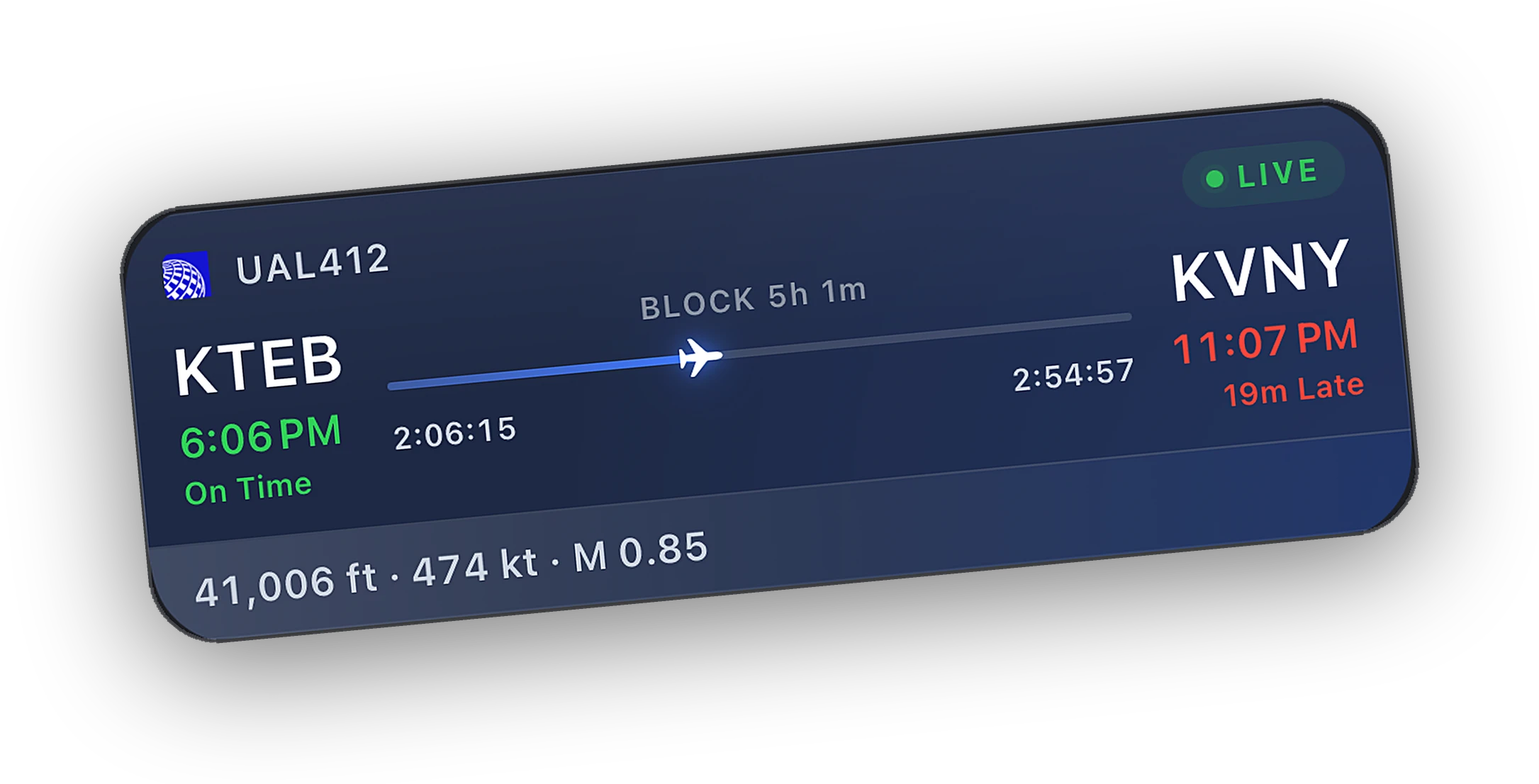
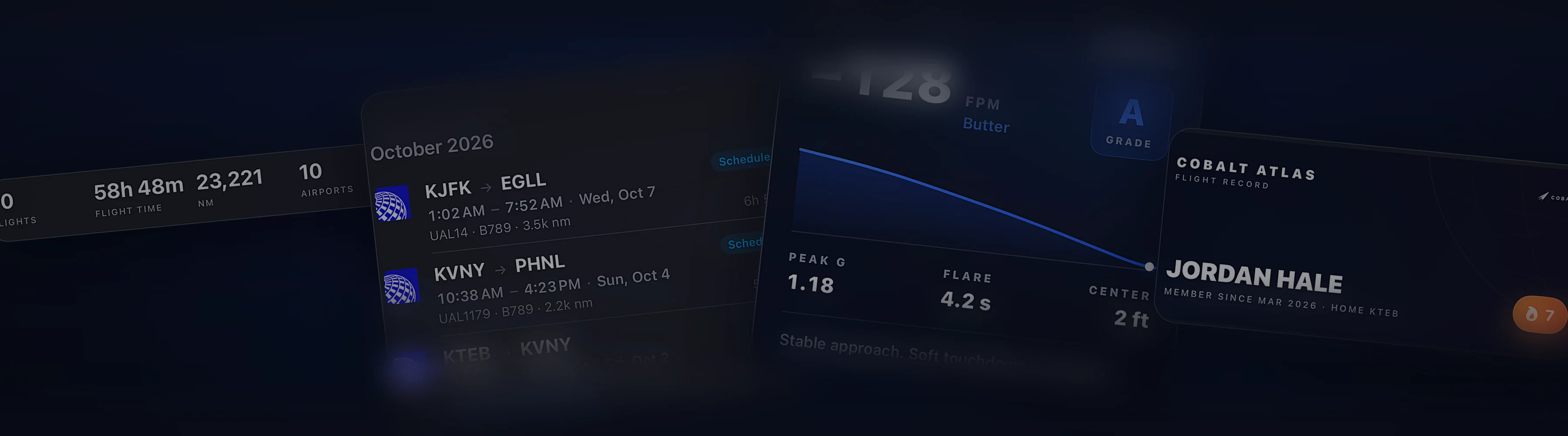
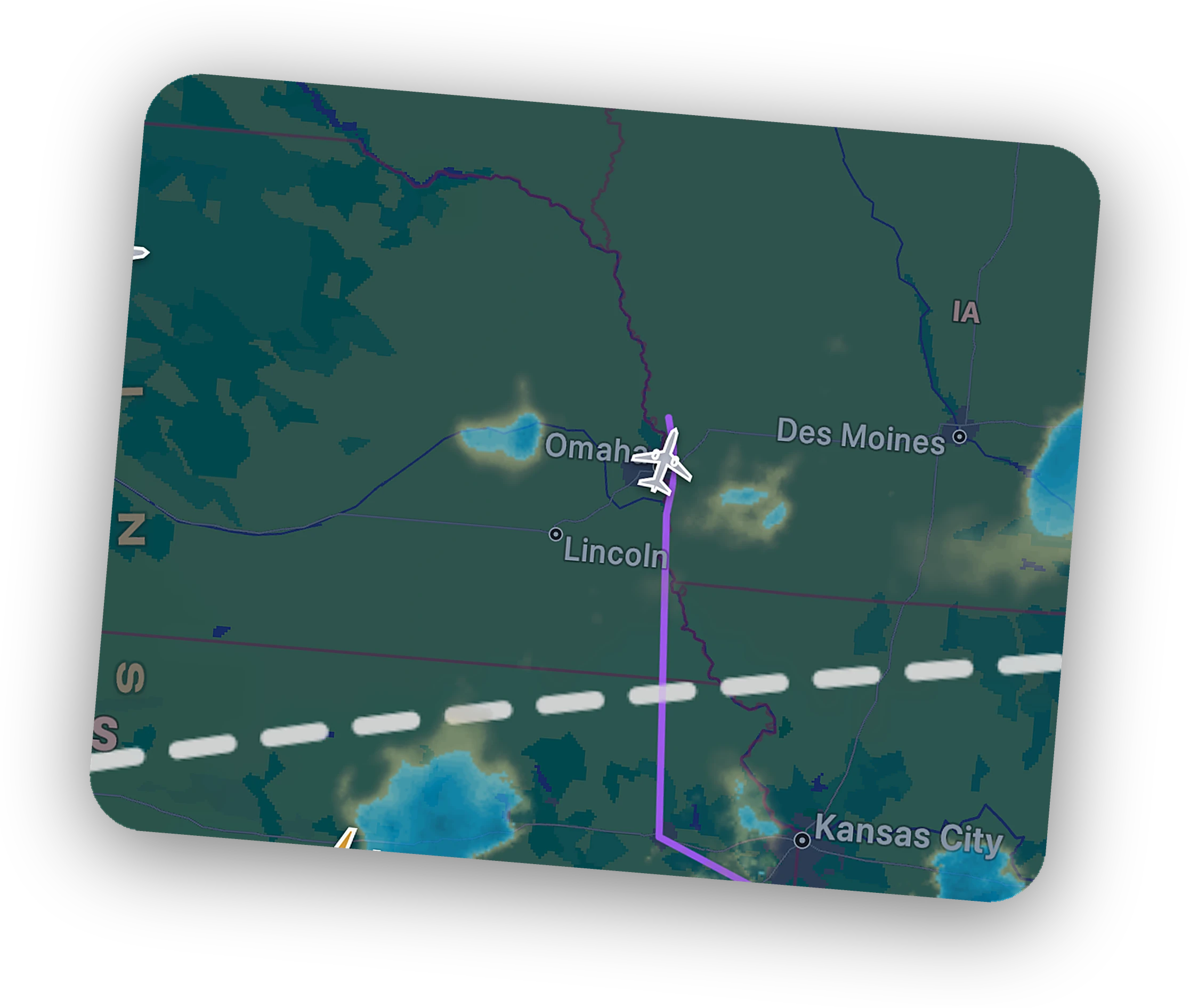
On the phone you get the live map with VATSIM and IVAO traffic, Lock Screen Live Activities, ATC alerts, and a logbook that fills itself. Peak adds remote systems control, the live camera, and cellular Relay.
How pilots combine them.
Most setups have three layers. Cobalt is the one that leaves the room with you.
Yokes, panels, and keys, set up through panel software or keypad plugins. The controls you reach for by feel.
The sim, plus a tracker map or instrument panels on a second monitor or tablet beside it.
Cobalt. The live map, the Lock Screen, ATC alerts, the logbook, and with Peak, a remote for when you walk away.
Questions, answered.
What is a flight sim companion app?
An app that runs beside the simulator and helps with the flight around it. It can track the flight, show it on another device, or send commands to the aircraft. It does not replace the sim or fly the aircraft for you.
Which flight sim companion apps do I need?
It depends on how you fly. Hardware pilots need software for their panels. Home cockpit builders want instrument panels. Almost everyone benefits from a tracker and logbook. Cobalt covers tracking, the logbook, and the phone, and runs alongside the rest.
Can I run several companion apps at once?
Usually, yes. Most of these tools connect to the sim on their own. Cobalt connects through its own Bridge and works alongside panel software, keypads, trackers, and network clients.
What does Cobalt do that the others do not?
It puts the whole flight on iPhone and iPad for free: a live map with network traffic, Lock Screen Live Activities, ATC alerts, and an automatic logbook. Peak adds remote systems control, the live camera, and cellular Relay.
Is Cobalt free?
Yes. Tracking, the live map, Lock Screen Live Activities, and the logbook are free. Peak is optional and adds remote control, the live camera, Relay, ATC messaging, and full history.
Cobalt for your sim
What Cobalt does in each simulator, and how it connects.
Cobalt works with VATSIM, IVAO, SimBrief, ChartFox, and SkyVector, and is not affiliated with them or with any product named on this page.
Launching Monday, October 12.
Join the list and the launch code lands in your inbox the moment the app is live. 10% off Peak.