
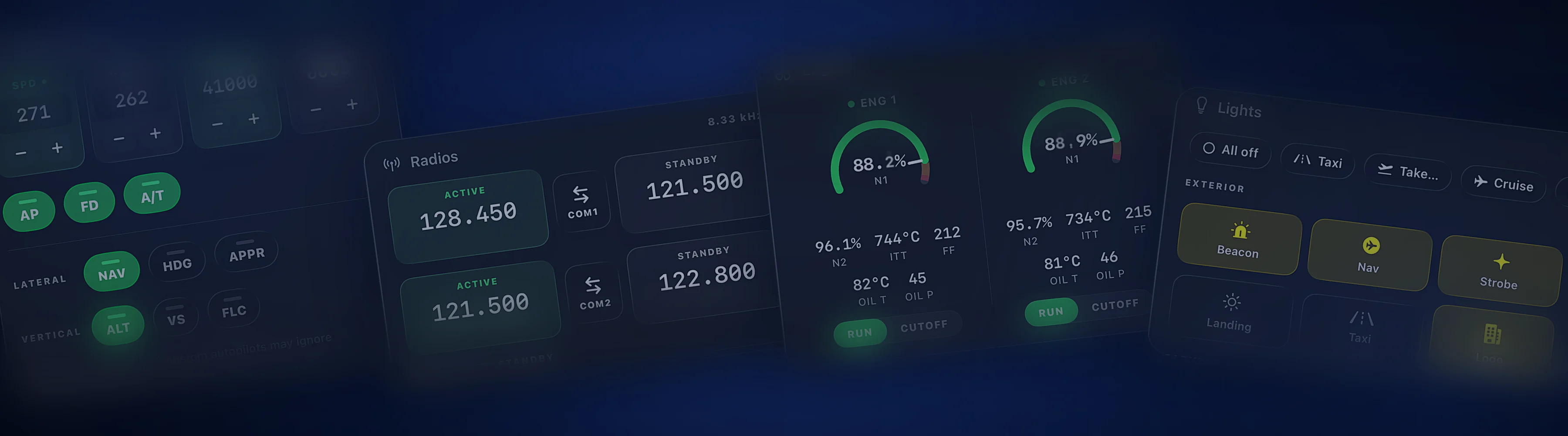
Cobalt and Air Manager, side by side.
Air Manager turns a screen into an instrument panel. Cobalt turns your phone into a companion for the whole flight.
Free to fly. MSFS 2020, 2024, X-Plane 11 and 12. iPhone and iPad.
Panels, the flight, and setup.
The features sim pilots ask about most, in plain terms.
| Feature | Cobalt | Air Manager |
|---|---|---|
| Panels | ||
| Gauge-accurate instrument panels | Not listedClean cards, not gauge replicas | YesPremade panels and a large free instrument library |
| Touch to operate the controls | YesPeak, on the systems cards | Yes |
| Build your own instruments | Not listed | YesLua scripting |
| Arduino and Raspberry Pi hardware | Not listed | YesDesktop edition |
| The flight | ||
| Live map with VATSIM and IVAO traffic | Yes | Not listed |
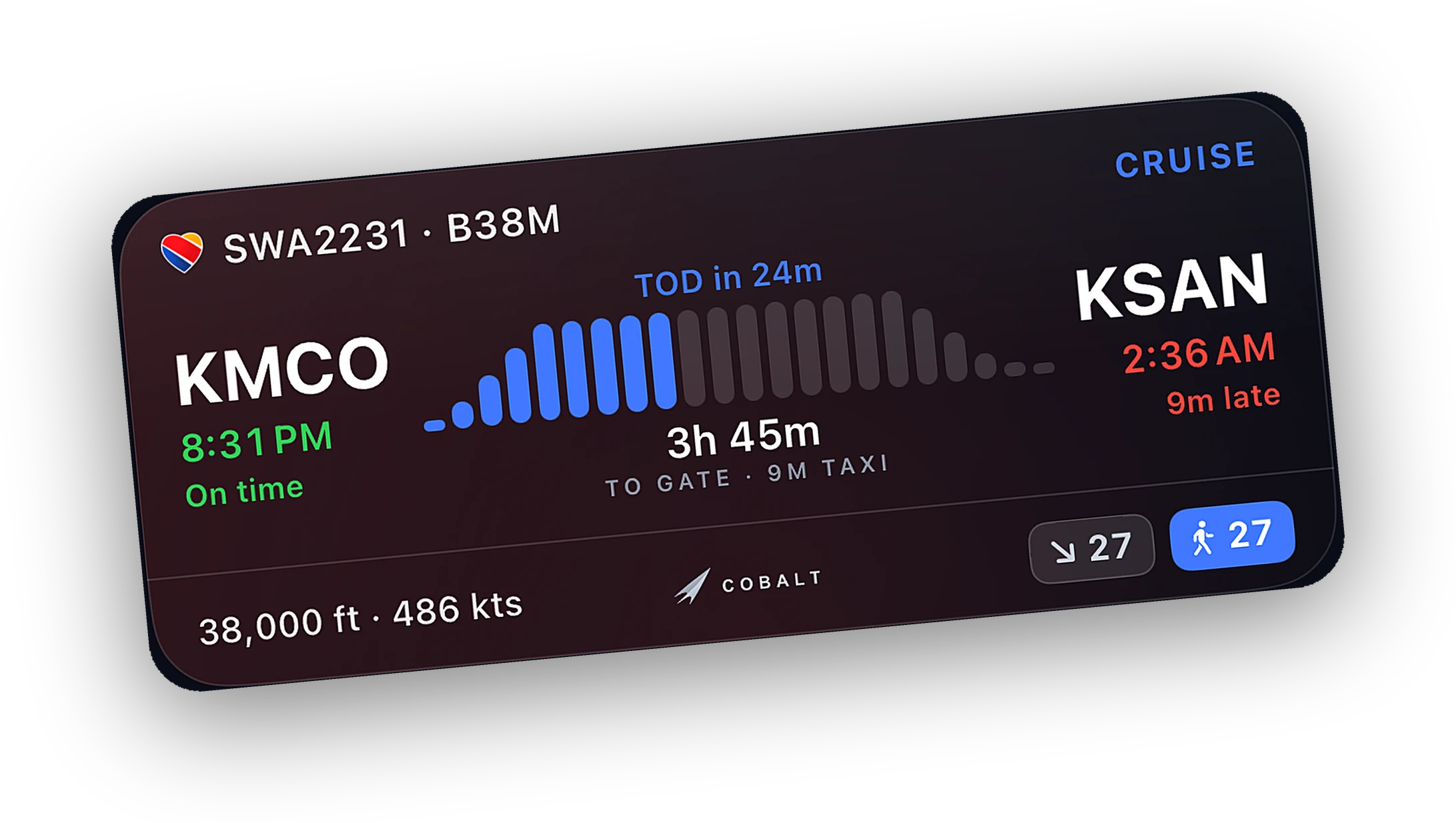
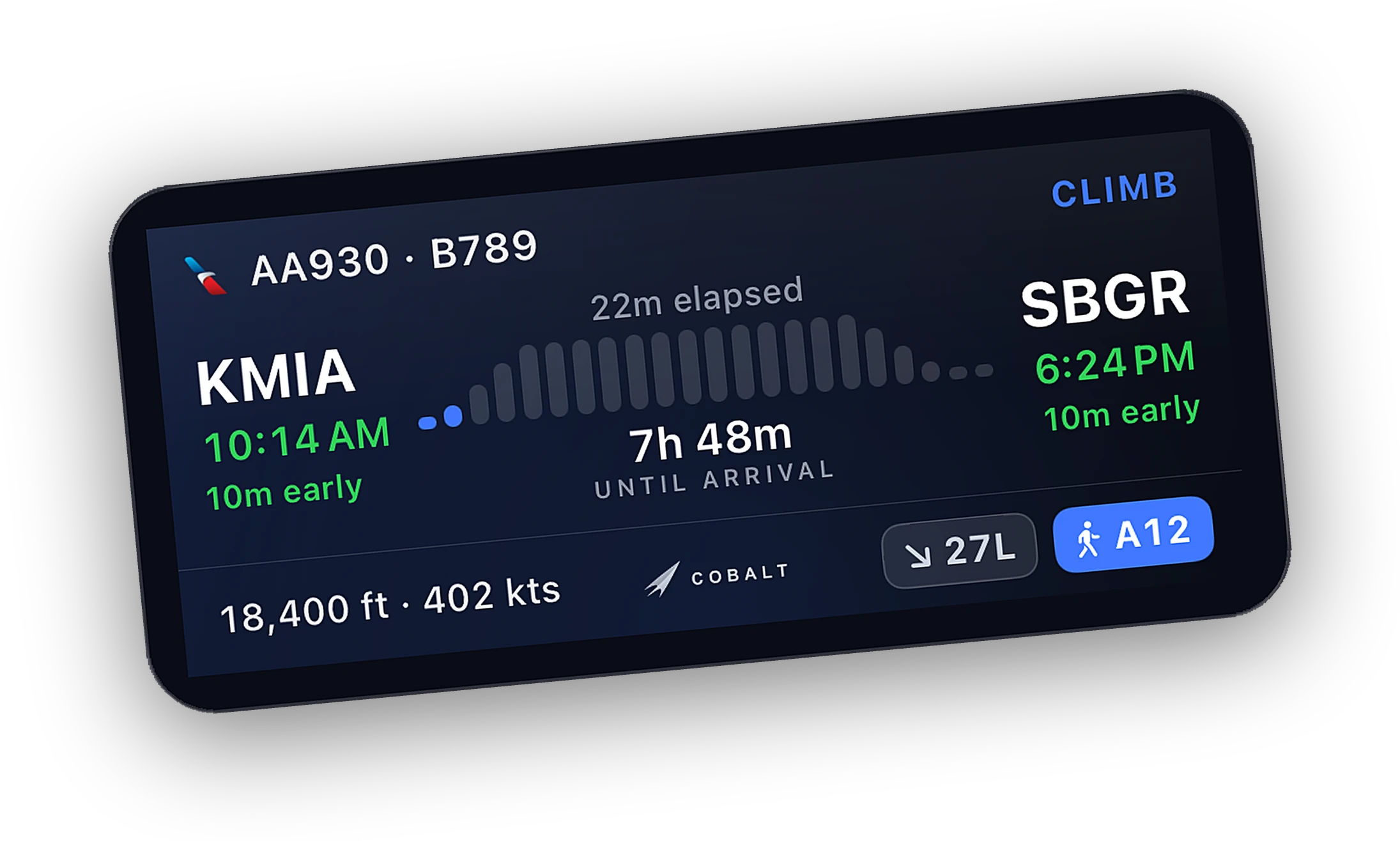
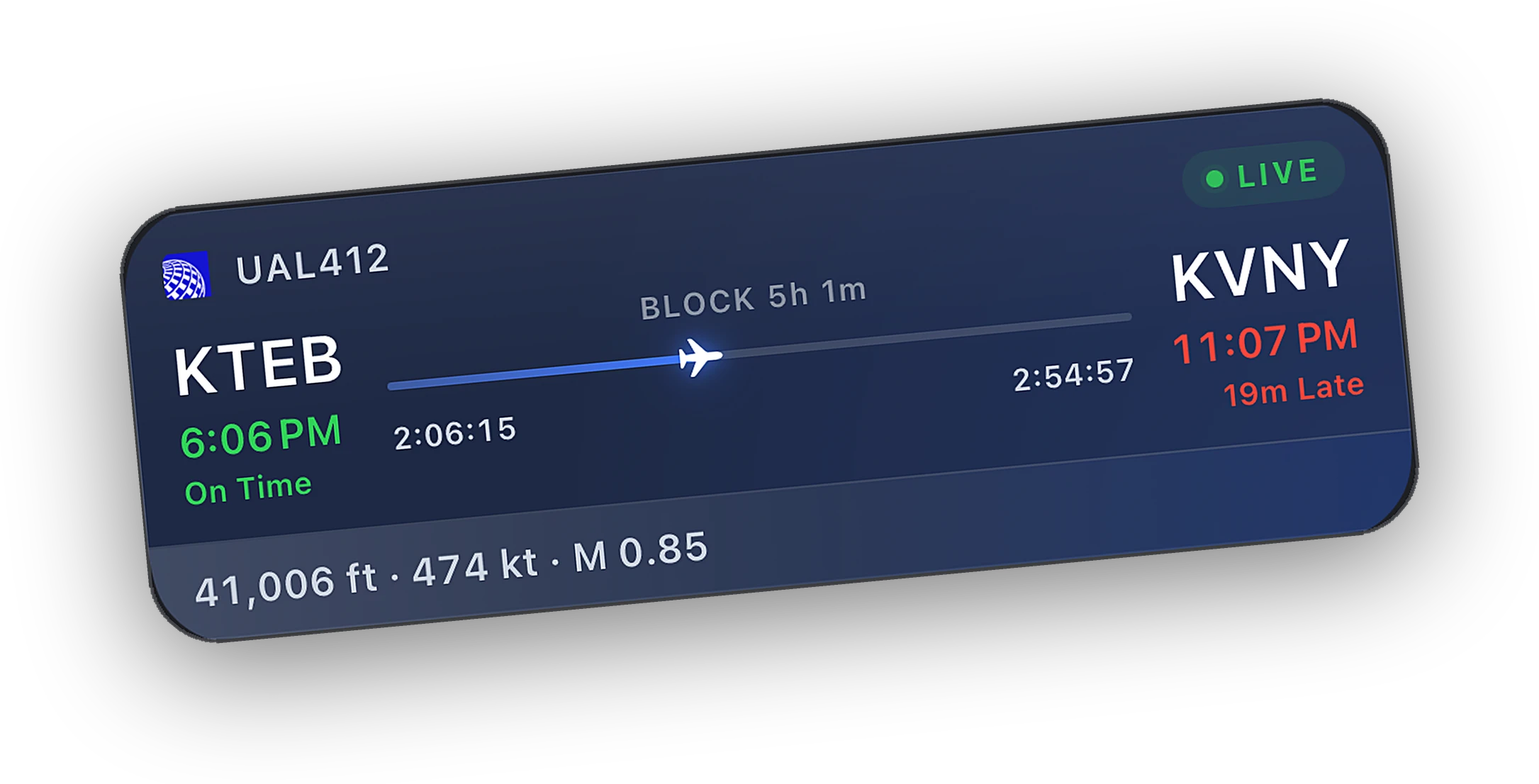
| Lock Screen Live Activity | Yes | Not listed |
| Automatic logbook and landing grade | Yes | Not listed |
| ATC alerts and messaging | YesAlerts free, replies with Peak | Not listed |
| Setup | ||
| Simulators | MSFS 2020 and 2024, X-Plane 11 and 12 | X-Plane, MSFS 2020 and 2024, FSX, Prepar3D |
| Runs on | iPhone and iPad. Android later in October 2026 | Windows, macOS, Linux, iPad, Android |
| Connection | Home Wi-Fi, or anywhere with Peak Relay | Same computer or your local network |
| How you pay | Free, with optional Peak | One-time purchase per platform |
Air Manager details come from Sim Innovations's own pages and store listings. A dash means the feature is not listed there.
Last reviewed October 2026. Something out of date? Tell us at cobaltsim.com/support.
Built around the phone and the flight.
Designed for an iPhone screen first, with an iPad layout that keeps the map in view. Plus the Lock Screen and Apple Watch.
Your route on a live map, the network around you, airport boards, and a logbook that fills itself.
Install the Bridge, open the app, and fly. No panel to pick and no instruments to arrange.
When to choose Air Manager.
Air Manager is very good at what it does. Here is when it is the better pick, and when Cobalt is.
Choose Air Manager if
- You are building a home cockpit and want real-looking gauges on screens.
- You want to wire switches and encoders through Arduino or Raspberry Pi.
- You fly steam-gauge GA and want a panel on a tablet.
- You also fly FSX or Prepar3D.
- You like scripting instruments of your own.
Choose Cobalt if
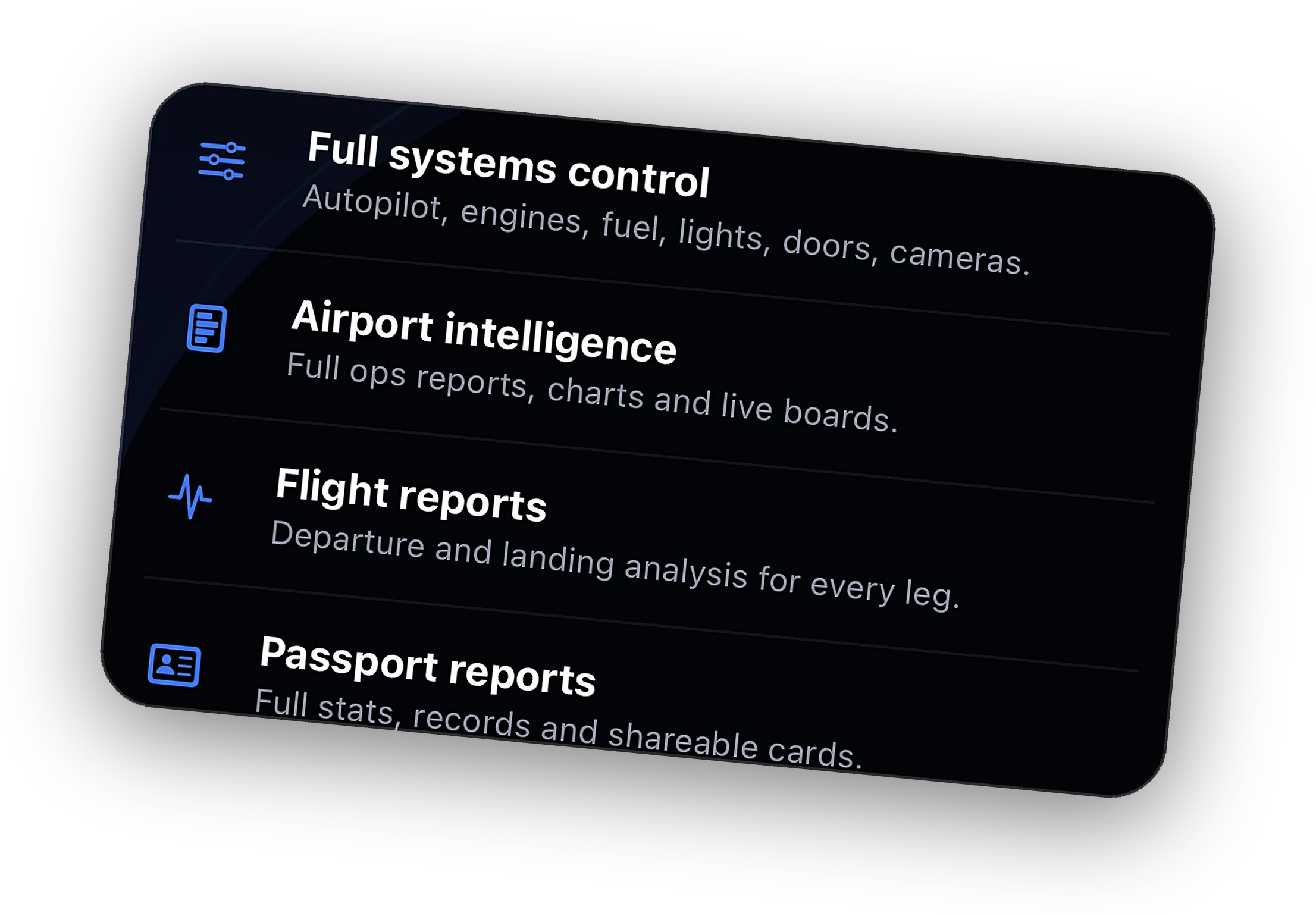
- You want the whole flight on your phone with nothing to build.
- You want Lock Screen tracking, ATC alerts, and a logbook.
- You want to step away from the sim and stay connected.
- You want live readouts for every system in one place.
A panel in front of you. The flight in your pocket.
Run Air Manager on the screen or tablet in your cockpit for the instruments you scan. Each app connects to the sim on its own, so they work together.
Keep Cobalt on the phone for everything around the panel. The map, the network, the Lock Screen, the alerts, and the logbook.

Questions, answered.
Can Cobalt show a six-pack or glass cockpit on my iPad?
No. Cobalt shows live readouts as clean cards, not gauge replicas. If you want gauge-accurate panels on a tablet, Air Manager is built for that.
Which is better for a home cockpit?
Air Manager, if you are building panels and wiring hardware. Cobalt complements a home cockpit with tracking, alerts, a remote, and a logbook on the phone.
Can I run Air Manager and Cobalt at the same time?
Yes. Each one connects to the sim on its own, so you can use both on the same flight.
Is Cobalt affiliated with Sim Innovations?
No. Cobalt is made by Cobalt Simulations and is not affiliated with Sim Innovations or Air Manager.
Keep exploring
More comparisons and the features behind them.
Cobalt is not affiliated with Sim Innovations or Air Manager. Product names belong to their owners.
Launching Saturday, October 10.
Join the list and the launch code lands in your inbox the moment the app is live. 10% off Peak.