
Cobalt and Volanta, side by side.
Both track your flights on their own. Volanta is built around a desktop map. Cobalt is built around the phone in your hand.
Free to fly. MSFS 2020, 2024, X-Plane 11 and 12. iPhone and iPad.
Tracking, the phone, and control.
The features sim pilots ask about most, in plain terms.
| Feature | Cobalt | Volanta |
|---|---|---|
| Tracking | ||
| Automatic flight tracking | Yes | Yes |
| Simulators | MSFS 2020 and 2024, X-Plane 11 and 12 | MSFS, X-Plane, Prepar3D, FSX |
| Landing rate on every flight | Yes | Yes |
| SimBrief import | Yes | Yes |
| VATSIM and IVAO traffic | Yes | Yes |
| Friends and profiles | Yes | Yes |
| Full desktop map app | Not listedThe Bridge sits in the tray | Yes |
| On the phone | ||
| iPhone and iPad app | YesFree | YesPremium, with the desktop app running |
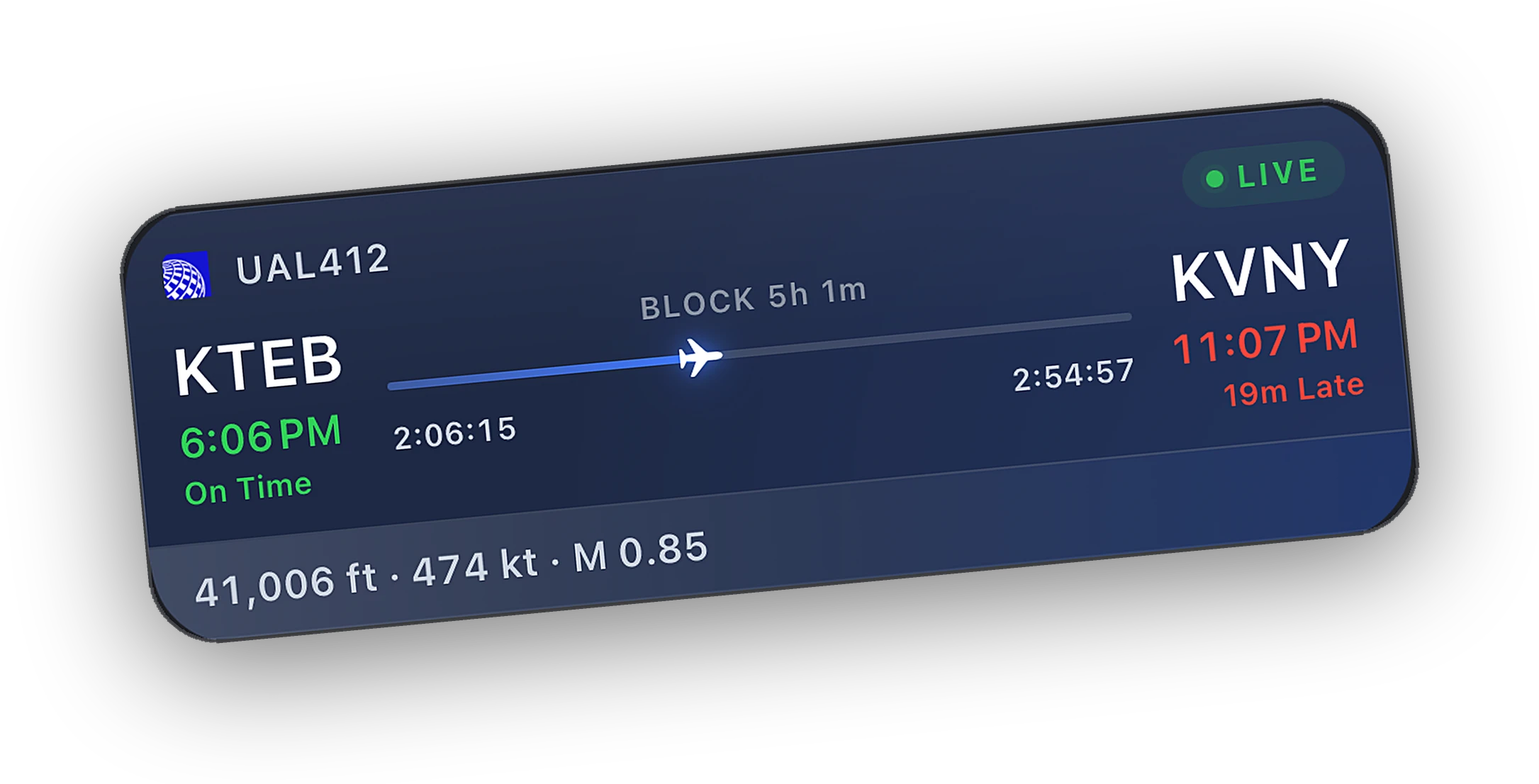
| Lock Screen Live Activity | YesFree | YesIn the iOS app |
| Apple Watch app | YesFree | Not listed |
| Android app | Coming later in October 2026 | Yes |
| Control and extras | ||
| Pause the sim from another device | YesPeak | YesPremium |
| Autopilot, lights, and engines from the phone | YesPeak | Not listed |
| Live camera view on the phone | YesPeak | Not listed |
| Reply to ATC private messages | YesPeak, VATSIM through vPilot or xPilot | Not listed |
| Cloud saves and aircraft persistence | Not listed | YesPremium |
| Custom stream overlays | Not listed | YesPremium |
Volanta details come from Orbx's own pages and store listings. A dash means the feature is not listed there.
Last reviewed October 2026. Something out of date? Tell us at cobaltsim.com/support.
Built around the phone and the flight.
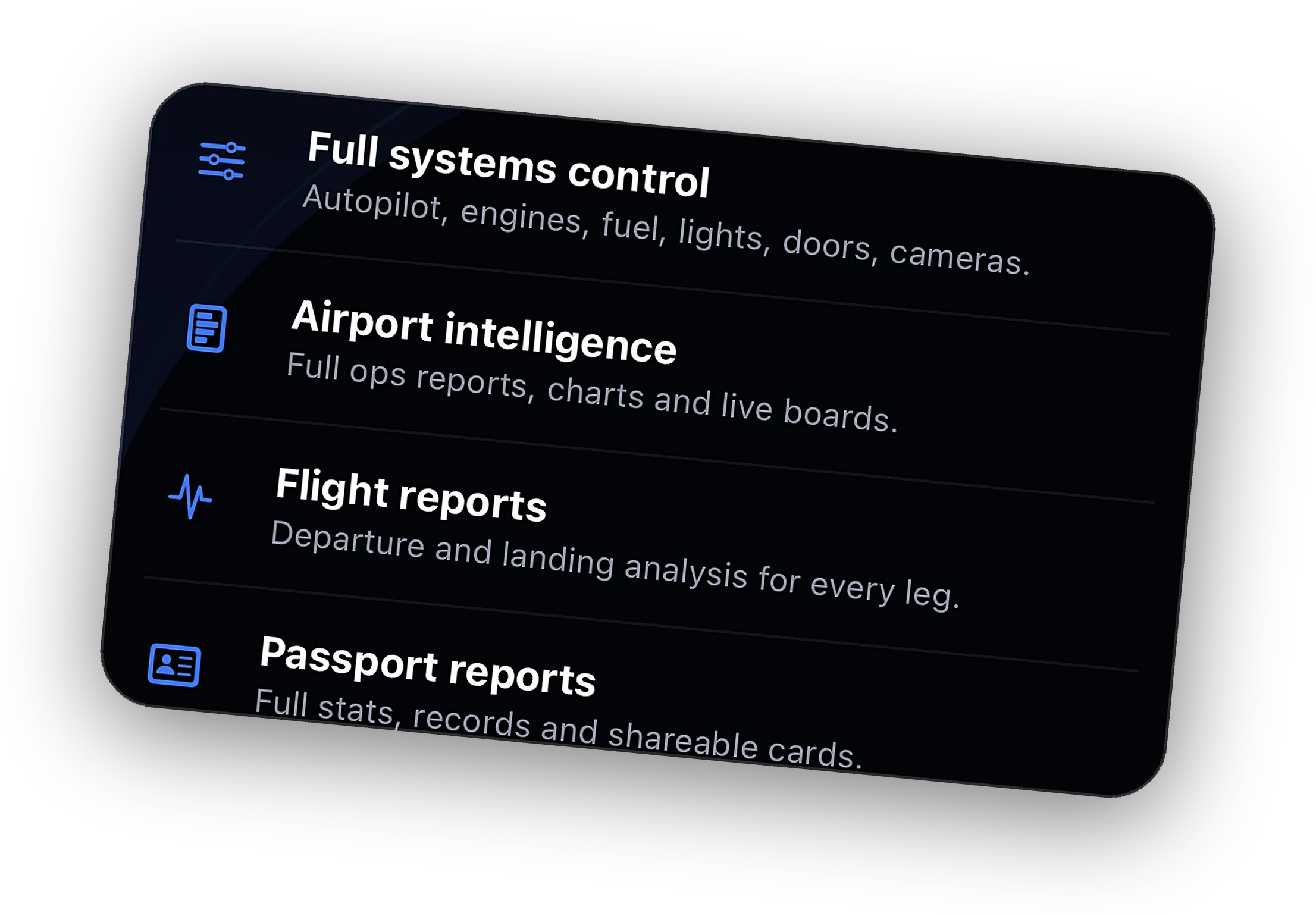
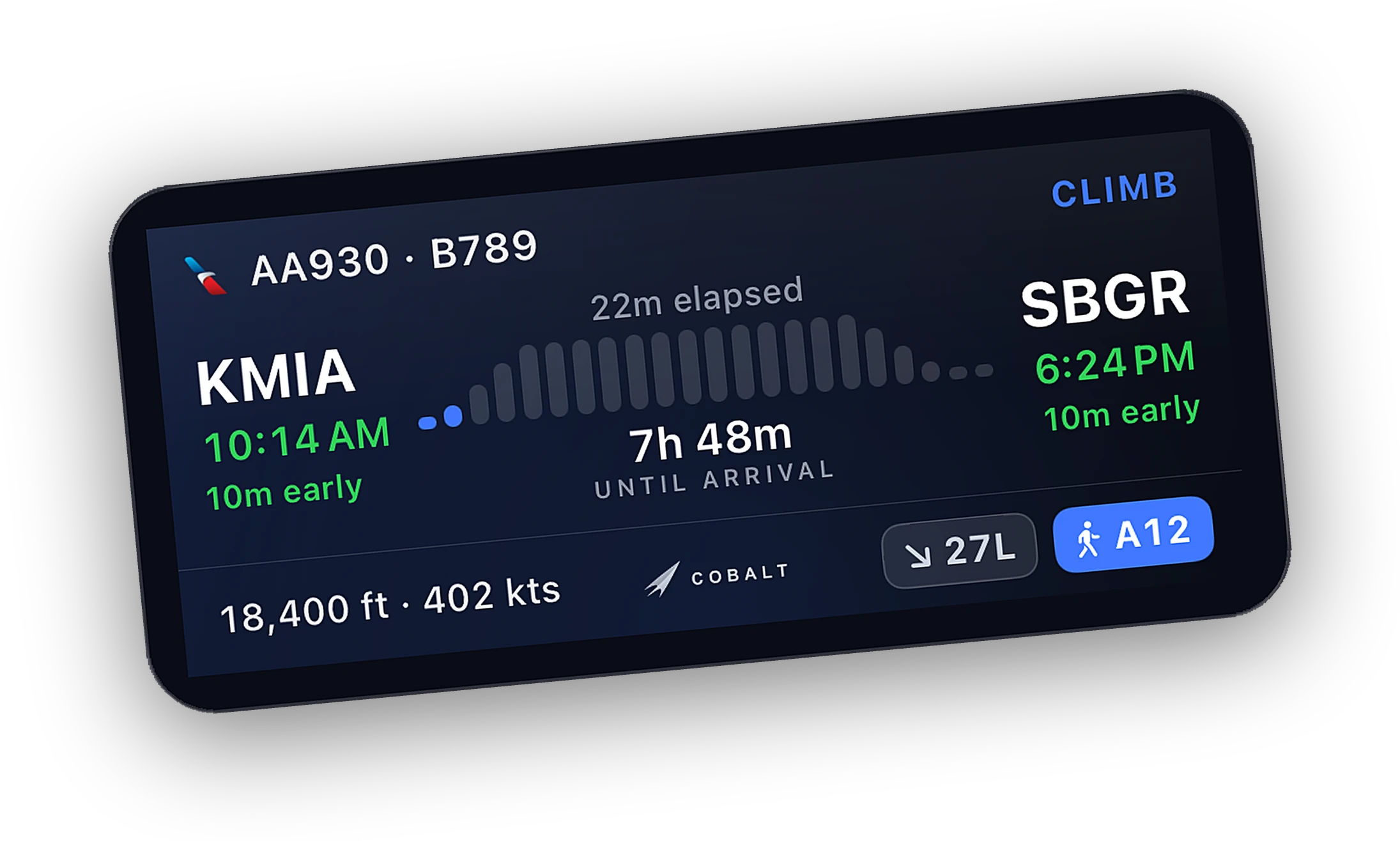
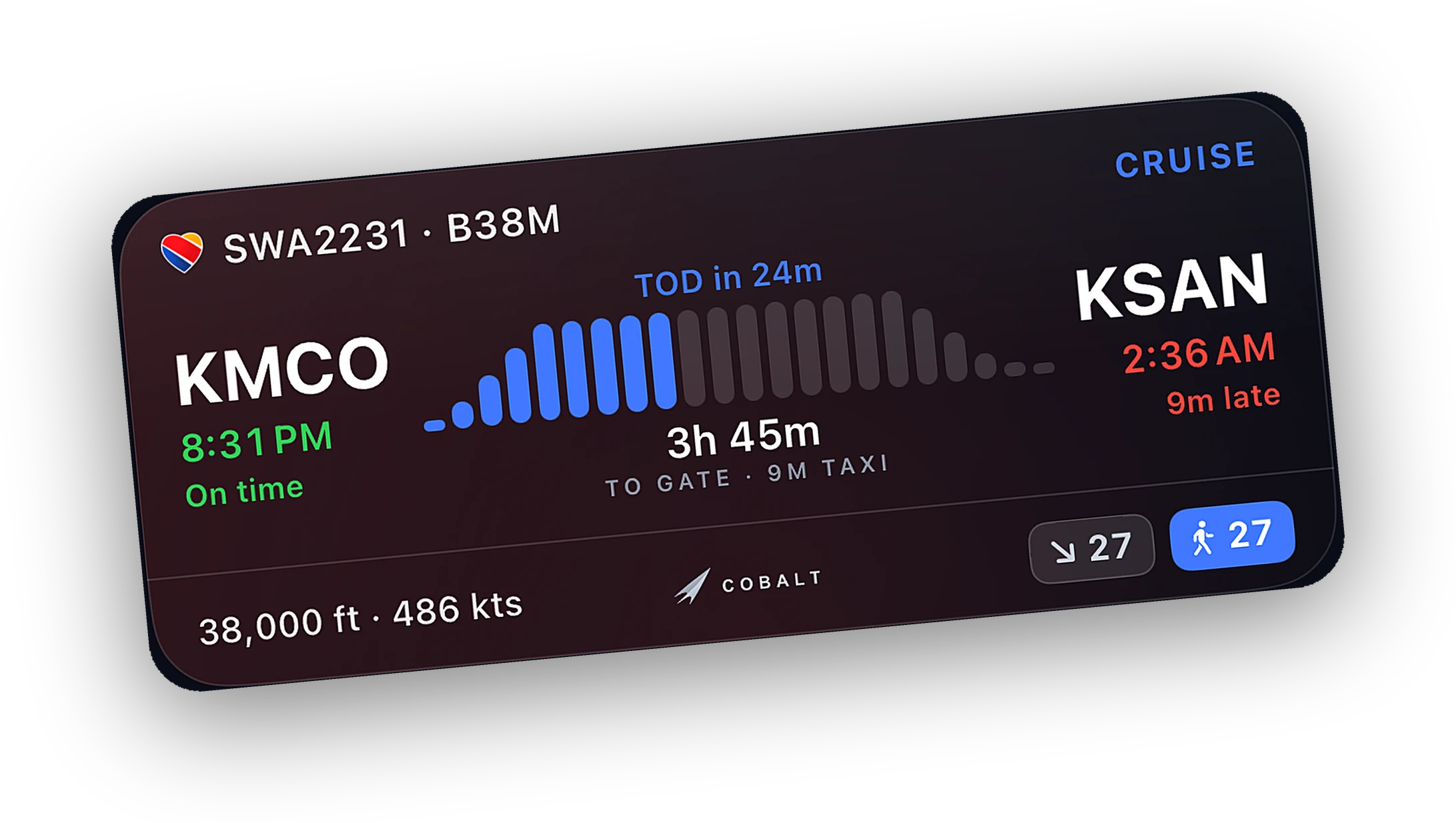
The full app on iPhone and iPad is free. No desktop window to keep open. The Bridge sits in the tray and the flight lives on the phone.
With Peak, set autopilot targets, flip lights, start engines, and switch cameras from the couch. Every readout is free.
An alert when a controller opens on your route. With Peak, answer private messages through your own vPilot or xPilot session.
When to choose Volanta.
Volanta is very good at what it does. Here is when it is the better pick, and when Cobalt is.
Choose Volanta if
- You want a large desktop map on a second monitor.
- You also fly Prepar3D or FSX.
- You want cloud saves and aircraft that stay where you parked them.
- You stream and want custom overlays.
- Your friends or virtual airline already track there.
Choose Cobalt if
- You want the flight on your iPhone, iPad, Lock Screen, and Watch, free.
- You want to control the aircraft from another room, or from anywhere with Relay.
- You fly VATSIM and want ATC alerts and replies on the phone.
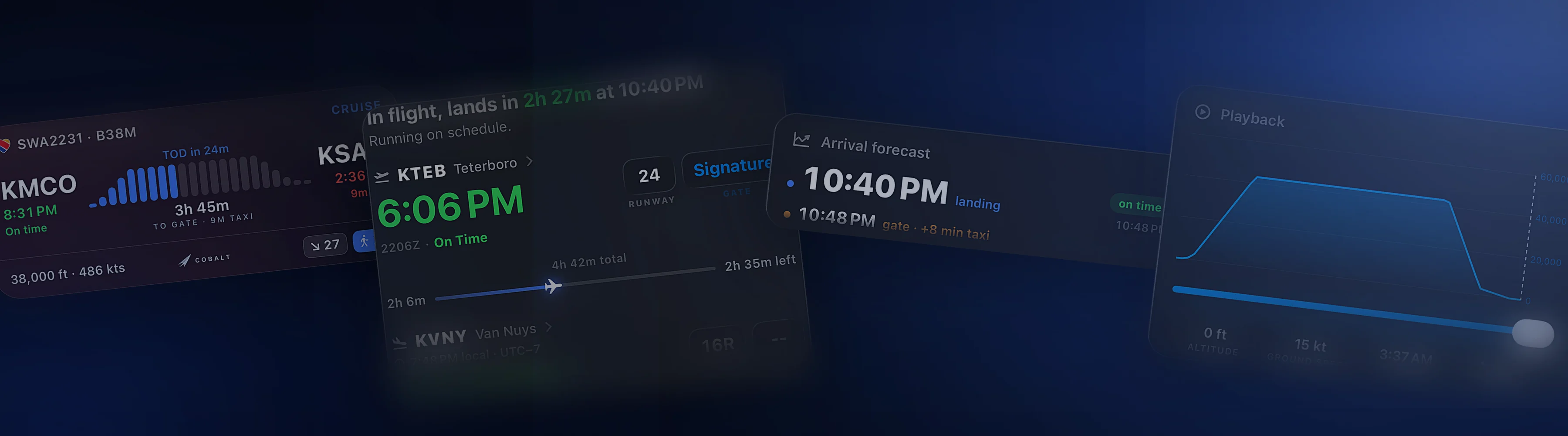
- You want a written debrief and a replay after landing.
Many pilots run both.
Each app reads the sim through its own connection, so they work side by side on the same flight. Keep Volanta for the desktop map and the history you have built there.
Let Cobalt carry the flight to your phone, your Lock Screen, and your wrist. Cobalt can also import a Volanta CSV logbook, so your past hours come with you.
Questions, answered.
Is Cobalt a Volanta alternative?
For tracking on the phone, yes. Cobalt tracks MSFS and X-Plane flights on its own and puts them on iPhone and iPad for free. If you want a big desktop map, Volanta is built for that, and many pilots use both.
Can I import my Volanta flights into Cobalt?
Yes. Cobalt imports Volanta CSV logbooks and ElevateX exports from the logbook screen. Your Cobalt logbook exports to CSV or PDF at any time.
Can Cobalt and Volanta run during the same flight?
Yes. Each one connects to the sim on its own, so they do not get in each other's way.
Is Cobalt made by Orbx?
No. Cobalt is made by Cobalt Simulations. It is not affiliated with Orbx or Volanta.
Keep exploring
More comparisons and the features behind them.
Cobalt is not affiliated with Orbx or Volanta. Product names belong to their owners.
Launching Saturday, October 10.
Join the list and the launch code lands in your inbox the moment the app is live. 10% off Peak.