
Free
Walk away from the desk.
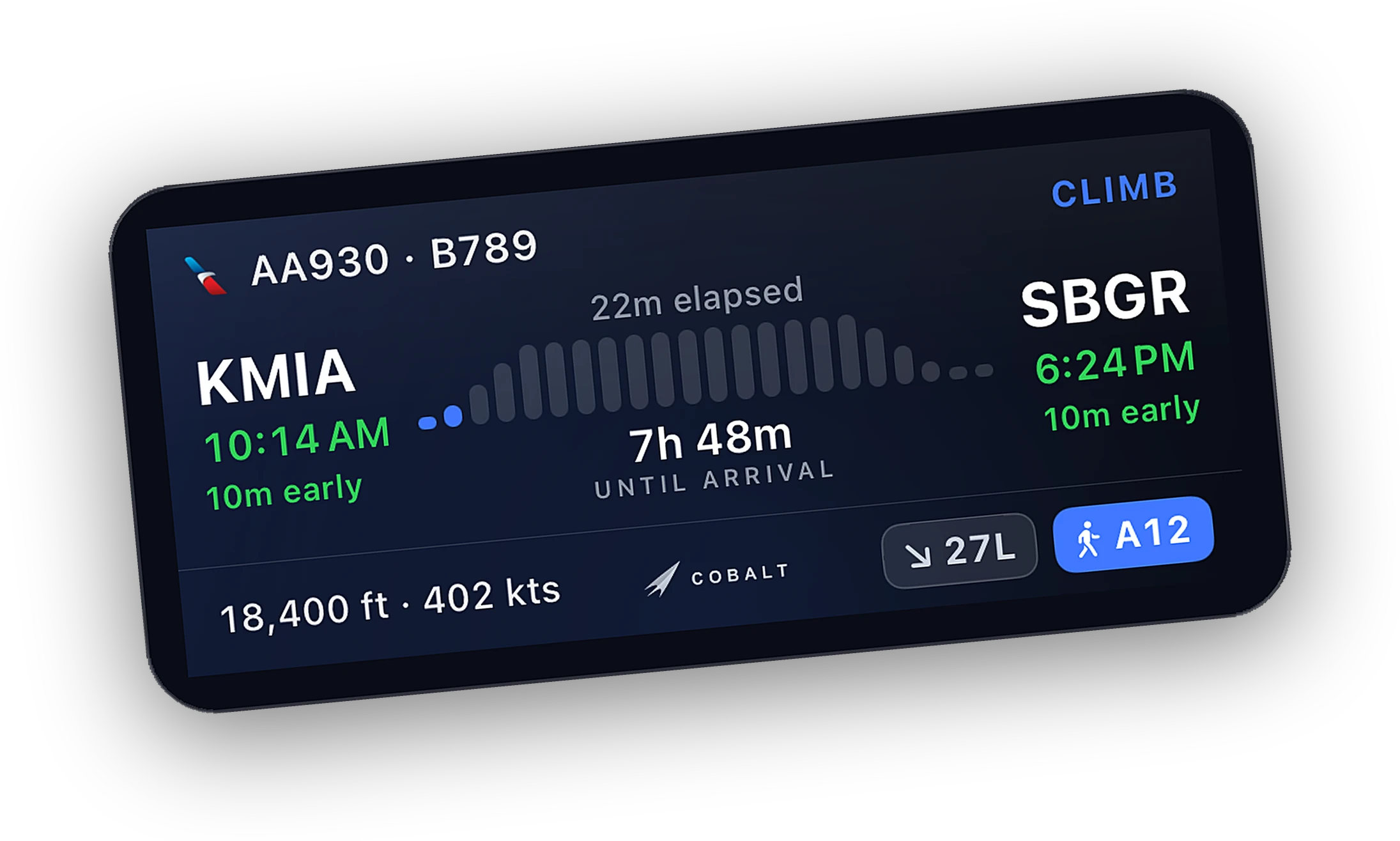
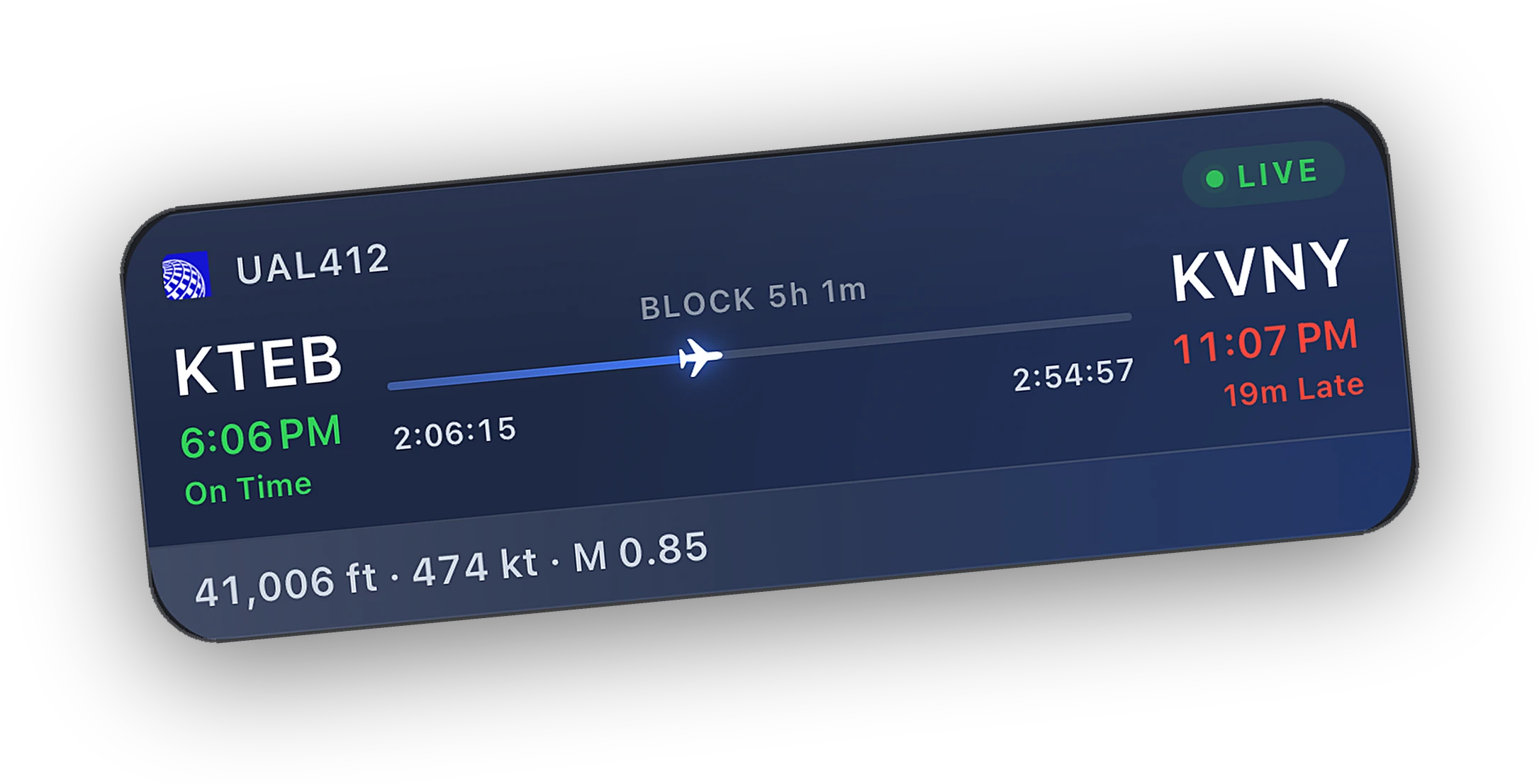
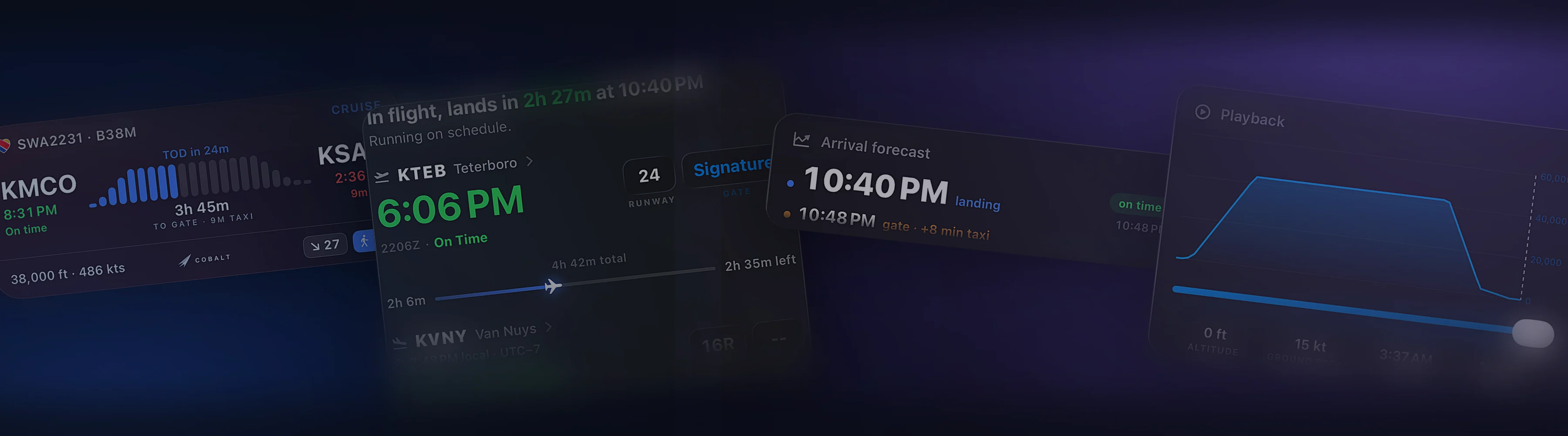
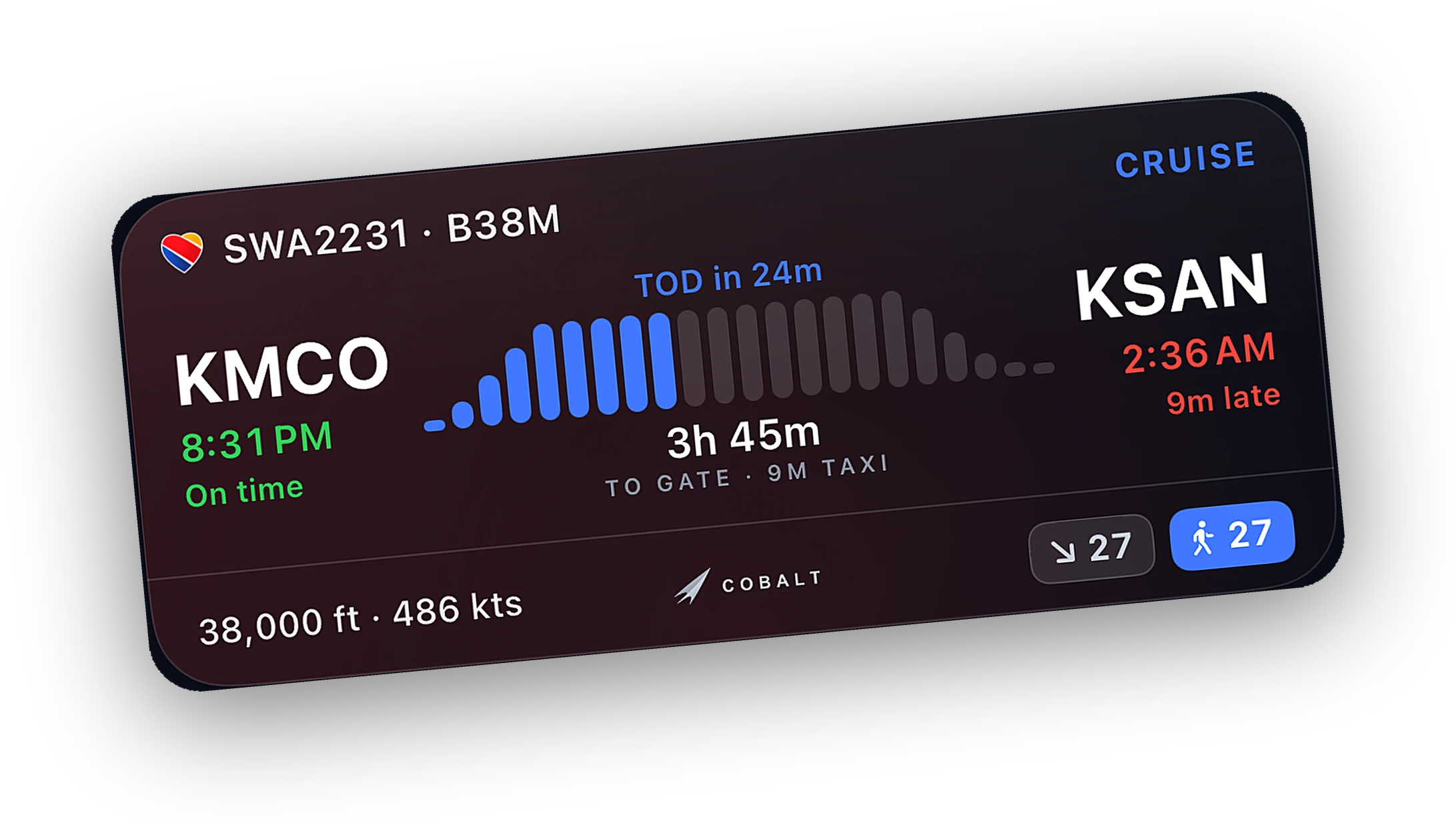
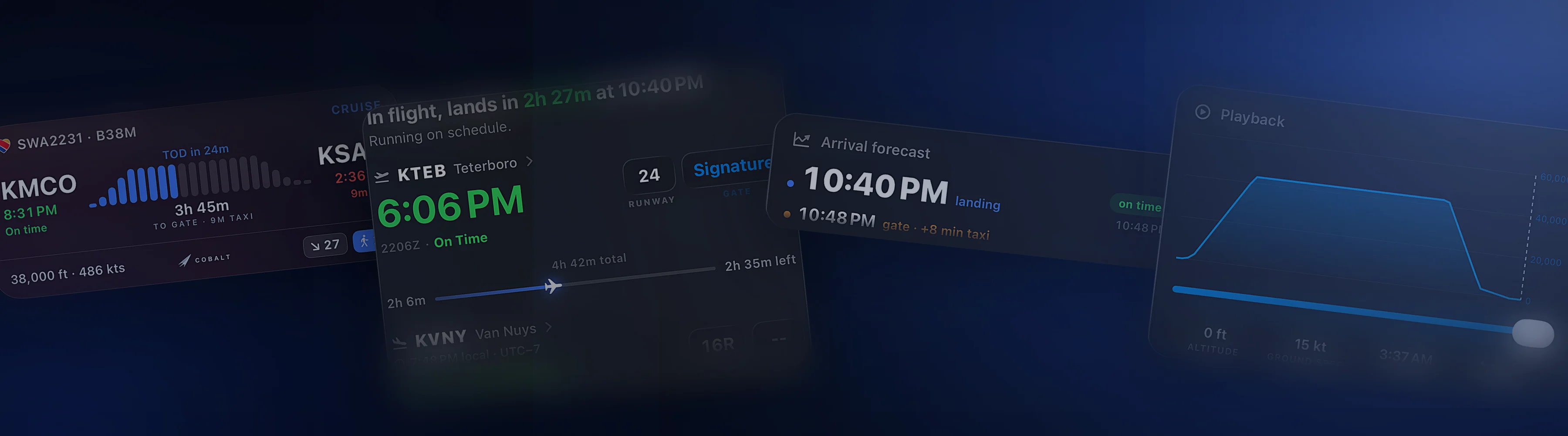
Top of climb and the Live Activity takes over. Progress, altitude, and time to destination on the Lock Screen and in the Dynamic Island.
 Cobalt
 carries the flight to your Lock Screen and your wrist, then brings you back for descent.
Free to fly. MSFS 2020, 2024, X-Plane 11 and 12. iPhone and iPad.
Top of climb and the Live Activity takes over. Progress, altitude, and time to destination on the Lock Screen and in the Dynamic Island.
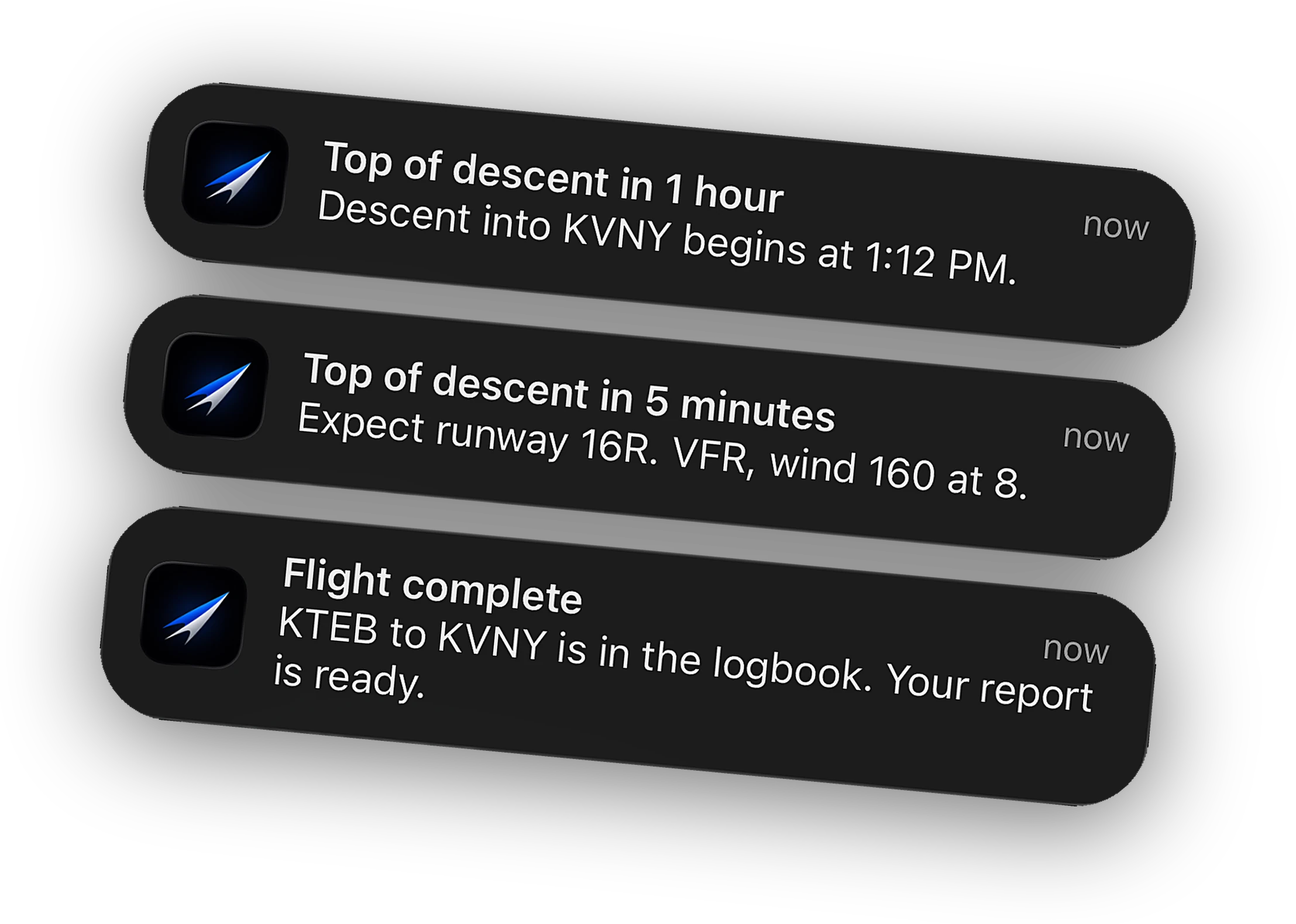
A top-of-descent alert with time to spare. Step climb reminders. A notification if the sim pauses or crashes while you are away.
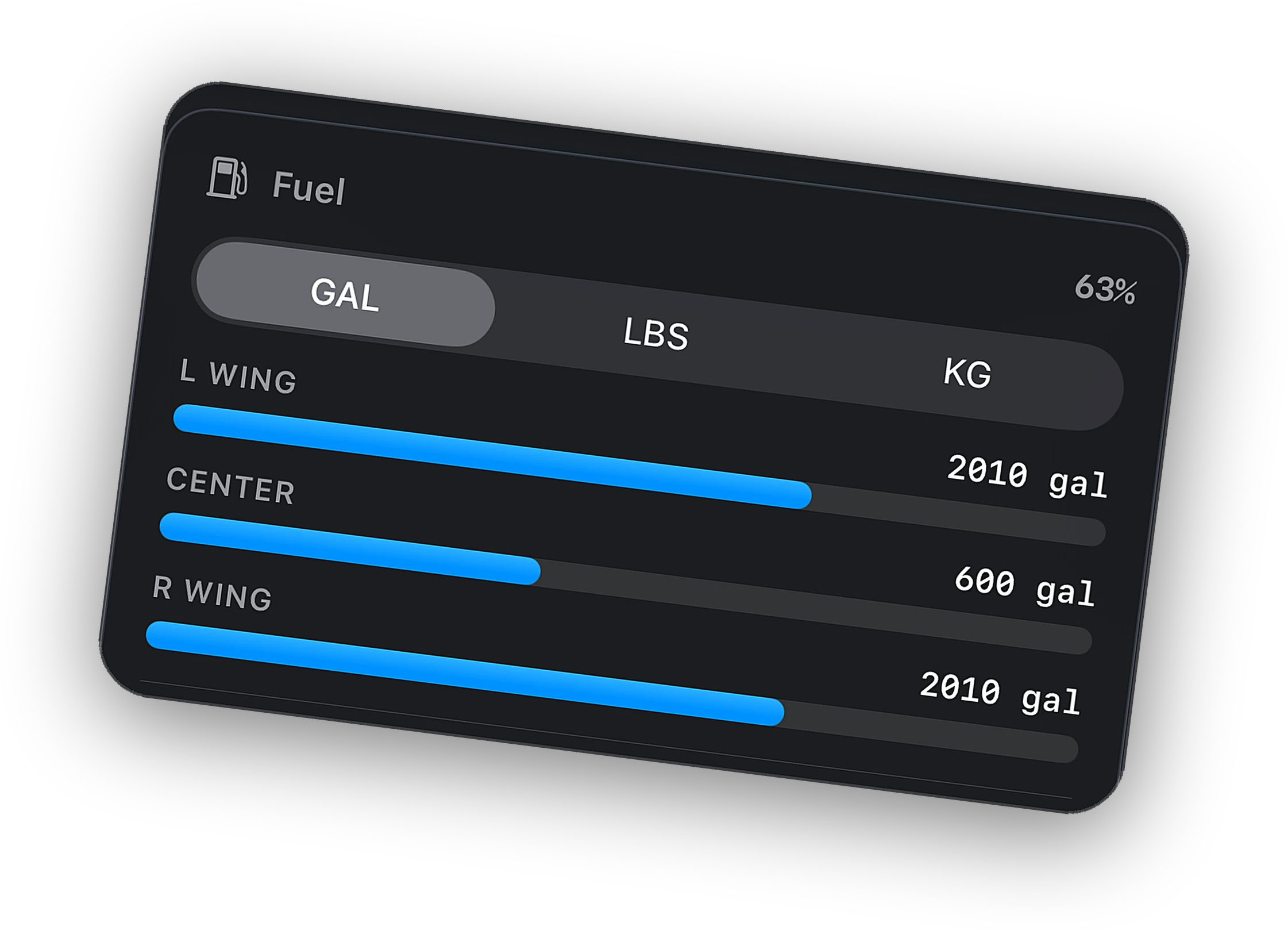
One-tap alert templates. The fuel card shows tanks, burn, and endurance so each check takes five seconds.
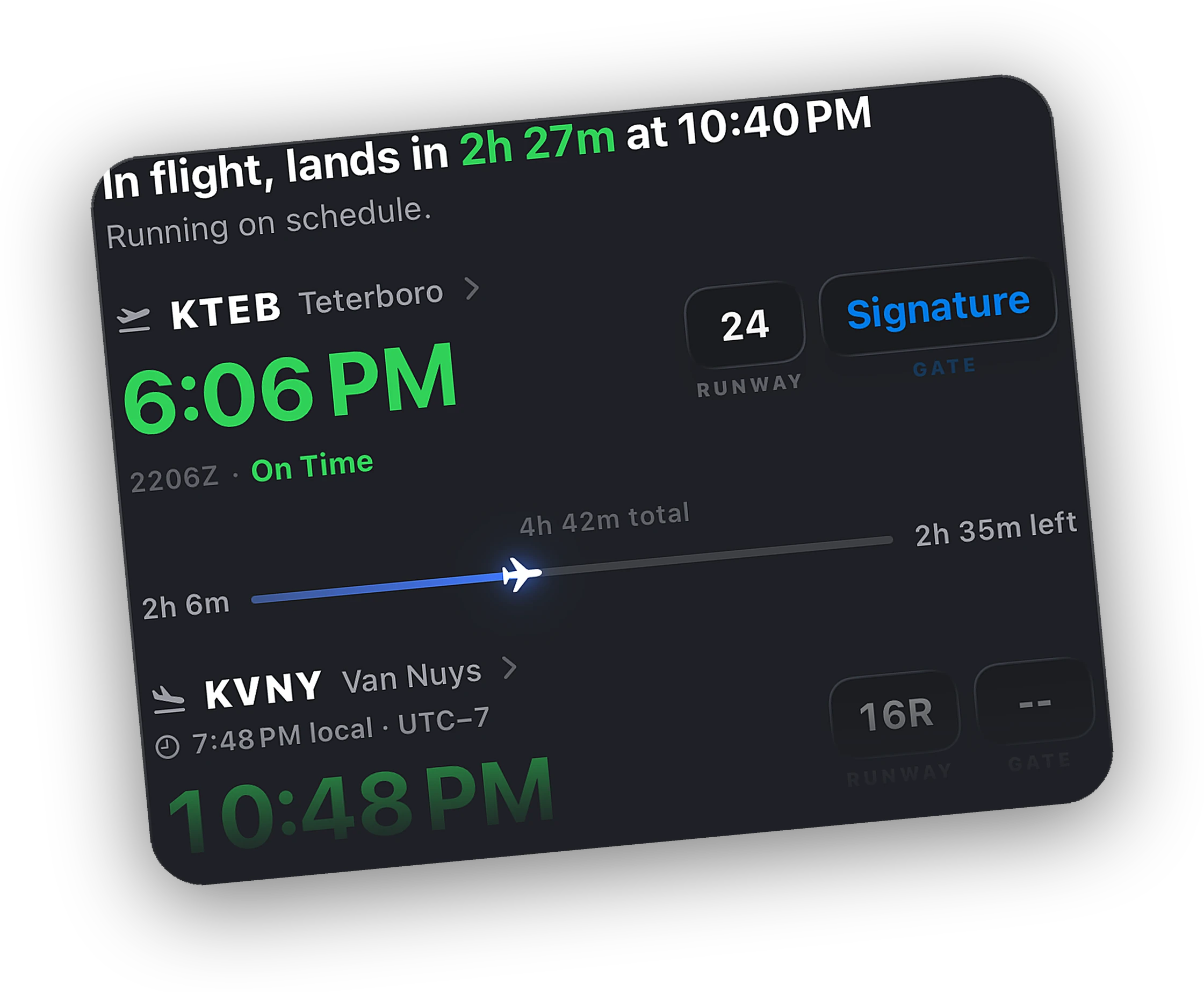
Off-block, wheels-up, top of climb, step climbs, top of descent, wheels-down, on-block. Filled in live from the recorder.
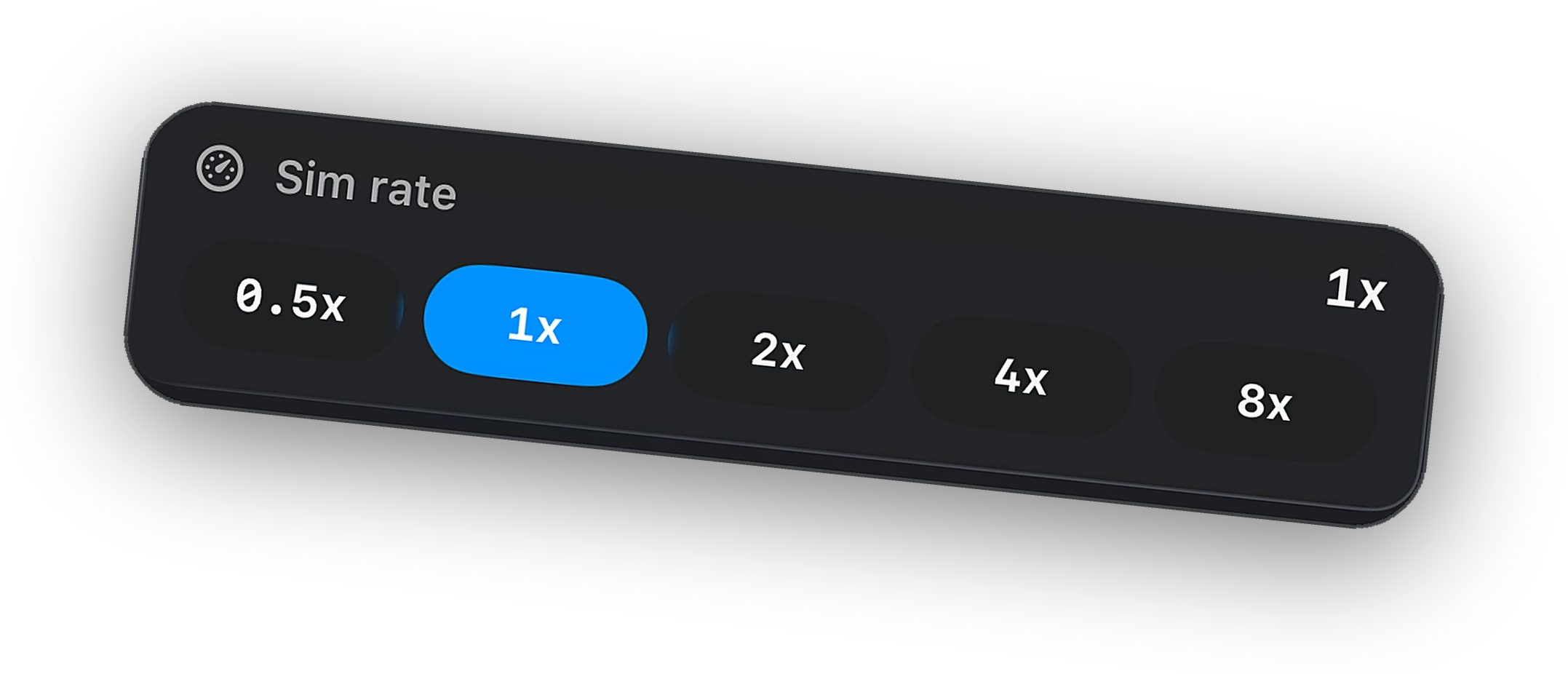
The current sim rate on the flight sheet, and a badge on accelerated flights so the logbook stays honest.
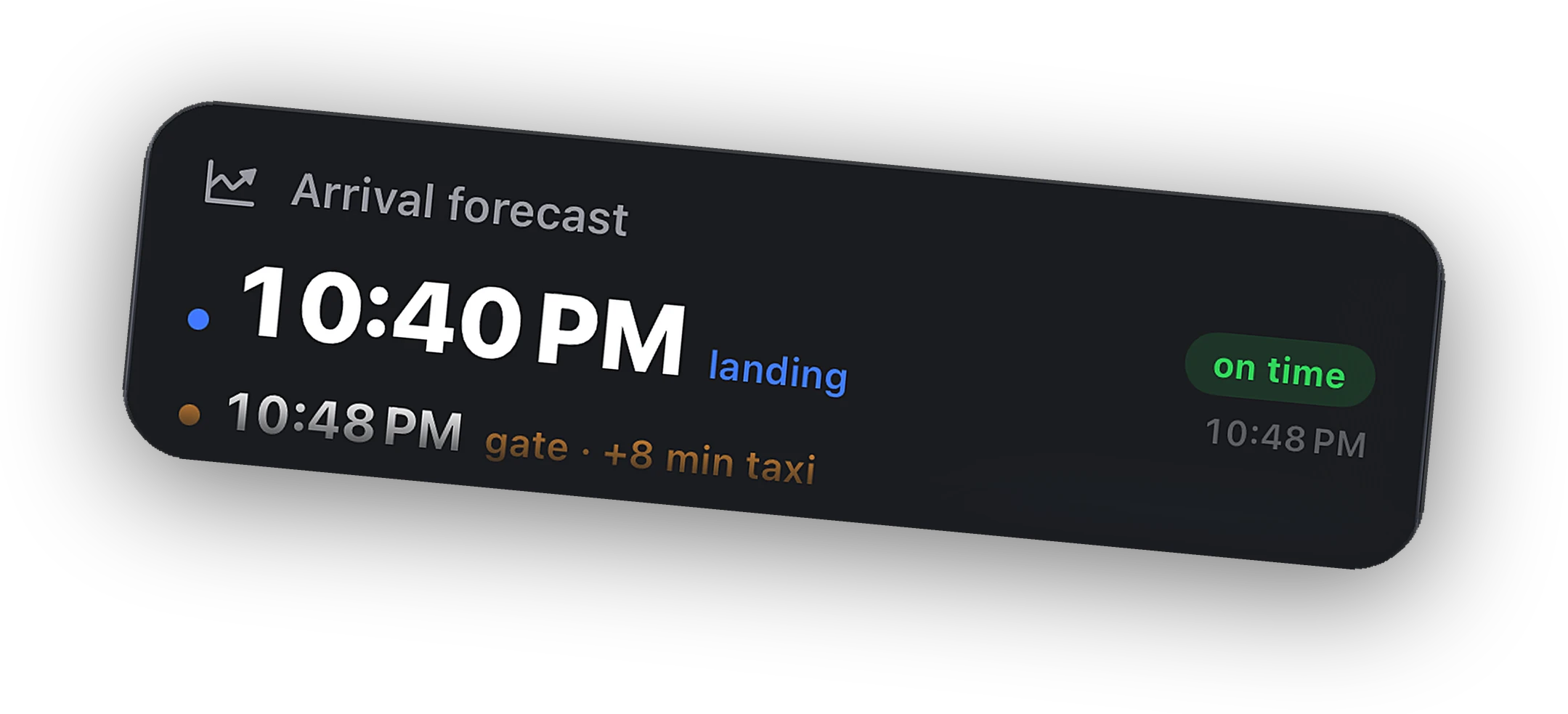
Filed ETE blended with observed ground speed into a band. Plan dinner around it.
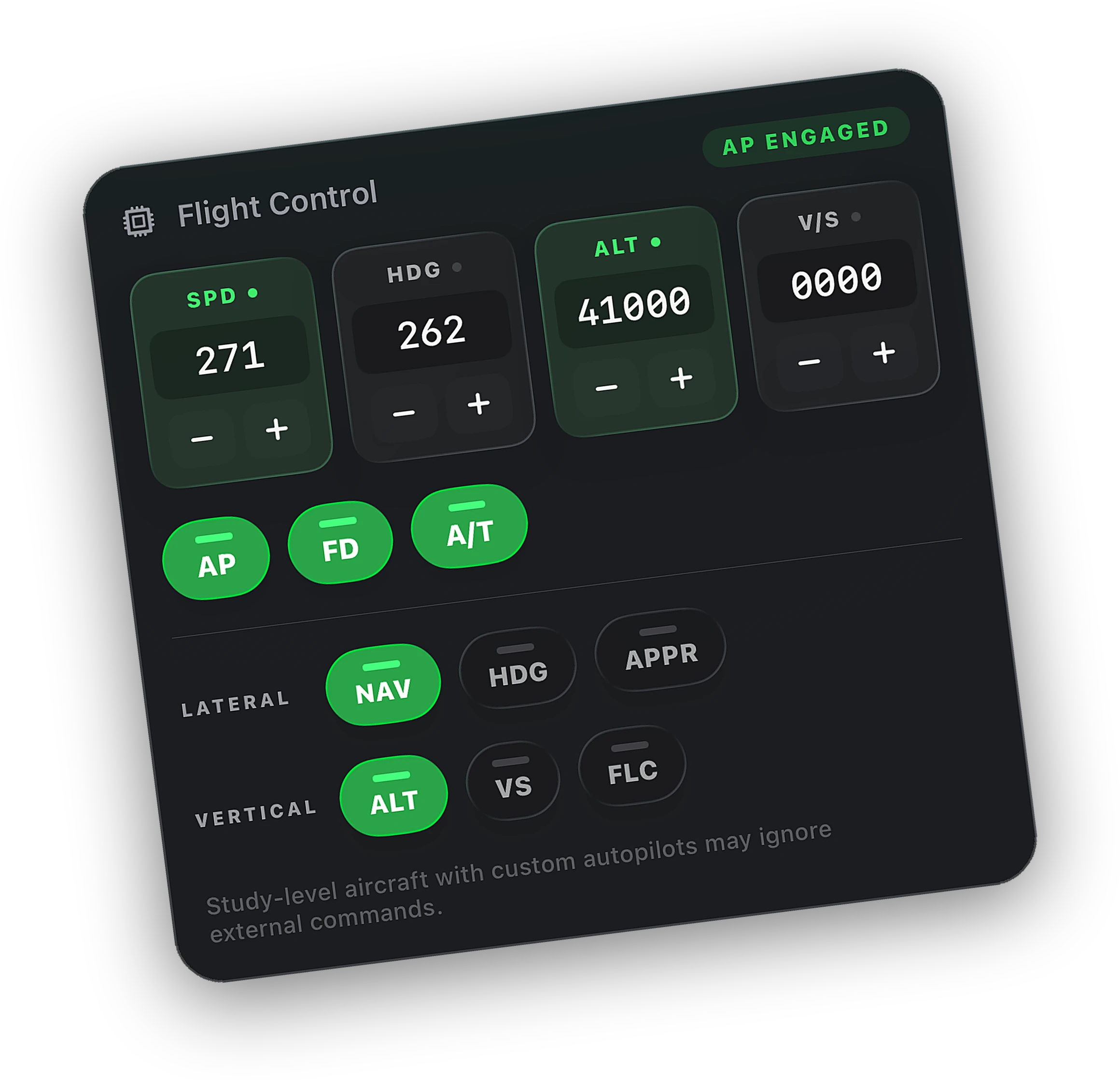
Set altitude, heading, or speed from the Systems tab. With Relay, from anywhere, not just the house.
Set autopilot, stand up, and follow the flight from the Lock Screen and Dynamic Island.
A notification before descent with a lead time you choose, so you are back in the seat on time.
Peak keeps the connection alive over cellular, so a 14-hour leg can run while you are out.
Set a wake-up alert for top of descent minus 20, put the phone on the nightstand, and let Cobalt watch the flight.
One small app on the sim PC. The phone does the rest.
A small free app for the sim PC. Windows or Mac. It finds MSFS or X-Plane on its own.
Same Wi-Fi, no pairing codes. The app sees the Bridge and connects in a few seconds.
Your flight on the map, the Live Activity on the Lock Screen, and the logbook writing itself.
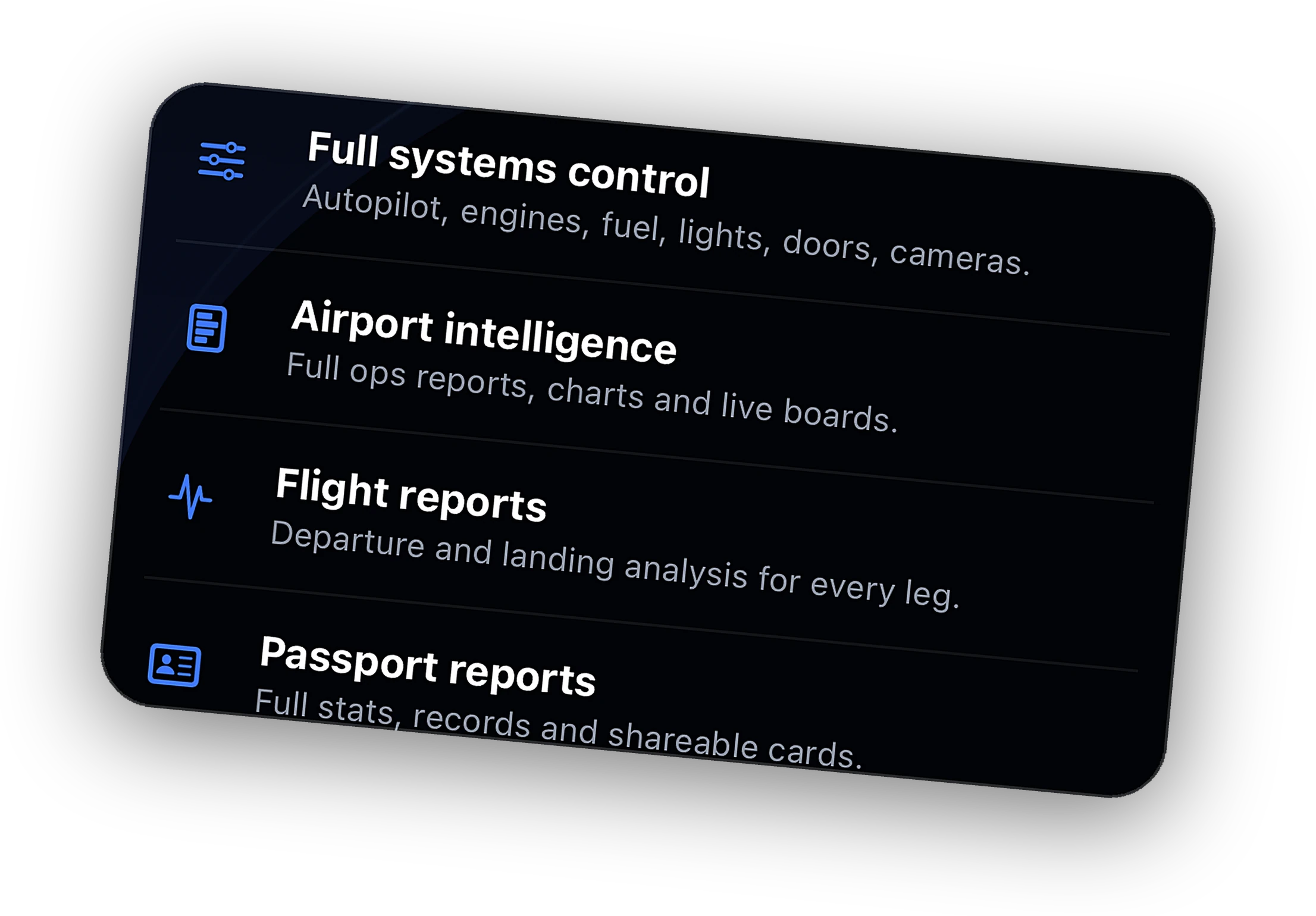
Nothing is hidden on the free plan. Peak unlocks control, depth, and history.
Both big sims, both networks, and the devices already in your pocket.
Live Activities are designed by Apple to be low power. Cobalt updates the card as the flight changes, not on a timer.
You get a notification. Your flight stays in the logbook with everything recorded up to that point.
Yes. Import the OFP and the flight, departure time, and route fill in. If it is live now it becomes your active flight.
No. The Lock Screen, alerts, and timeline are free. Peak adds the arrival forecast, systems control, and Relay.
More ways pilots use Cobalt.
Download Cobalt for iPhone and iPad. Install the Bridge on your sim PC and your next flight is on your phone.
Point your iPhone camera here. It opens Cobalt on the App Store.