
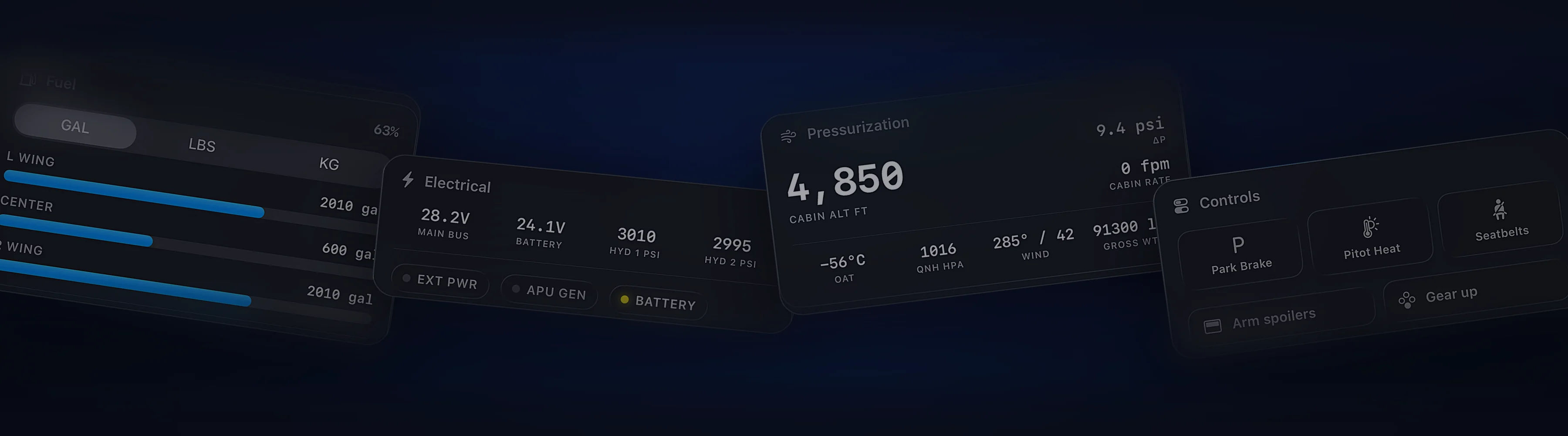
Works with the aircraft you fly.
Every aircraft streams live telemetry to Cobalt. Popular study-level add-ons get their own control profiles, and every command is checked against the sim.
MSFS 2020, 2024, X-Plane 11 and 12. Readouts free, control with Peak.
Pick your aircraft
What Cobalt reads, what you can control, and anything to know before you fly.
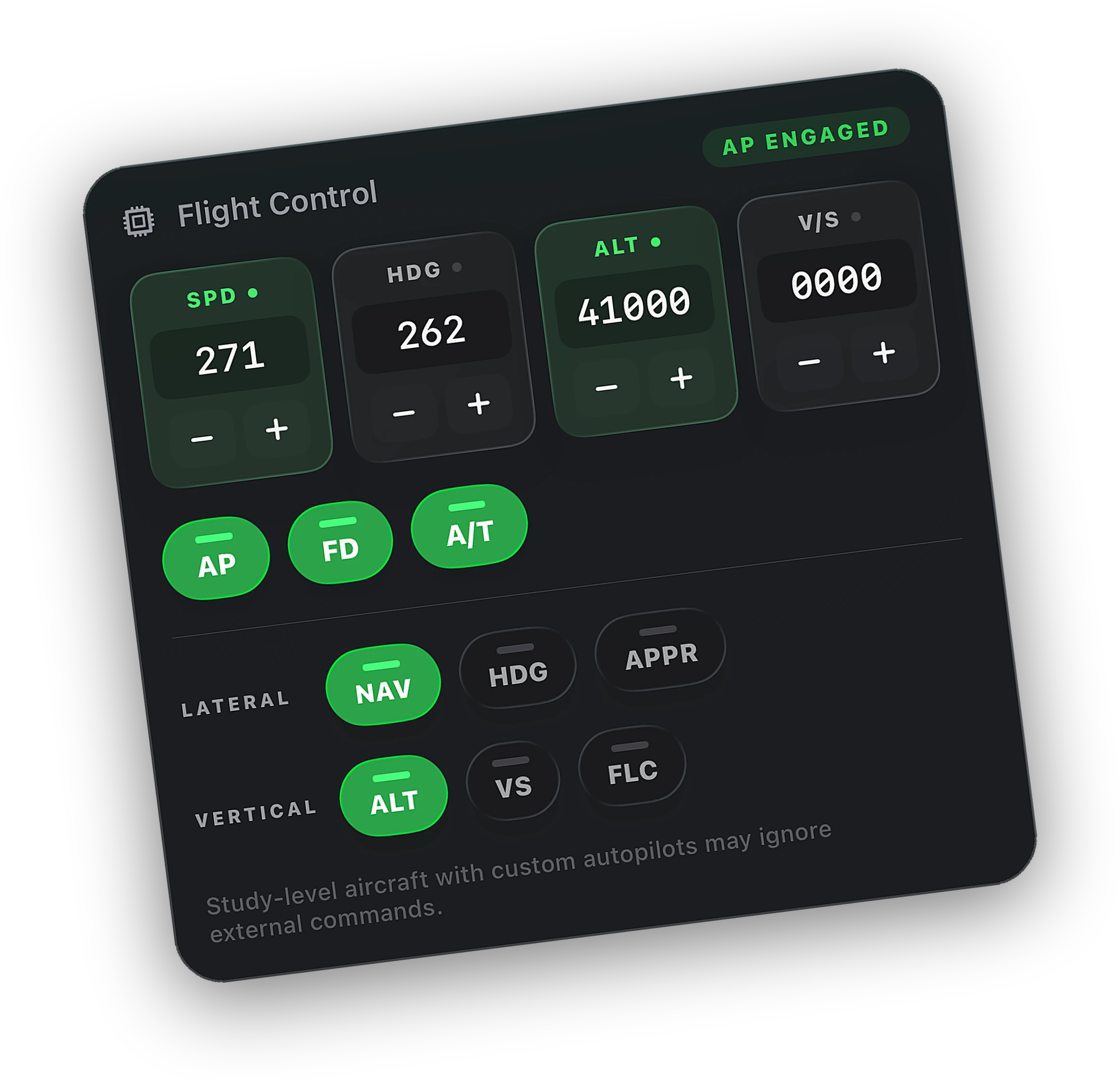
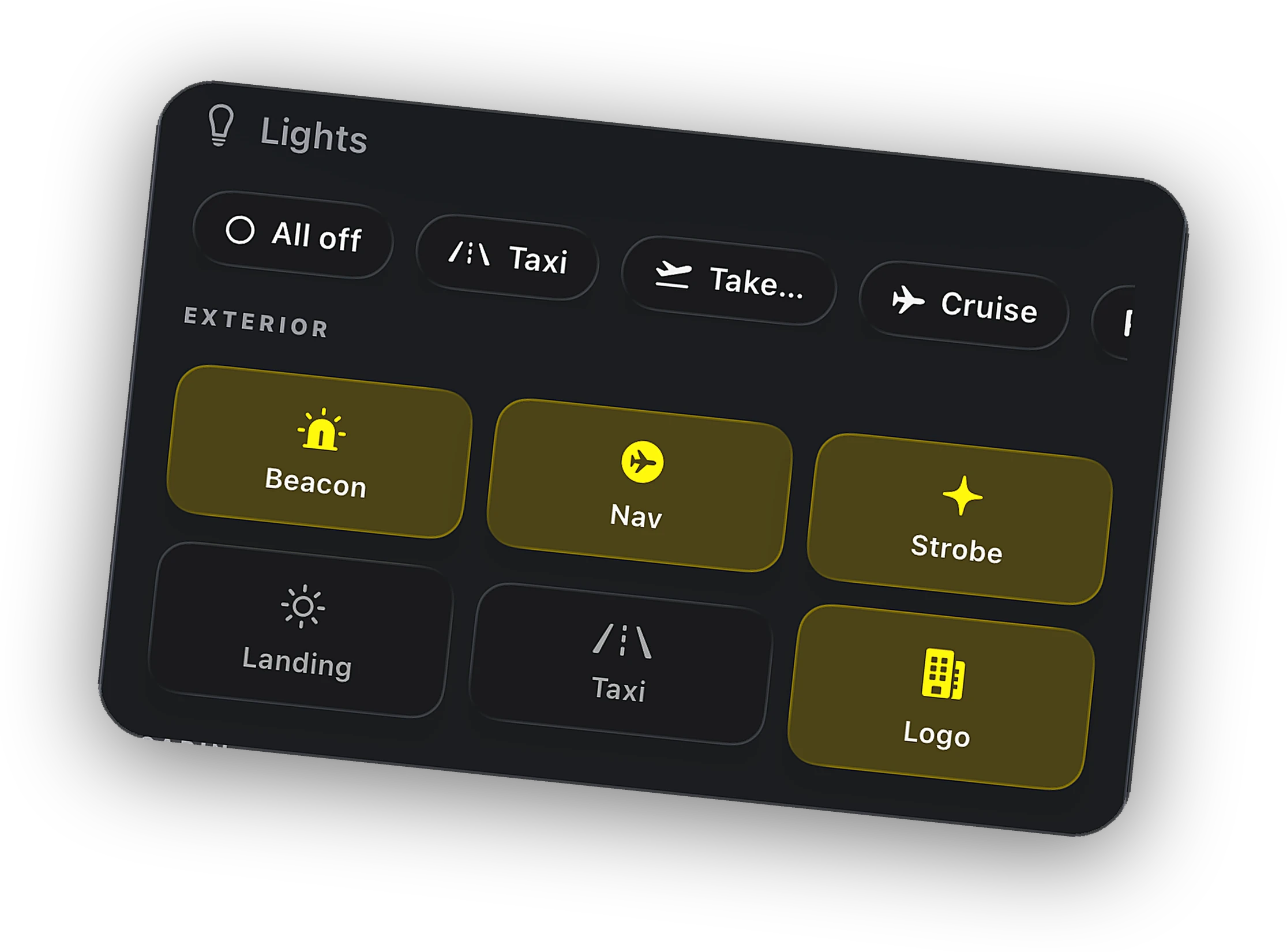
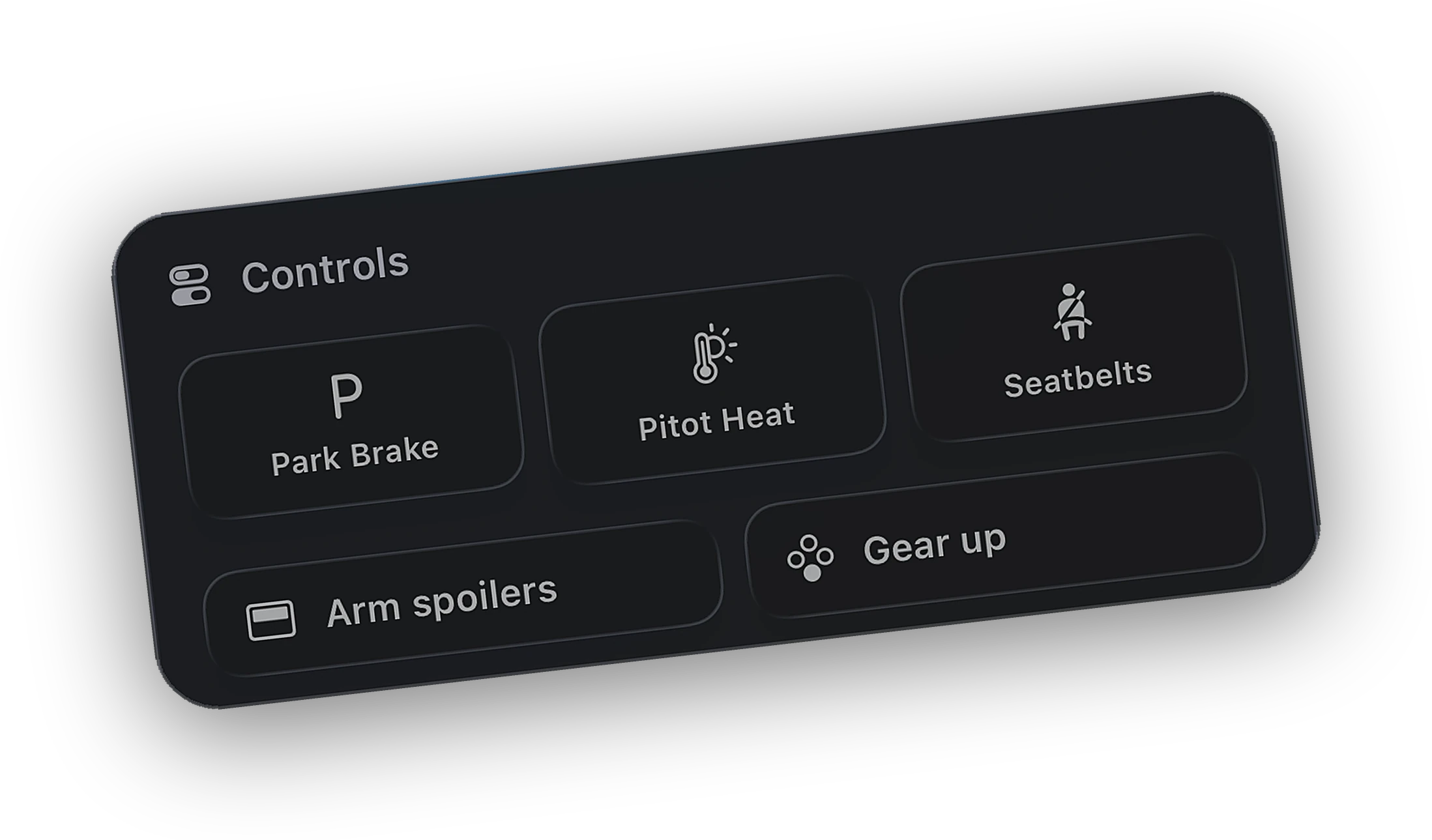
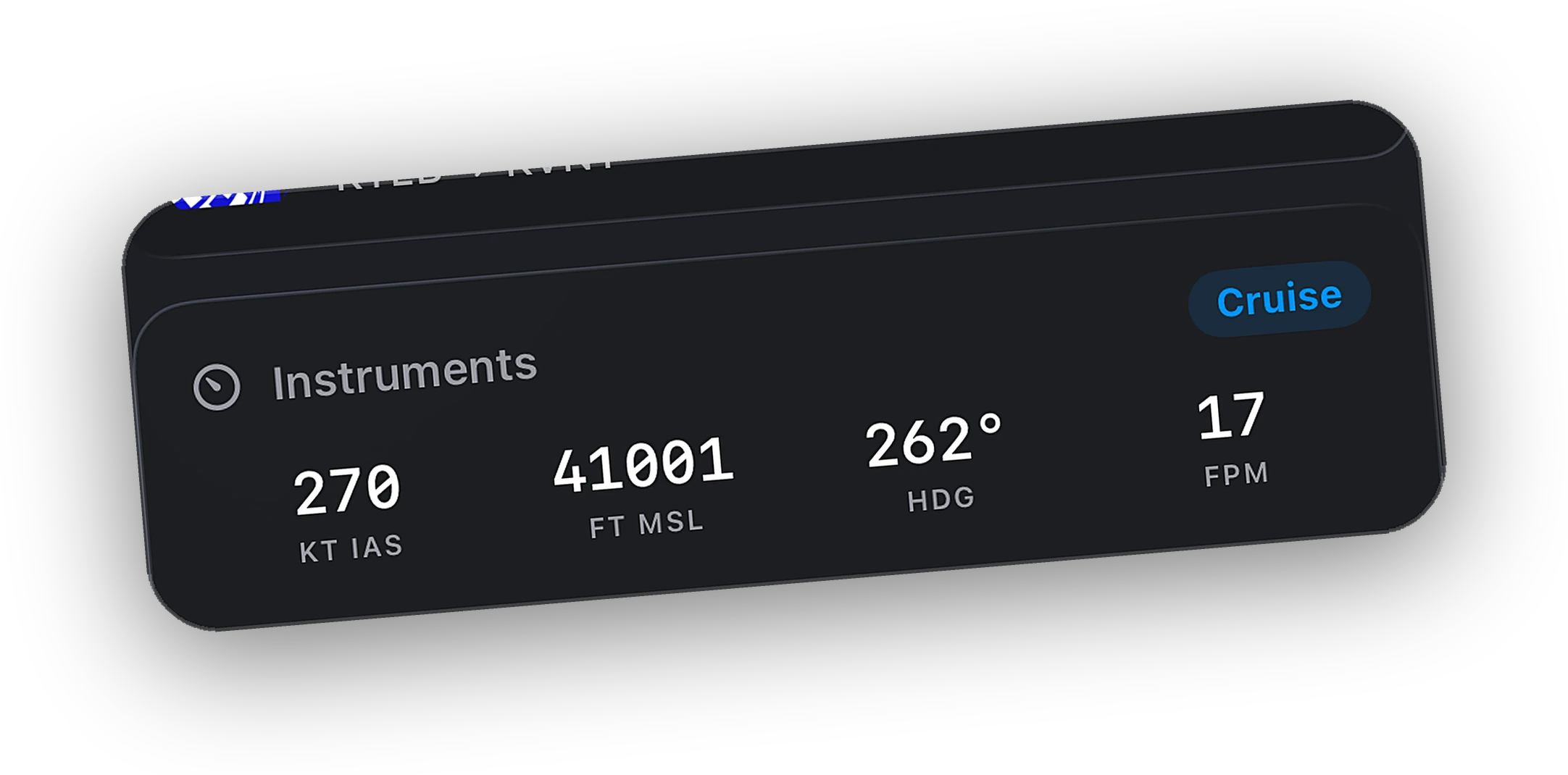
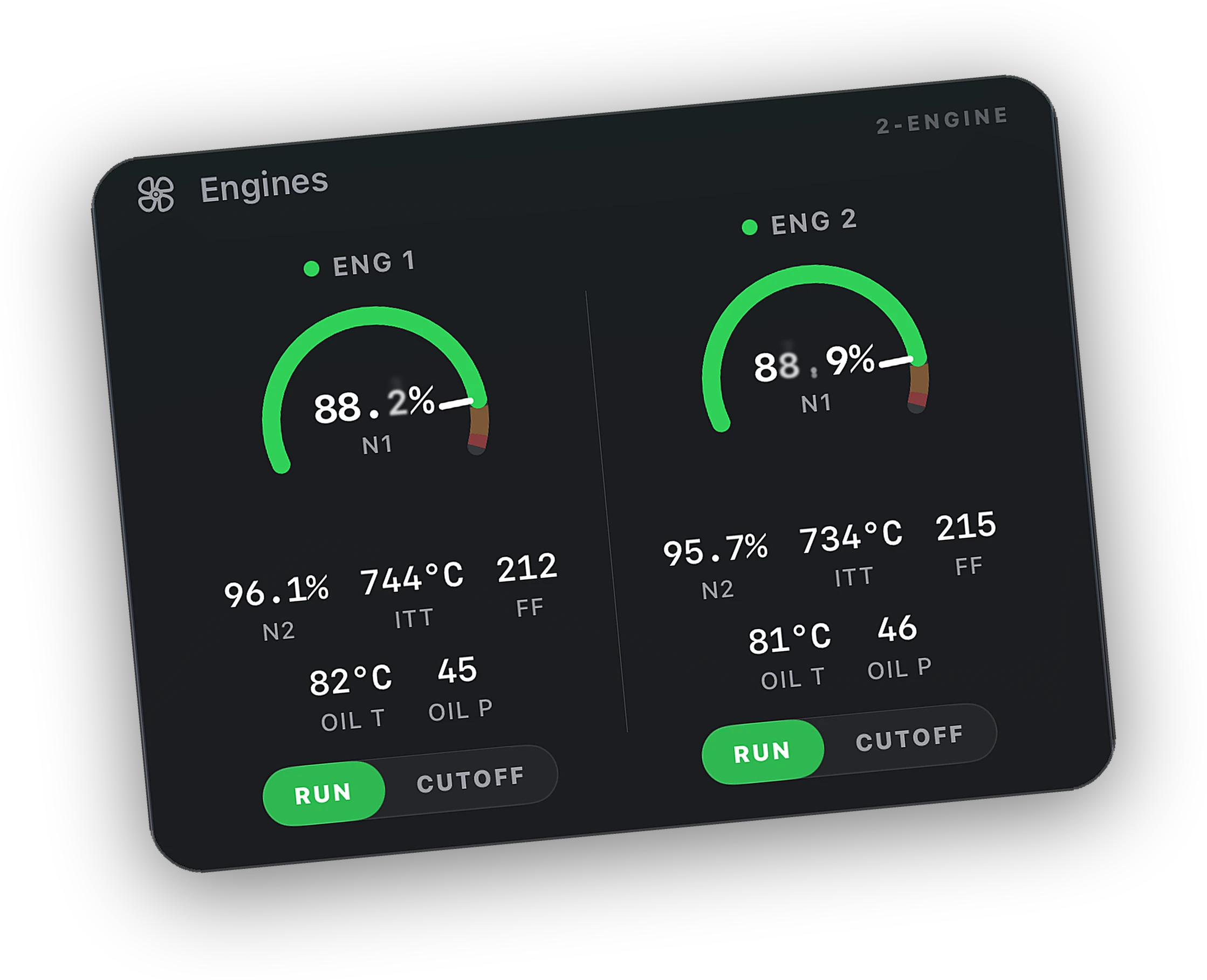
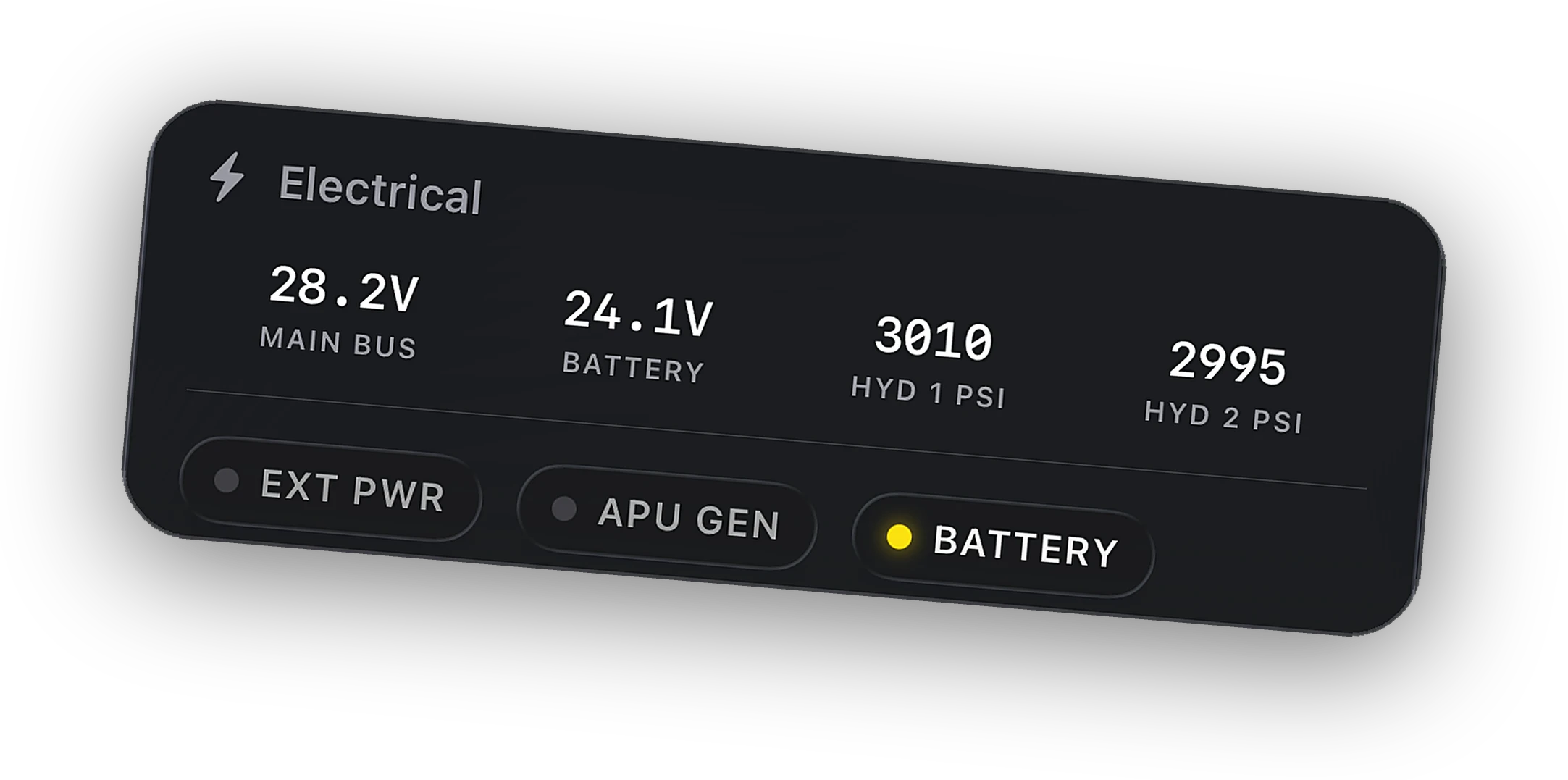
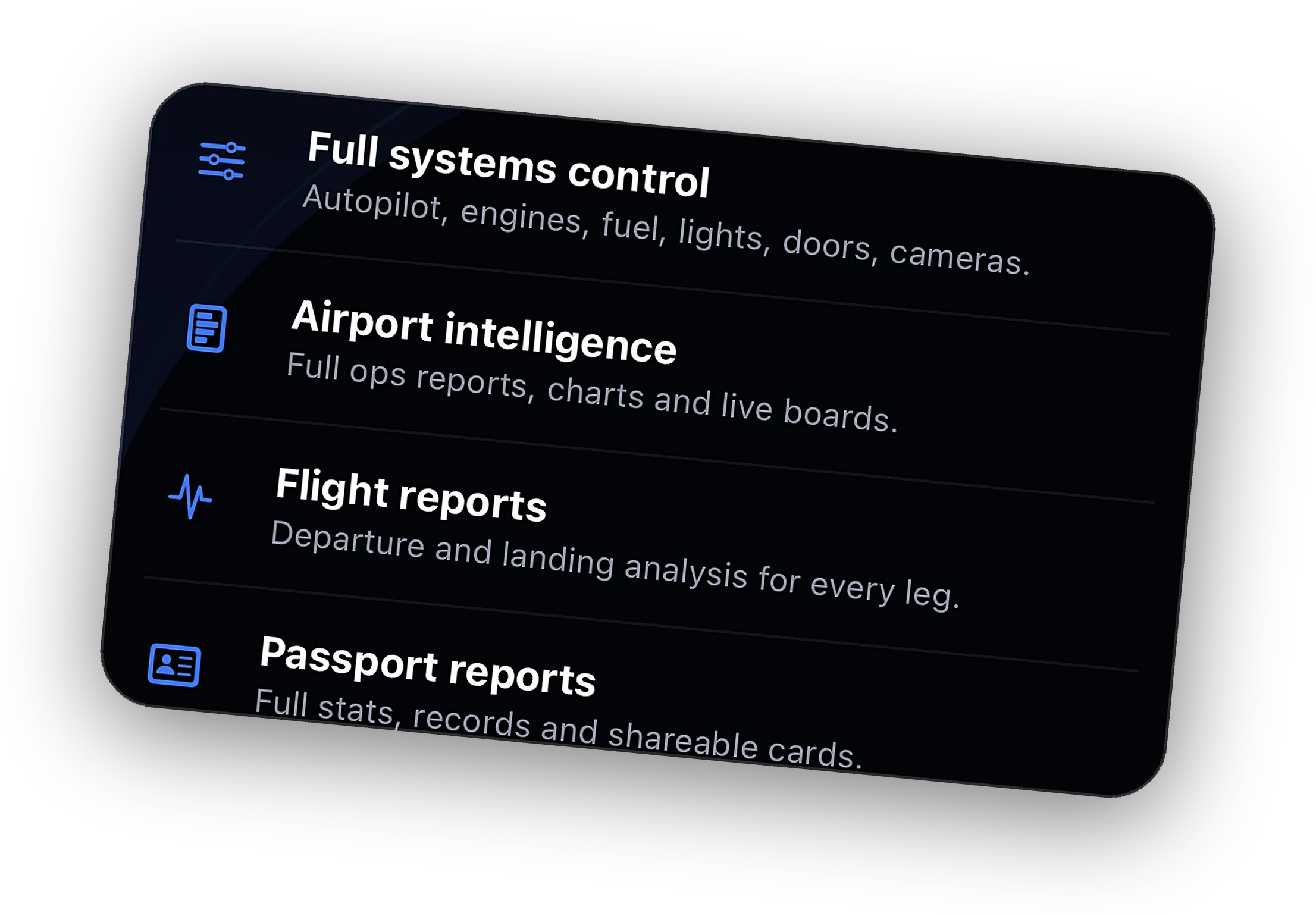
Read everything. Control what listens.
Telemetry comes from sim-level data that exists for every aircraft in MSFS and X-Plane. No profile needed to track a flight.
Fenix, FlyByWire, PMDG, and iFly aircraft get their commands routed through the controls each one actually listens to.
Every command is checked against the sim. When an aircraft ignores one, the app says so instead of guessing.
Don't see your aircraft?
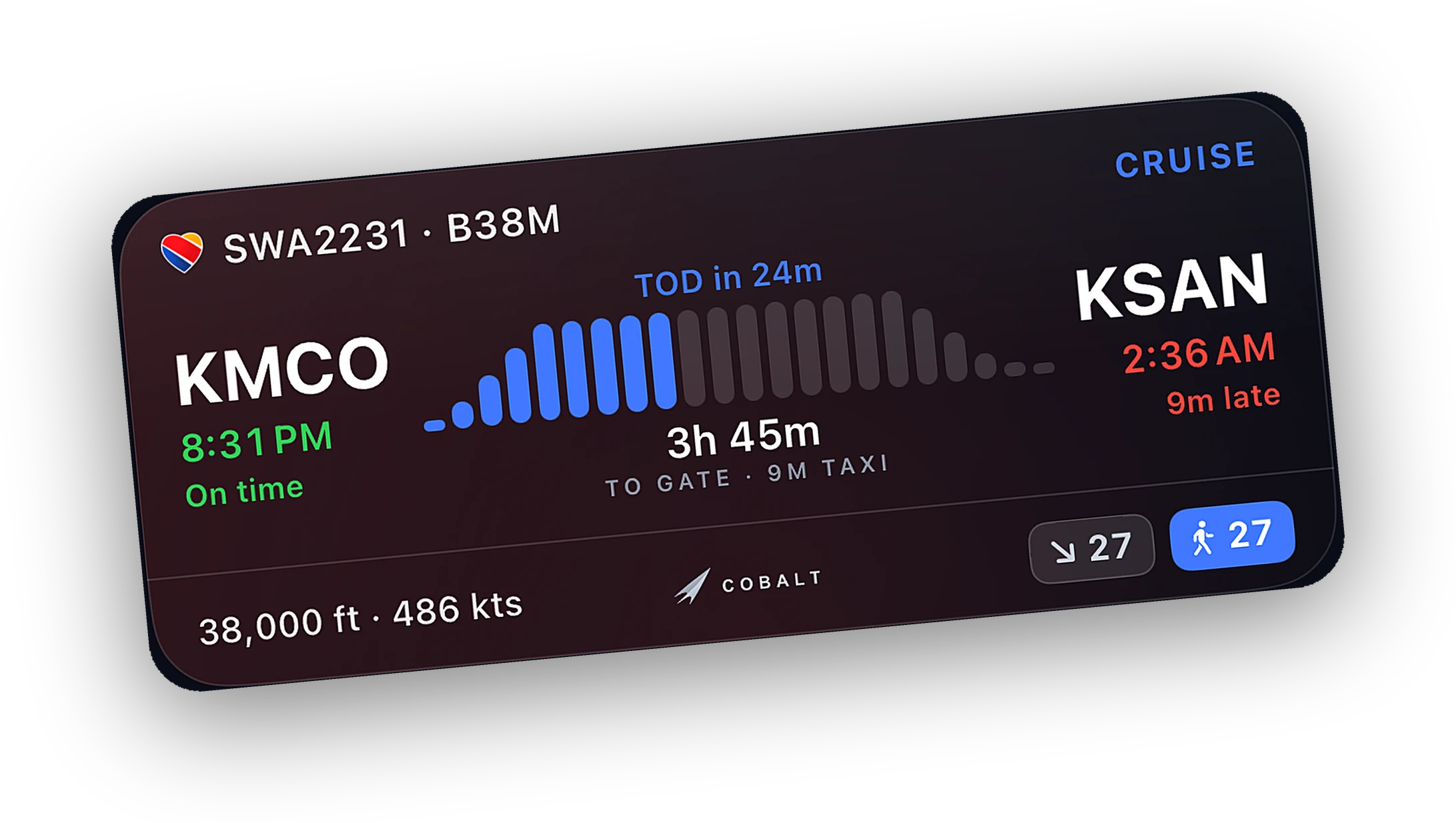
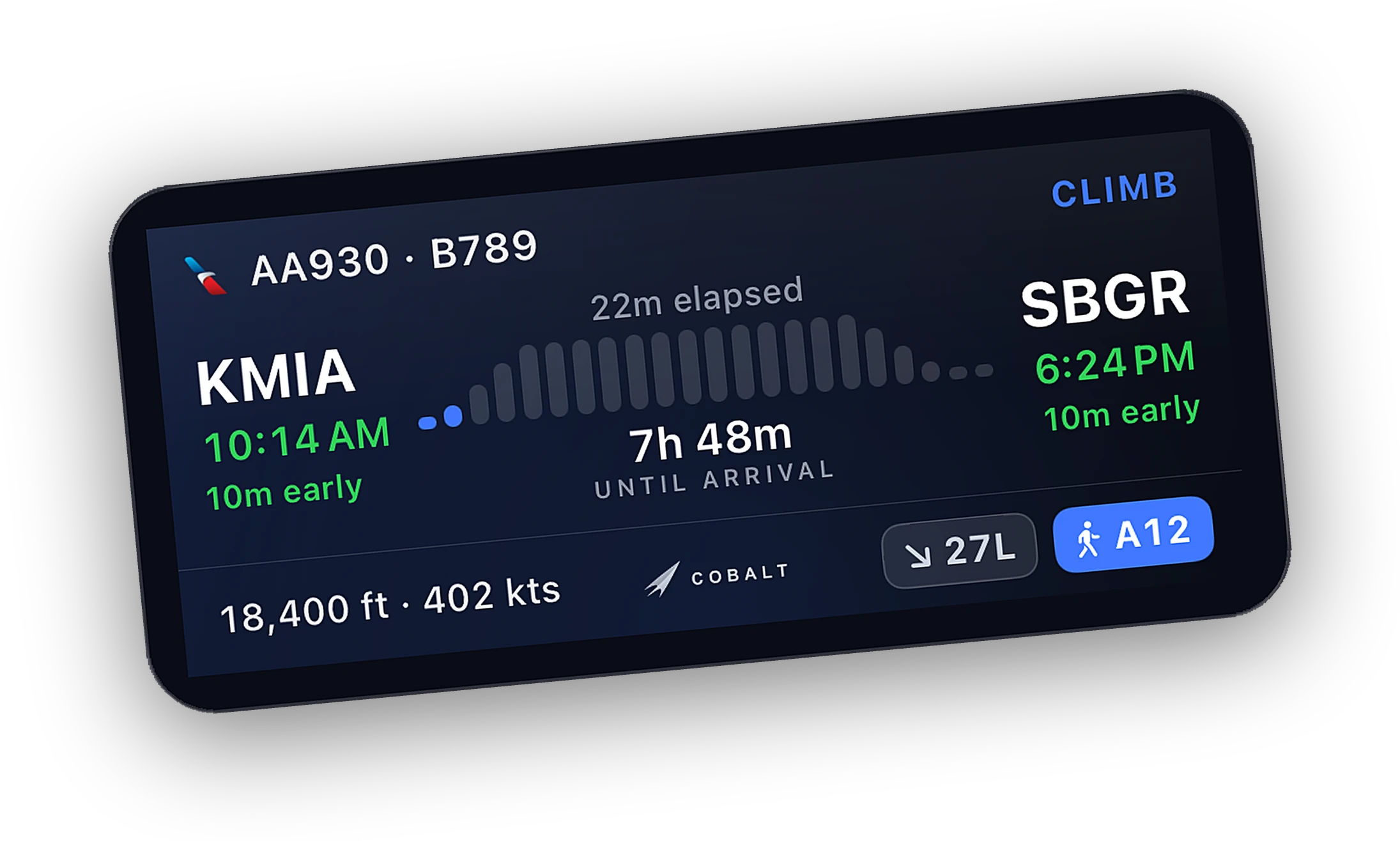
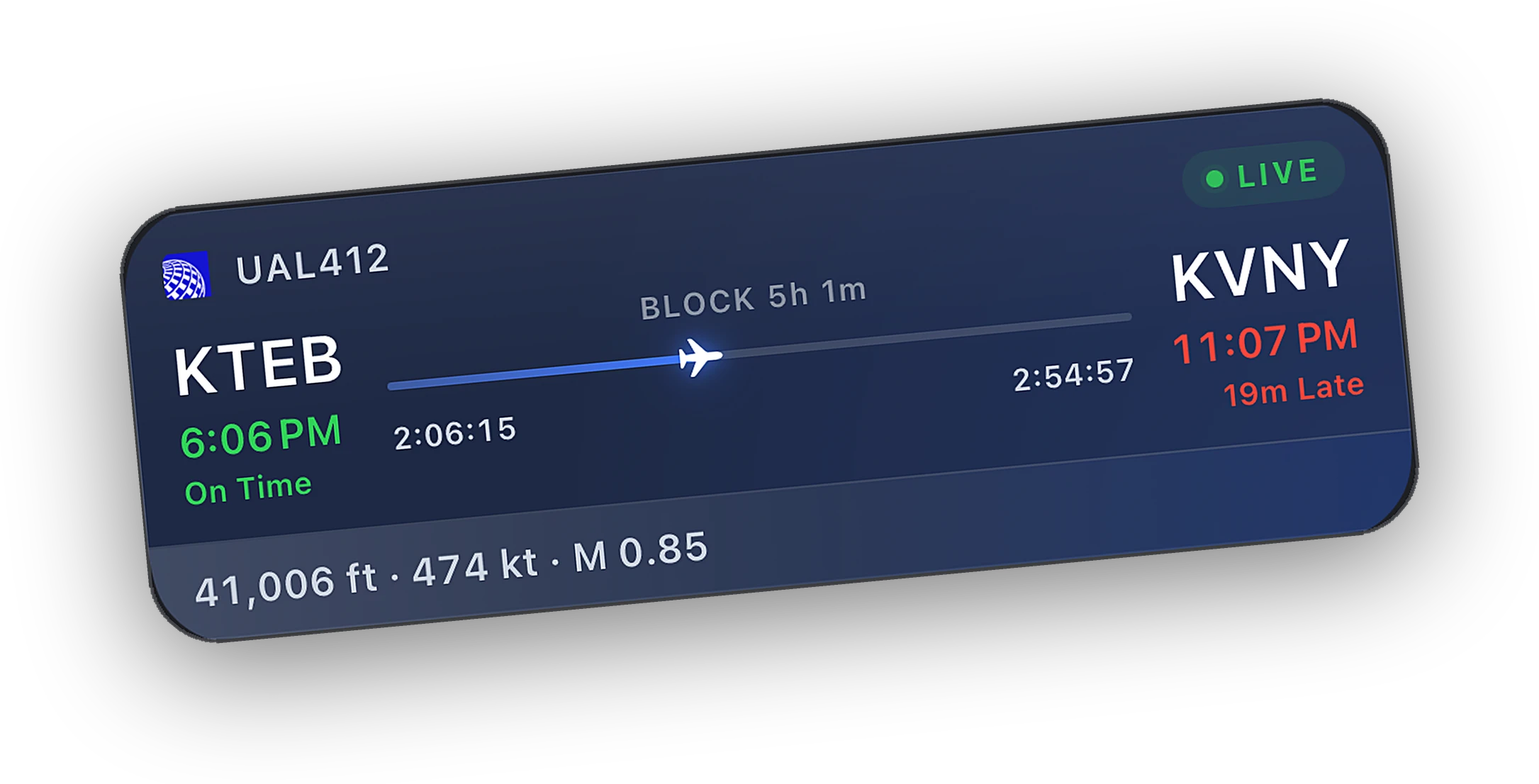
It still works. Live telemetry comes from sim-level data every aircraft has, so the map, Lock Screen, alerts, and logbook work with anything you load in MSFS or X-Plane.
Most aircraft follow the standard commands too. If one does not, the Systems tab tells you, and we want to hear which aircraft it was.
- Always worksLive map, Lock Screen, alerts, logbook, and reports.
- Usually worksAutopilot, lights, engines, and switches through standard commands.
- Works with any aircraftCamera views, pause, scheduled pause, and sim rate.
Questions, answered.
Which aircraft does Cobalt work with?
Every aircraft in MSFS 2020, MSFS 2024, X-Plane 11, and X-Plane 12 streams live telemetry, so tracking, Live Activities, alerts, and the logbook always work. The Fenix A320 family, FlyByWire A32NX and A380X, PMDG 737, and iFly 737 MAX have dedicated control profiles.
What does best effort mean?
The command goes out as a standard sim command, then the Bridge reads the cockpit back. If the aircraft did not follow, the app tells you instead of showing a switch that moved on the phone but not in the sim.
Is reading aircraft data free?
Yes. Live telemetry, the map, Lock Screen Live Activities, alerts, Systems readouts, and the logbook are free. Remote control from the phone is part of Cobalt Peak.
Do I need MobiFlight or other add-ons?
No, with one exception. Only the Fenix A320 on MSFS 2020 builds older than SU12 needs the free MobiFlight WASM module. Everything else works with the Bridge alone.
Not affiliated with PMDG, Fenix Simulations, FlyByWire Simulations, iniBuilds, iFly, Microsoft, Asobo, or Laminar Research. Product names belong to their owners.
Launching Saturday, October 10.
Join the list and the launch code lands in your inbox the moment the app is live. 10% off Peak.