

Default and other aircraft.
Every aircraft streams live telemetry to Cobalt, in both sims, with no profile needed. Default aircraft follow the standard commands, so the whole remote works with Peak.
Readouts are free. Remote control is part of Cobalt Peak.
What Cobalt does with the aircraft you load
Reading is free on every plan. Changing anything from the phone is Cobalt Peak.
What Cobalt reads
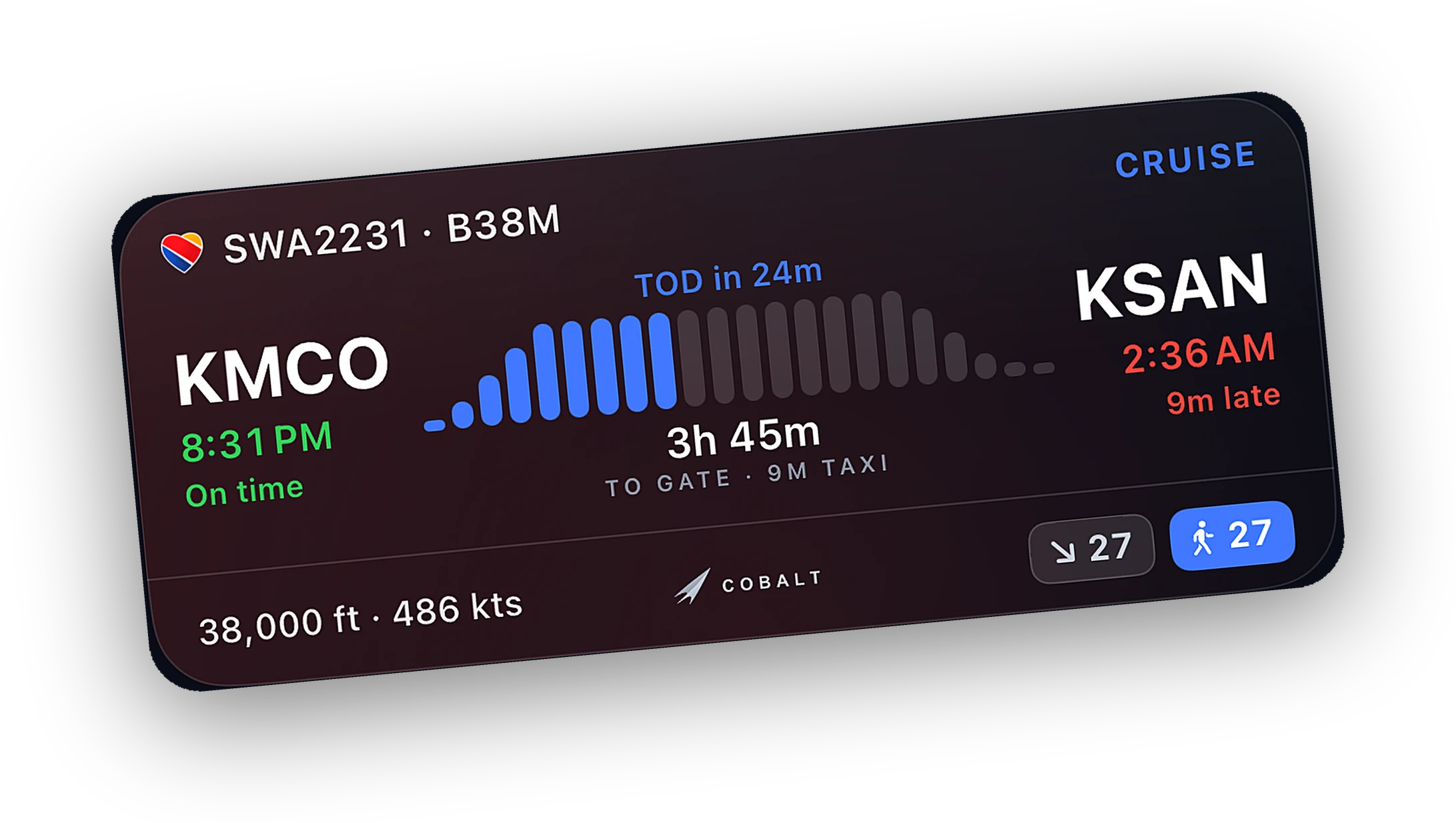
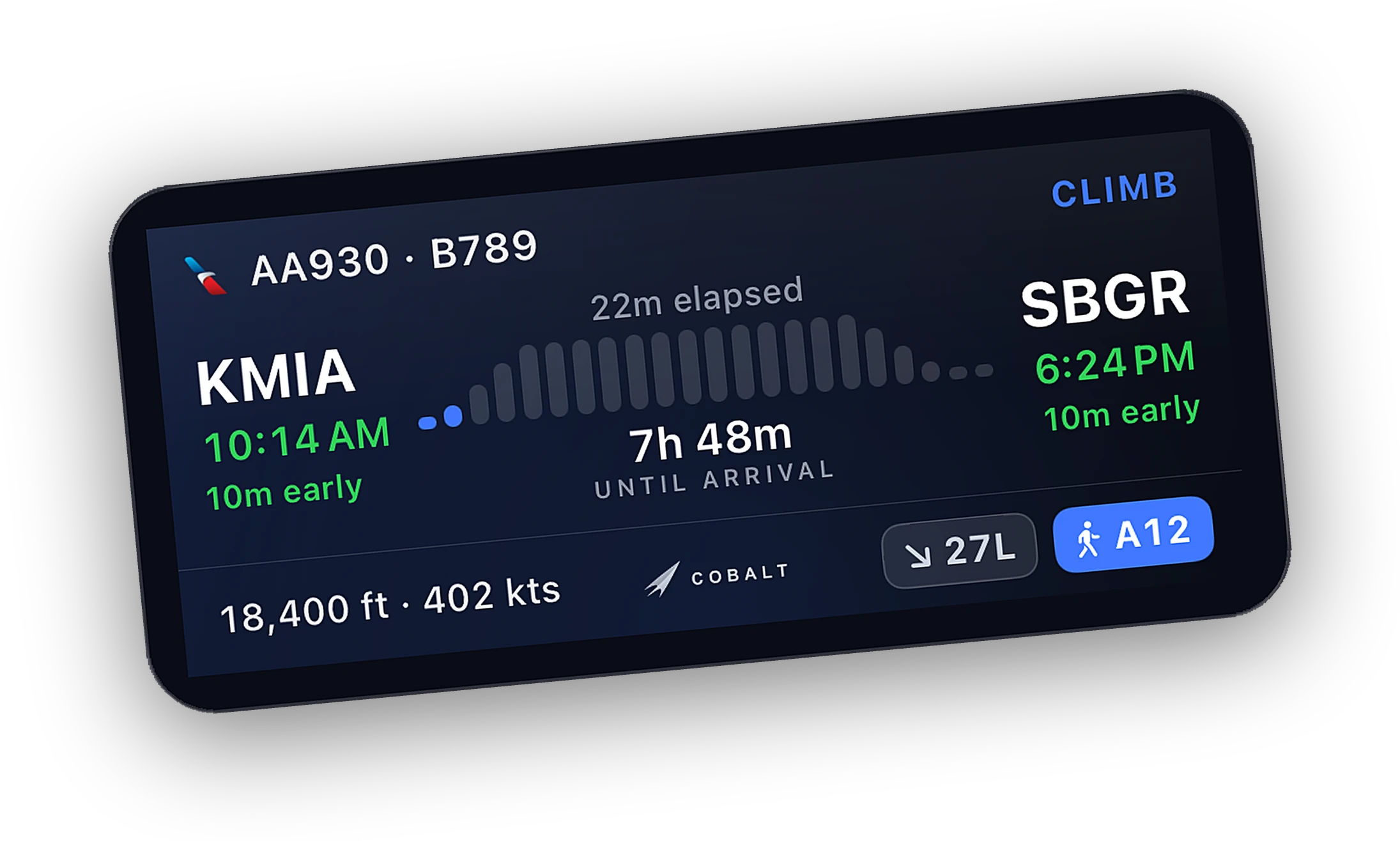
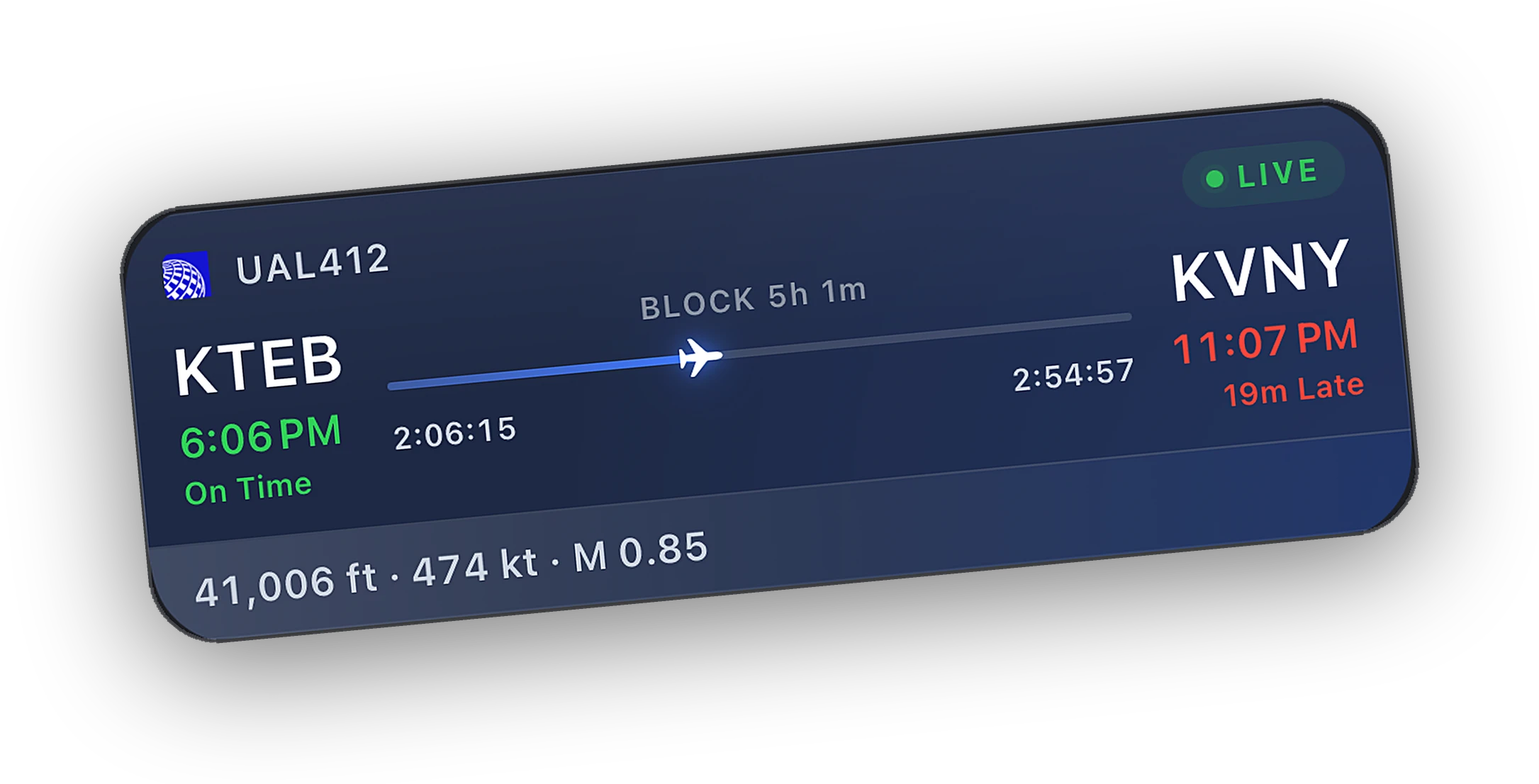
- Position, speed, altitude, and heading on the live map and Lock Screen
- Flight phase, top-of-descent alerts, and an automatic logbook entry
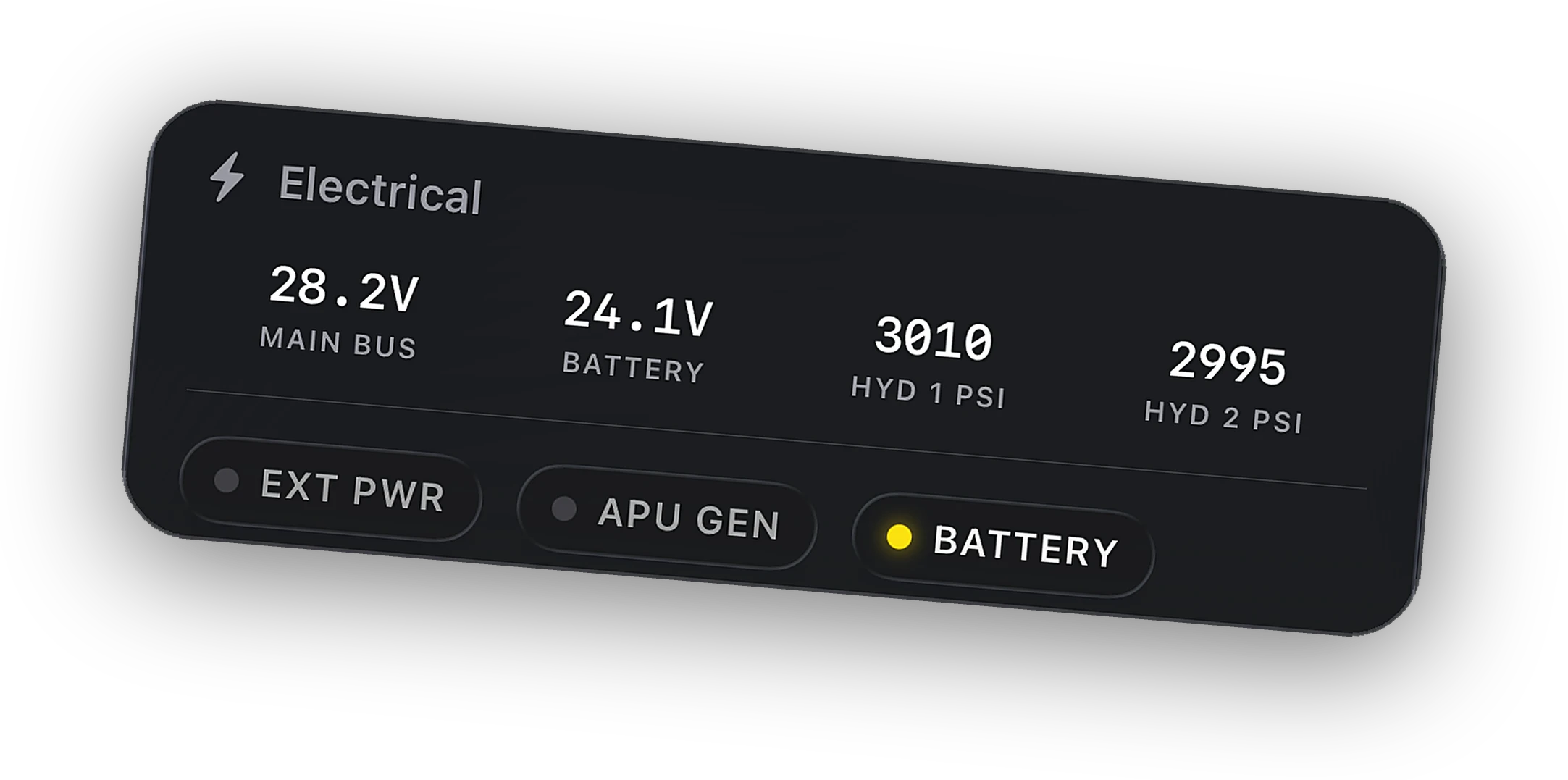
- Engines, fuel, electrical, and pressurization readouts
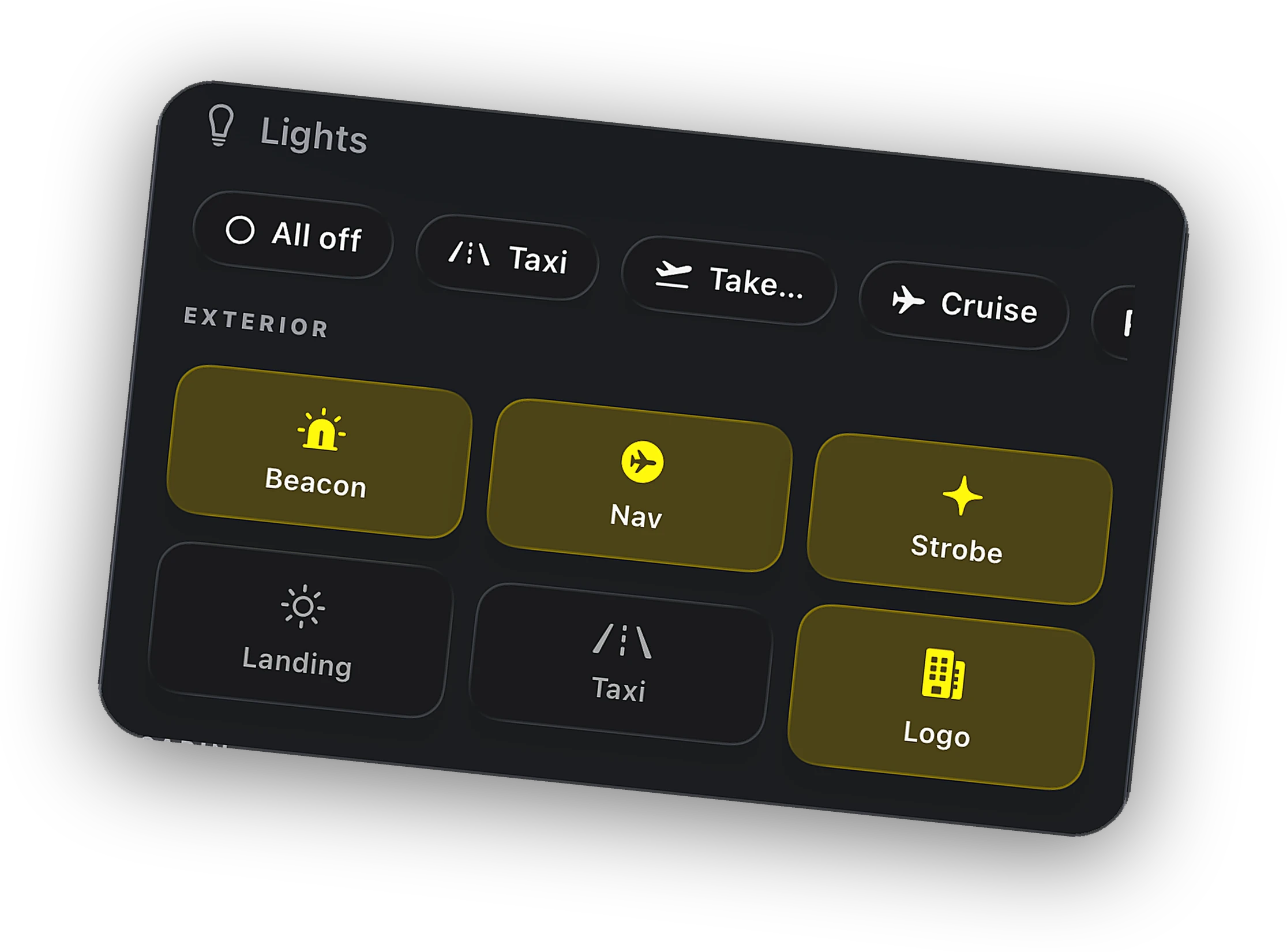
- Lights, gear, flaps, and cockpit switch states
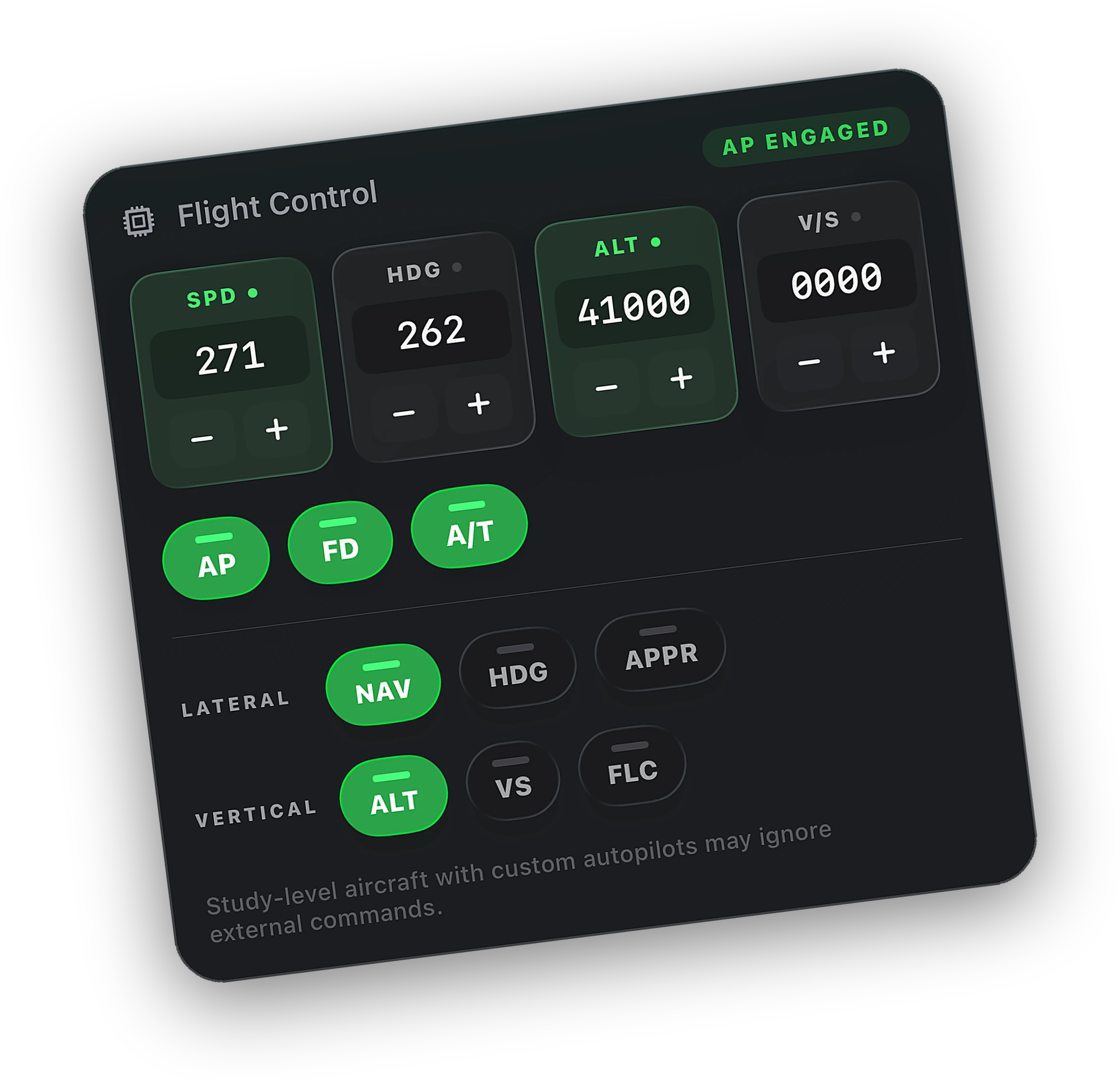
- Autopilot targets and active modes
- COM1 and COM2, active and standby
- Autopilot disconnect, engine failure, and sim paused alerts
What you can control with Peak
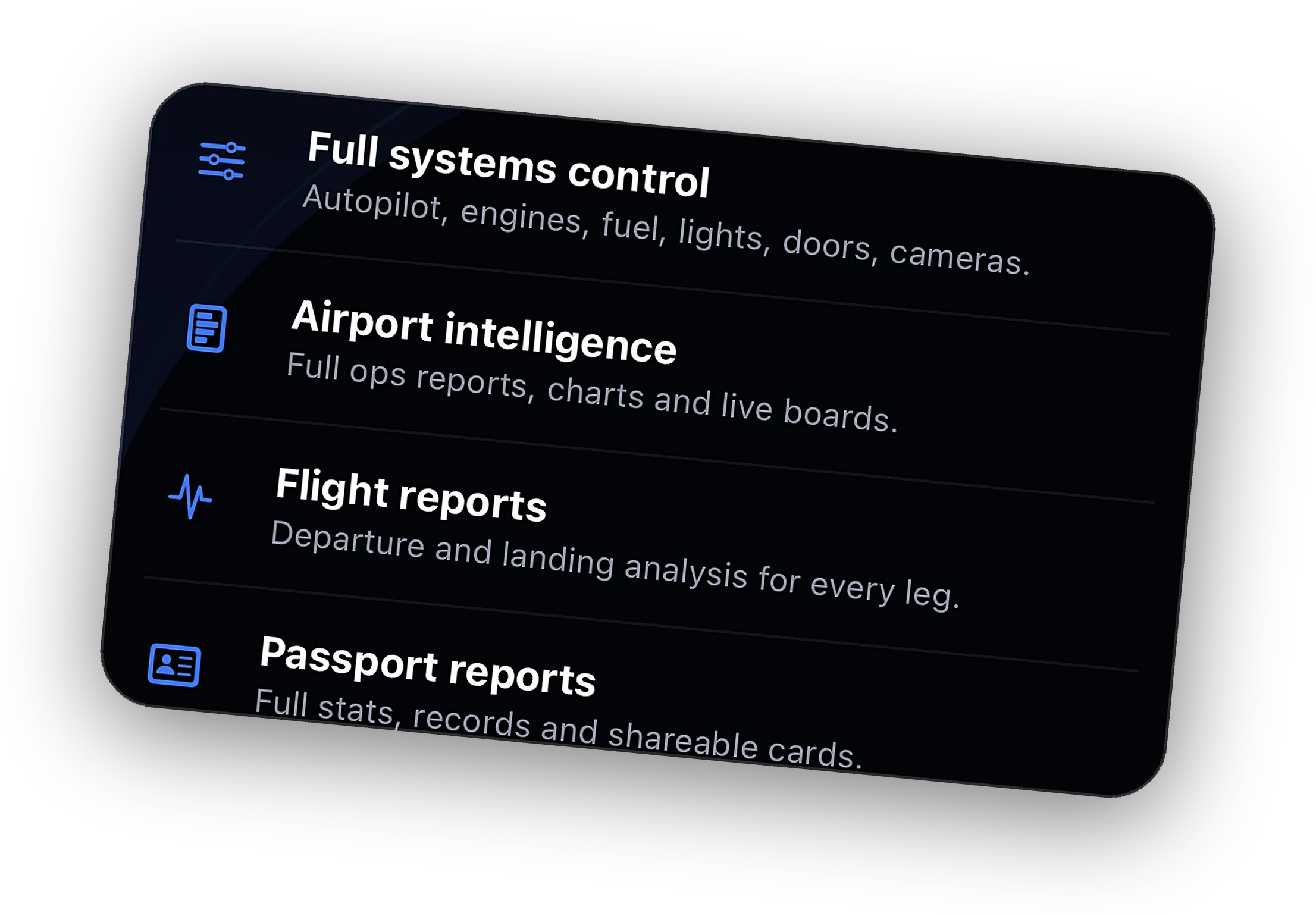
- Autopilot master, targets, and lateral and vertical modes
- Managed and selected on the default A320neo
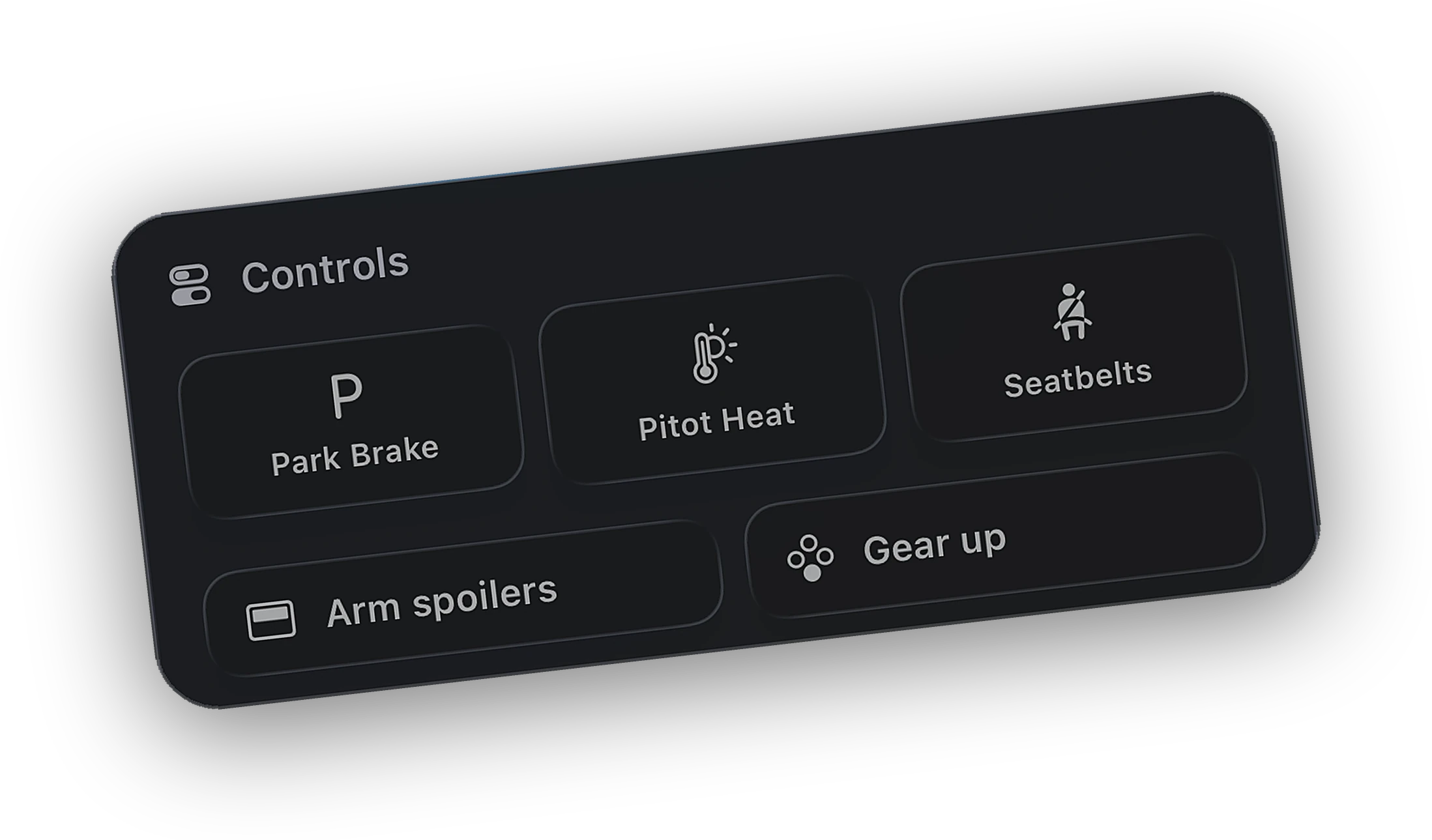
- Every exterior light, parking brake, seatbelt signs, pitot heat
- Engine start and cutoff, APU, gear, flaps, and spoilers
- COM1 and COM2, transponder, and altimeter setting
- Camera views, pause, scheduled pause, and sim rate
System by system
What the Bridge does today with this aircraft, read from its source, not a wish list.
| System | Read, free | Control, Peak |
|---|---|---|
| Flight data and phasePosition, speeds, altitude, phase, logbook | Live | Read only |
| Autopilot targetsStandard autopilot events in MSFS, datarefs in X-Plane | Live | Supported |
| Autopilot modesAP, FD, A/T, HDG, NAV, APPR, ALT, V/S, FLC | Live | Supported |
| Airbus managed and selectedDefault A320neo in MSFS, ToLiss knob push and pull in X-Plane | Live | Supported |
| Exterior lightsBeacon, nav, strobe, landing, taxi, logo | Live | Supported |
| Cockpit switchesParking brake, seatbelt signs, pitot heat, spoilers | Live | Supported |
| Engines and APUStart and cutoff per engine, APU | Live | Supported |
| Fuel, electrical, pressurizationLive readouts on the Systems tab | Live | Read only |
| COM radiosCOM1 and COM2, active and standby | Live | Supported |
| Gear and flapsFlap detents follow the airframe's own scale | Live | Supported |
| Camera, pause, sim rateX-Plane runs at 1x or faster and has no slew | Live | Supported |
Good to know before you fly
The Bridge reads sim-level variables in MSFS and sim-level datarefs in X-Plane. They exist for every aircraft, so the map, Lock Screen, alerts, and logbook work with anything you load.
The engine card follows the live engine count and type, piston, turboprop, or jet. Light GA aircraft hide what they do not have, such as taxi and logo lights, spoilers, APU, or pressurization.
The Asobo A320neo in MSFS 2020 and the MSFS 2024 A320neo get the Airbus FCU layout, with managed and selected modes through the sim's standard slot events.
Sim rate goes from 1x up, since X-Plane cannot run slower than real time, and there is no slew mode. On ToLiss aircraft, knob push and pull work and FCU values are set in the cockpit.
Some third-party aircraft model their own systems and ignore standard commands. Cobalt reads each command back and tells you when the aircraft did not follow. Tracking is never affected.
Nothing goes into the Community folder or the X-Plane plugins folder. The Bridge talks to MSFS through SimConnect and to X-Plane over its built-in network interface.
Questions, answered.
Does Cobalt work with every aircraft?
Every aircraft in MSFS 2020, MSFS 2024, X-Plane 11, and X-Plane 12 streams live telemetry to Cobalt, so tracking, Live Activities, alerts, and the logbook always work. Remote control works fully on default aircraft and on most add-ons. Some study-level add-ons ignore standard commands.
Does it work with the Cessna 172 and other GA aircraft?
Yes. The Systems tab adapts to the aircraft: one piston engine shows one engine, and systems a light aircraft does not have, like spoilers or an APU, are hidden. Autopilot speed targets go down to 40 kt for slow aircraft.
Does it work in X-Plane?
Yes, X-Plane 11 and 12 on Windows or Mac. The Bridge uses X-Plane's built-in network interface, so there is no plugin to install. Sim rate goes from 1x up, and there is no slew mode.
My add-on is not listed. Will it work?
Tracking will. For controls, try the free plan and watch the Systems tab. If a command does not land, the app tells you. Let us know on the support page which aircraft you fly.
Other aircraft
How Cobalt works with the rest of the hangar.
Launching Saturday, October 10.
Join the list and the launch code lands in your inbox the moment the app is live. 10% off Peak.
Compatibility reflects Cobalt Bridge as of October 2026. Aircraft updates can change what works. Product names belong to their owners. Not affiliated with Microsoft, Asobo, or Laminar Research.