

Free
The airport in one line.
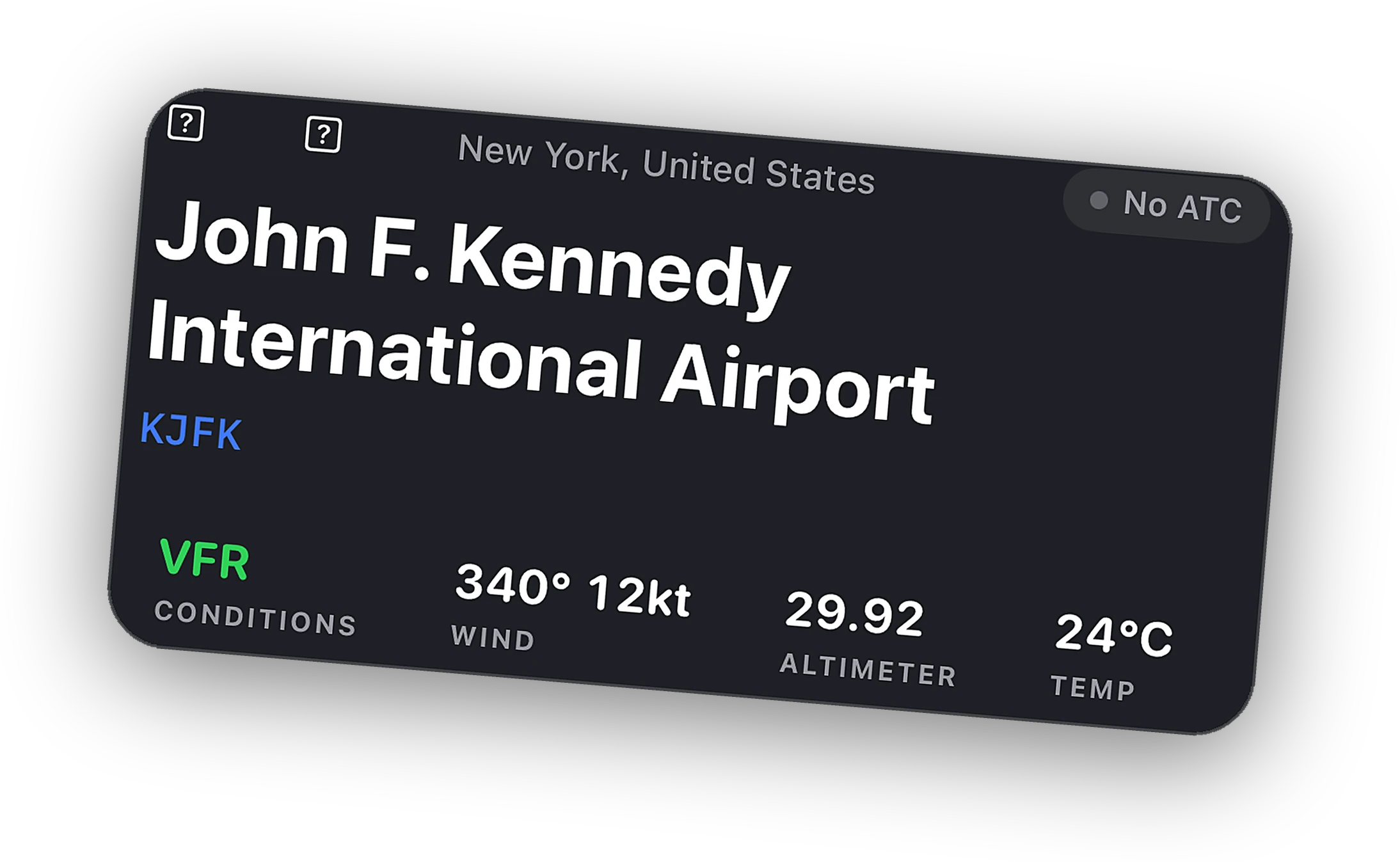
VFR to LIFR color-coded, wind, temperature, departures and arrivals, and the number of controllers online. Tap any pill to jump to its section.
 Cobalt
Boards, weather, controllers, and what the traffic is doing. Pulled live from the network and decoded for humans.
Free to fly. MSFS 2020, 2024, X-Plane 11 and 12. iPhone and iPad.
VFR to LIFR color-coded, wind, temperature, departures and arrivals, and the number of controllers online. Tap any pill to jump to its section.
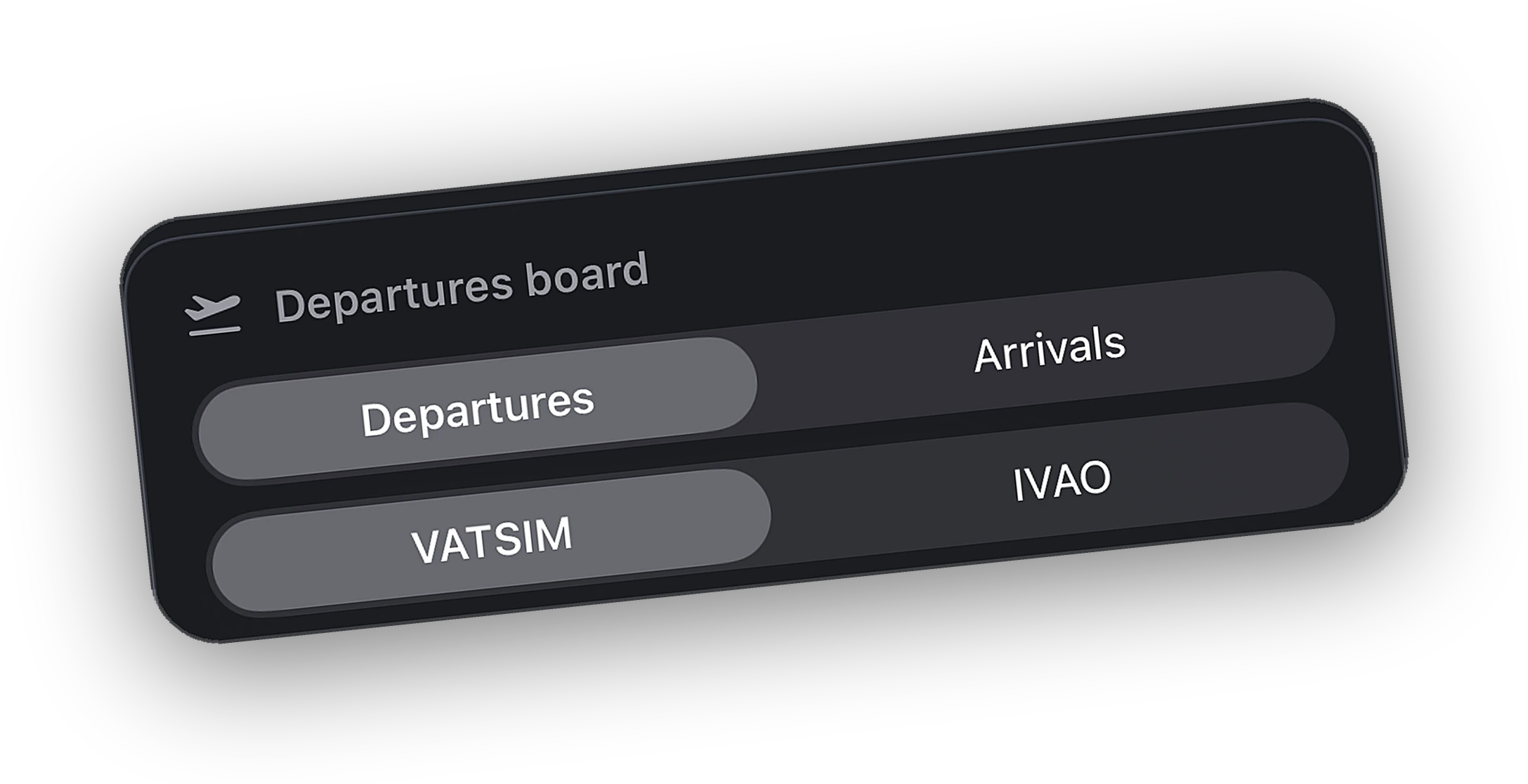
Every network flight in and out, airline logos, and status-tinted times. Late in red, on time in green, taxiing in orange.
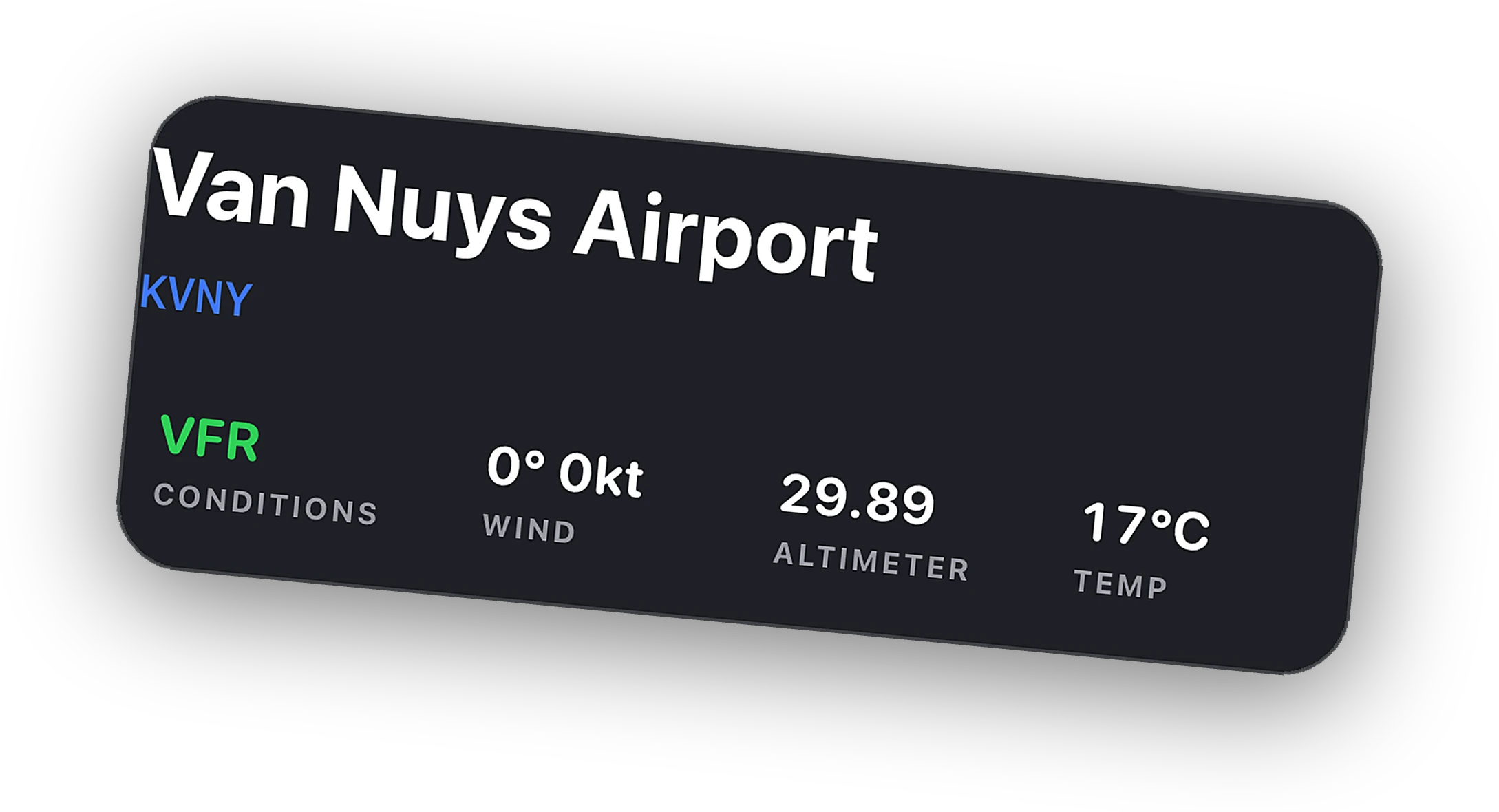
Wind, visibility, ceiling, temperature, and altimeter as plain tiles, with the raw METAR underneath for the purists.
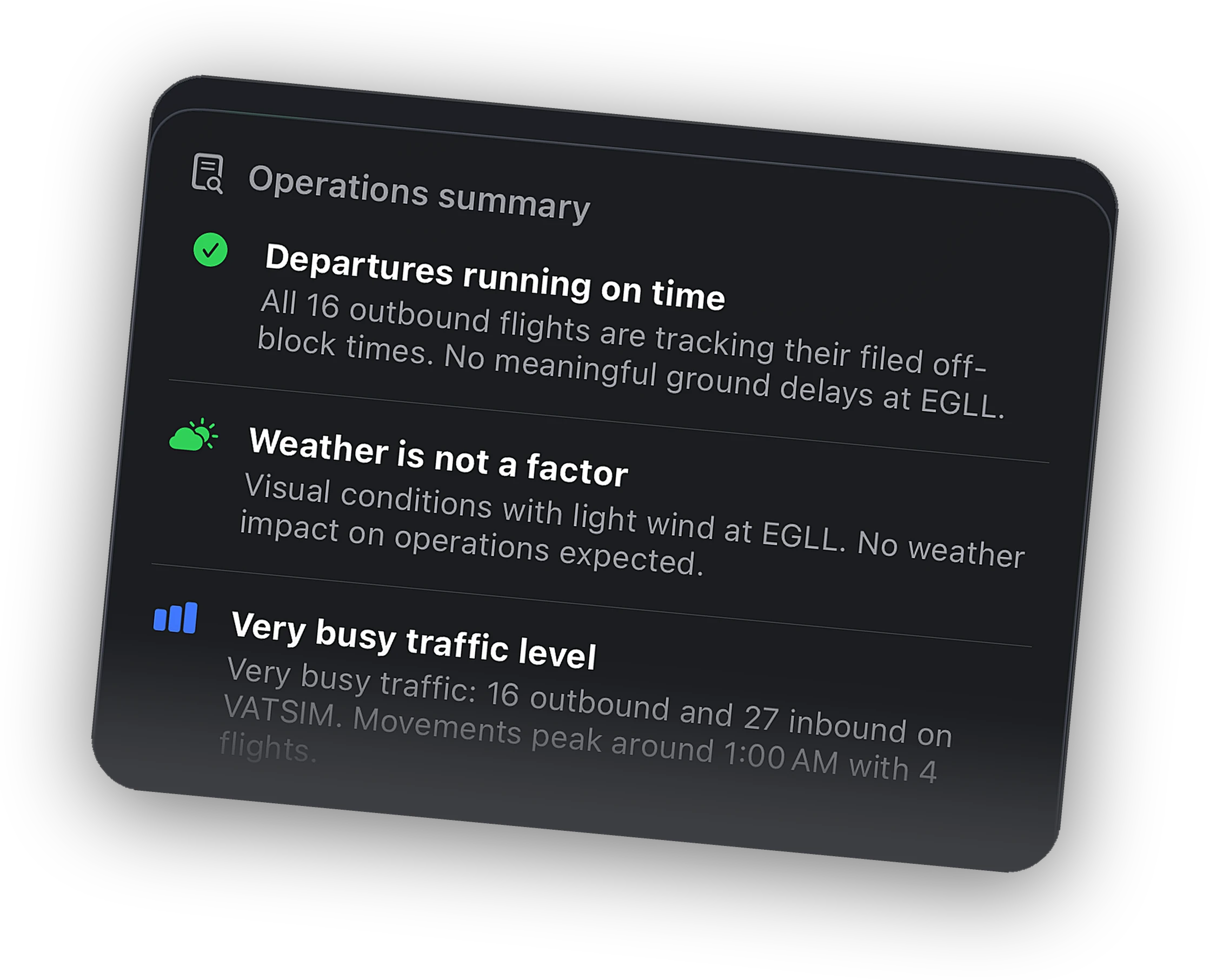
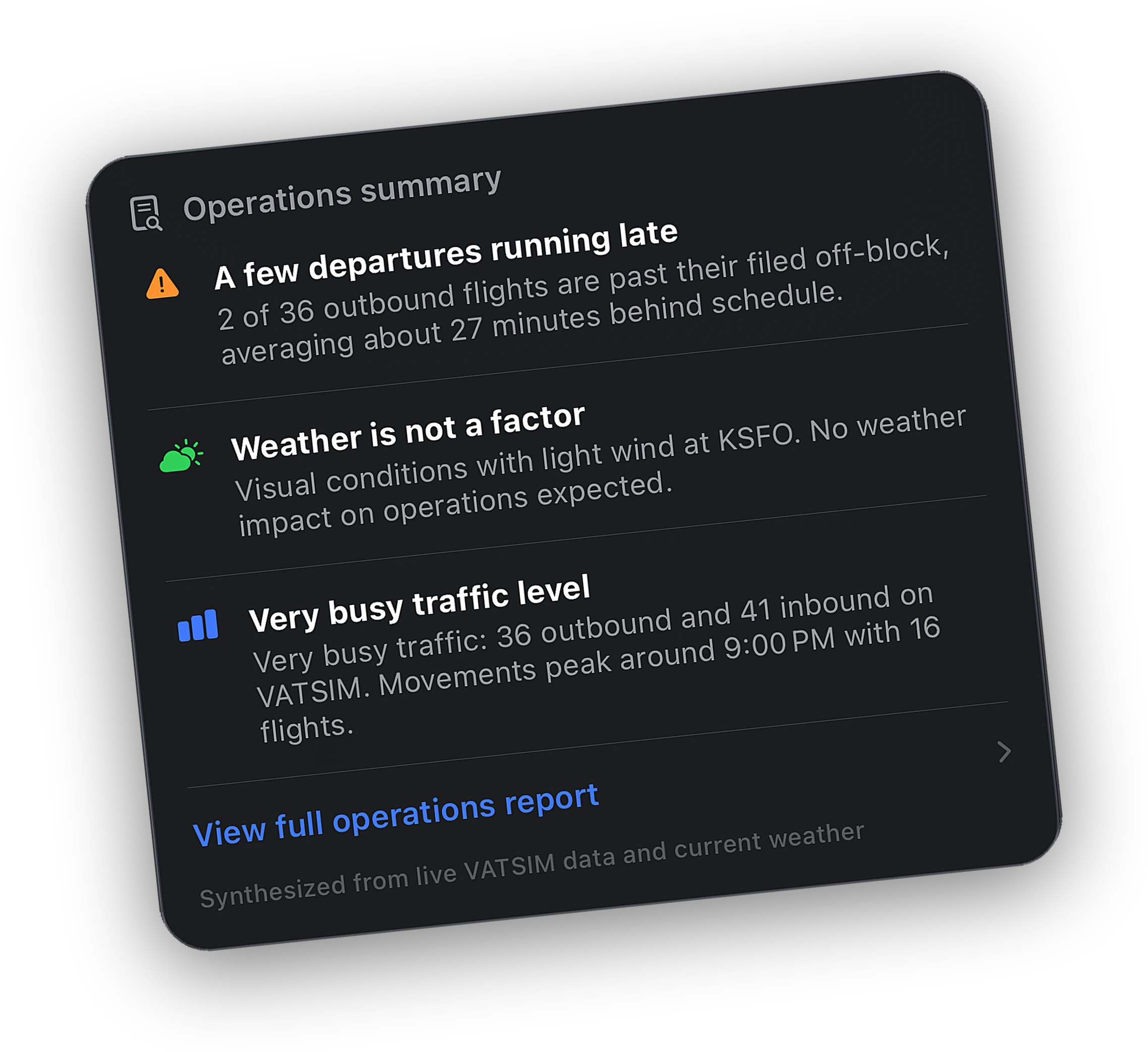
Cobalt reads the live network and writes the ops picture. Departures running on time. Weather is not a factor. Traffic heavier than usual.
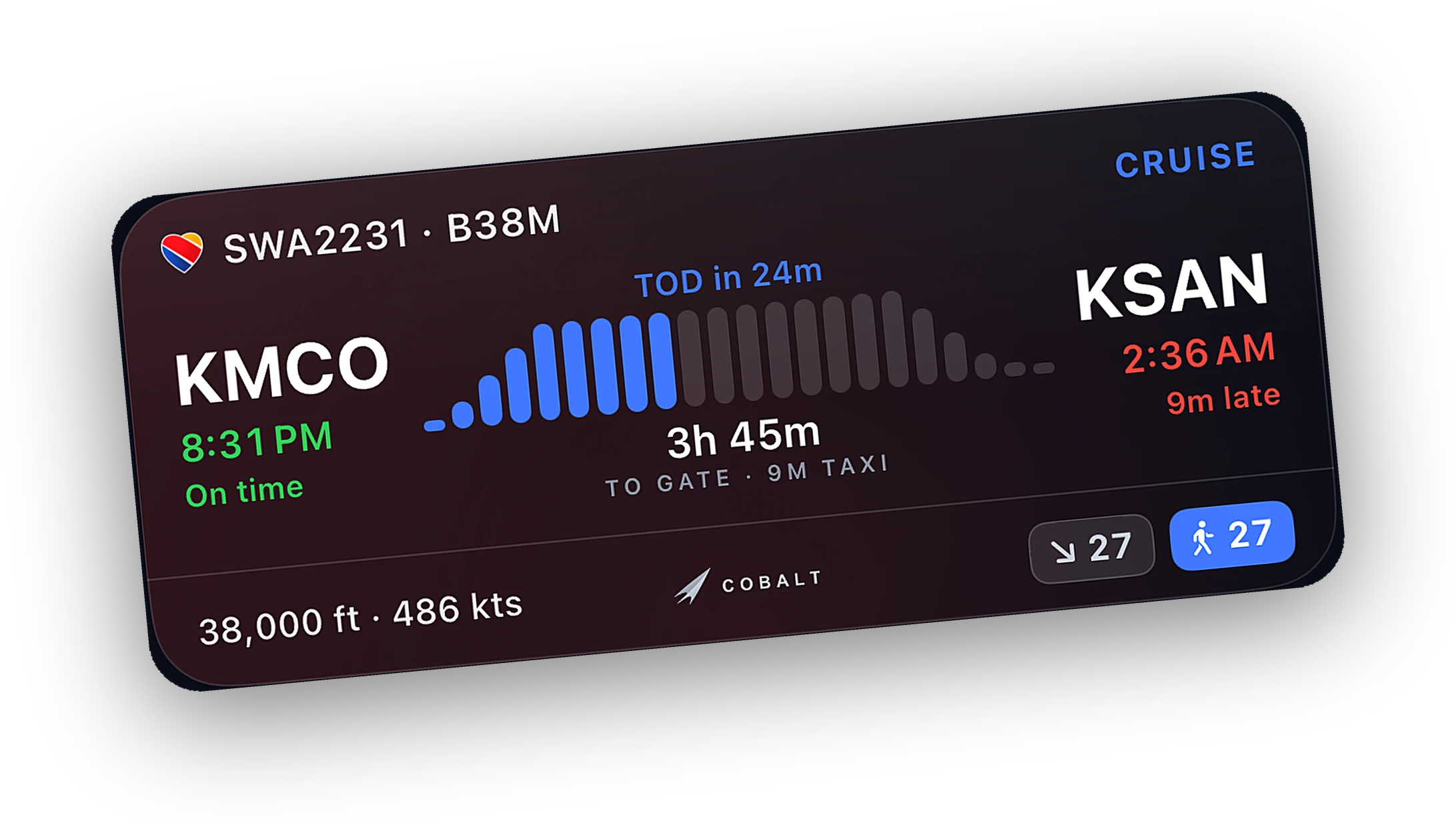
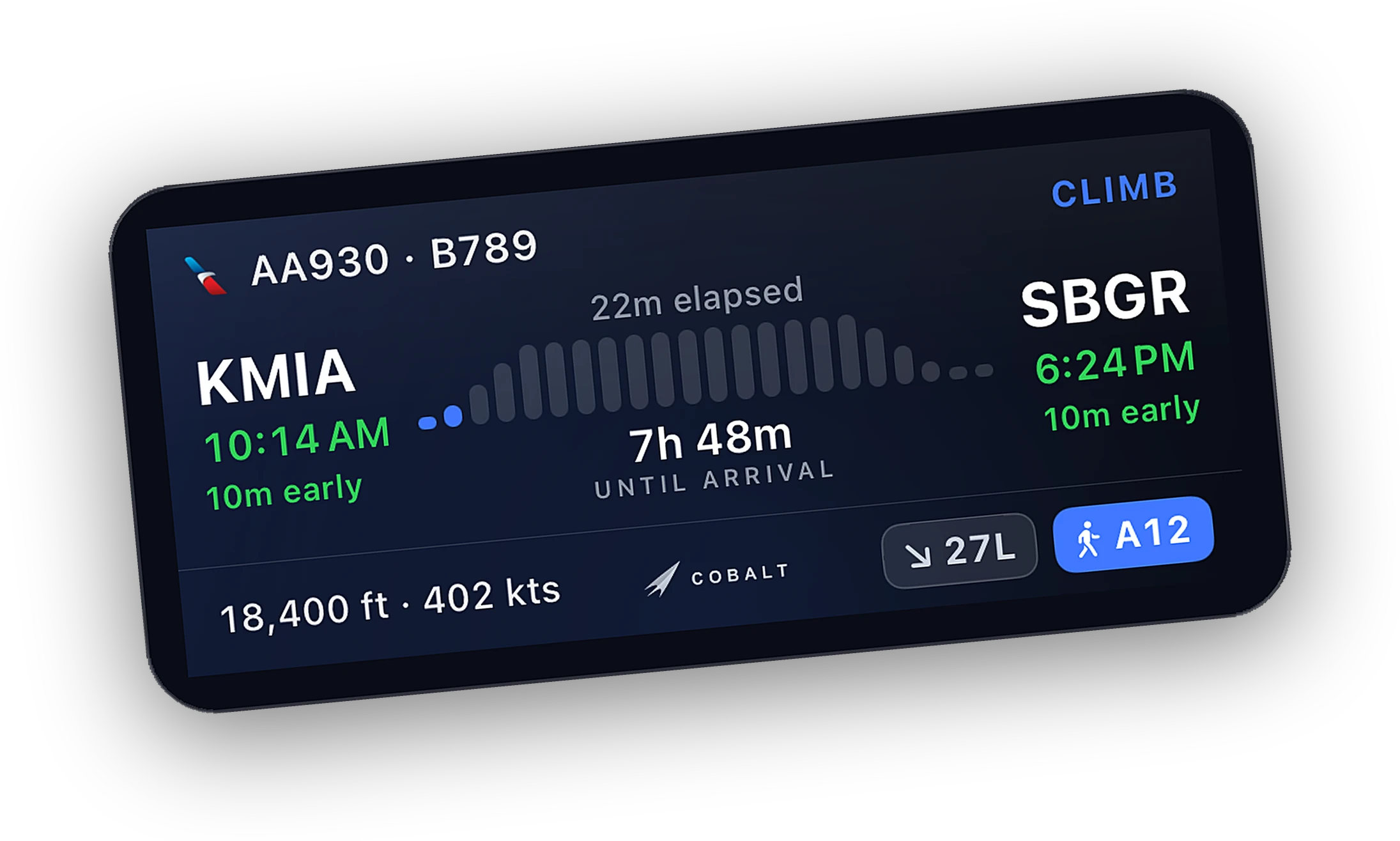
Cobalt records real taxi times from network flights and learns each airport's typical taxi-out and taxi-in. Your smart taxi timer compares you against it live.
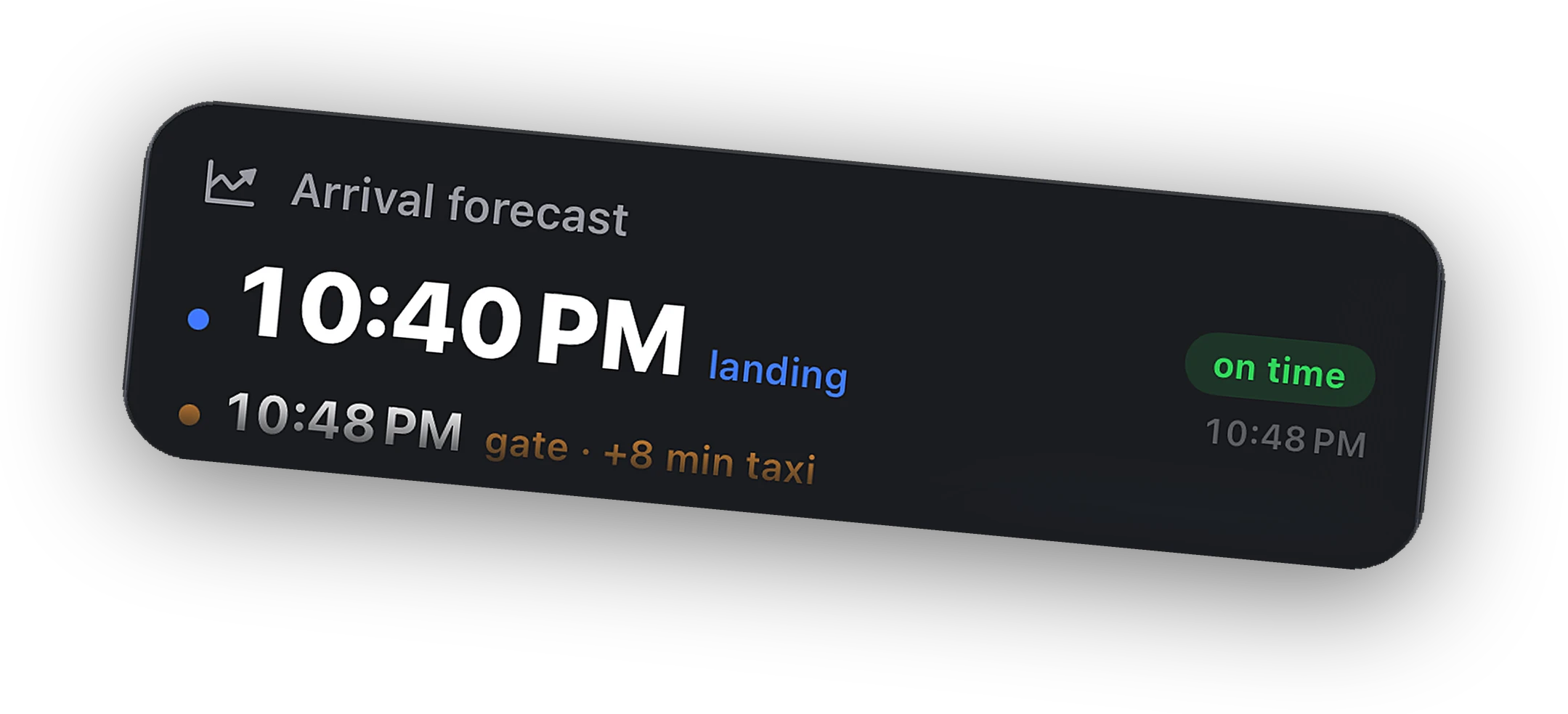
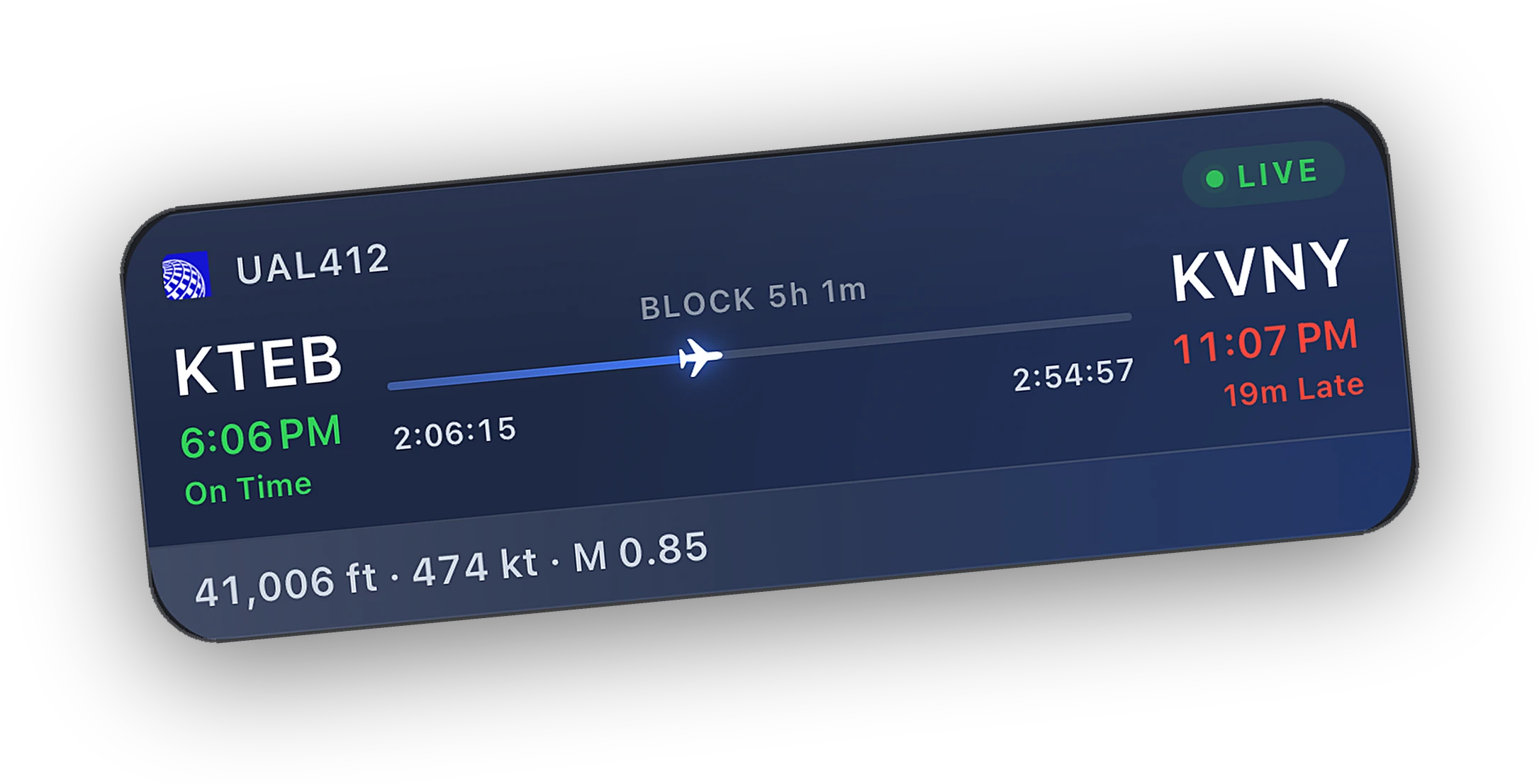
Your filed time blended with observed ground speed into a band like 18:42 to 18:55. It tightens as you get closer.
Departures and arrivals built from VATSIM and IVAO flight plans and live positions, not schedules.
Average taxi-out and taxi-in observed at each airport from real network flights.
Decoded METAR, wind, and active runways on one sheet, so the briefing takes one glance.
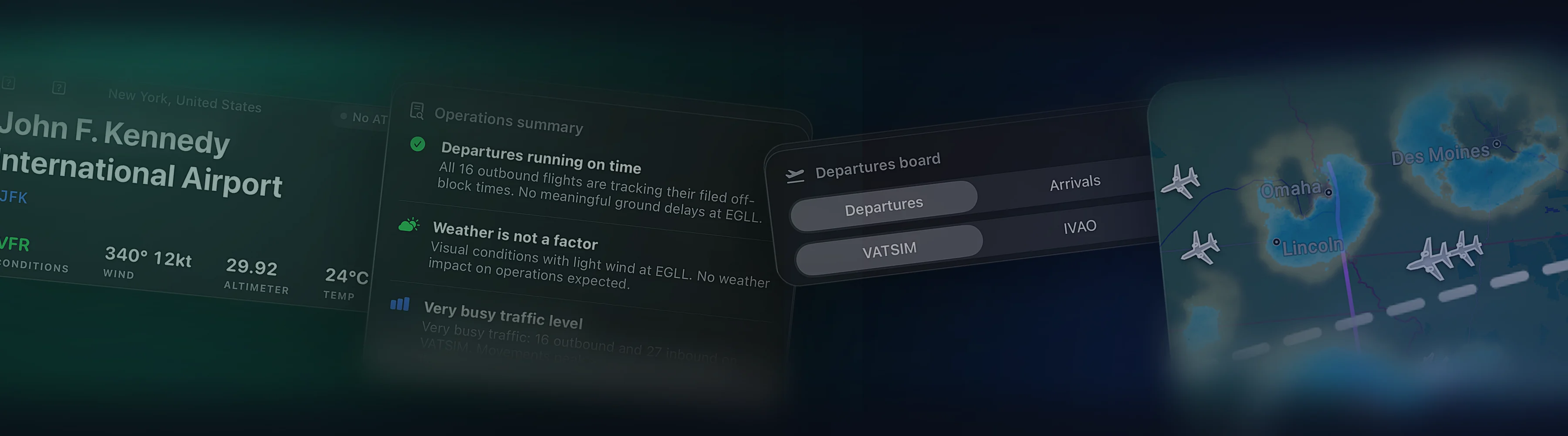
Live departures and arrivals for any airport at cobaltsim.com/airports. Share it with the group before an event.
One small app on the sim PC. The phone does the rest.
A small free app for the sim PC. Windows or Mac. It finds MSFS or X-Plane on its own.
Same Wi-Fi, no pairing codes. The app sees the Bridge and connects in a few seconds.
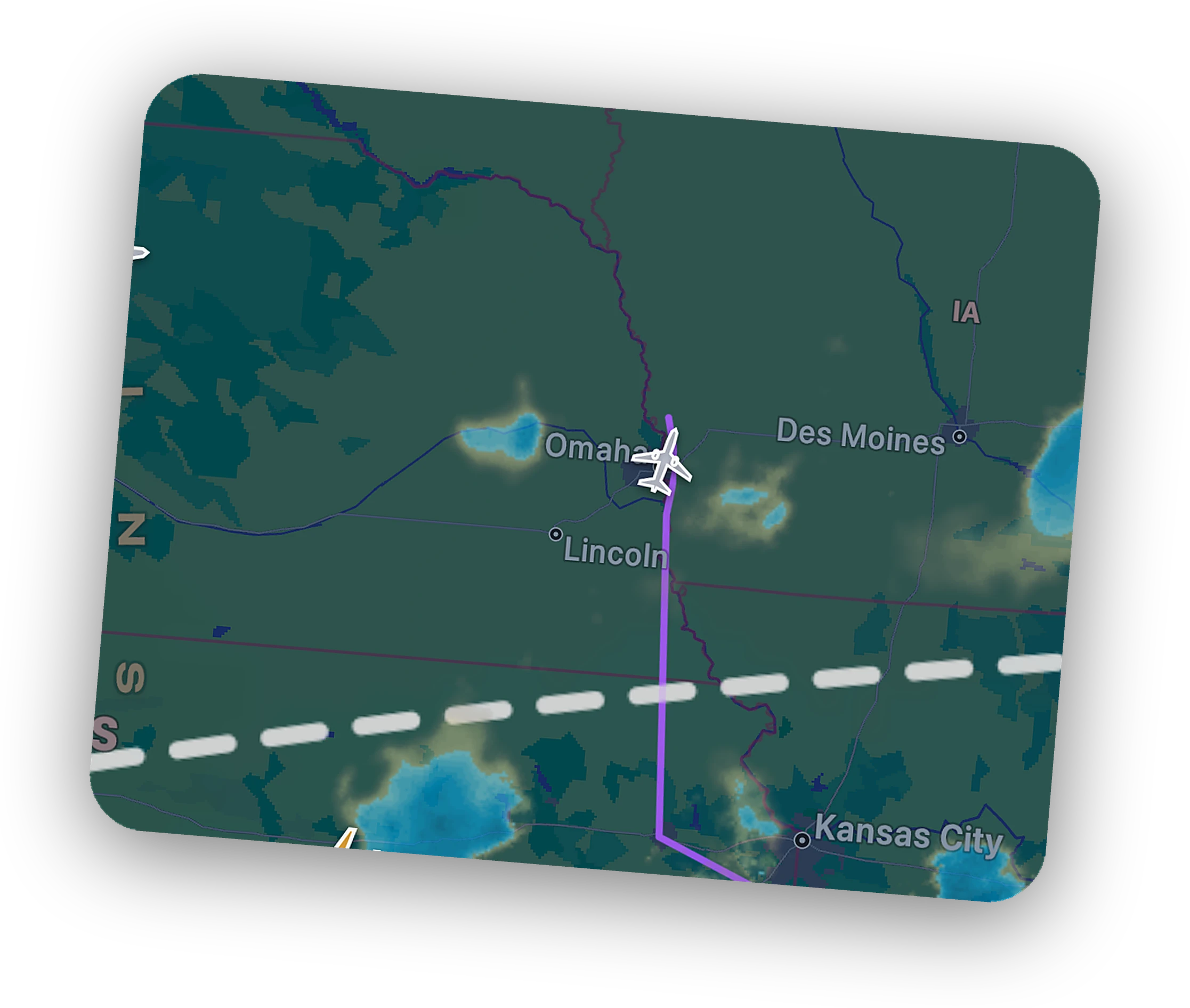
Your flight on the map, the Live Activity on the Lock Screen, and the logbook writing itself.
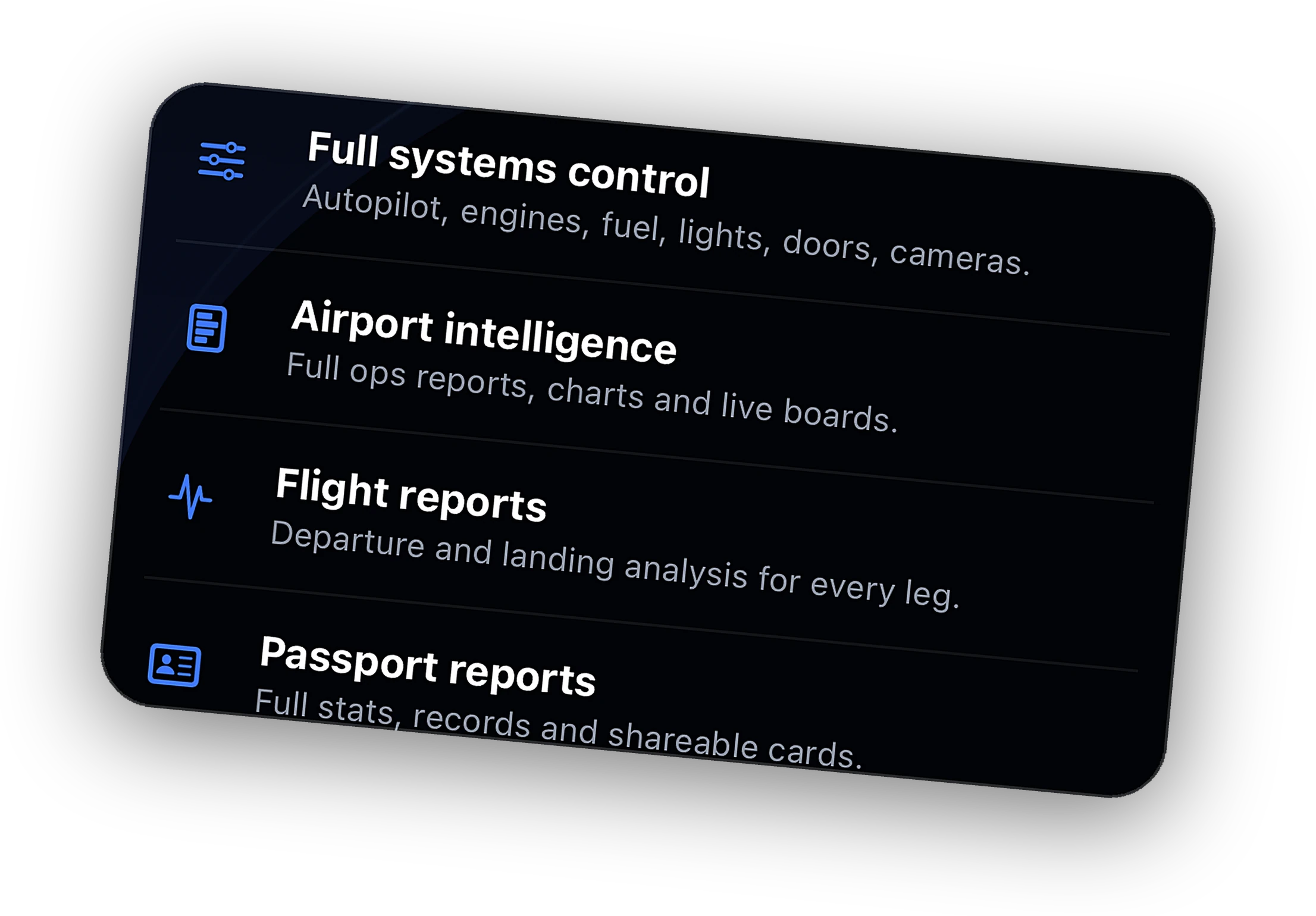
Nothing is hidden on the free plan. Peak unlocks control, depth, and history.
Both big sims, both networks, and the devices already in your pocket.
VATSIM and IVAO. Boards show network flights in and out of the airport, updated continuously.
Yes. METARs are live for the real airport, which is also what the sims use for live weather.
Cobalt links each airport to its charts on ChartFox and SkyVector, a tap from the briefing.
Yes. Scheduled flights get a briefing card with METARs at both ends, active ATC on the route, and expected top of descent.
More of what Cobalt does.
Download Cobalt for iPhone and iPad. Install the Bridge on your sim PC and your next flight is on your phone.
Point your iPhone camera here. It opens Cobalt on the App Store.