Free
It starts when you do.
Wheels up and the Live Activity is already there. Phase, altitude, and time to destination, right on the Lock Screen and in the Dynamic Island.
 Cobalt
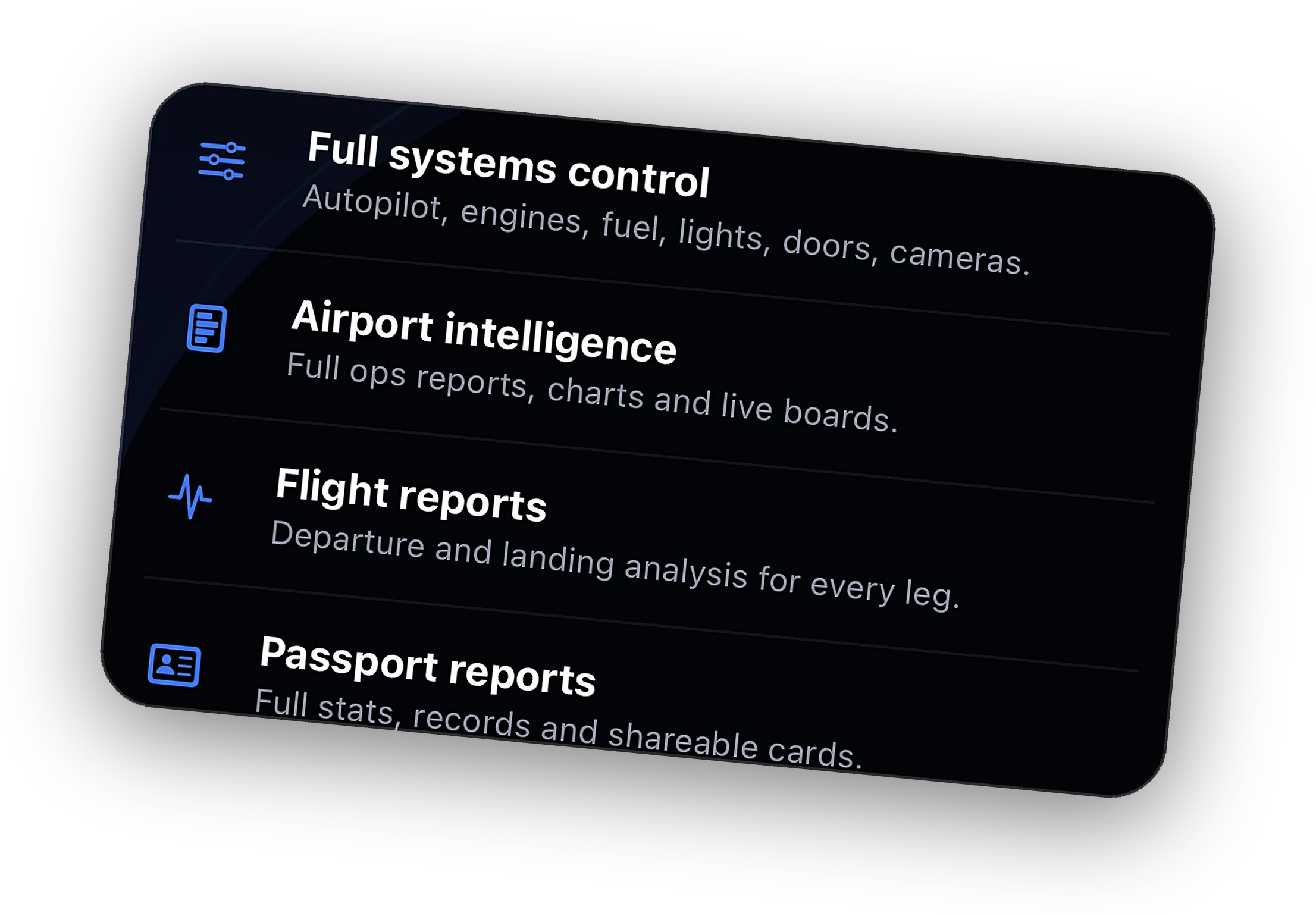
Remote systems, live camera, Relay from anywhere, ATC messaging, full history, and the Bridge on 3 PCs.
Explore →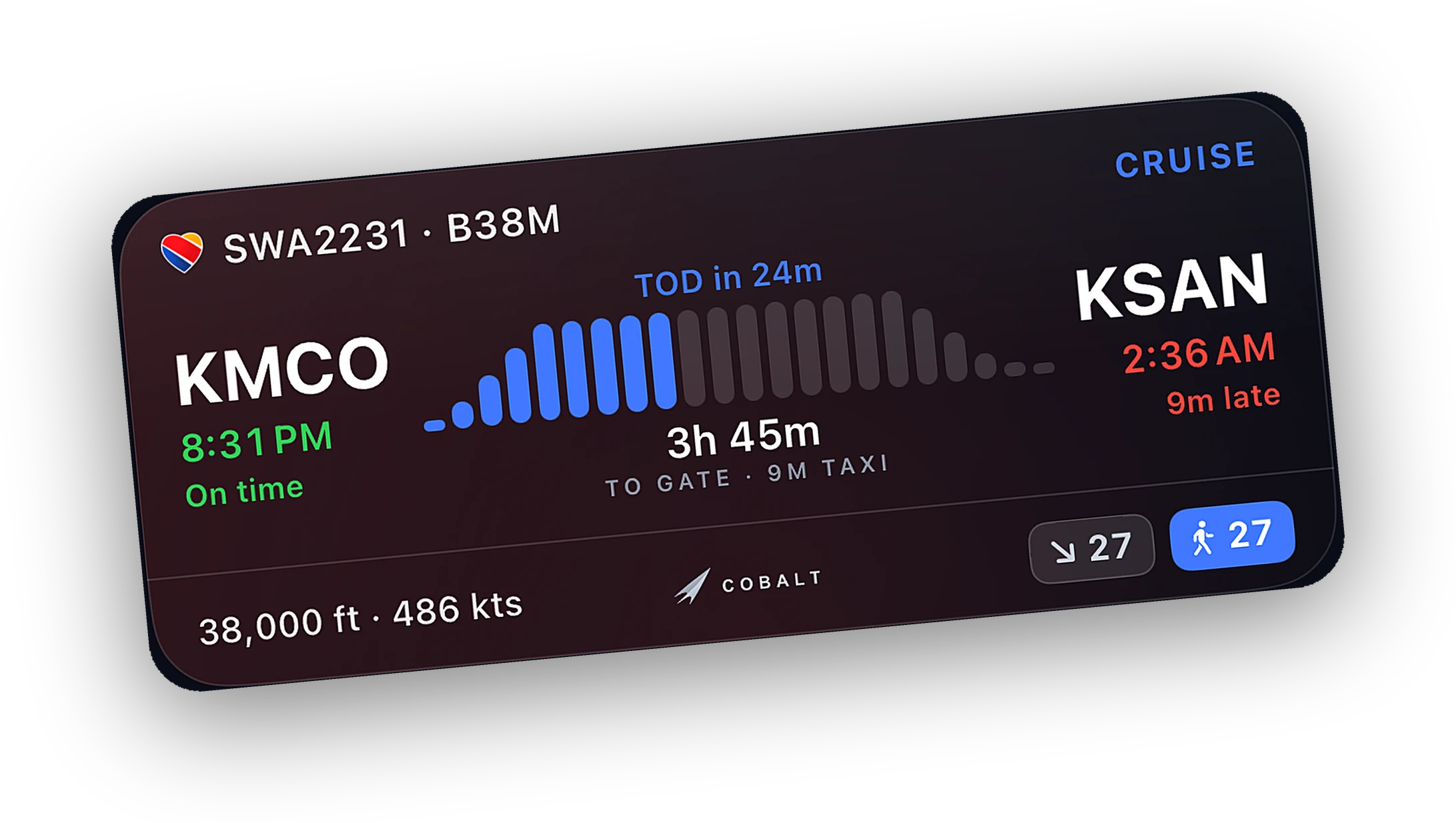
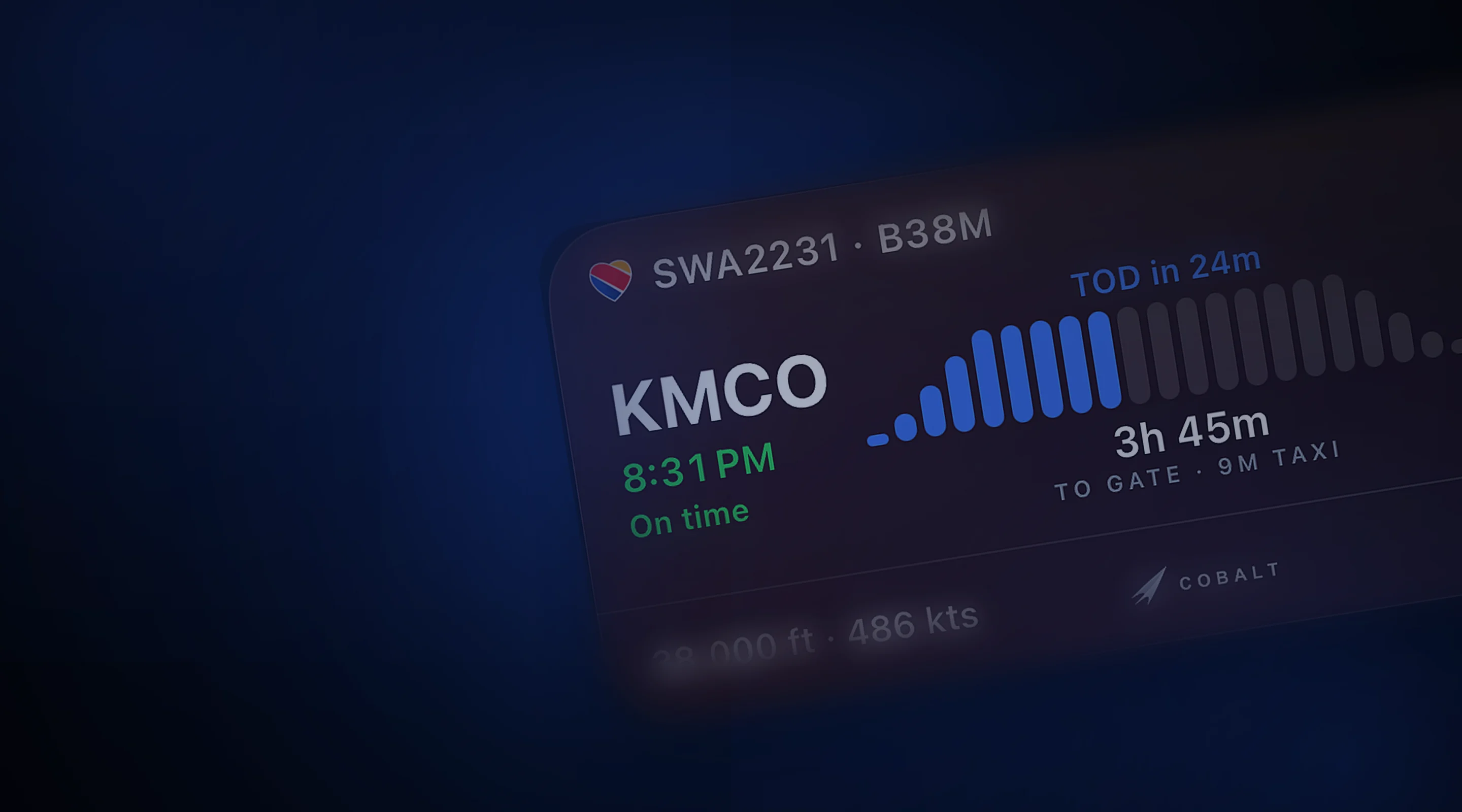
Progress, altitude, and a ticking ETA on the Lock Screen. A top-of-descent alert brings you back.
Explore →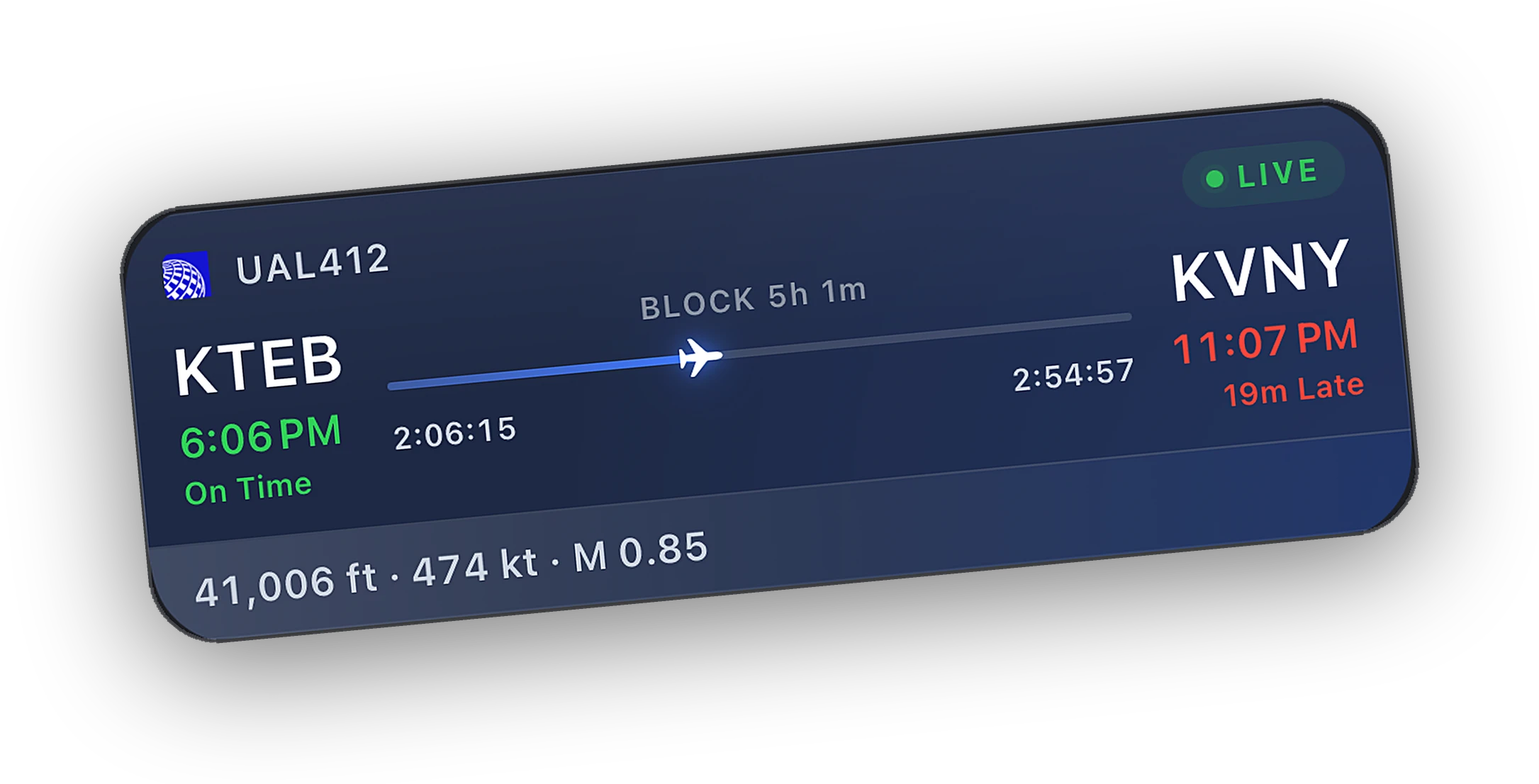
Install the Bridge, open Cobalt on the same Wi-Fi, and it finds the sim on its own.
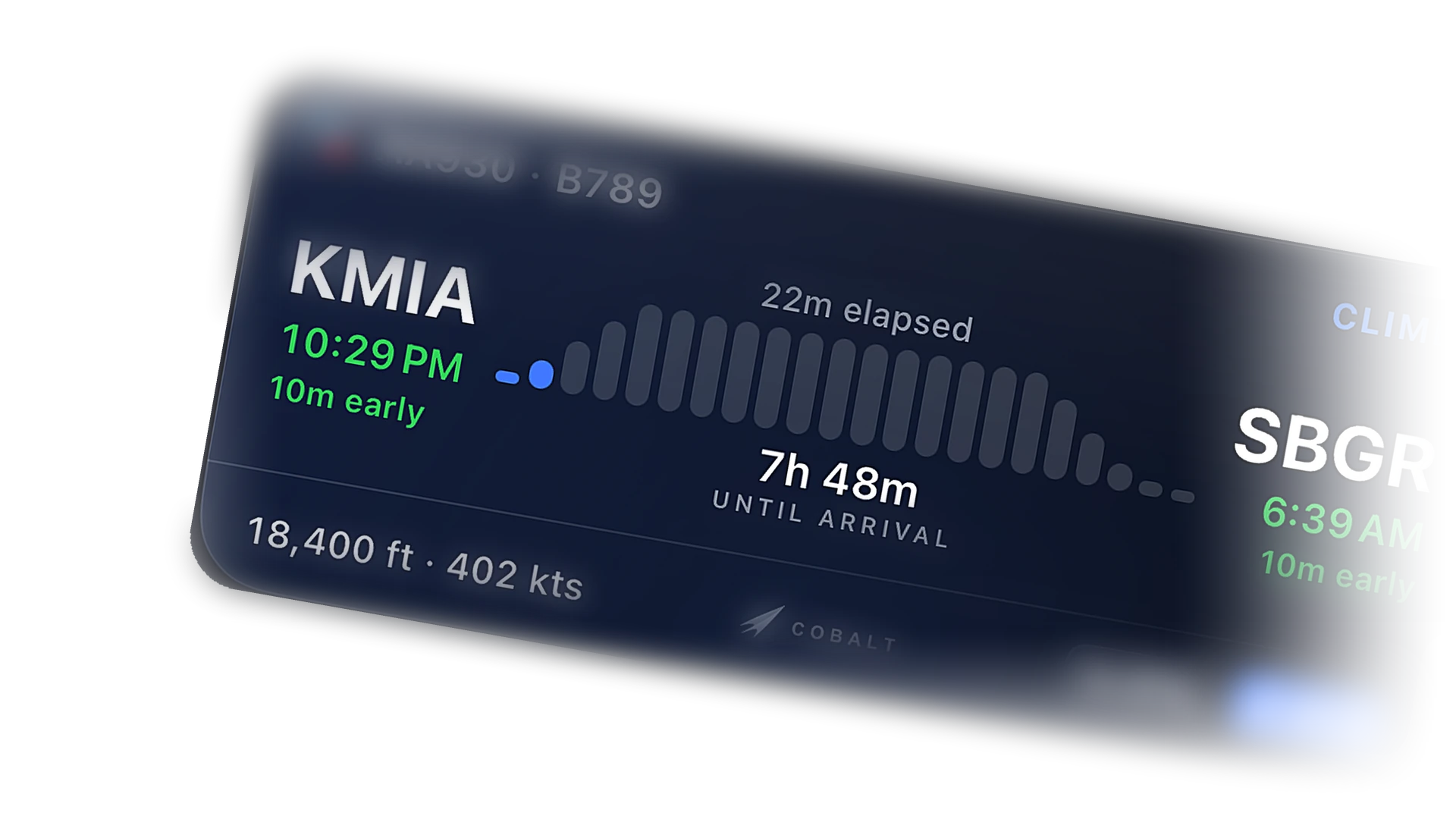
Explore →Phase, progress, and a ticking ETA without unlocking the phone. Set cruise, walk away, and come back for descent.
Free to fly. MSFS 2020, 2024, X-Plane 11 and 12. iPhone and iPad.
Wheels up and the Live Activity is already there. Phase, altitude, and time to destination, right on the Lock Screen and in the Dynamic Island.
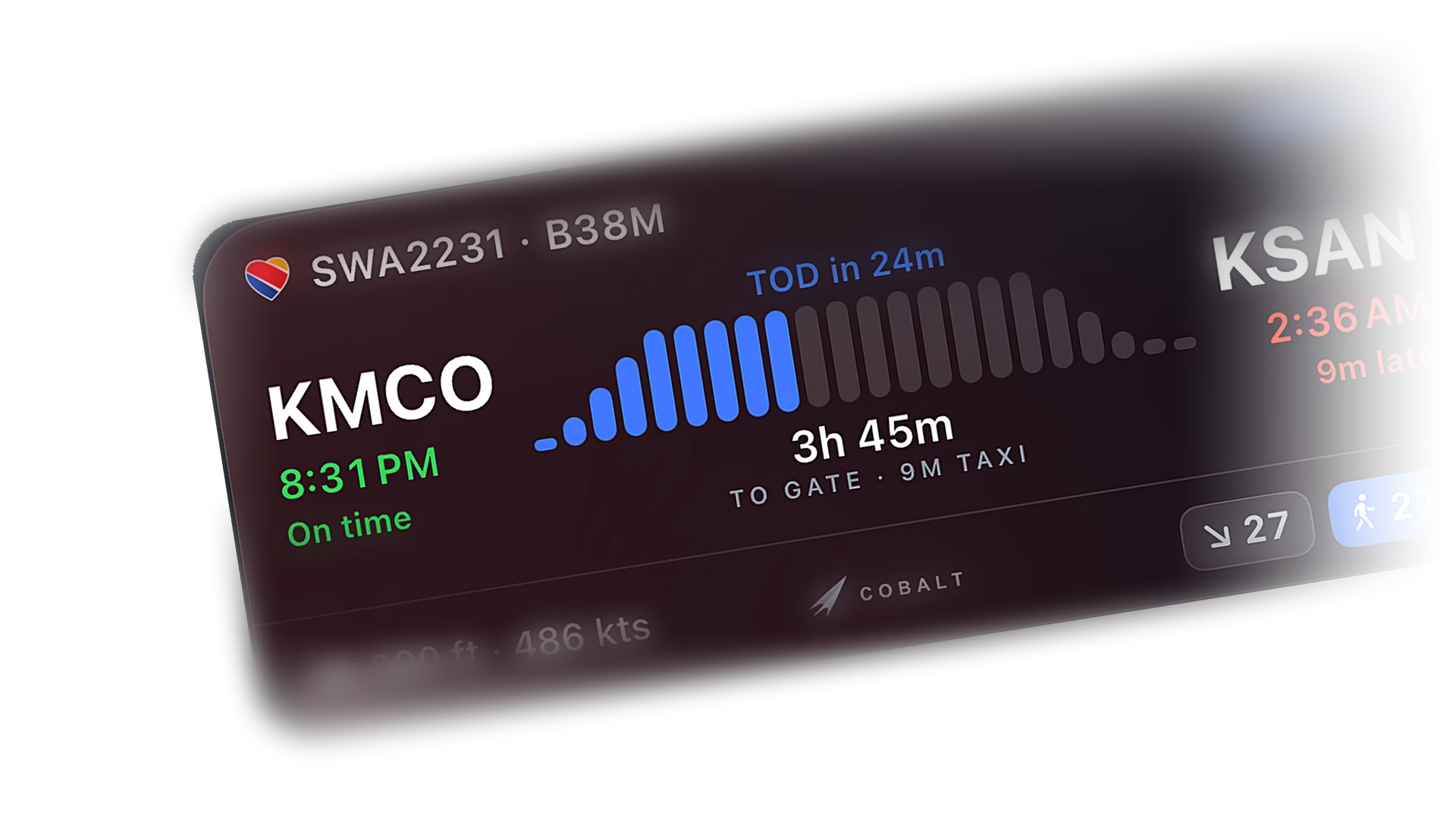
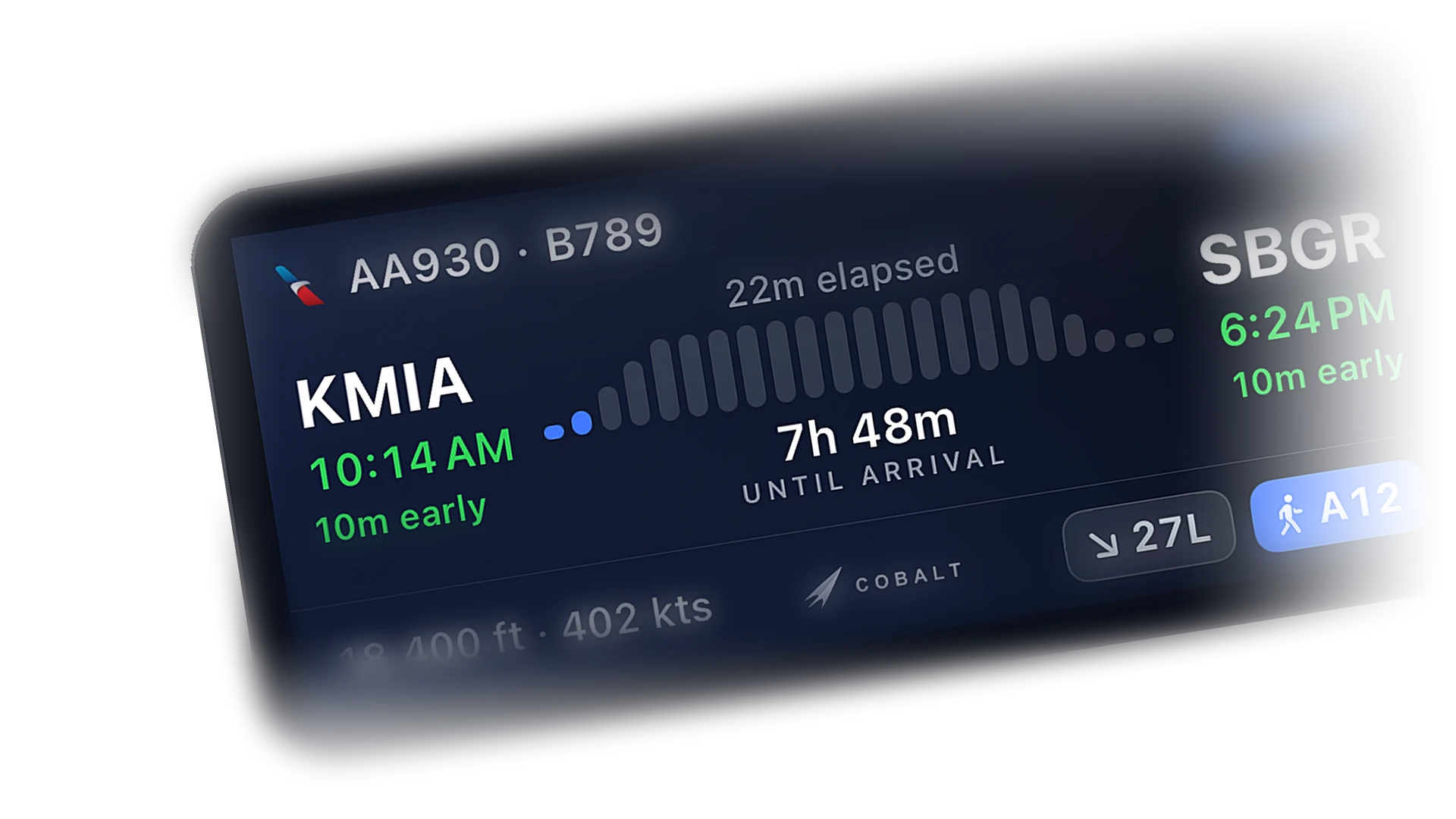
Progress bar, distance to go, and an ETA that keeps moving. Make dinner. Check the phone. The flight is still there.
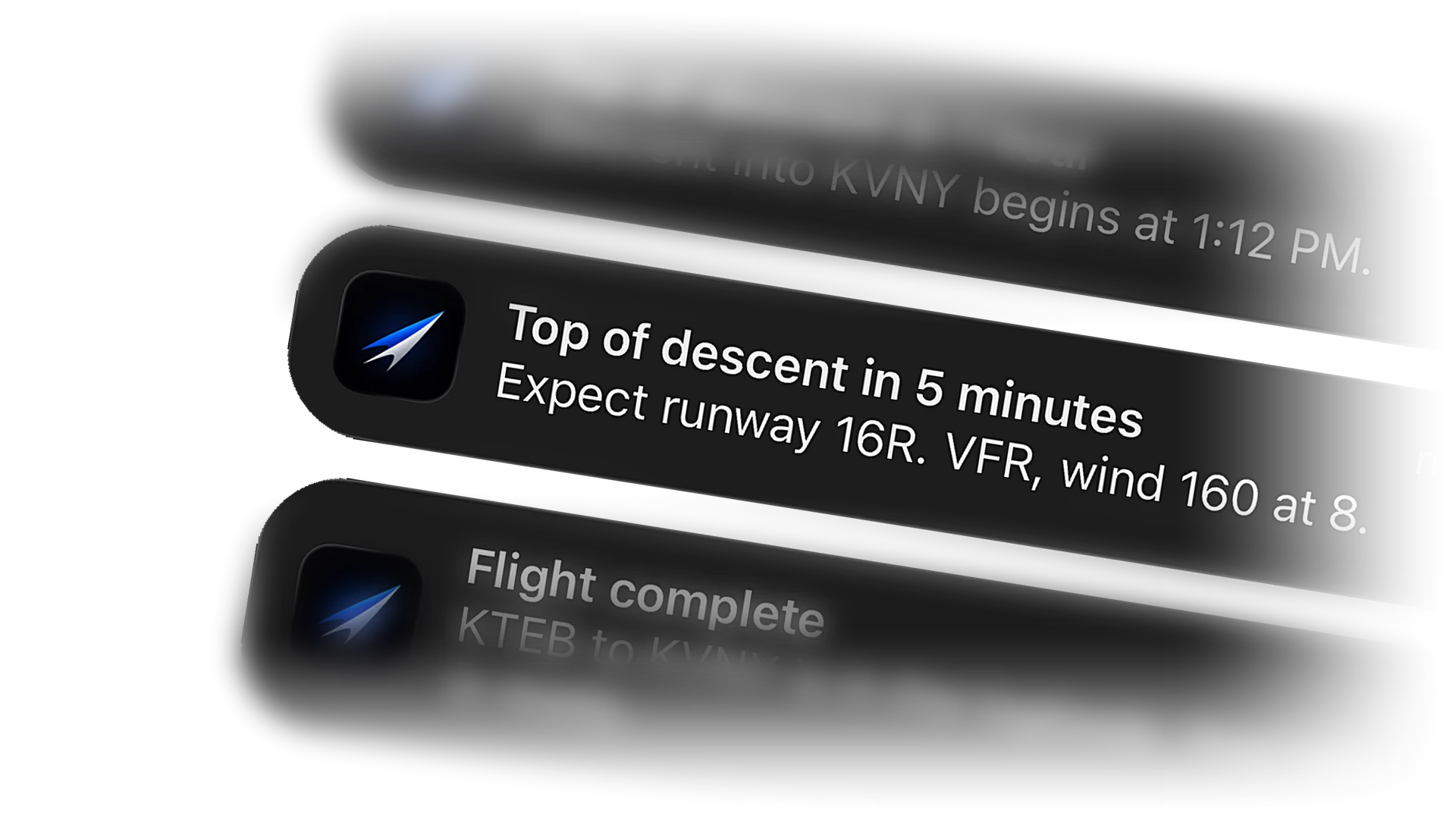
A top-of-descent alert before you need to be in the seat. Phase changes, sim paused, and custom alerts like a fuel check every 45 minutes.
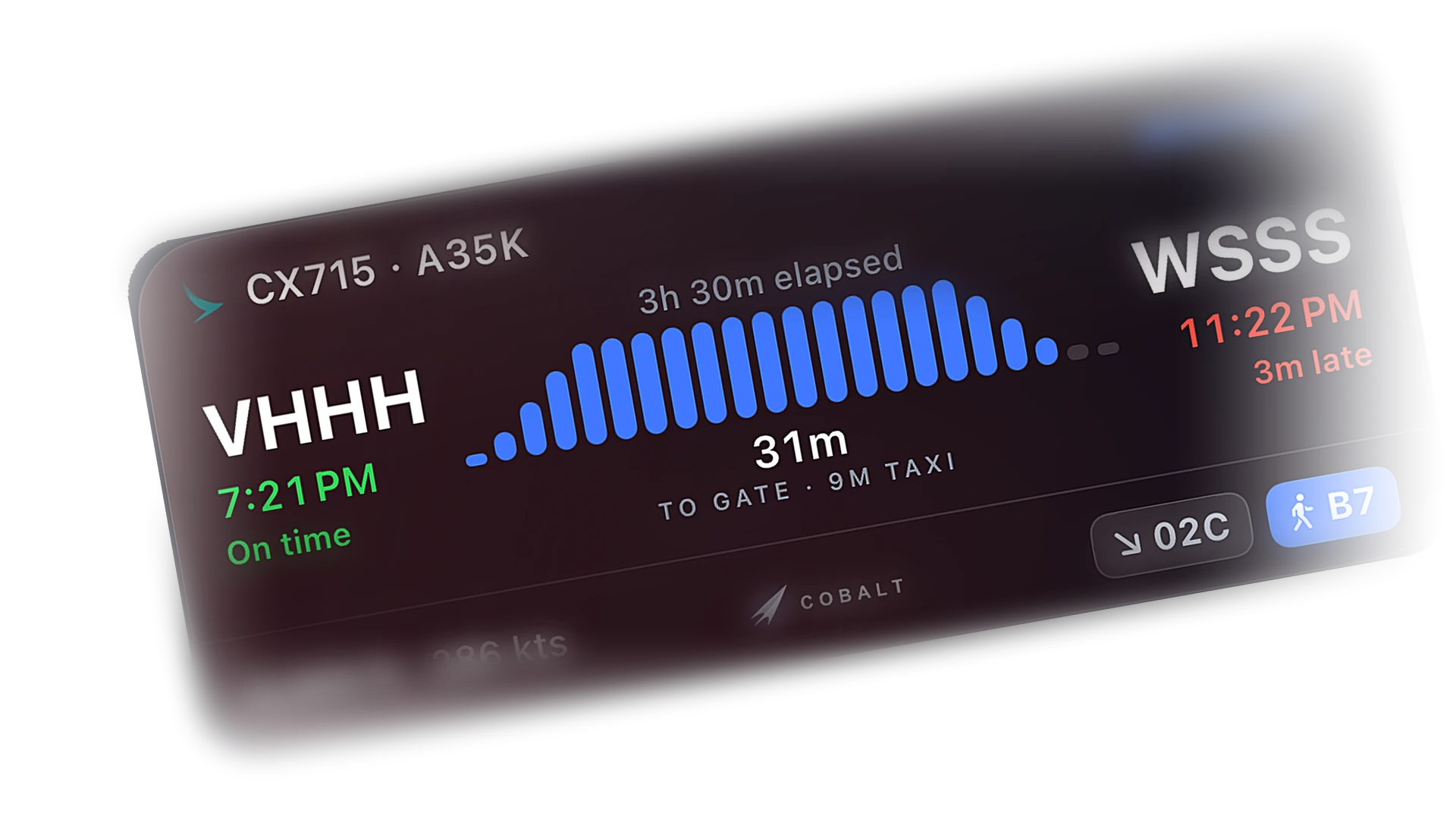
The card flips to descent with the arrival time up front. With Peak, the ETA becomes a confidence band that blends your filed time with real ground speed.
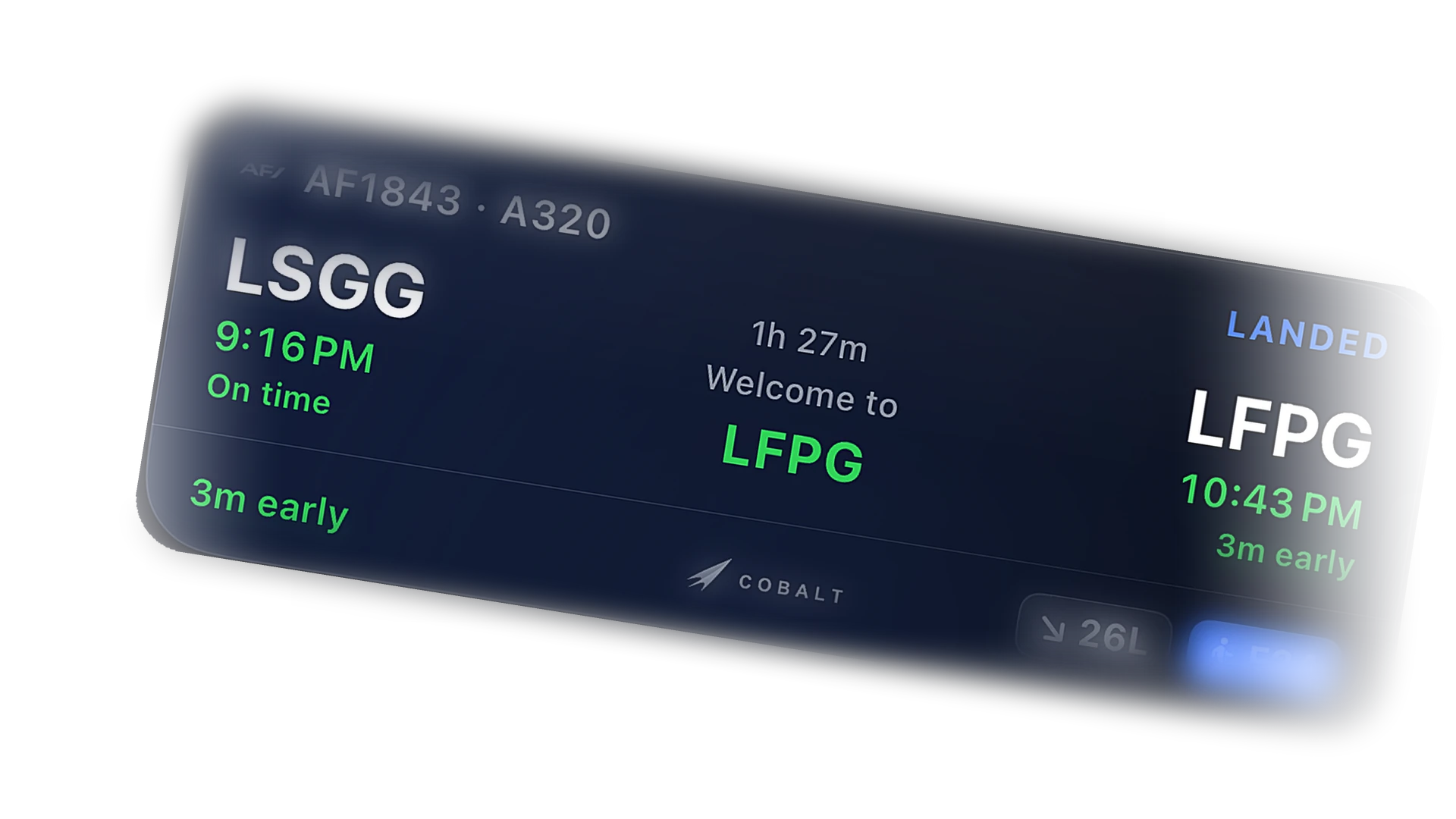
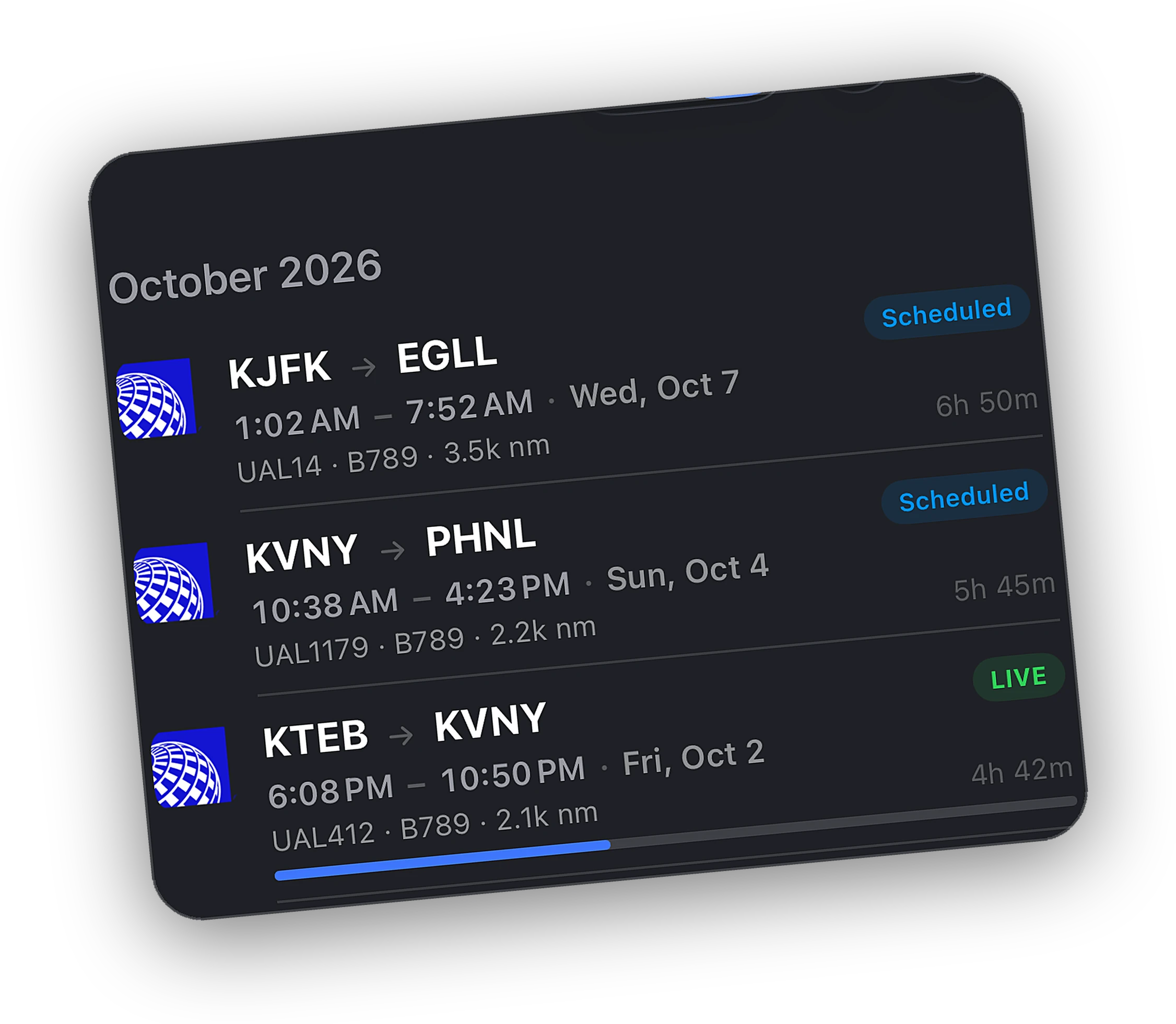
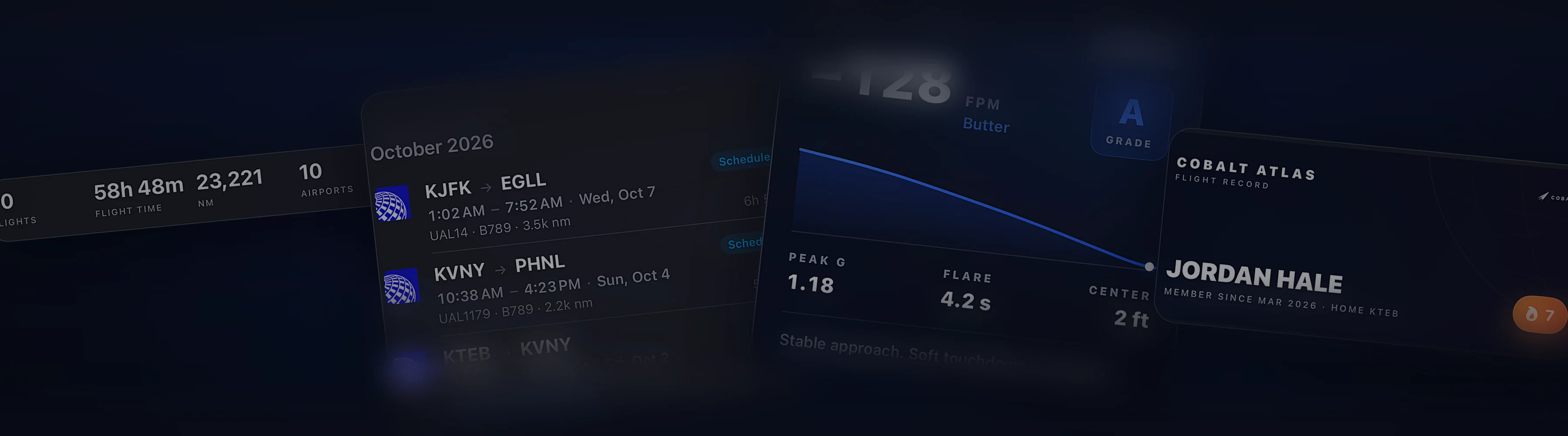
Touchdown rate and total time on the card. Tap through to the flight report. Nothing to type.
A live flight widget and a logbook widget for the Home Screen. On Apple Watch, phase, progress, ETE, altitude, and speed, synced from the phone.
Cobalt keeps the Live Activity updating in the background and resumes it if you relaunch the app. Long legs were the point.
Nothing is hidden on the free plan. Peak unlocks control, depth, and history.
Yes. It updates in the background while the Bridge is connected or a network flight is adopted as yours, and it resumes if you relaunch the app.
Live Activities need iOS 16.1 or later. The Dynamic Island appears on iPhone 14 Pro and newer.
Yes. Add a flight or import a SimBrief plan, then tap Start Live Activity on the briefing card.
Adopt any network flight as yours and it gets the same Live Activity, alerts, and logbook entry. For your own sim telemetry, install the free Bridge.
More of what Cobalt does.
Cobalt launches soon. Join the list for a launch code worth 10% off every Peak purchase.