Free
Your flight, front and center.
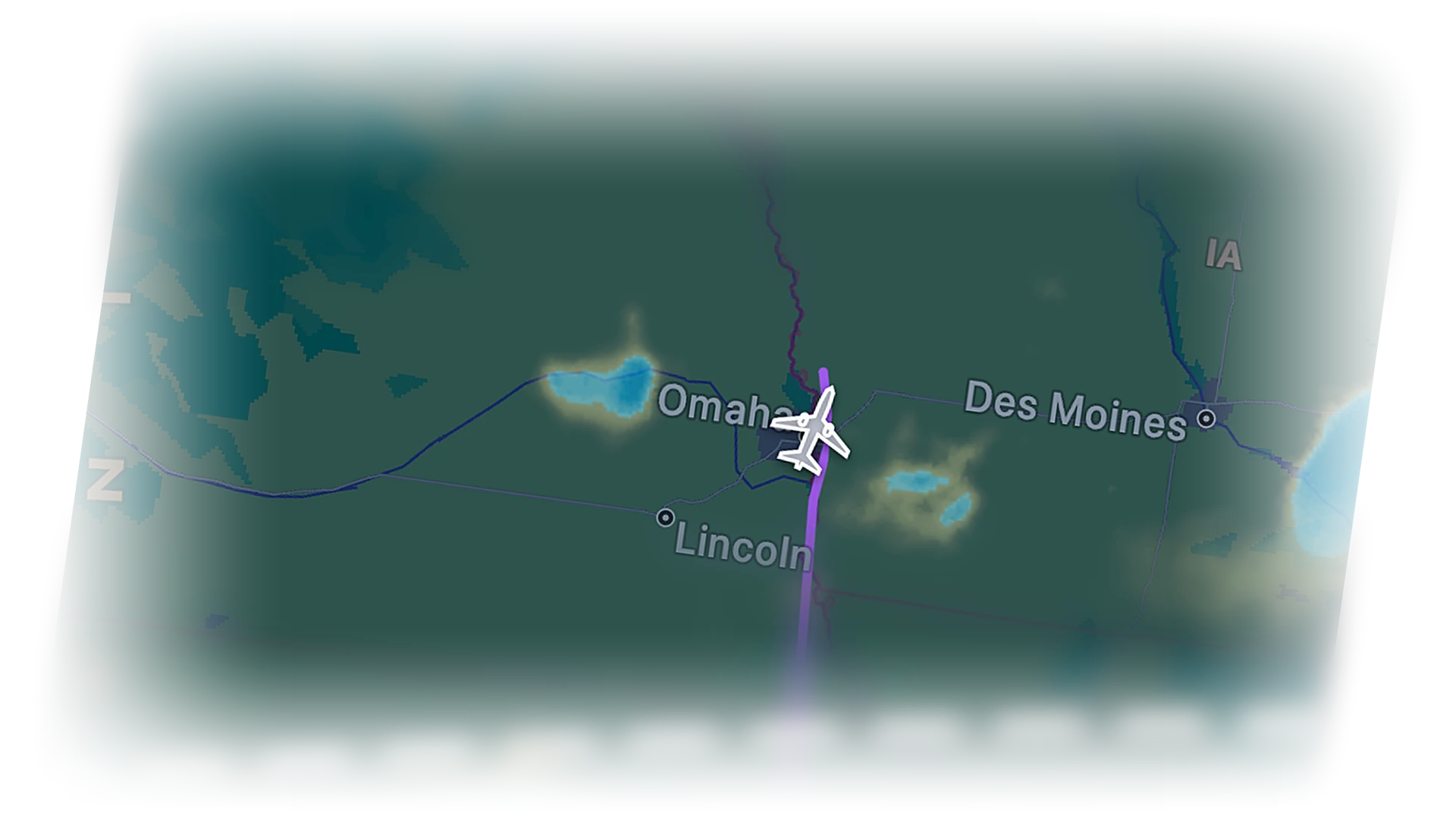
When the Bridge is connected, your aircraft is highlighted and the planned route is drawn across the globe. Tap it for the full flight sheet.
 Cobalt
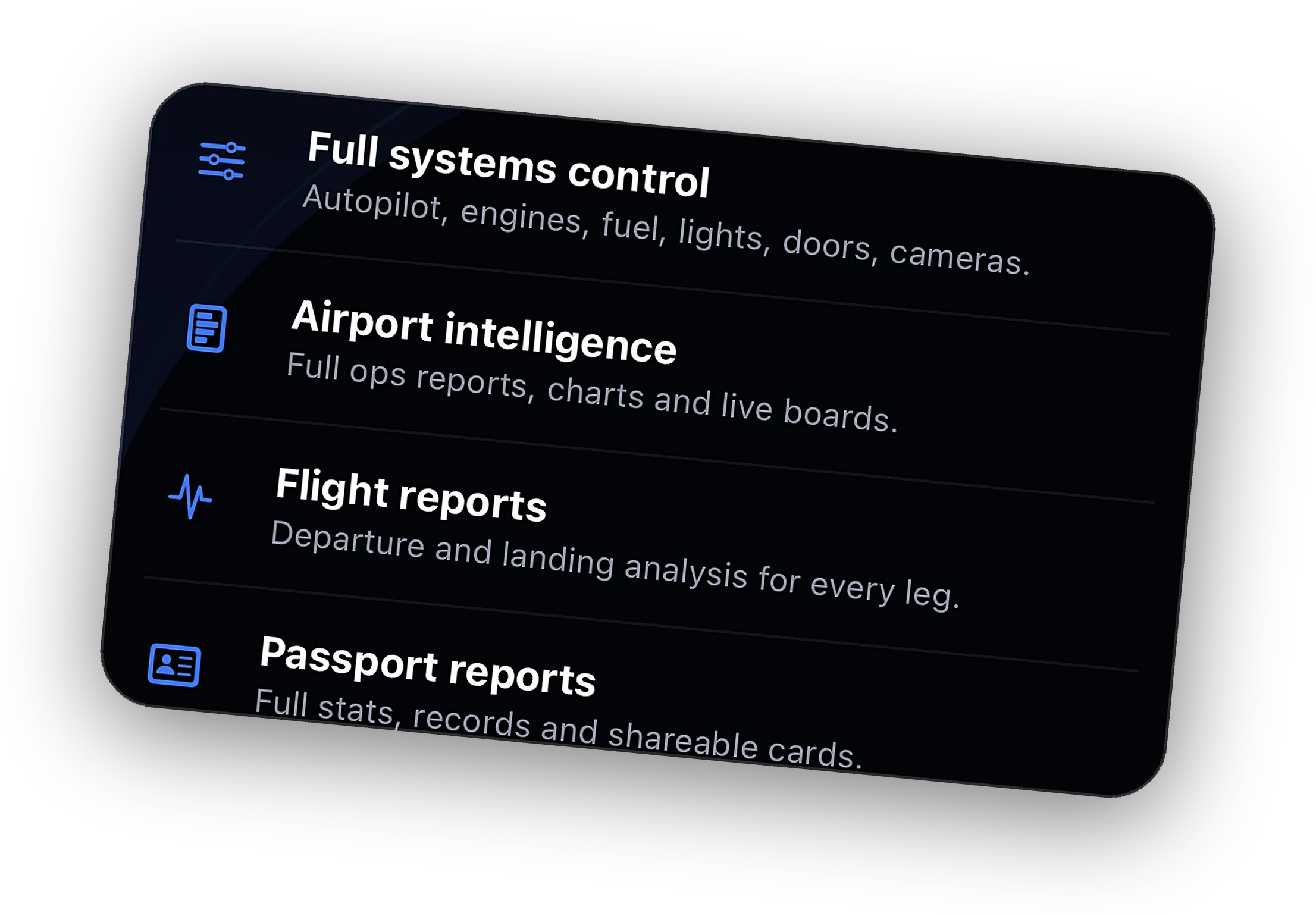
Remote systems, live camera, Relay from anywhere, ATC messaging, full history, and the Bridge on 3 PCs.
Explore →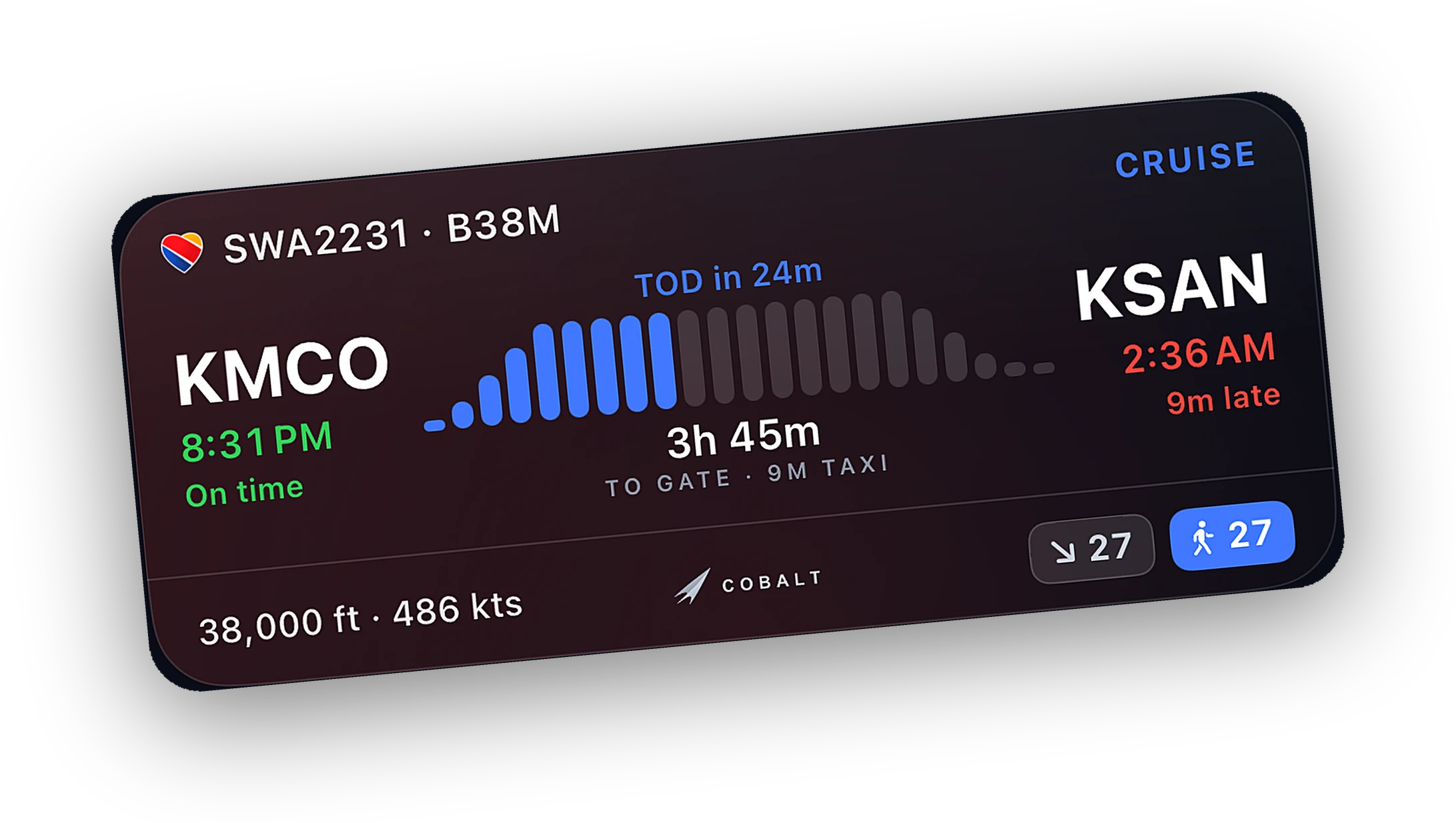
Progress, altitude, and a ticking ETA on the Lock Screen. A top-of-descent alert brings you back.
Explore →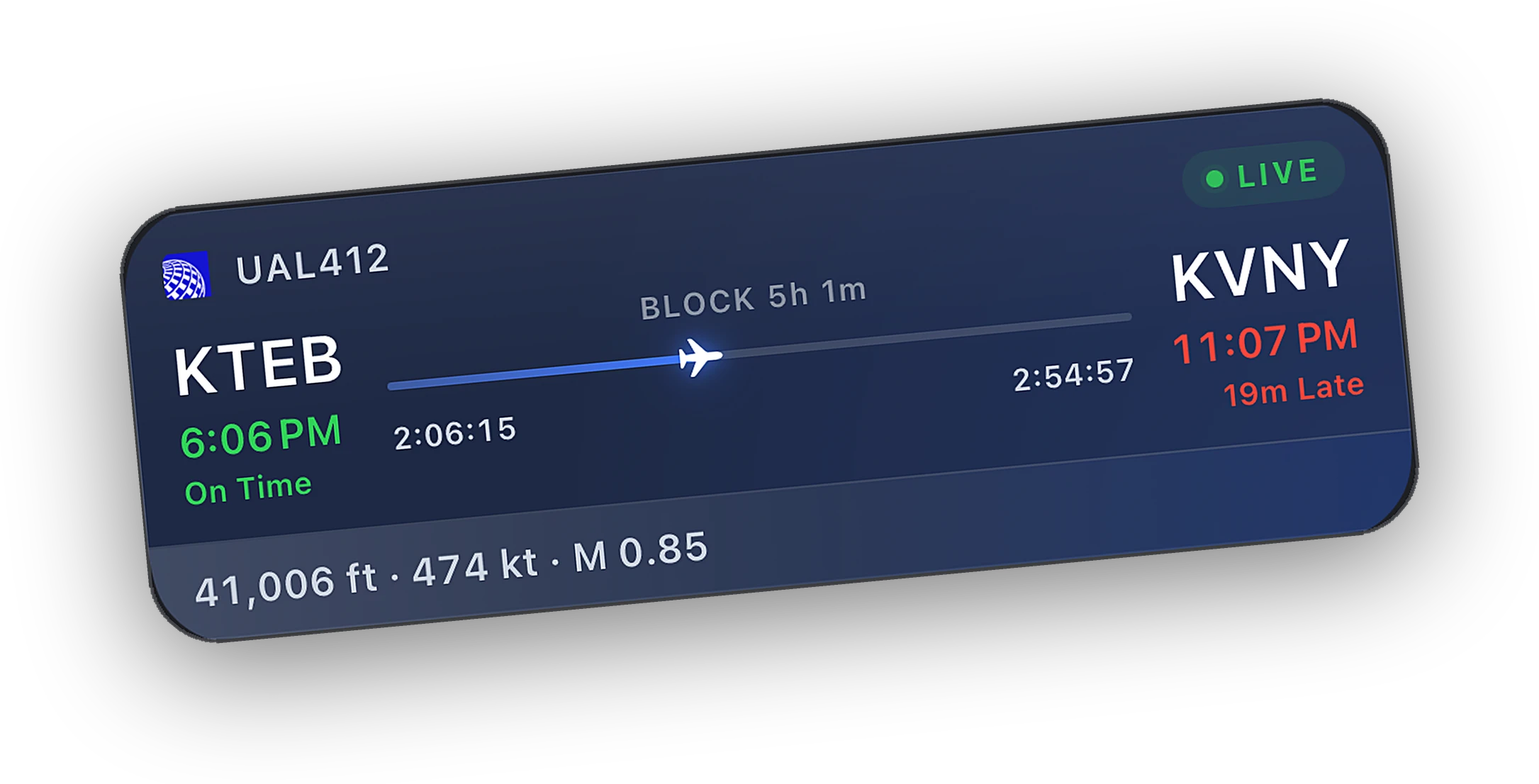
Install the Bridge, open Cobalt on the same Wi-Fi, and it finds the sim on its own.
Explore →Your aircraft, your route, and every network flight in the air. Live on iPhone and iPad while the sim runs on the PC.
Free to fly. MSFS 2020, 2024, X-Plane 11 and 12. iPhone and iPad.
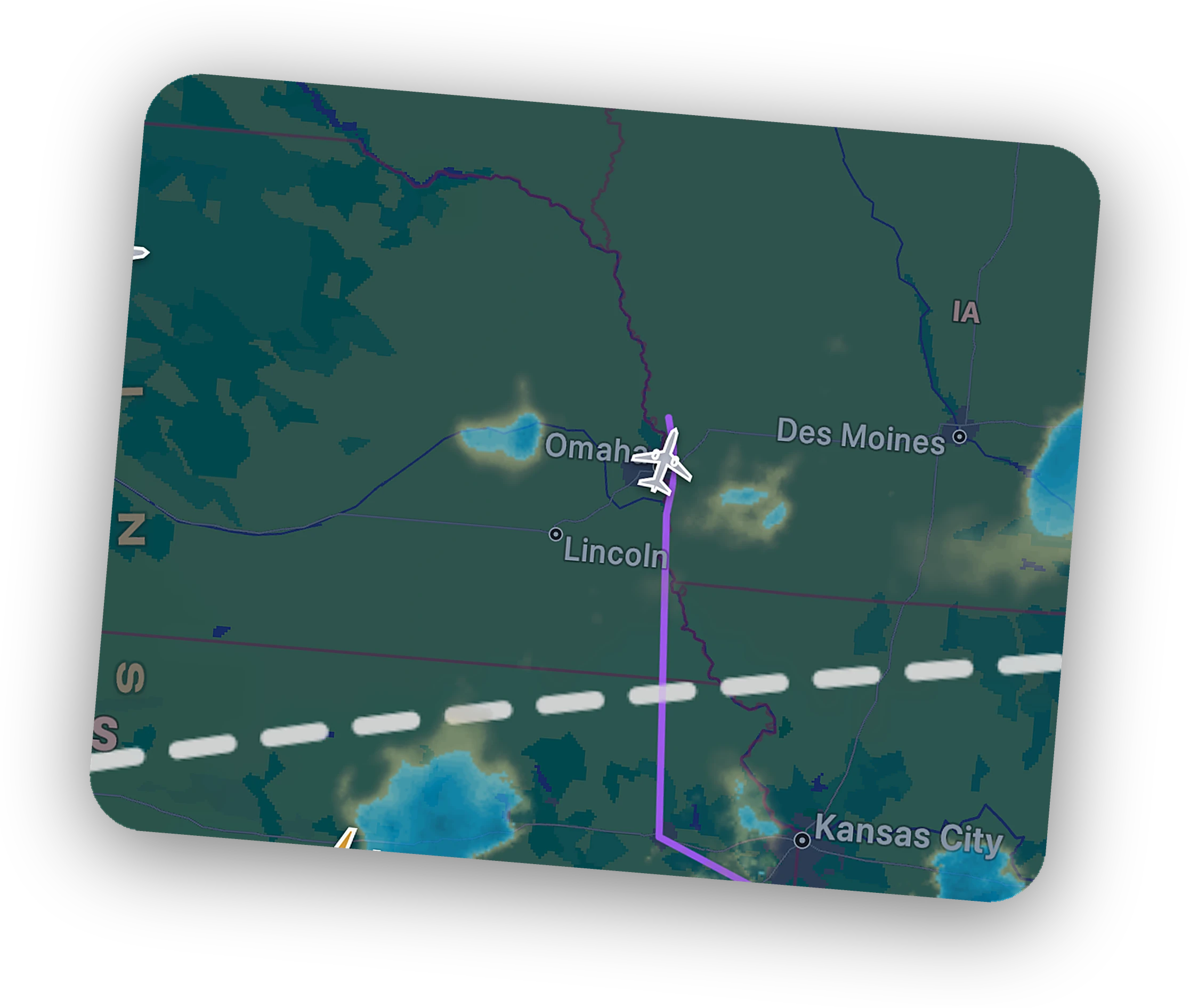
When the Bridge is connected, your aircraft is highlighted and the planned route is drawn across the globe. Tap it for the full flight sheet.
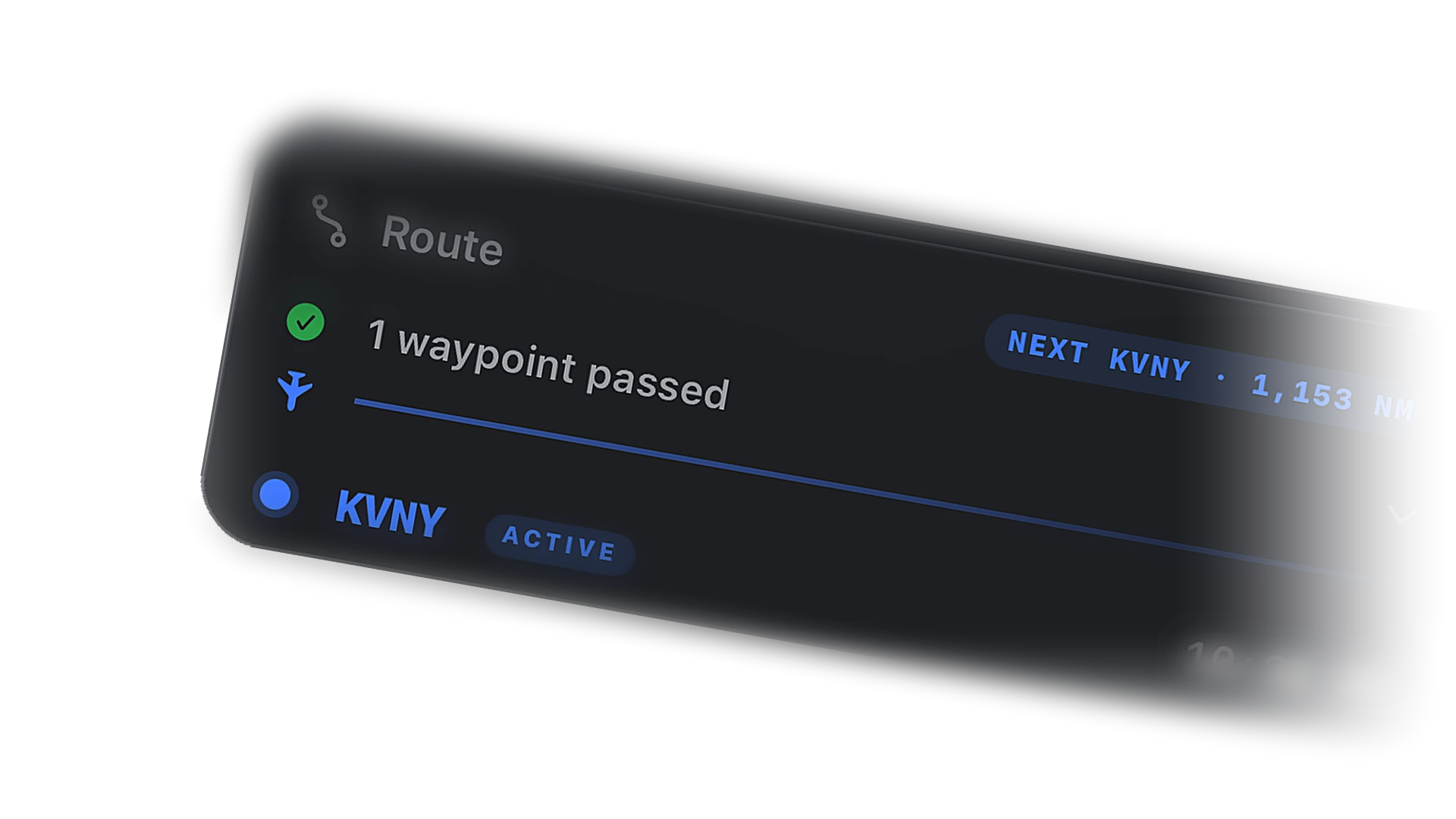
Waypoints tick off as you pass them. The next fix and the distance to it stay in view, so the plan reads at a glance.
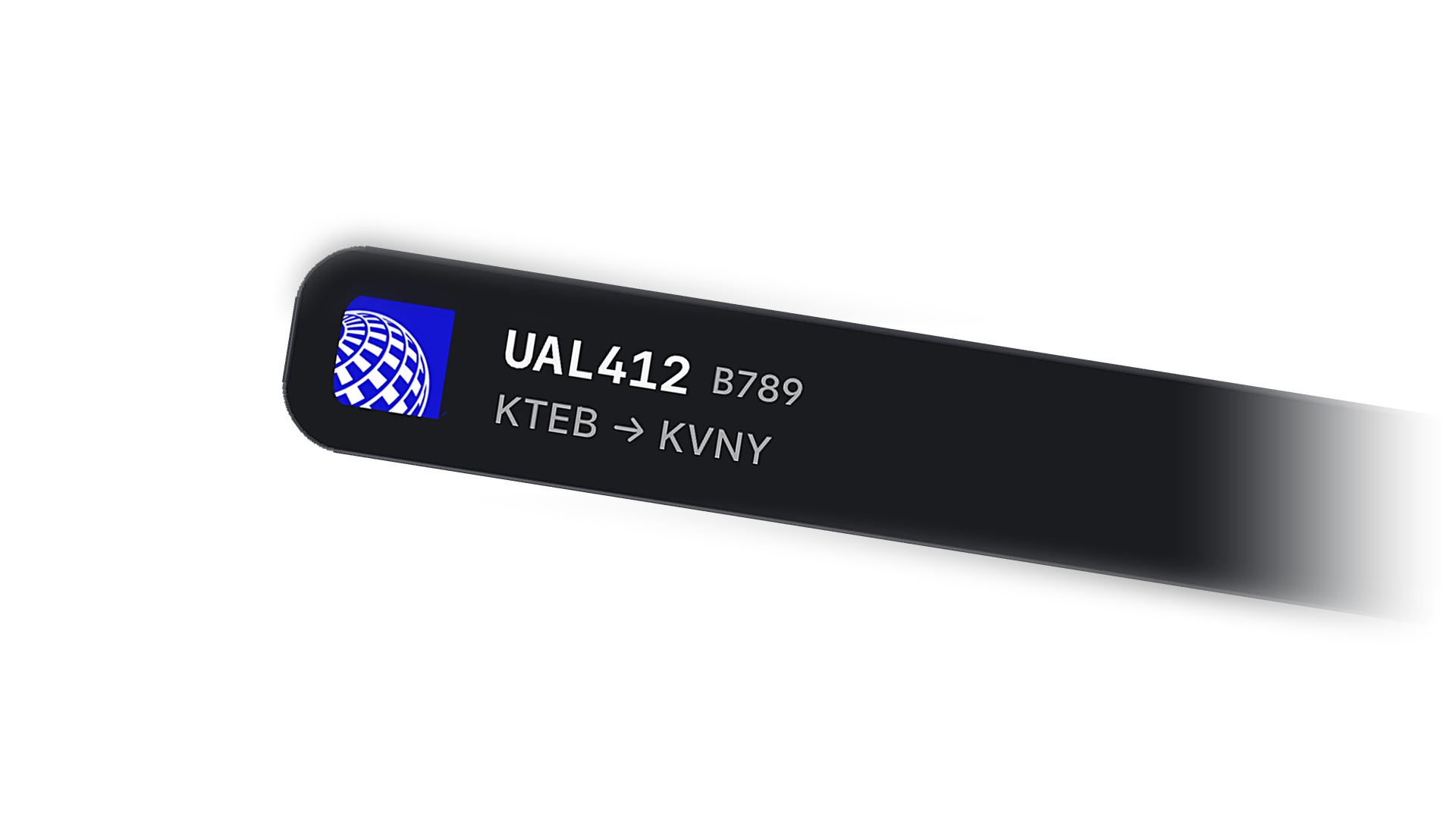
Icons match the real aircraft shape and rotate with heading. Tap any one for its route, telemetry, and timetable.
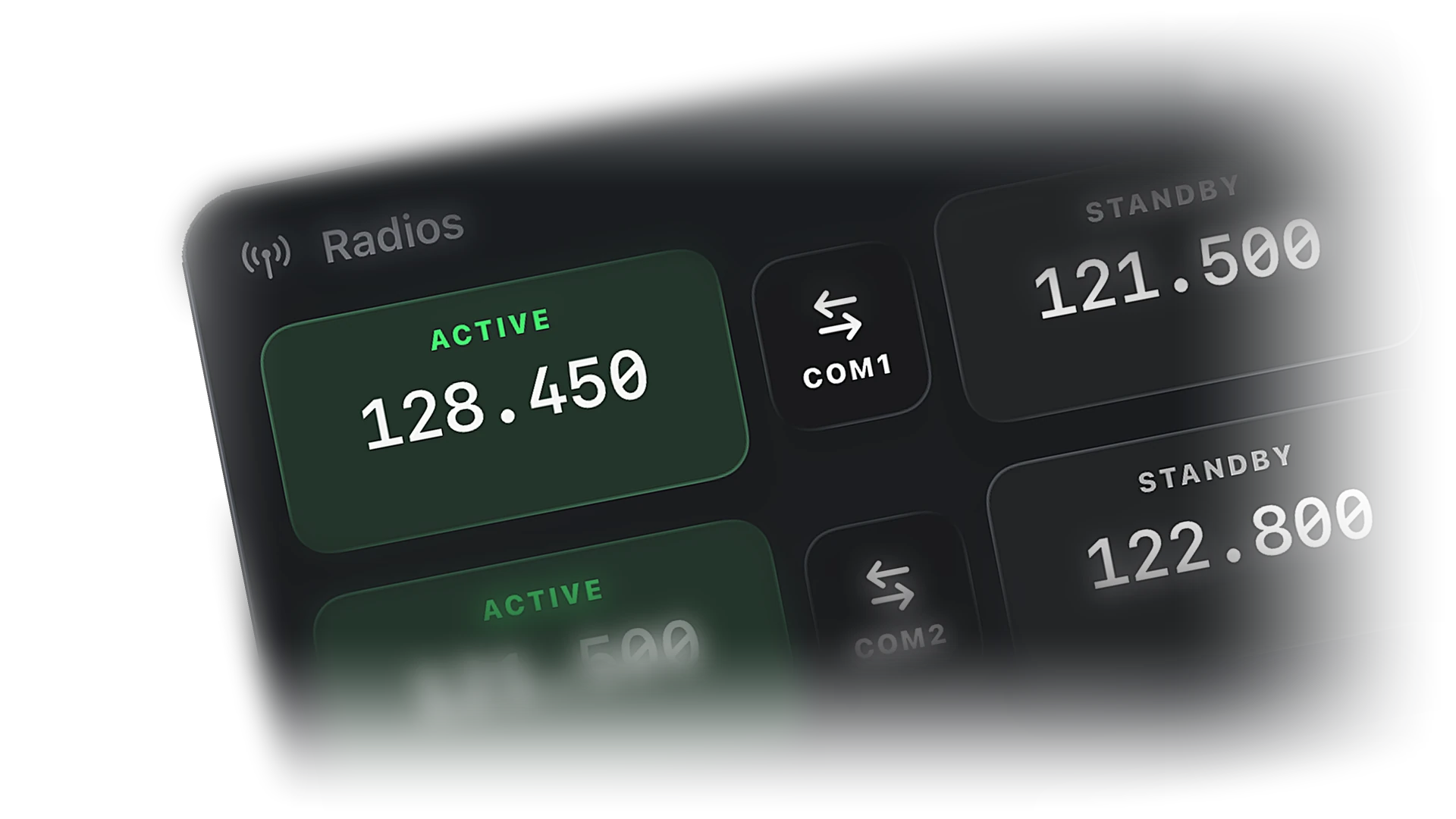
Online ATC positions sit on the map at their airports and sectors. Tap a controller for frequency, position, and the traffic they are handling.

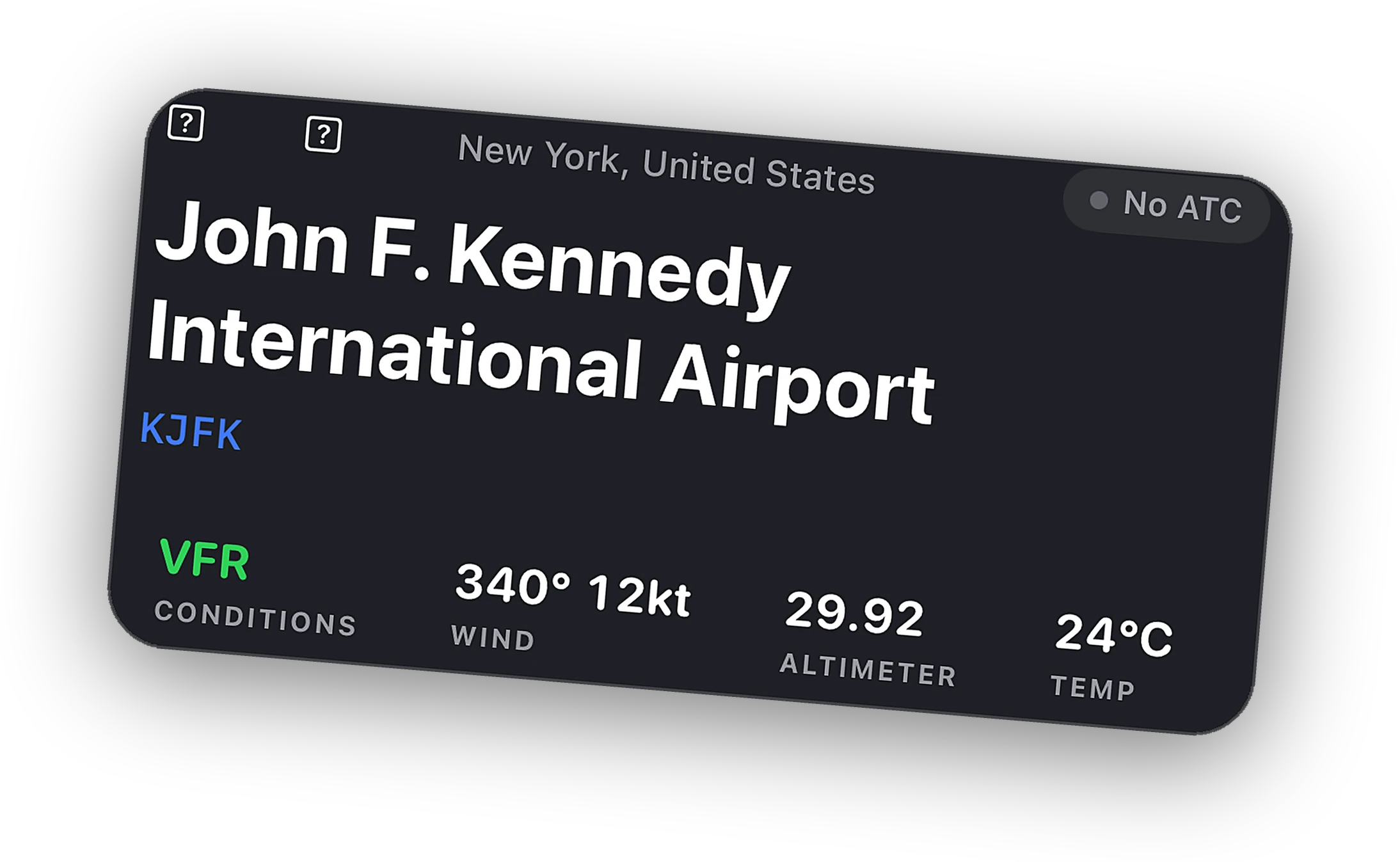
Tap an airport to open its live boards, decoded weather, runway conditions, and the controllers online right now.
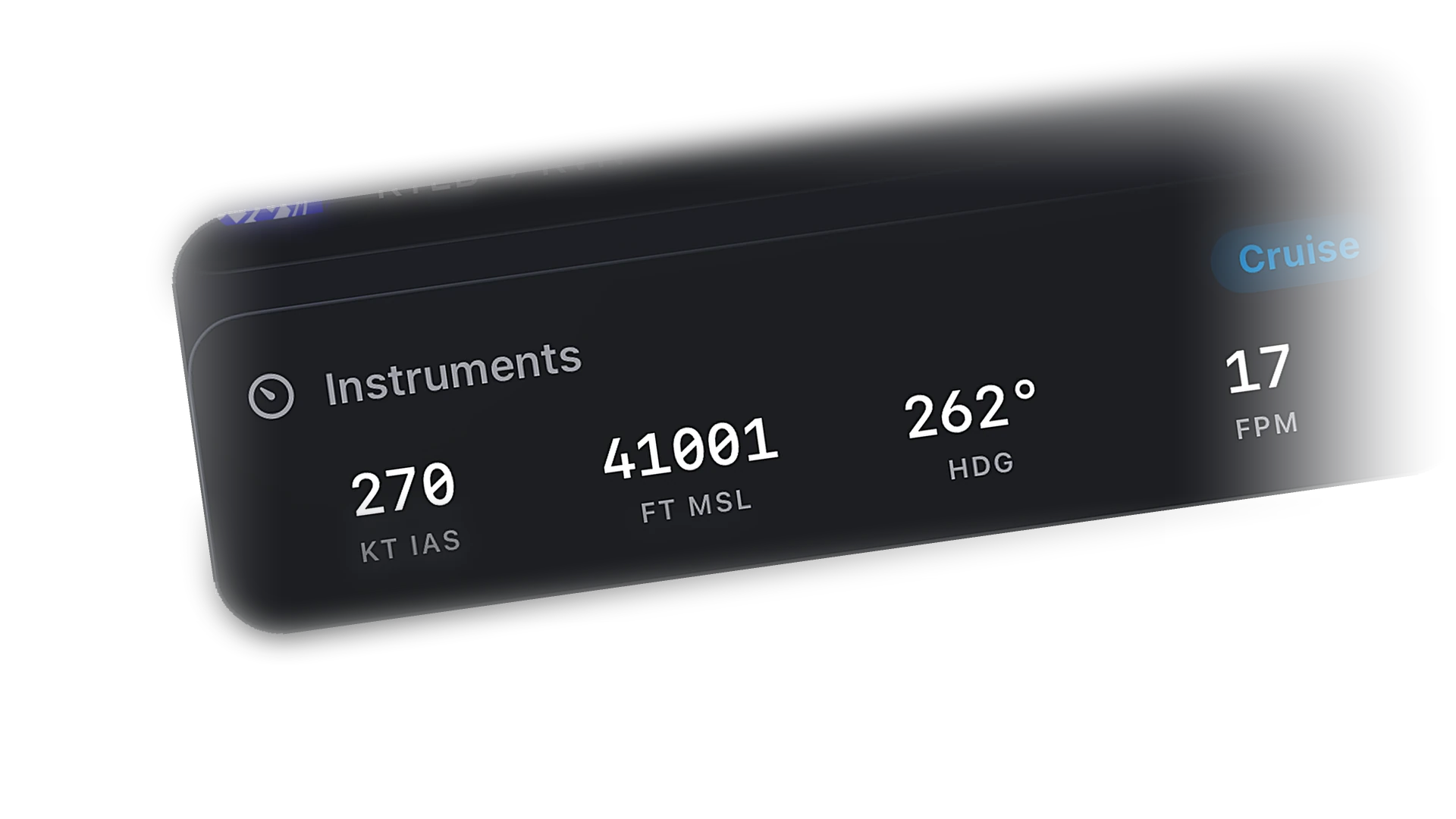
IAS, altitude, heading, and vertical speed update in real time from the Bridge. Glance at the phone, not the monitor.
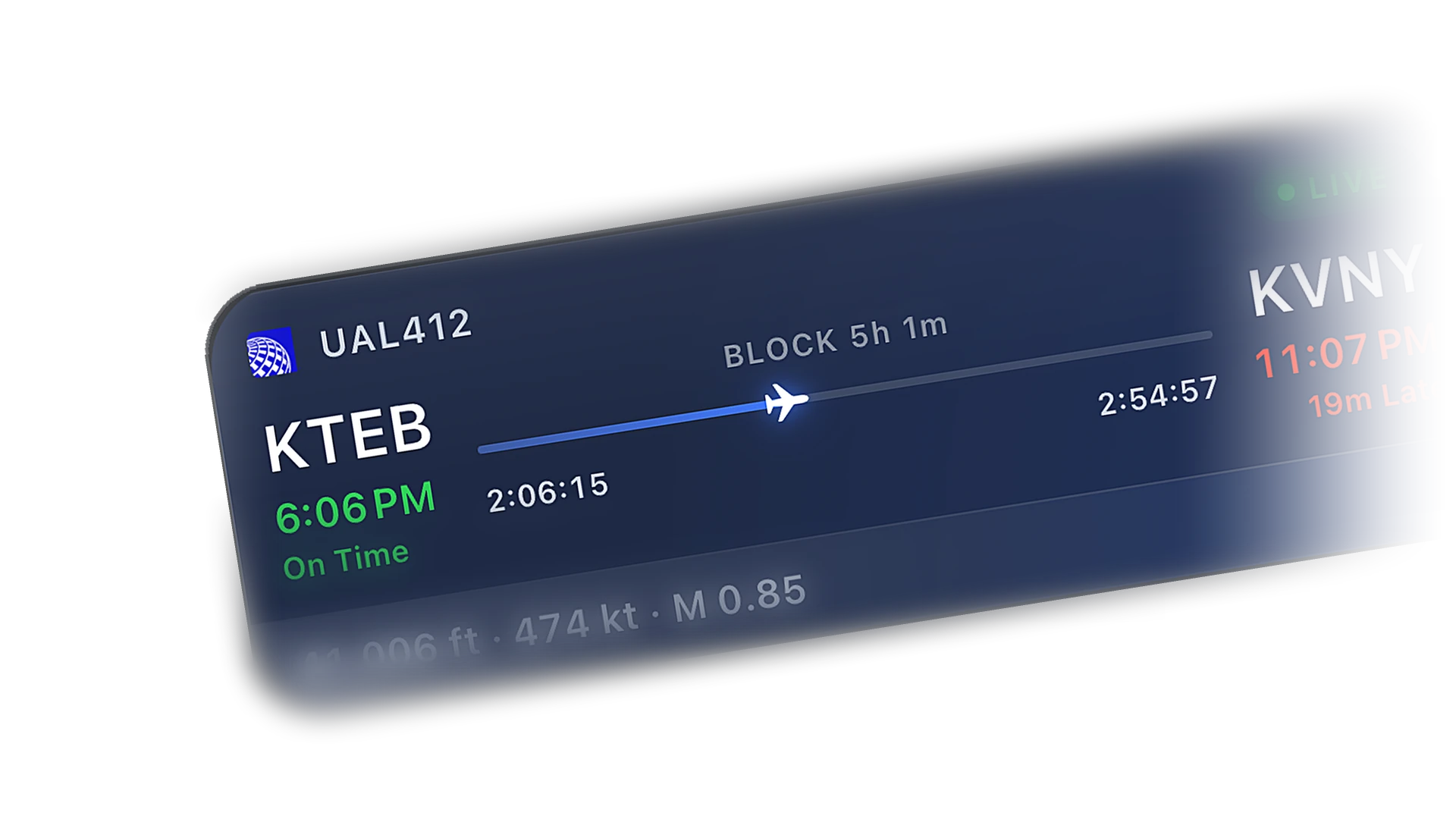
The crew pill shows every Cobalt pilot flying right now. Open the list, follow a friend, and watch their flight on the same map.
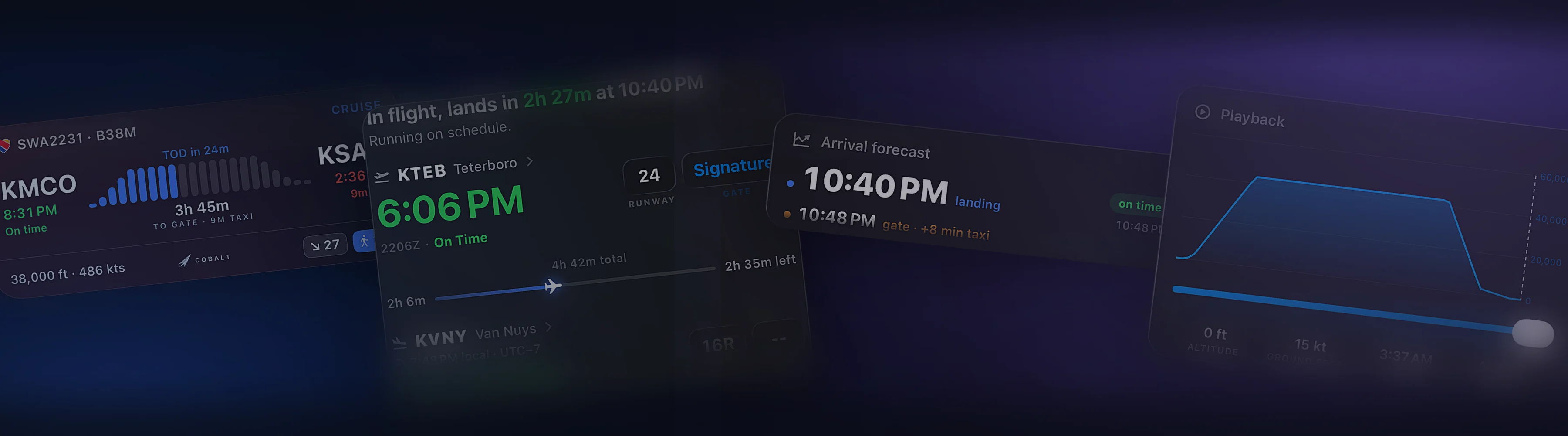
Aircraft open flight sheets. Airports open boards and weather. Controllers open their frequency and traffic. The map is the app.
Nothing is hidden on the free plan. Peak unlocks control, depth, and history.
Only for your own flight. Network traffic, controllers, and airports work on the phone alone. Install the free Bridge on the sim PC to see your aircraft and its telemetry.
No. Traffic on the map comes from VATSIM and IVAO. Your own aircraft comes from the Bridge.
Yes. With the Bridge connected your flight shows on the map with its route even when you are not on a network.
Yes. On iPad the sheet becomes a sidebar and the map stays visible the whole time.
More of what Cobalt does.
Cobalt launches soon. Join the list for a launch code worth 10% off every Peak purchase.