
Monthly
$9.99/ month
Try every Peak feature month to month.
Get MonthlyRenews at $9.99 a month. Cancel anytime.
 Cobalt
 is free to fly. Peak unlocks the remote flight deck, cellular Relay, full history and reports, and the Bridge on up to 3 PCs.
From $6.67 a month, billed yearly. Cancel anytime.
Every plan unlocks all of Peak on your Cobalt account.
Try every Peak feature month to month.
Get MonthlyRenews at $9.99 a month. Cancel anytime.
$6.67 a month. Four months free.
Get YearlyRenews at $79.99 a year. Cancel anytime.
Pay once. Every future Peak feature.
Get LifetimeOne payment. No renewals.
Prices in US dollars, before tax. Subscriptions renew automatically until you cancel. There is no free trial. Check out with the same email as your Cobalt account and Peak unlocks there. Paid with a different email? We send a Claim Peak link, or use Settings → Restore in the app. Already Peak? Manage subscription.
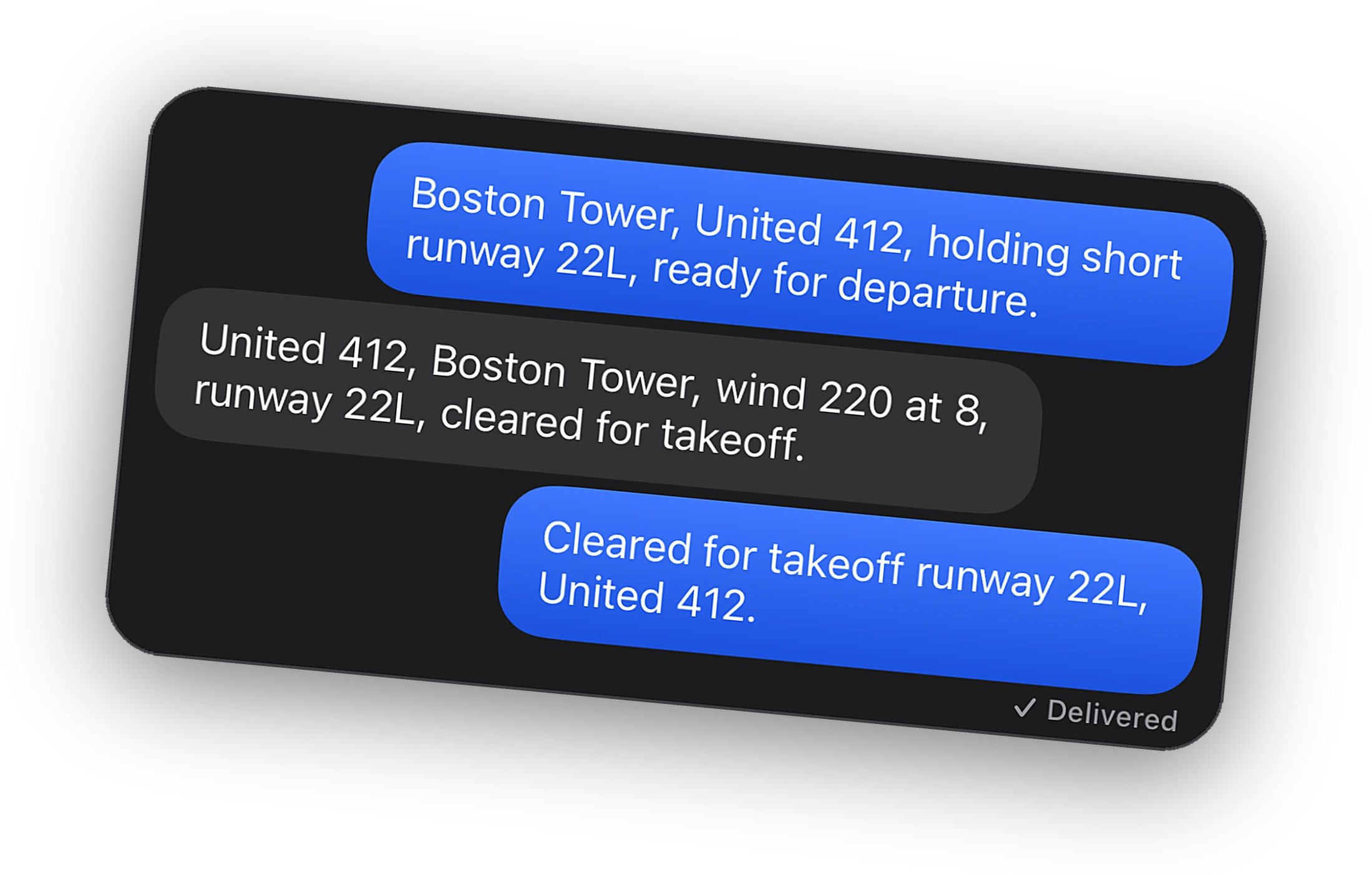
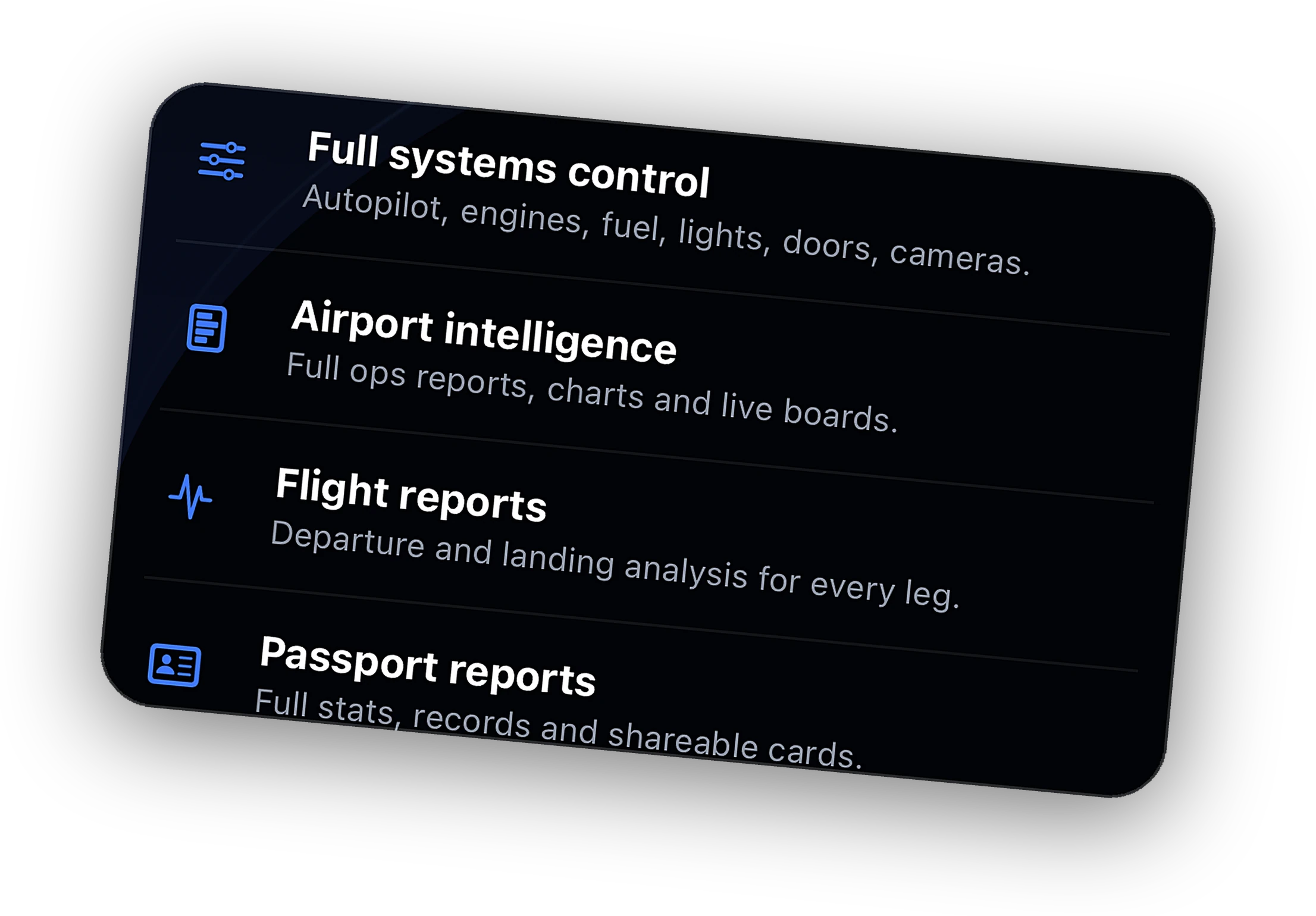
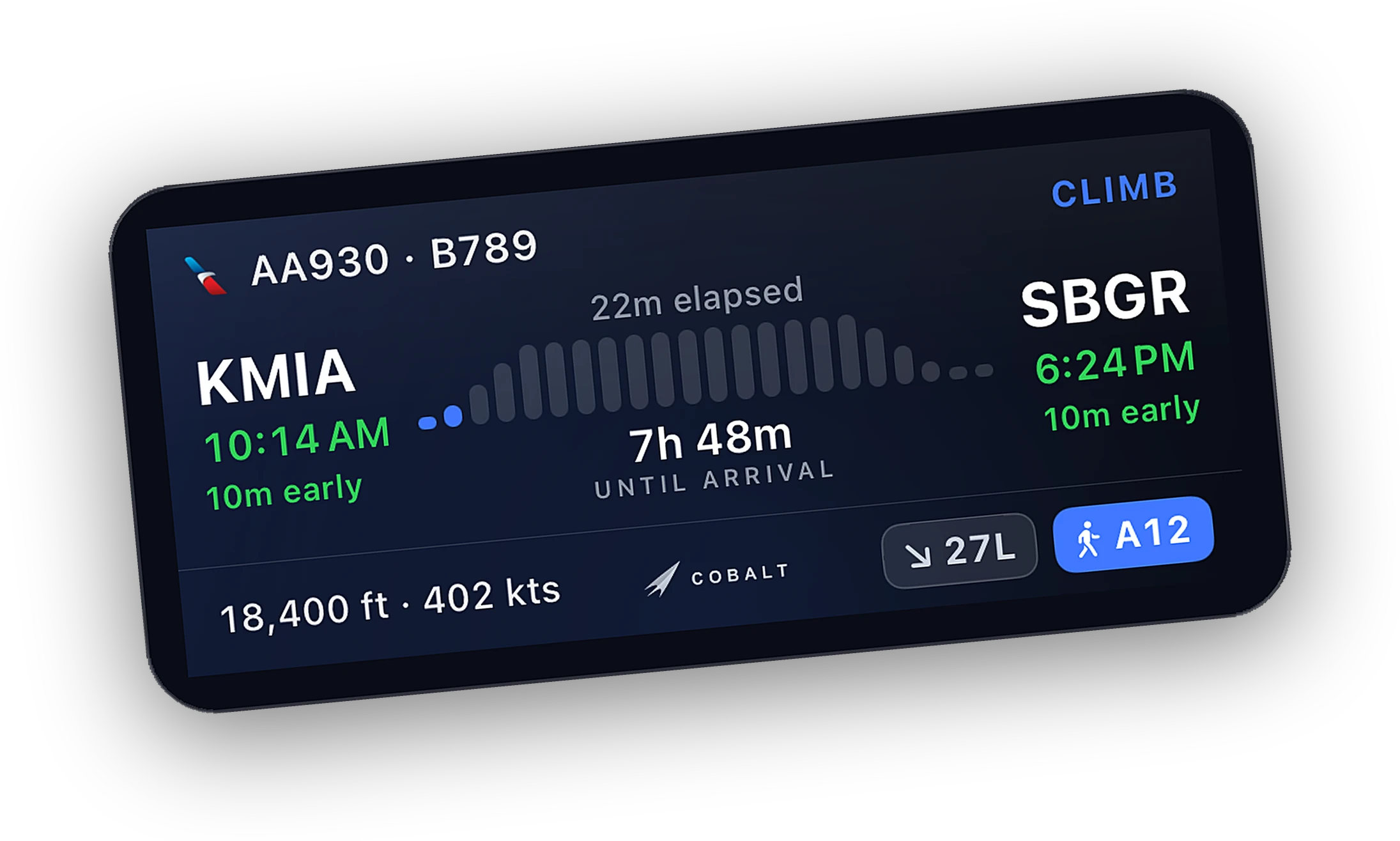
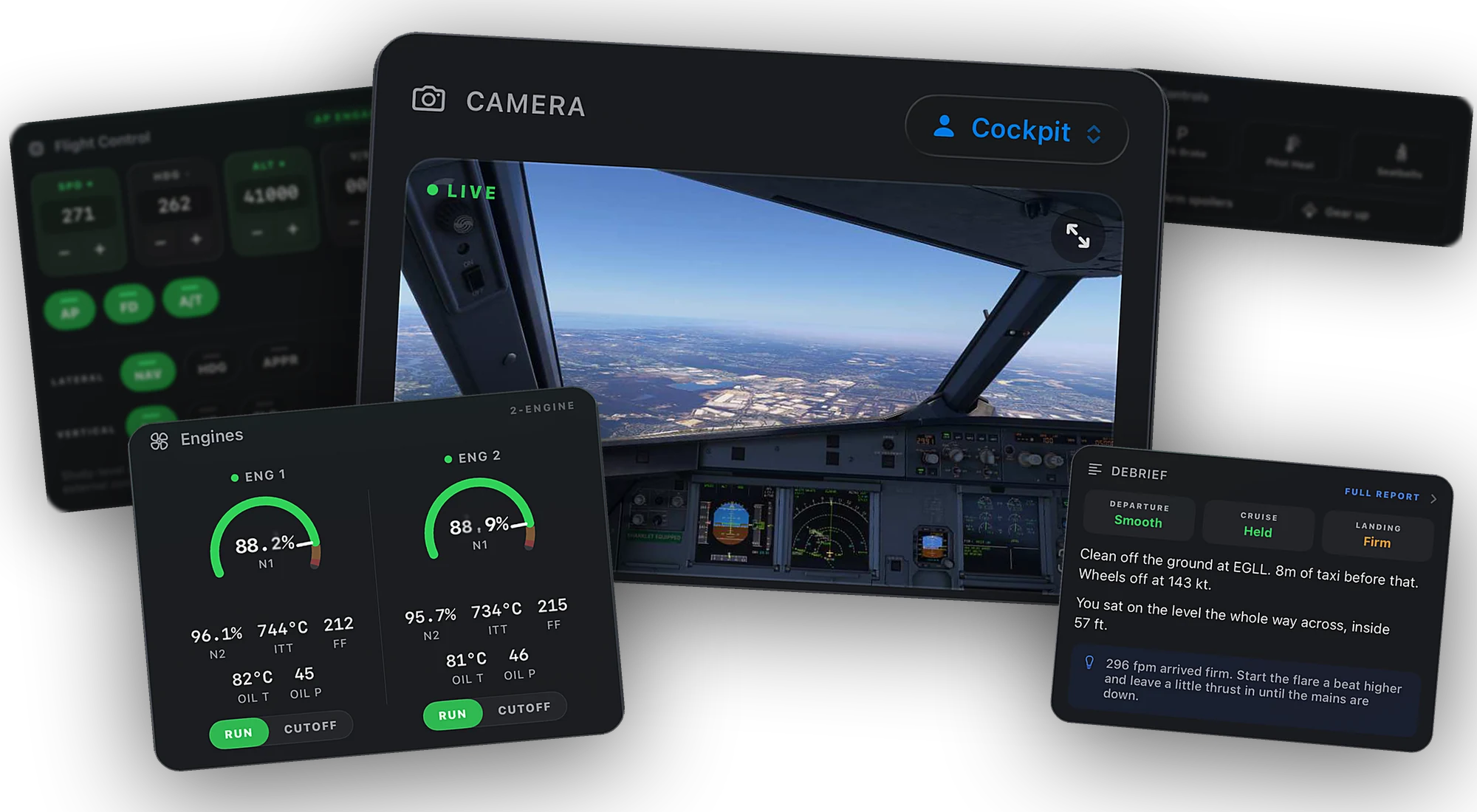
Pick a scene. Each one is a Peak feature at work while the sim flies.
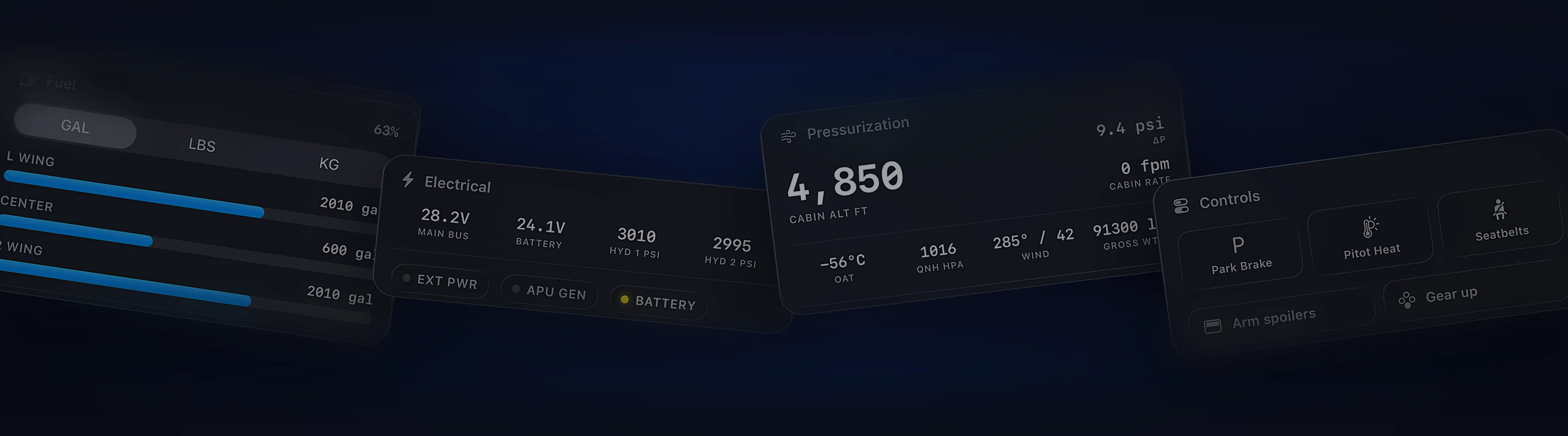
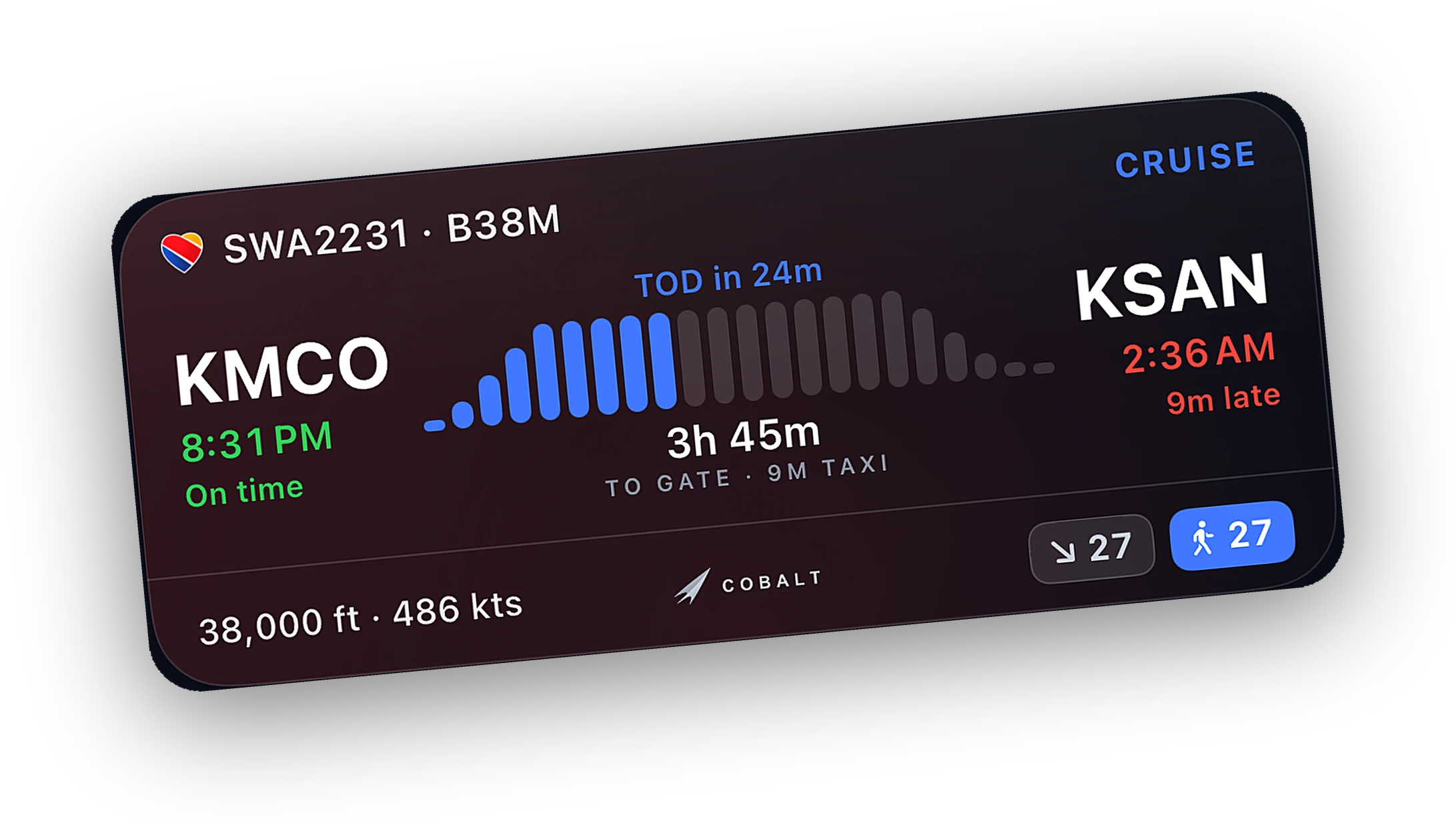
The same Peak on every plan. Pick how you pay and how long you fly, and see what each one costs.
$6.67 a month, billed once a year.
You keep $39.89 a year, 33% less than 12 months of Monthly at $119.88.
Total over 1 year
Lifetime costs less than Monthly from month 21, and less than Yearly from year 3.
Web prices in US dollars, before tax and before any launch or creator code.
See plans →What you get on each plan.
| Feature | Free | Peak |
|---|---|---|
| Flying | ||
| Live map: your flight | ✓ | ✓ |
| Live fleet map | ✓ | |
| Systems view | Read-only | Full control |
| Autopilot, lights & cameras | ✓ | |
| Remote connection away from home | ✓ | |
| Intelligence | ||
| Basic airport boards | ✓ | ✓ |
| Live airport intelligence & charts | ✓ | |
| Weather & ATIS | ✓ | ✓ |
| ATC coverage overlay | ✓ | |
| Route ATC & top-down alerts | ✓ | |
| Weather along route alerts | ✓ | |
| Airport search | 10/day | Unlimited |
| Your record | ||
| Flight logbook | ✓ | ✓ |
| Flight reports: departure & landing | ✓ | |
| Full Passport reports & share cards | ✓ | |
| Live Activities & widgets | ✓ | ✓ |
Five moments from install to a graded landing. Setup takes about five minutes. Everything after that is flying.
Cobalt on your iPhone or iPad, the free Bridge on the sim PC. Peak unlocks on your Cobalt account, on every device you sign in to.
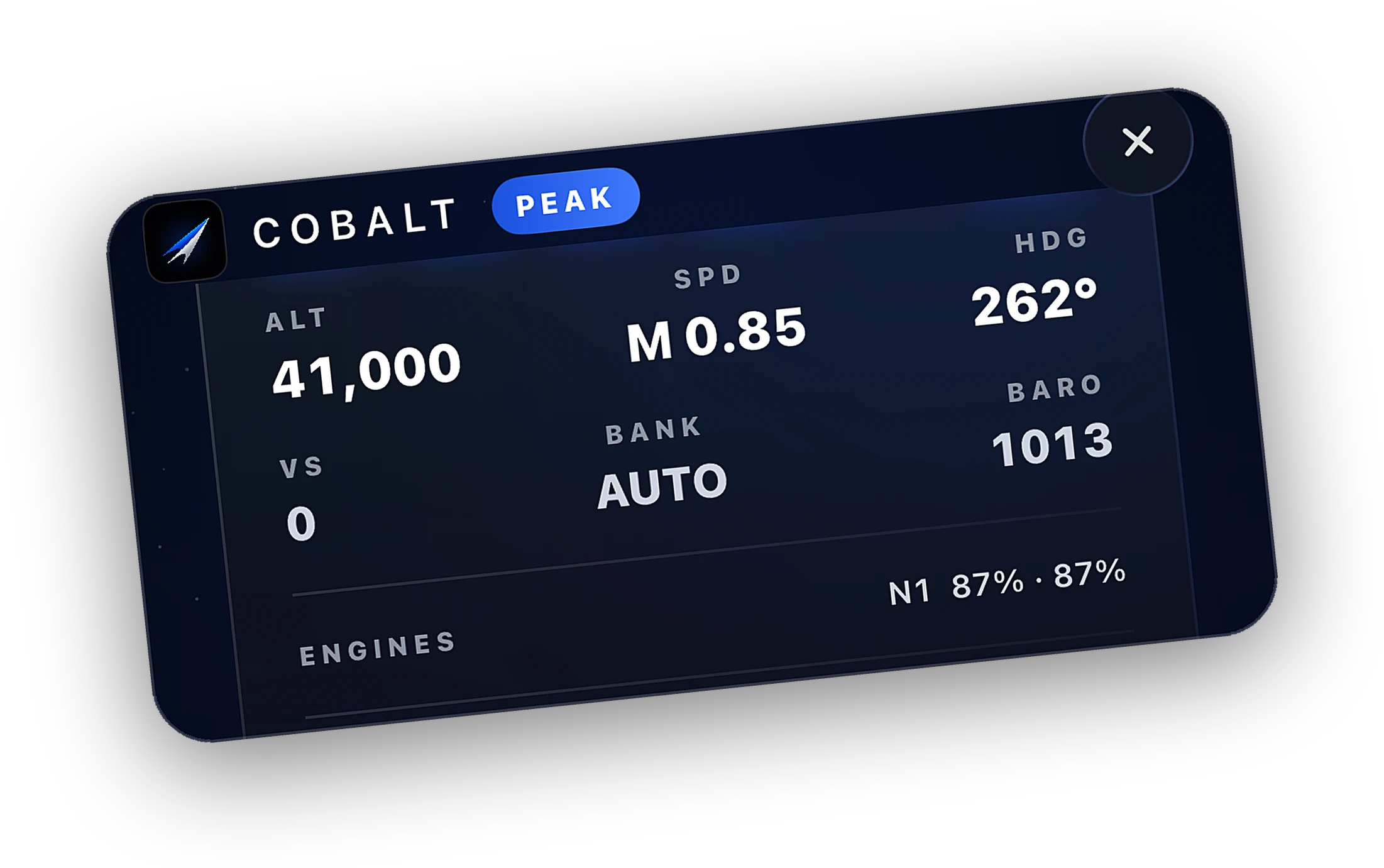
Start MSFS or X-Plane and the Bridge sees it. Open Cobalt on the same Wi-Fi and the flight is live. With Peak, Relay connects from anywhere.
Free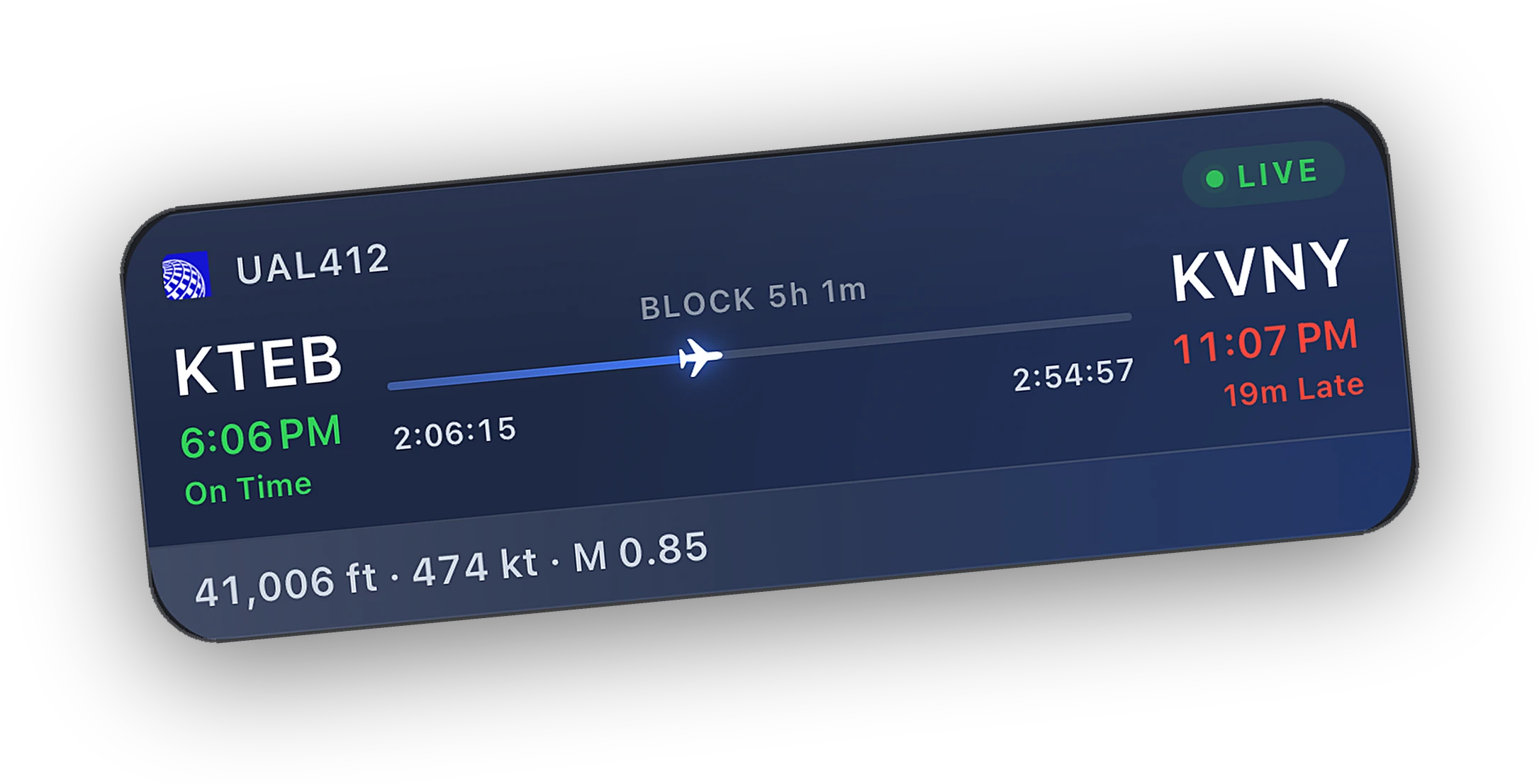
Wheels up and the Live Activity starts. Altitude, speed, and time to arrival, without opening the app.
Free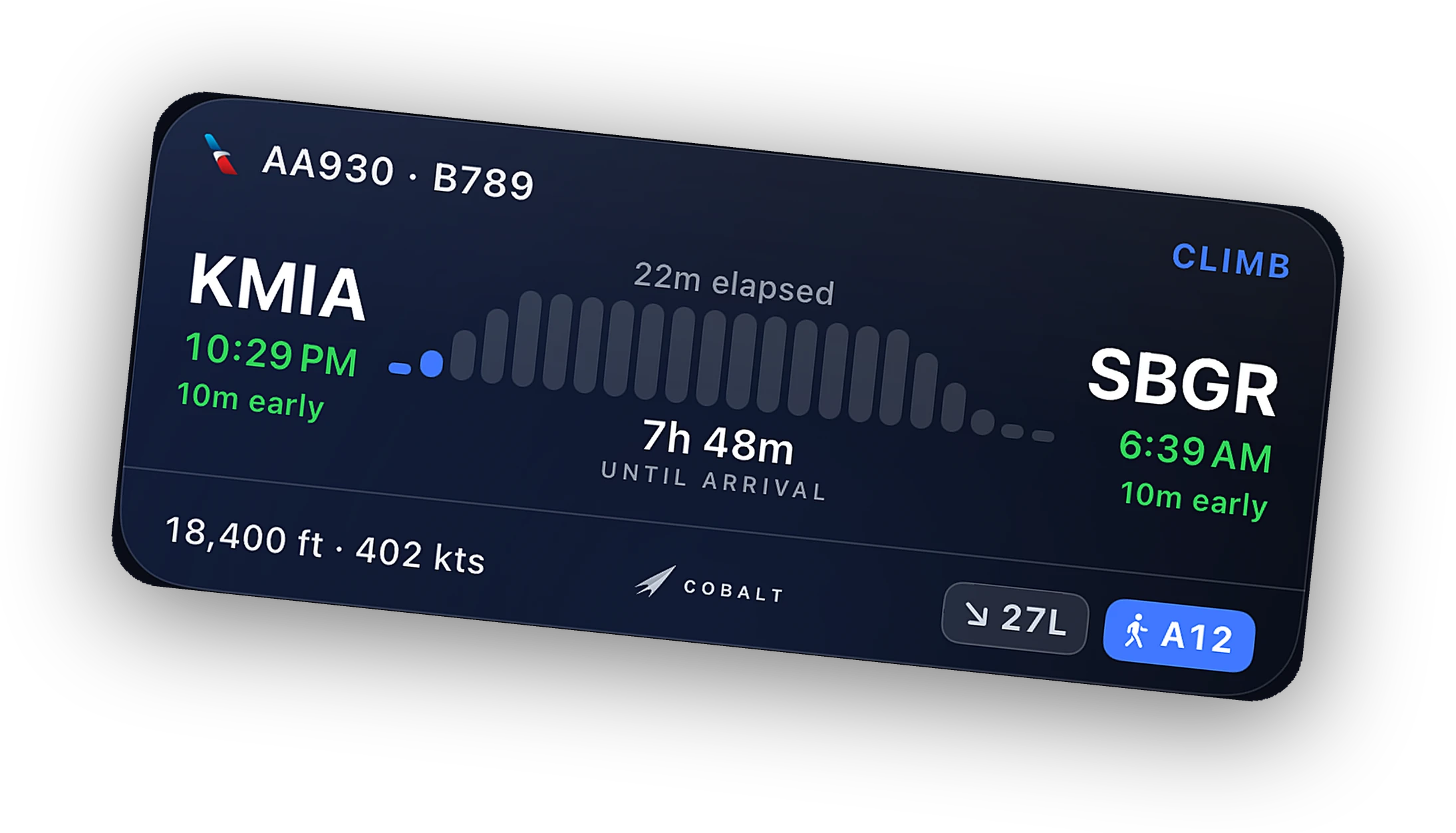
Dial a new altitude or heading on the autopilot card. The command goes to the aircraft loaded in the sim, and the panel updates live.
Peak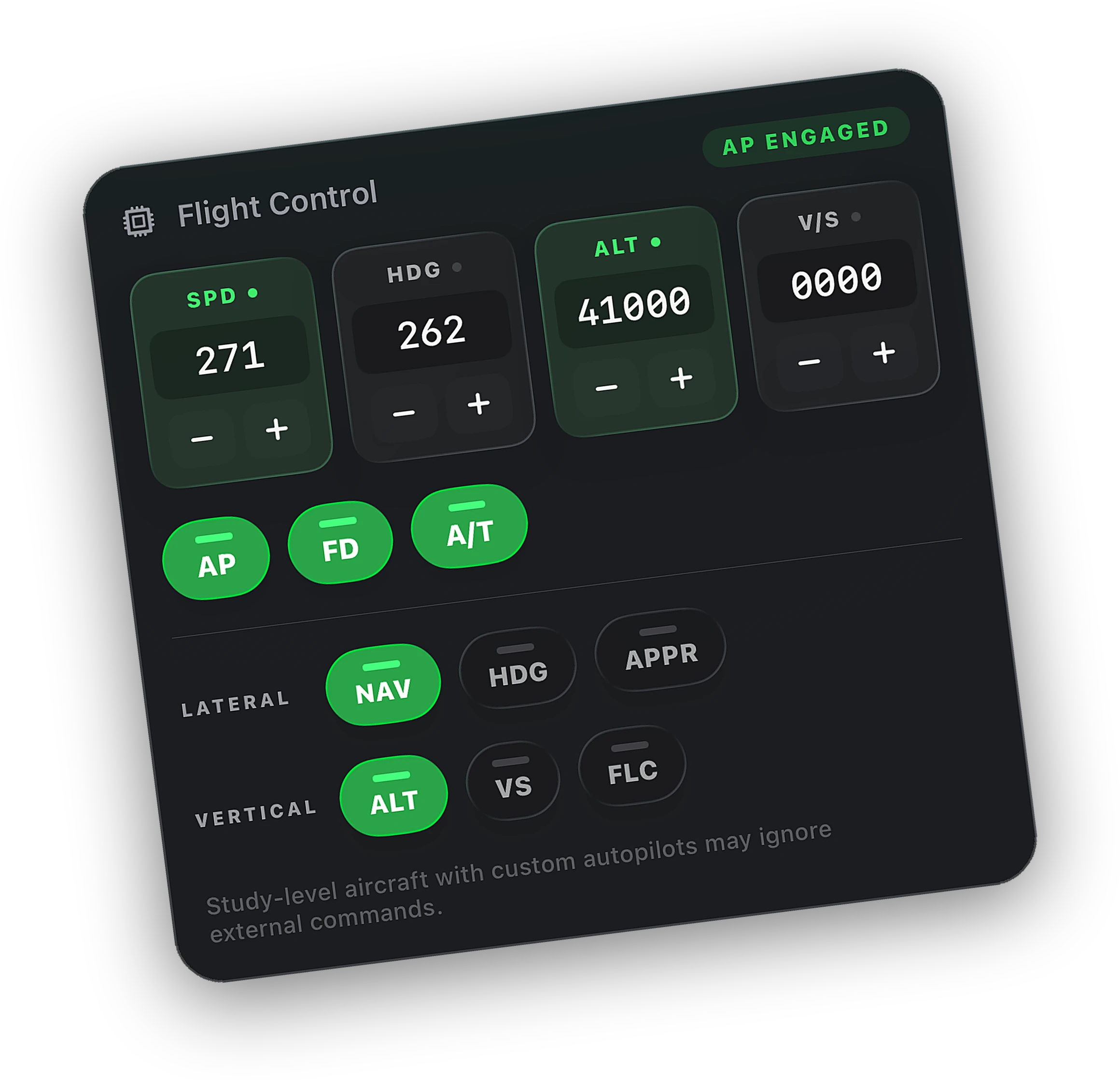
Touchdown rate and a verdict the moment you land. The flight files itself in the logbook. With Peak, the written debrief and playback come with it.
Free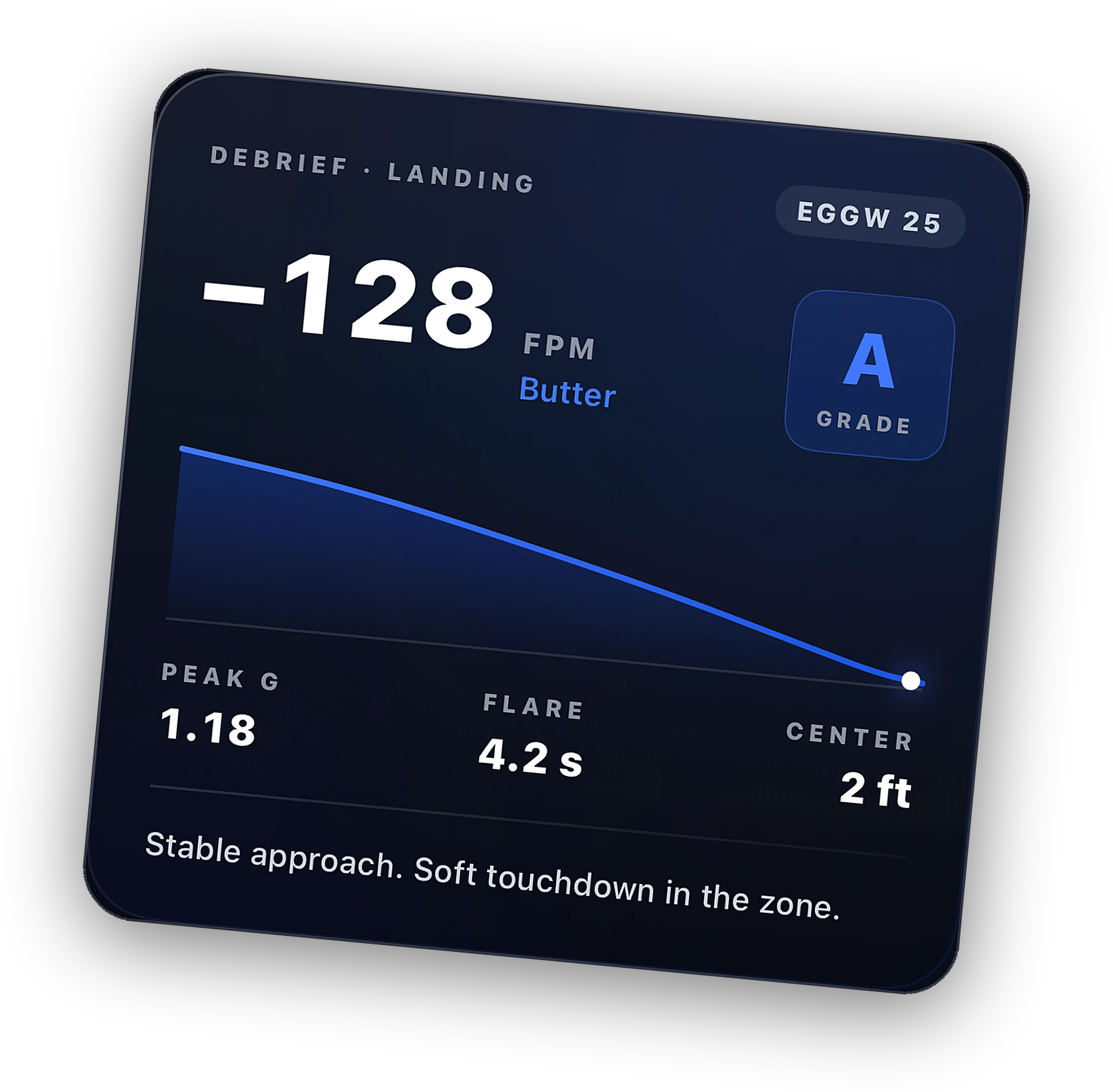
Pay on cobaltsim.com/peak, then return to Cobalt. Use the same email as your Cobalt account at checkout when you can. Stripe notifies Cobalt, your profile becomes Peak, and the app picks it up over Realtime or when you open the success deep link. Paid with a different email? Open the Claim Peak email, or Settings → Restore purchases.
Open the Claim Peak link we emailed to the checkout address while signed into Cobalt. Or sign in with the account you want Peak on and tap Restore. Support can grant Peak if both emails are confirmed.
Yes. Open Manage subscription here, or Settings → Manage subscription in the app. Upgrades, downgrades, and cancellations go through Stripe. You keep Peak until the end of the paid period when you cancel a subscription.
Live tracking, the map, Atlas basics, and Lock Screen Live Activities. Peak unlocks remote systems, camera, fleet map, cellular Relay, ATC messaging, full history, and multi-PC Bridge.
No. Cobalt itself is free to fly. Peak is monthly, yearly, or lifetime. Pick what fits.
Remote systems, Relay from anywhere, and every flight on record. From $6.67 a month.
Point your iPhone camera here. It opens Cobalt on the App Store.