Release notes
Shipped, newest first.
Link to any release with its anchor. The Bridge updates itself; the app updates from the App Store.
-
2026.10.9
Web
Changelog, roadmap, and wallpapers
- This changelog, with an Atom feed for your reader.
- A public roadmap of what we are building now, next, and later.
- Twelve free wallpapers for iPhone and iPad, plus a gallery of Live Activities and widgets.
- Clearer titles and descriptions across the site, so the right page shows up in search.
#
-
2.0
iOS appLaunch
Cobalt is on the App Store
- Your flight on a live map, beside every VATSIM and IVAO flight and the controllers online.
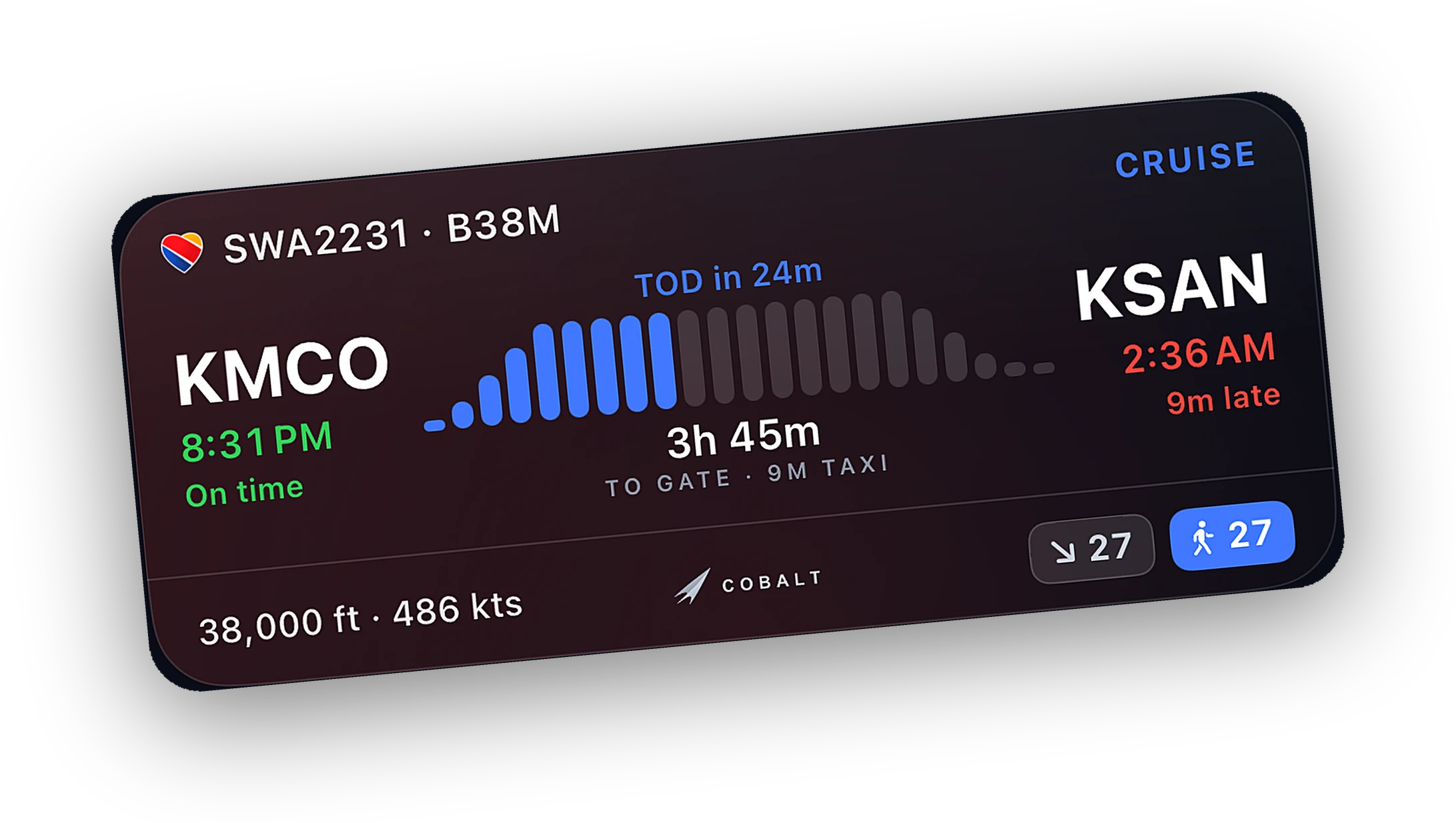
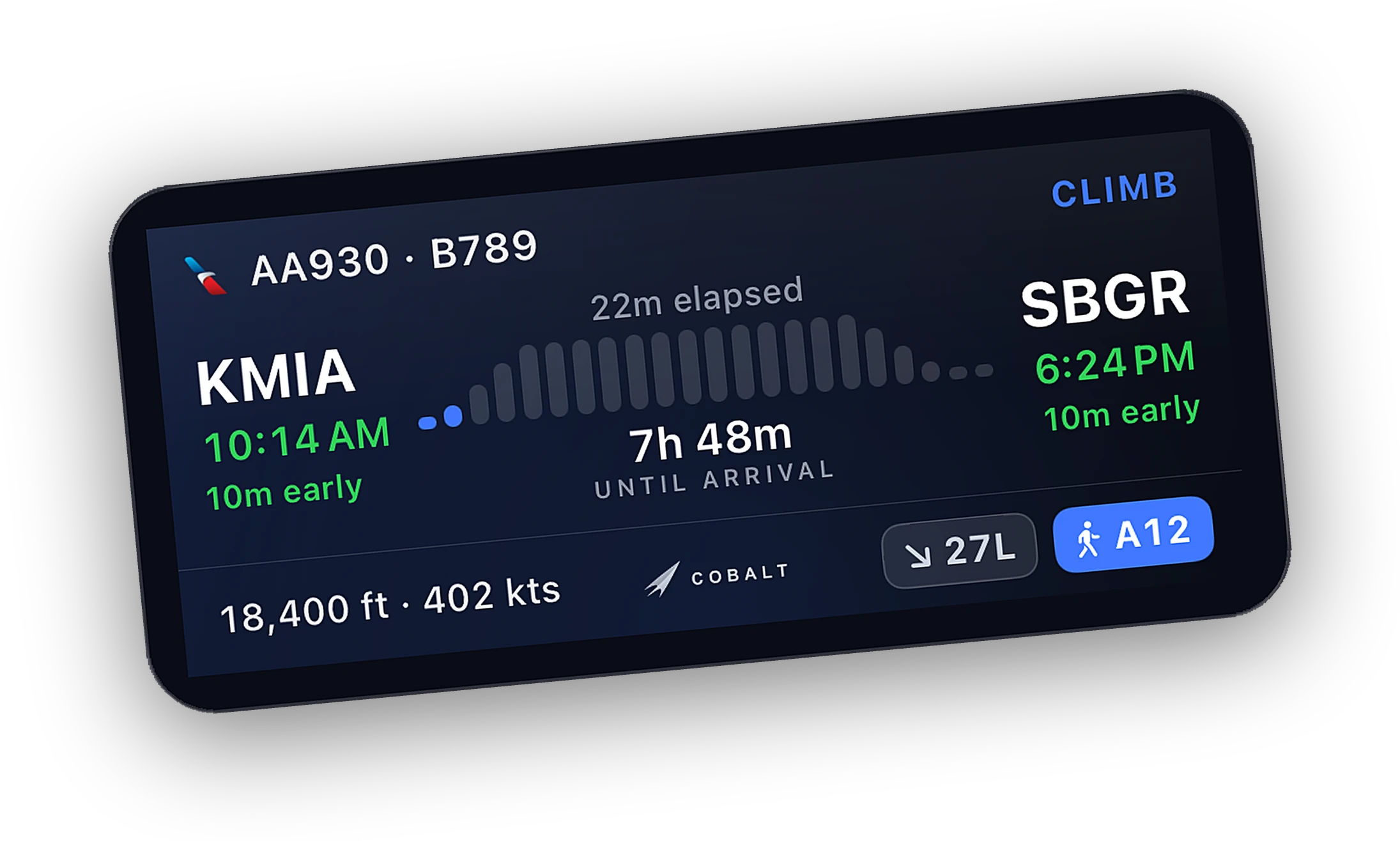
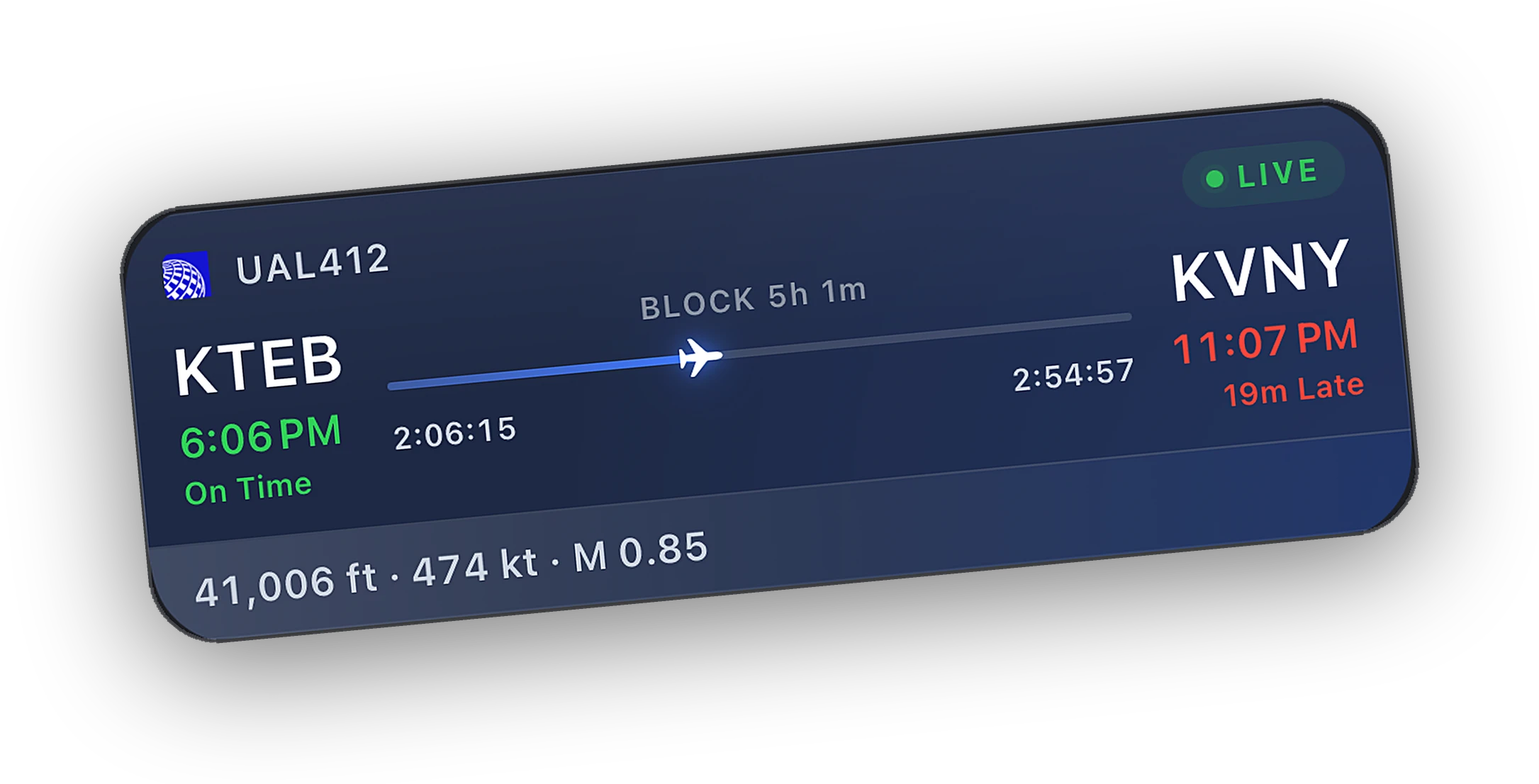
- Lock Screen Live Activities and the Dynamic Island from pushback to the gate, plus widgets and Apple Watch.
- A logbook that writes itself, with graded landings and the Atlas passport.
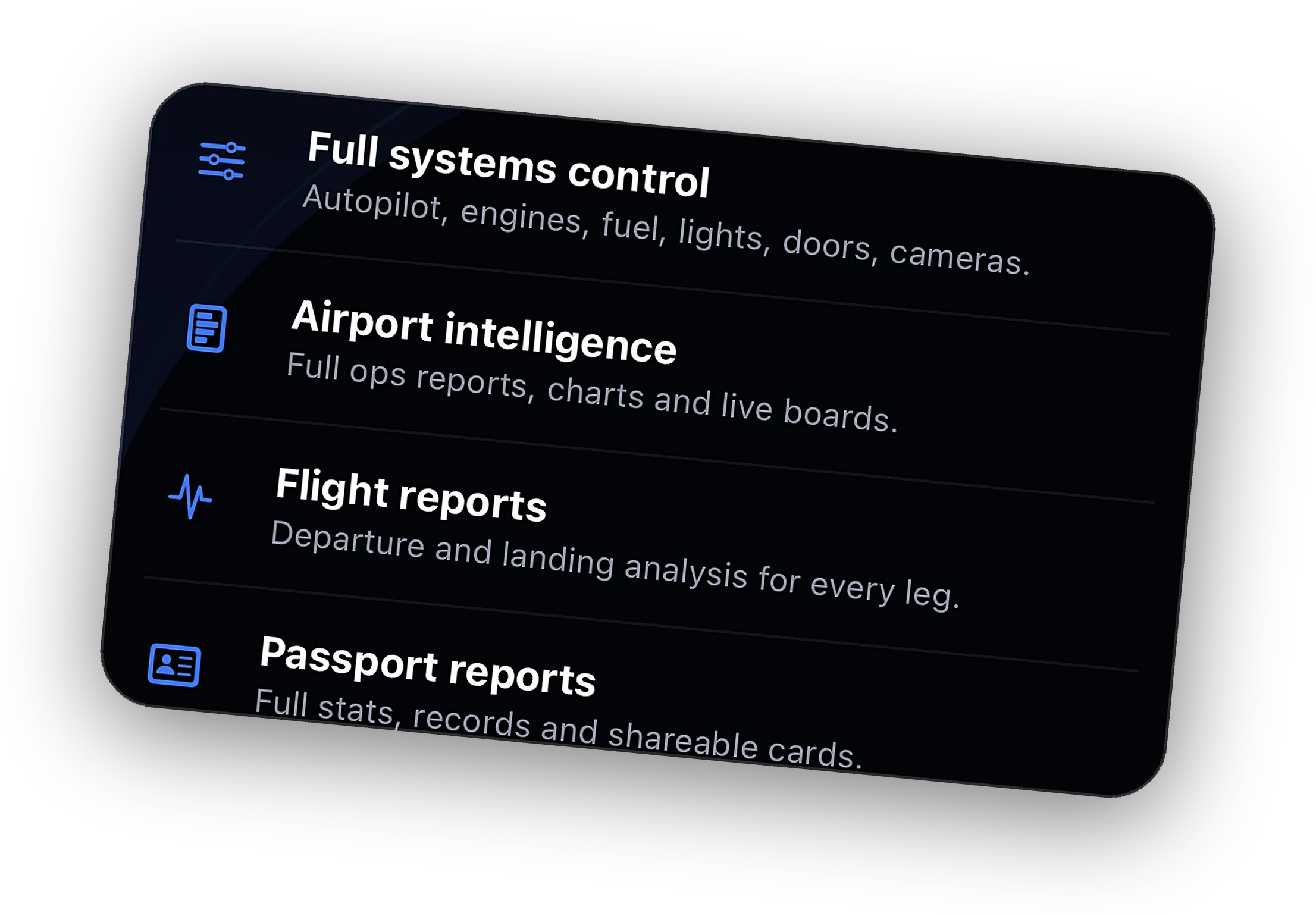
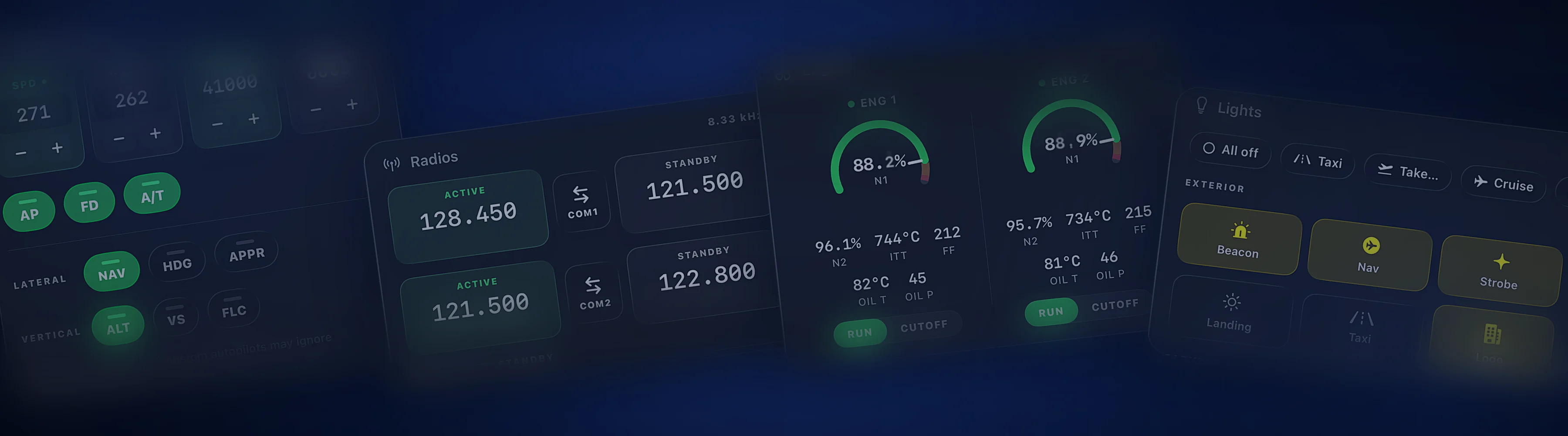
- With Peak: autopilot, lights, engines, radios, and cameras from the phone.
- With Peak: message ATC through vPilot or xPilot, and reach the sim over cellular with Relay.
- Free to fly. Peak comes monthly, yearly, or as a one-time lifetime purchase.
#
-
2026.10.8
Web
cobaltsim.com for launch day
- Every download button now opens the App Store listing.
- New About, Manifesto, and Setup pages.
- Airport pages and an airports directory.
- Shared flights open on a cleaner flight page.
#
-
1.2.4
Bridge
Airbus FCU and Fenix A320 controls
- Push and pull the Airbus FCU knobs for managed and selected modes.
- Fenix A320: spoilers, parking brake, seatbelt signs, probe heat, exterior lights, and APU, with the real switch positions on the phone.
- Fenix RMP: tune COM standby and swap frequencies, at 8.33 or 25 kHz spacing.
- COM2 and barometric setting join the command set.
- COM frequency changes are read back from the sim to confirm they took.
#
-
1.2.3
Bridge
xPilot messaging, on par with vPilot
- ATC messaging through xPilot now works the same way it does through vPilot.
- The Bridge writes the xPilot settings it needs when they are missing and links the X-Plane plugin over TCP.
- Controller frequency messages reach your inbox from both pilot clients.
- Updates download in the background and wait until no flight is in progress to ask.
- A moving map on the desktop with your route, traffic, controllers, and radar.
#
-
2.0 beta
iOS appTestFlight
Watch, widgets, and sync for the beta
- The Apple Watch app, redesigned for watchOS 26, with complications.
- Every widget family, redesigned.
- Flights sync across your iPhone, iPad, and Mac in near real time.
- Notifications open straight to the right flight, airport, or thread.
- Systems cards adapt to the aircraft you fly, from APU to gear.
#
-
1.1.1
BridgeBeta
The vPilot plugin in one click
- Install and update the Cobalt vPilot plugin from Bridge Settings, in one click.
- Two-way ATC messaging for X-Plane through xPilot.
- Activate Peak on the Bridge with your Cobalt account code.
- Steadier account sync and first launch.
- Local connections work again after reinstalling the Bridge.
#
Follow along in any reader with the Atom feed, or
subscribe by email.
Read more about the live map,
Live Activities,
systems control, and
ATC messaging, or how Cobalt works with
MSFS and X-Plane.