
Cobalt
Get Peak Download the app

Built by sim pilots, for the long flight.

Cobalt Simulations is an independent studio. We make the companion your simulator never shipped with: your flight on the phone in your pocket, wired to MSFS or X-Plane through one small Bridge.

Download the appOn your PC?Scan with your iPhone Get Peak

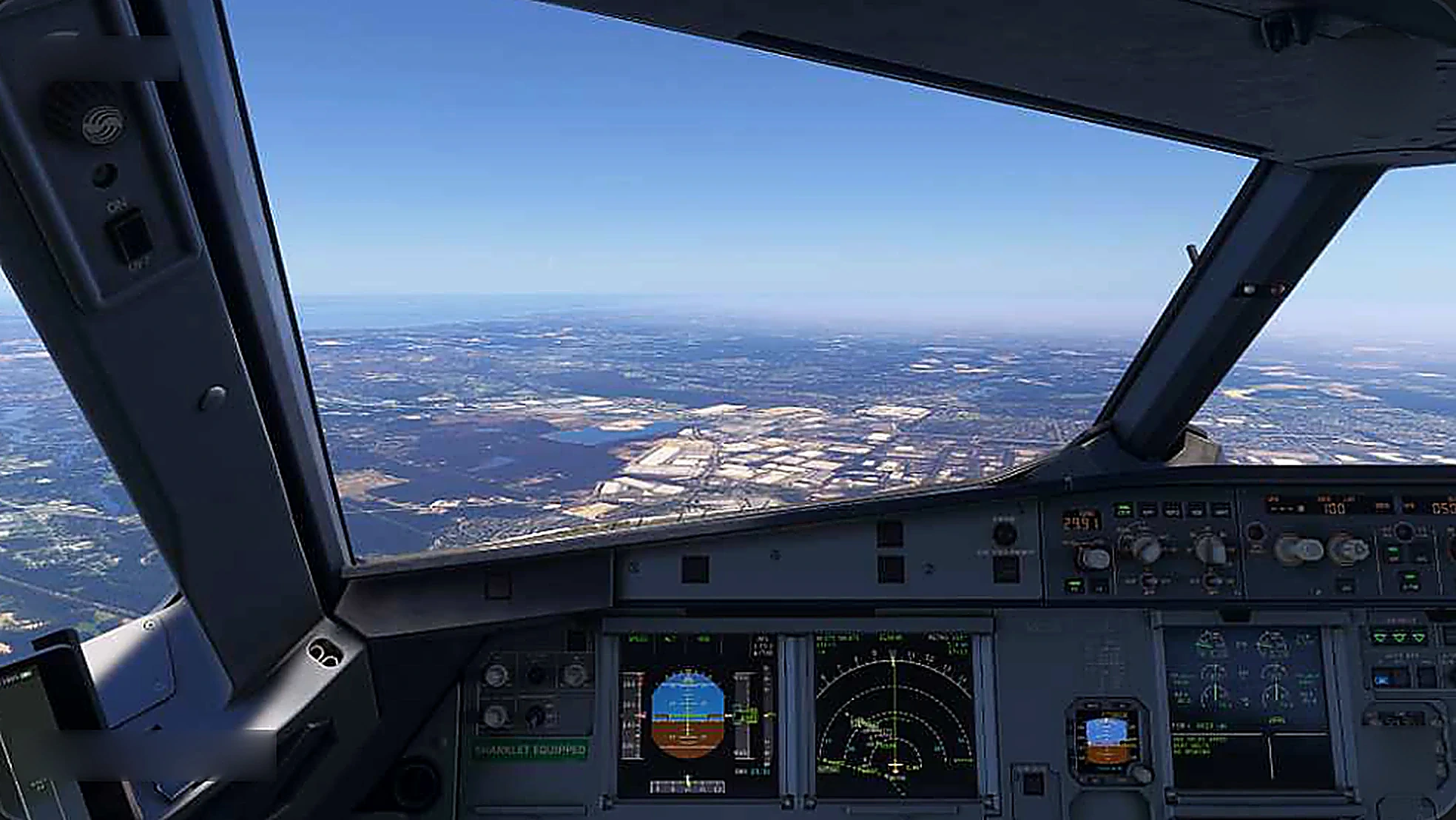
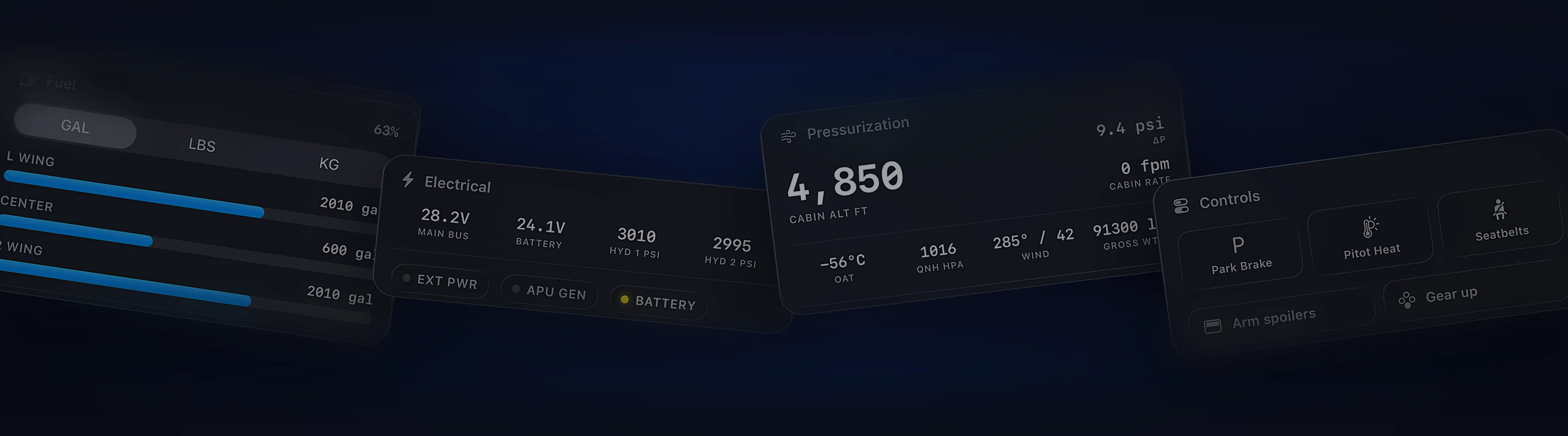
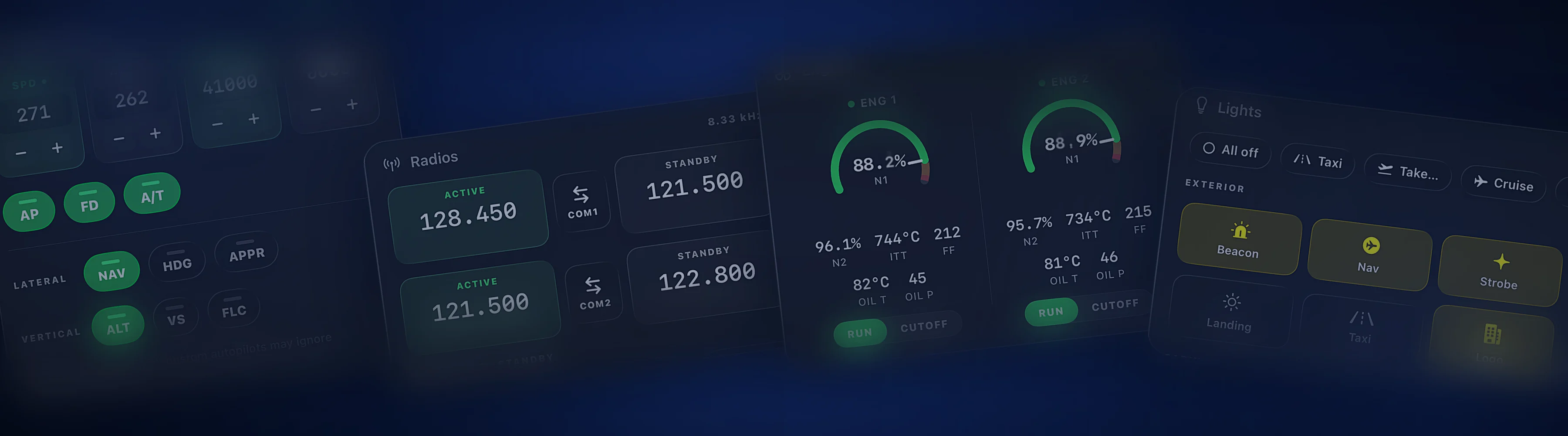
Behind this page: a live A320 cockpit, streamed from the sim by Cobalt.

4Simulators: MSFS 2020 and 2024, X-Plane 11 and 12.
1Small Bridge on the sim PC. Free on Windows and Mac.
0Ads, countdown timers, or nag screens. Ever.

Long-haul is the hobby.
The desk is not.

Three things we noticed on a long flight, and what we did about them.

01

Six hours at cruise.
One chair.

A long haul is the best part of the sim. It is also six hours of one monitor and a room you cannot leave. We did not want a second simulator. We wanted the flight to come with us.

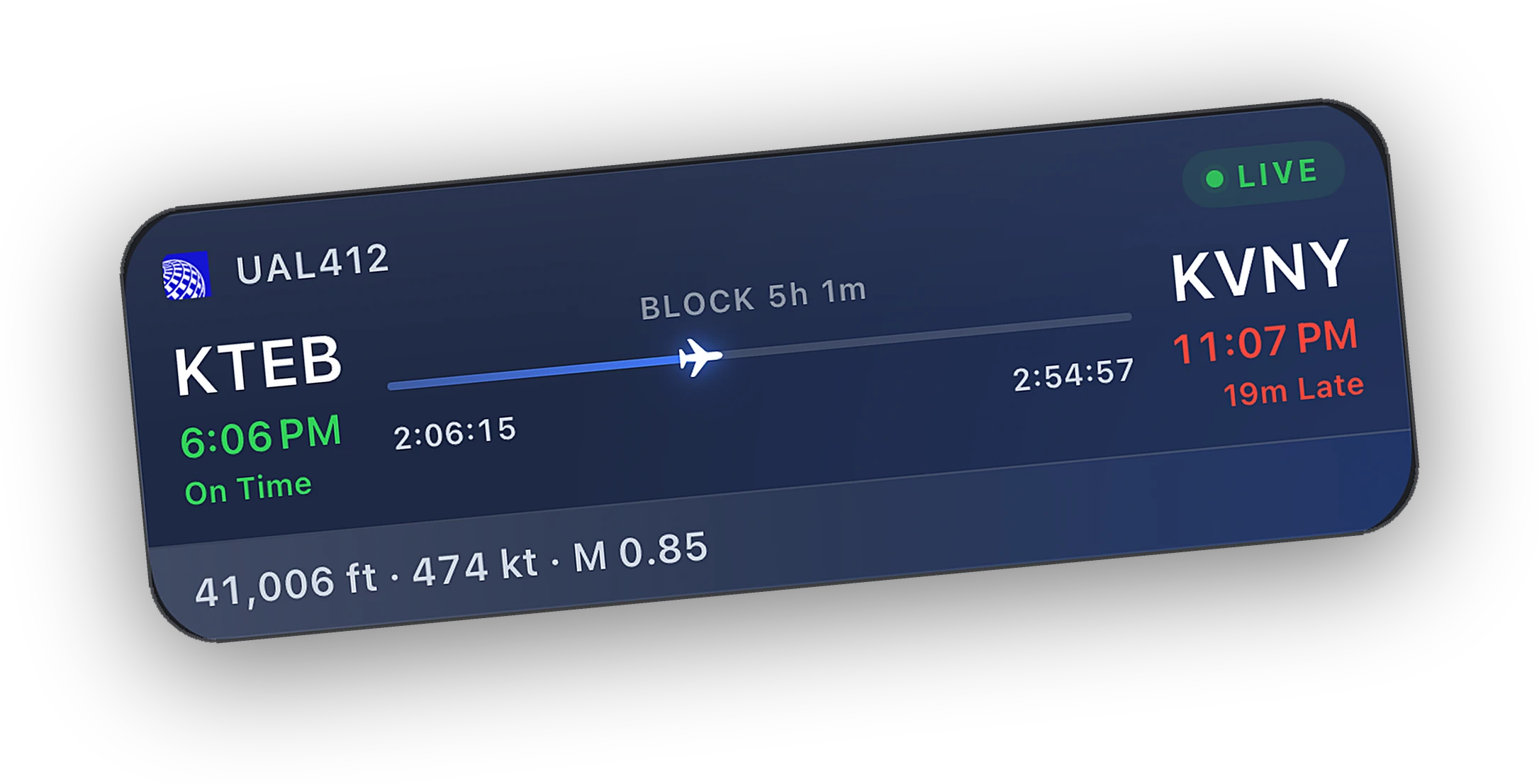
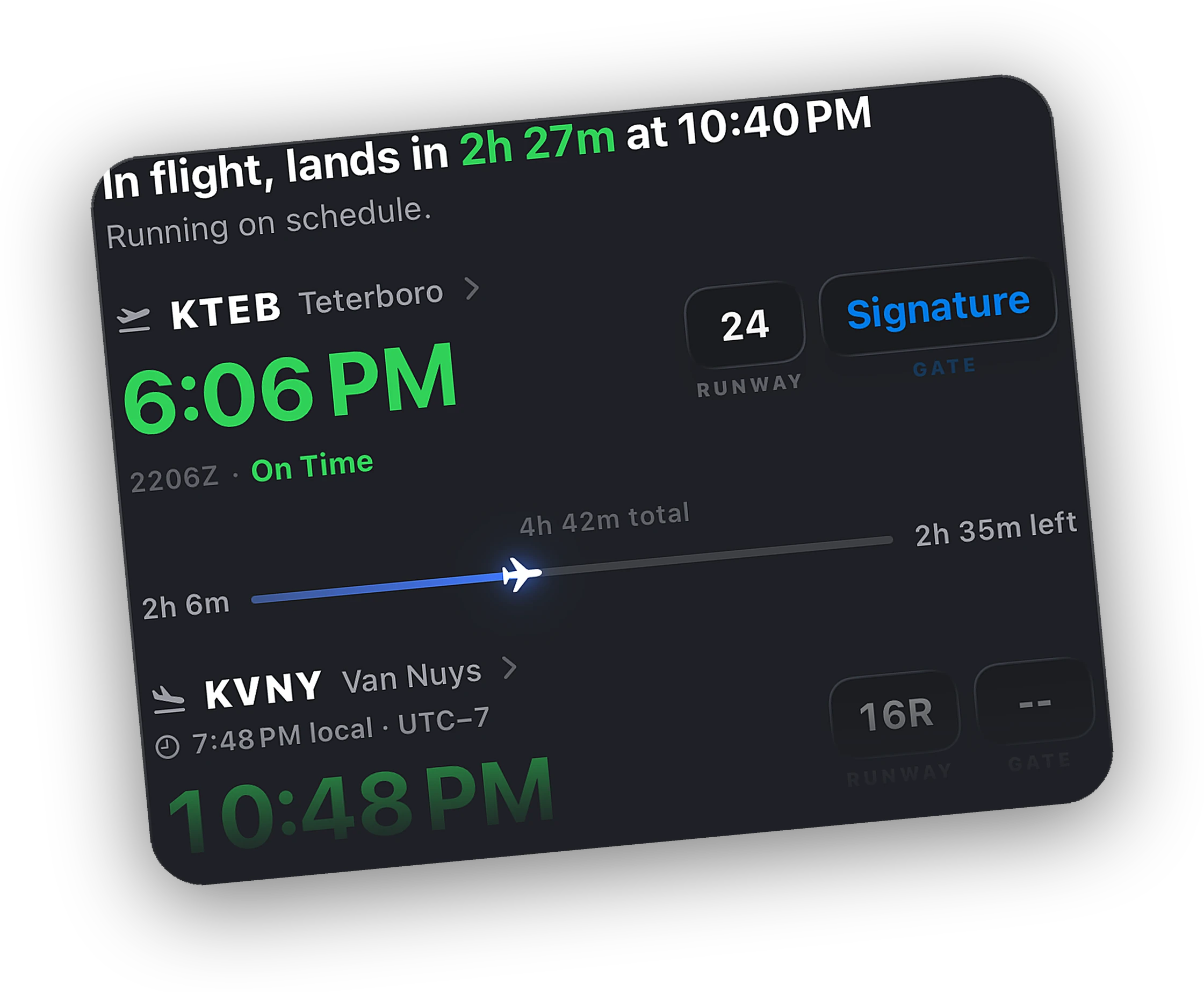
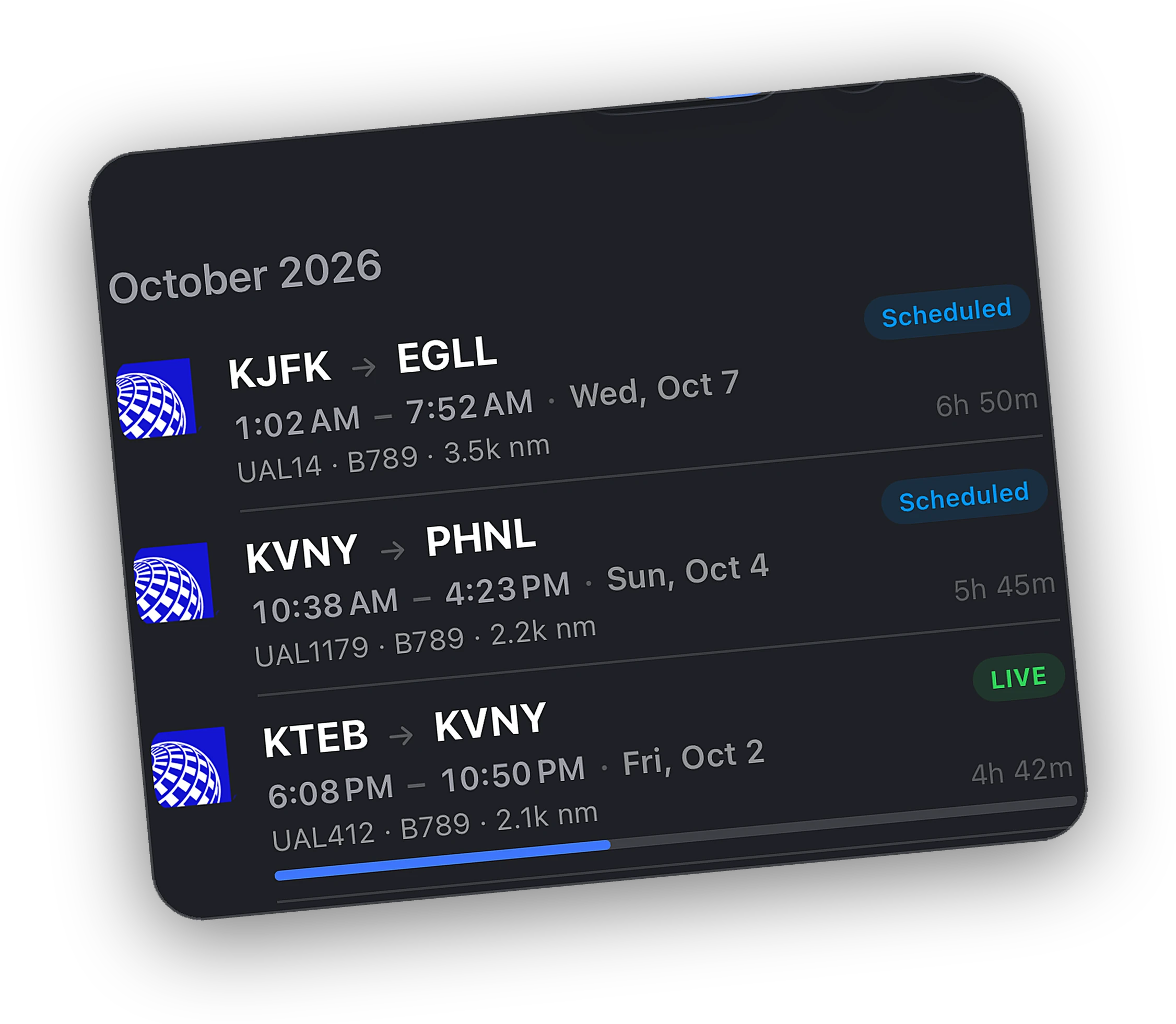
Cobalt flight times: in flight, lands in 2h 27m at 10:40 PM, KTEB to KVNY, 4h 42m total
02

The phone
already knew how.

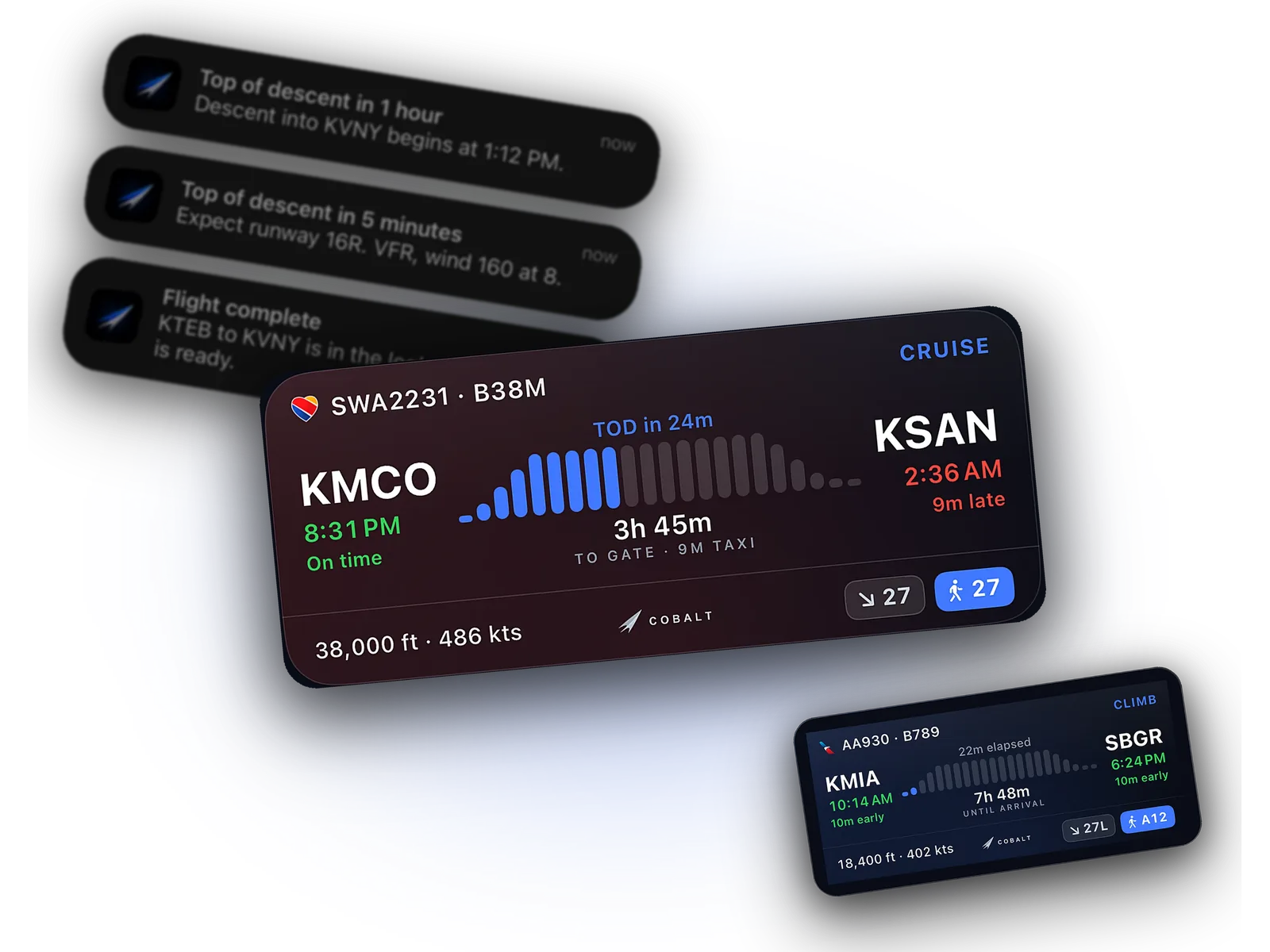
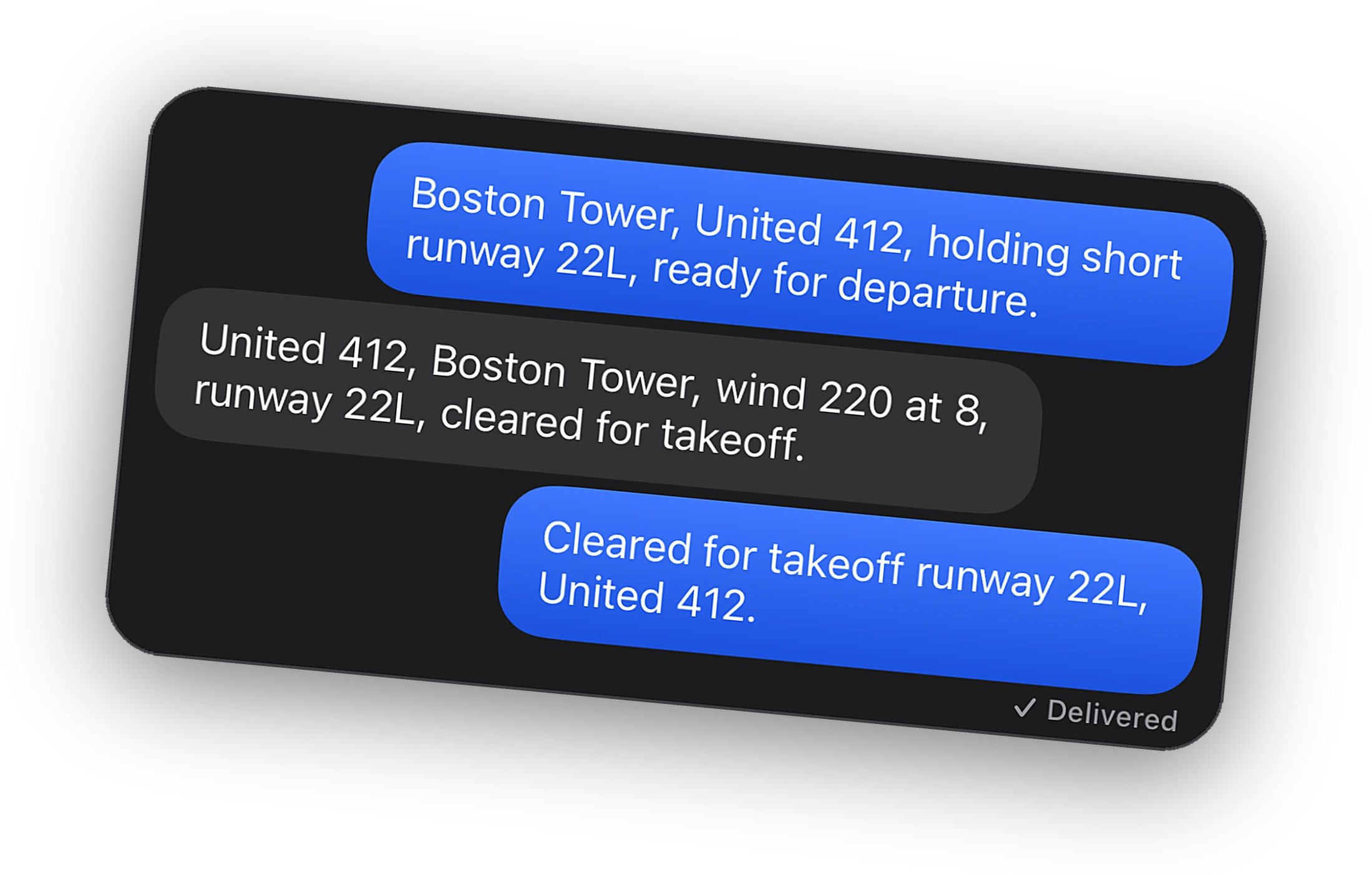
It knew how to show a map, buzz at the right moment, and live on a Lock Screen. It only needed to know about the aircraft.

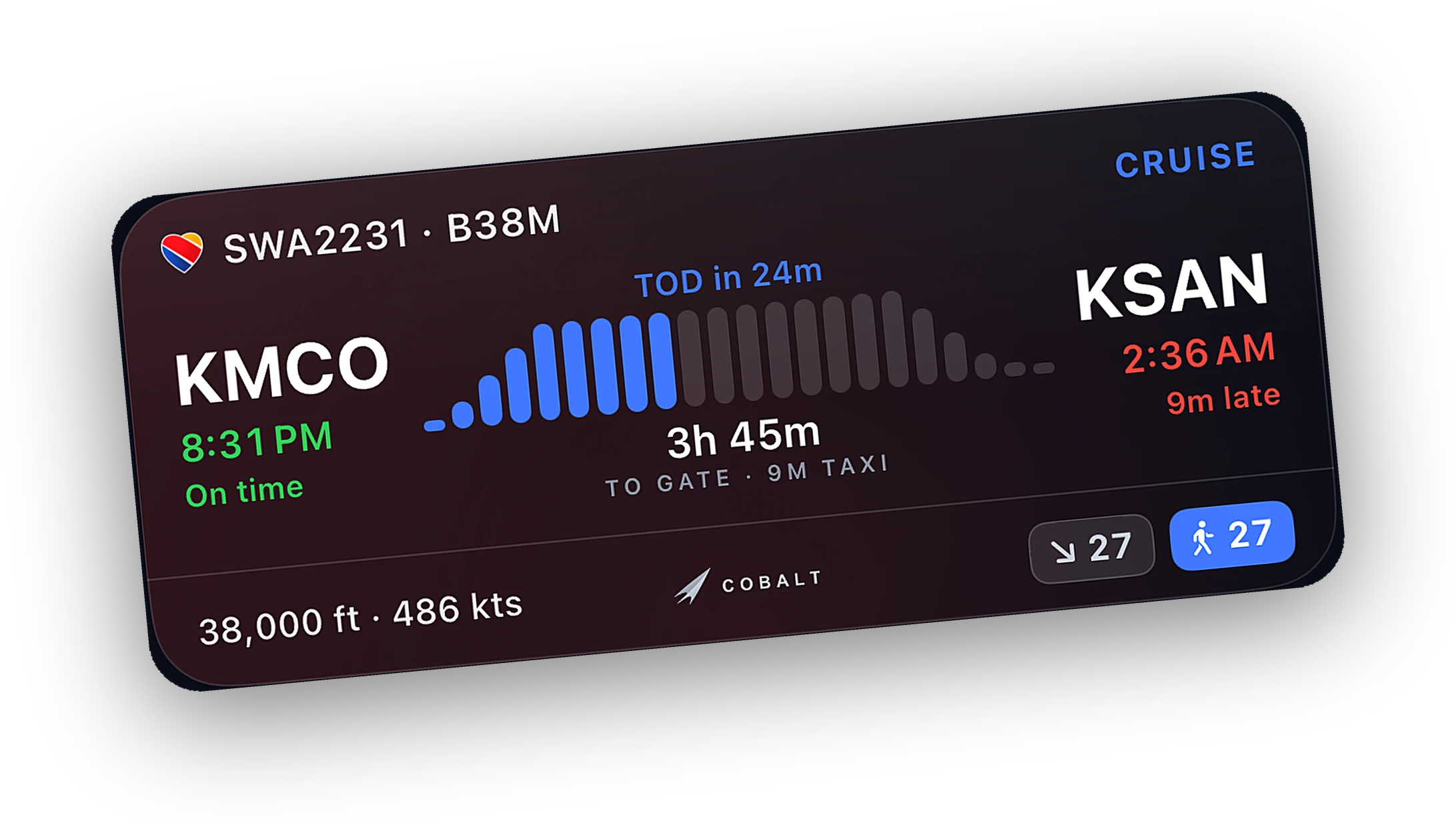
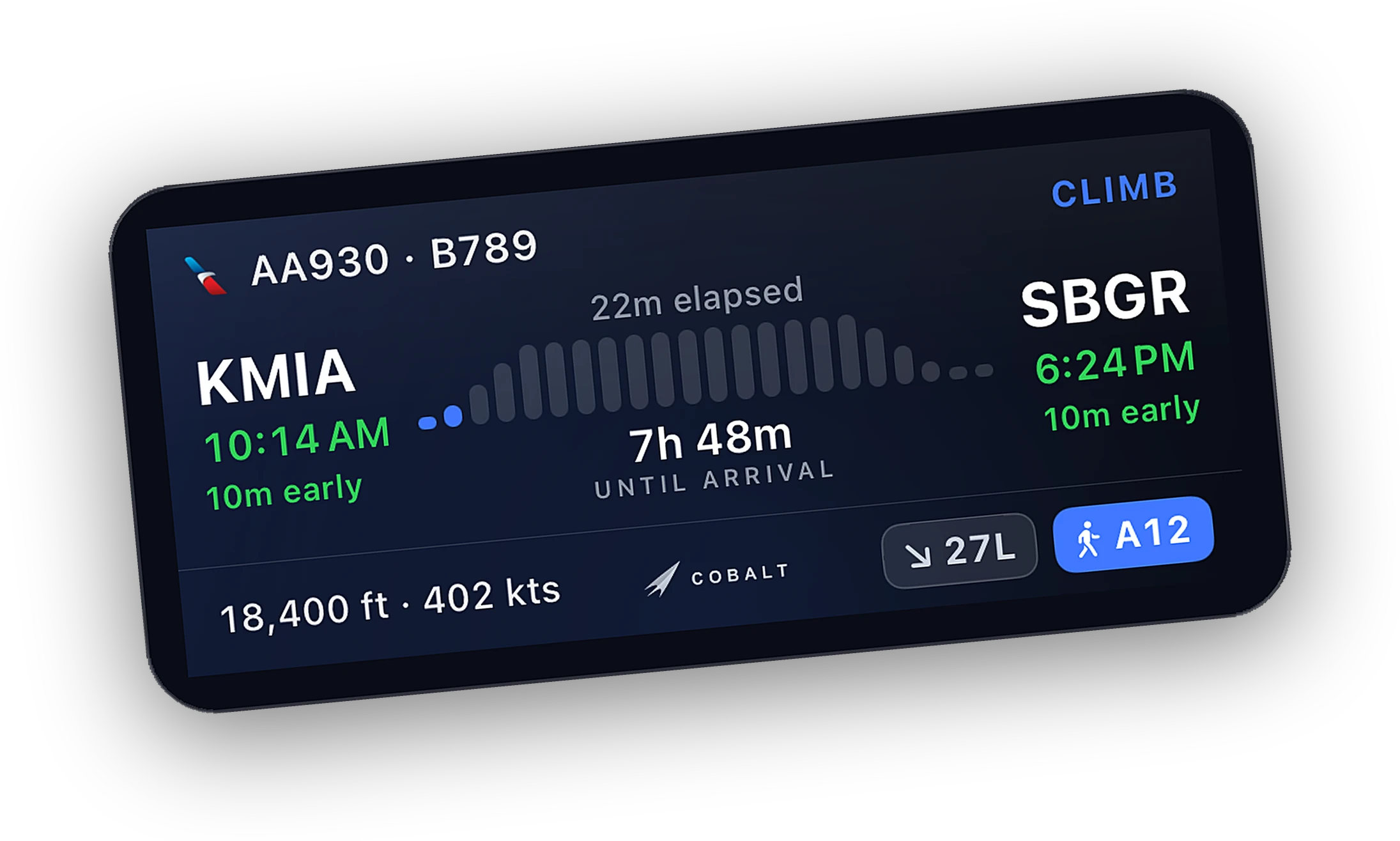
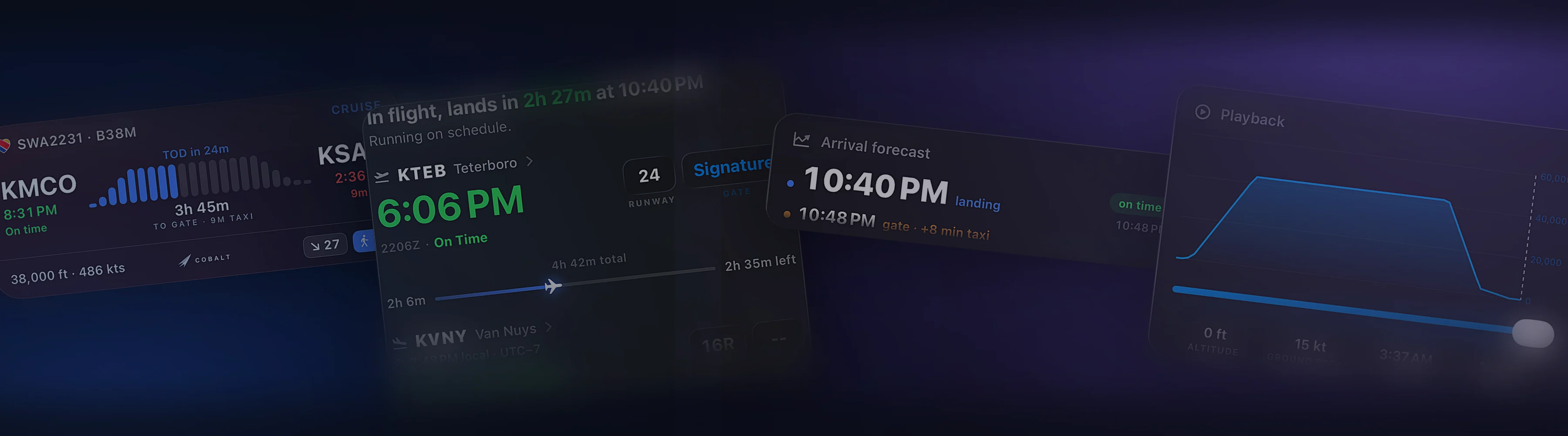
Cobalt on the Lock Screen: top of descent notifications beside the cruise and climb Live Activity cards
03

So we built the Bridge.
Cobalt followed.

One small app on the sim PC finds MSFS or X-Plane on its own and talks to the phone over Wi-Fi. The map came first. Then the Lock Screen, systems, ATC, and a logbook that writes itself.

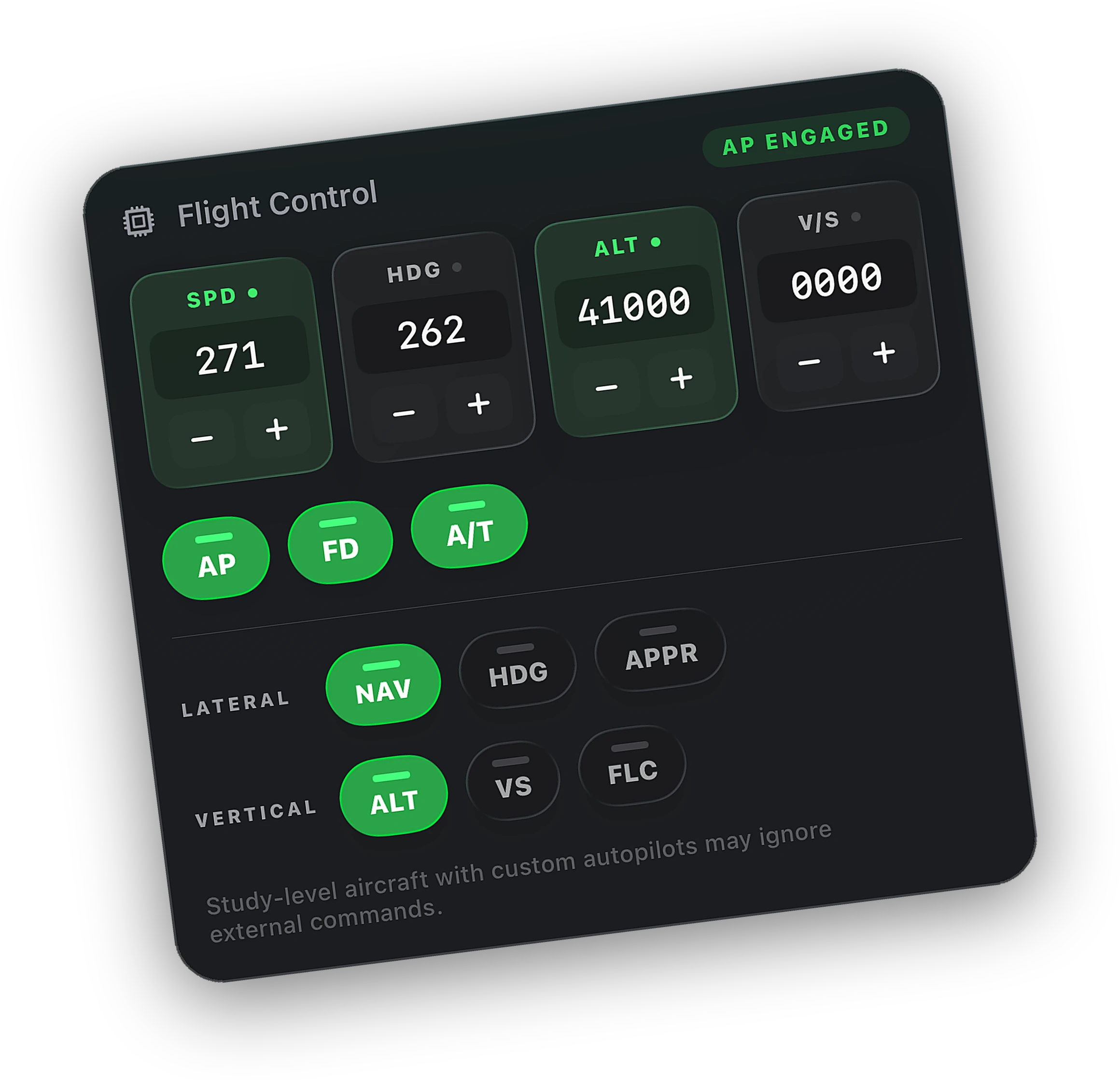
Cobalt autopilot panel: heading, altitude, speed, and vertical speed controls wired to the sim

A companion. Not a simulator.

Cobalt does not fly anything. It follows the aircraft you already fly, in the sim you already own.

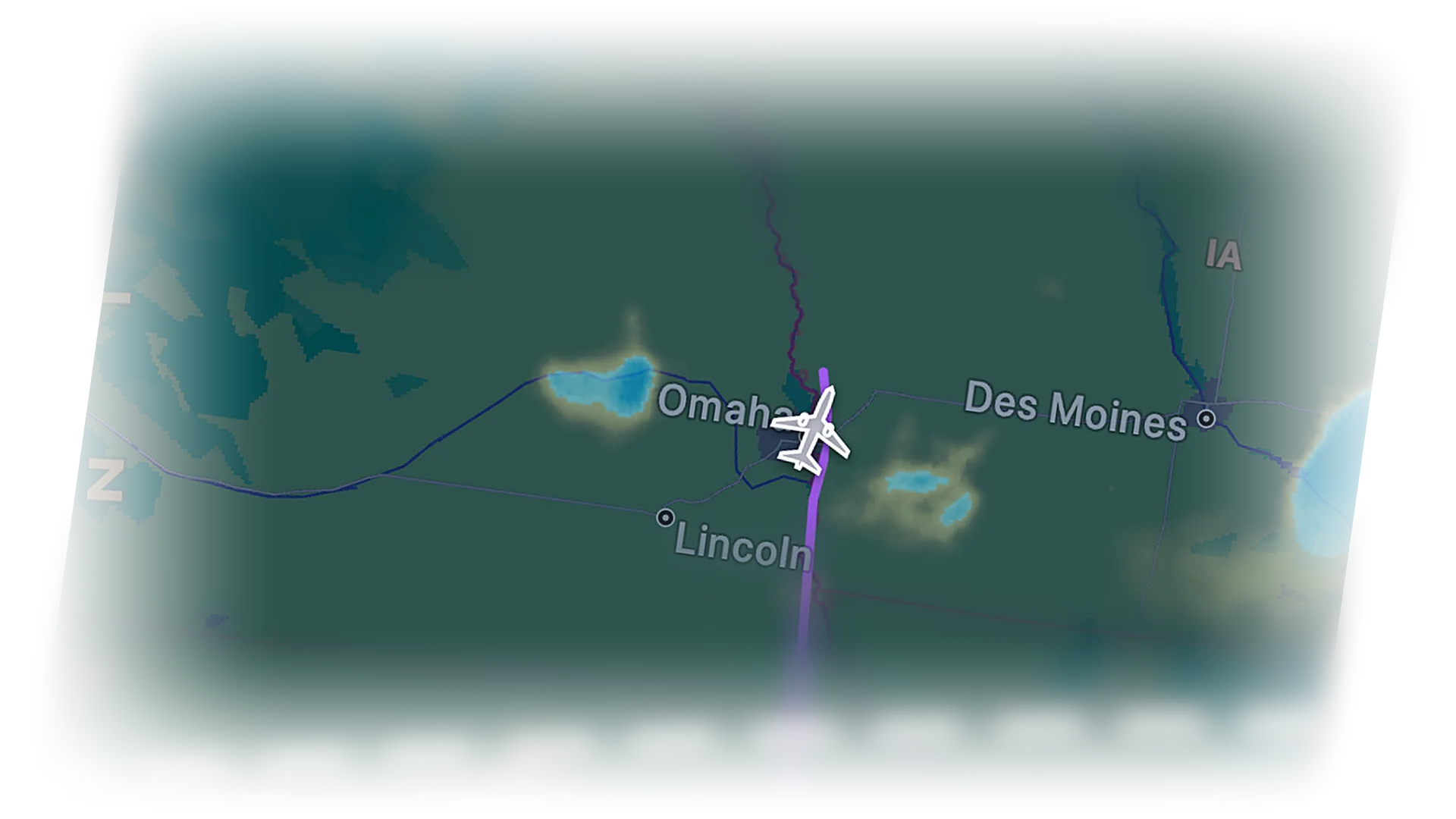
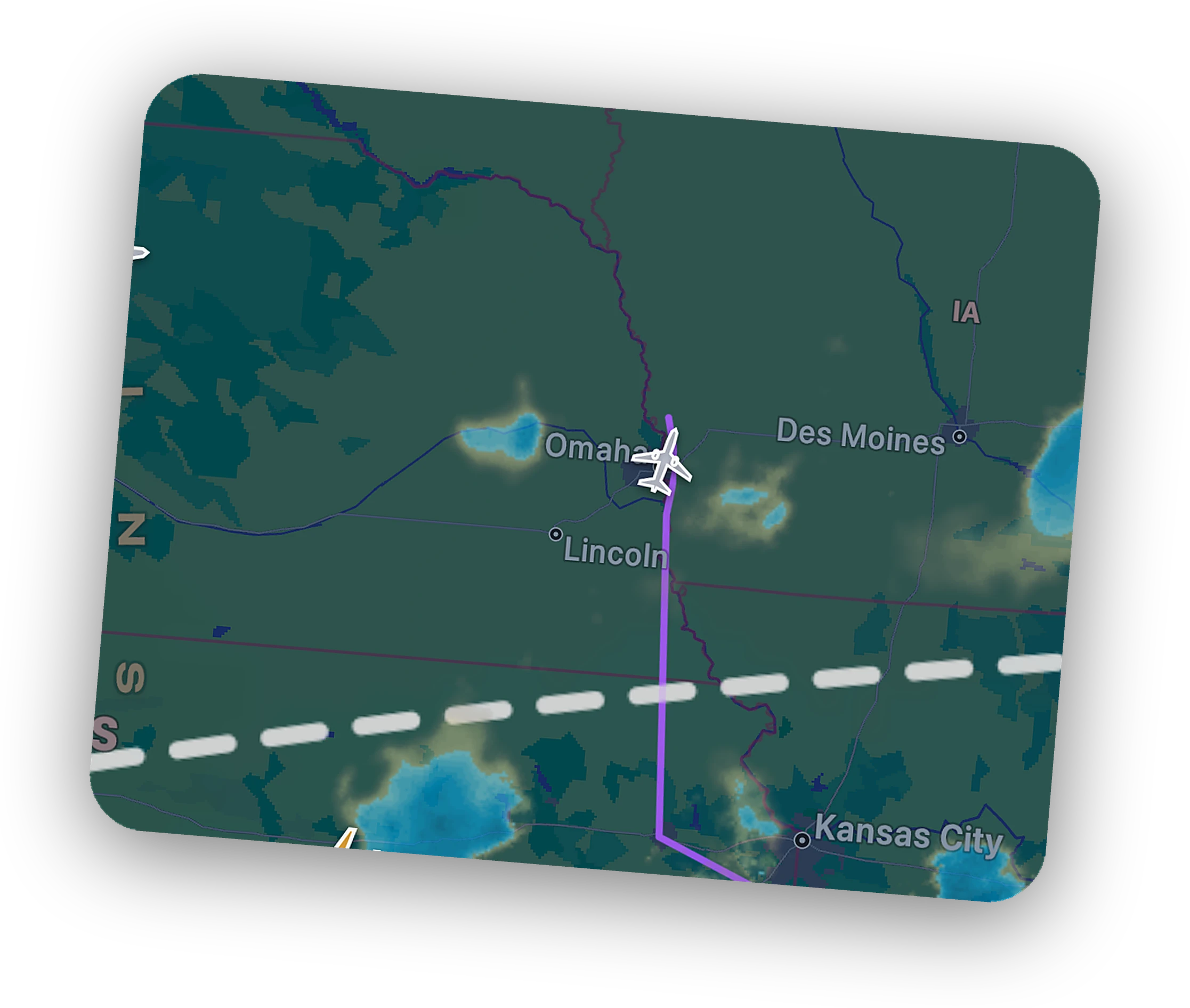
Cobalt live map with the aircraft over the Midwest, weather radar, and the planned route
Live map

We built Cobalt on our own long hauls. Every feature had to earn a place on a phone that already does a lot. If it would not help on hour five of a crossing, it did not ship.

The team at Cobalt Simulations

From one long flight to the App Store.

No funding round, no launch party. A problem on a desk and a phone in a pocket.

  1. Where it began
    A long leg, and nothing on the phone about it.

    The flight was hours from top of descent. The phone on the desk knew the weather, the news, and the score. It knew nothing about the aircraft.

  2. Cobalt Bridge
    The small app on the sim PC.

    It had to find the sim on its own, speak to both MSFS and X-Plane, and never ask for a pairing code. It still does exactly that, and it is still free.

  3. TestFlight
    Sim pilots flew the beta.

    Long hauls, pattern work, and Friday nights on VATSIM. Their landings graded the app as much as the app graded their landings.

  4. App Store · October 13, 2026
    Launch day.

    Cobalt is on the App Store for iPhone and iPad. Free to fly, with Peak for pilots who want control and history.

  5. Android · October 2026
    The same companion for Android.

    Cobalt for Android follows in mid-to-late October 2026, with the same Bridge on the sim PC.

Three lines that decide what ships.

The rest of the thinking is in the manifesto.

01

Free to fly.

The map, the Lock Screen, the briefing, and the logbook cost nothing. Nothing on the free plan is hidden, limited by a timer, or interrupted.

02

Honest by design.

Hours, landings, and grades come from telemetry. The Bridge keeps recording if the phone drops. If the logbook can lie, it is not Cobalt.

03

Native, or not at all.

Built for iPhone and iPad first: Live Activities, Dynamic Island, widgets, Apple Watch. It should feel like it came with the phone.

Quietly, and on our own account.

Four habits that shape every release.

Ships with the sims you own

Microsoft Flight Simulator 2020 and 2024, X-Plane 11 and 12. Cobalt follows the aircraft already in your hangar, from any developer.

Private by default

Your flights live in your account. We do not sell personal information, and we do not collect more than the app shows you. The privacy policy is short enough to read.

No ads, no nagging

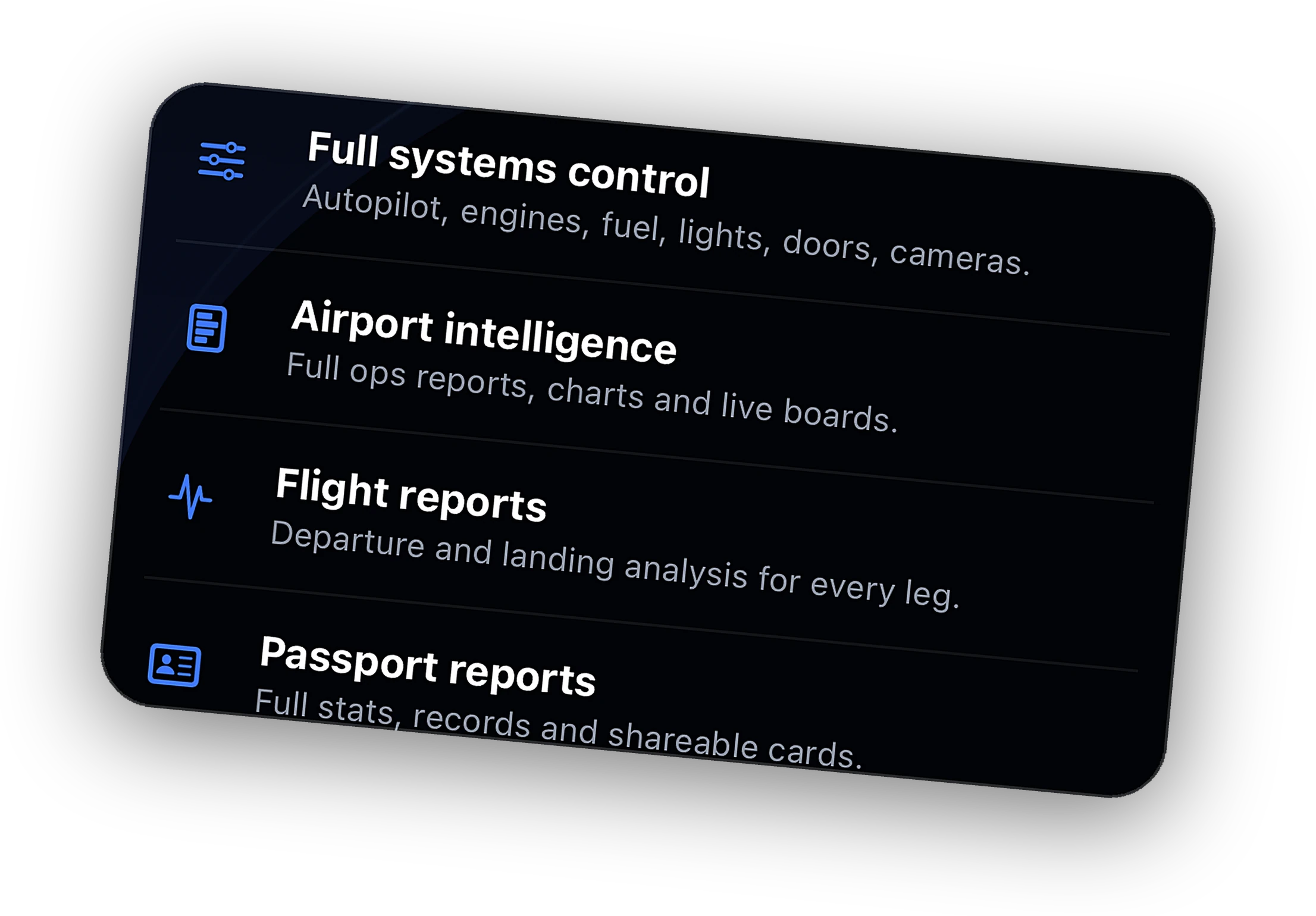
No banners, no countdown timers, no feature that vanishes mid-flight. One clear line between Free and Peak, and you can read every item on it.

A small independent studio

Cobalt Simulations answers to the pilots who fly with it. Support is answered by the people who build it. Not affiliated with VATSIM, IVAO, Microsoft, Asobo Studio, or Laminar Research.

There is a door for that.

Writing about Cobalt, building with it, or stuck on setup. Pick the one that fits.

Your flight, off the screen.

Free on the App Store for iPhone and iPad. The Bridge is free on Windows and Mac.

Download the appOn your PC?Scan with your iPhone Get Peak

Read the manifesto · Setup guide

Get Cobalt free