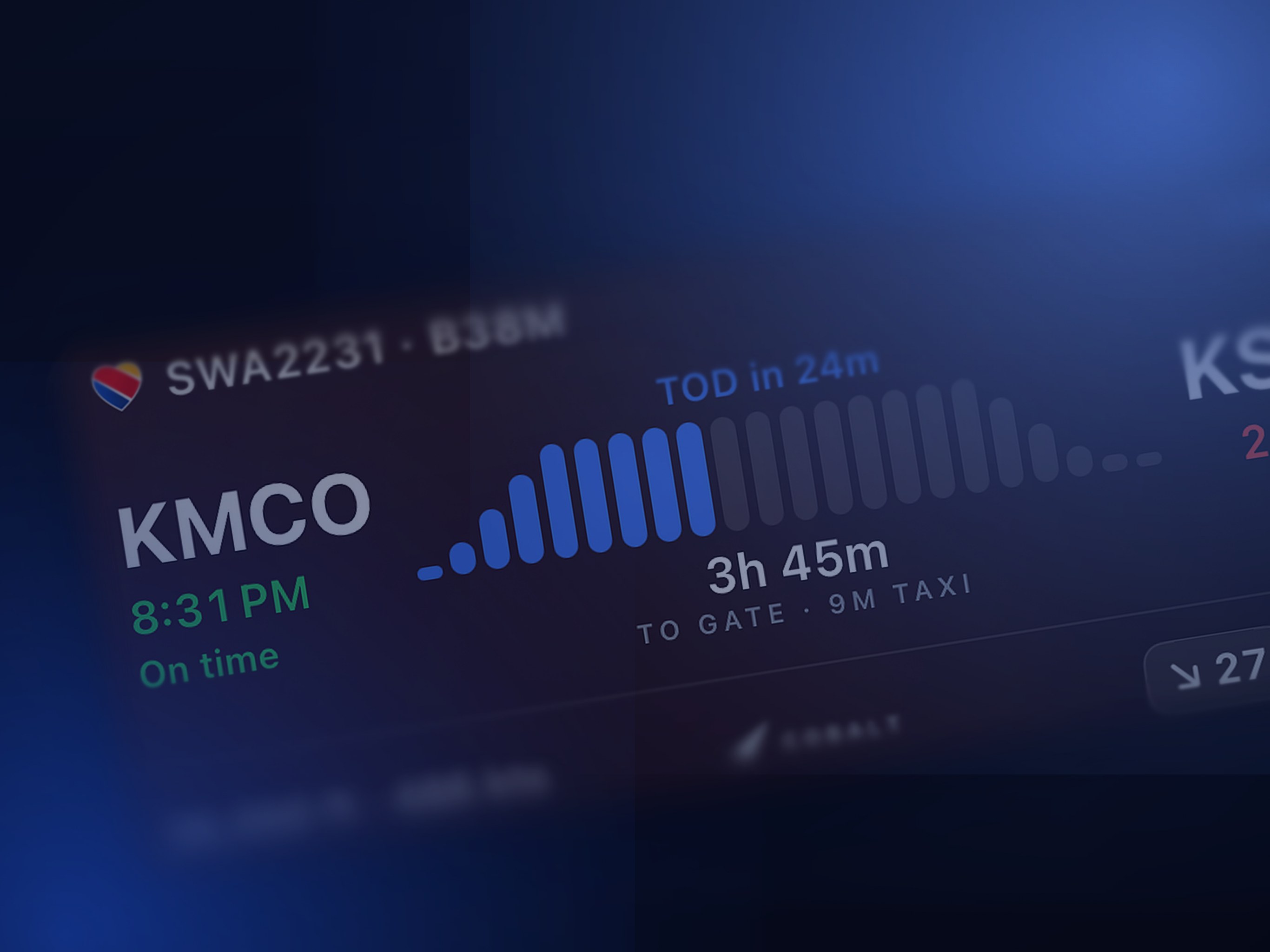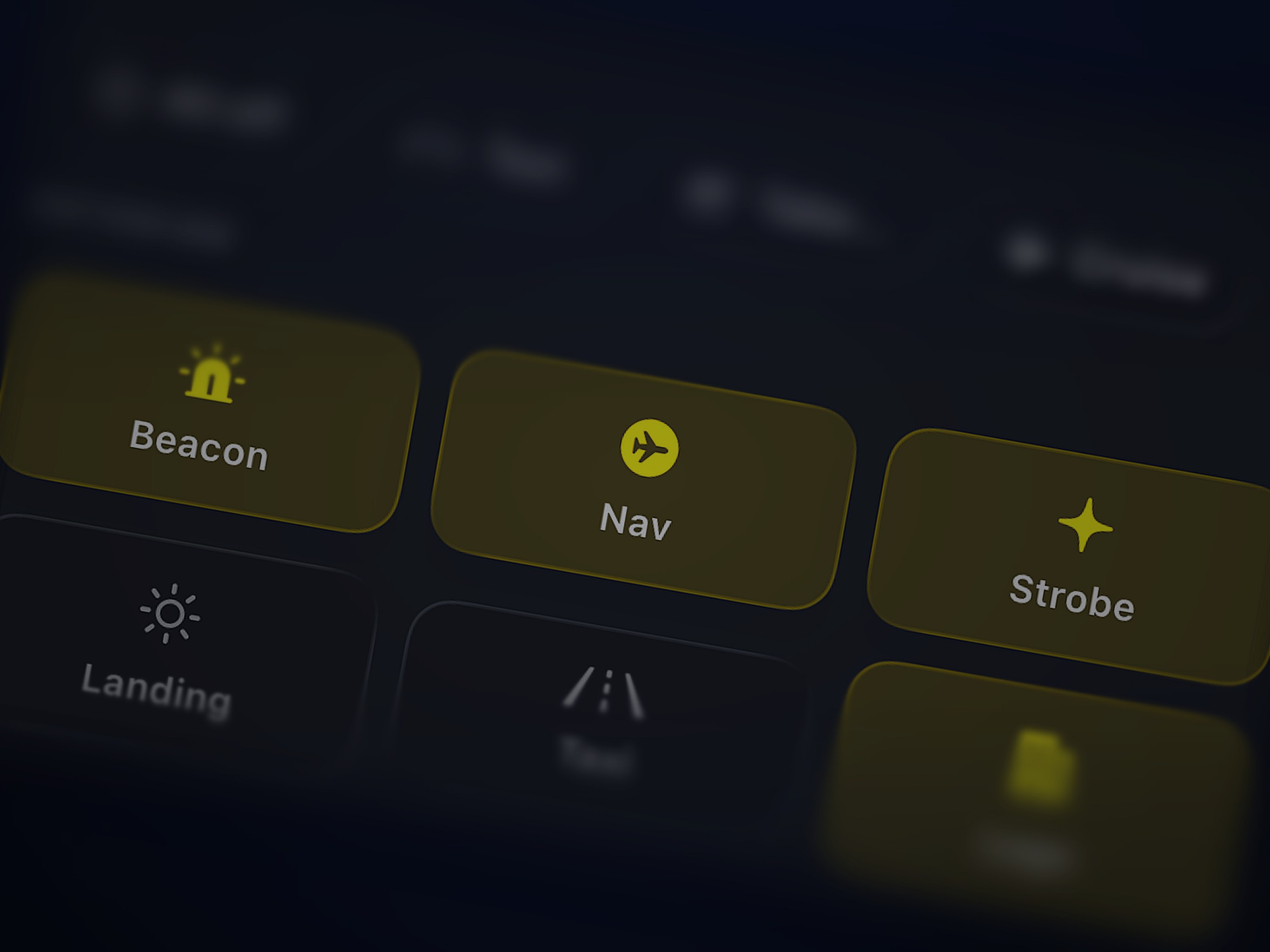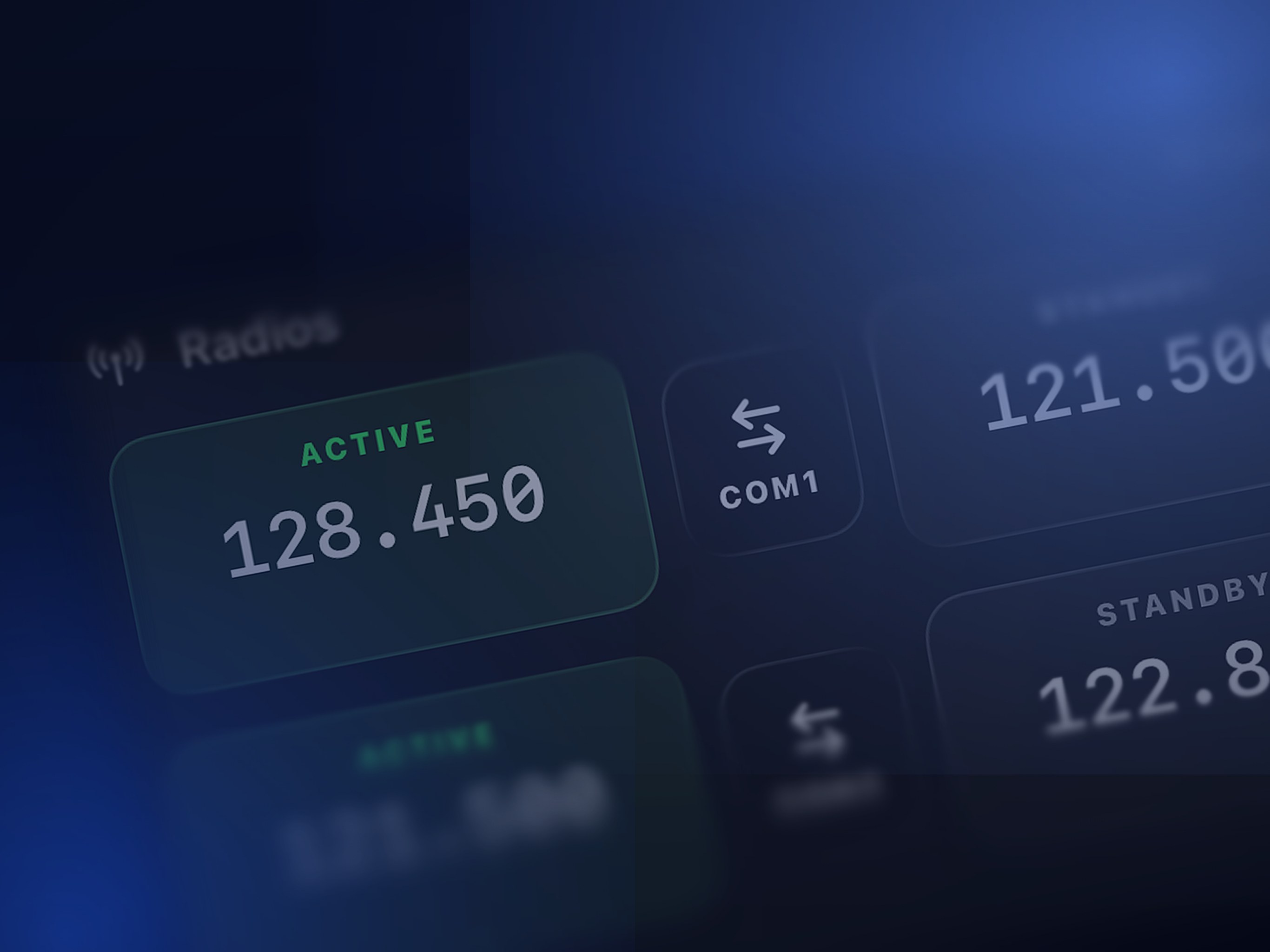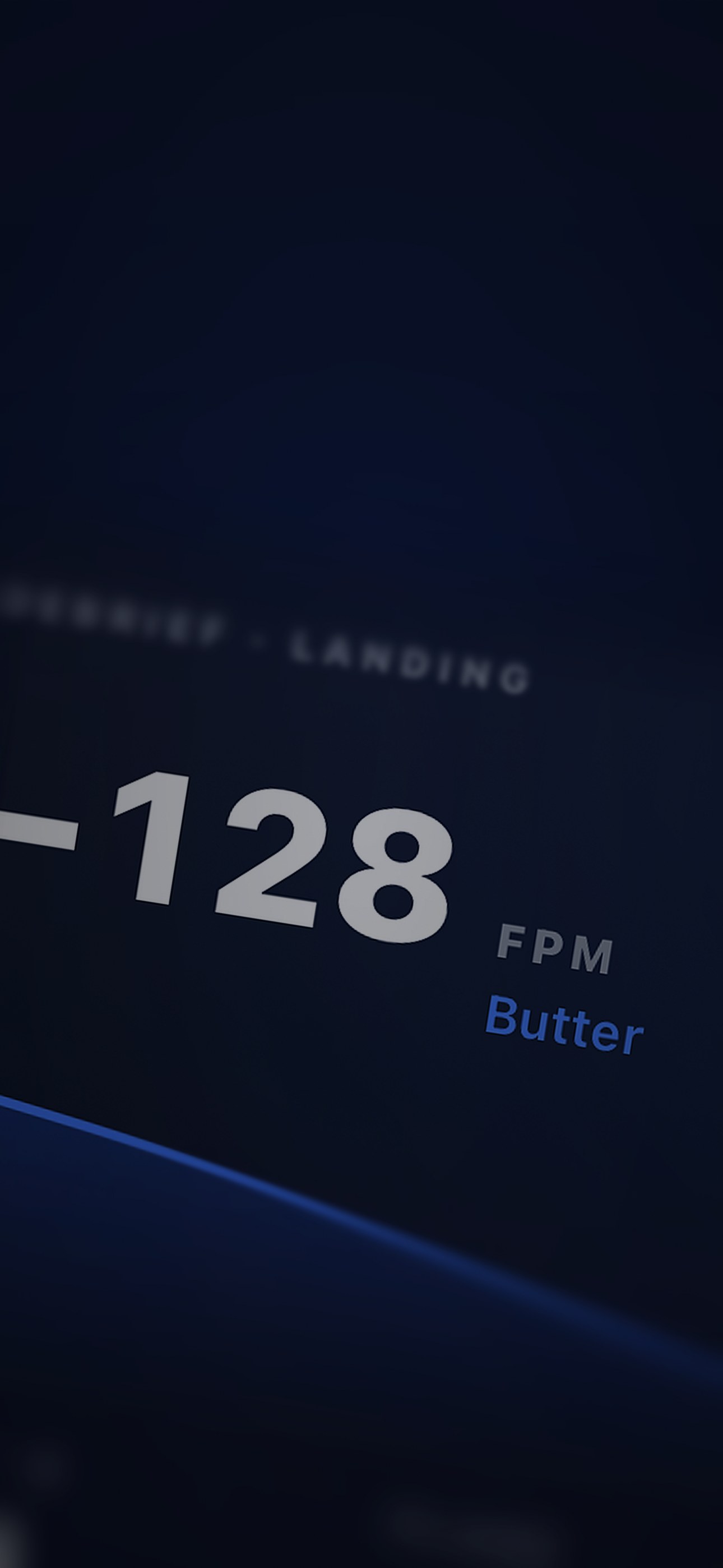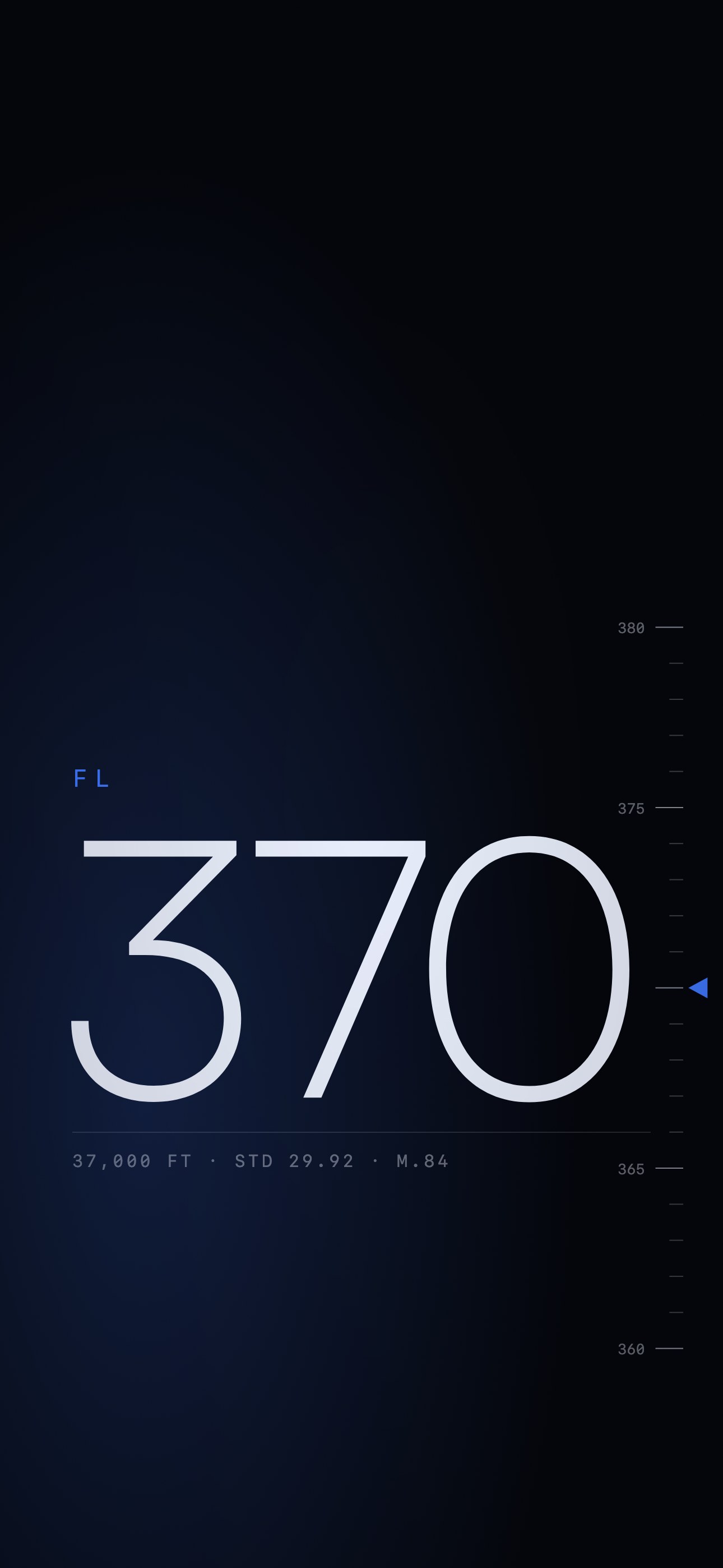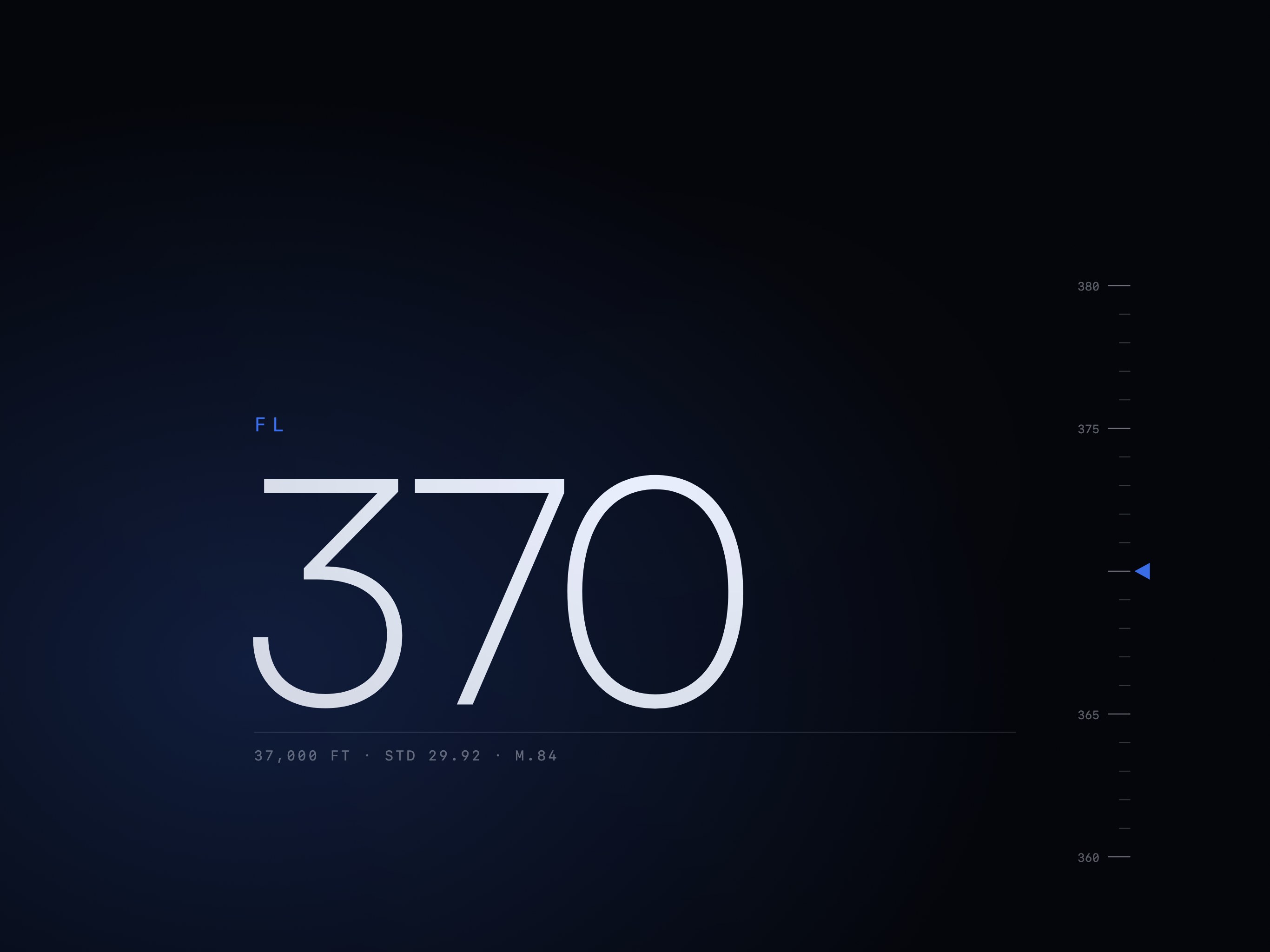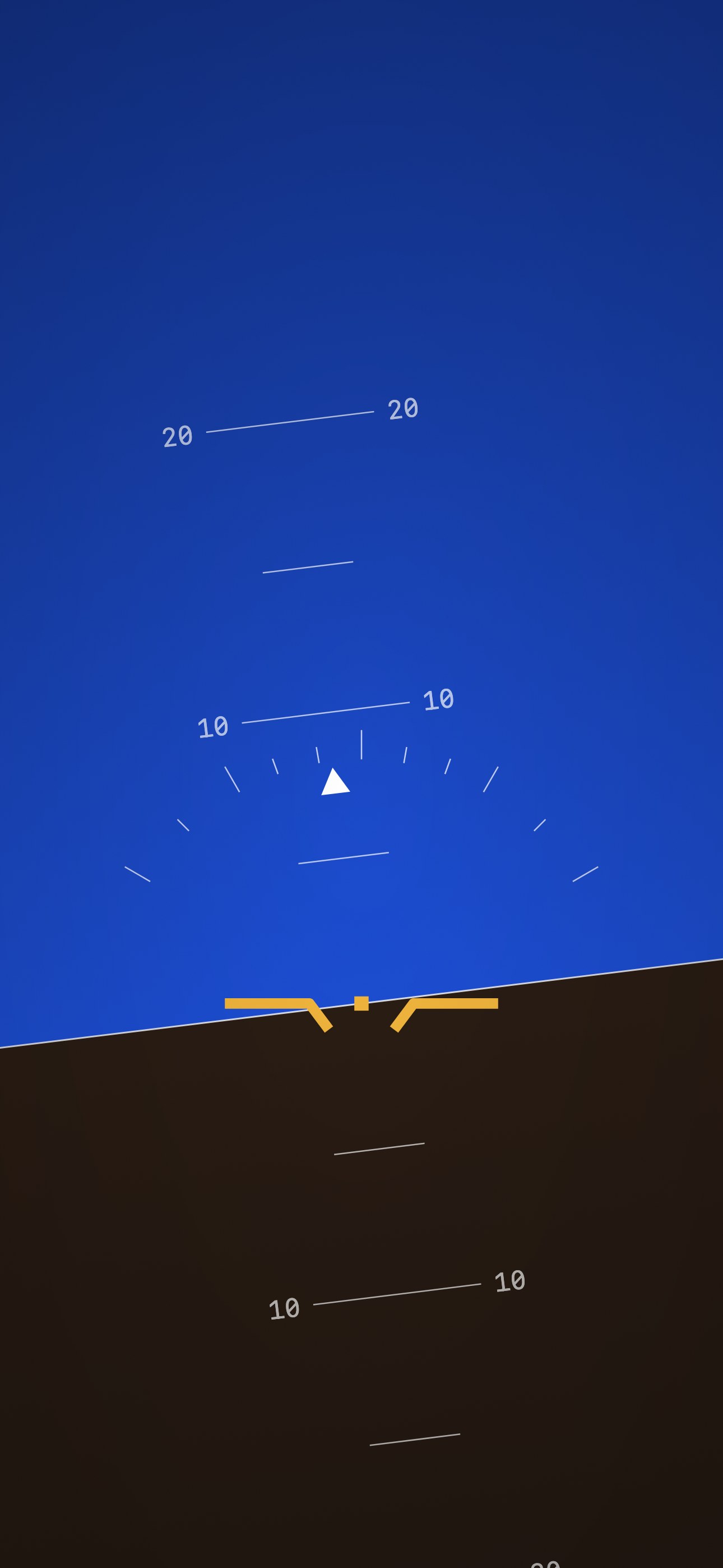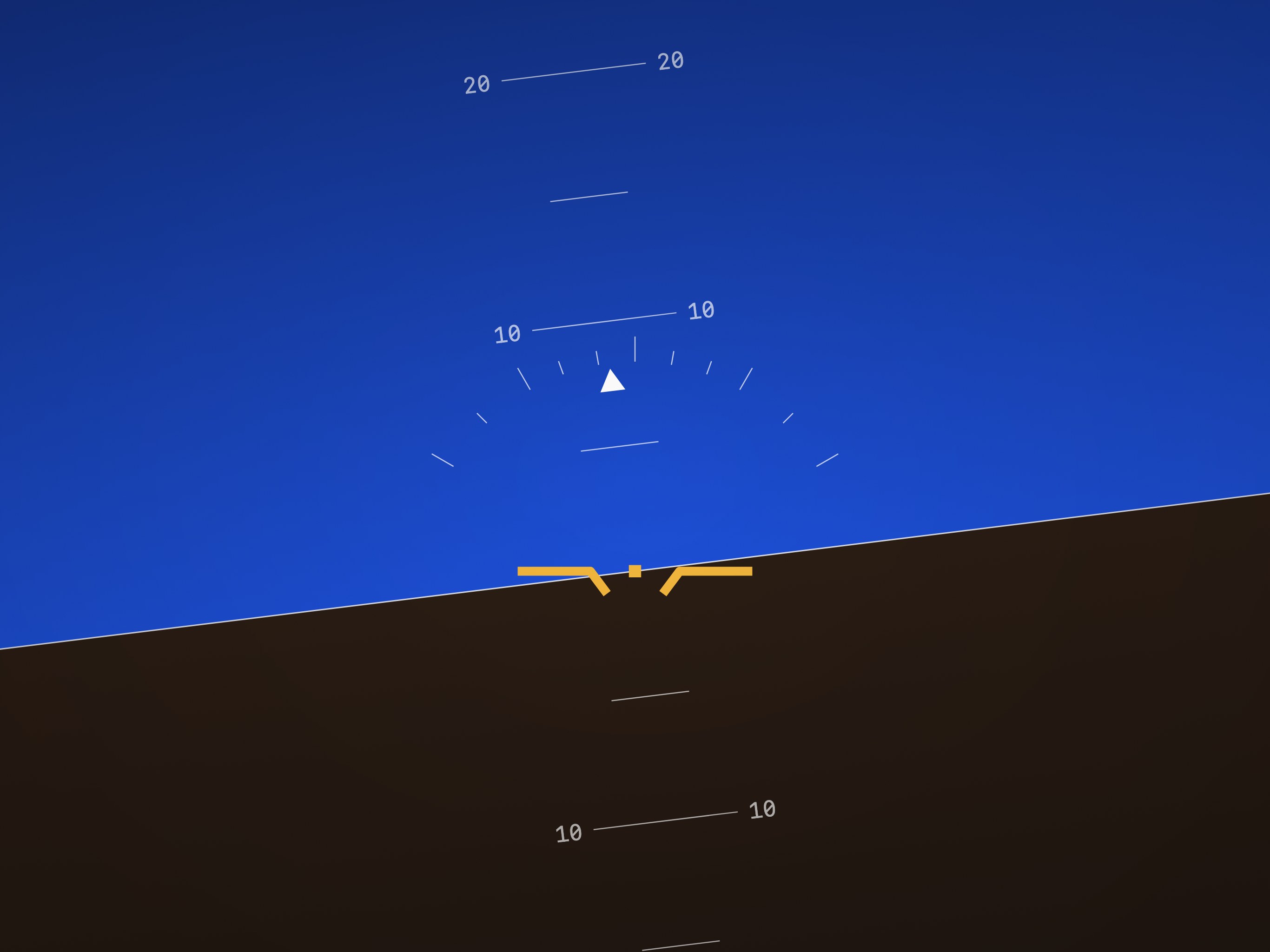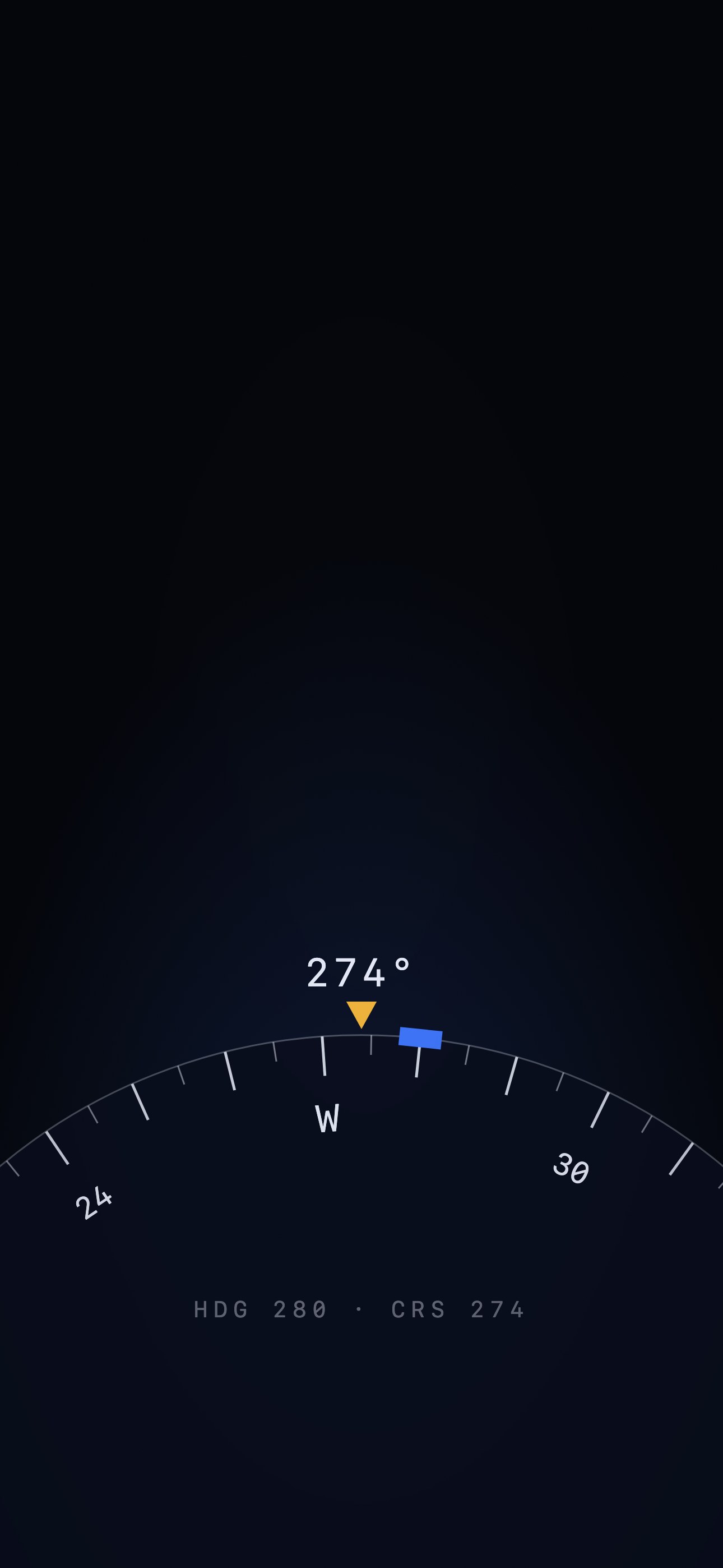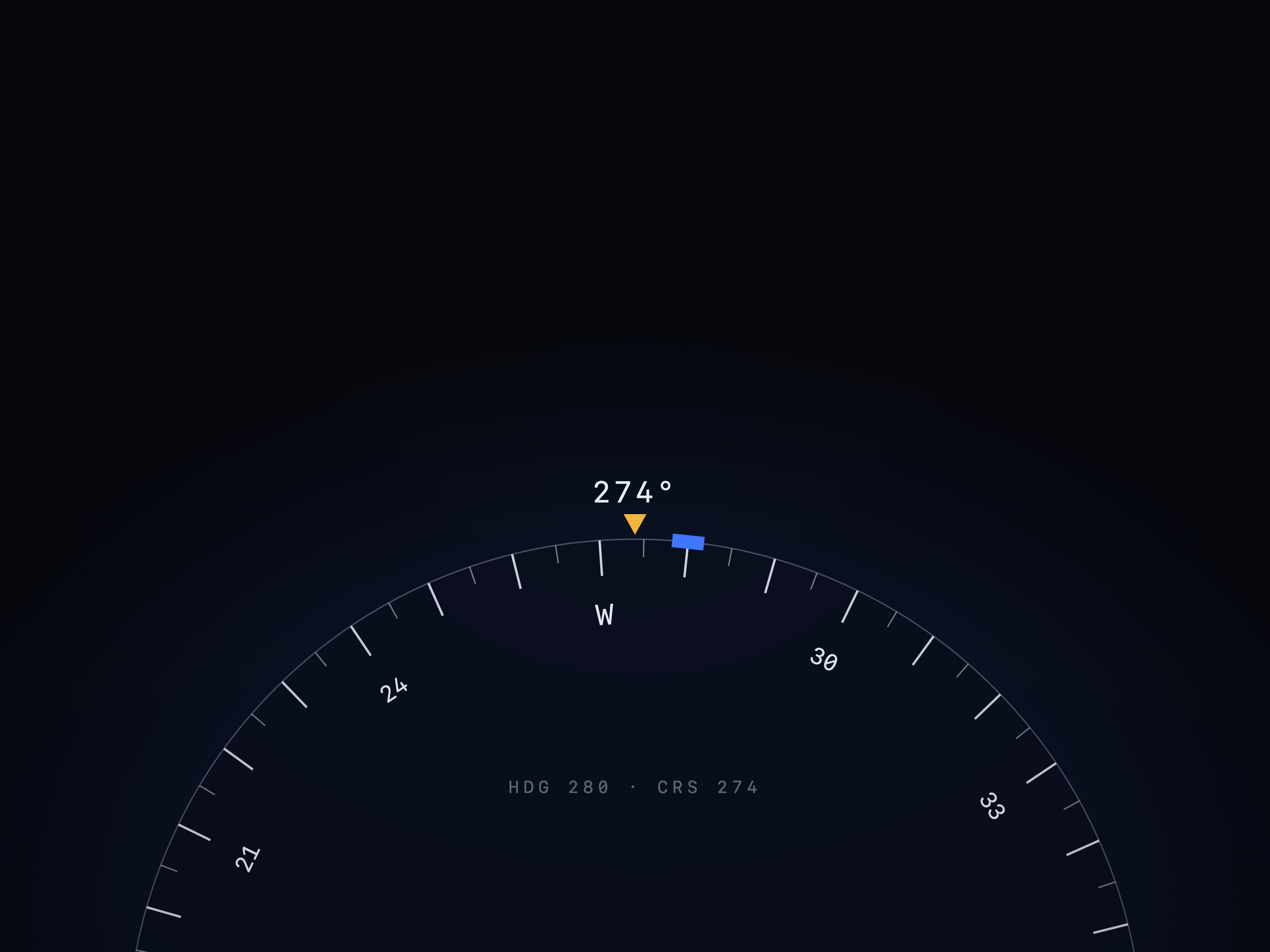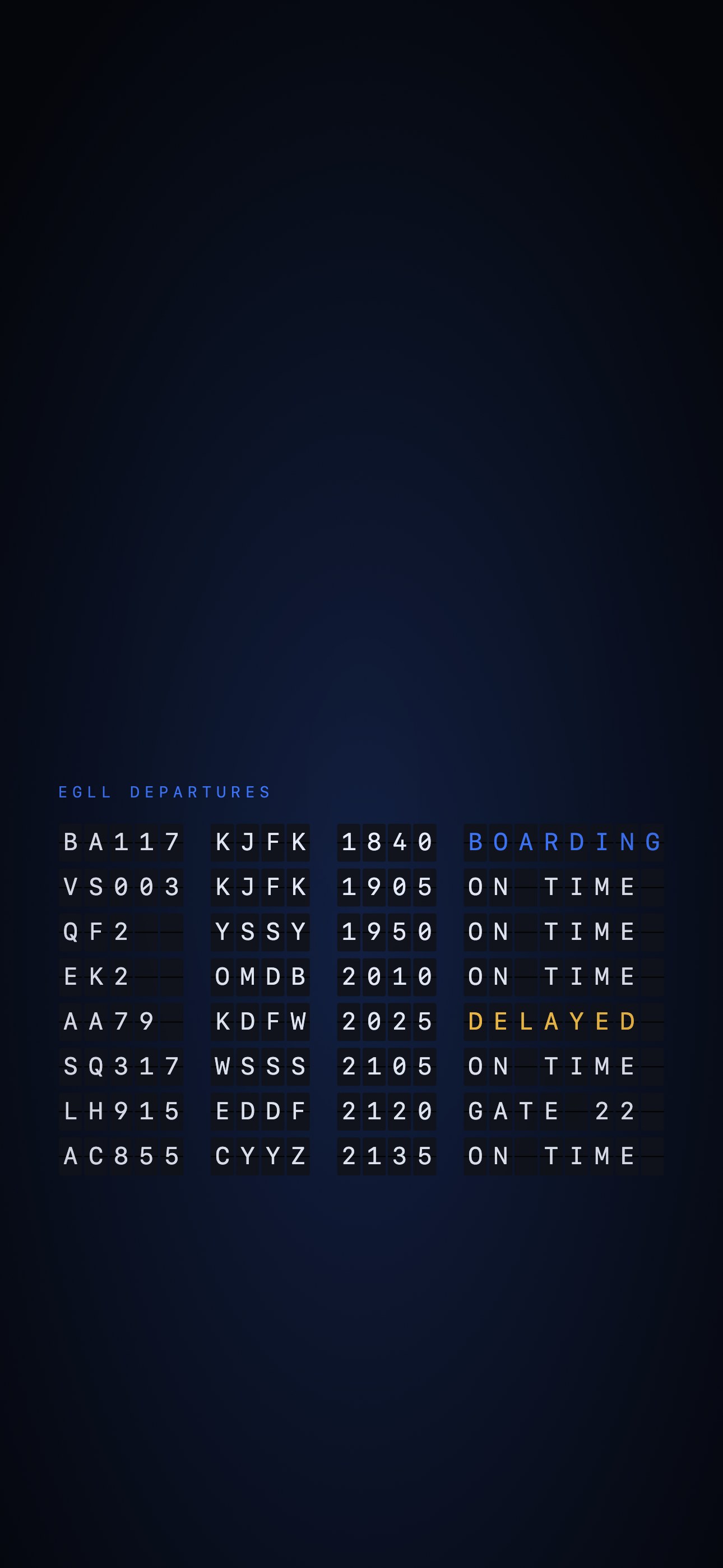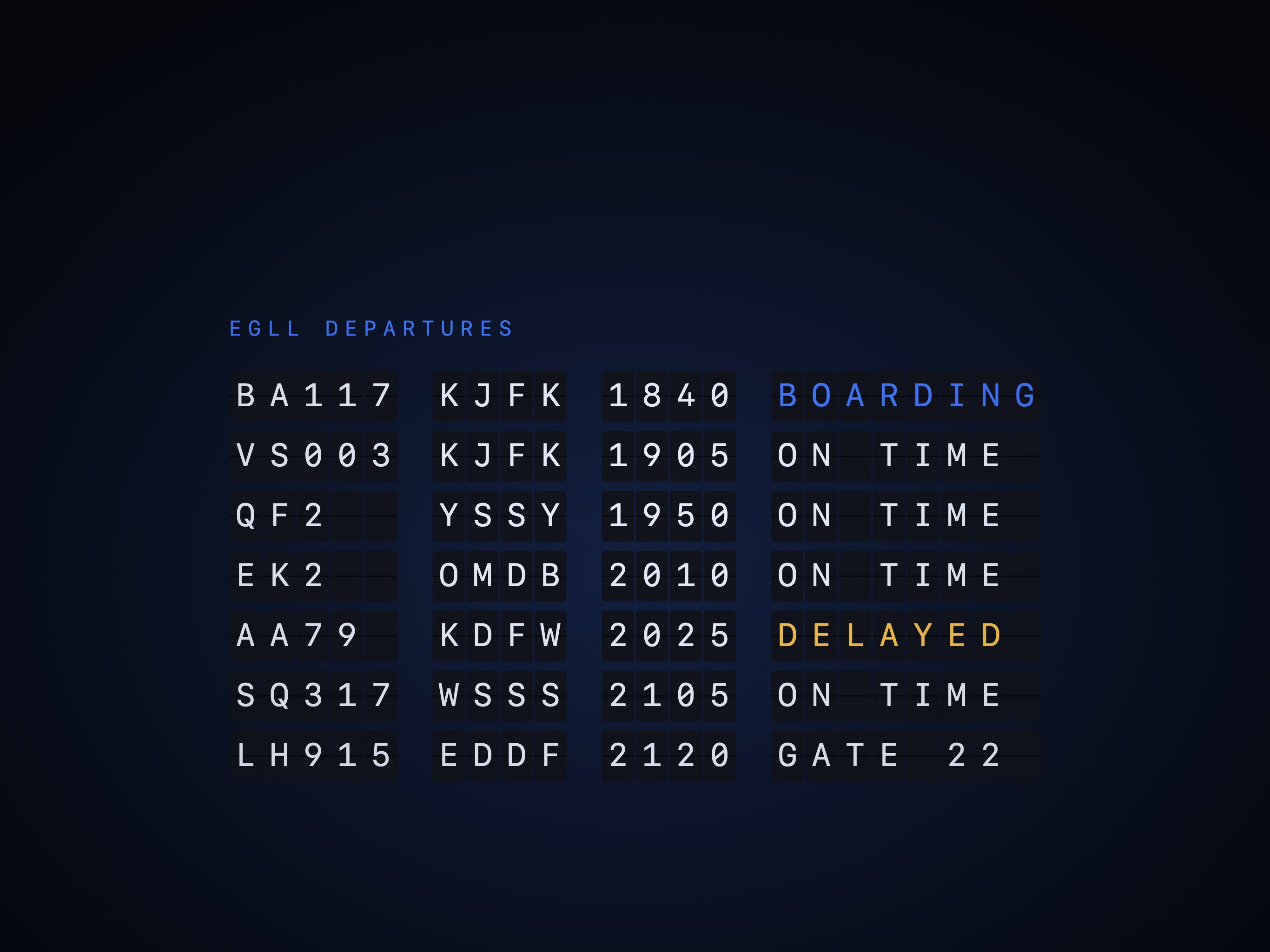
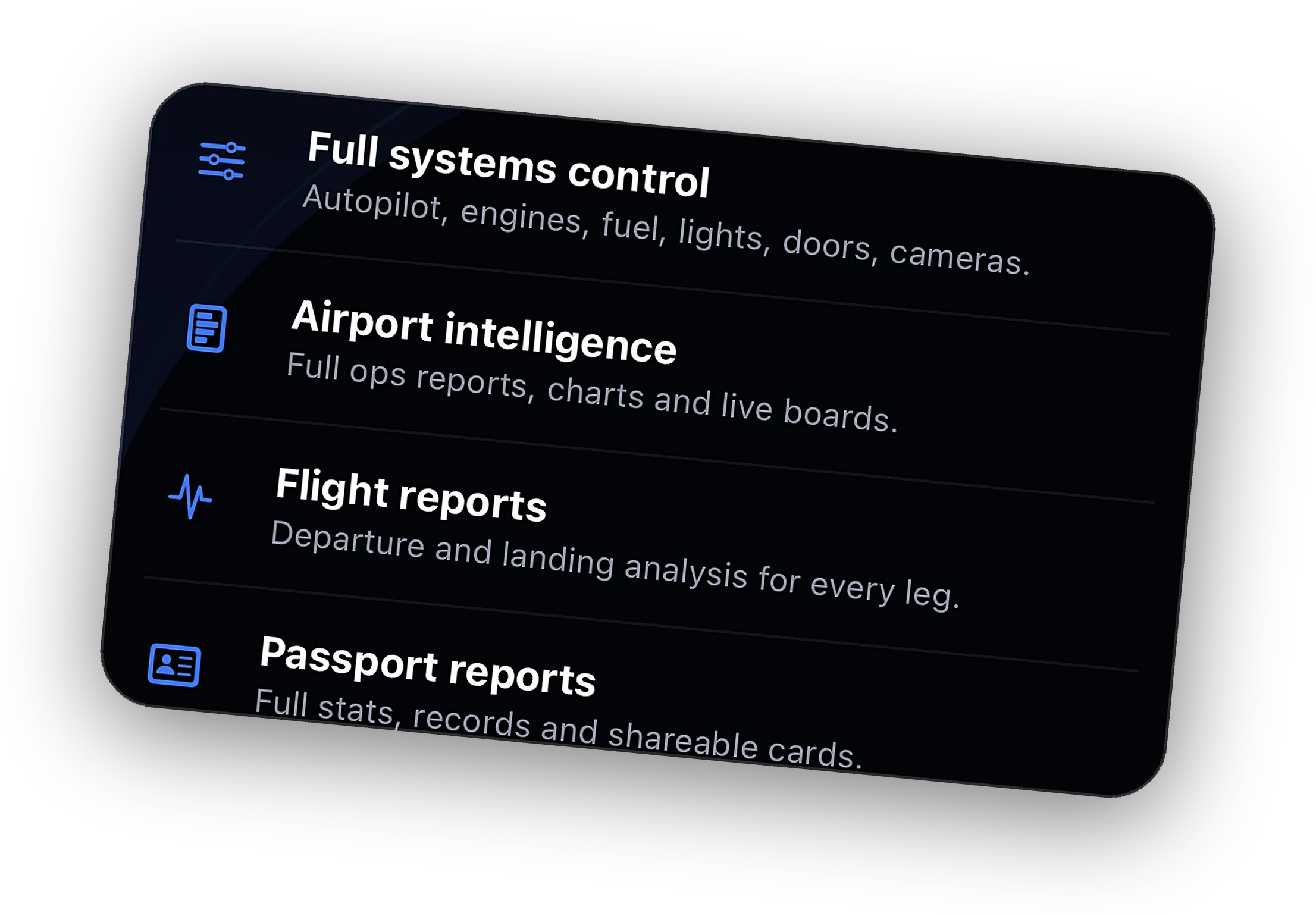
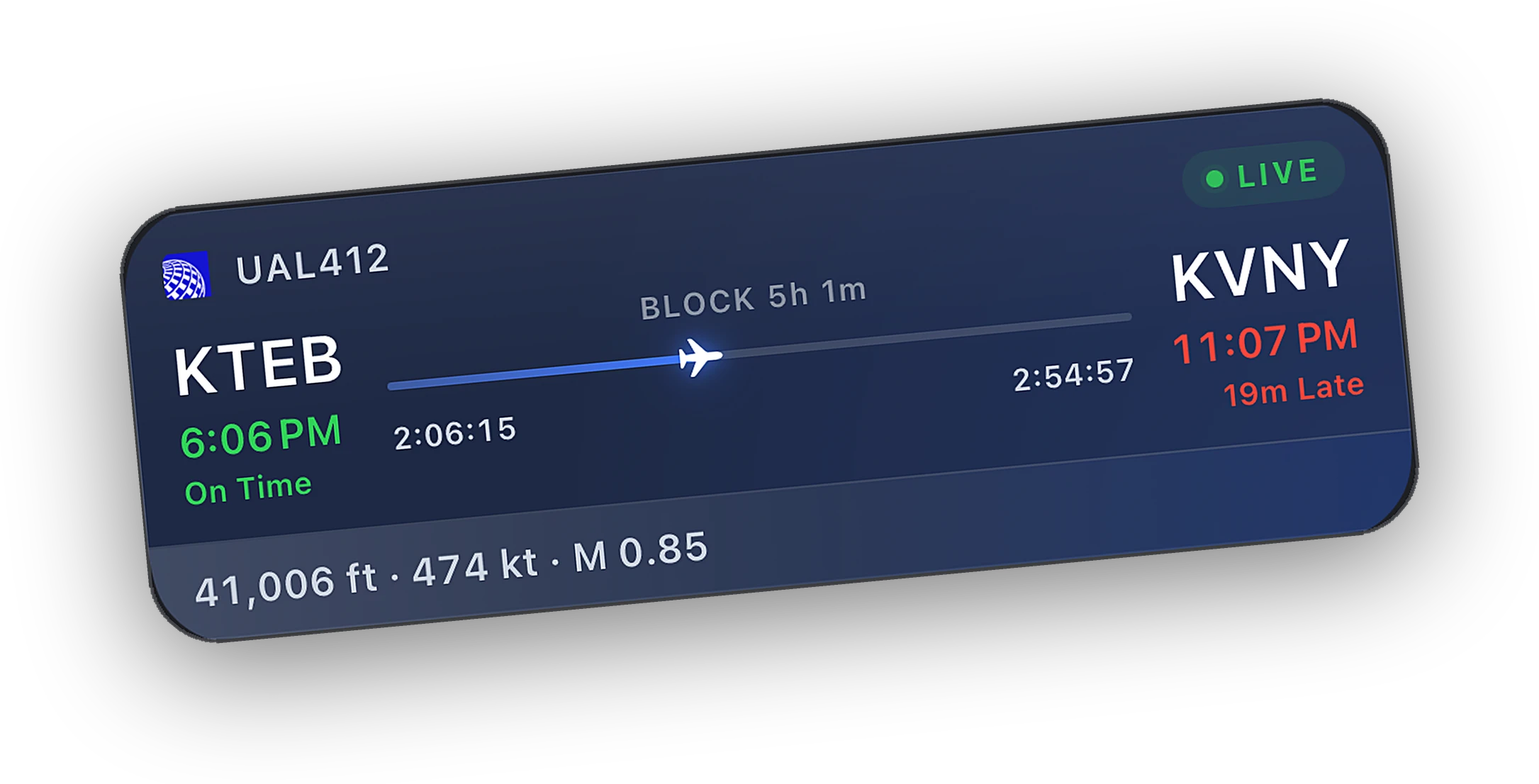
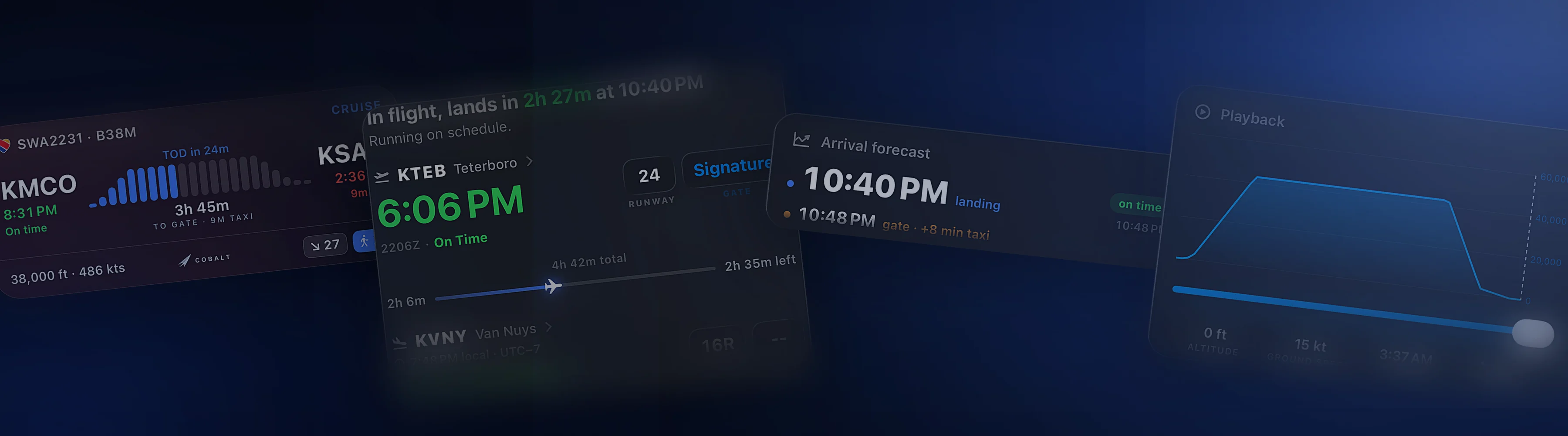
Wallpapers for the long flight.
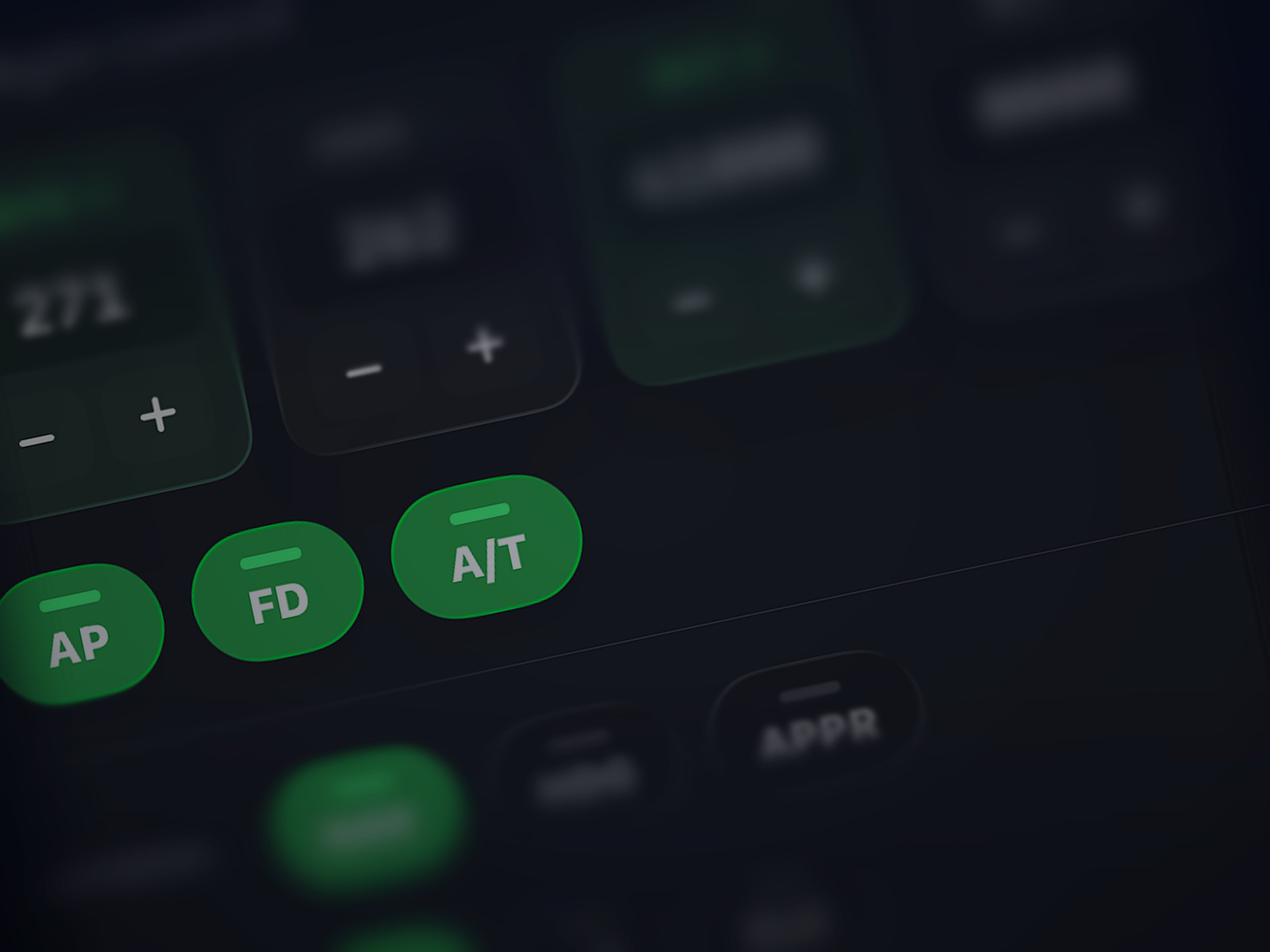
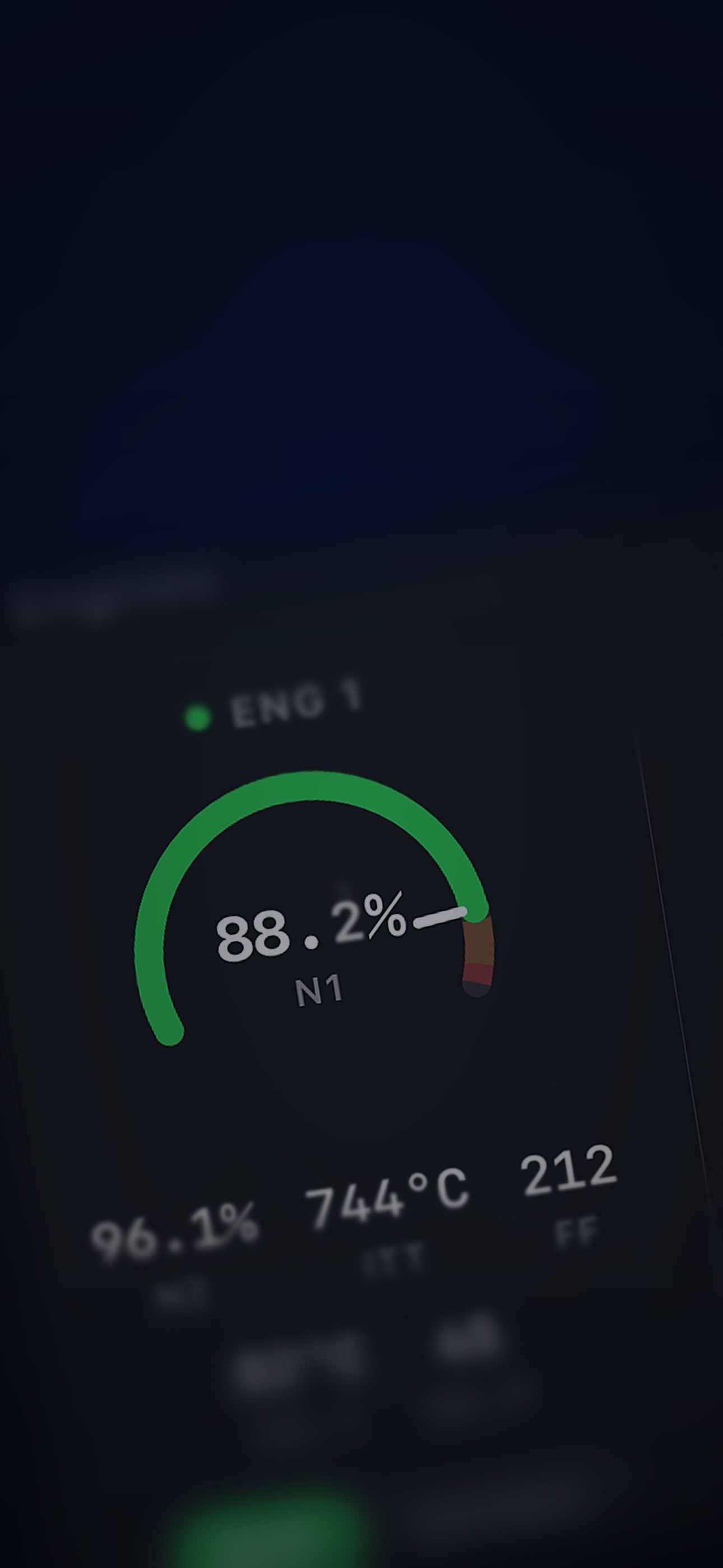
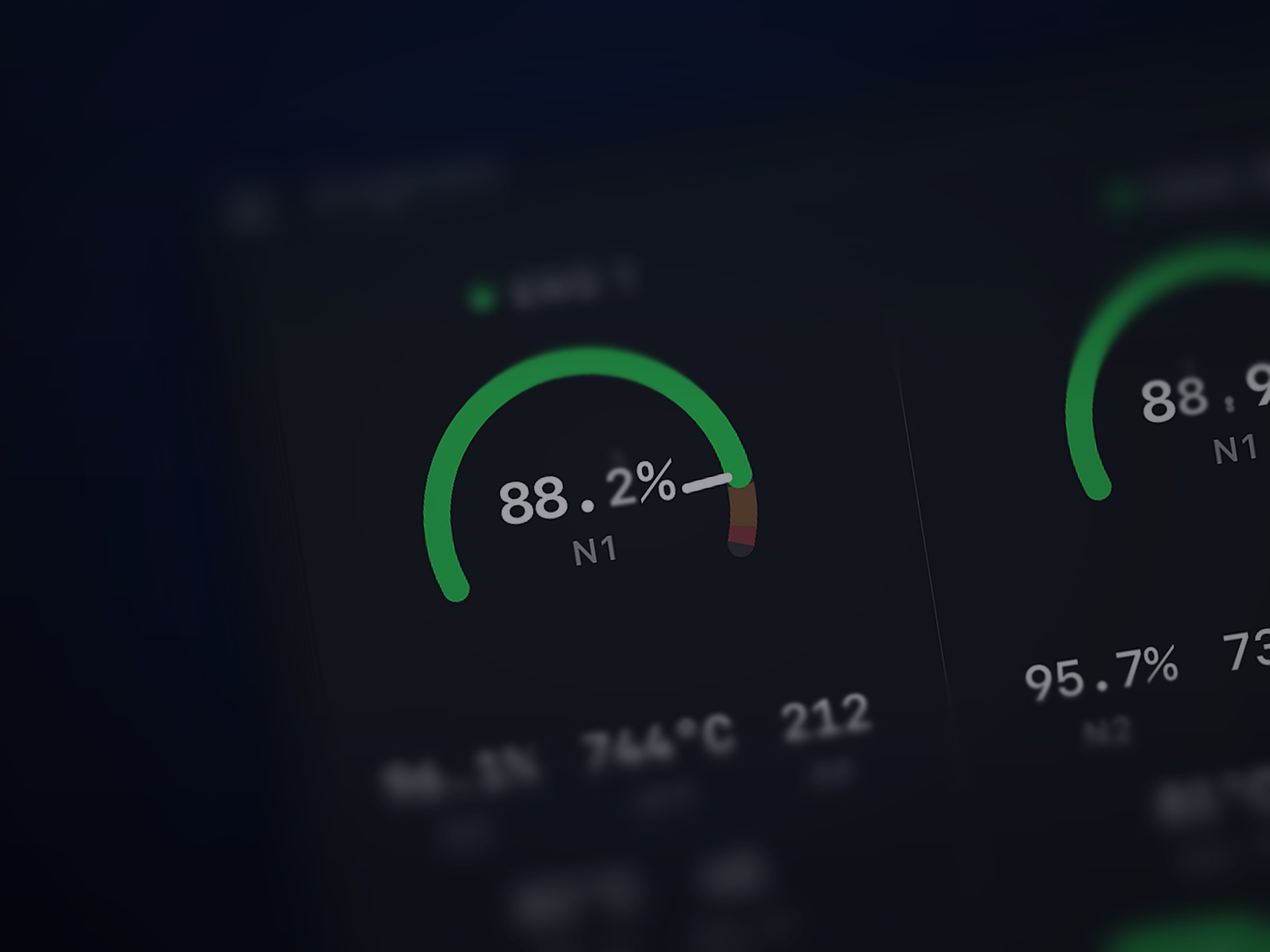
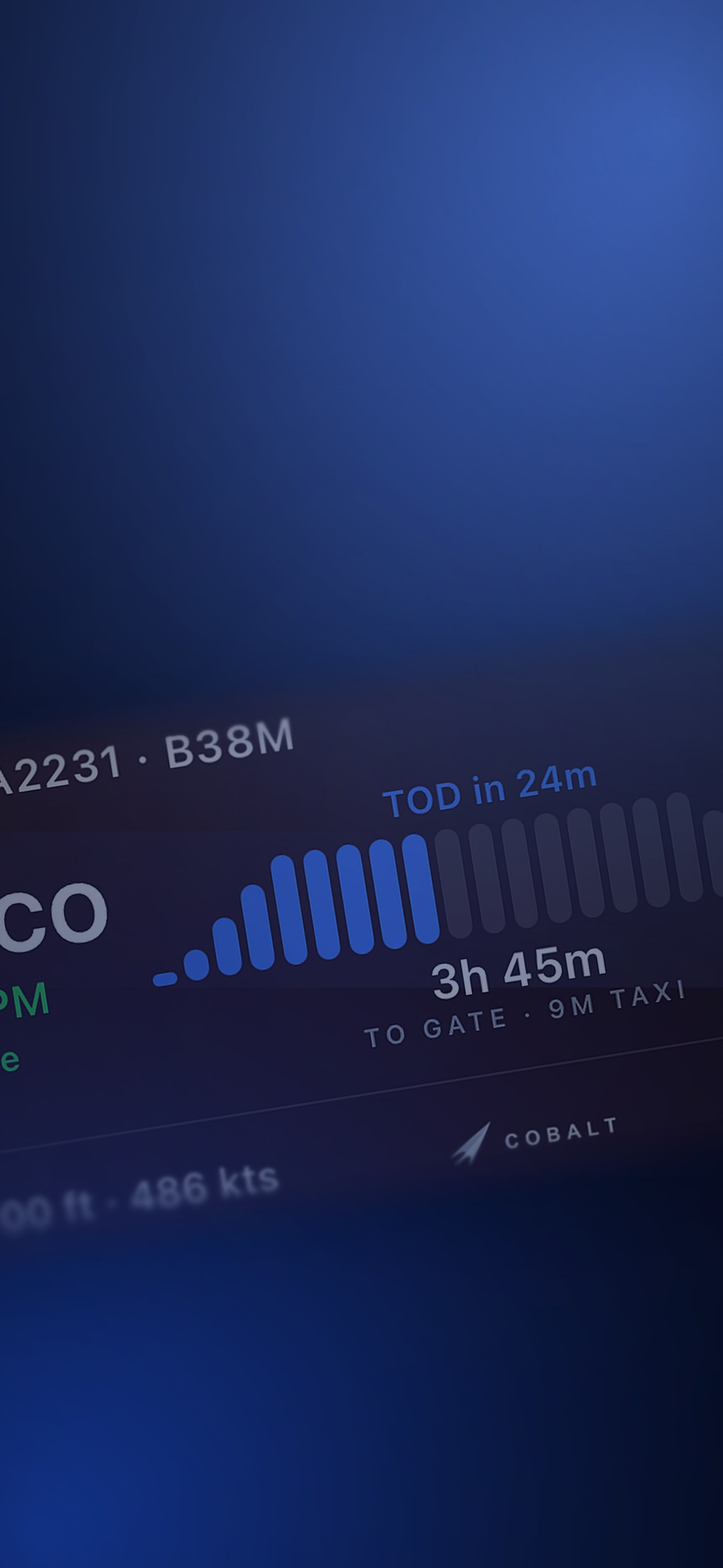
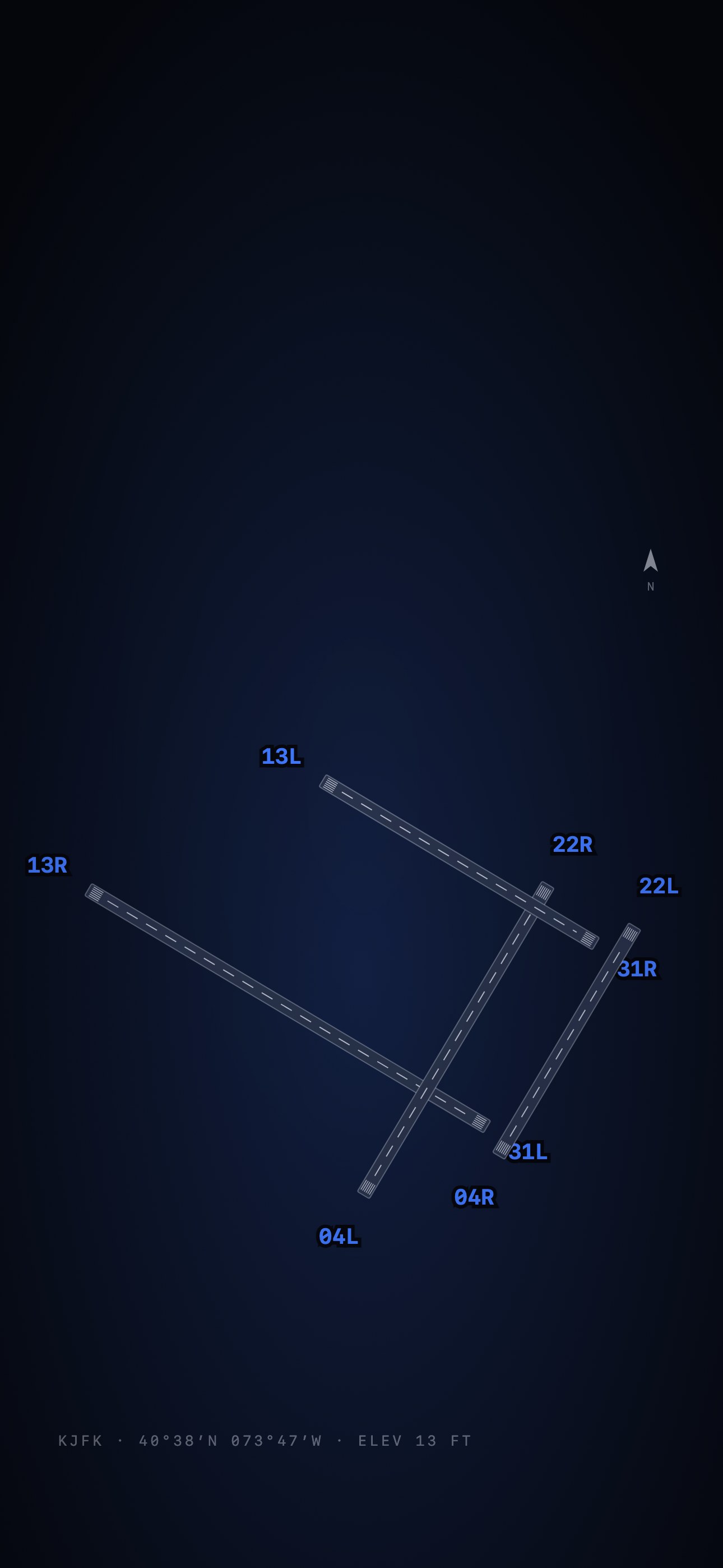
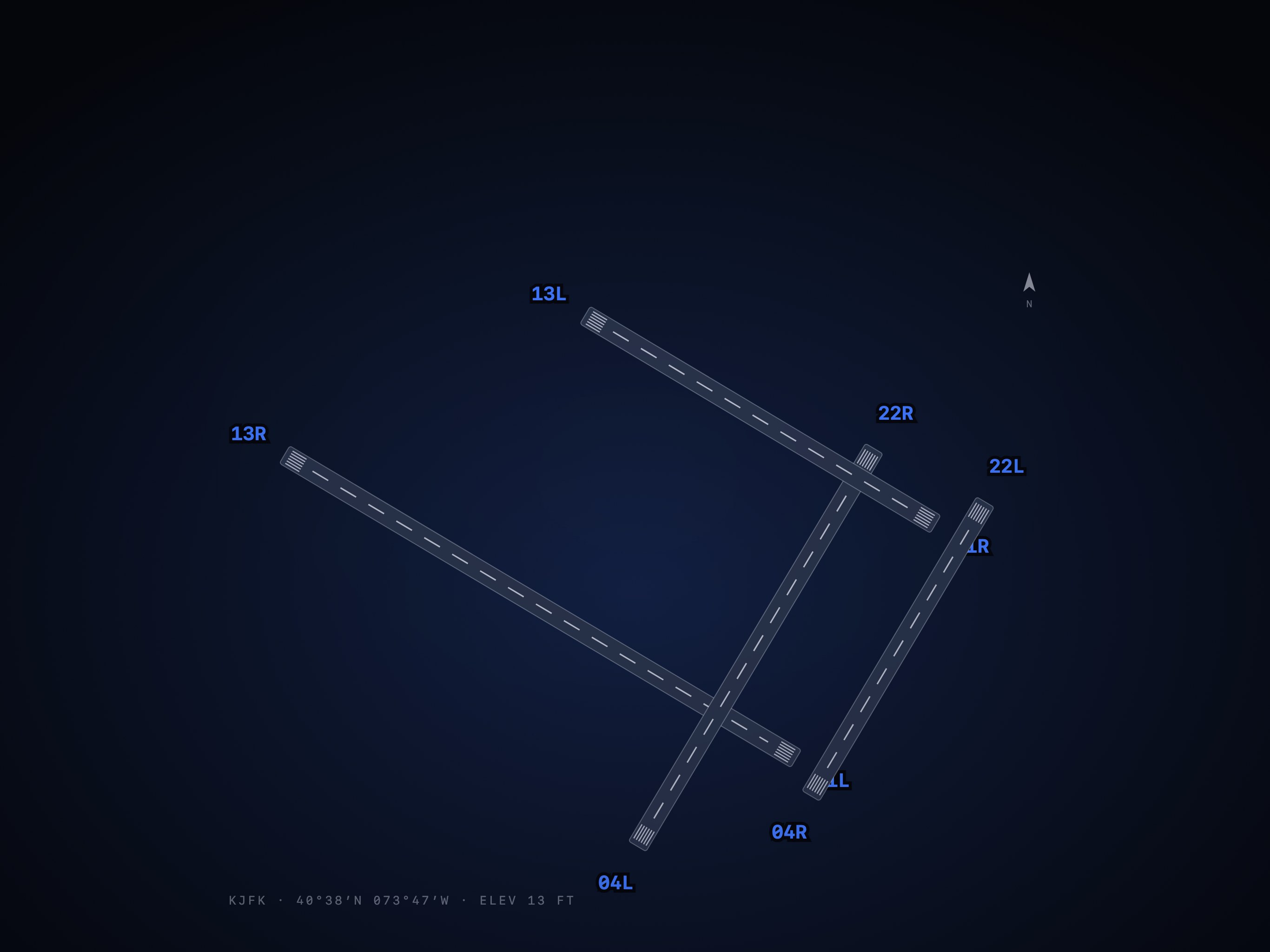
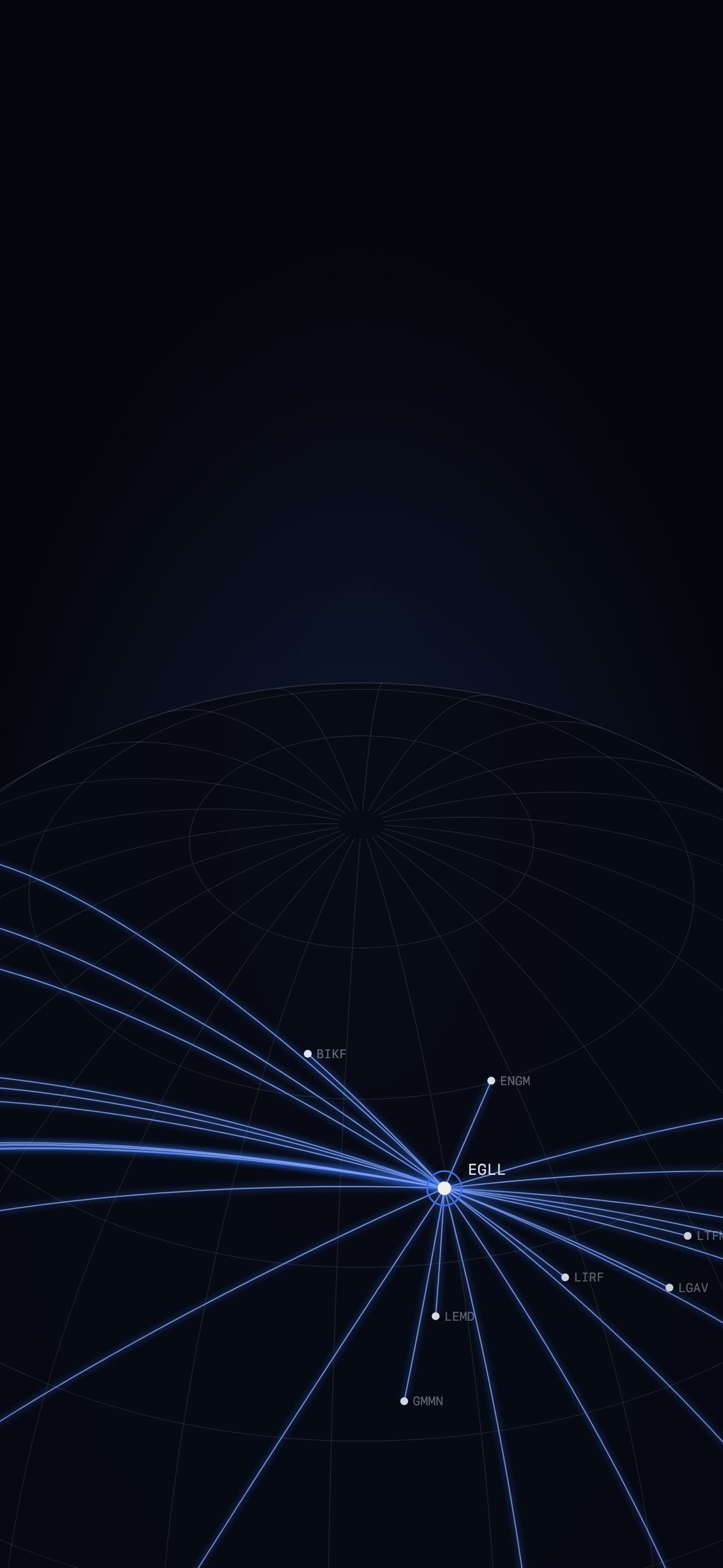
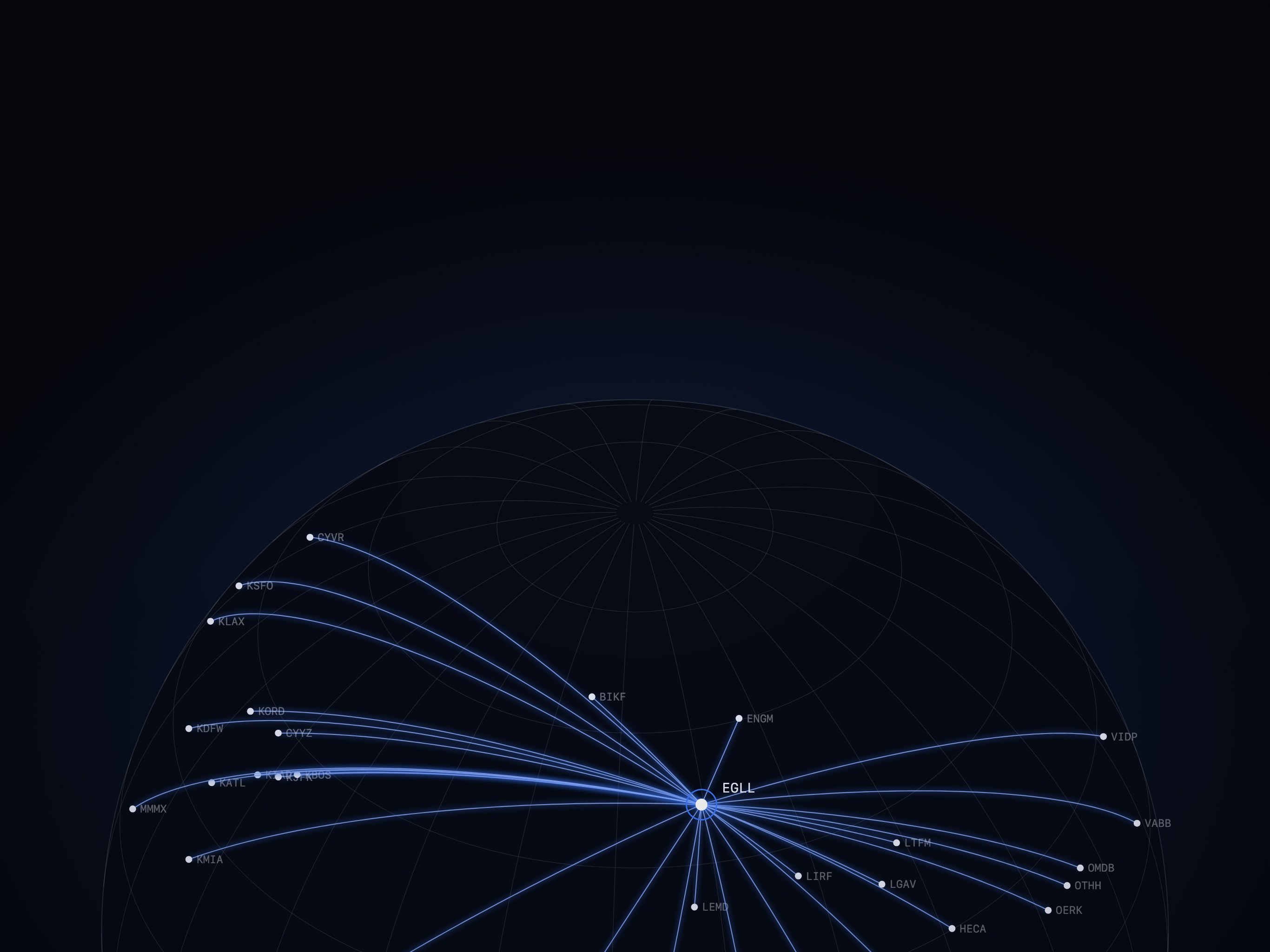
Twelve free wallpapers for iPhone and iPad. Real Cobalt panels up close, and flight deck designs drawn from real data. The clock stays clear. So does the bottom.
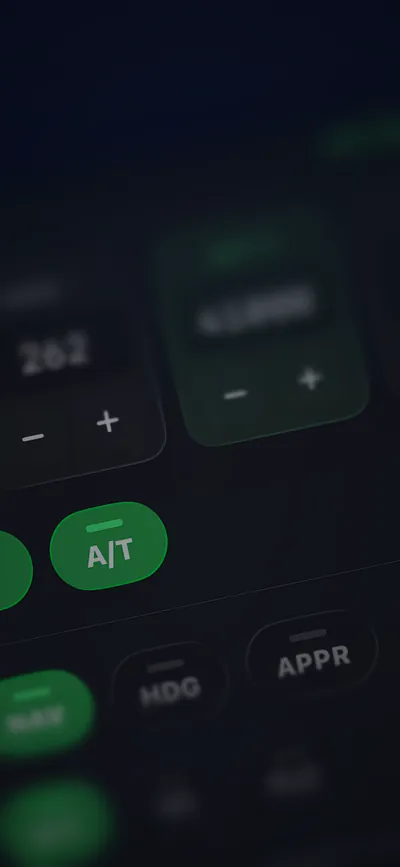
Real panels, up close.
Every pixel is a real Cobalt screen, zoomed in like a macro lens. Full resolution for iPhone (1290 x 2796) and iPad (2732 x 2048). Free for personal use.
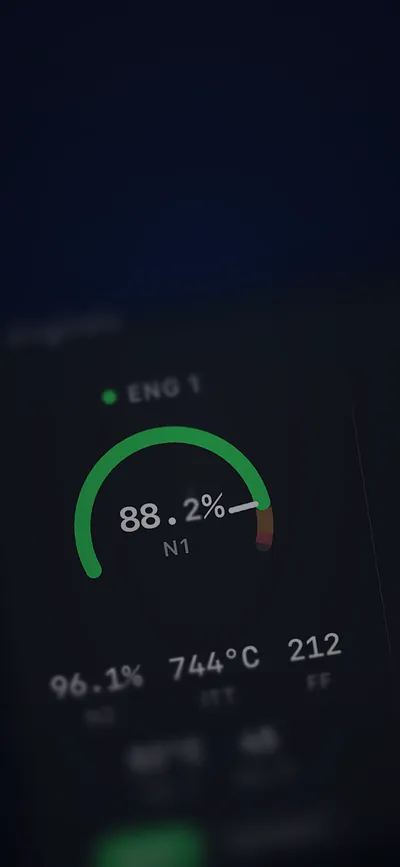
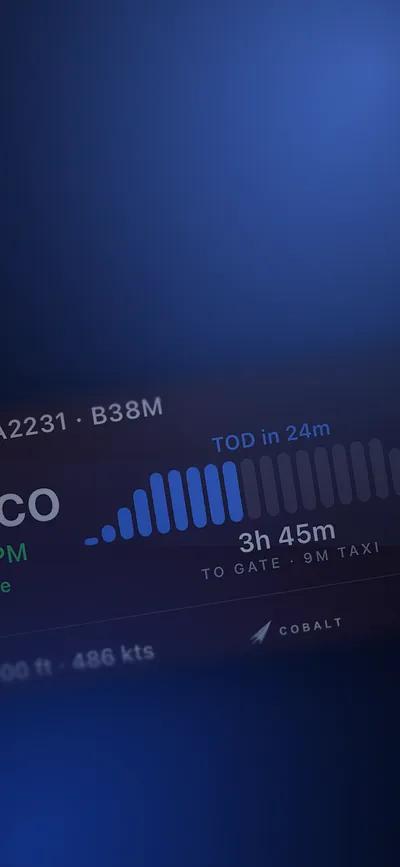
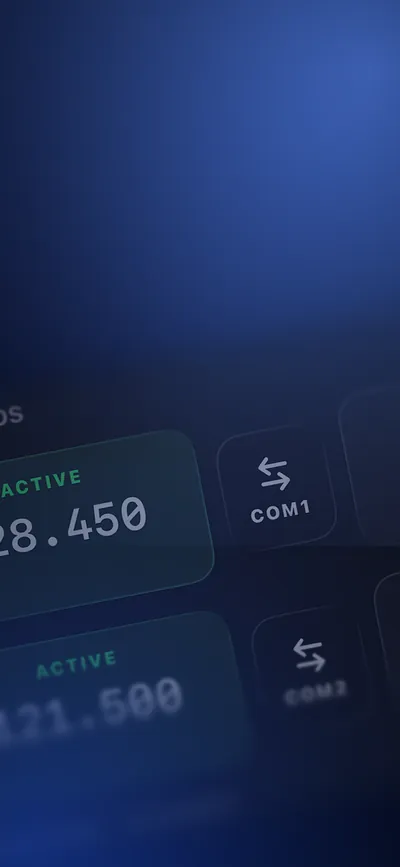
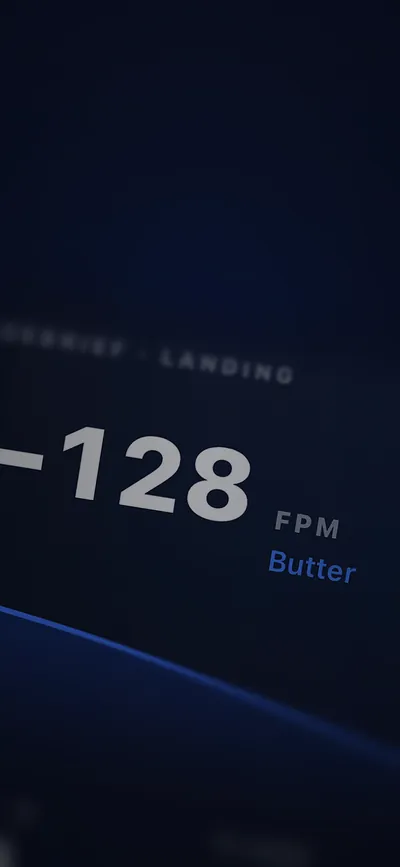
Drawn from real data.
Runways from real thresholds, routes on true great circles, and the instruments you fly by.
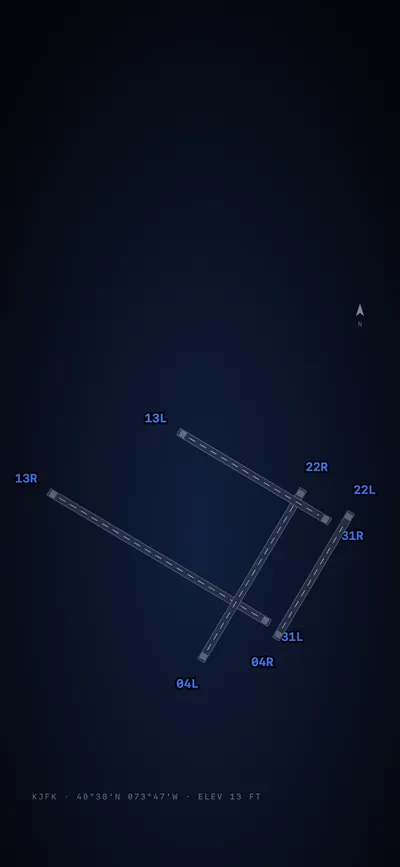
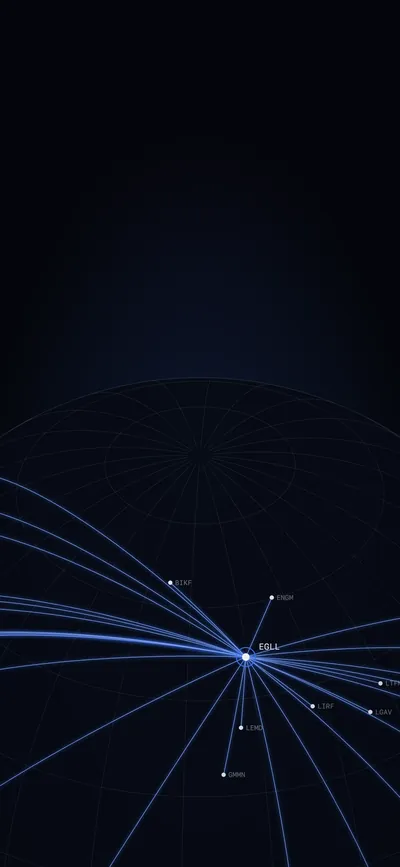
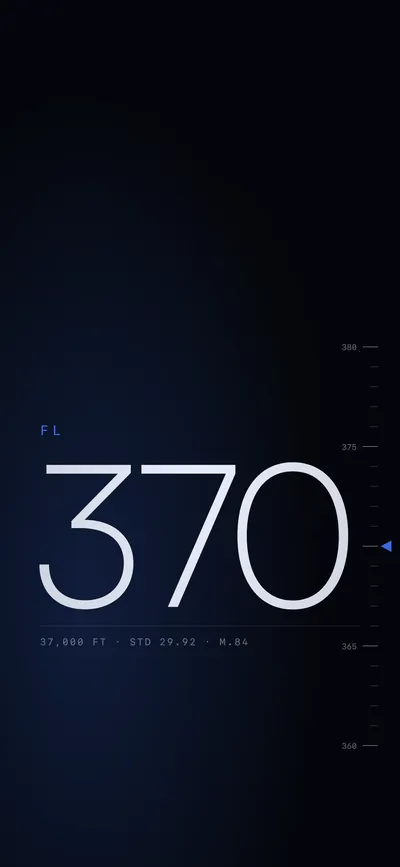
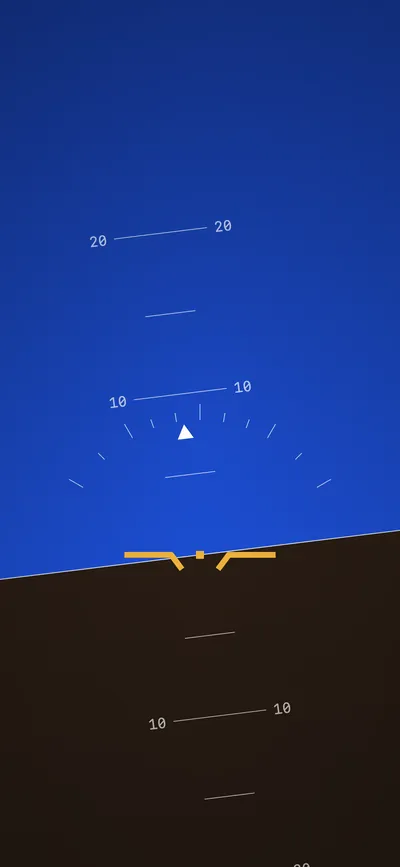
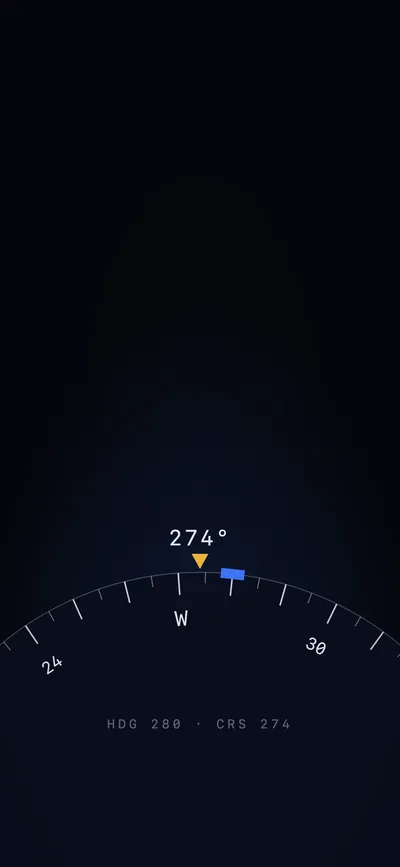
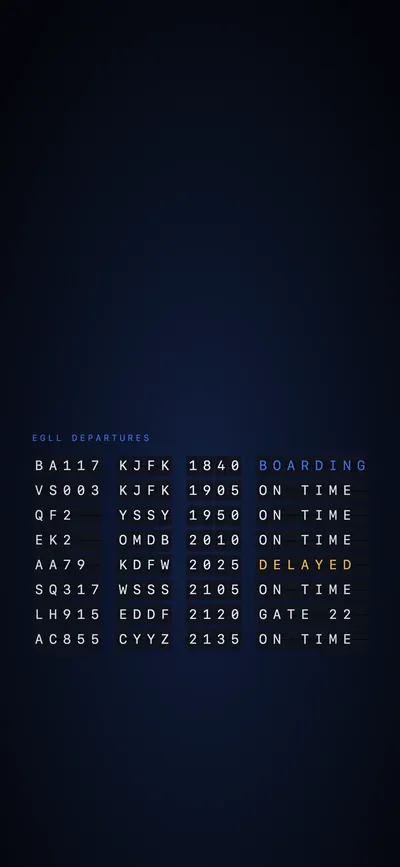
- Download the size for your device. On iPhone, tap and hold the image, then Save to Photos.
- Open Settings, then Wallpaper, then Add New Wallpaper, and pick it from Photos.
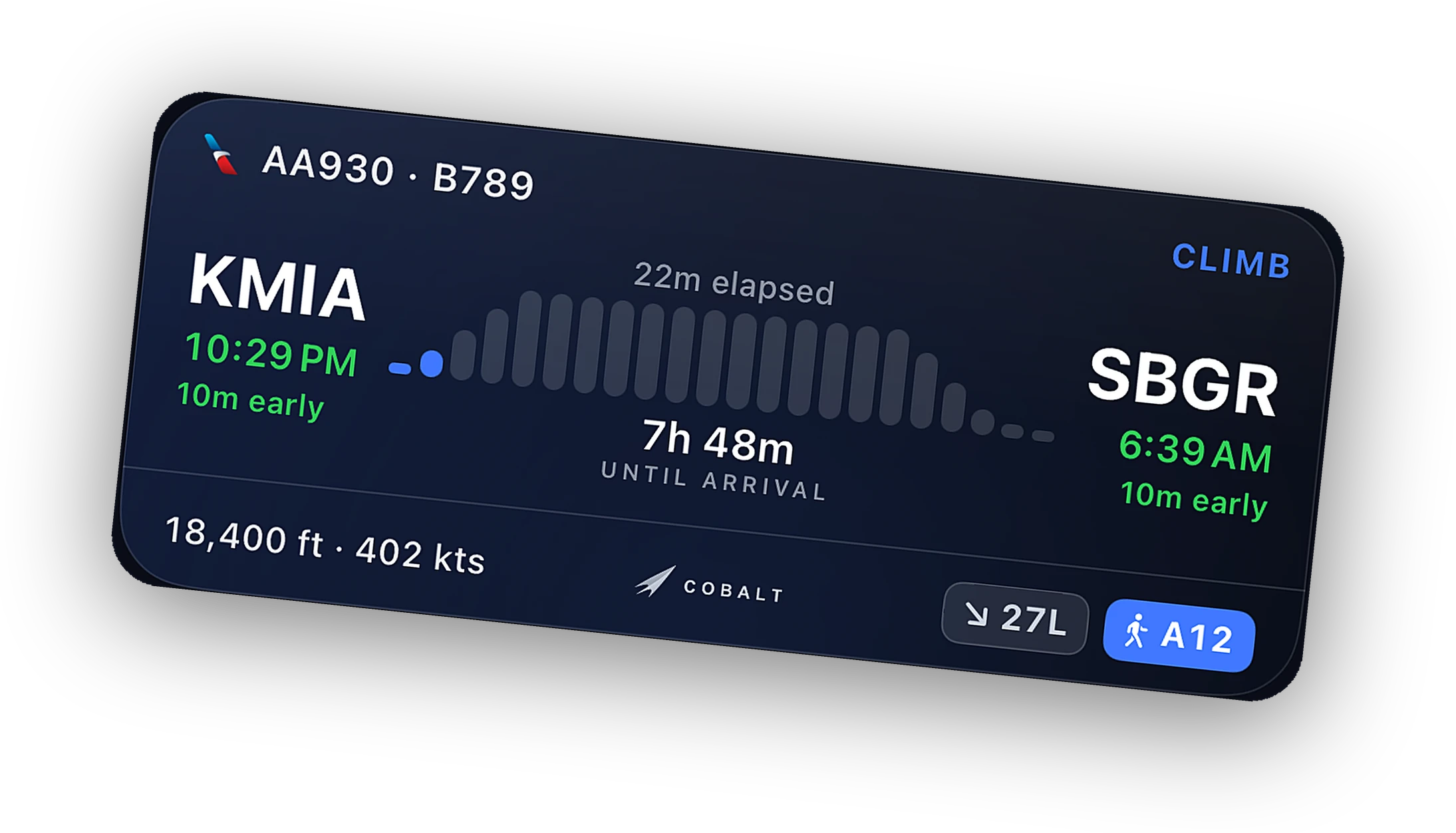
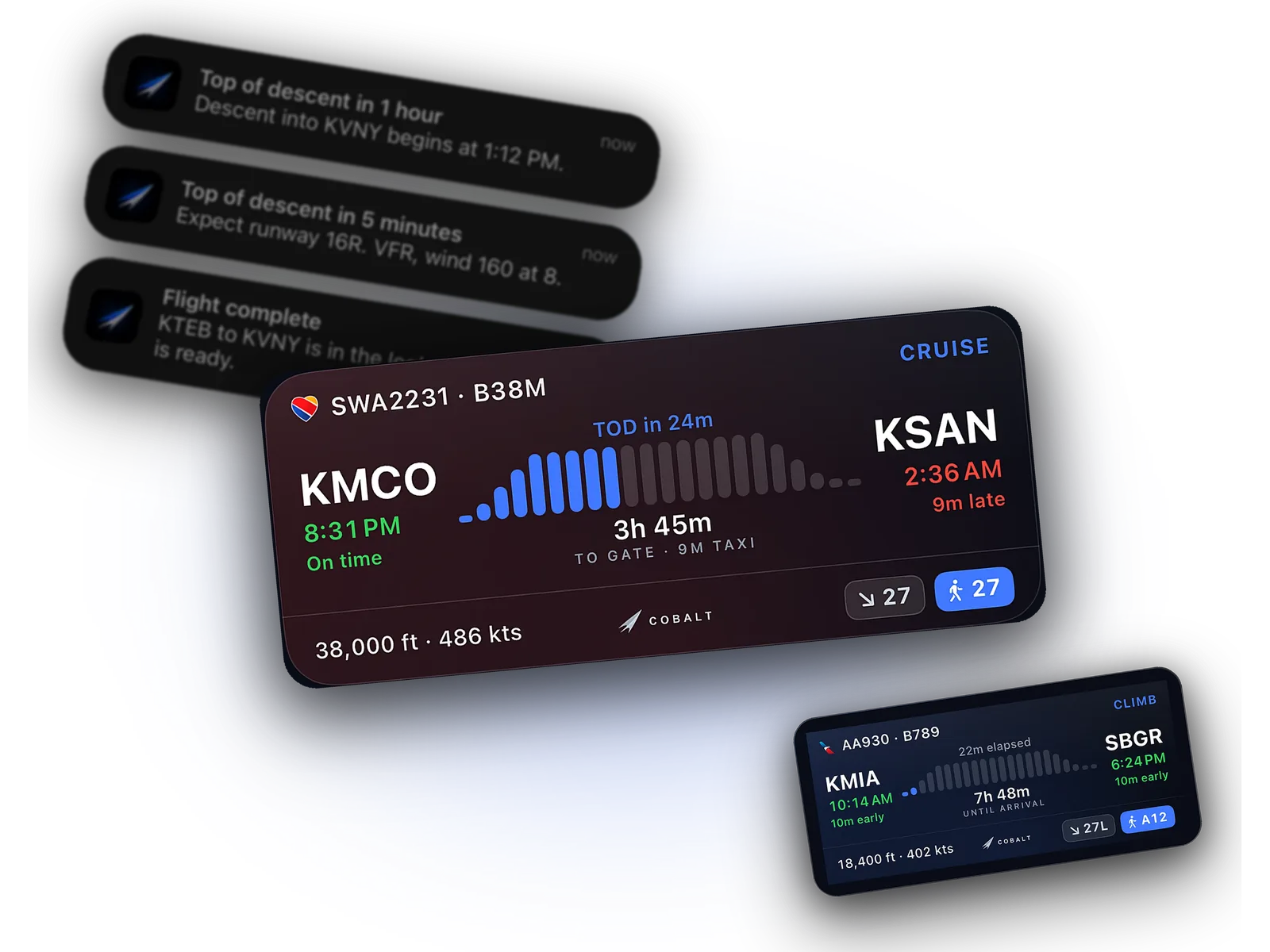
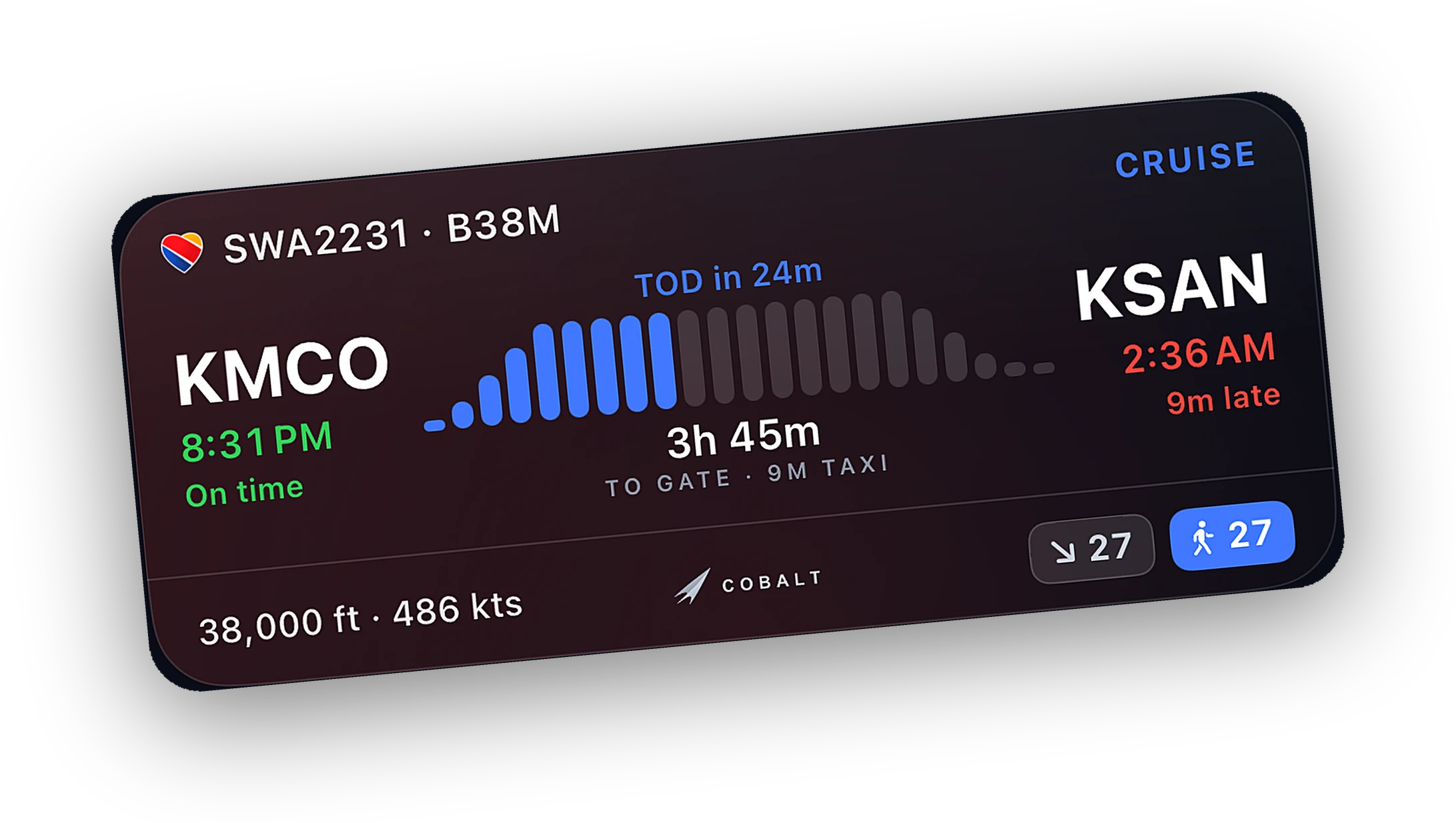
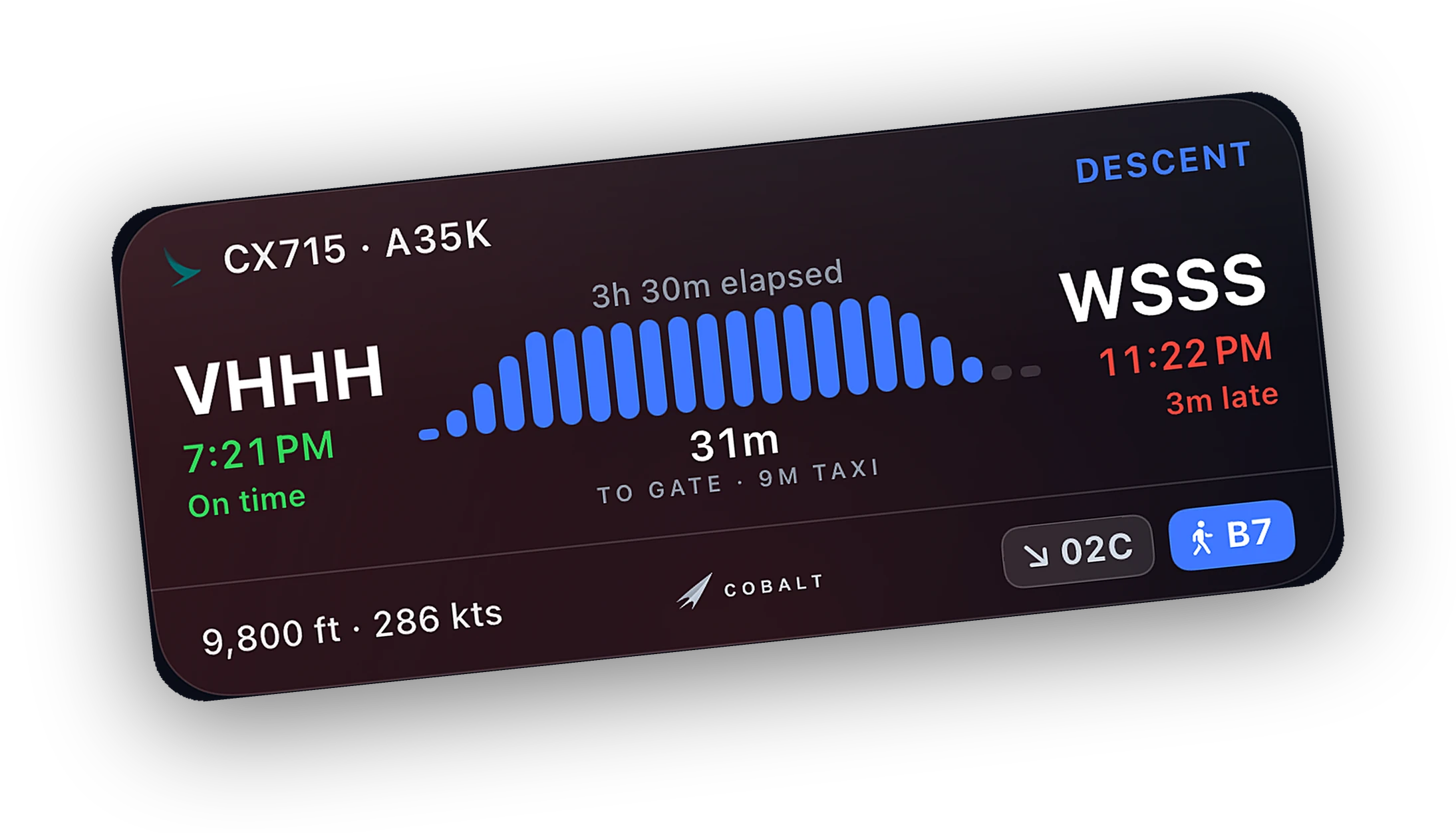
- Add a Live Activity. Start a flight in Cobalt and the card sits right under the clock.
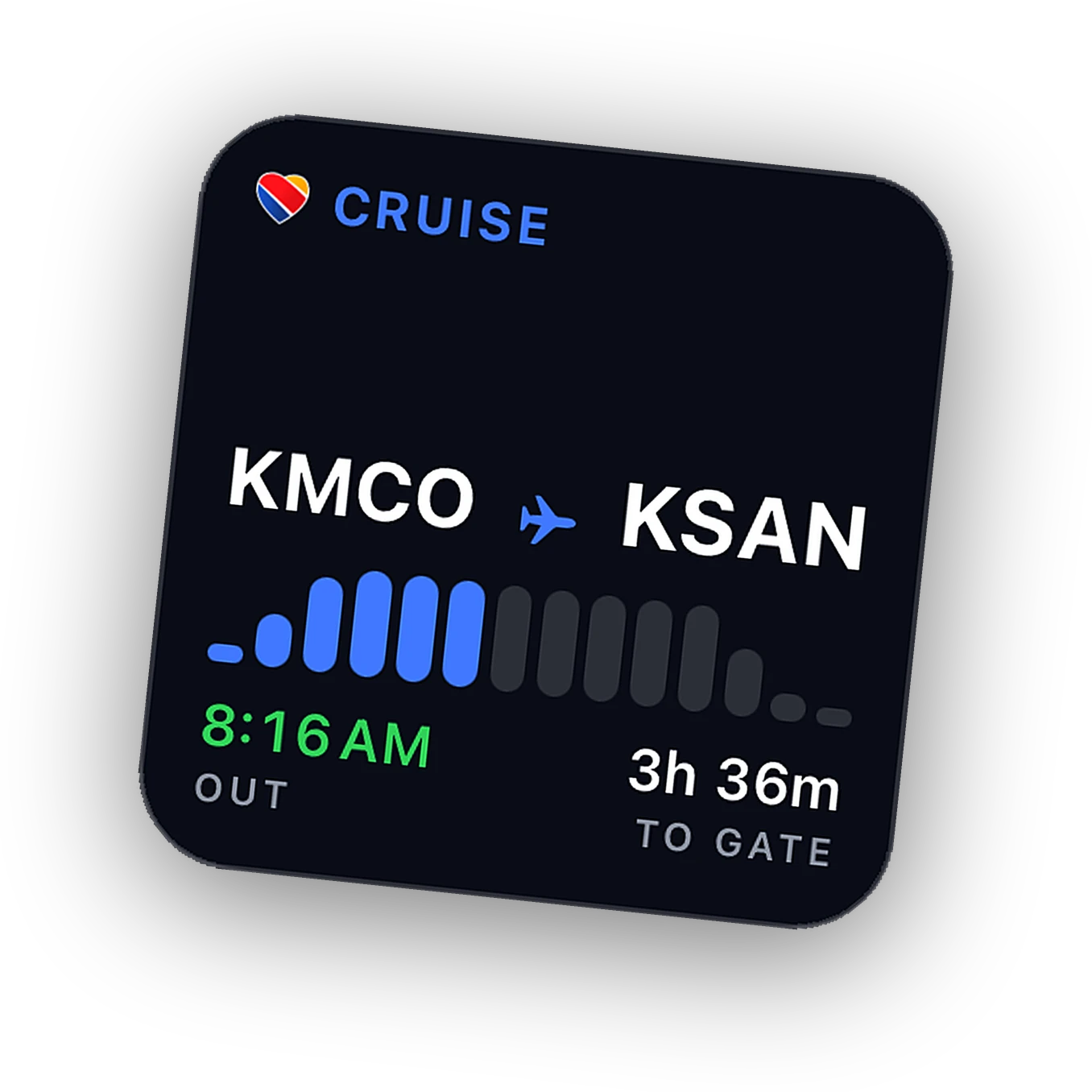
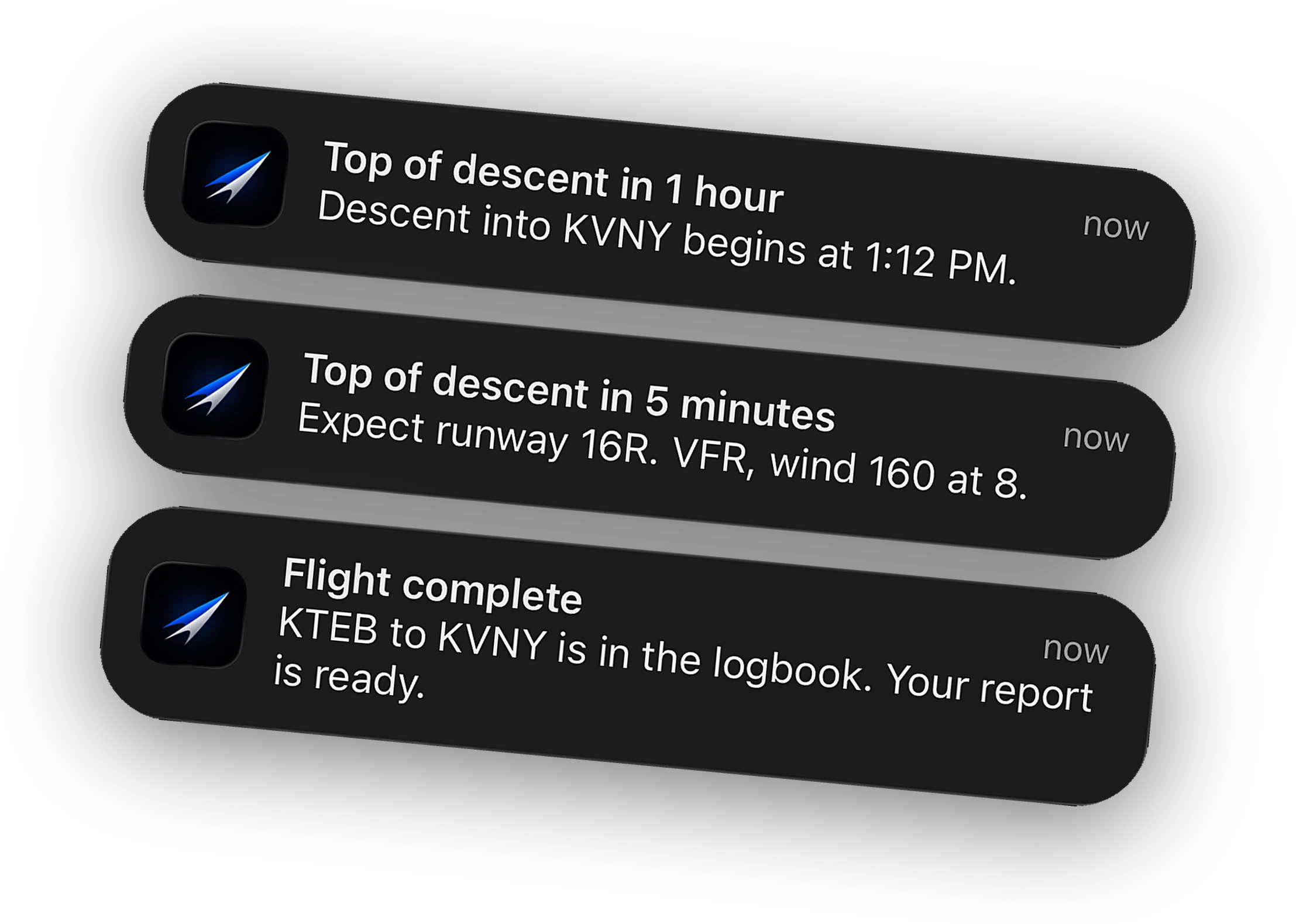
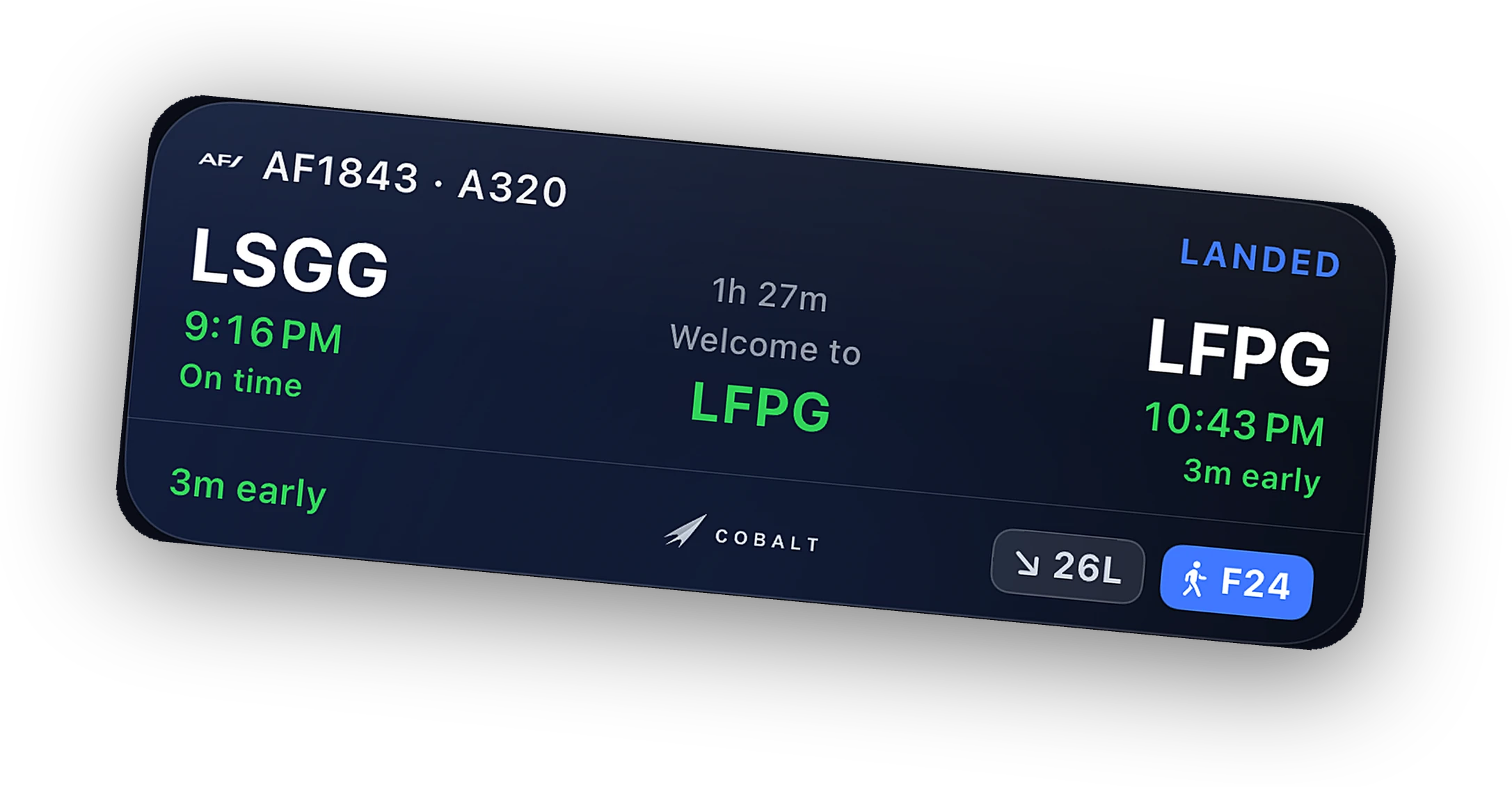
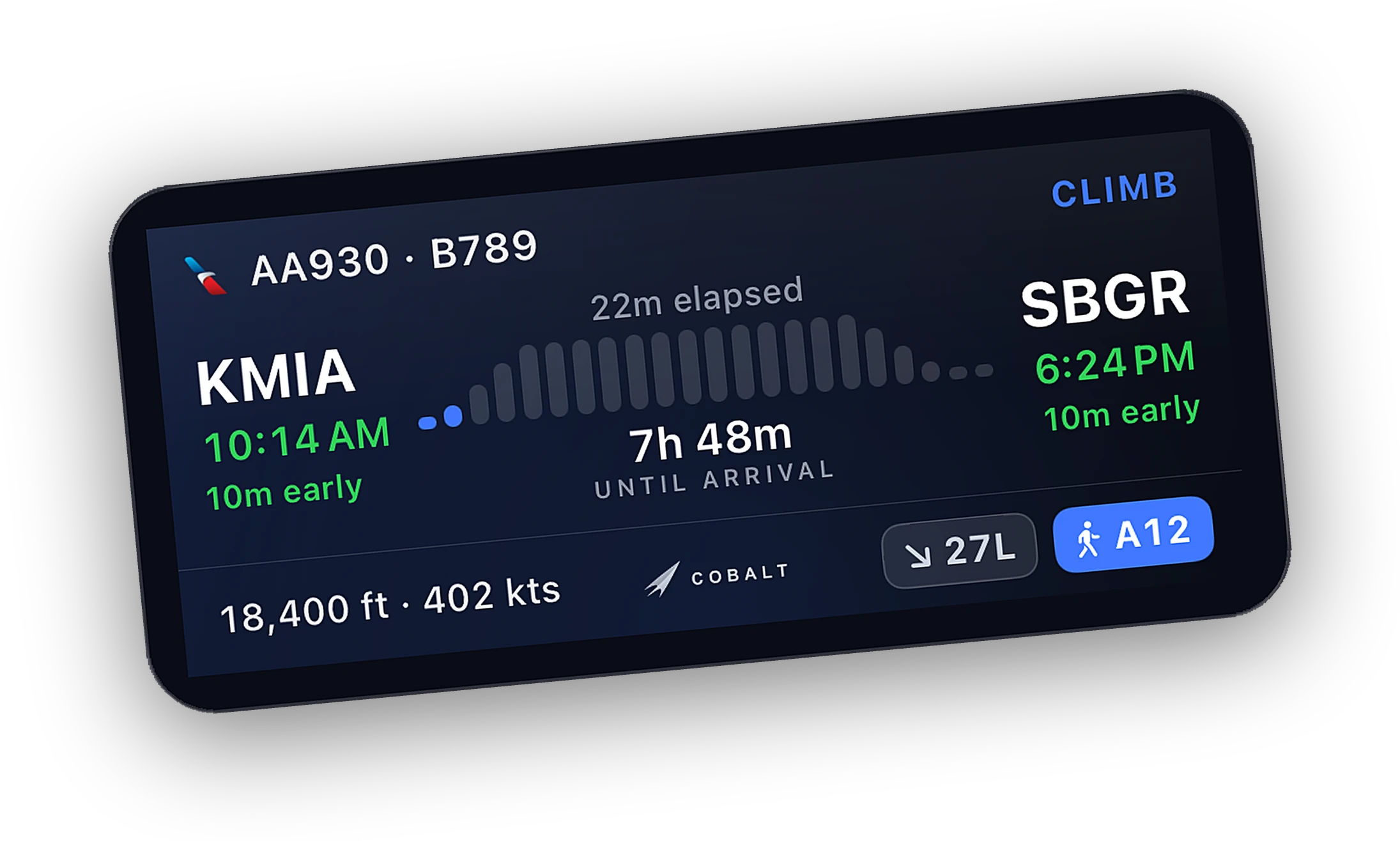
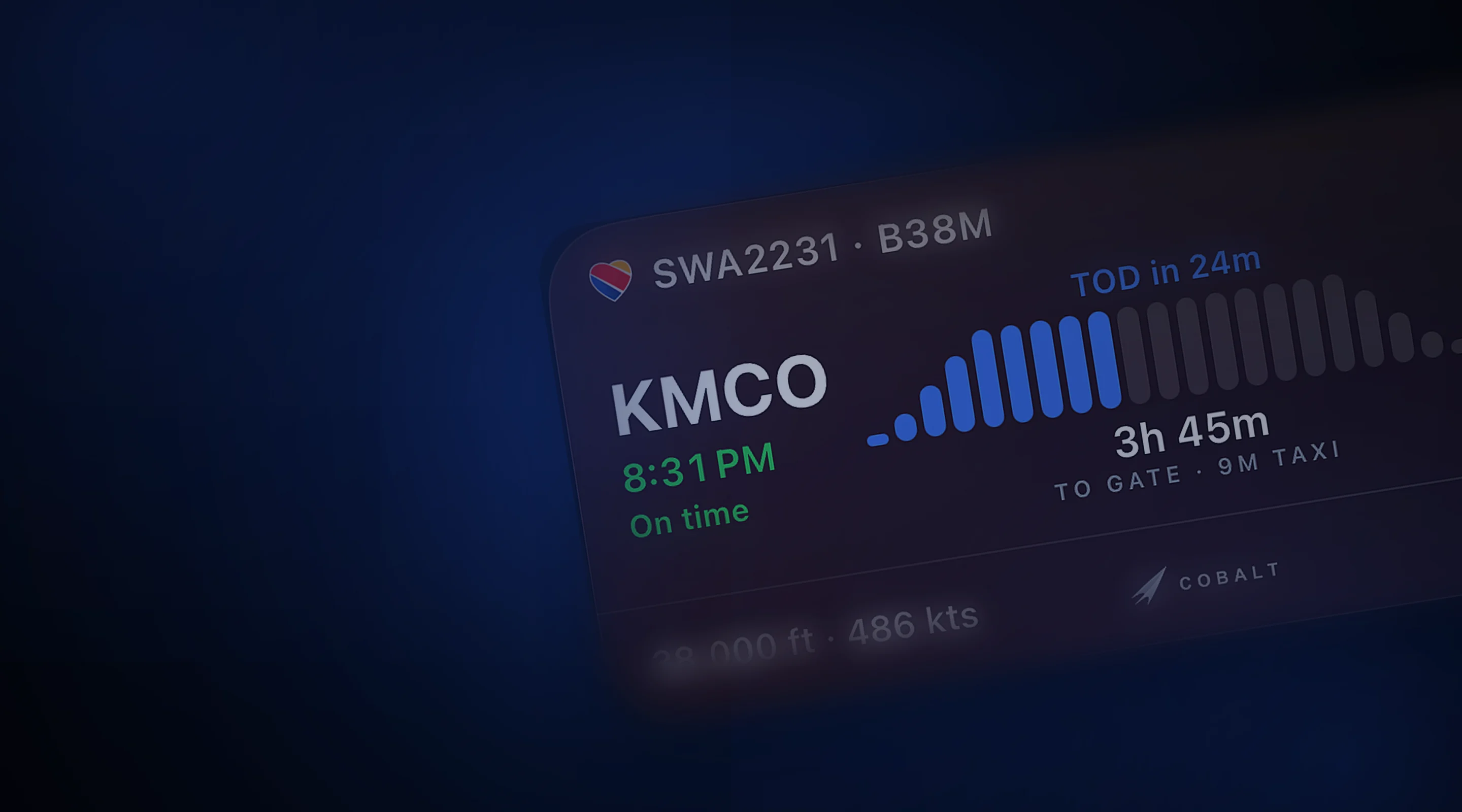
The real cards, up close.
What Cobalt puts on your Lock Screen, Home Screen, and in your notifications. Tap any card to zoom, download, or share.
Writing about Cobalt? The press kit has logos and more product shots. More on Live Activities and the live map.
Put a real flight under the clock.
Join the list and the launch code lands in your inbox the moment the app is live. 10% off Peak.