

Free
See the whole network.
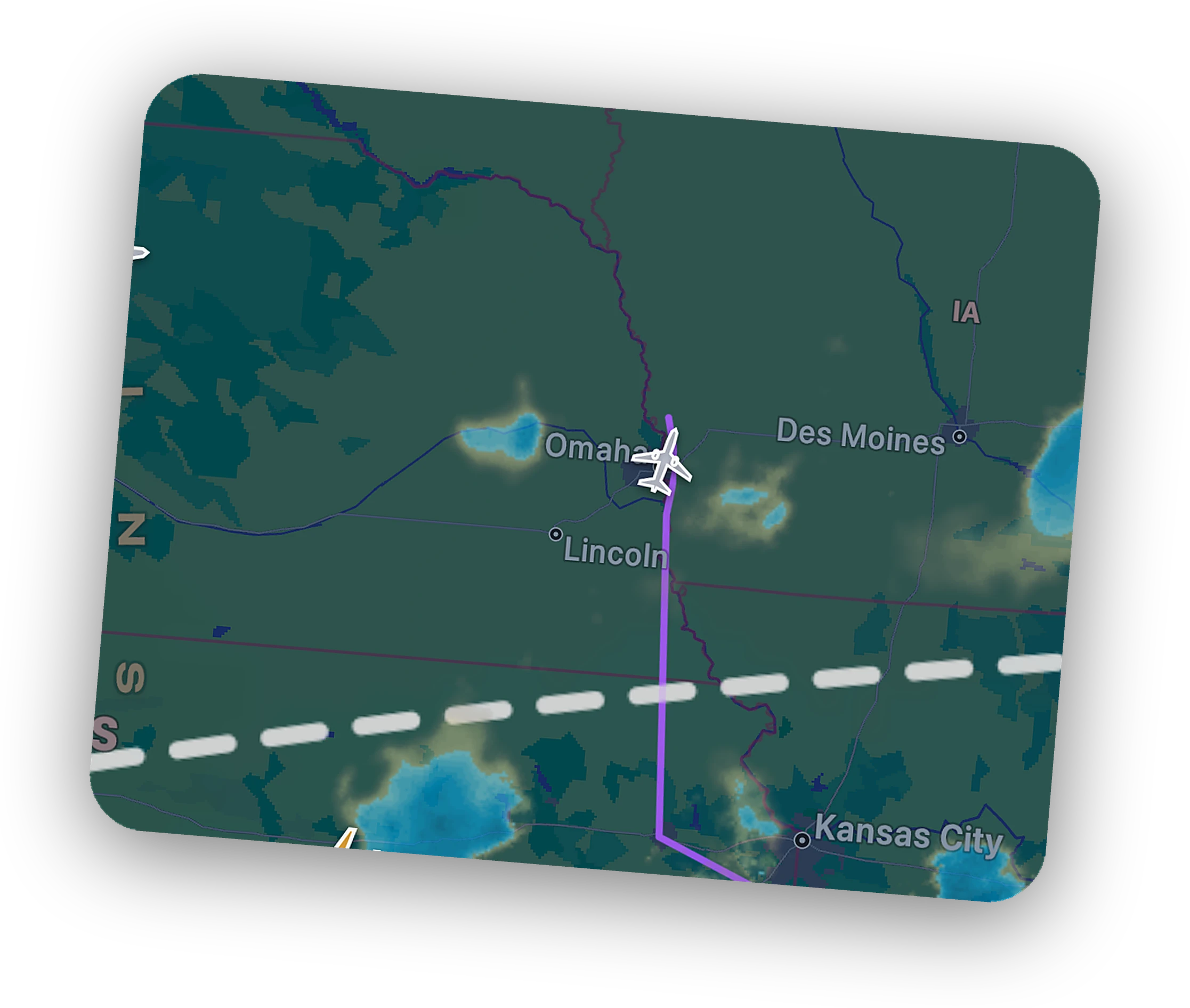
Every aircraft online with the right shape and heading. Tap one for route, telemetry, and a timetable with real times.
 Cobalt
Every flight and controller online, an alert the moment ATC opens on your route, and a logbook that records what actually happened.
Free to fly. MSFS 2020, 2024, X-Plane 11 and 12. iPhone and iPad.
Every aircraft online with the right shape and heading. Tap one for route, telemetry, and a timetable with real times.
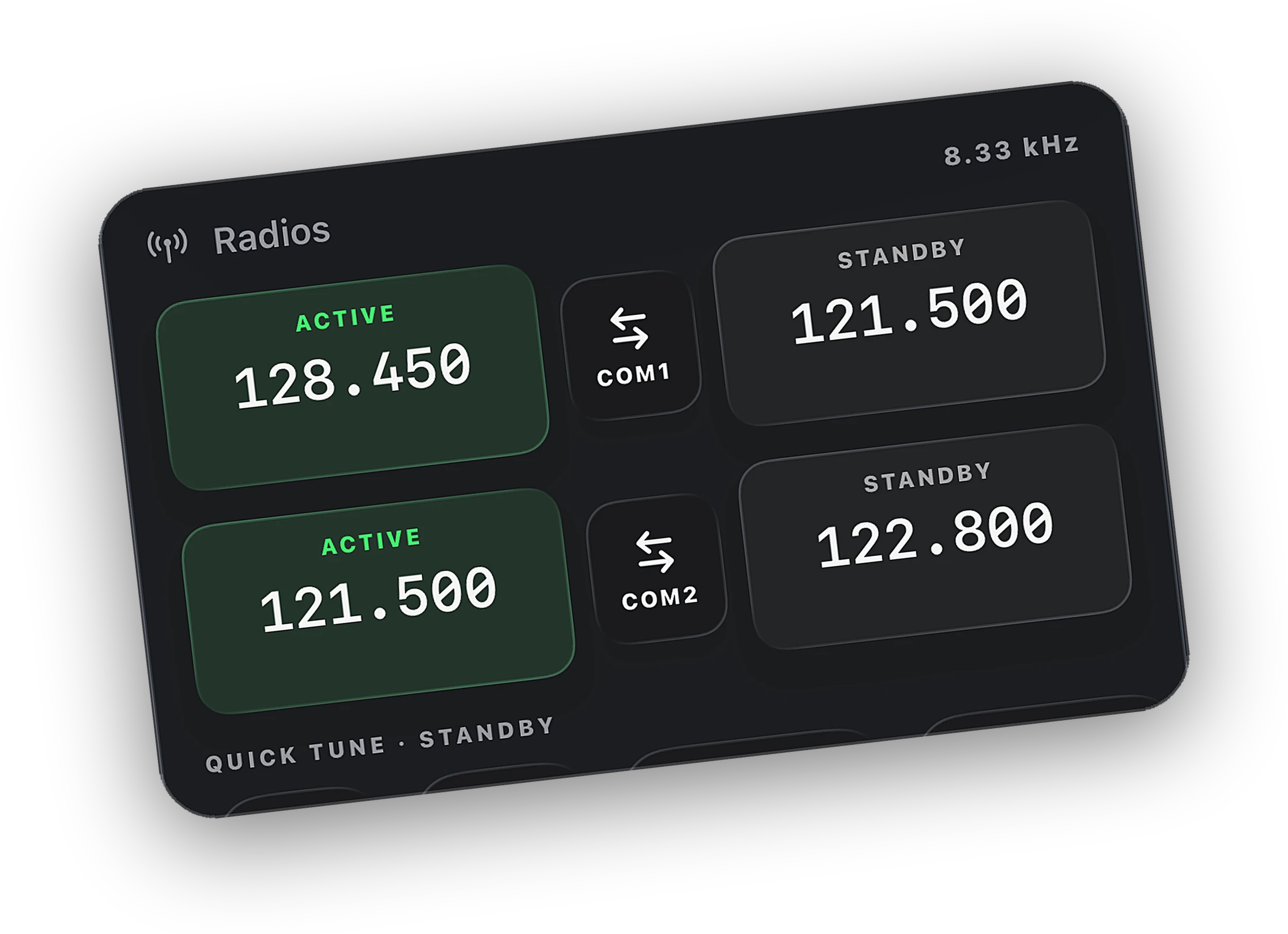
Towers, approach, and centers on the map and in every airport sheet. Tap a position for the inbound and departing traffic they are handling.
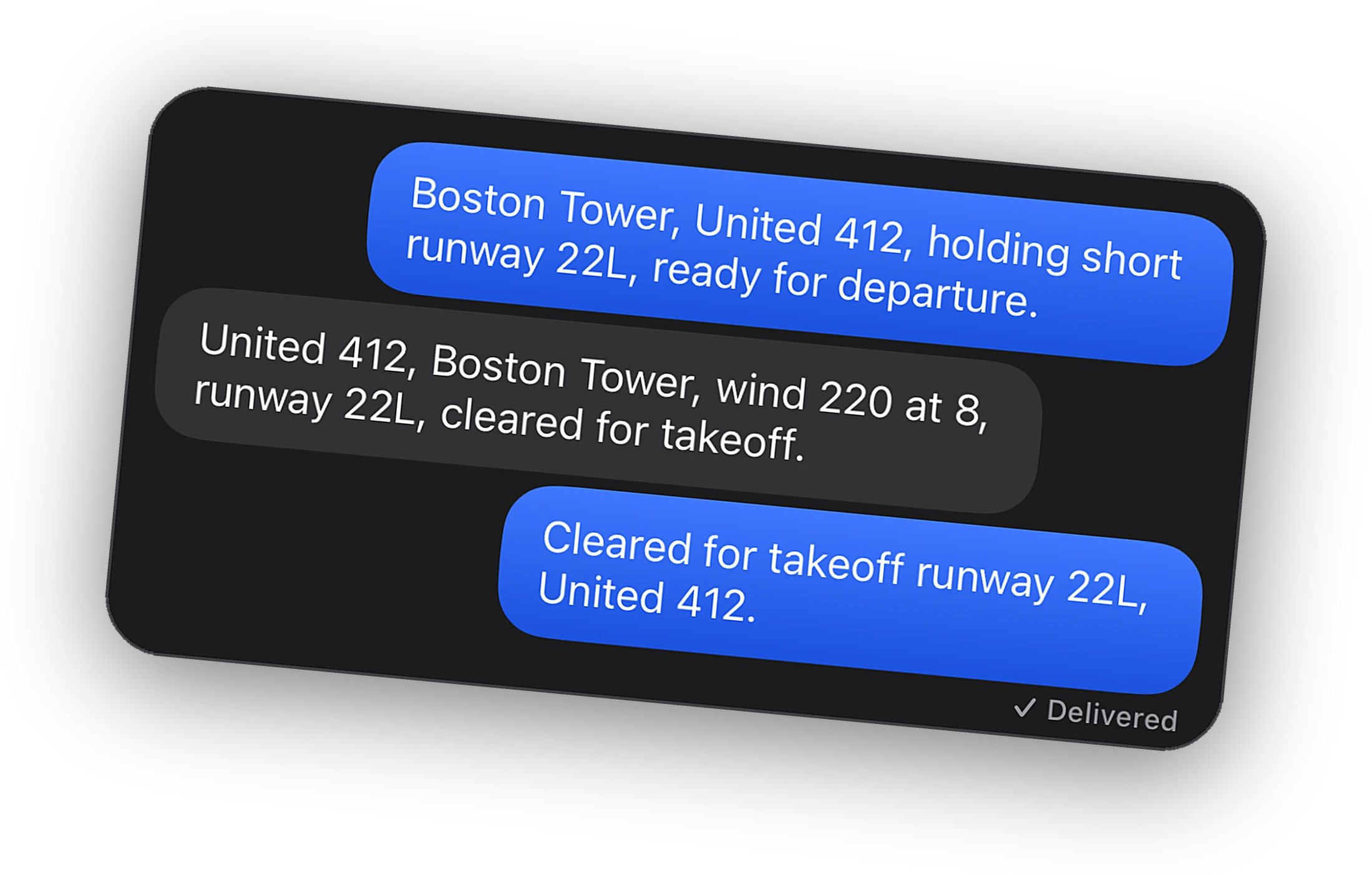
An alert when a controller opens on your route. Reply from the phone through your own vPilot or xPilot session. Alerts are free. Replies are Peak.
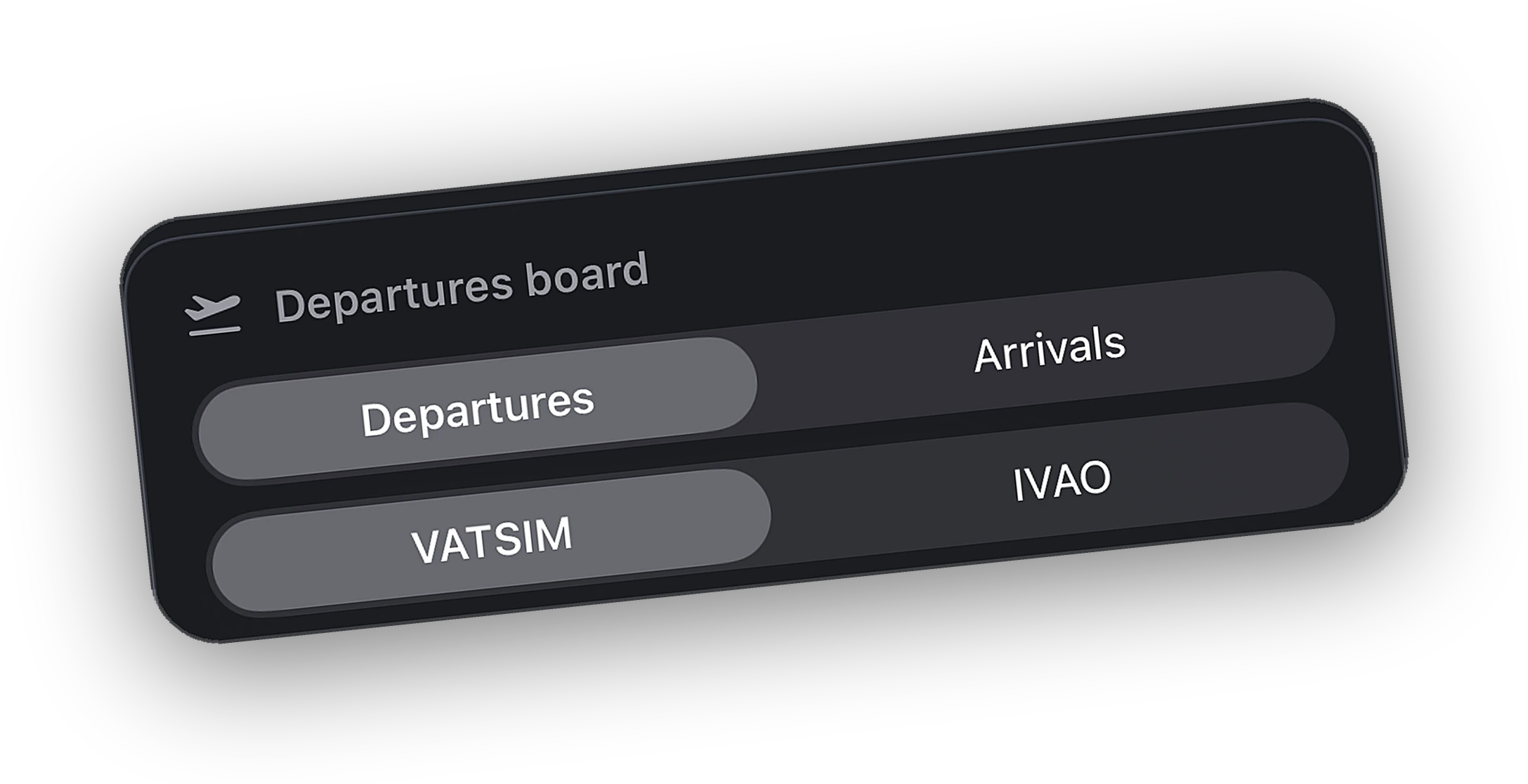
Live departures and arrivals with airline logos and status-tinted times. See how heavy the event is before you push.
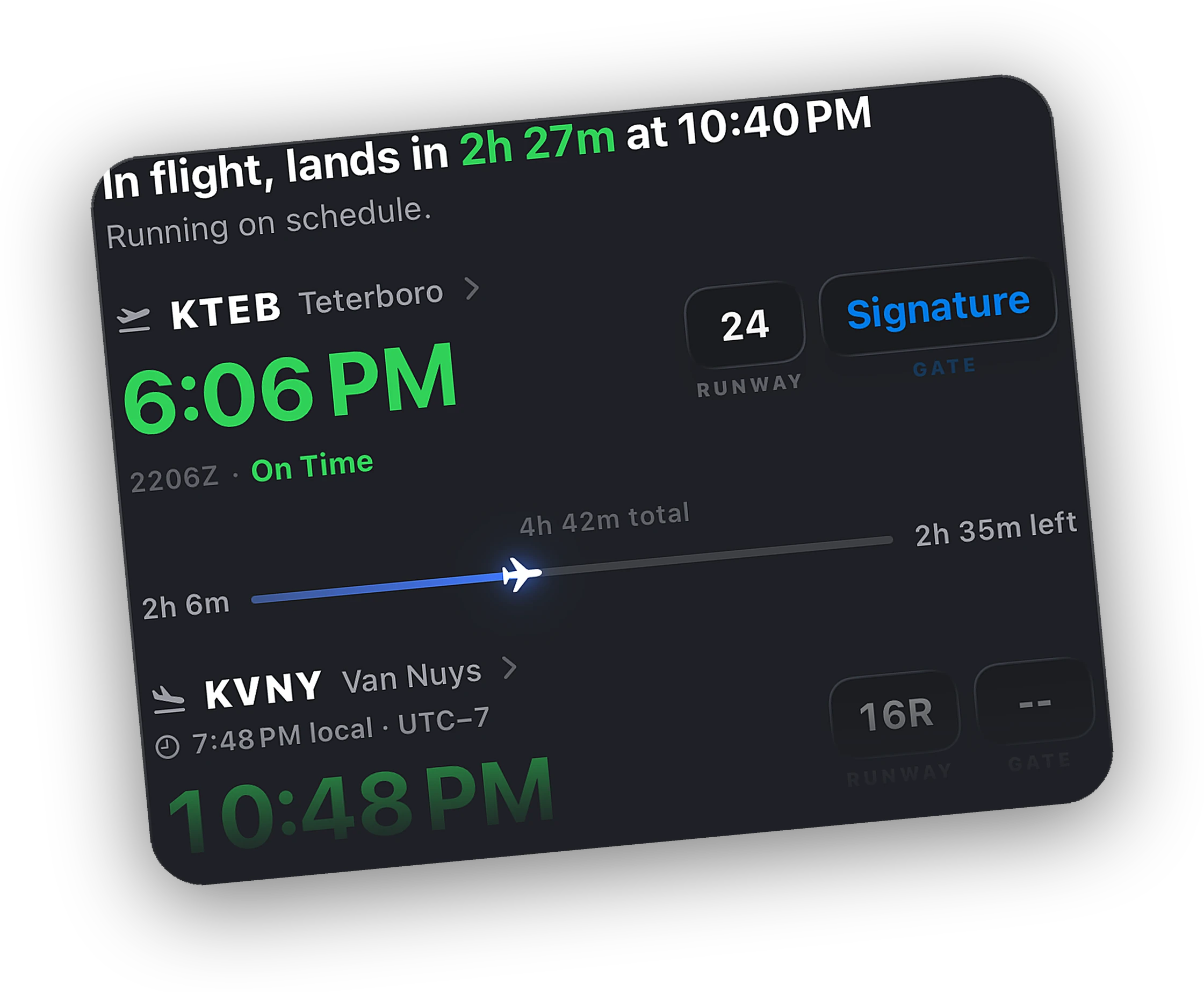
Off-block and wheels-up observed from network data and tagged ACTUAL. Verify your CID and your network hours show in Atlas.
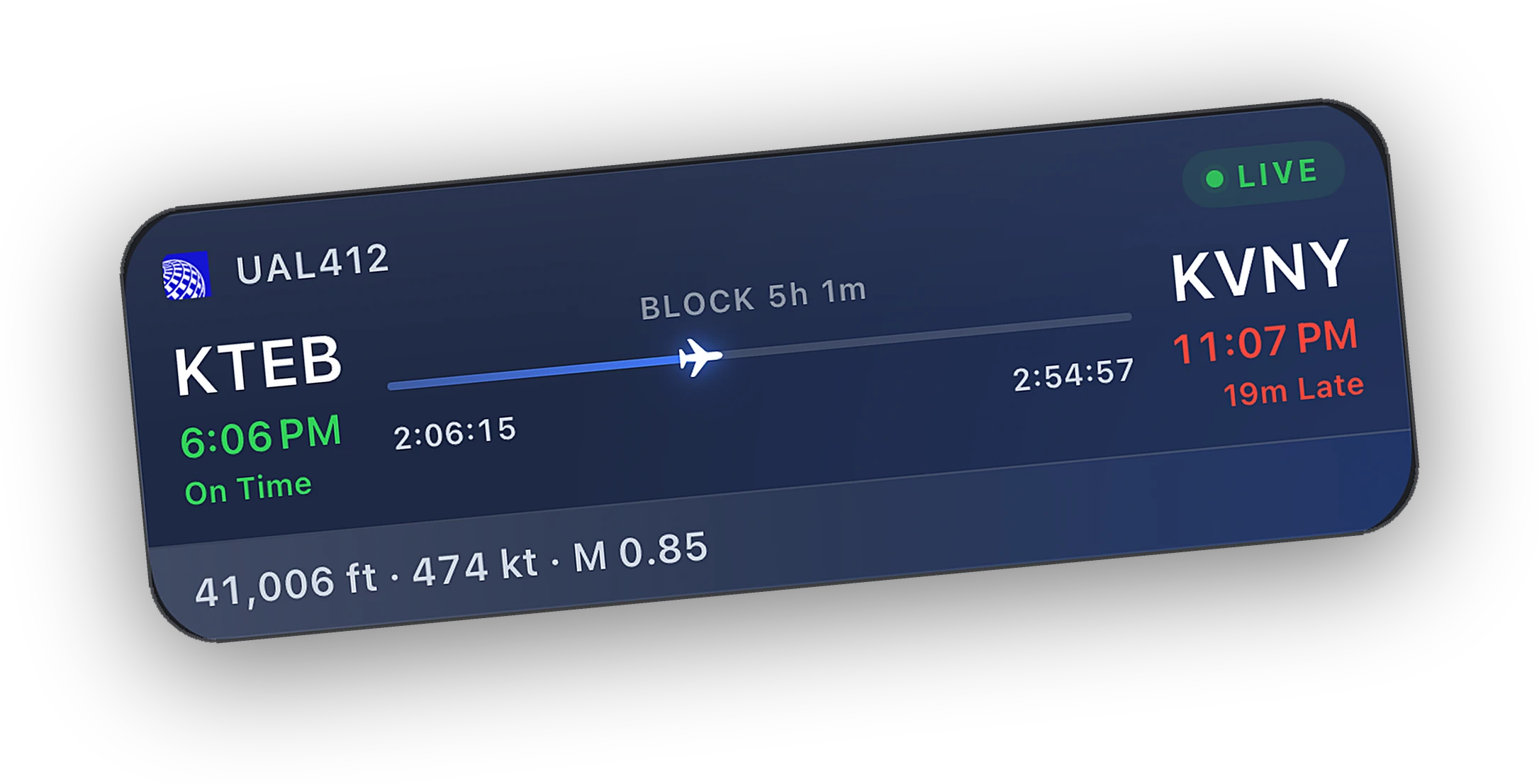
Follow friends and get a notification when they go flying. Adopt a network flight as a friend's and watch it like your own.
VATSIM and IVAO traffic, controllers, and boards side by side. Switch or watch both.
Alerts when a center, approach, or tower comes online along your route.
Off-block, wheels-up, and on-block observed from the network, so the logbook reflects what you flew.
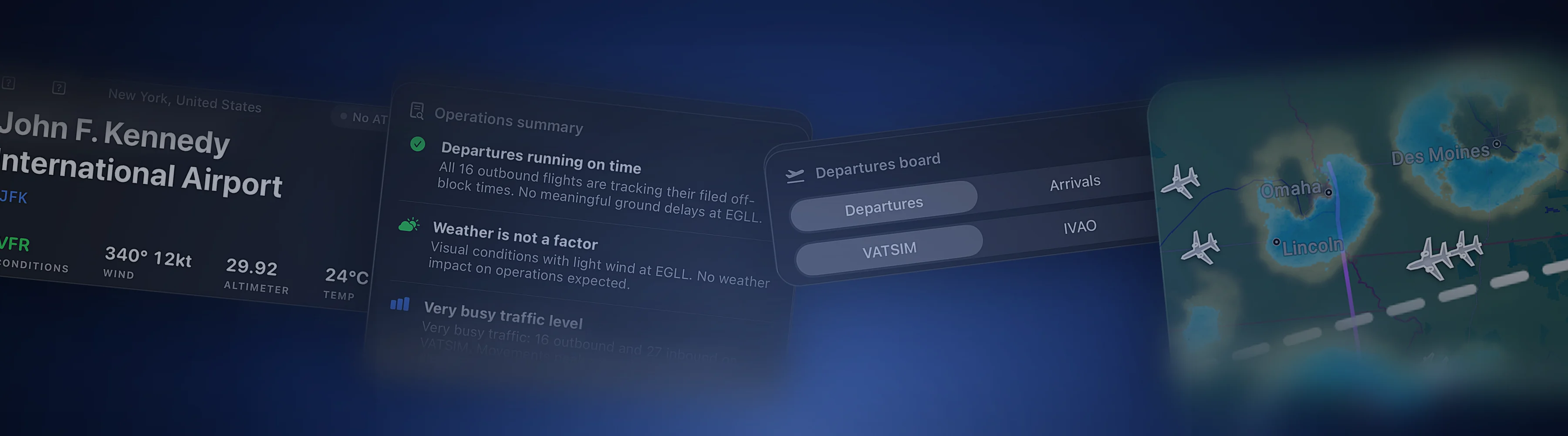
Boards for the featured airports, controllers as they log on, and the whole group's flights in one list.
One small app on the sim PC. The phone does the rest.
A small free app for the sim PC. Windows or Mac. It finds MSFS or X-Plane on its own.
Same Wi-Fi, no pairing codes. The app sees the Bridge and connects in a few seconds.
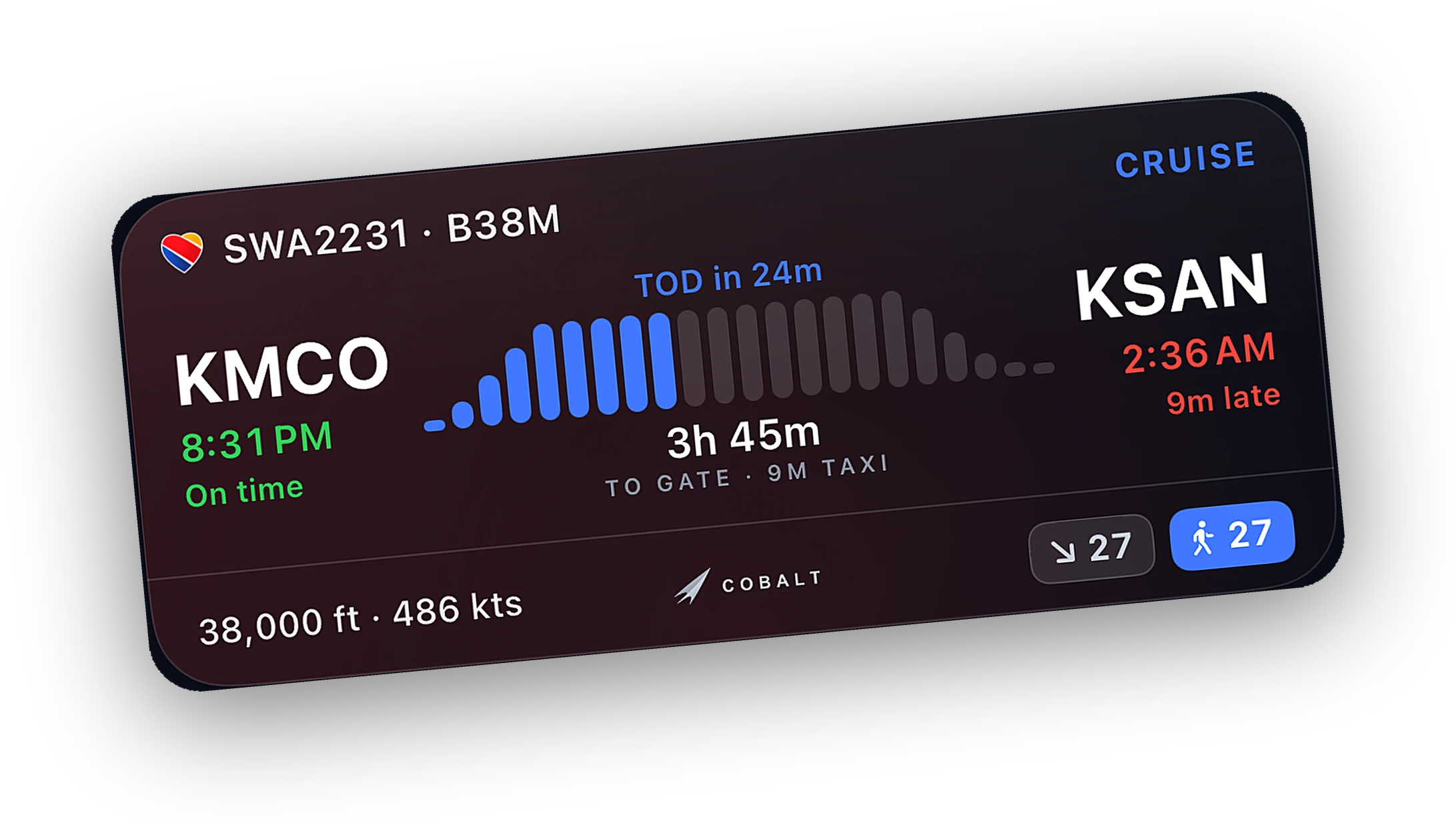
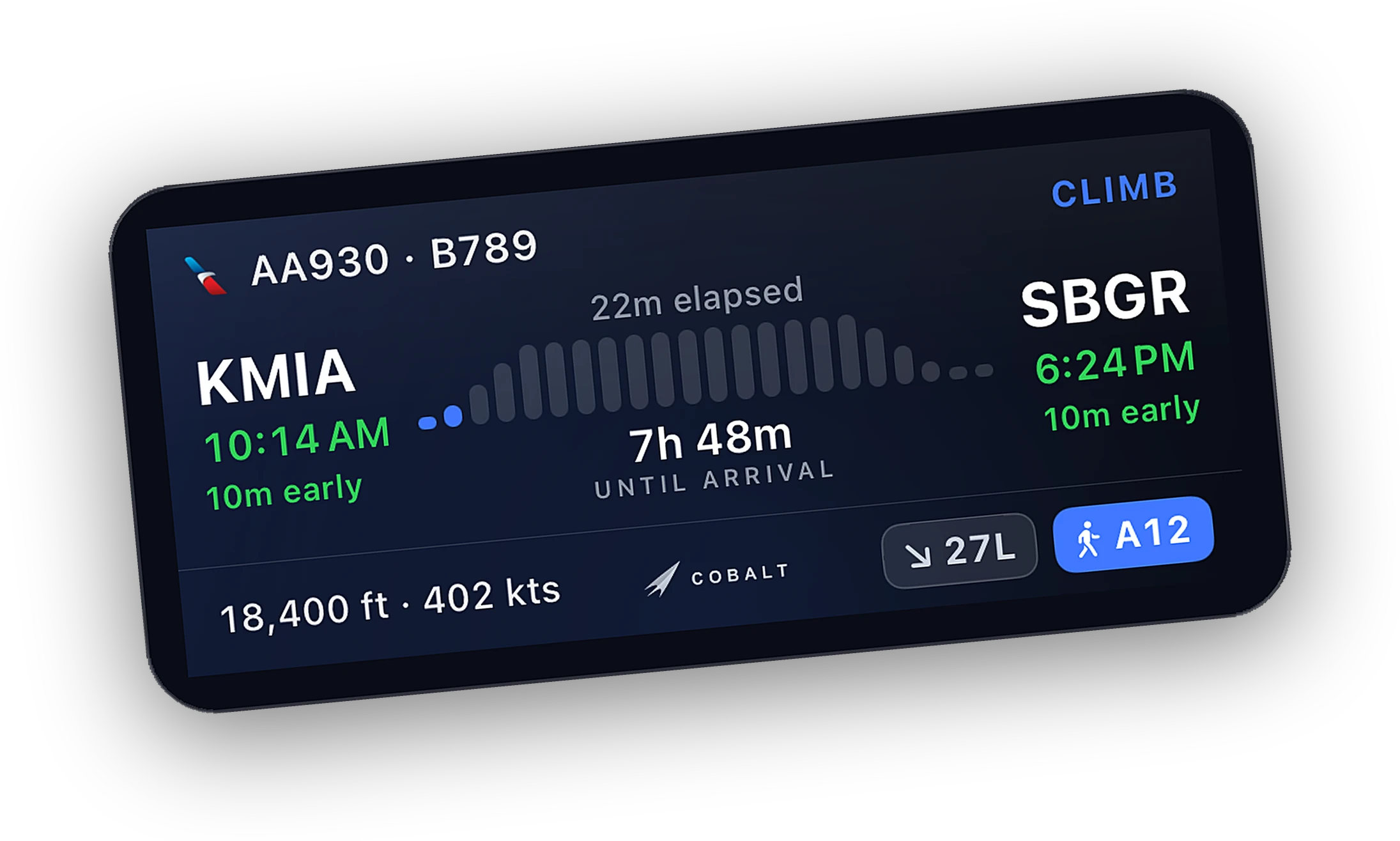
Your flight on the map, the Live Activity on the Lock Screen, and the logbook writing itself.
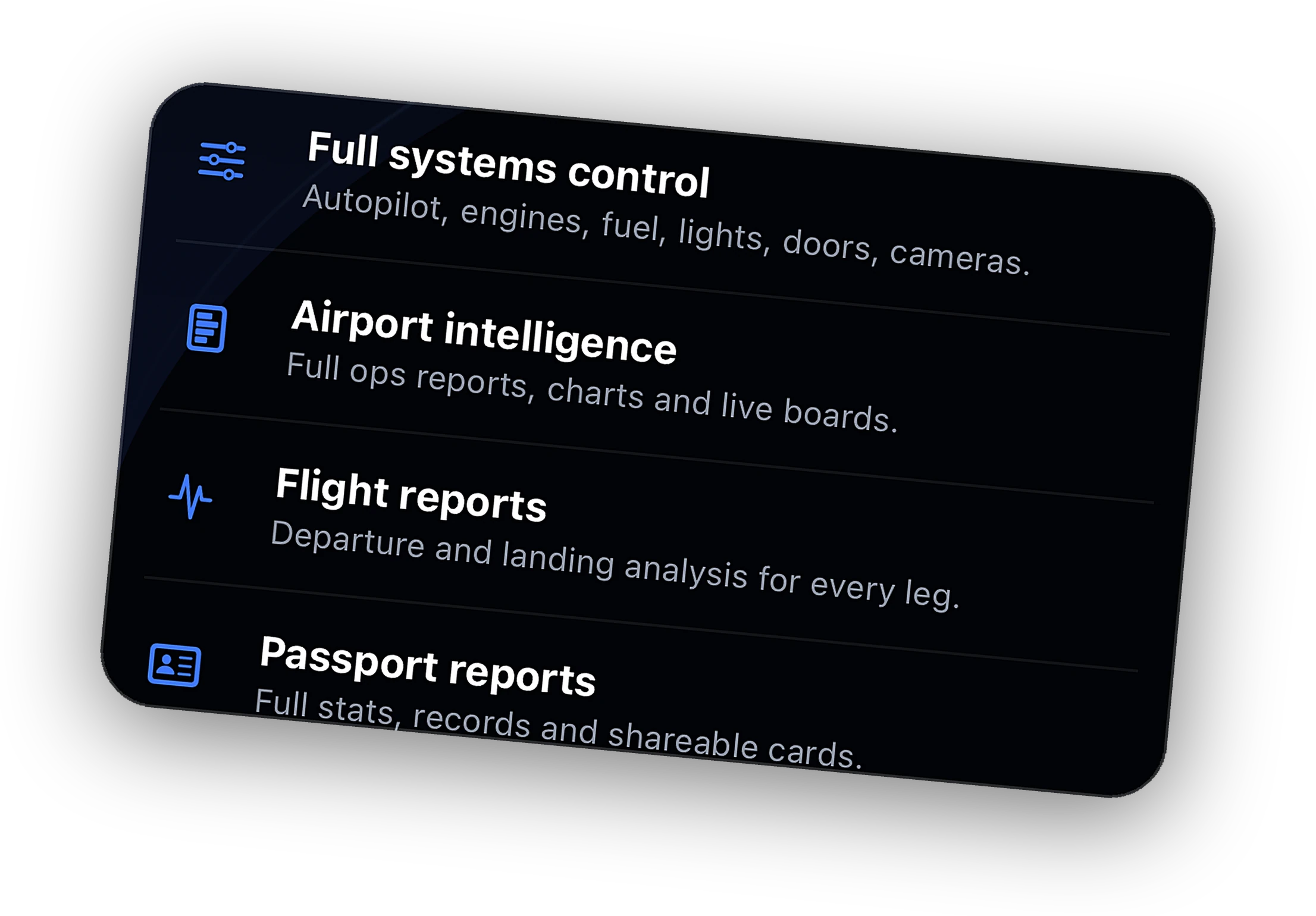
Nothing is hidden on the free plan. Peak unlocks control, depth, and history.
Both big sims, both networks, and the devices already in your pocket.
No. You fly with your usual pilot client. Cobalt reads the public network data and, for messaging, passes through your own vPilot or xPilot session.
Yes for traffic, controllers, boards, and times. Two-way messaging is VATSIM through vPilot and xPilot.
Add your CID in Cobalt. Flights flown under that CID are matched to the network and show as verified hours in Atlas.
Yes. Tap any network flight and add it as a friend's flight. It gets a Live Activity and alerts like your own.
More ways pilots use Cobalt.
Download Cobalt for iPhone and iPad. Install the Bridge on your sim PC and your next flight is on your phone.
Point your iPhone camera here. It opens Cobalt on the App Store.