
Free
The alert that gets you back in the seat.
A controller logs on at your departure, destination, or along the route and your phone tells you. No more flying unicom under a staffed center.
 Cobalt
 tells you when ATC opens for your departure, arrival, or route, and lets you answer from the phone.
Free to fly. MSFS 2020, 2024, X-Plane 11 and 12. iPhone and iPad.
A controller logs on at your departure, destination, or along the route and your phone tells you. No more flying unicom under a staffed center.
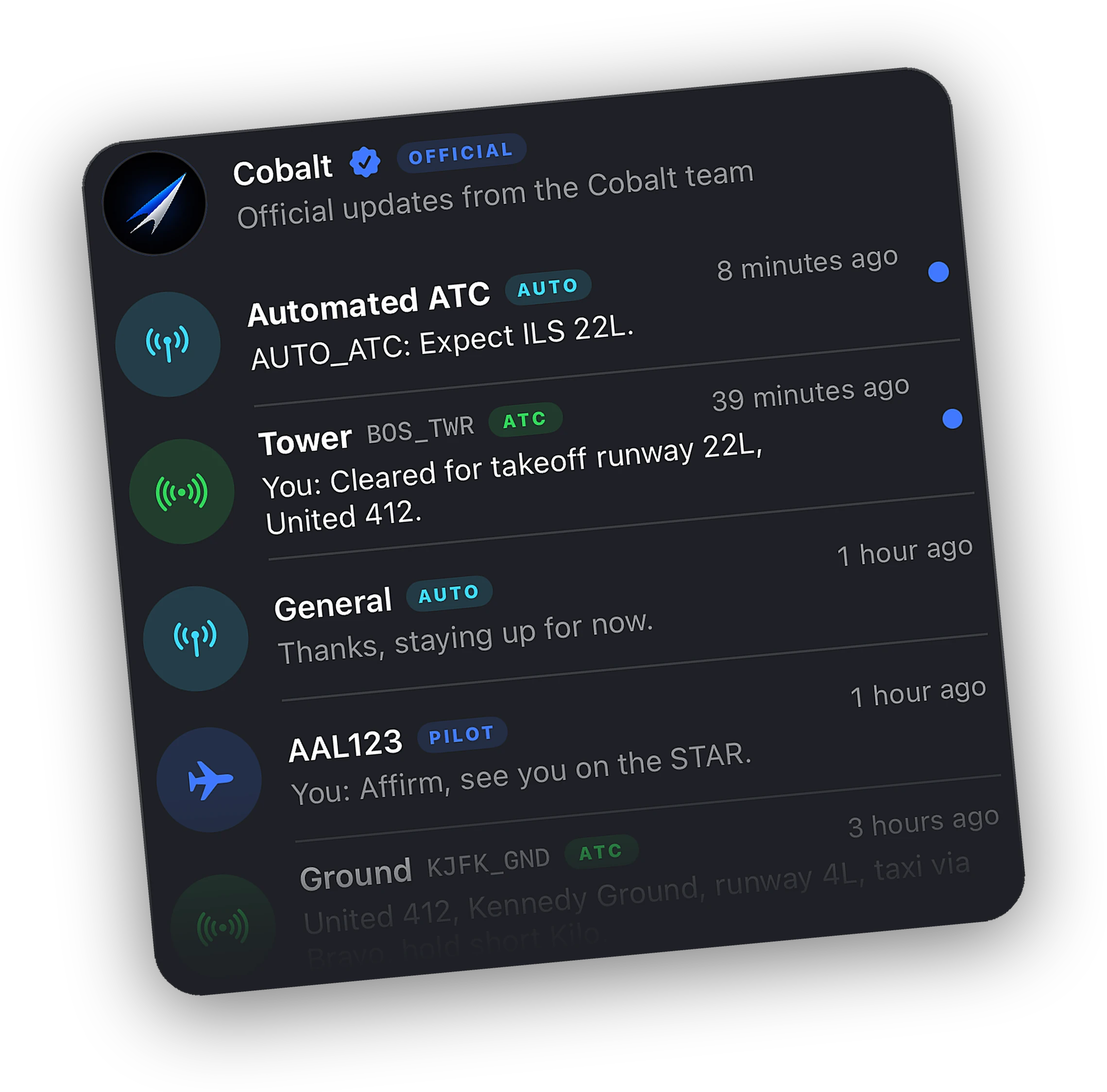
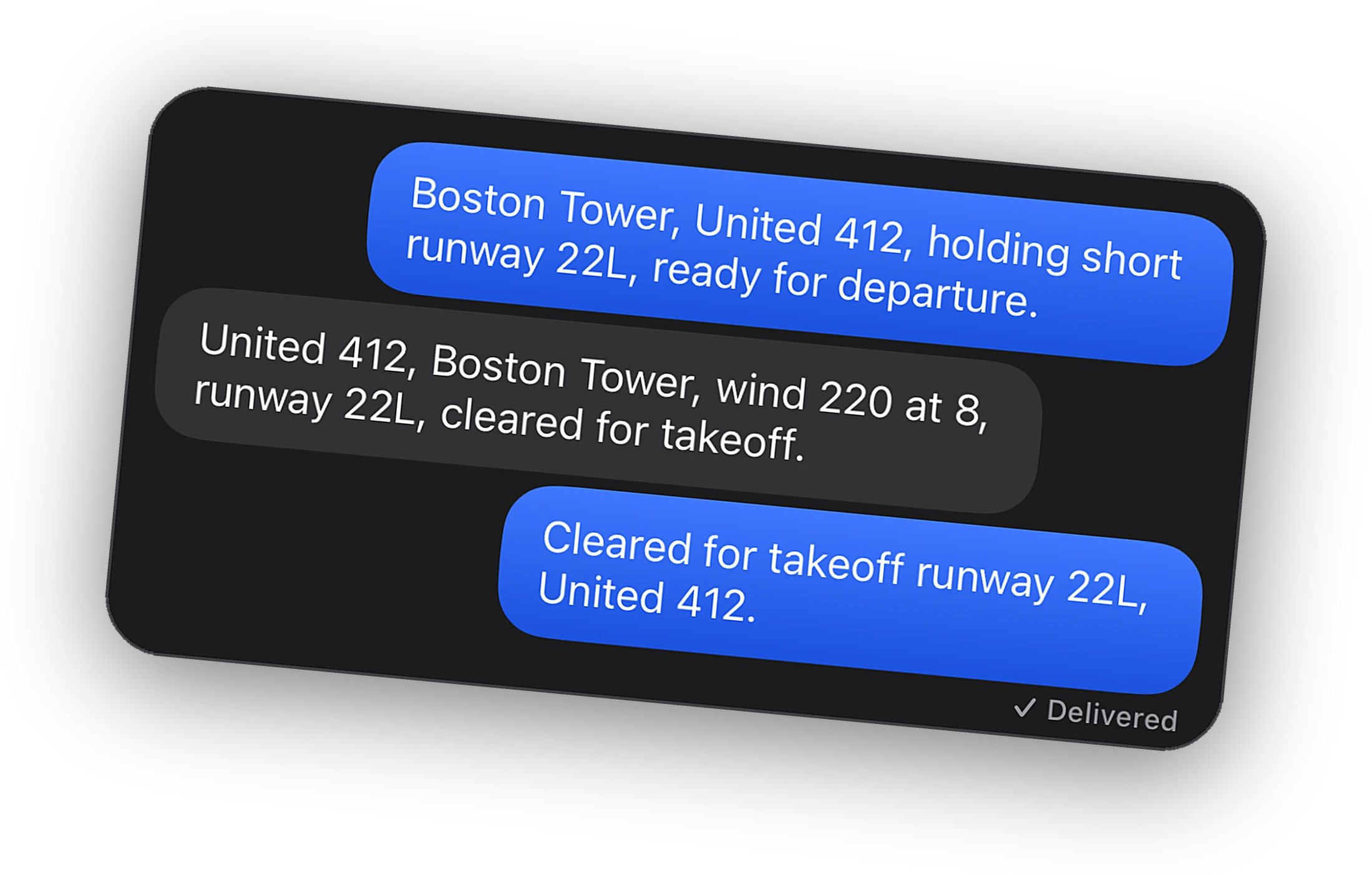
ATC threads live beside direct messages and group chats. Pins, mutes, photos, and read receipts. Everything in one place.
Messages send through your own vPilot or xPilot session, so the controller sees a normal private message. Replies land on your phone with a notification.
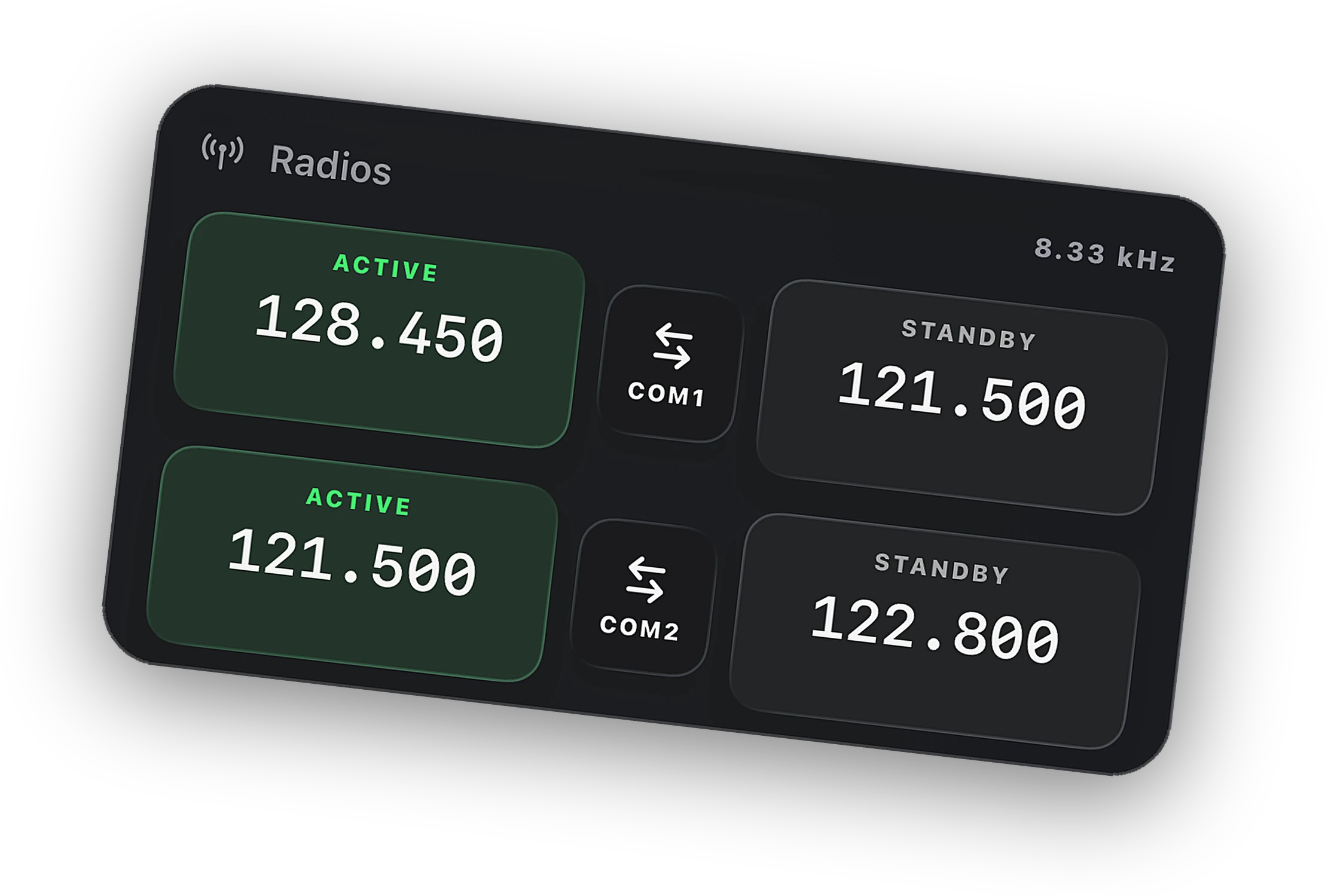
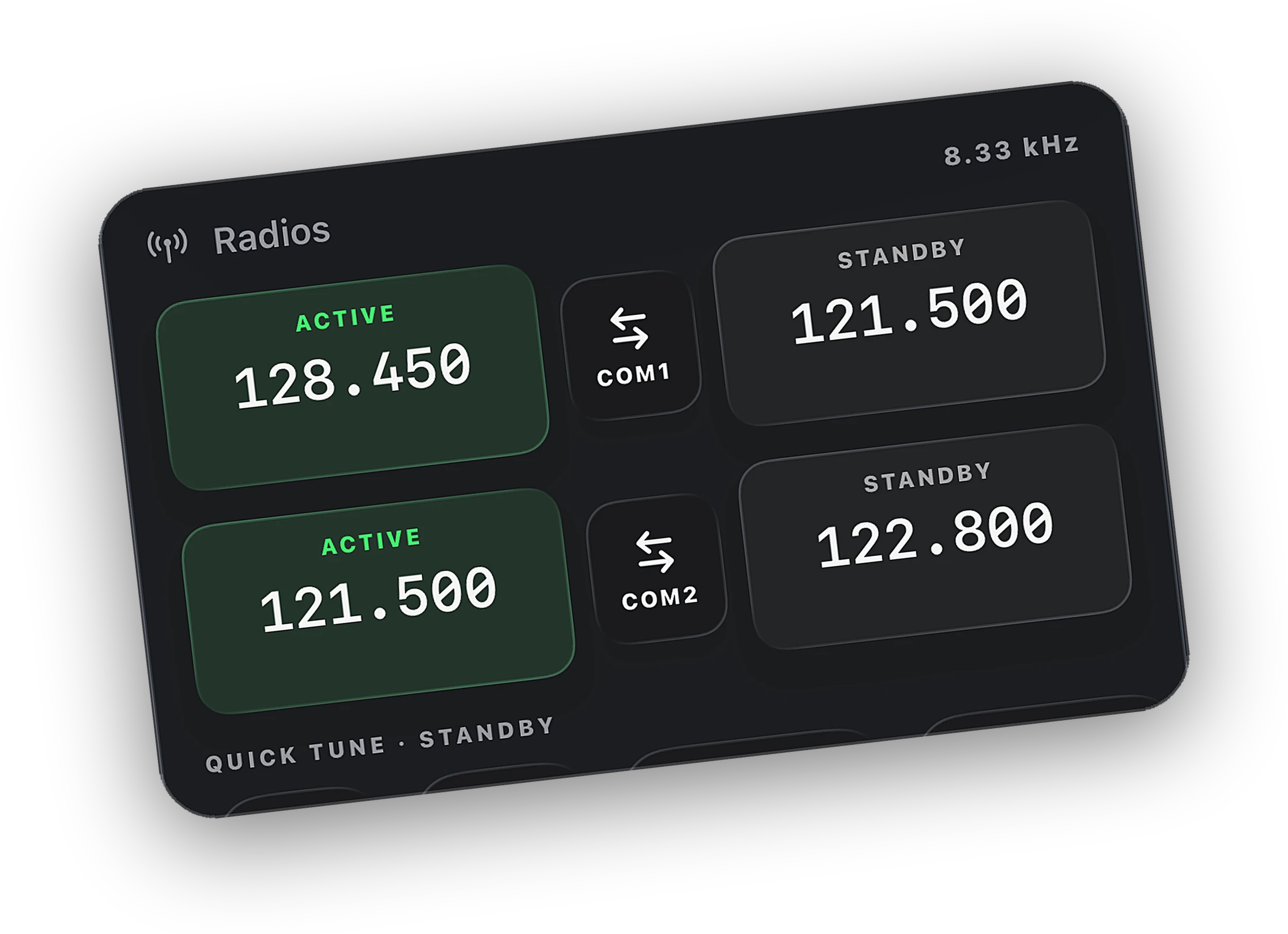
Active and standby frequencies from the sim beside the controller's published frequency. Tune with Peak.
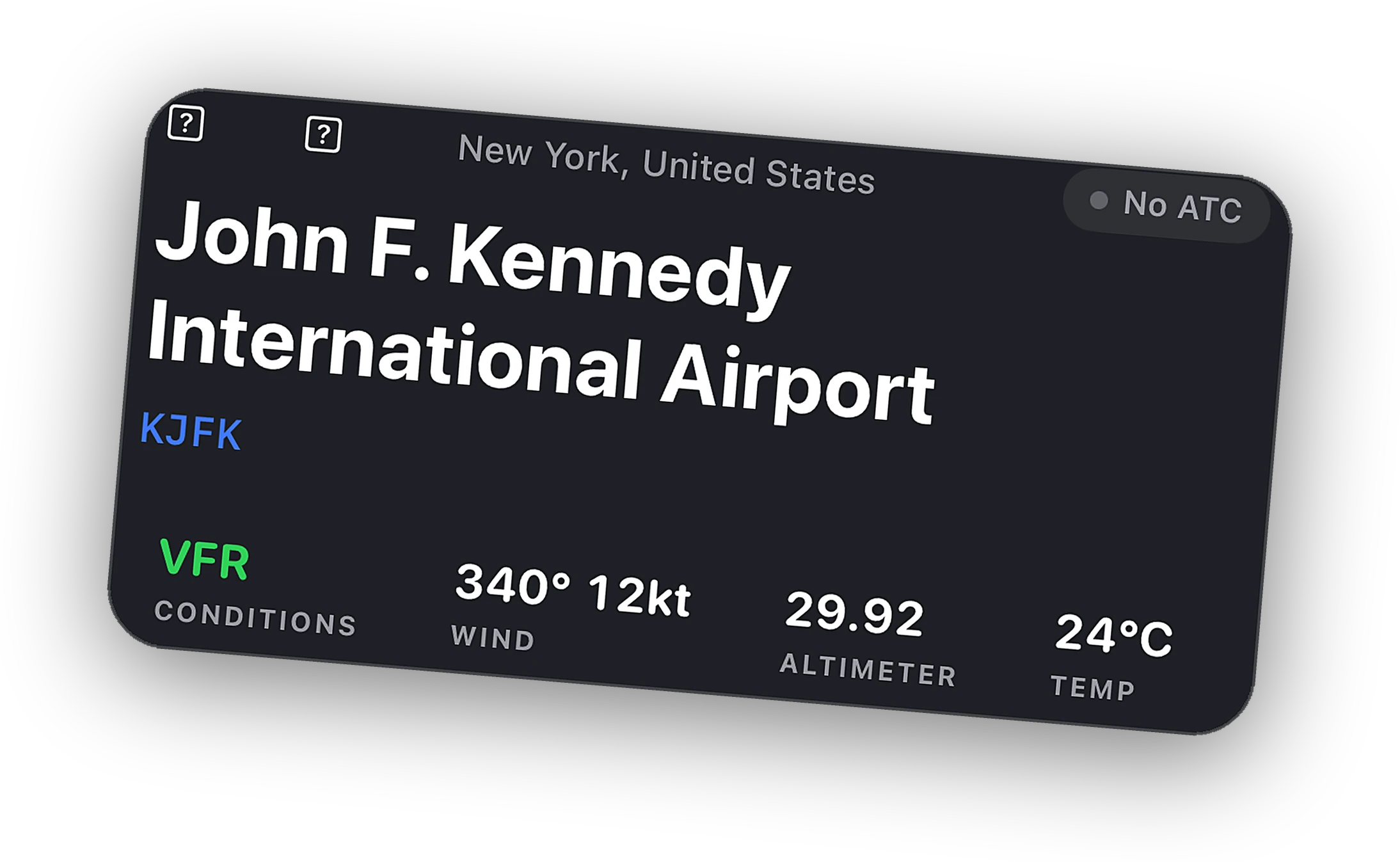
Open any airport for ATC ONLINE or NO ATC at a glance, then every station online with position and frequency. Tap one for the traffic they are handling.
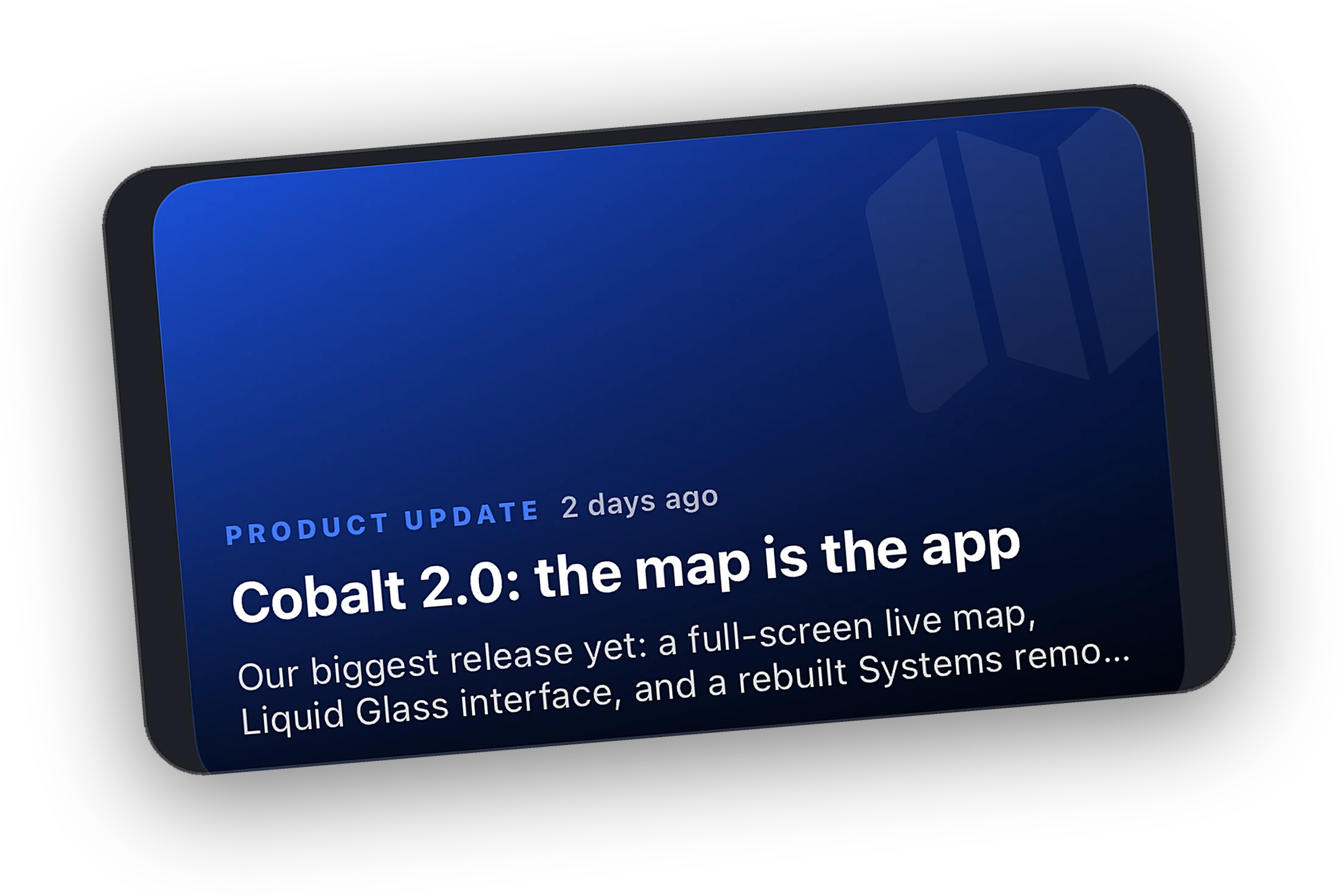
Network events and news cards in the Explore tab, so you know where the controllers will be before you file.
Get a notification when a position you care about comes online, before you tune the frequency.
Each controller card shows frequency, position, and the traffic they are working right now.
Peak lets you read and reply to private messages from the phone, through vPilot or xPilot.
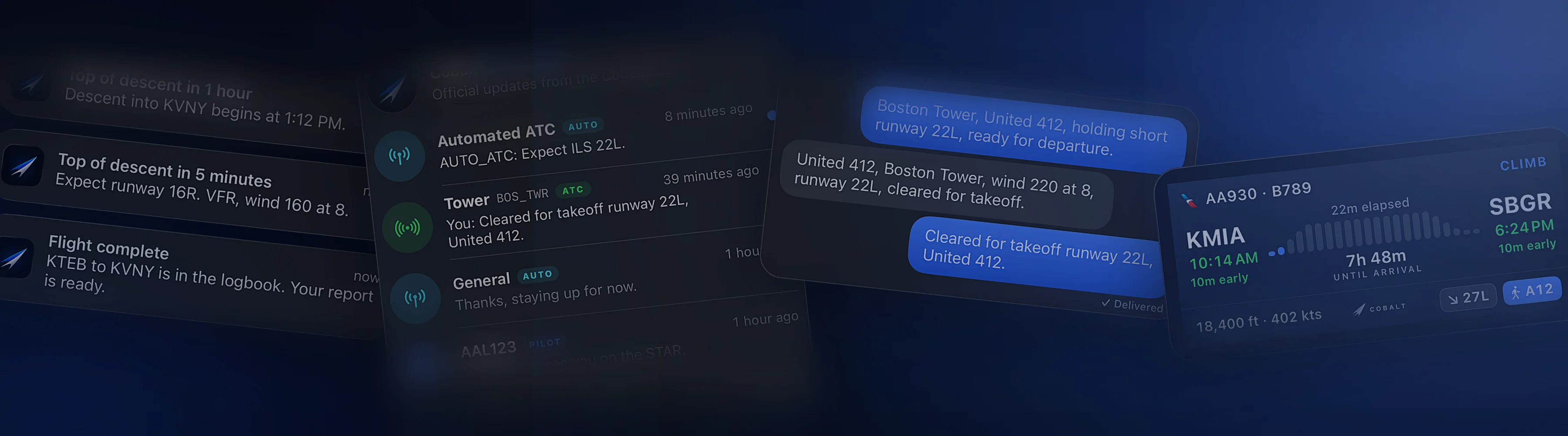
A Lock Screen alert when a controller opens on your route. Open the thread, reply, and get back to the flight.
One small app on the sim PC. The phone does the rest.
A small free app for the sim PC. Windows or Mac. It finds MSFS or X-Plane on its own.
Same Wi-Fi, no pairing codes. The app sees the Bridge and connects in a few seconds.
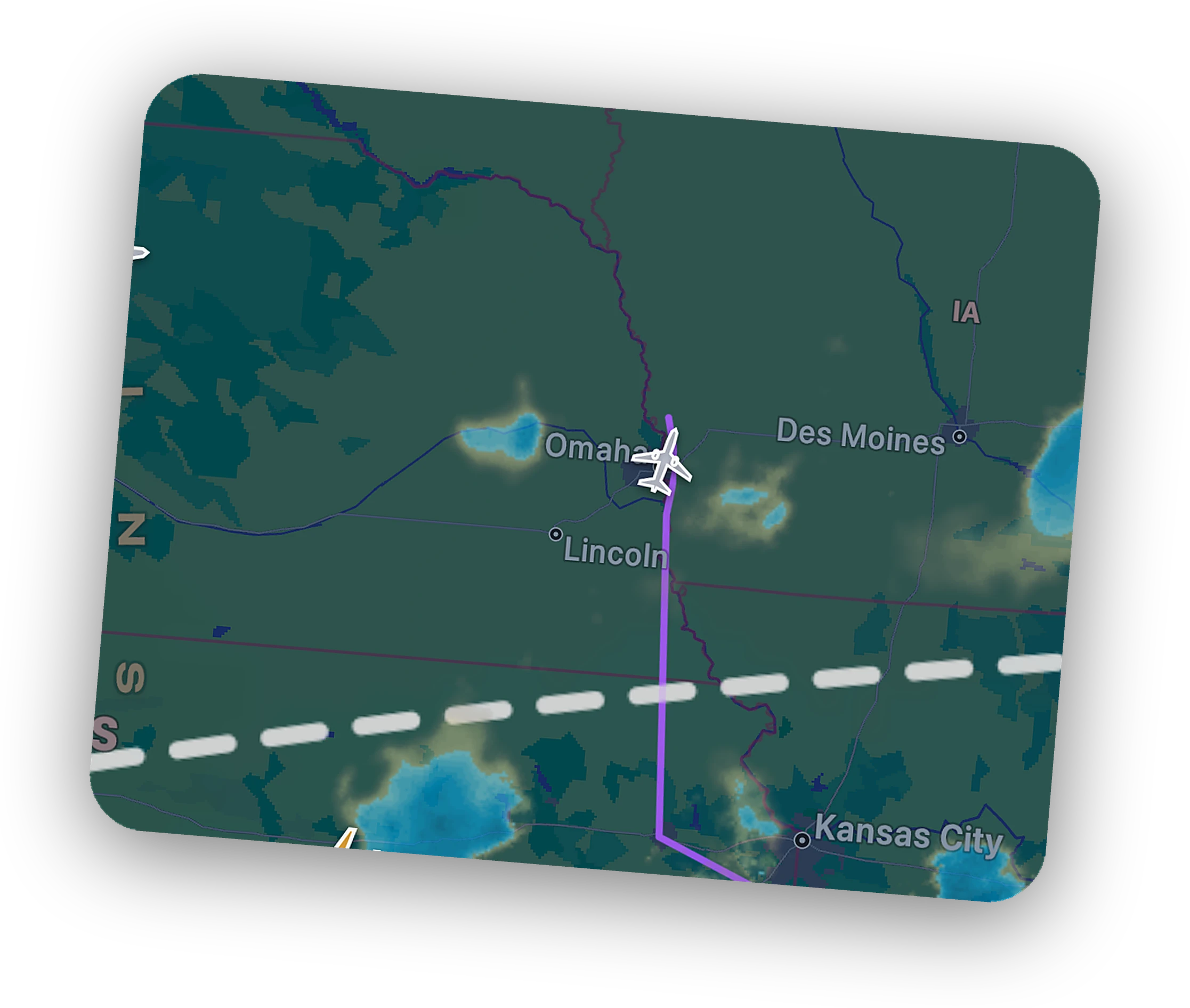
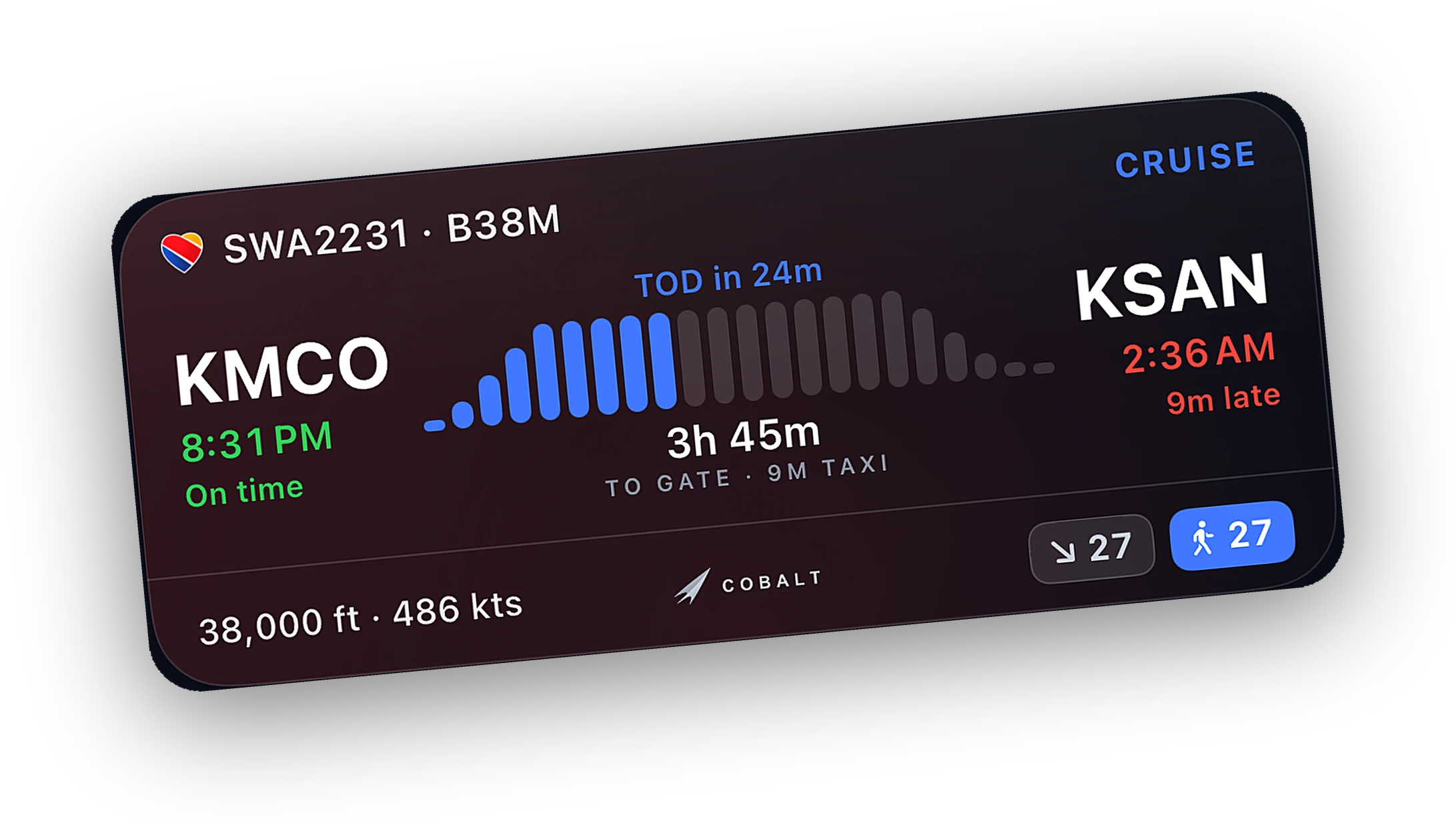
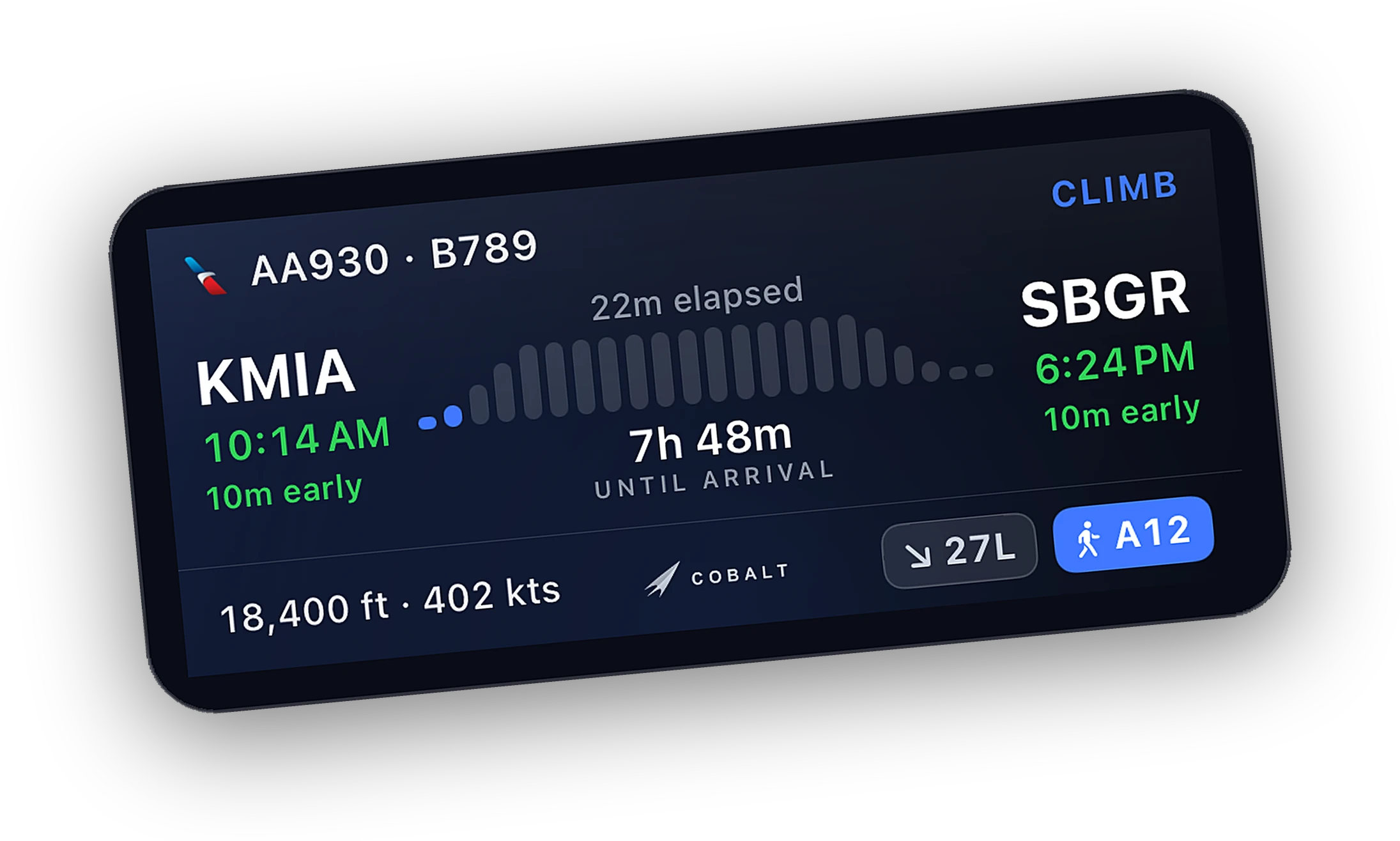
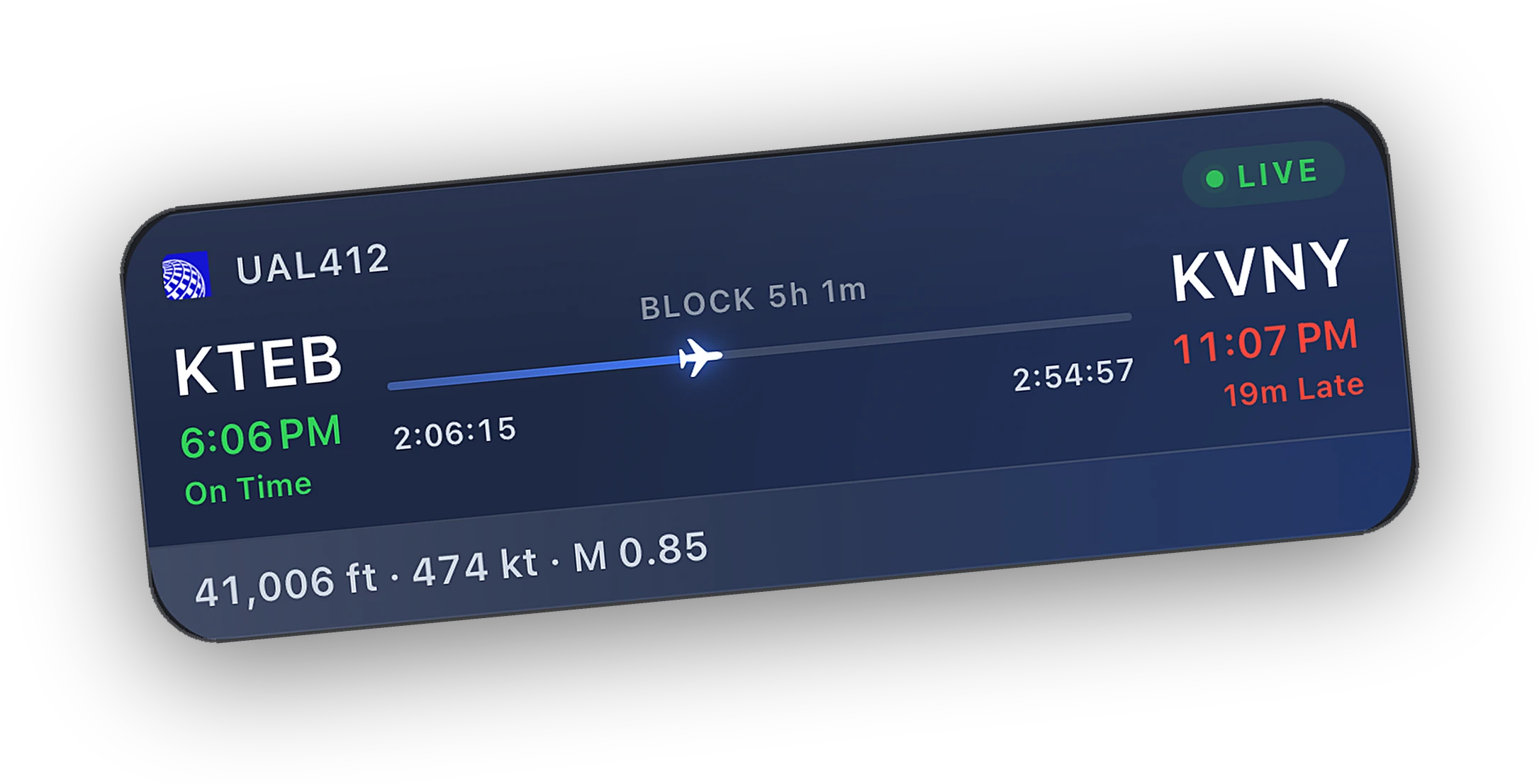
Your flight on the map, the Live Activity on the Lock Screen, and the logbook writing itself.
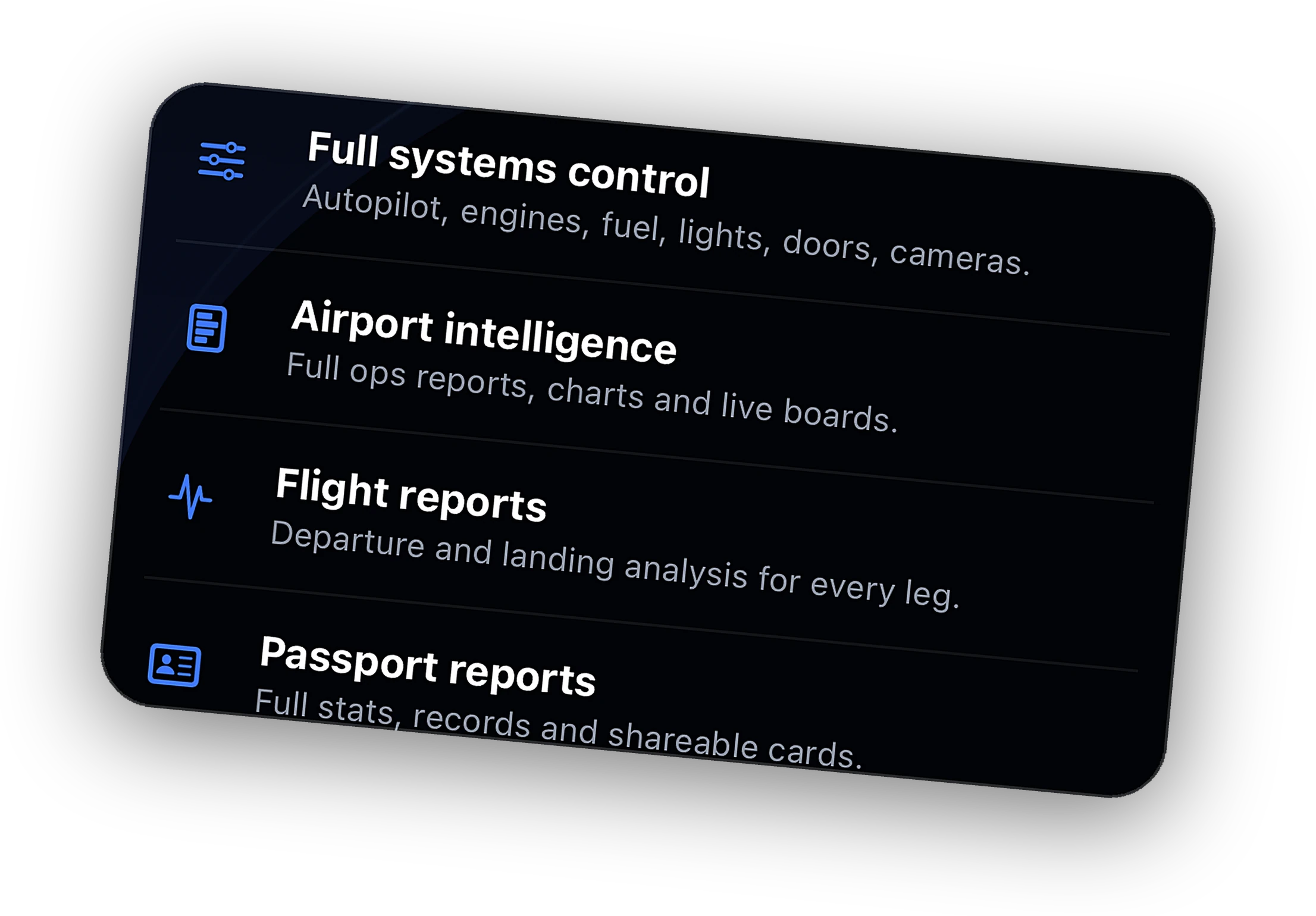
Nothing is hidden on the free plan. Peak unlocks control, depth, and history.
Both big sims, both networks, and the devices already in your pocket.
VATSIM and IVAO for traffic and controllers. Two-way messaging works on VATSIM through vPilot (MSFS) and xPilot (X-Plane).
No. You still fly with vPilot or xPilot. Cobalt adds a small plugin or relay so your messages pass through your own session.
A normal private message from your callsign. Nothing about Cobalt.
No. Cobalt handles text private messages and alerts. Voice stays in your pilot client.
More of what Cobalt does.
Download Cobalt for iPhone and iPad. Install the Bridge on your sim PC and your next flight is on your phone.
Point your iPhone camera here. It opens Cobalt on the App Store.