

Peak
Set the MCP from the couch.
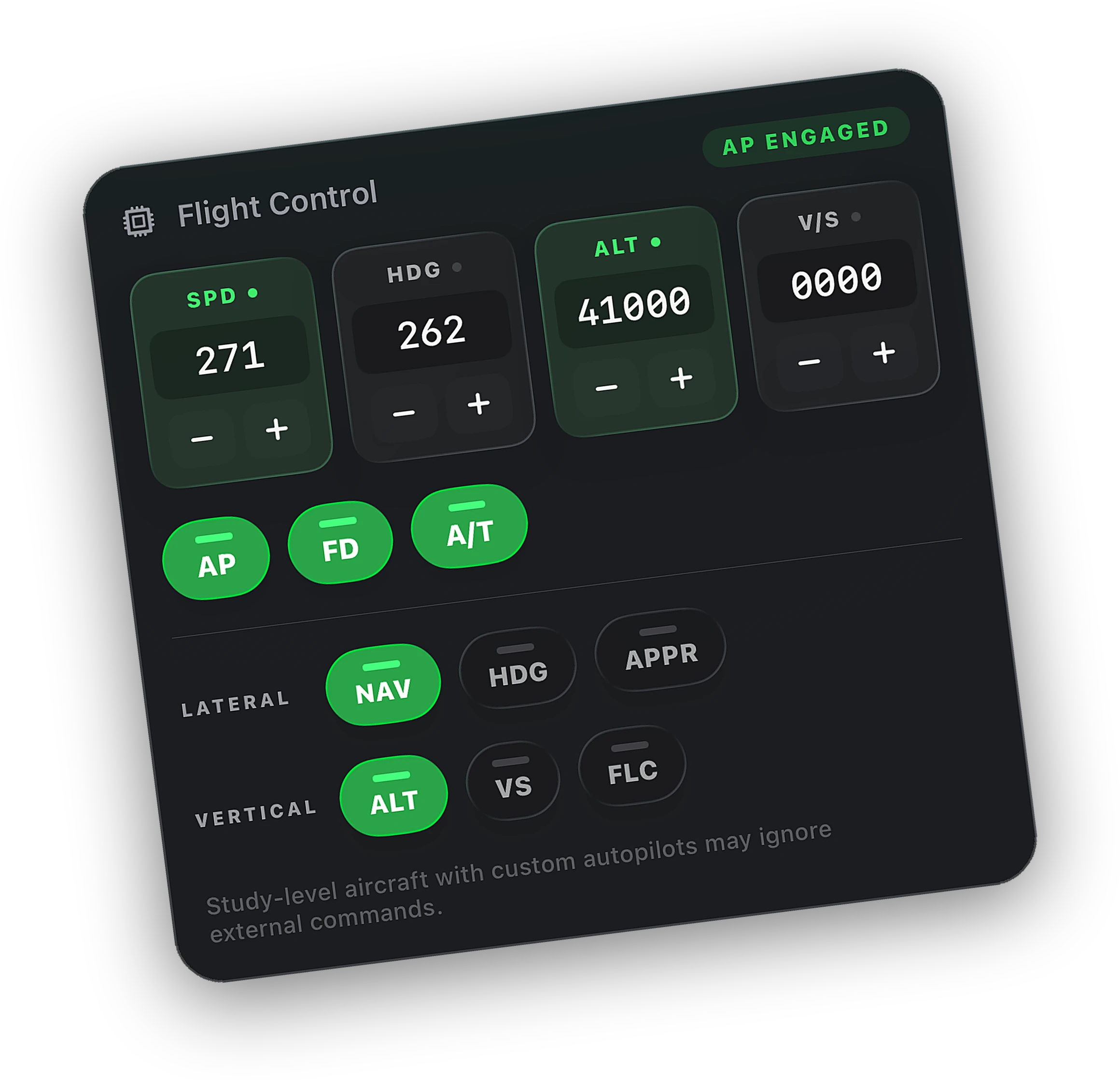
Autopilot master, heading, altitude, speed, and vertical speed targets. Readouts are free. Turning the knobs is Peak.
 Cobalt
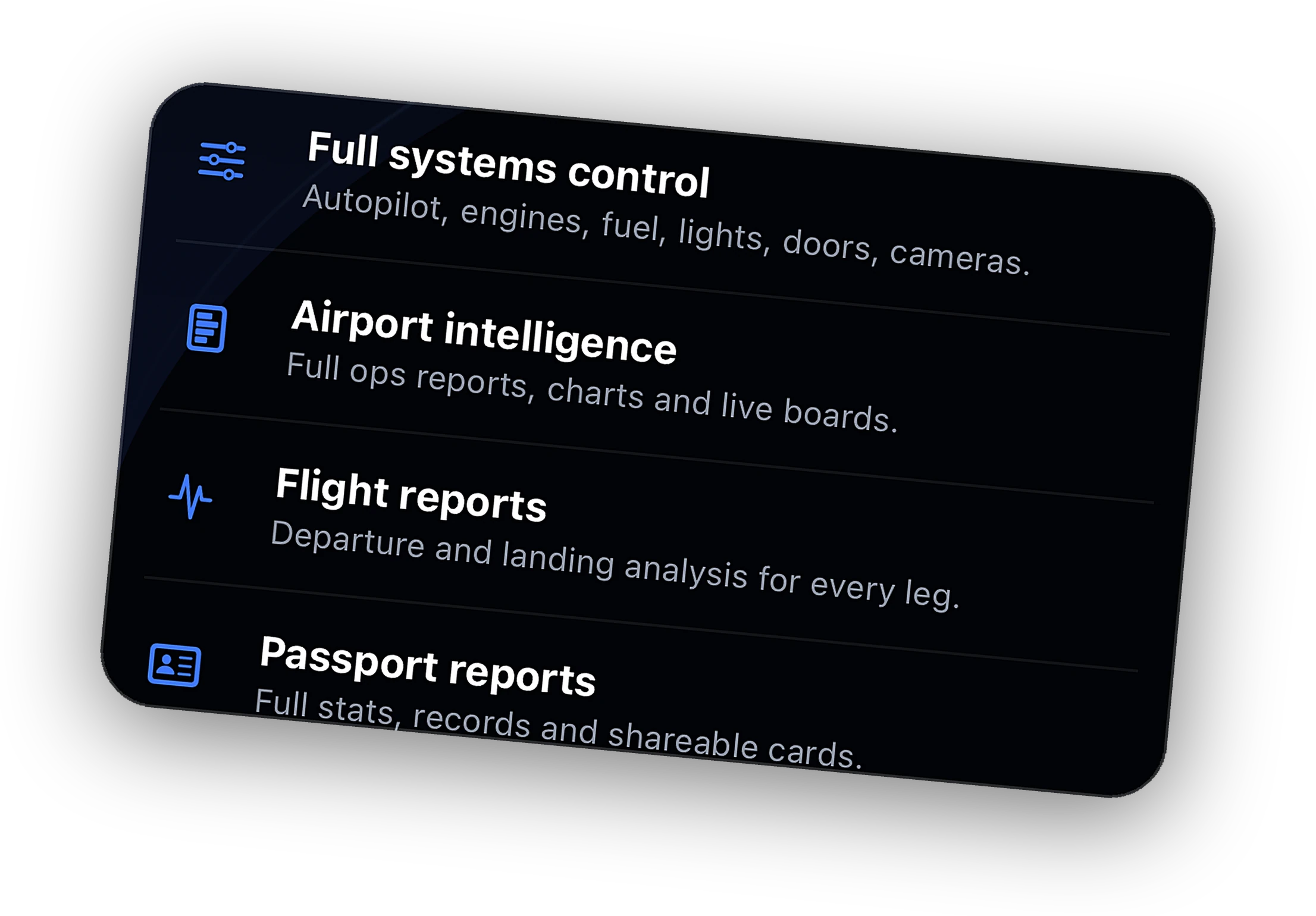
Autopilot, engines, fuel, electrical, pressurization, lights, cameras. Read everything free. Control it with Peak.
Free to fly. MSFS 2020, 2024, X-Plane 11 and 12. iPhone and iPad.
Autopilot master, heading, altitude, speed, and vertical speed targets. Readouts are free. Turning the knobs is Peak.
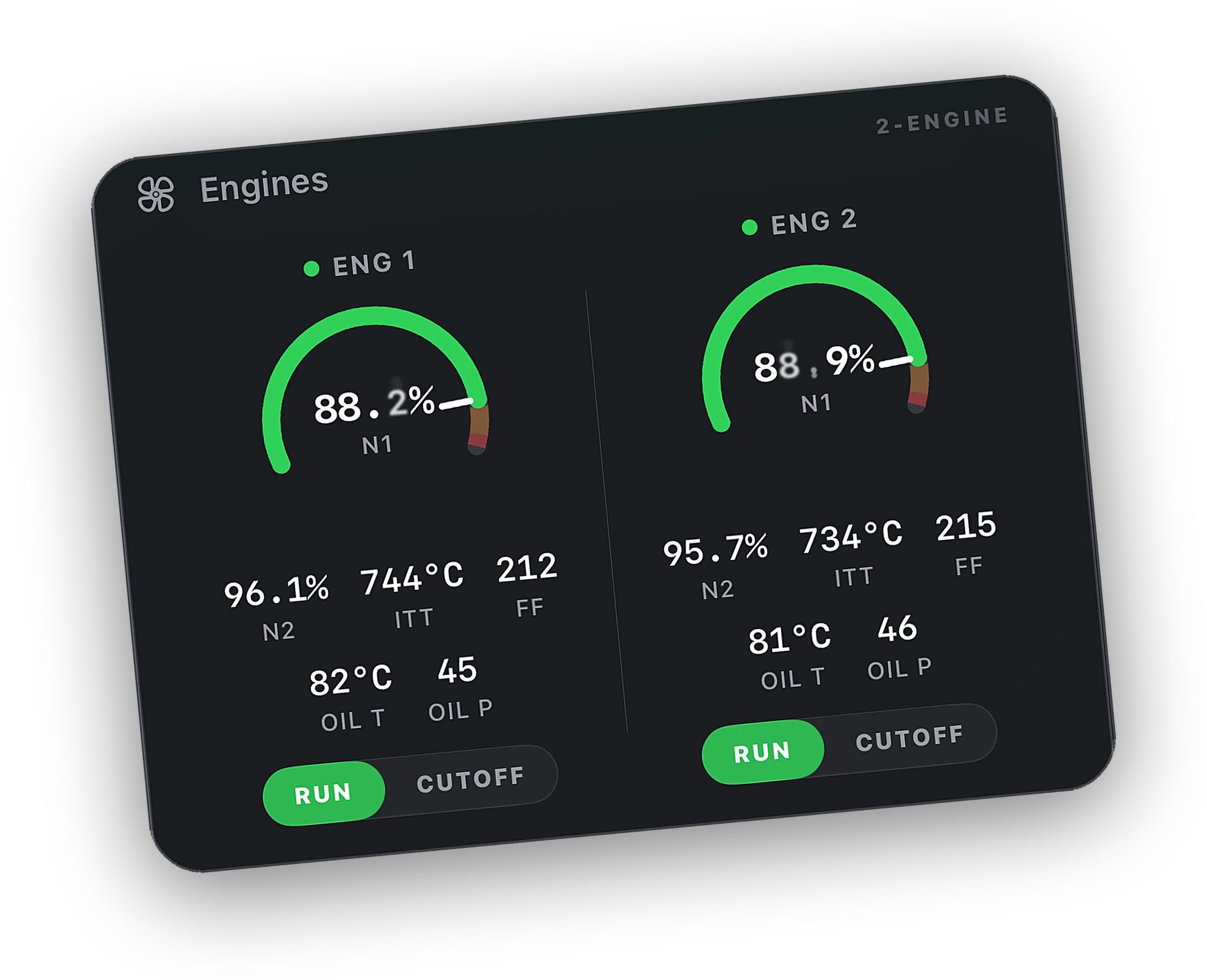
N1, N2, and EGT for every engine, live. Start and shut down from the phone with Peak. A failure sends a notification before you notice the yaw.
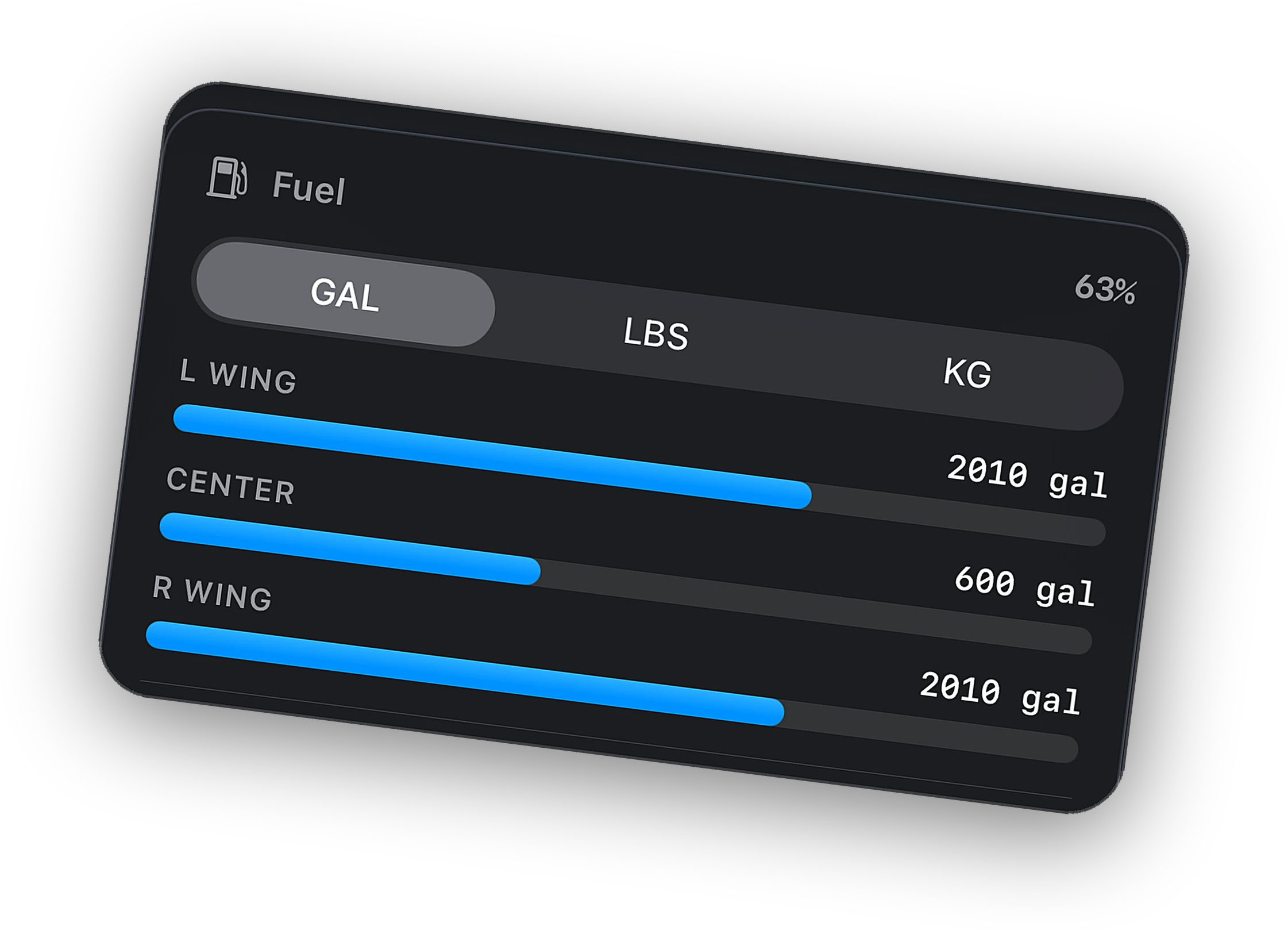
Tank quantities, burn rate, and endurance in one card. Pair it with a recurring fuel-check alert and stop guessing.
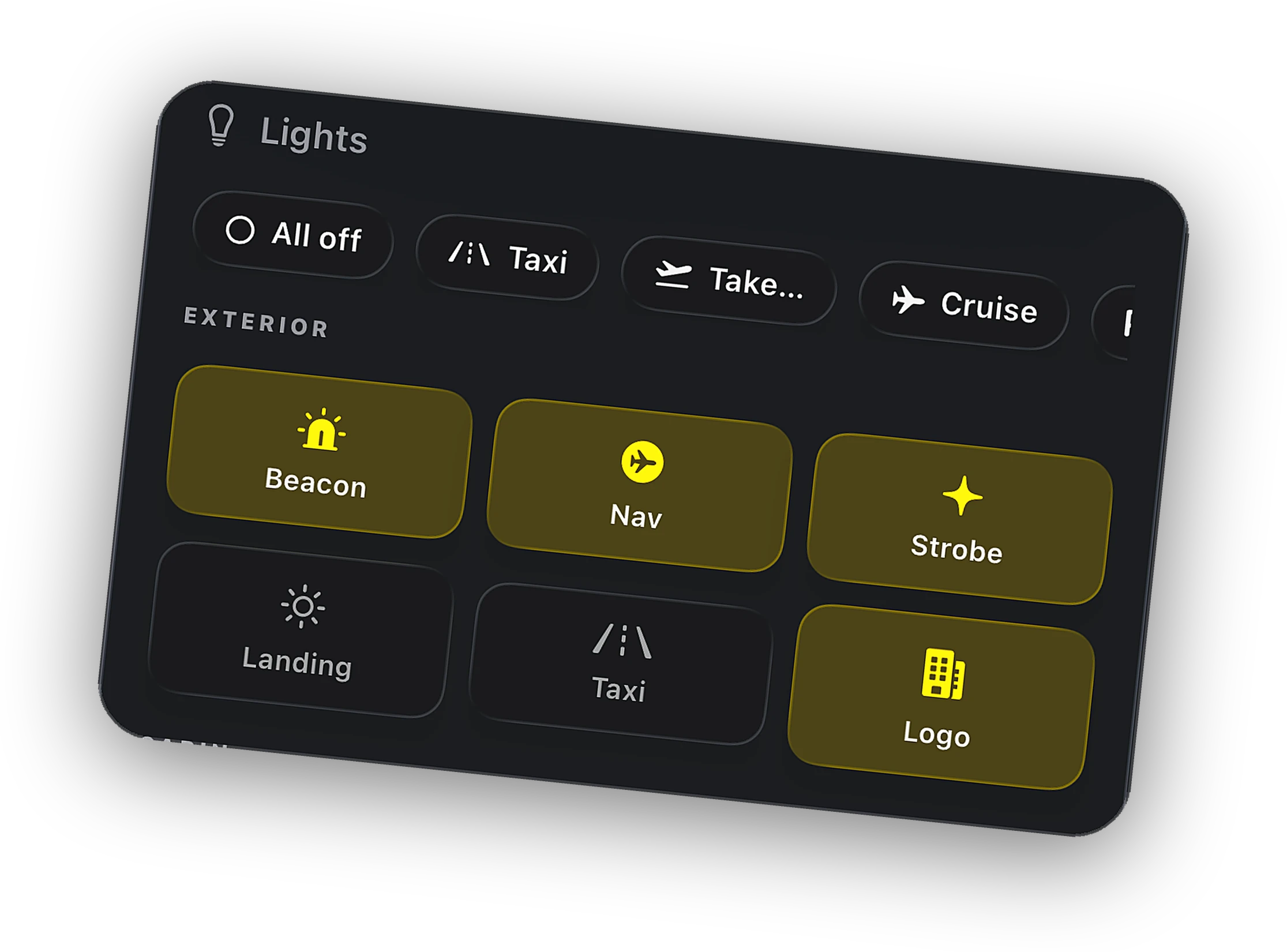
Beacon, nav, strobe, landing, taxi, logo, cabin. One tap each. Read the state free, flip the switches with Peak.
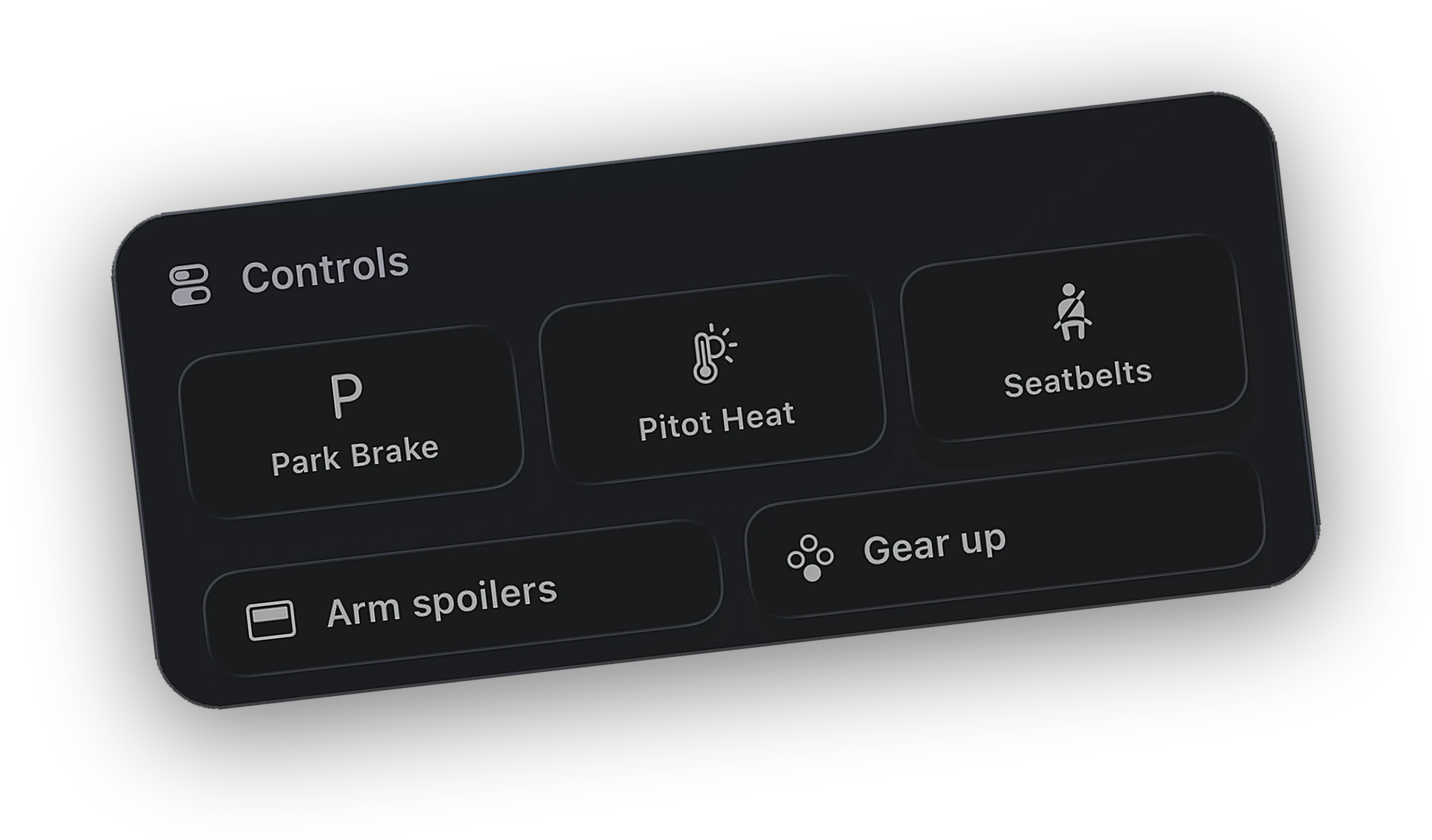
Park brake, pitot heat, seatbelt signs, and gear. The things you forget when you are away from the desk.
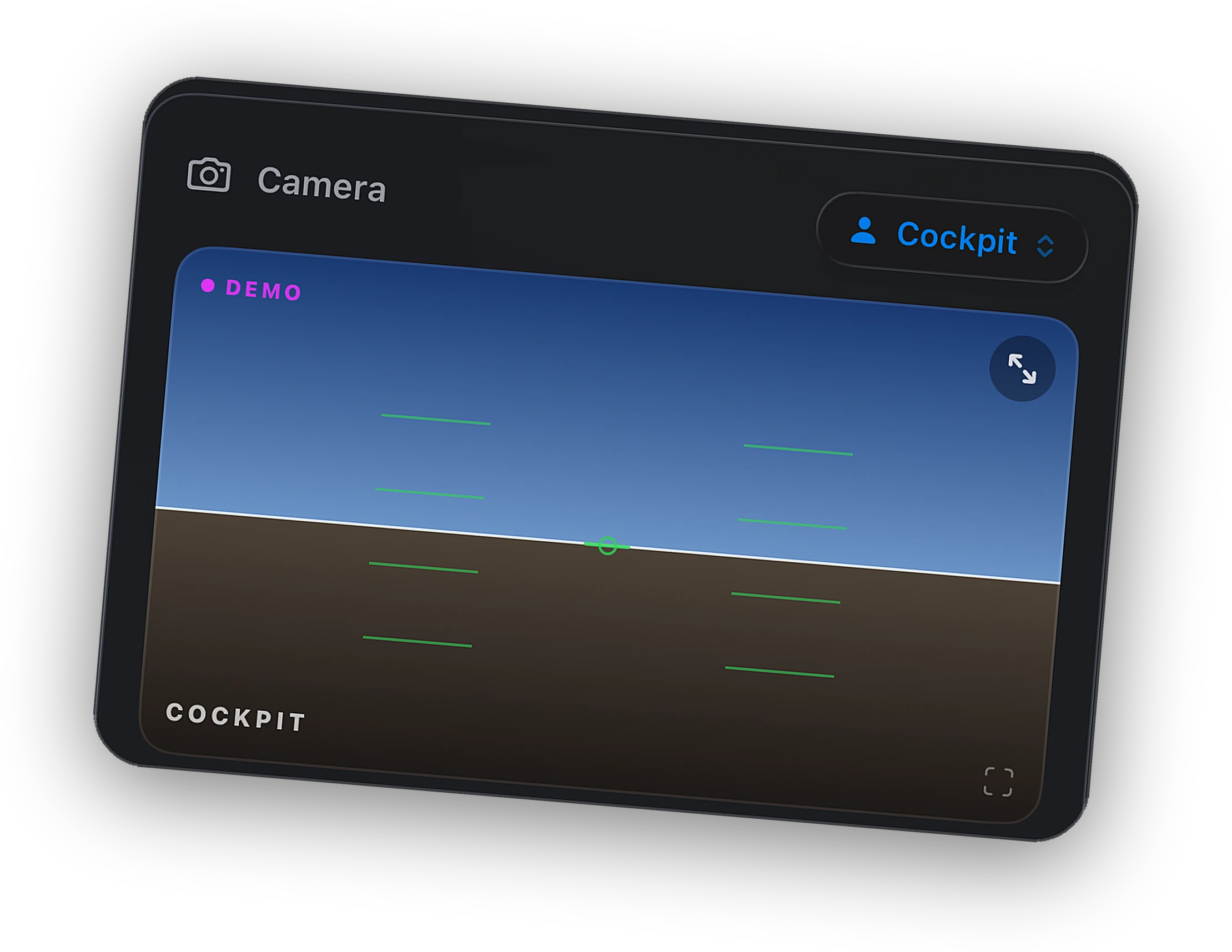
Cockpit, external, drone, and your saved views. Perfect for streaming and screenshots.
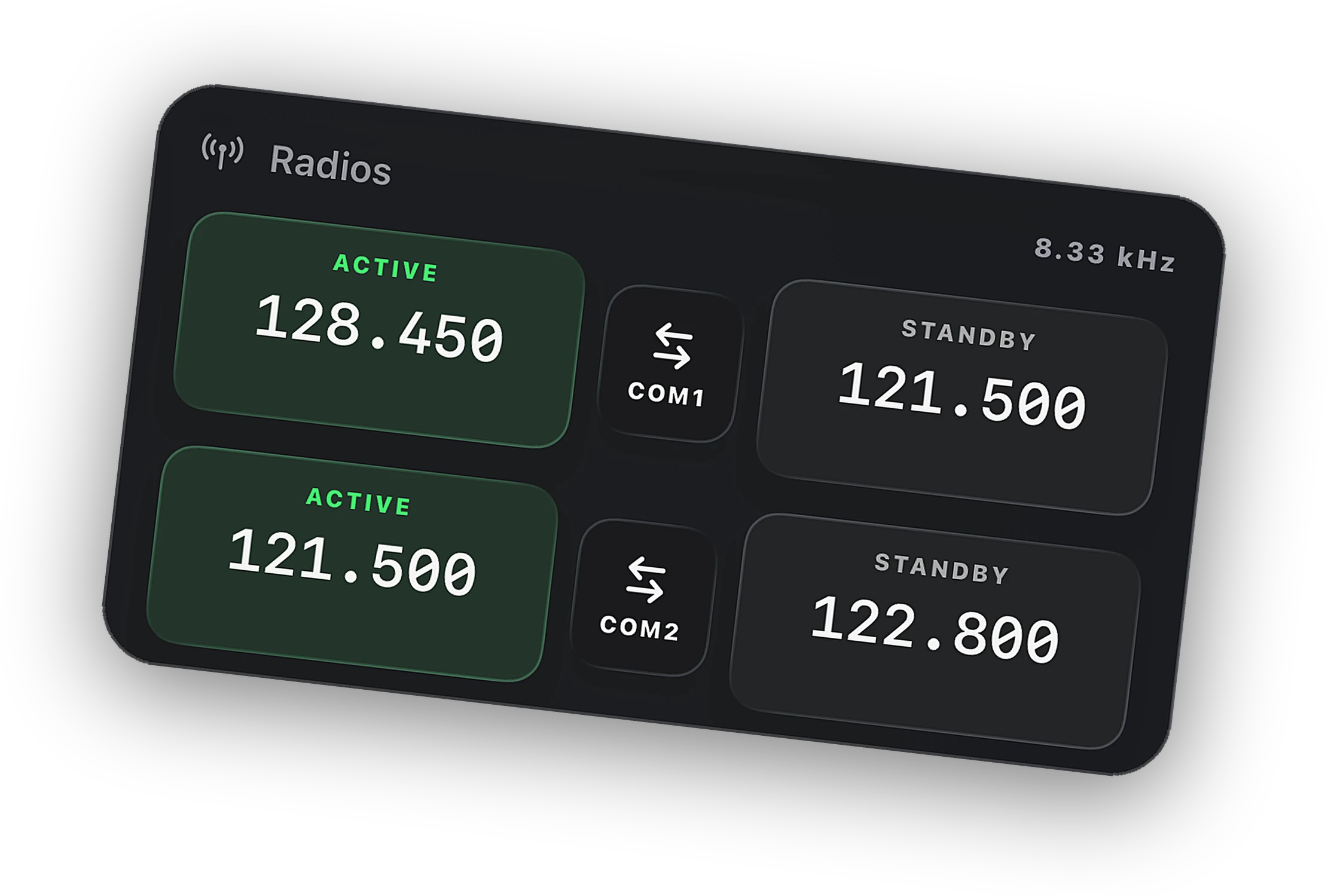
Active and standby for COM1 and COM2, live from the sim. Swap and tune with Peak.
This is the Flight Control card from the Systems tab. Change a target or a mode and the instruments respond the way they would in the sim.
Study-level aircraft with custom autopilots may ignore external commands.
AP1 engaged. Turning right to heading 262. Climbing to FL350.
PeakControl is a Cobalt Peak feature. Live readouts are free on every plan. Demo only, nothing here talks to a sim.See Peak →
Every card shows live state on the free plan. Tapping a switch or dialing a value is Peak.
See the flight deck from the phone you already carry. Peak, over Wi-Fi or Relay.
Commands go through SimConnect or X-Plane datarefs. No aircraft mods, no plugins to maintain.
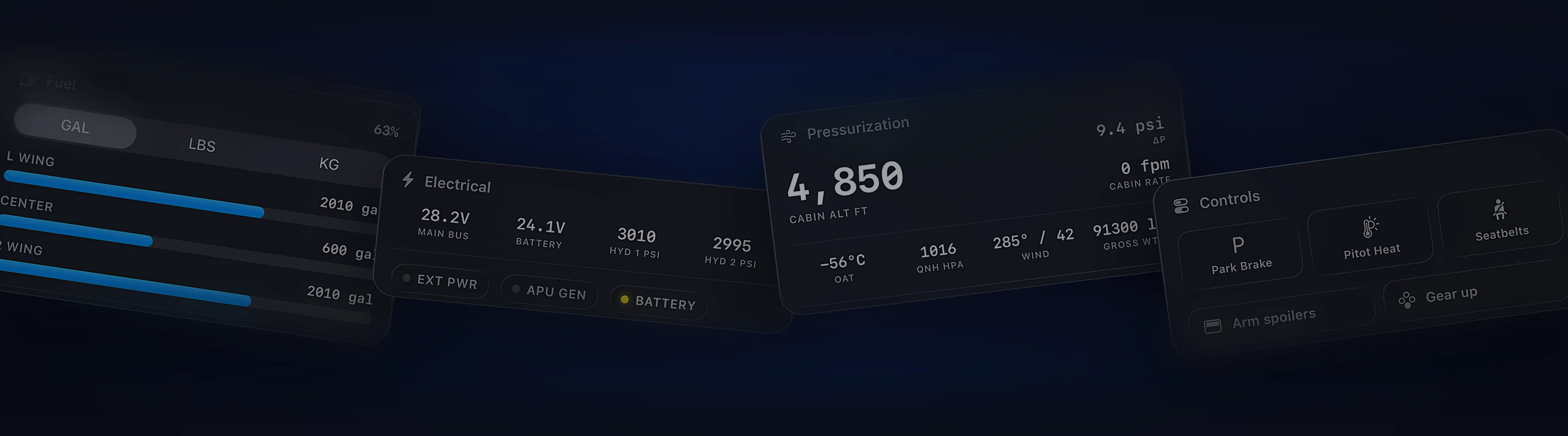
Every card shows live data on the free plan, and nothing is hidden. Peak unlocks the switches and adds Relay so the remote works away from home.
One small app on the sim PC. The phone does the rest.
A small free app for the sim PC. Windows or Mac. It finds MSFS or X-Plane on its own.
Same Wi-Fi, no pairing codes. The app sees the Bridge and connects in a few seconds.
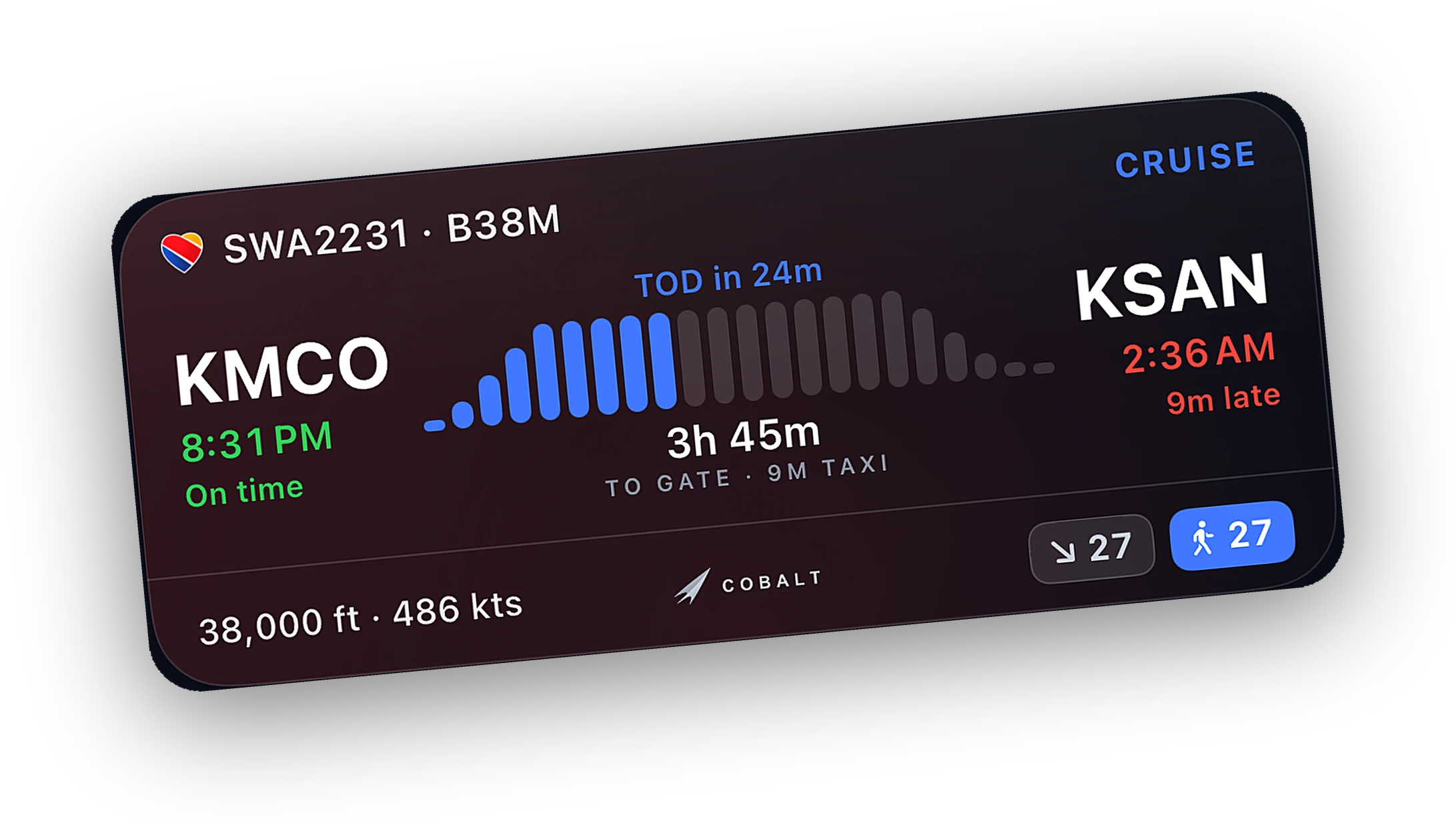
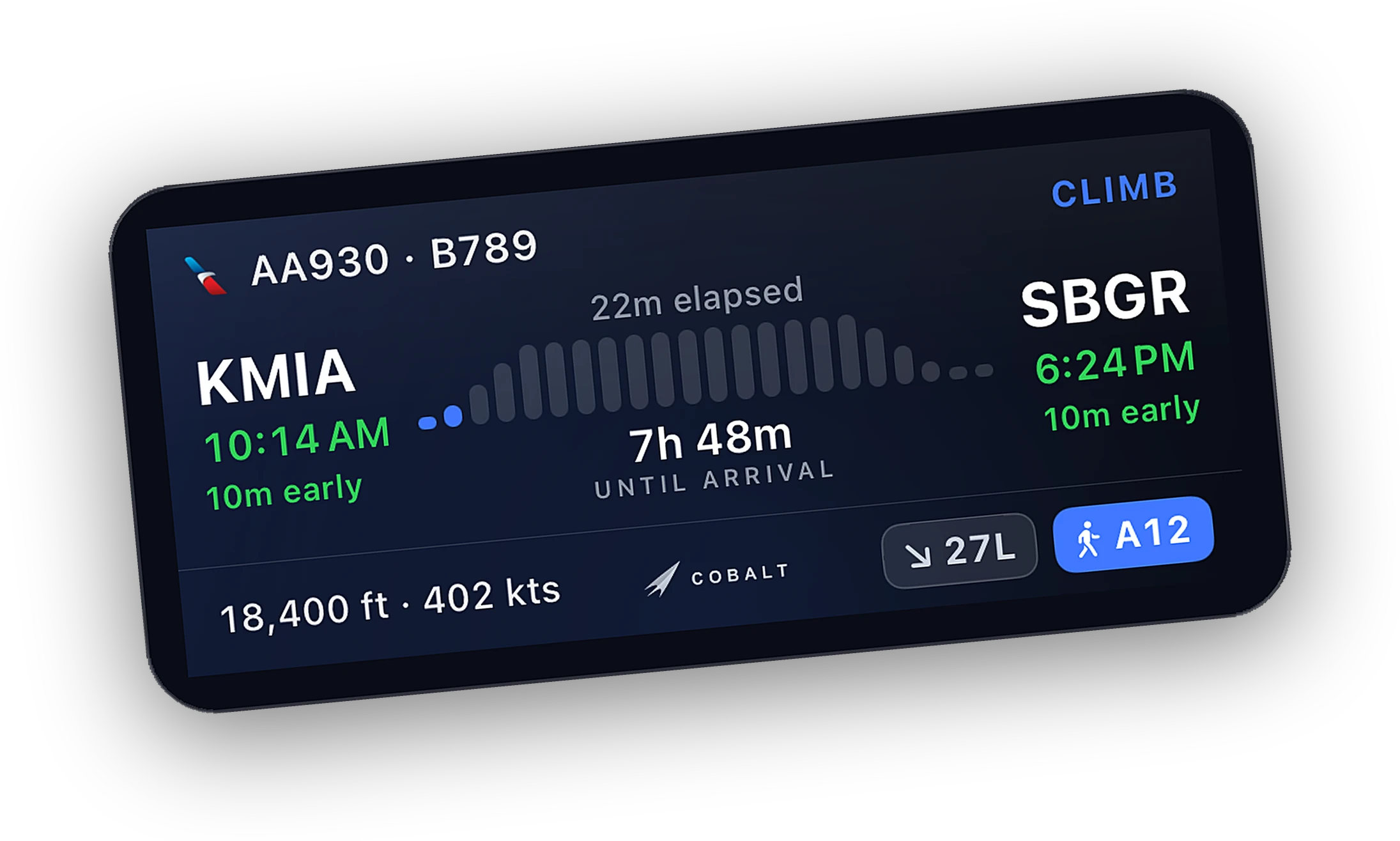
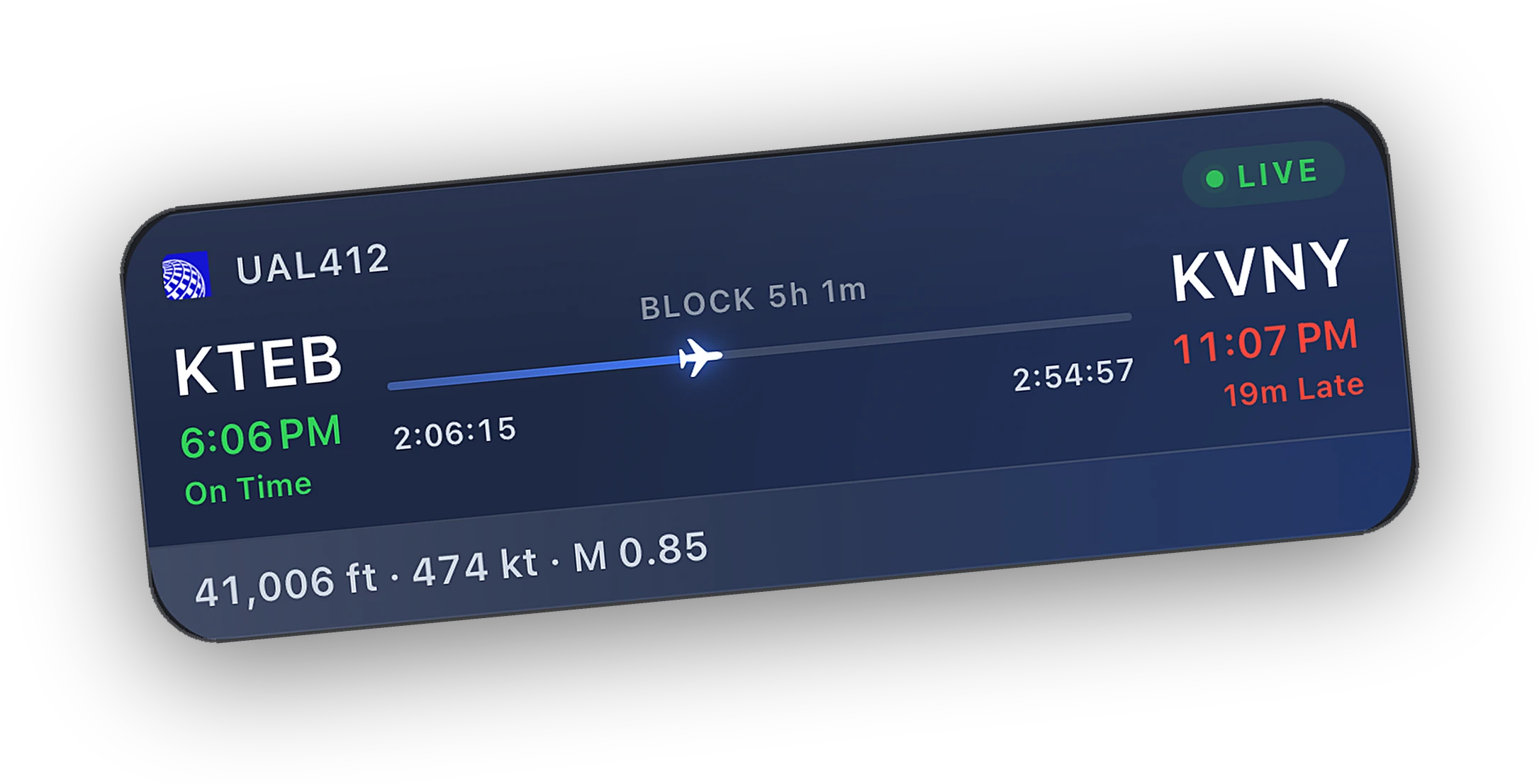
Your flight on the map, the Live Activity on the Lock Screen, and the logbook writing itself.
Nothing is hidden on the free plan. Peak unlocks control, depth, and history.
Both big sims, both networks, and the devices already in your pocket.
Default aircraft and most add-ons in MSFS 2020, MSFS 2024, X-Plane 11, and X-Plane 12. Study-level aircraft with custom systems may expose fewer controls.
On the free plan the remote works on your home Wi-Fi. Peak adds Relay, which reaches the sim from anywhere, including cellular.
No. Cobalt sends the same events your yoke or panel sends. The sim stays the source of truth and the card updates to match.
On the same network, well under a second from tap to sim.
More of what Cobalt does.
Download Cobalt for iPhone and iPad. Install the Bridge on your sim PC and your next flight is on your phone.
Point your iPhone camera here. It opens Cobalt on the App Store.