

Everything Cobalt does.
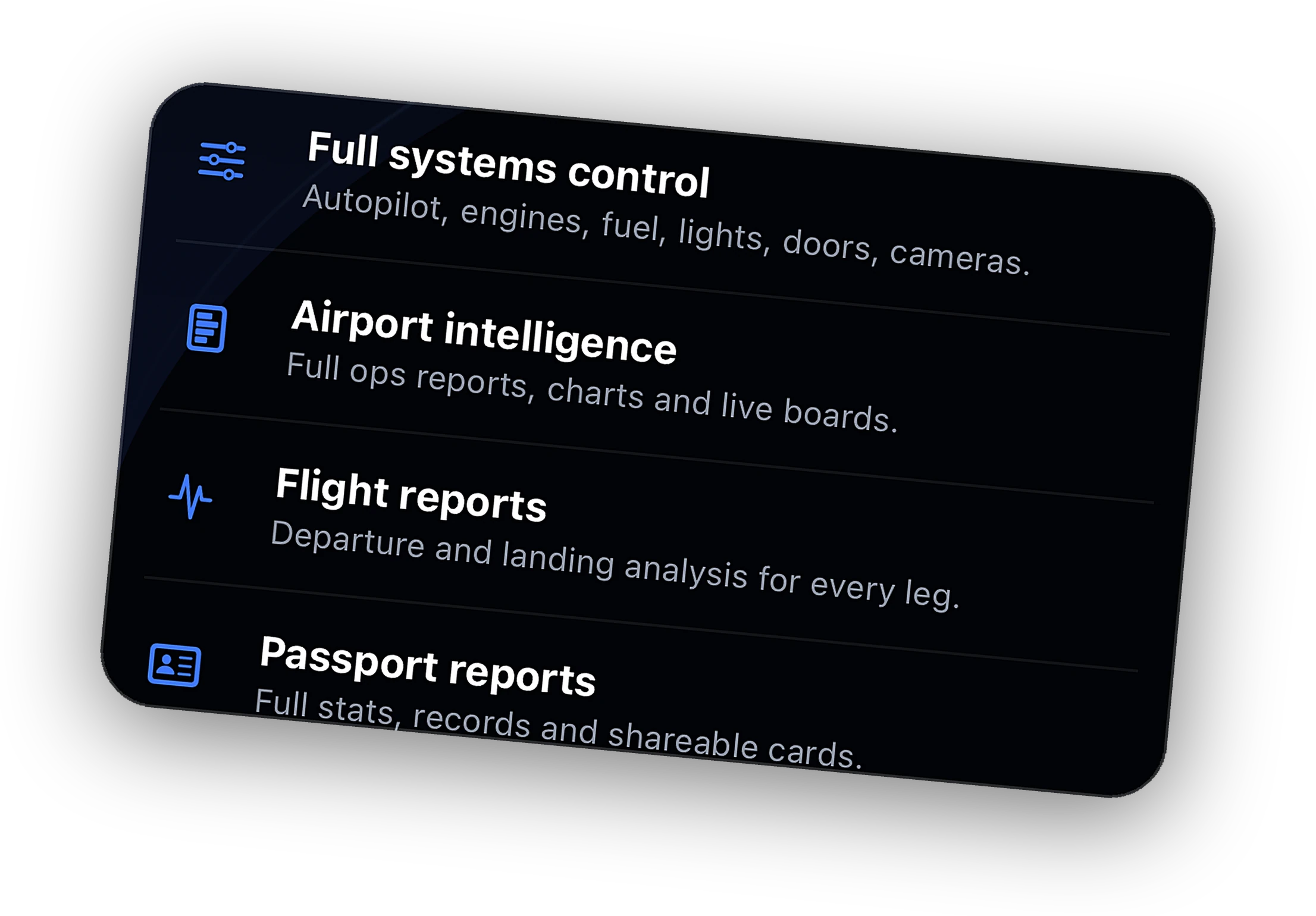
Six features, one small Bridge on the sim PC, and a phone that already knows your flight.
Download the appOn your PC?Scan with your iPhone
See Peak →
Free to fly. MSFS 2020, 2024, X-Plane 11 and 12. iPhone and iPad.
Pick a feature
Each one has its own page with what is free and what Peak adds.
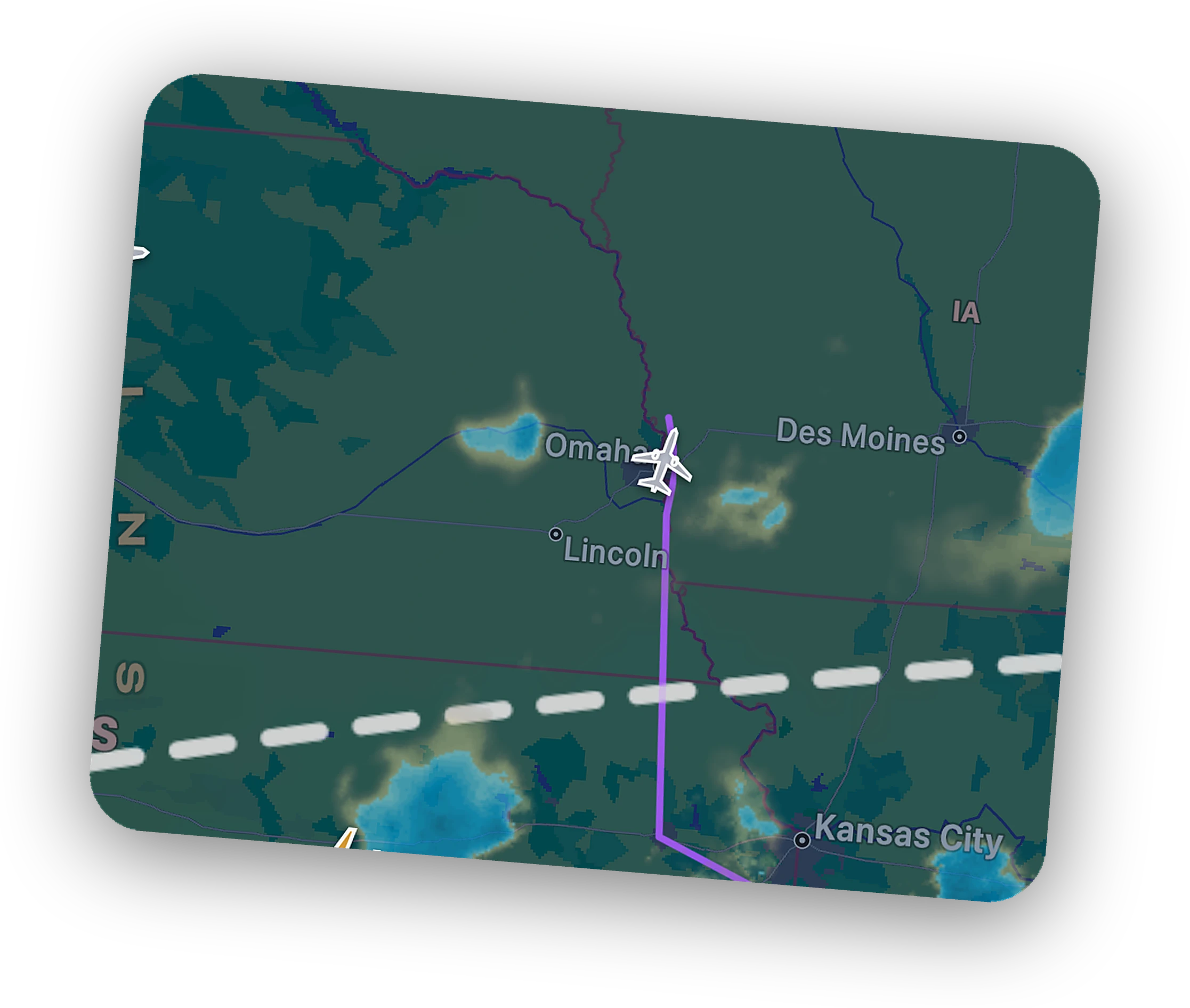
Live map
The whole sky, on your phone.See your flight and every VATSIM and IVAO aircraft on one live map.Learn more →
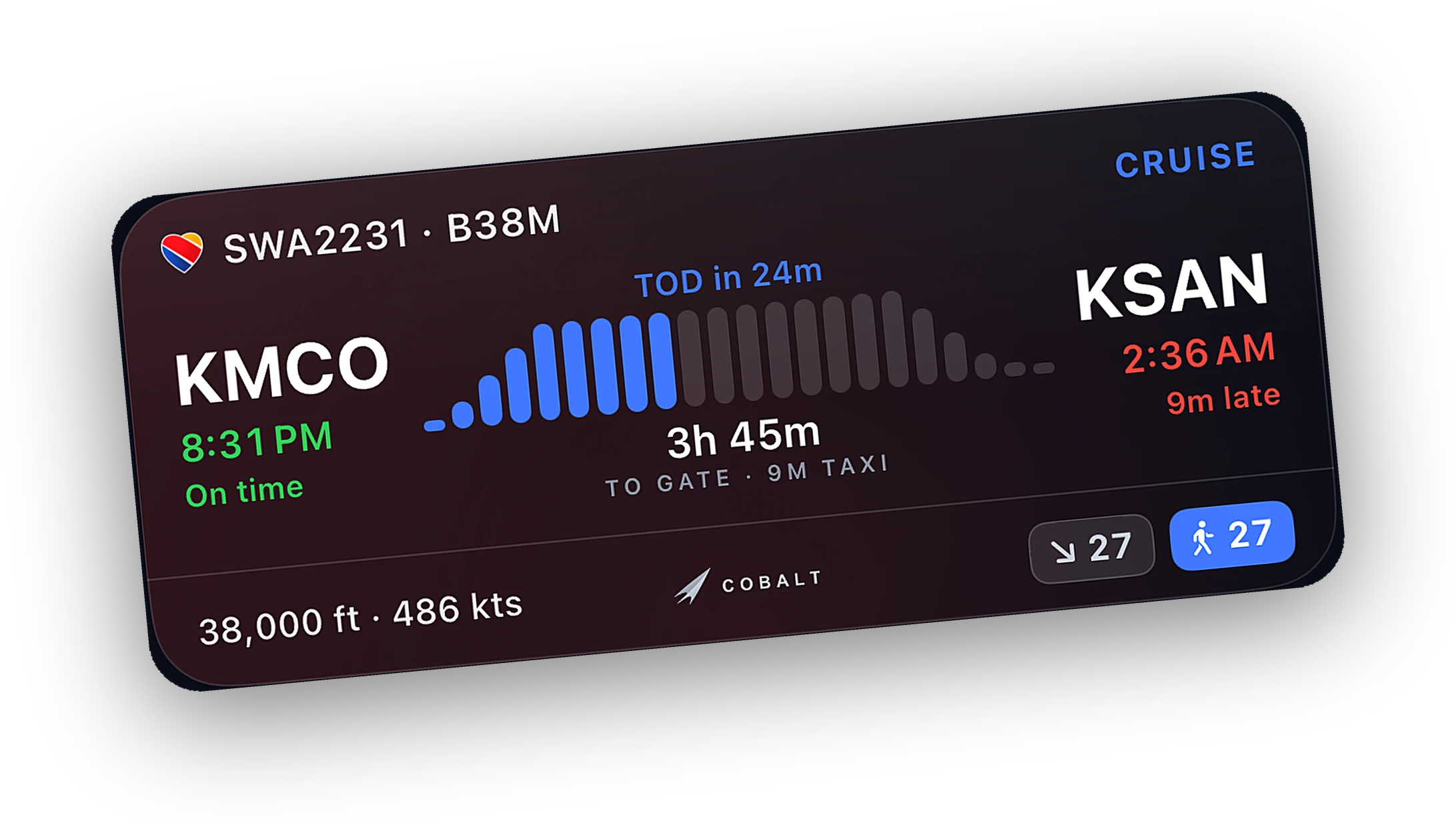
Lock Screen
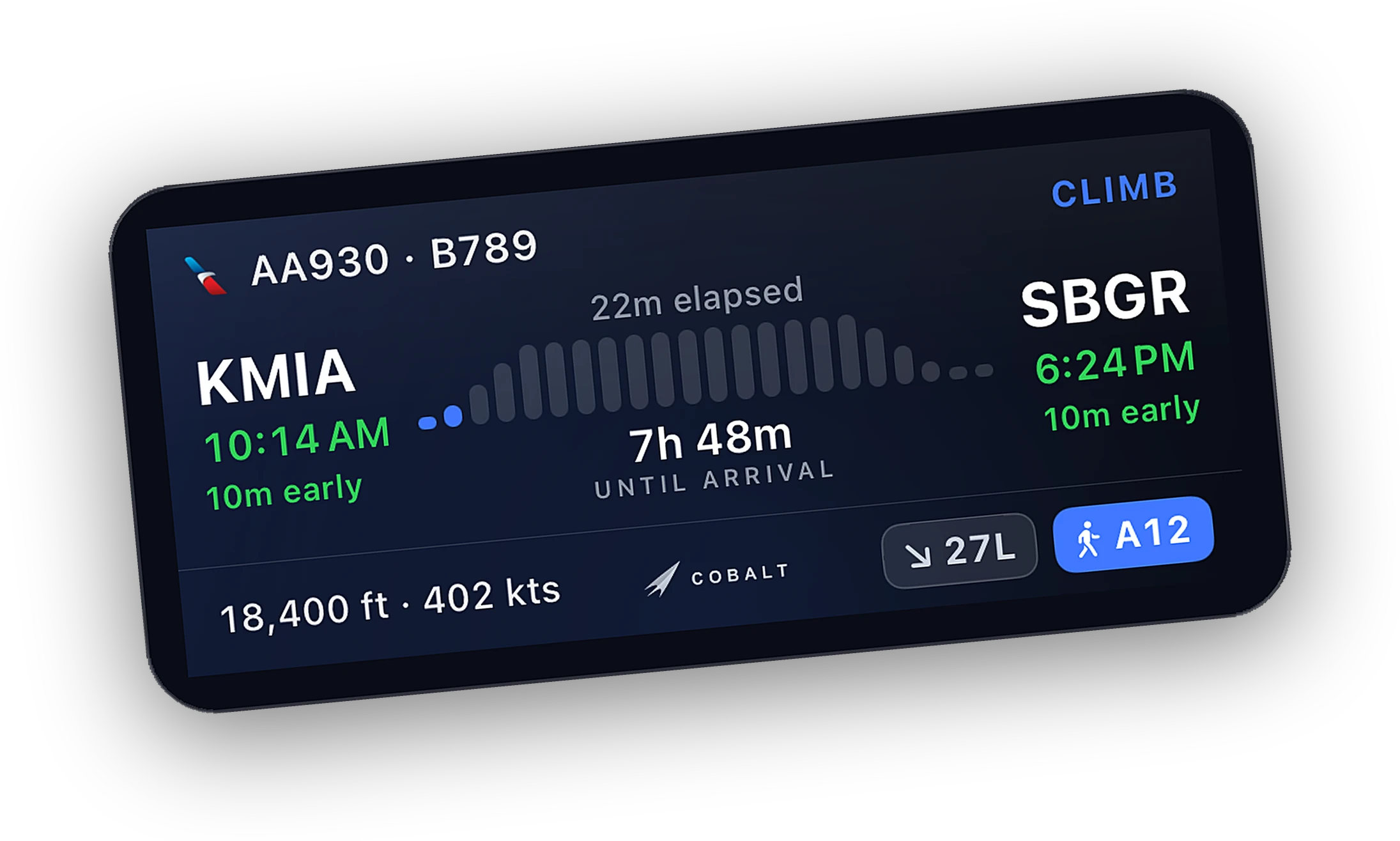
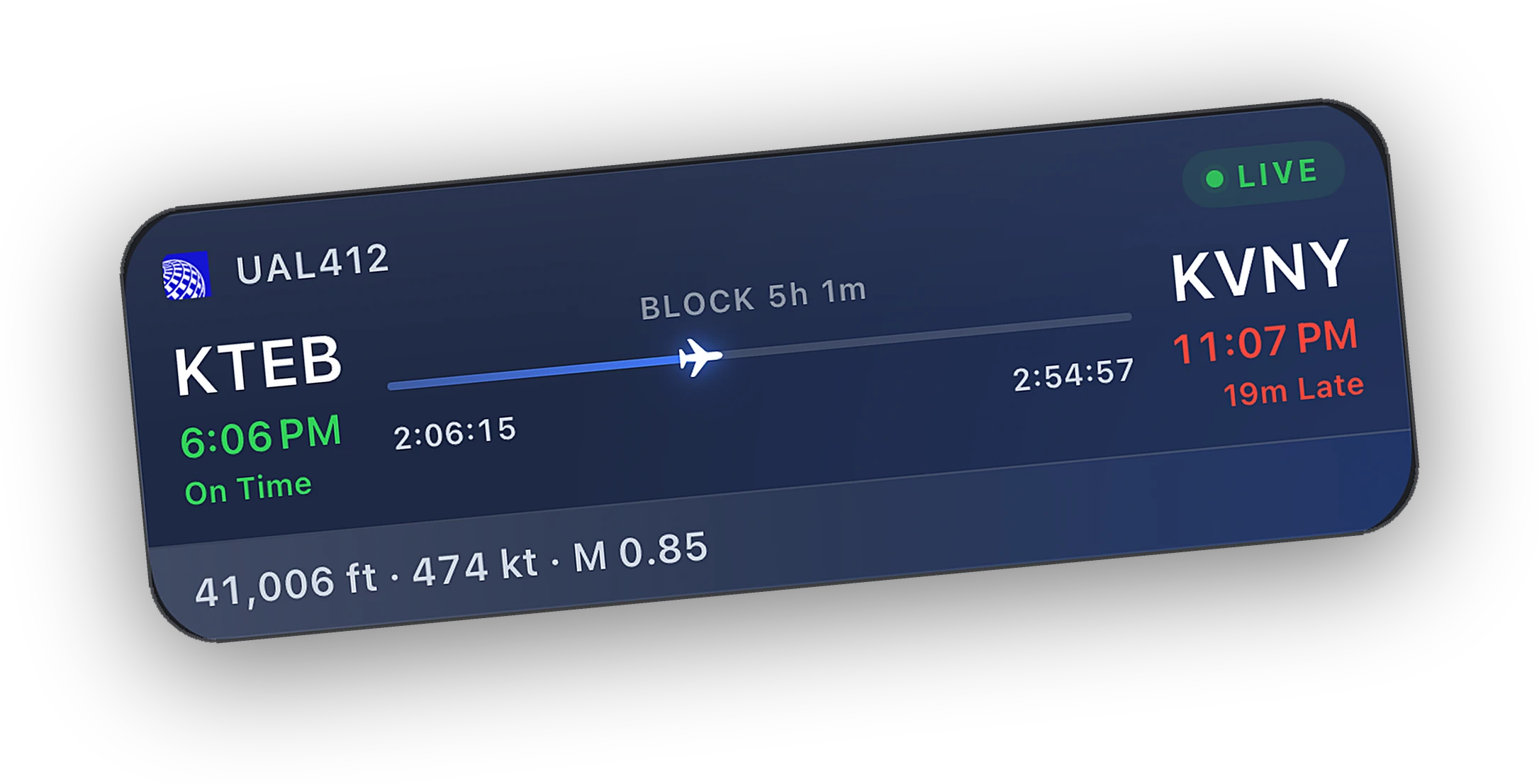
Your flight, on the Lock Screen.Follow your MSFS or X-Plane flight from the Lock Screen and Dynamic Island.Learn more →
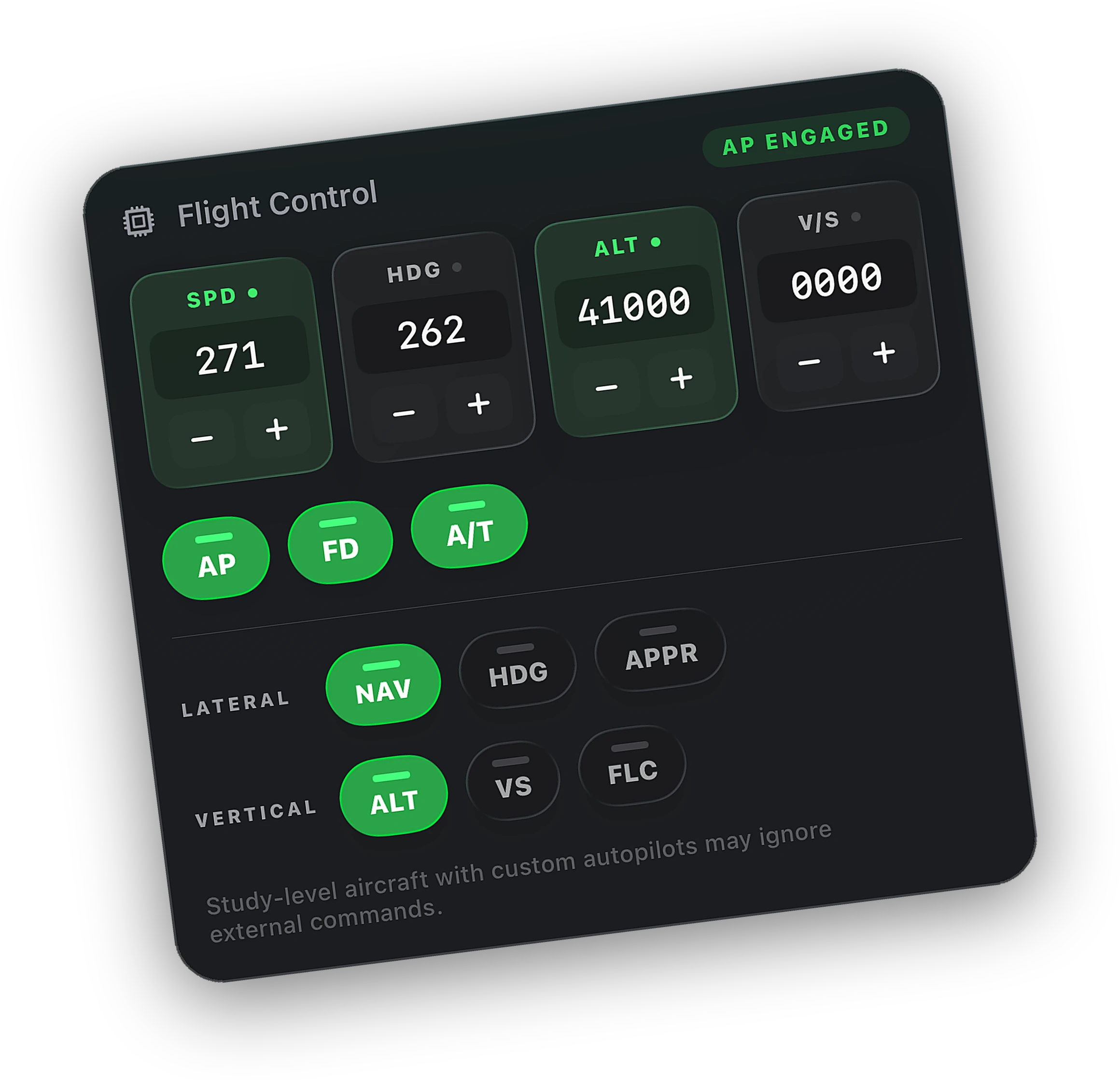
Systems remote
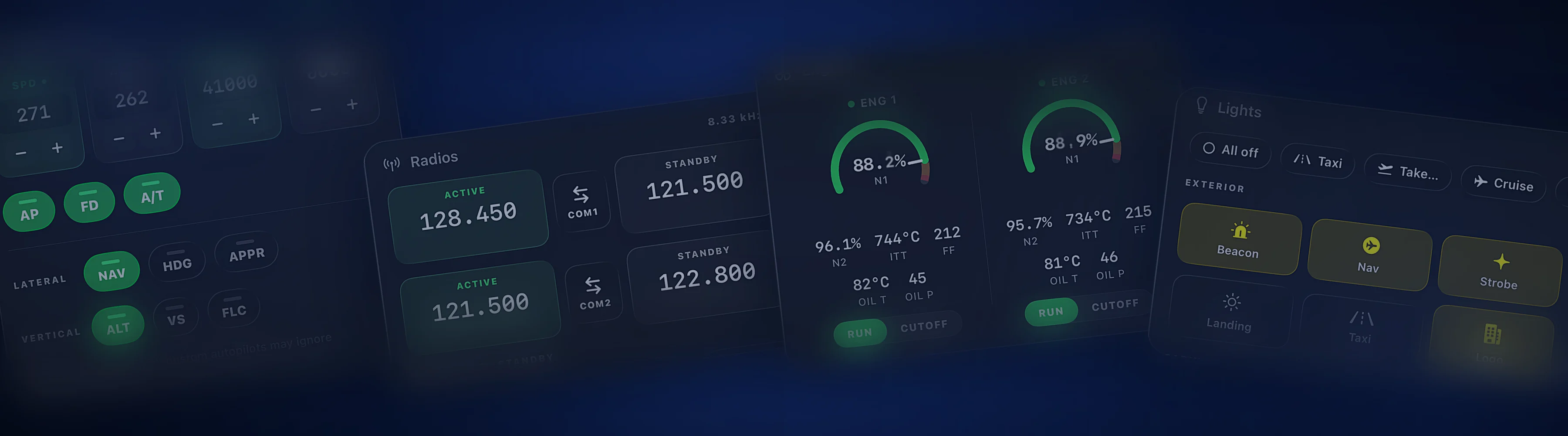
A cockpit remote in your pocket.A flight sim remote control for iPhone.Learn more →
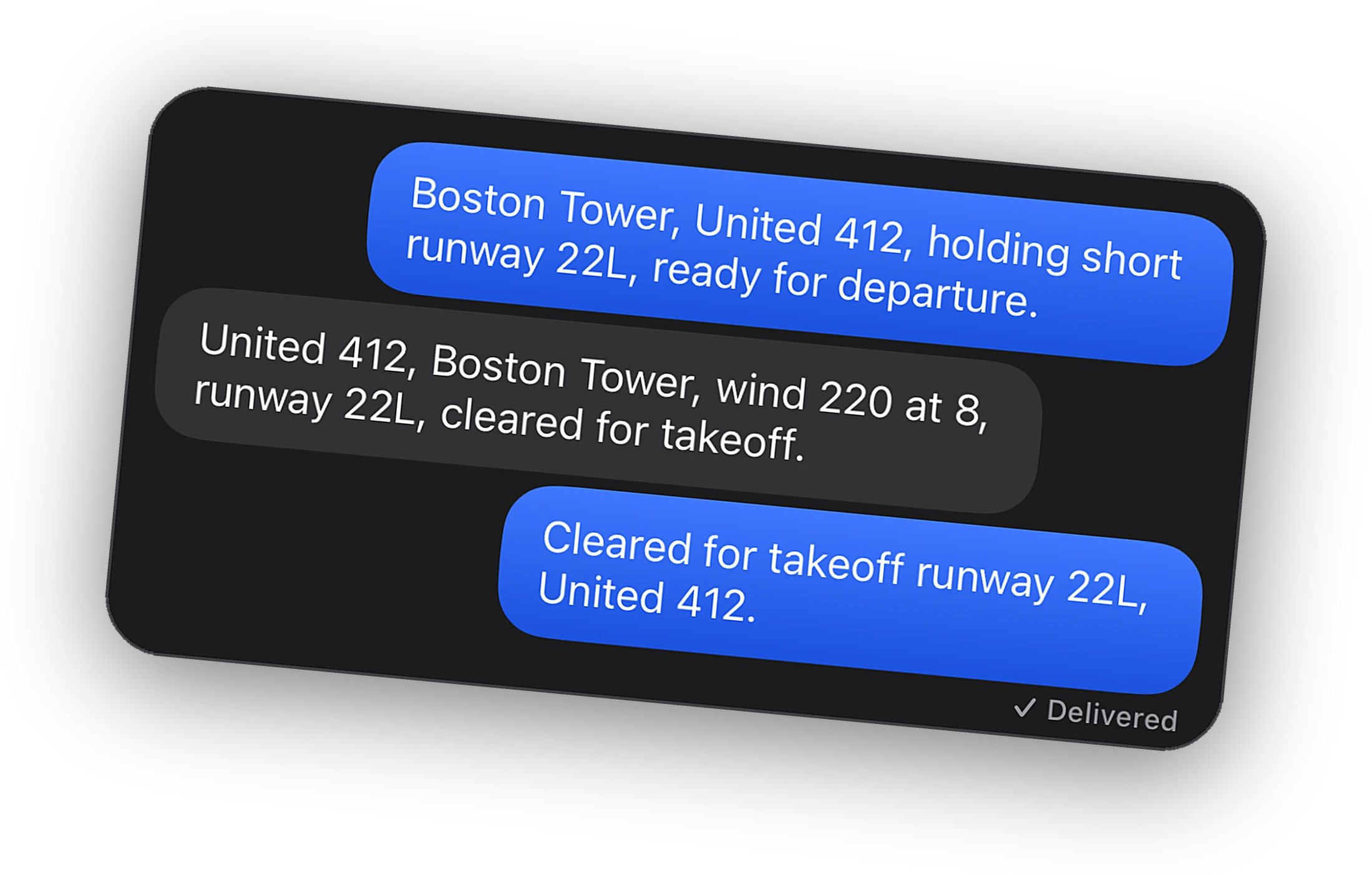
ATC alerts and messaging
Never miss a controller again.Know the moment a controller comes online on your route, and message ATC from your phone.Learn more →
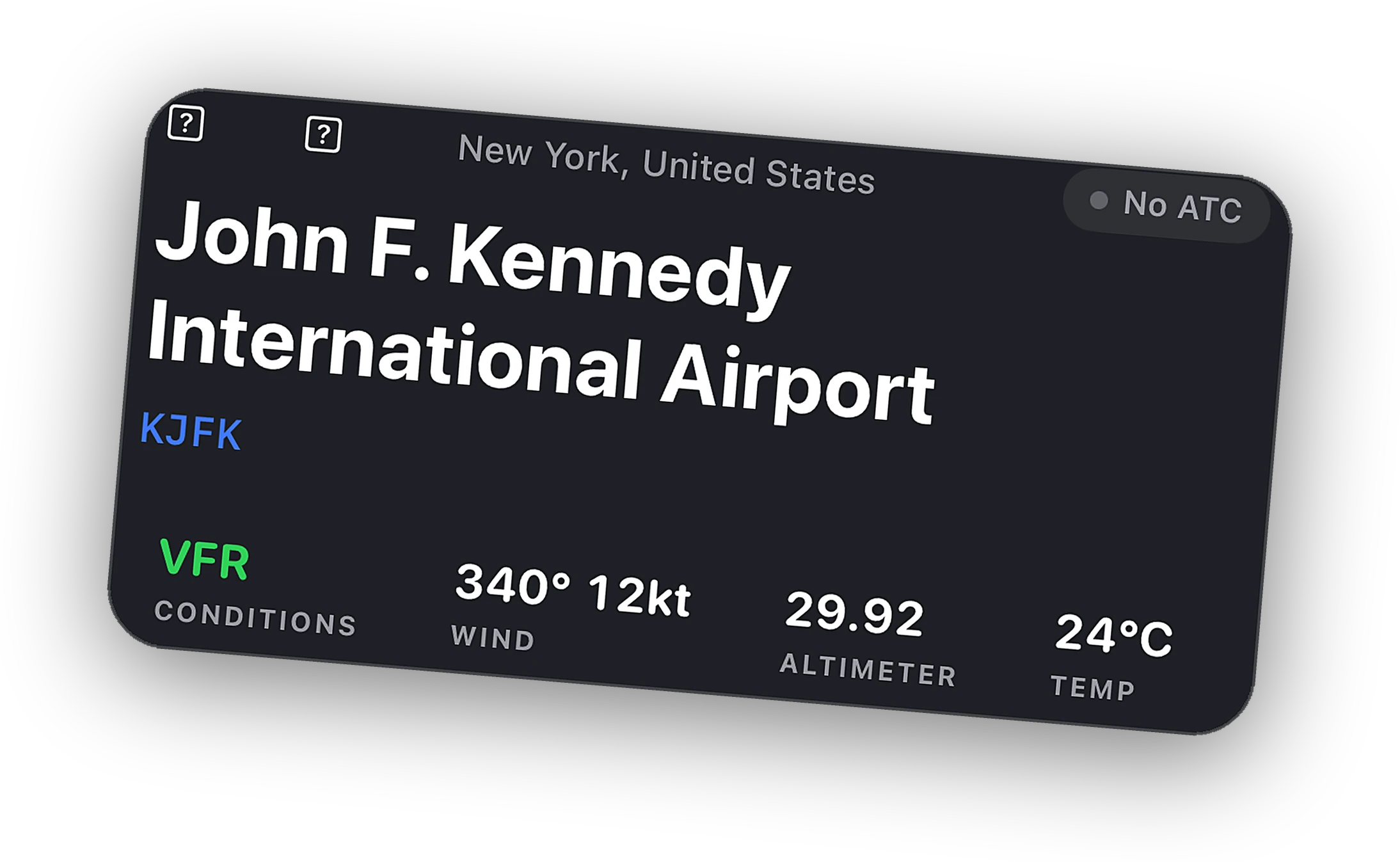
Airport briefing
Brief any airport in a glance.Departures, arrivals, decoded METAR, online ATC, and learned taxi times for any airport.Learn more →
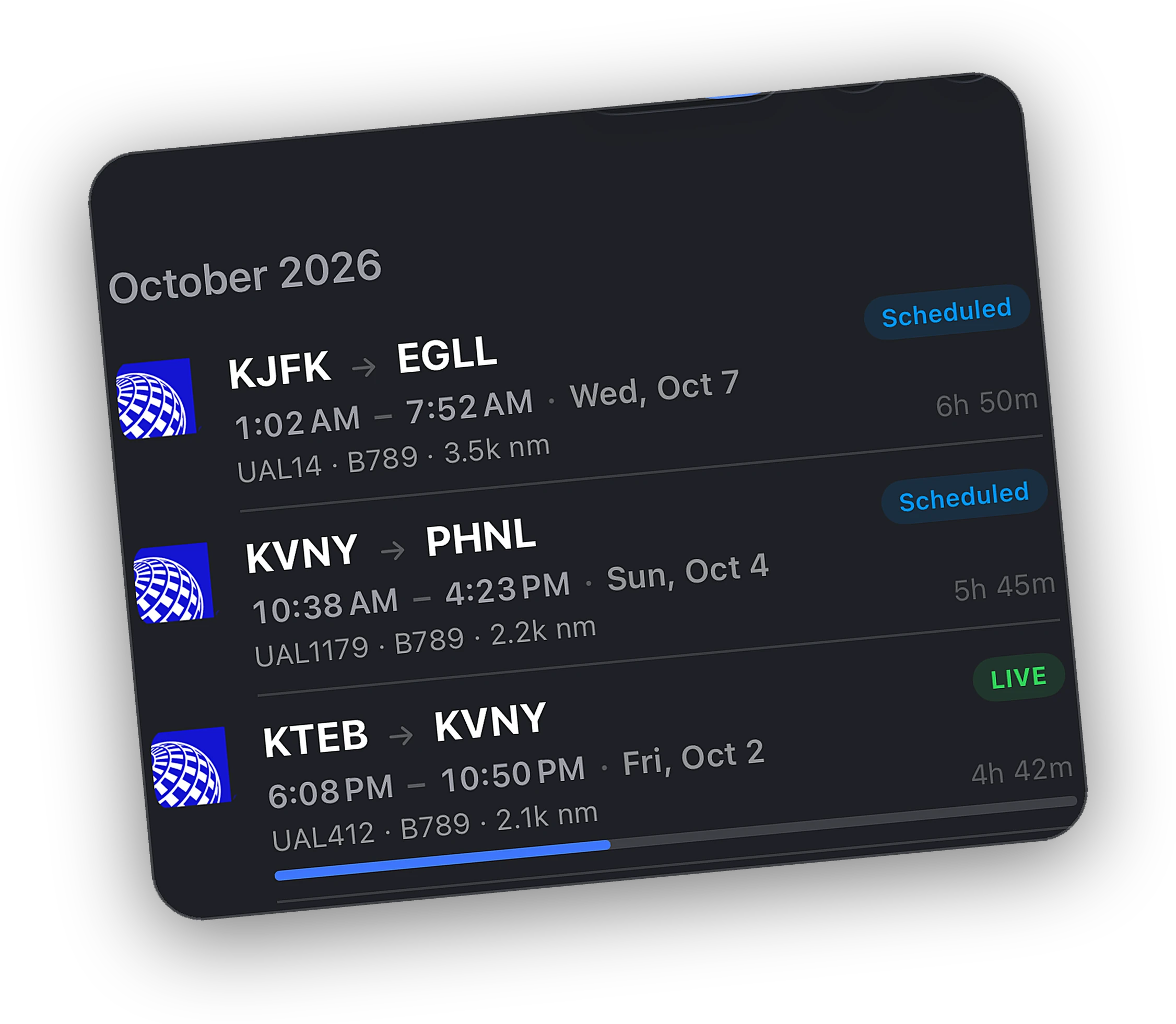
Logbook and Atlas
A logbook that writes itself.Every MSFS and X-Plane flight logged on its own.Learn more →
Five minutes to your first connected flight.
One small app on the sim PC. The phone does the rest.
-
01
Install the Bridge
A small free app for the sim PC. Windows or Mac. It finds MSFS or X-Plane on its own.
-
02
Open Cobalt on your phone
Same Wi-Fi, no pairing codes. The app sees the Bridge and connects in a few seconds.
-
03
Fly
Your flight on the map, the Live Activity on the Lock Screen, and the logbook writing itself.
Both big sims, both networks, and the devices already in your pocket.
- MSFS 2020
- MSFS 2024
- X-Plane 11
- X-Plane 12
- VATSIM
- IVAO
- SimBrief
- vPilot and xPilot
- iPhone and iPad
- Apple Watch
Free to fly.
Download Cobalt for iPhone and iPad. Install the Bridge on your sim PC and your next flight is on your phone.
Download the appOn your PC?Scan with your iPhone