Free
Nothing to type.
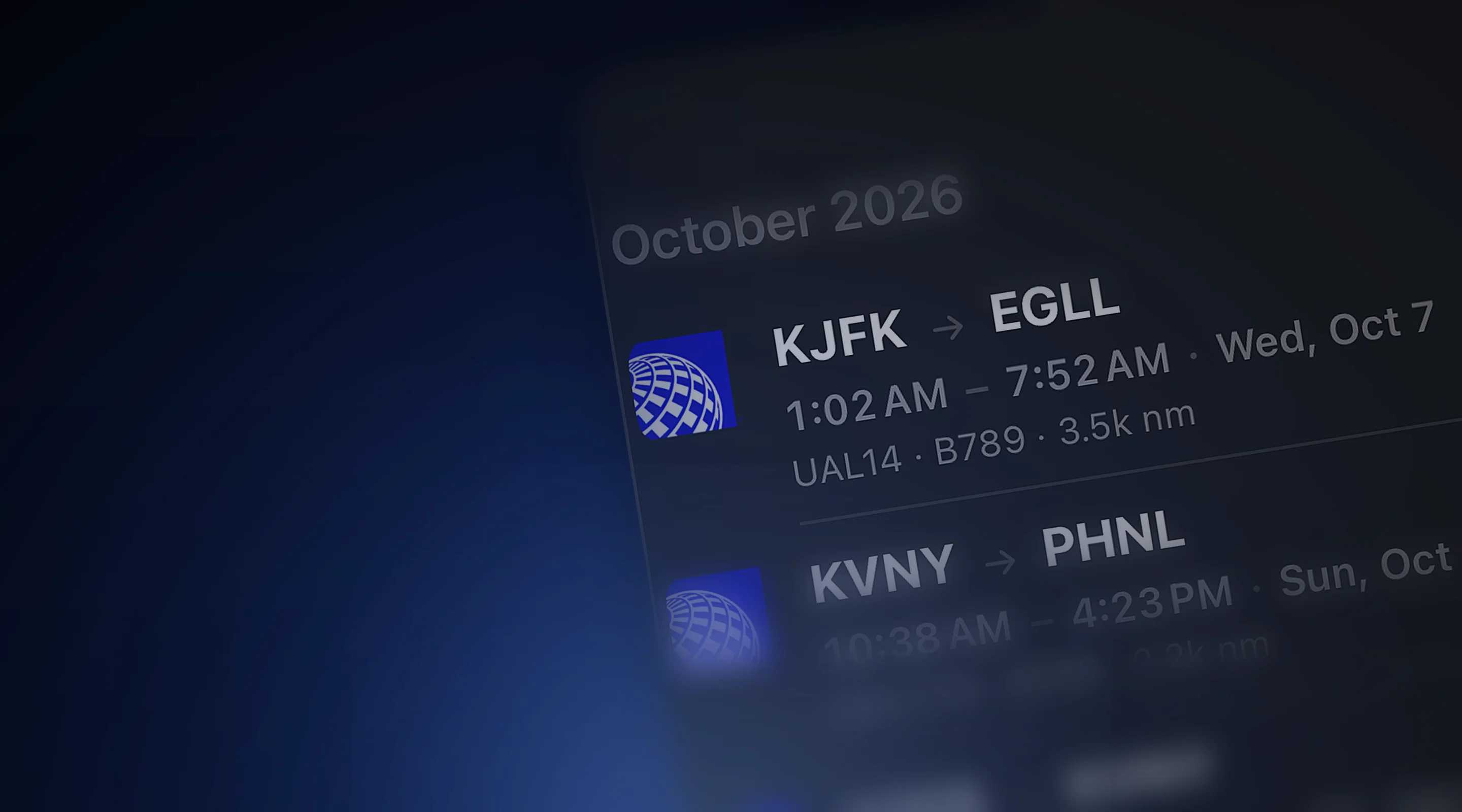
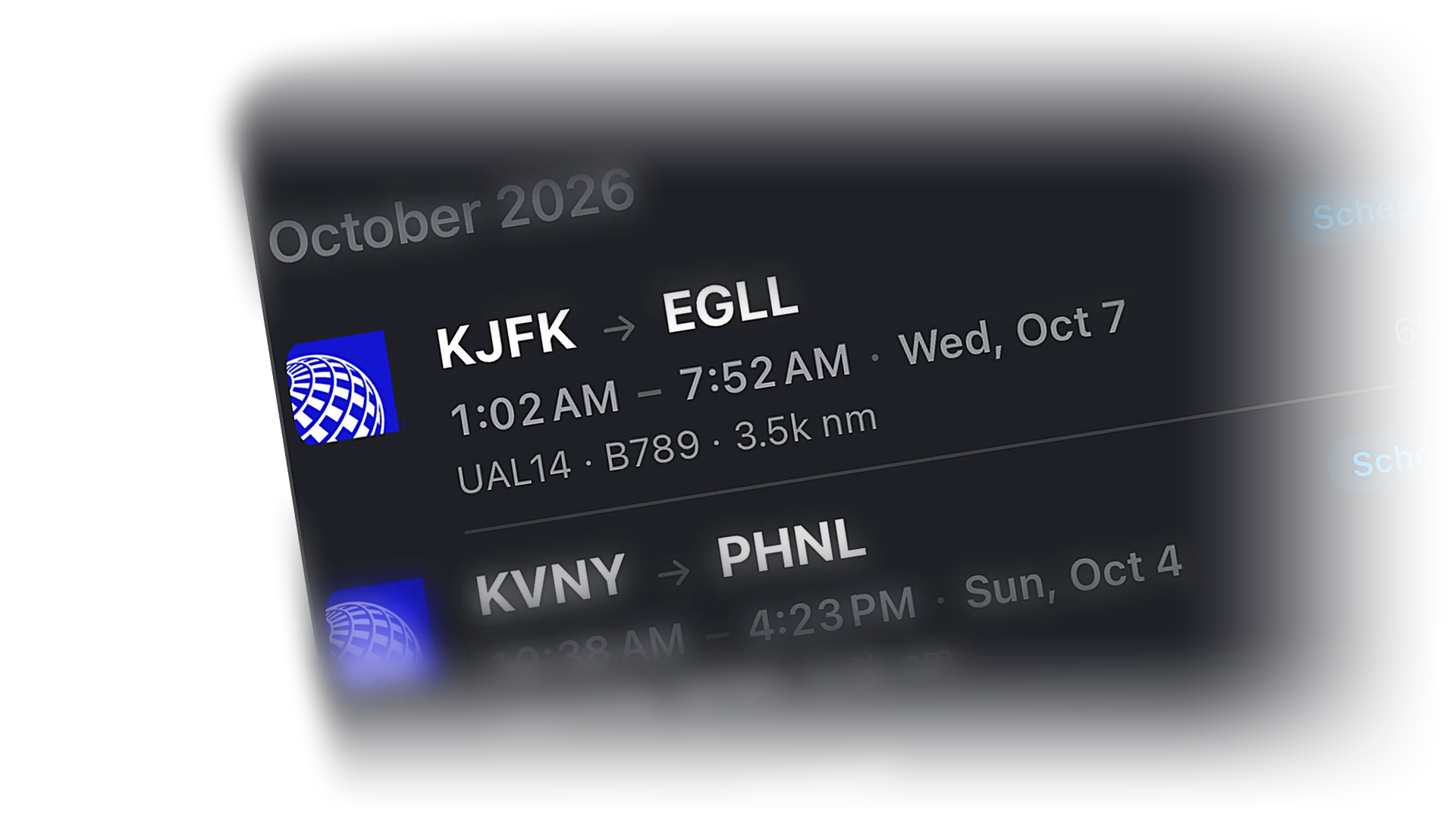
Bridge flights, adopted network flights, and SimBrief imports all land in the same logbook with route, aircraft, and times. Export to CSV or PDF anytime.
 Cobalt
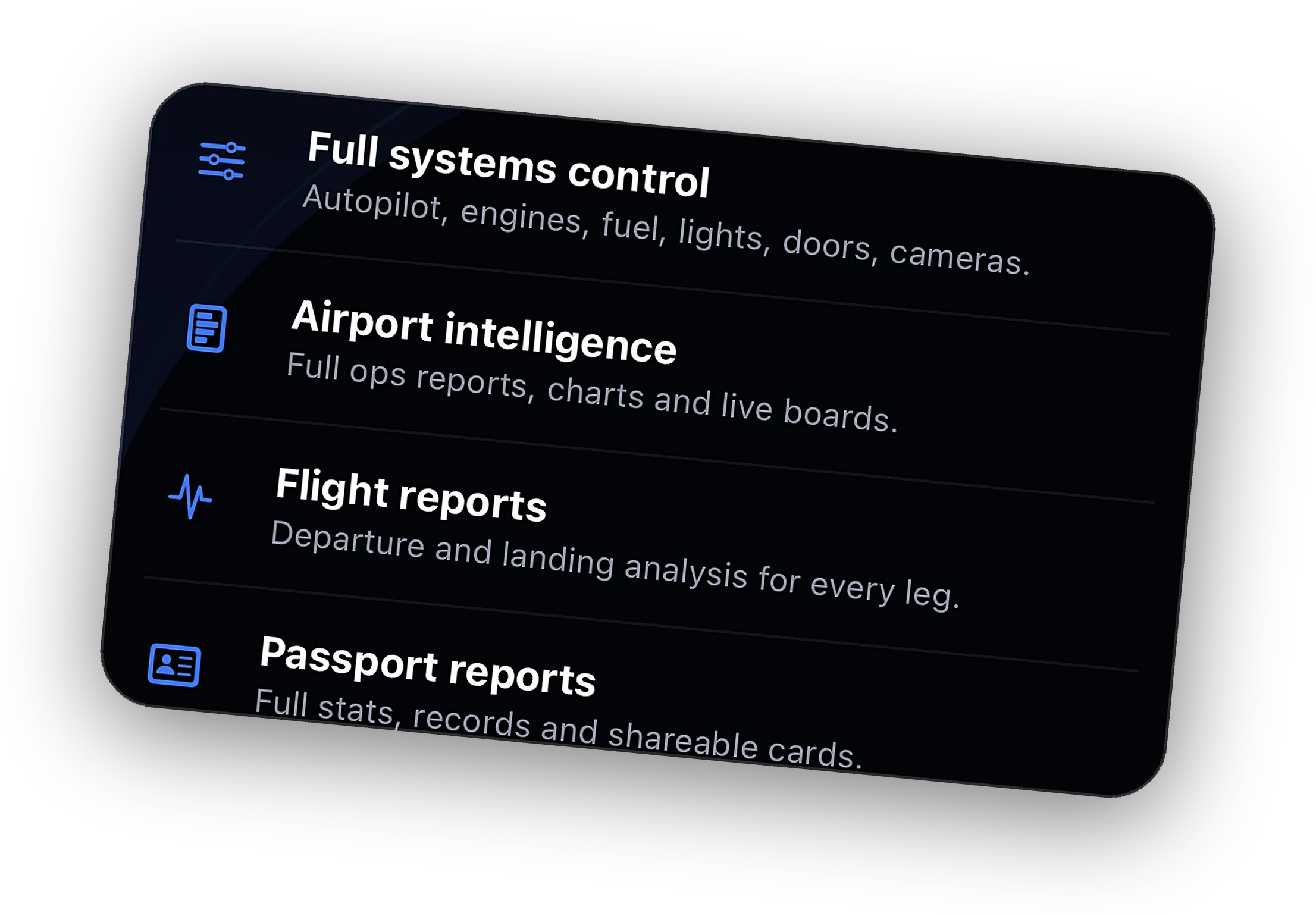
Remote systems, live camera, Relay from anywhere, ATC messaging, full history, and the Bridge on 3 PCs.
Explore →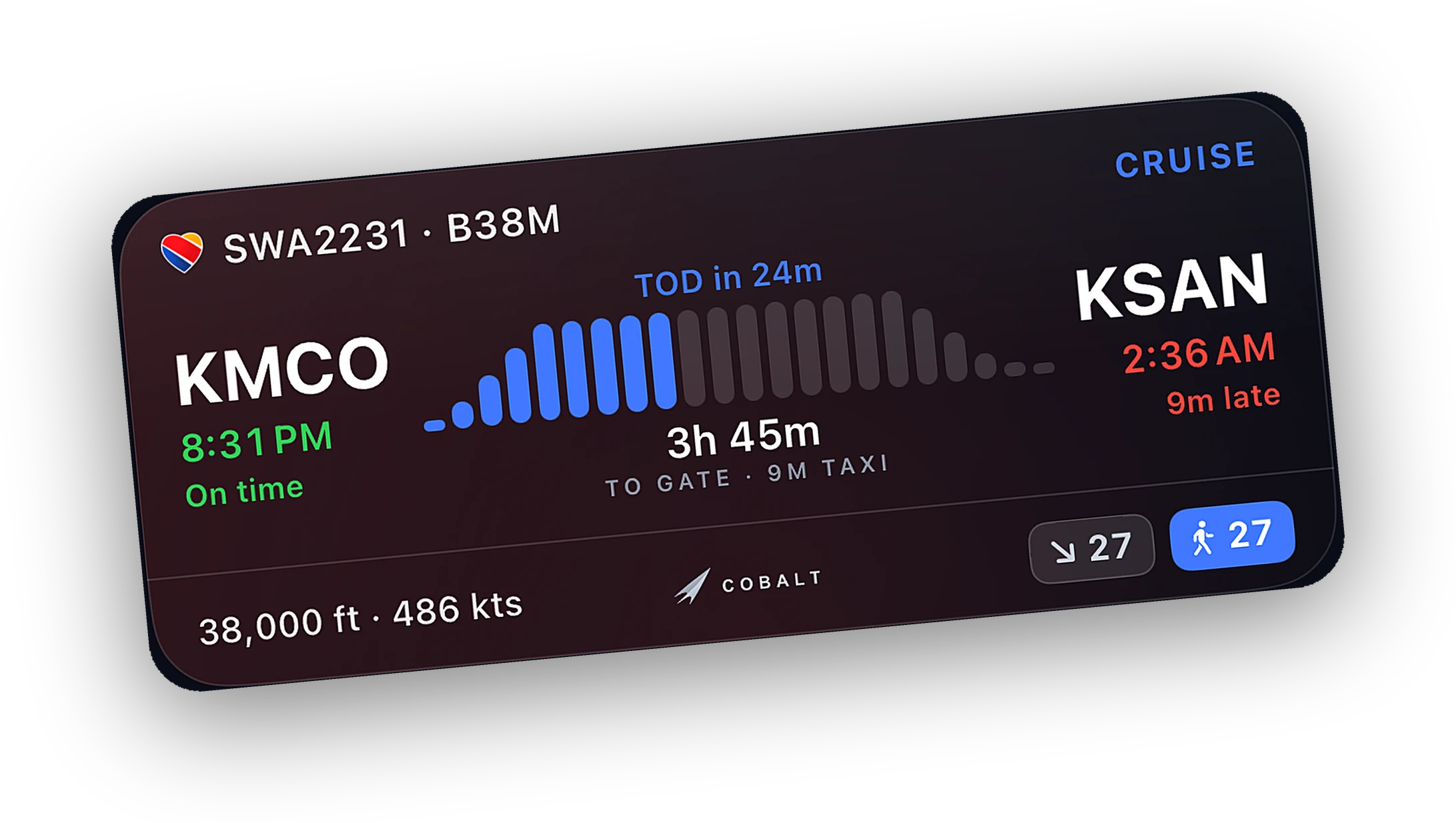
Progress, altitude, and a ticking ETA on the Lock Screen. A top-of-descent alert brings you back.
Explore →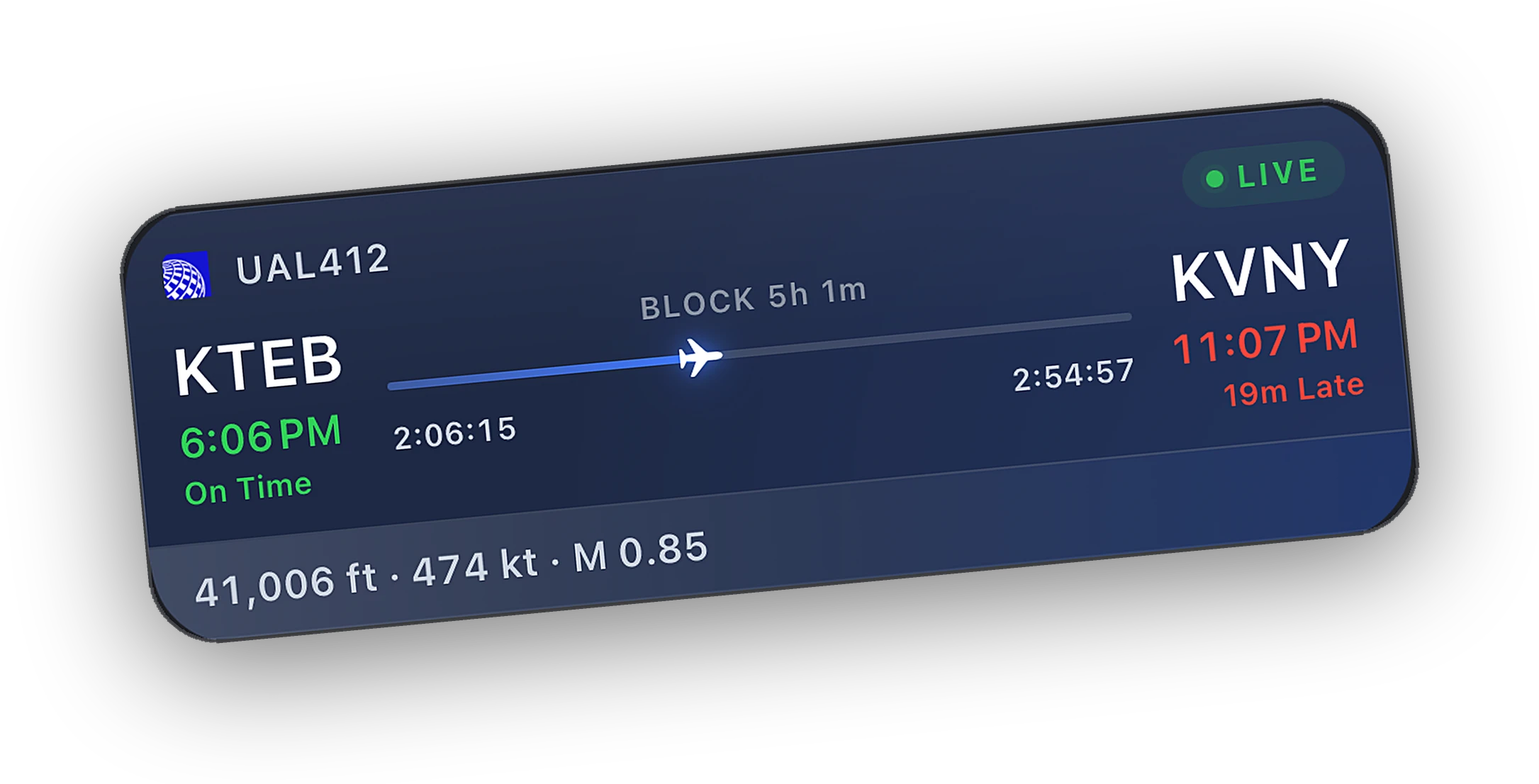
Install the Bridge, open Cobalt on the same Wi-Fi, and it finds the sim on its own.
Explore →Fly. Land. The report is already there. Hours, landings, airports, and a passport you will want to share.
Free to fly. MSFS 2020, 2024, X-Plane 11 and 12. iPhone and iPad.
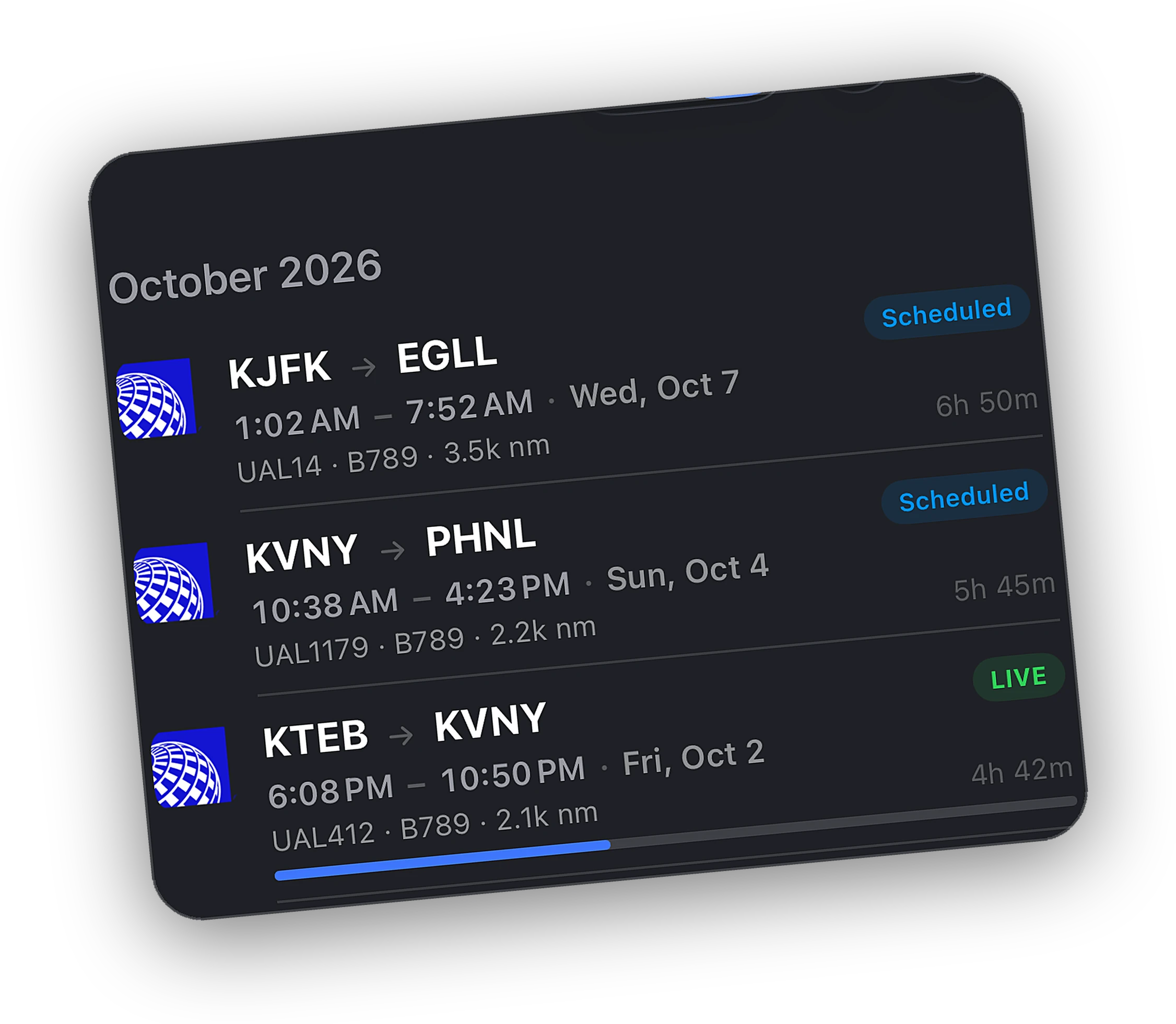
Bridge flights, adopted network flights, and SimBrief imports all land in the same logbook with route, aircraft, and times. Export to CSV or PDF anytime.
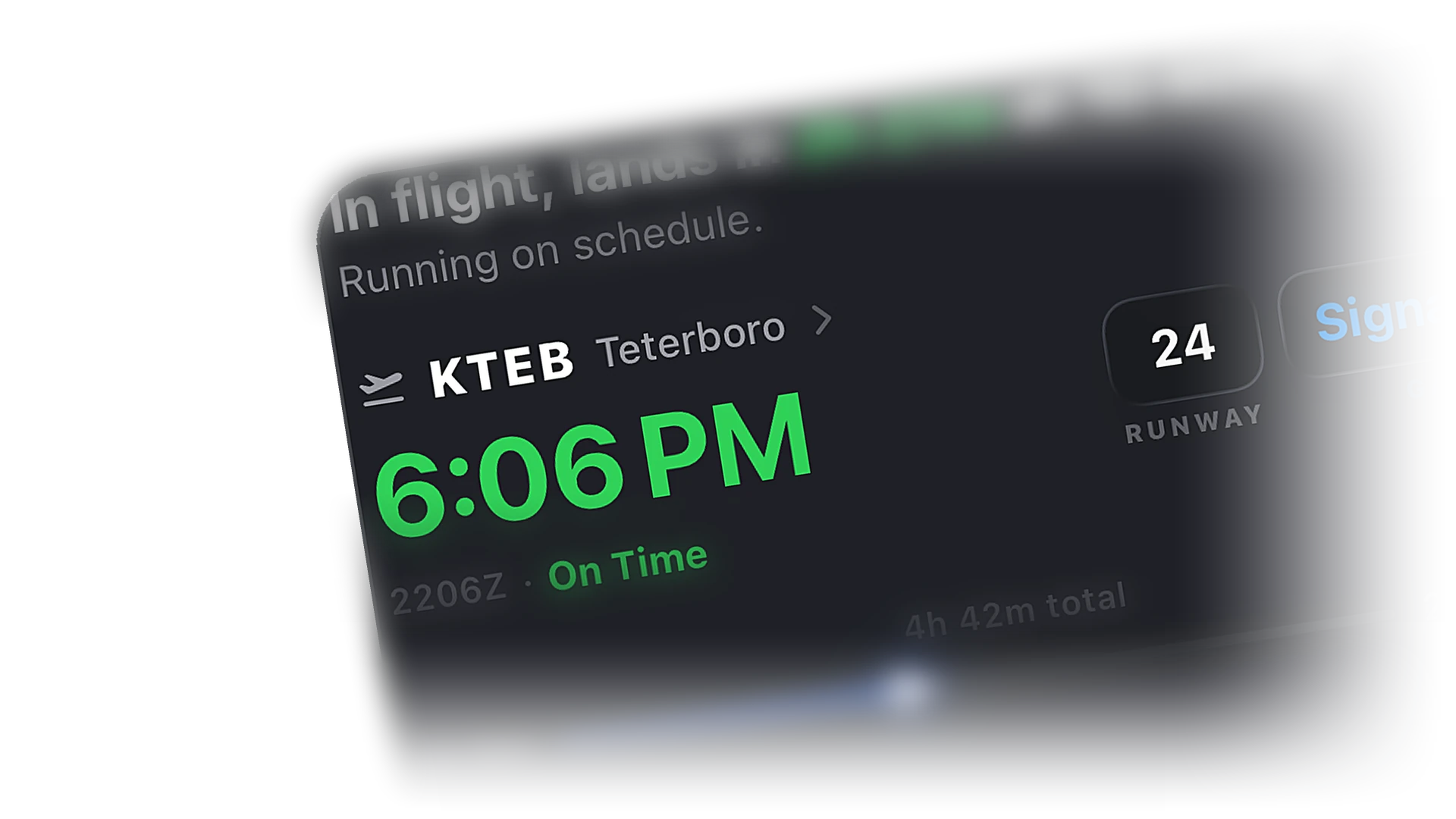
Observed from telemetry and the network, tagged ACTUAL so you know. Accelerated flights get a sim-rate badge.
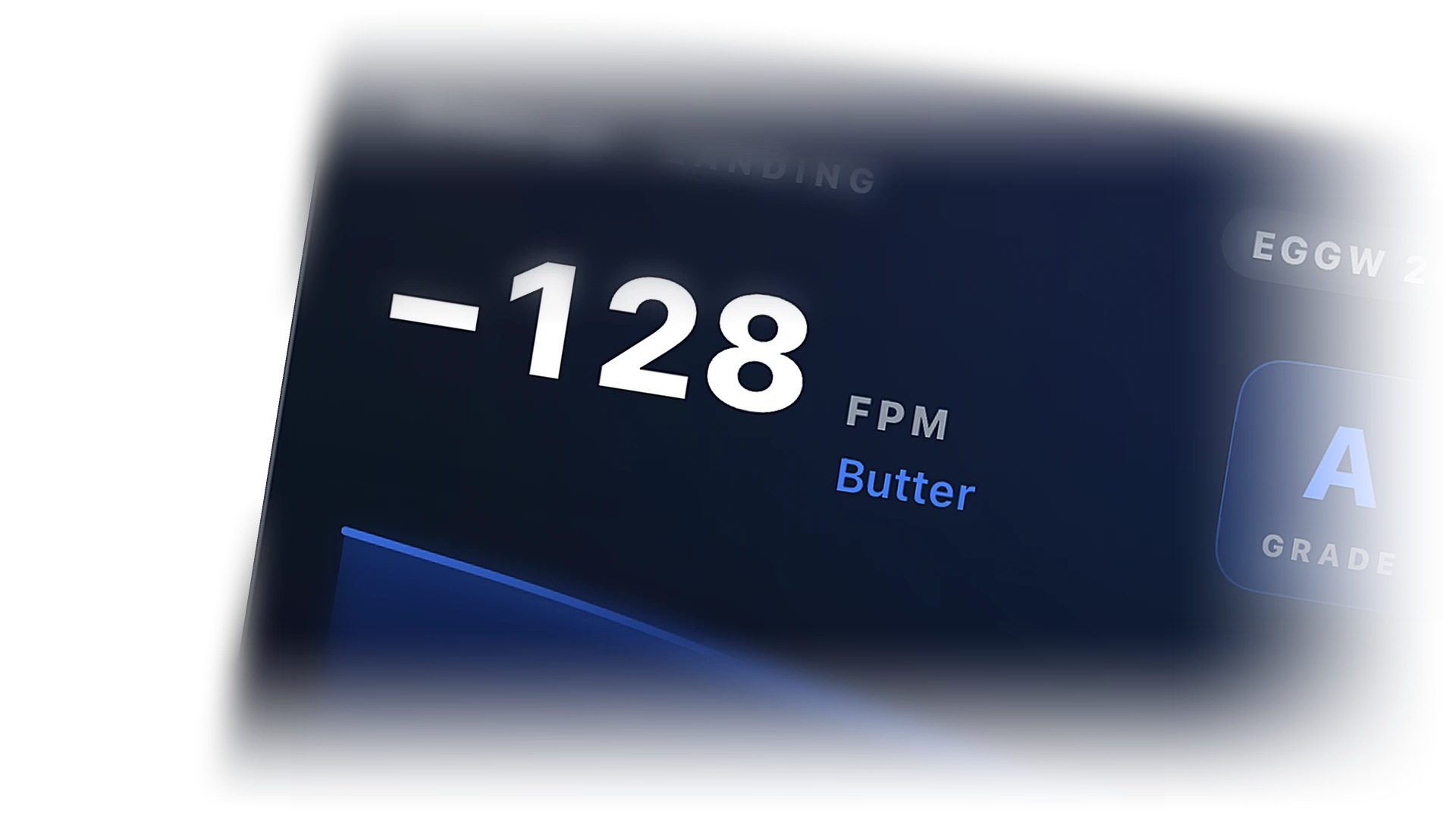
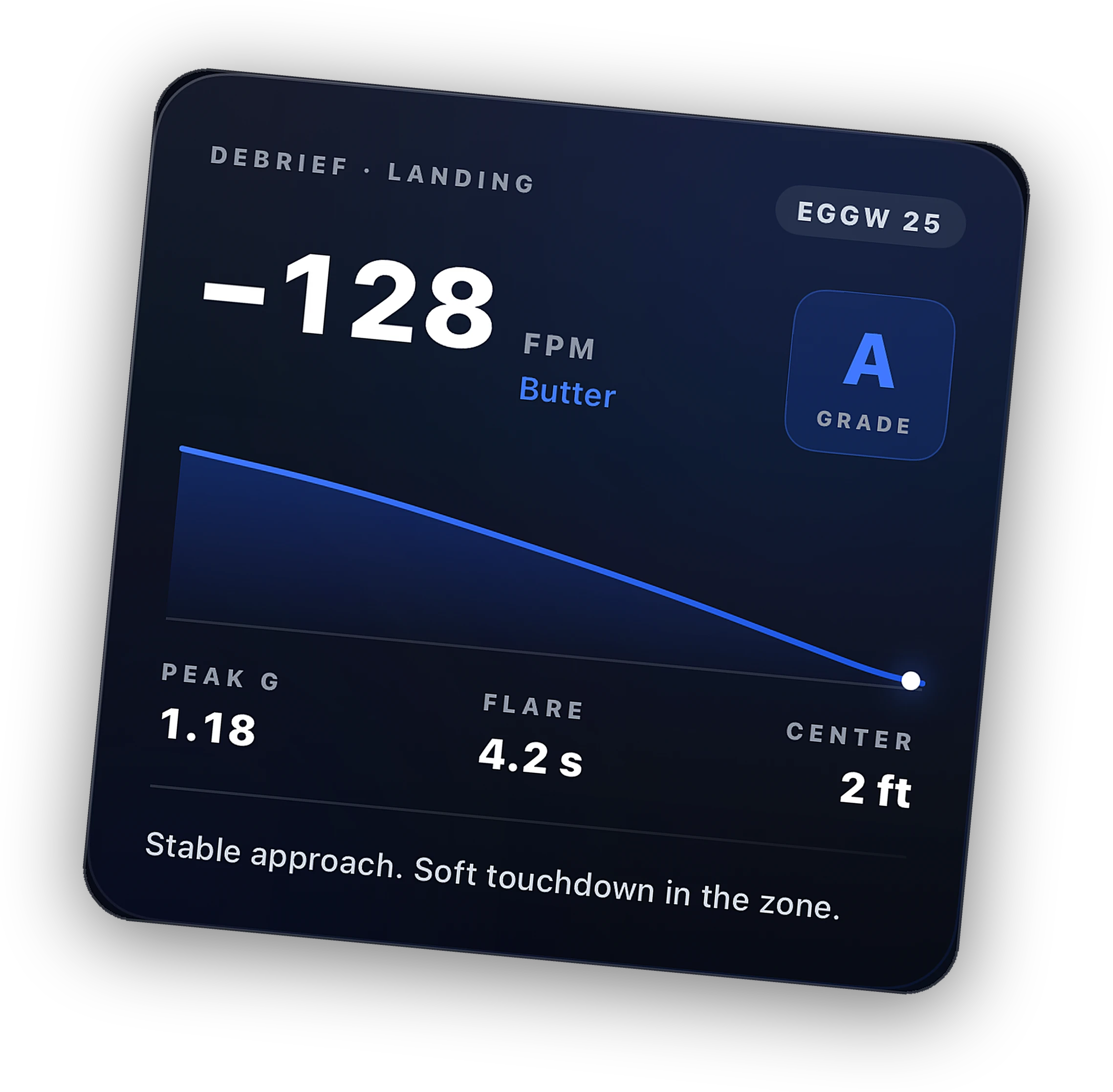
Touchdown rate in feet per minute and an honest verdict, from butter to firm. Logged with the flight.
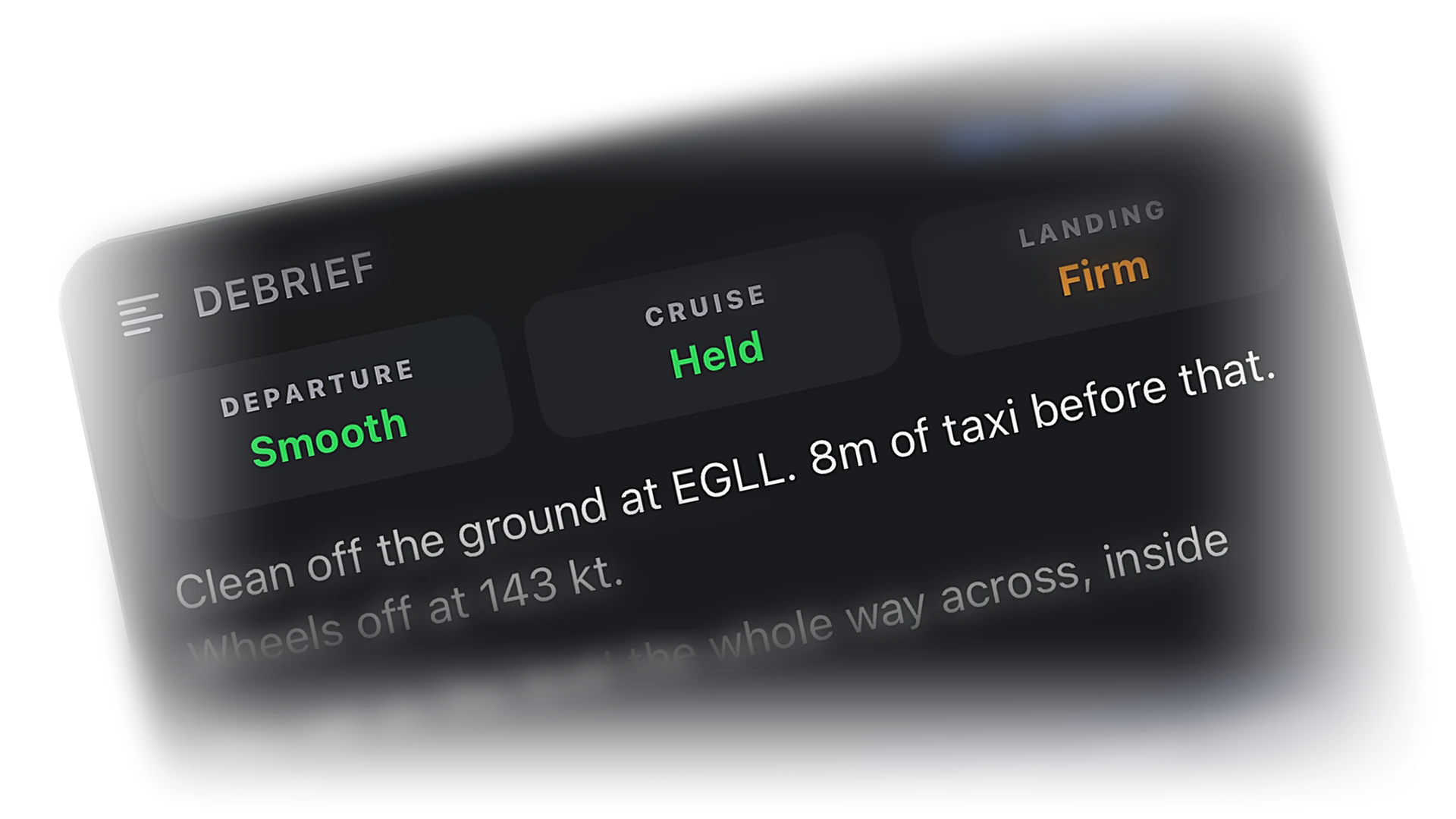
Phase breakdown, fuel, efficiency, and events, written up from the recorded trace. Read what happened, not a spreadsheet.
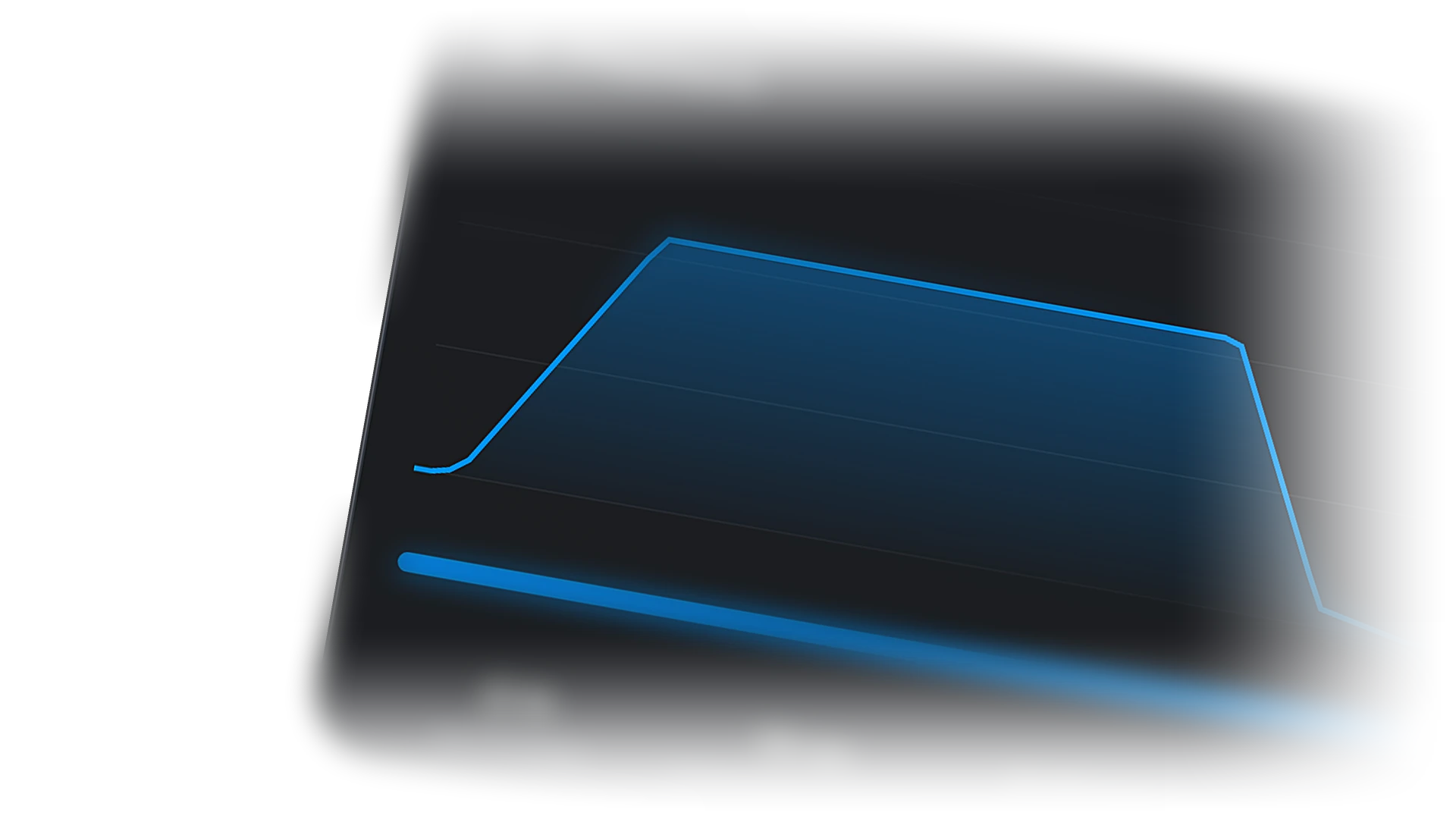
Scrub through the recorded track on the map. Altitude, speed, and heading at every point of the flight.
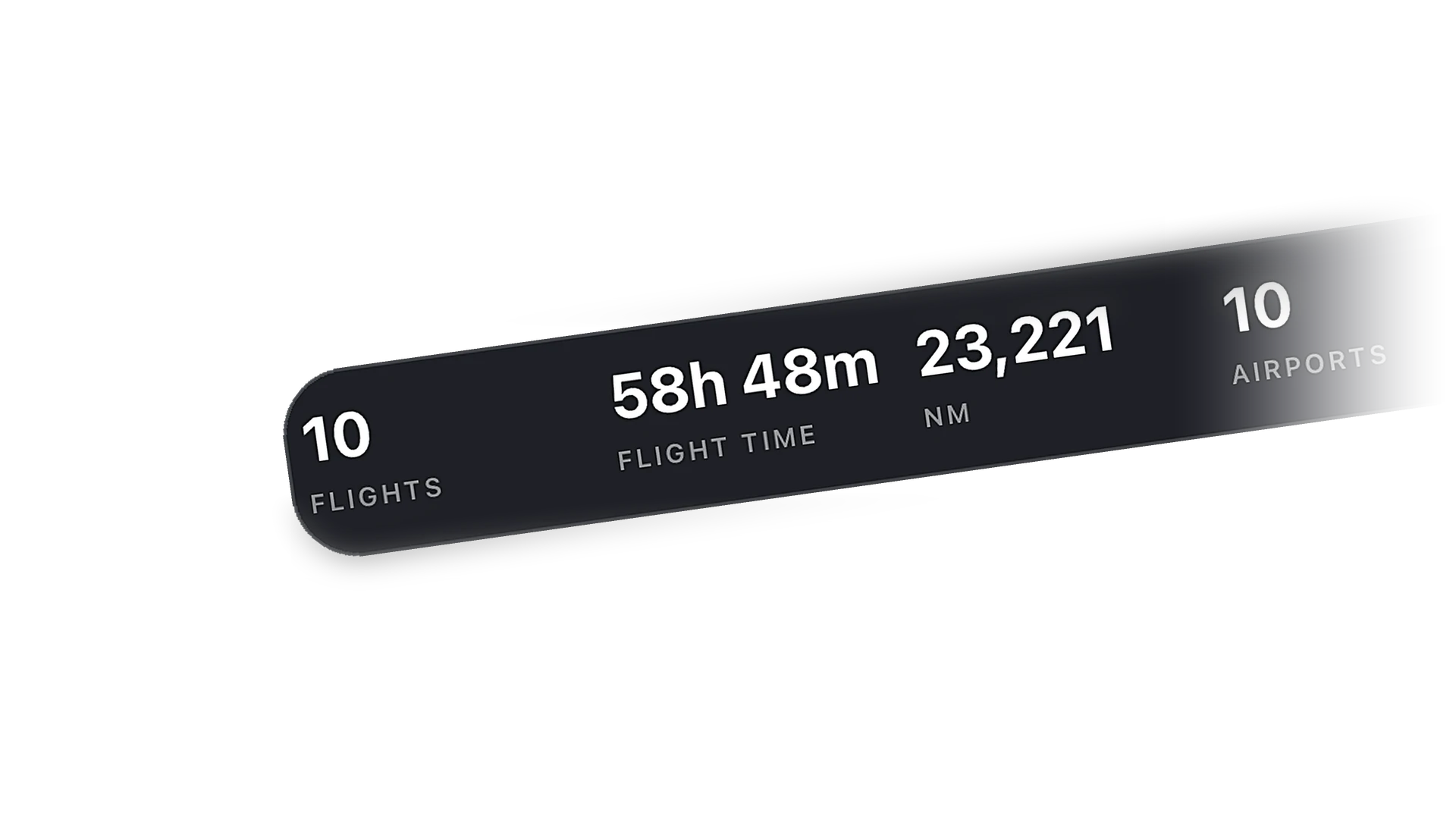
Time in the air, distance, airports visited, aircraft flown, and a streak flame for two or more weeks of flying. Passport stamps for every new place.
A passport-style card with your numbers. Post it to the Cobalt community or anywhere else.
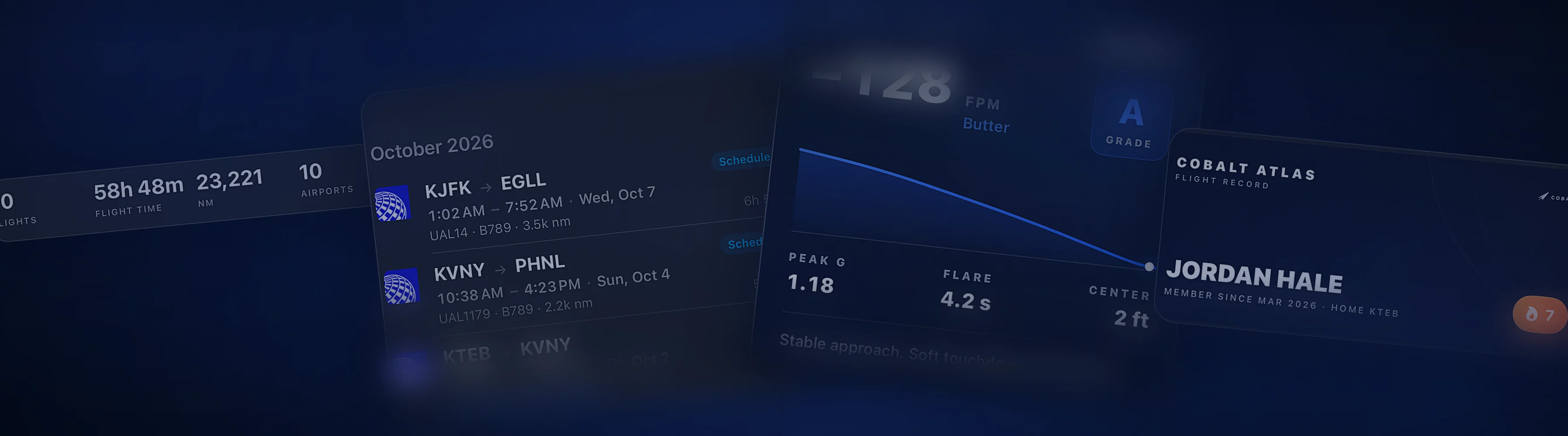
Every completed flight gets a card built for sharing. Post it in the Cobalt feed, follow friends, and see their flights live on the map.
Nothing is hidden on the free plan. Peak unlocks control, depth, and history.
No. Connect the Bridge and fly. The flight completes on its own when you park at the arrival airport, or you can tap Complete Flight.
Not yet. You can export Cobalt's logbook to CSV and PDF at any time.
Flights flown on VATSIM or IVAO with your CID verified in Cobalt. They show separately in Atlas.
Free shows recent flights. Peak keeps everything.
More of what Cobalt does.
Cobalt launches soon. Join the list for a launch code worth 10% off every Peak purchase.