

Get Cobalt.
Start with the app on your phone, then install the Bridge on the sim PC so Cobalt can see the aircraft. Bridge installers always point at the latest published release.
The vPilot plugin installs from Bridge Settings, not from here.
Windows for MSFS and X-Plane. Mac for X-Plane.
Cobalt for iPhone and iPad
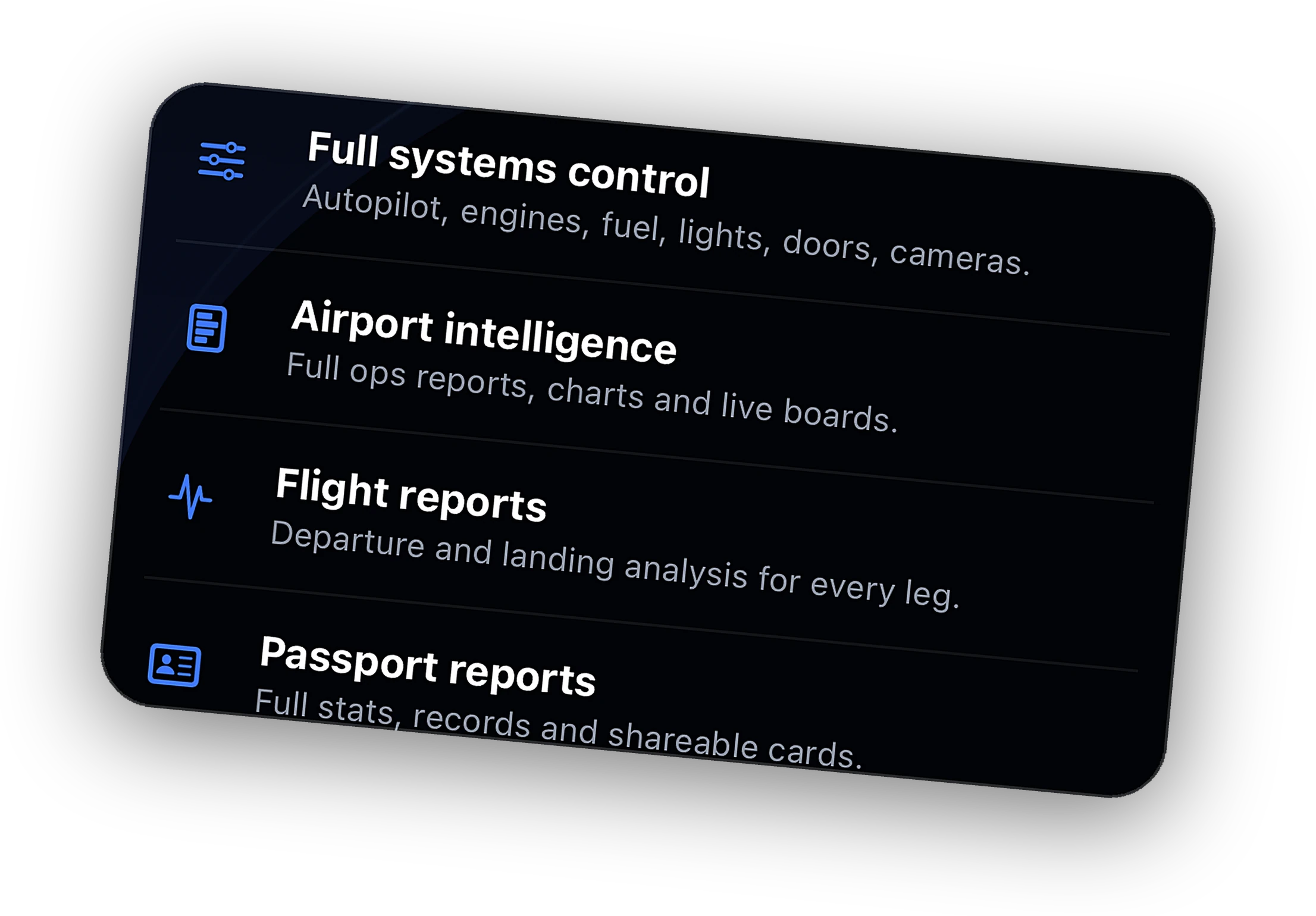
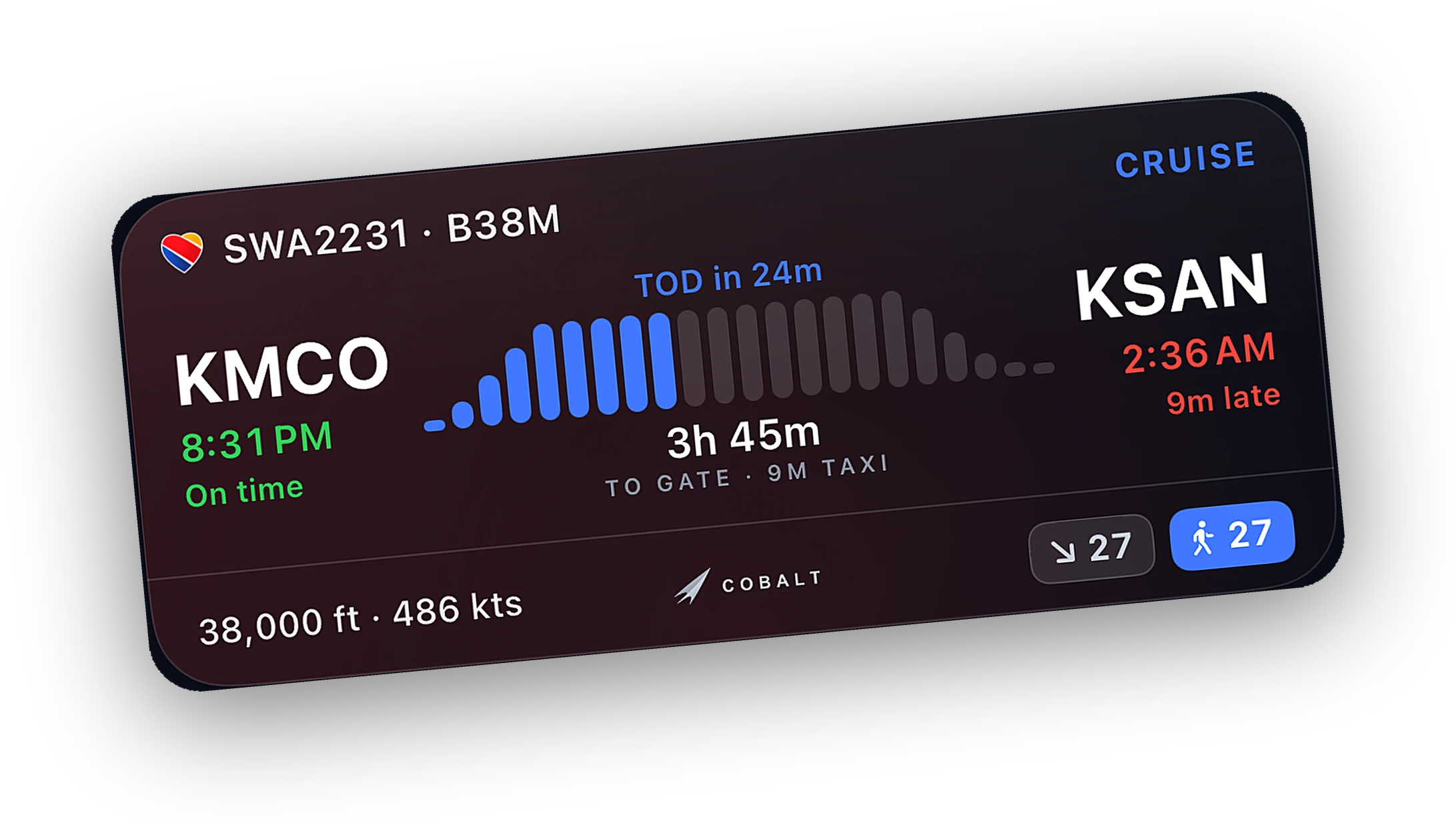
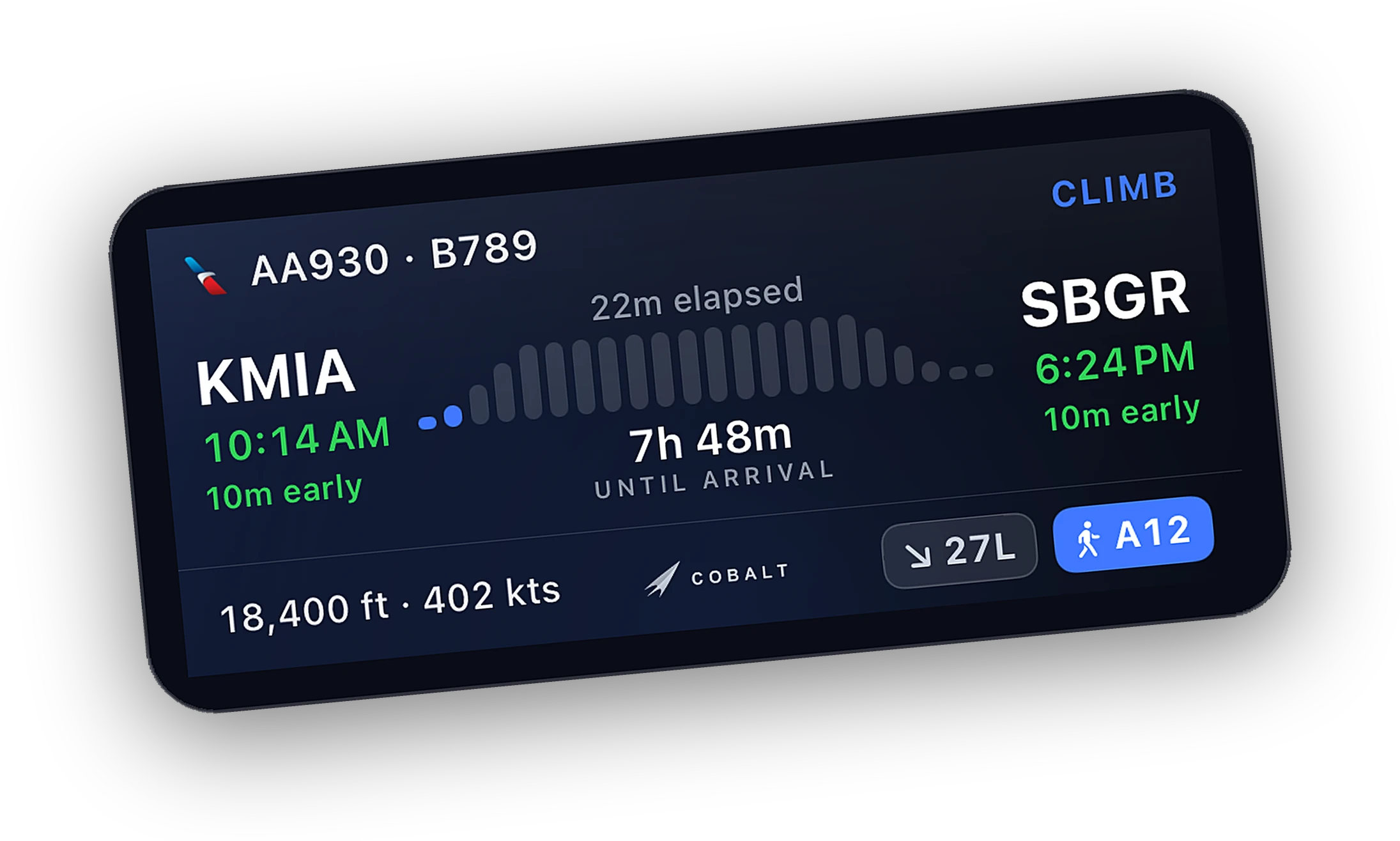
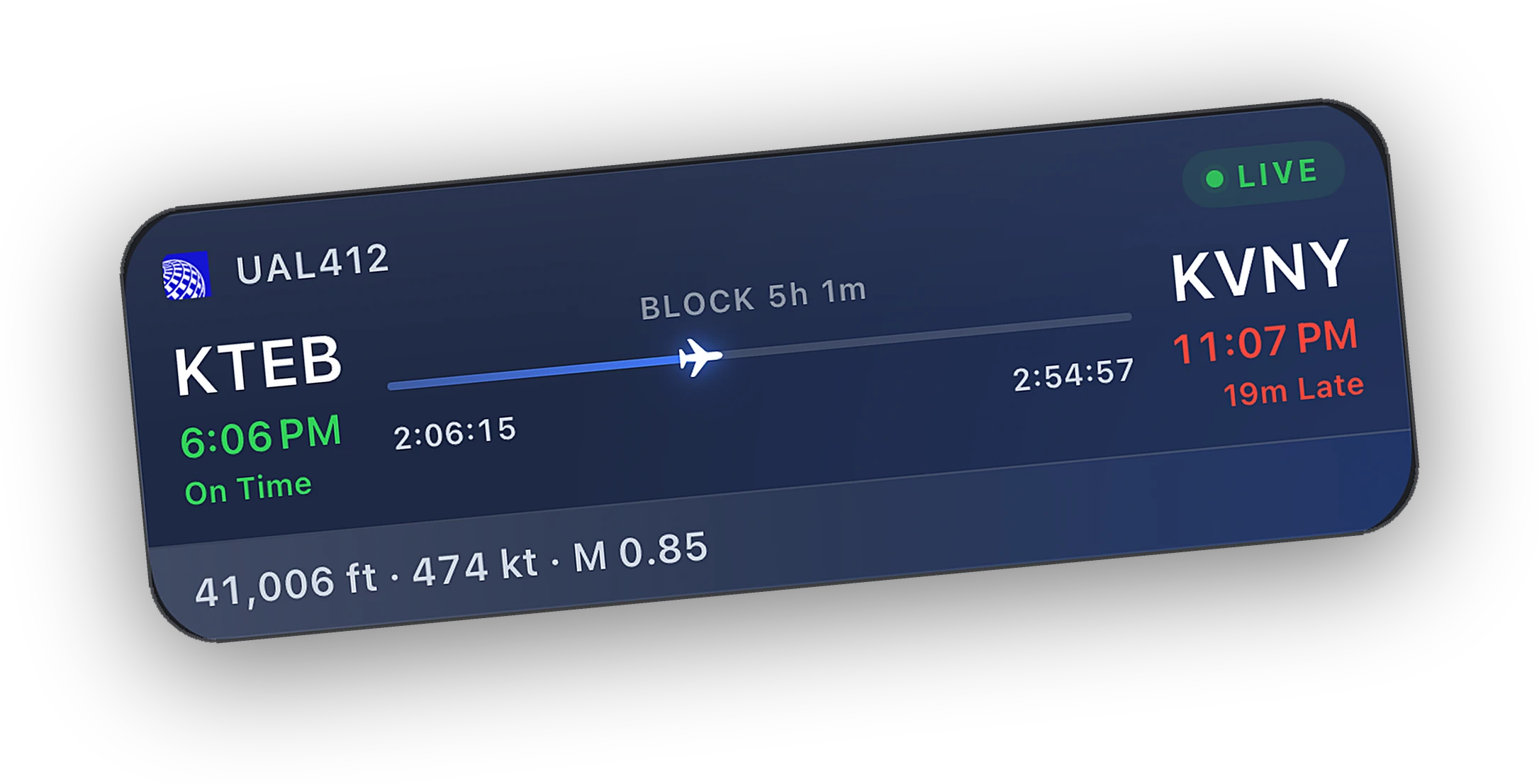
The companion app. Live map, Lock Screen, systems remote, ATC Inbox, and Atlas.
Open the App Store →On your PC?Scan with your iPhone Your systemCobalt Bridge for Windows
For the PC that runs MSFS 2020, 2024, or X-Plane. Live telemetry, systems, and the Peak remote connection.
Download → Your systemCobalt Bridge for Mac
For a Mac that runs X-Plane 11 or 12. Live telemetry, systems, and the Peak remote connection.
Download →Connect the two.
Five minutes from installer to the first connected flight.
Your flight, off the screen.
The Bridge is free. The app is free on the App Store. Fly today.
Read the setup guide
Download the appOn your PC?Scan with your iPhone