
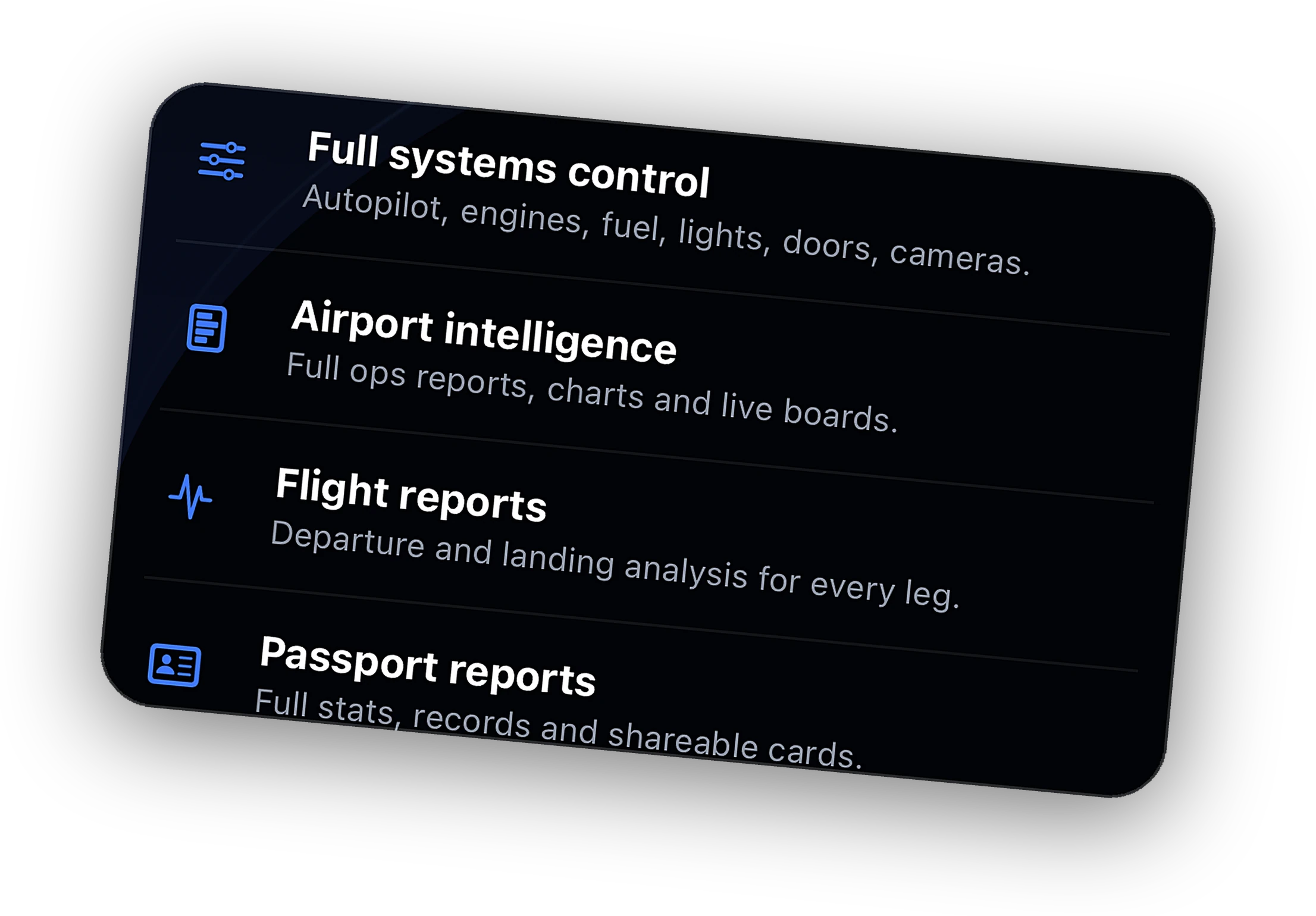

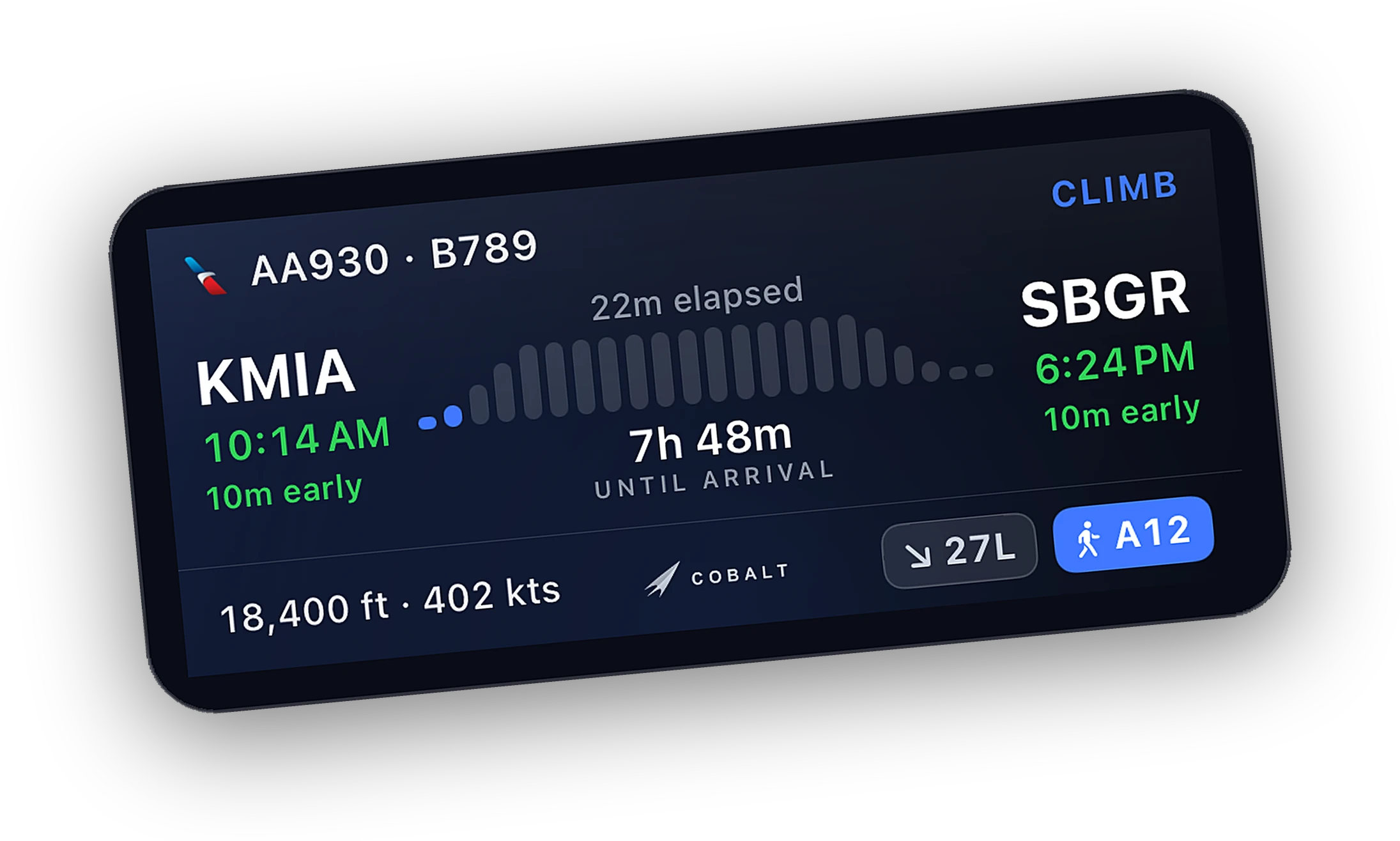
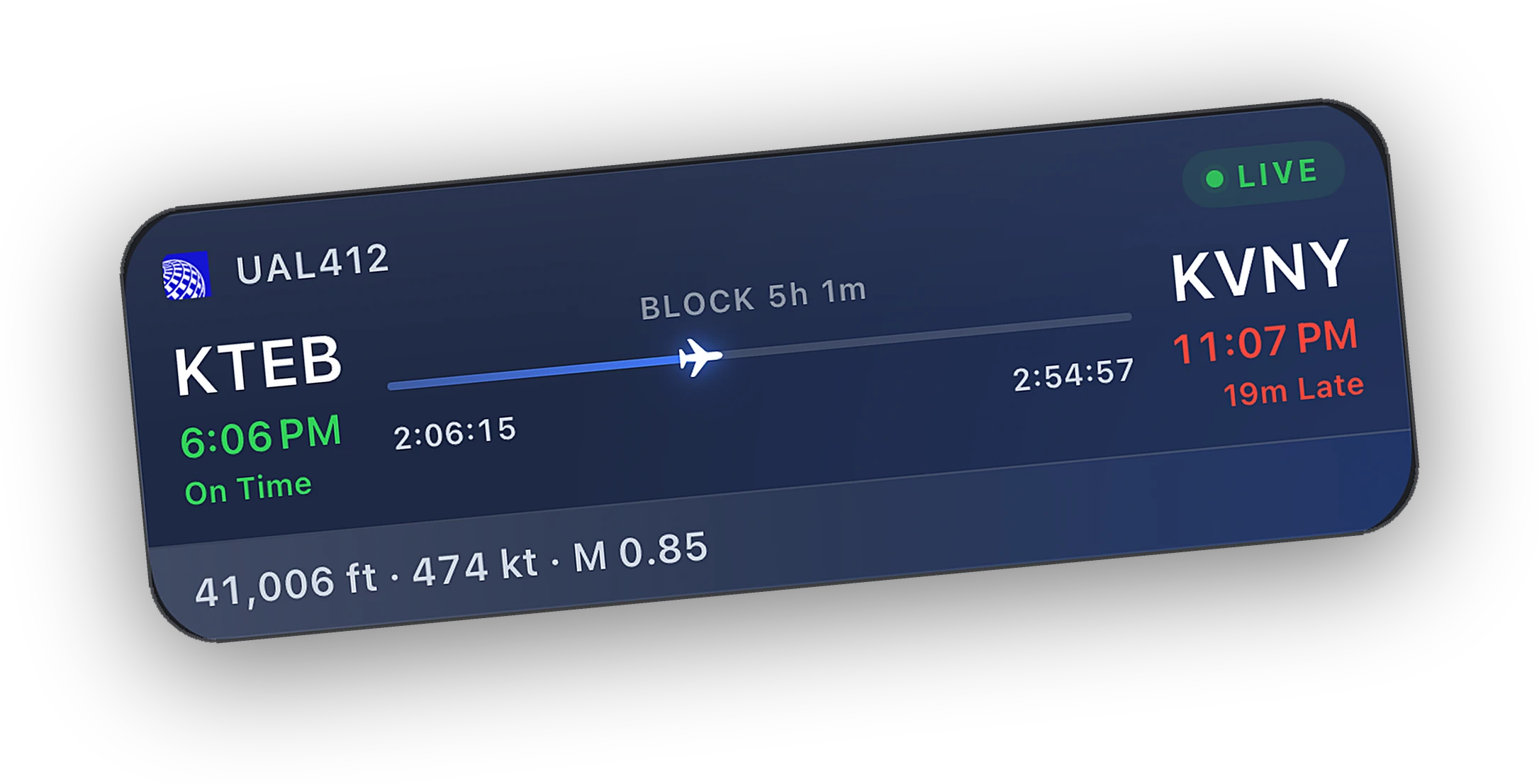

Built for the way you fly.
Whether you fly 14-hour legs, pattern work, or a Friday night on VATSIM, Cobalt follows the flight off the screen.
Download the appOn your PC?Scan with your iPhone
See Peak →
Free to fly. MSFS 2020, 2024, X-Plane 11 and 12. iPhone and iPad.
Find your kind of flying
Six guides, each written for one way of flying.
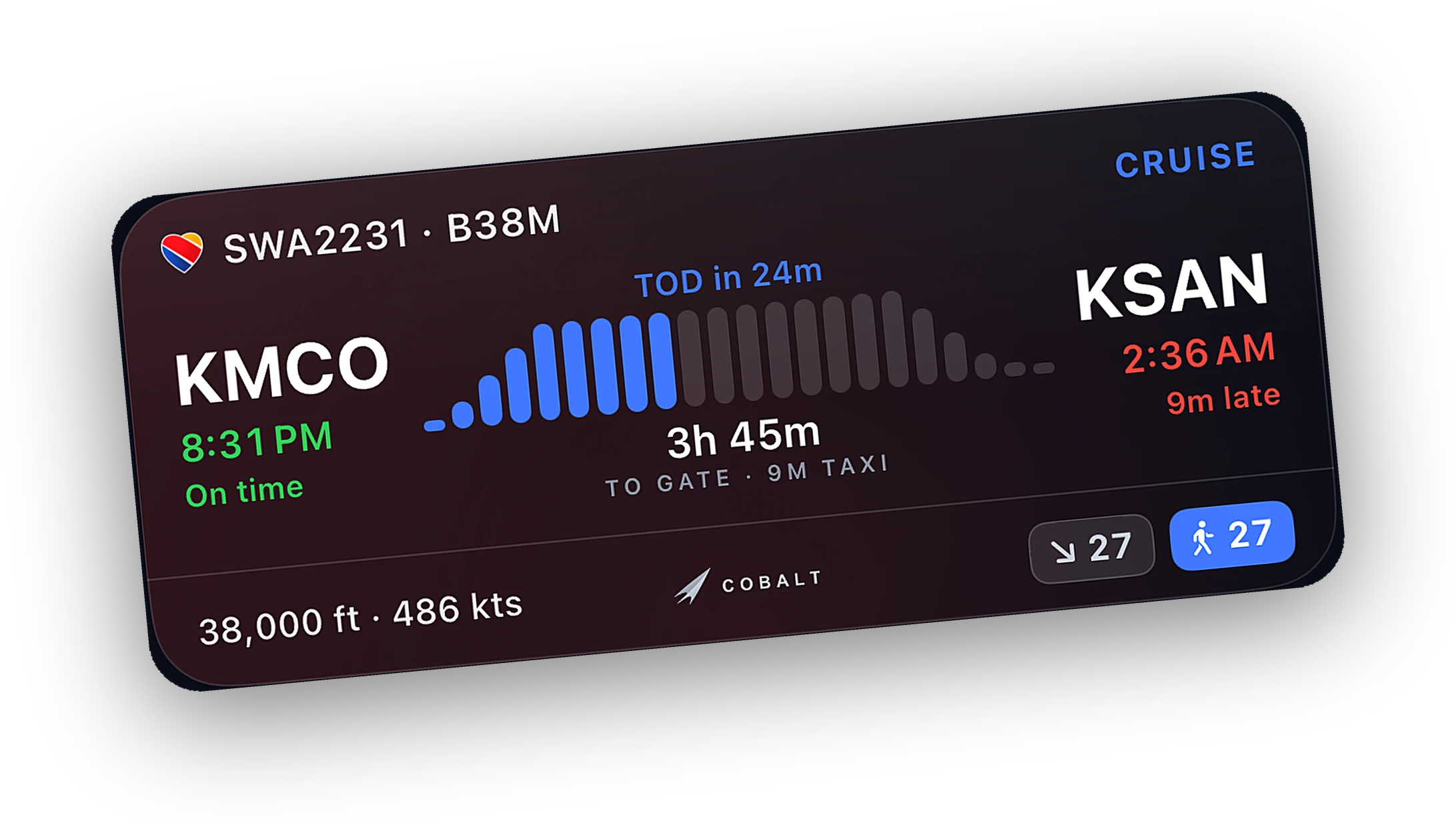
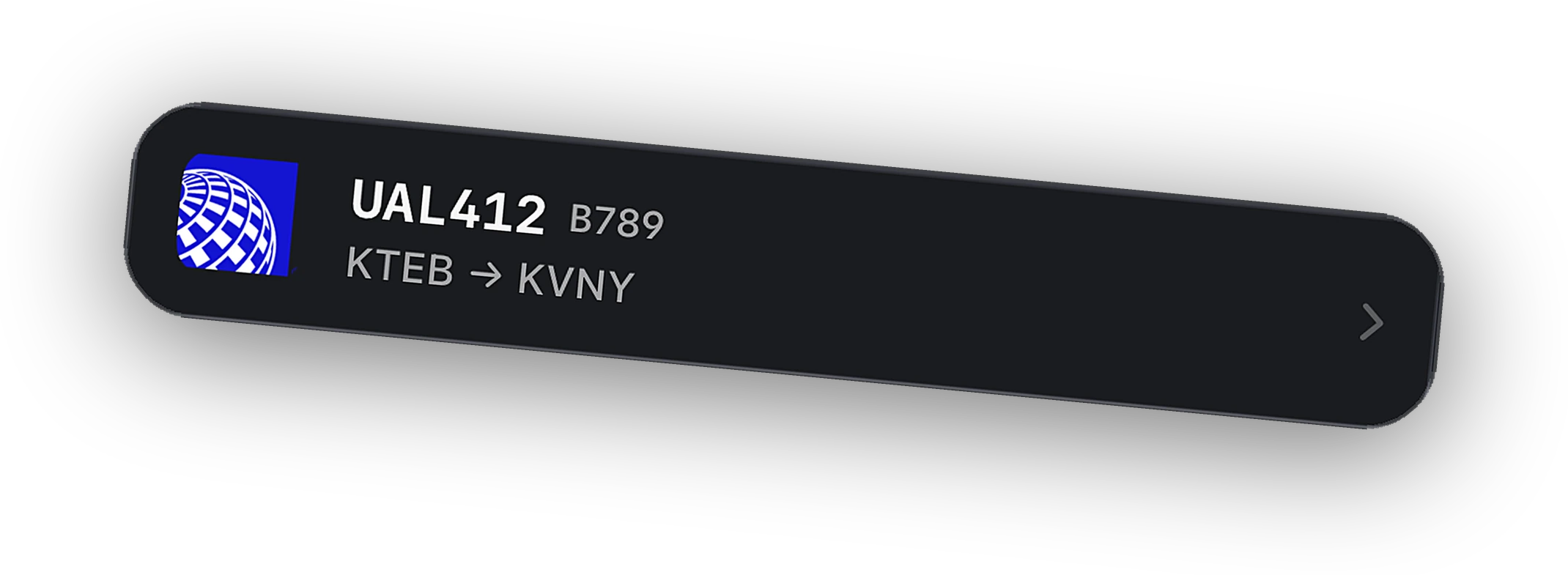
Long-haul
Set cruise. Land on time.Fly 12-hour legs without babysitting the screen.Learn more →
VATSIM and IVAO
Built for the network.Live network traffic, controllers online, ATC alerts and messaging, airport boards, and a logbook with real off-block and wheels-up times.Learn more →
Landing practice
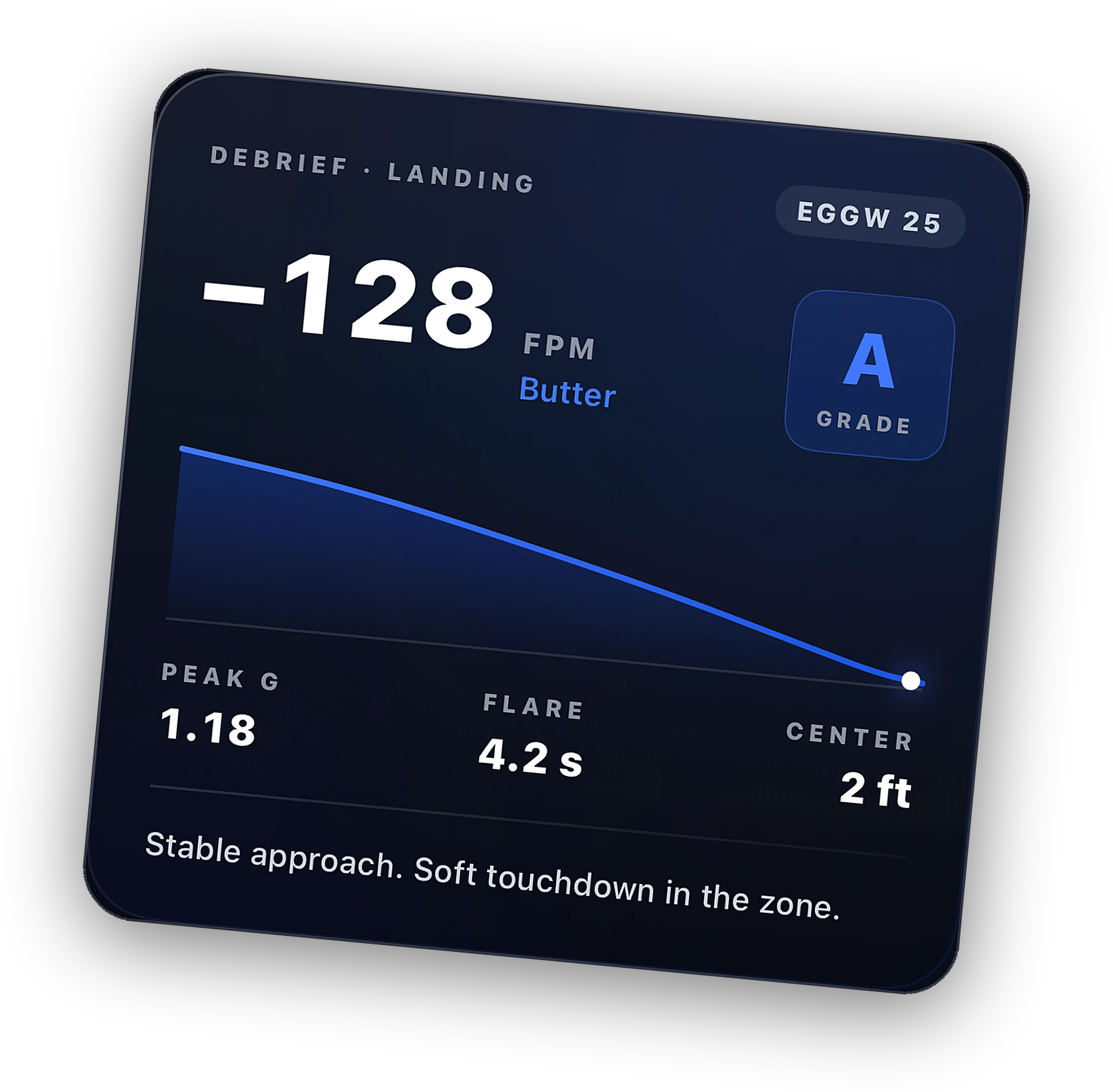
Every landing, graded.Every landing graded with touchdown rate, a verdict, and a replay.Learn more →
Microsoft Flight Simulator
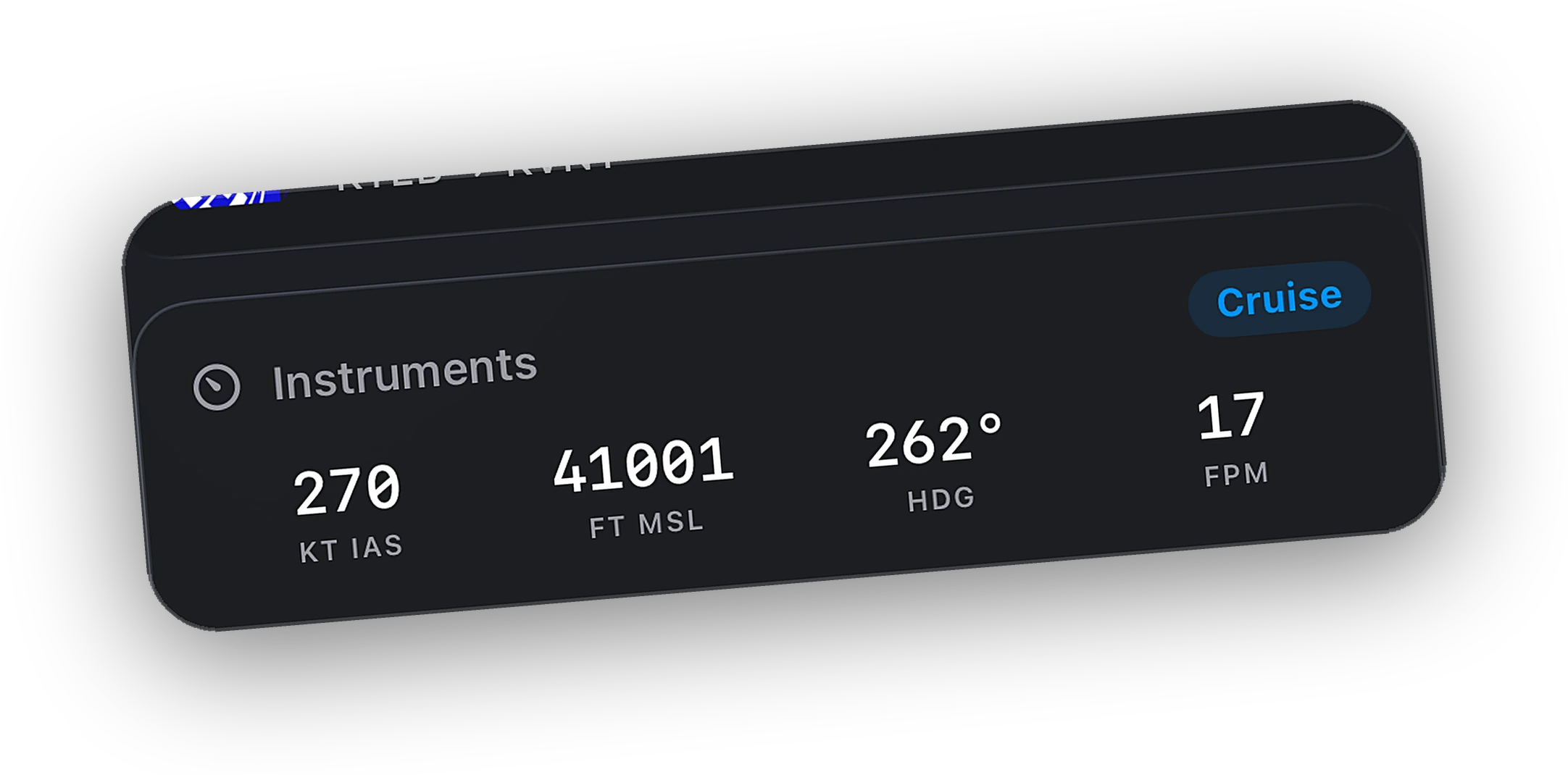
Made for Microsoft Flight Simulator.The iPhone and iPad companion for MSFS 2020 and MSFS 2024.Learn more →
X-Plane
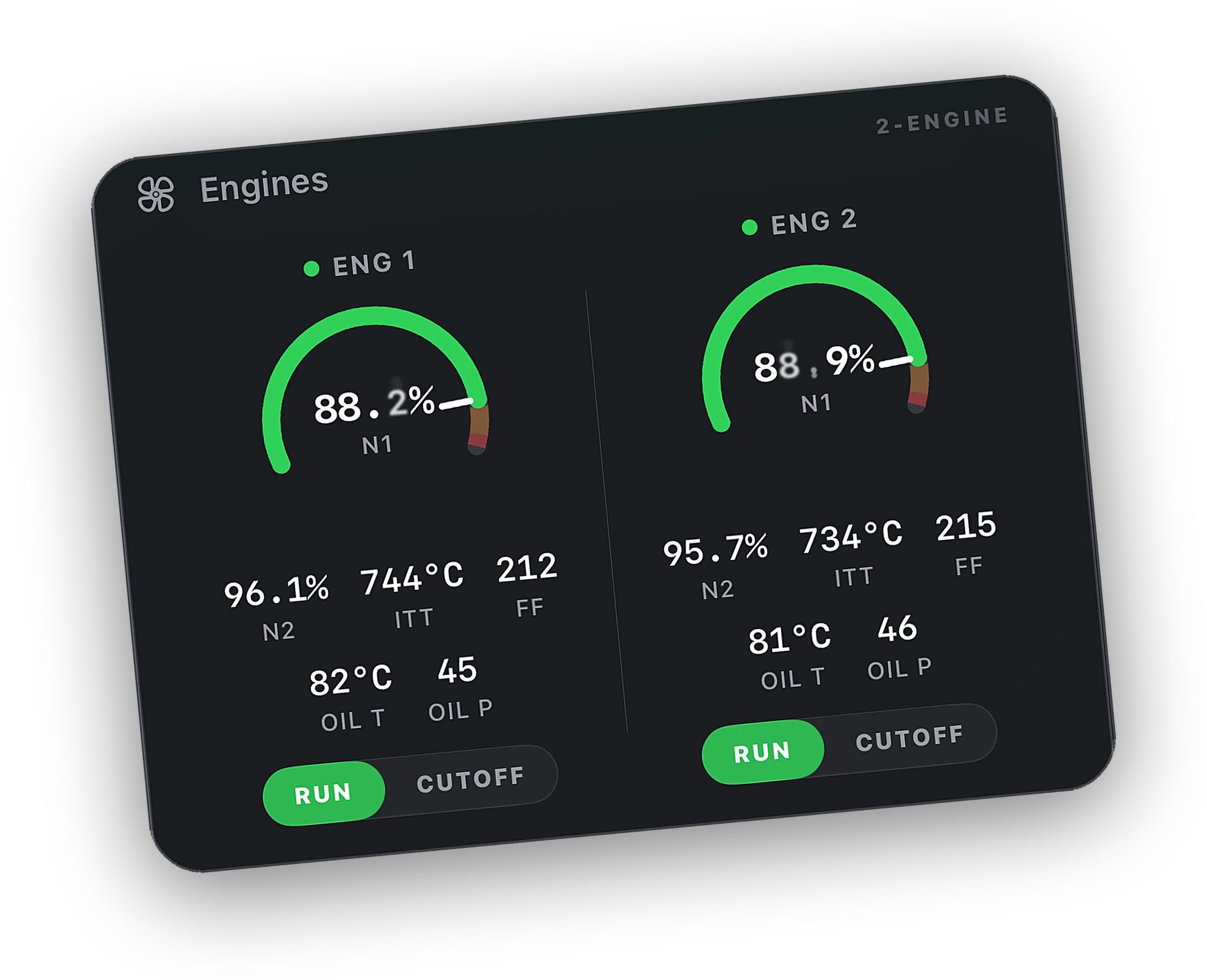
Made for X-Plane.Cobalt connects to X-Plane 11 and 12 on Windows or Mac.Learn more →
Microsoft Flight Simulator
Made for Microsoft Flight Simulator.The iPhone and iPad companion for MSFS 2020 and MSFS 2024.Learn more →
Five minutes to your first connected flight.
One small app on the sim PC. The phone does the rest.
-
01
Install the Bridge
A small free app for the sim PC. Windows or Mac. It finds MSFS or X-Plane on its own.
-
02
Open Cobalt on your phone
Same Wi-Fi, no pairing codes. The app sees the Bridge and connects in a few seconds.
-
03
Fly
Your flight on the map, the Live Activity on the Lock Screen, and the logbook writing itself.
Both big sims, both networks, and the devices already in your pocket.
- MSFS 2020
- MSFS 2024
- X-Plane 11
- X-Plane 12
- VATSIM
- IVAO
- SimBrief
- vPilot and xPilot
- iPhone and iPad
- Apple Watch
Free to fly.
Download Cobalt for iPhone and iPad. Install the Bridge on your sim PC and your next flight is on your phone.
Download the appOn your PC?Scan with your iPhone