

The PMDG 737 in Cobalt.
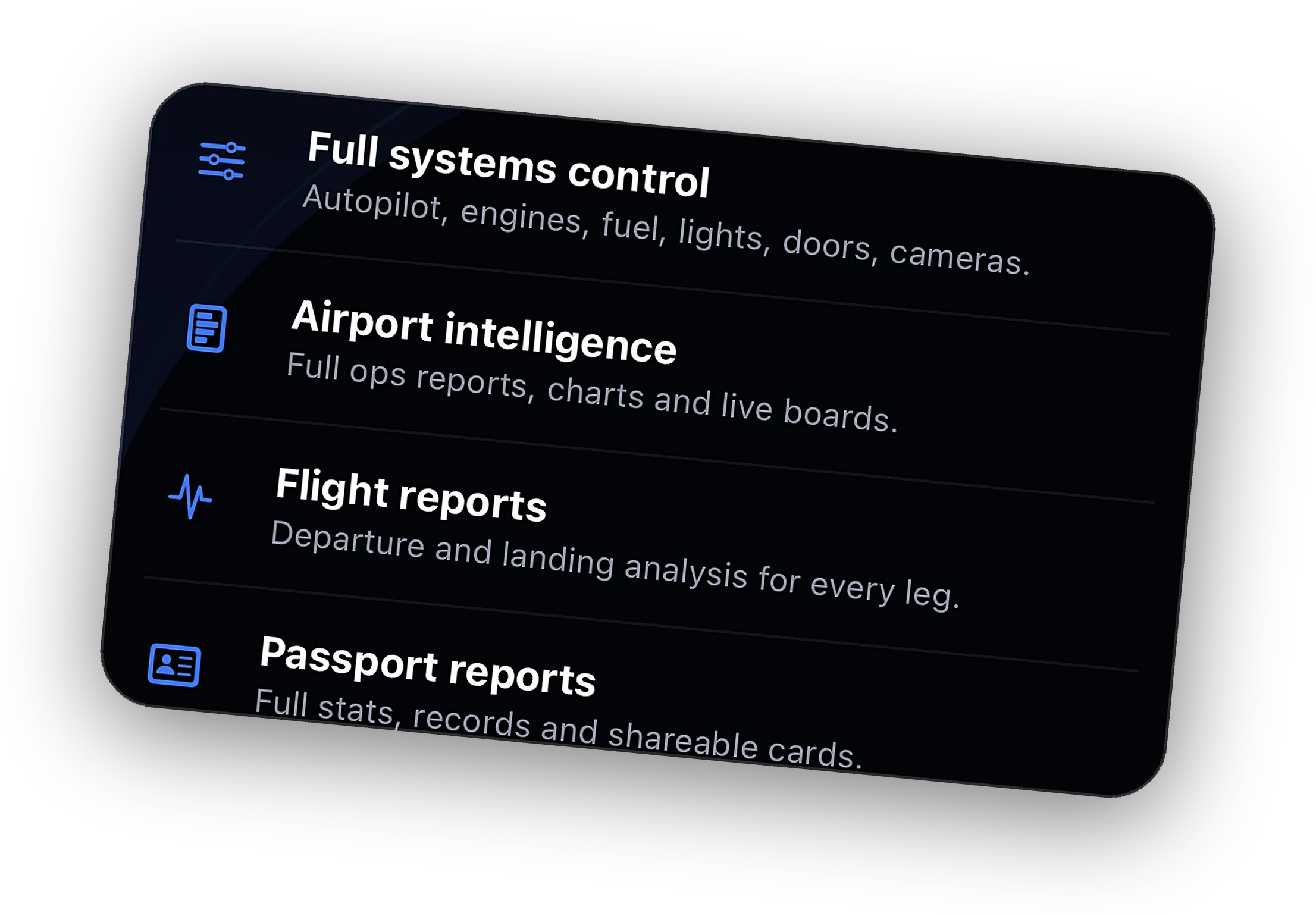
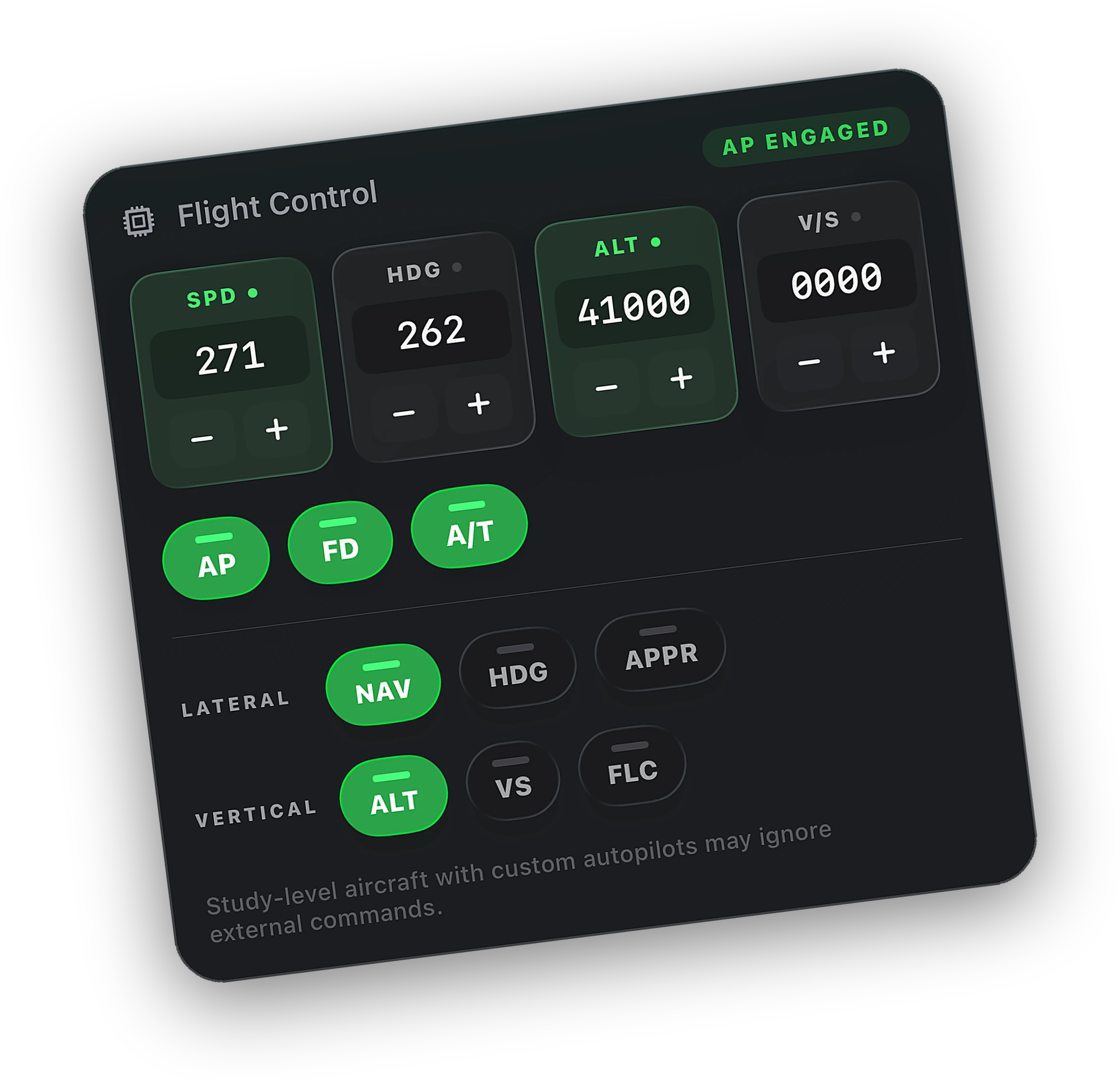
Live telemetry for every leg, free. With Peak, set MCP speed, heading, altitude, and V/S from your iPhone through PMDG's own SDK events.
Readouts are free. Remote control is part of Cobalt Peak.
What Cobalt does with the PMDG 737
Reading is free on every plan. Changing anything from the phone is Cobalt Peak.
What Cobalt reads
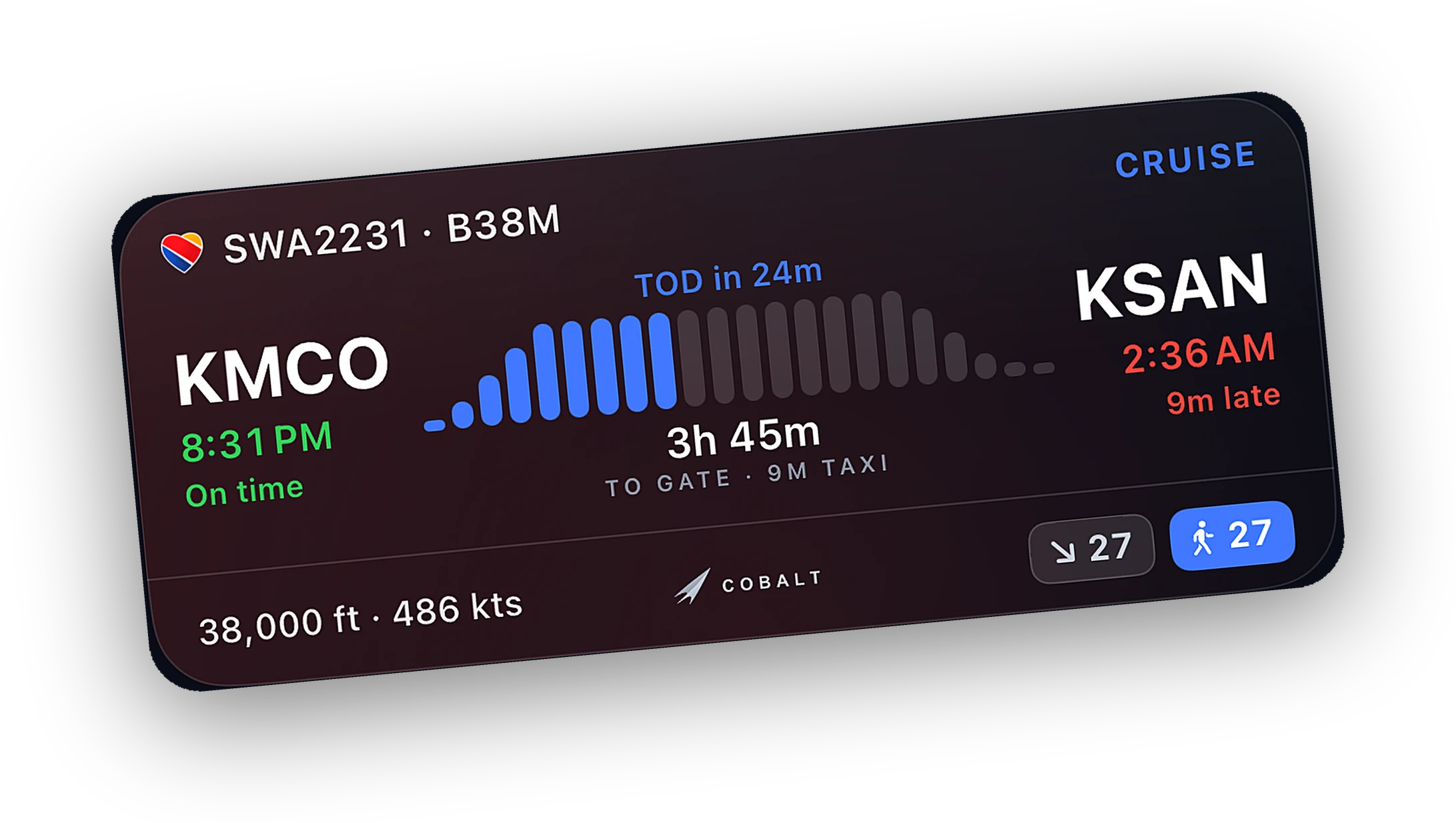
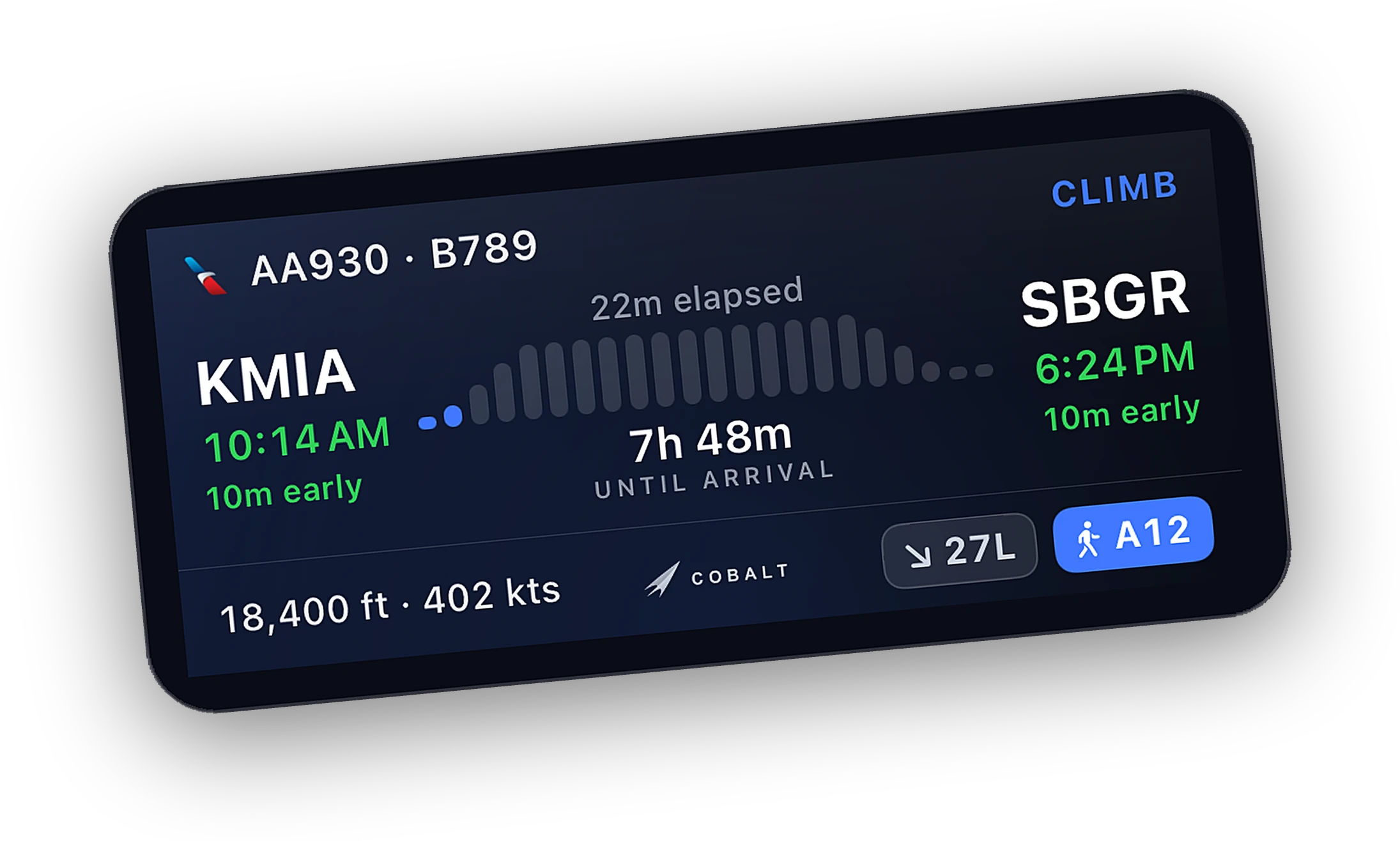
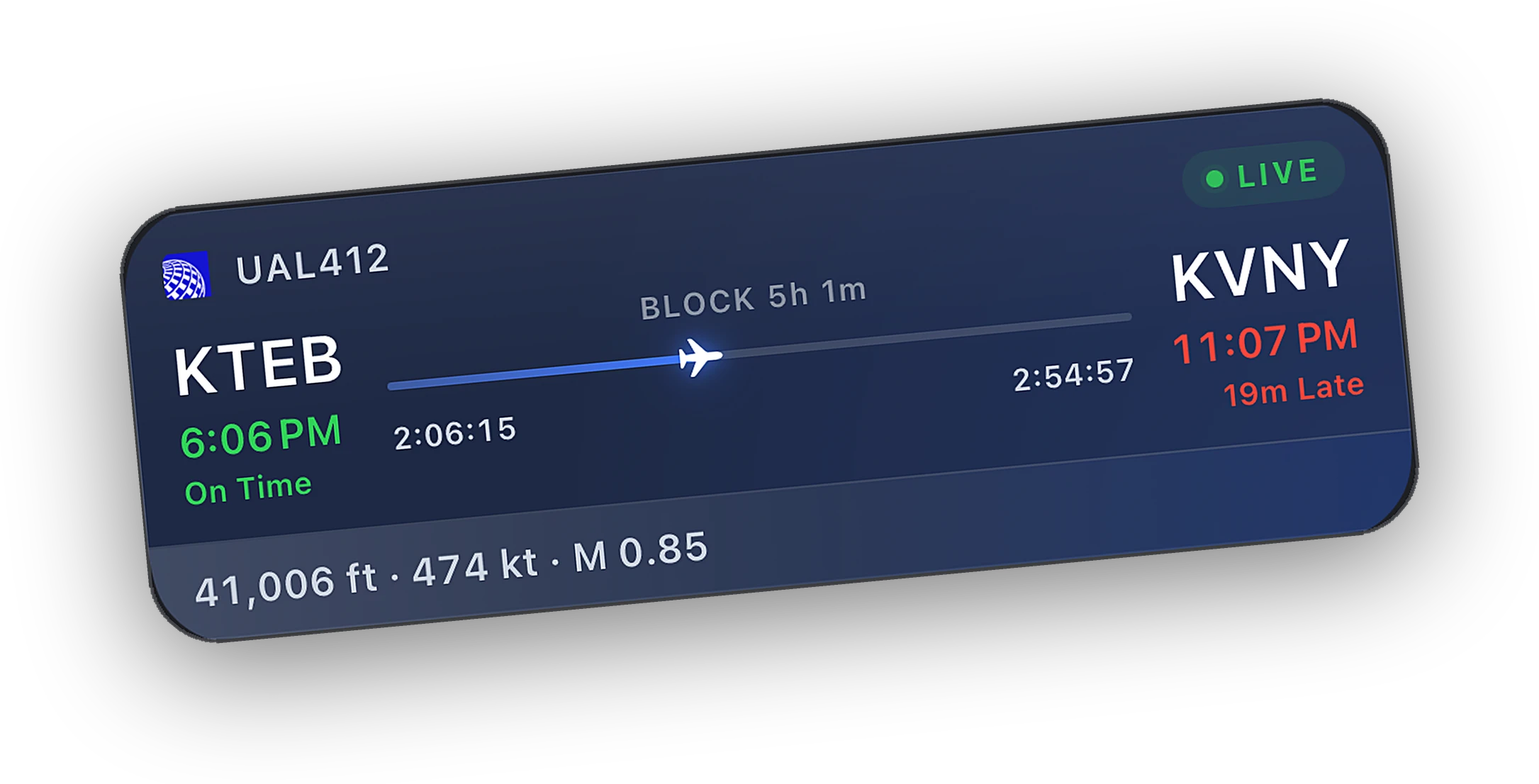
- Position, speed, altitude, and heading on the live map and Lock Screen
- Flight phase, top-of-descent alerts, and an automatic logbook entry
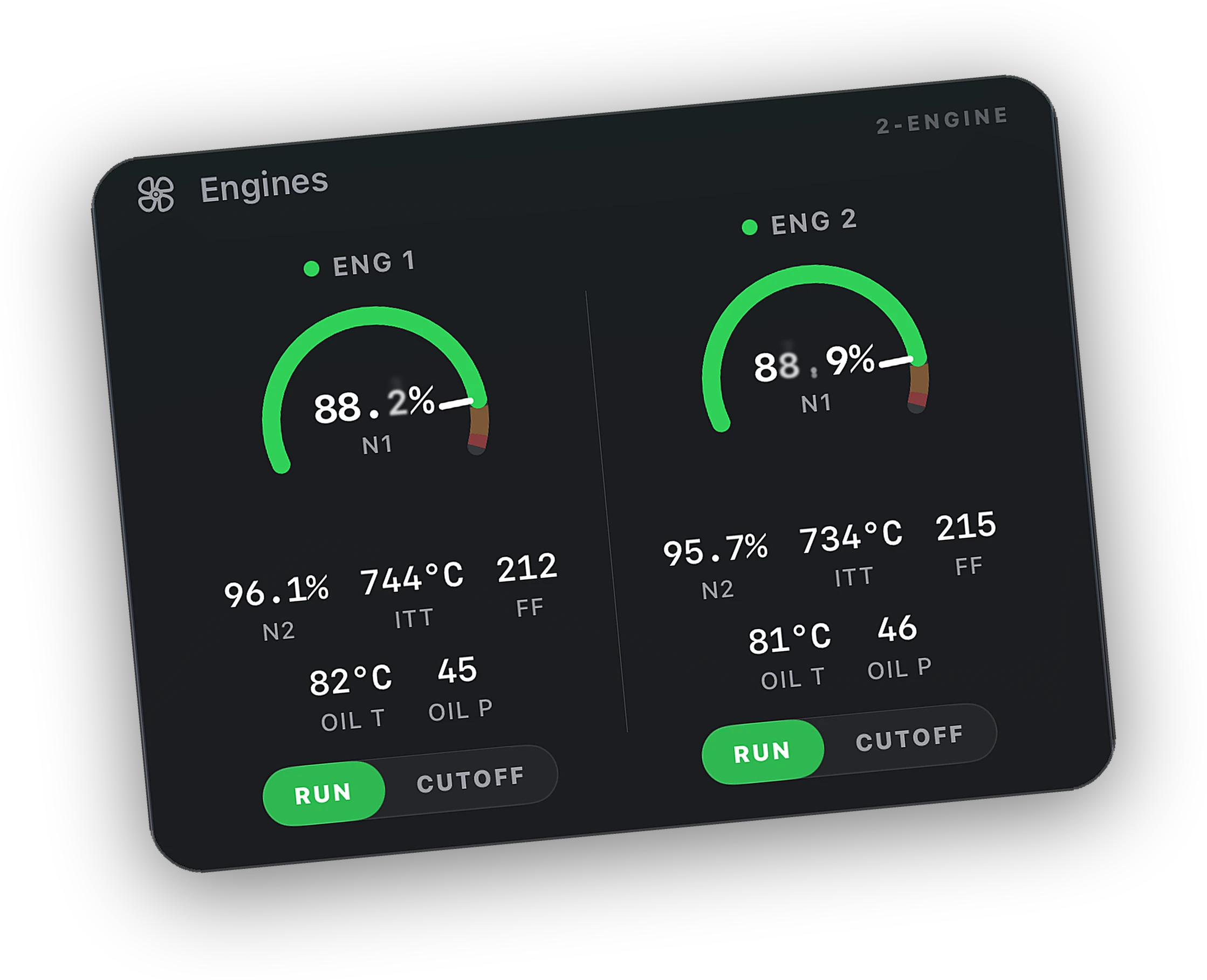
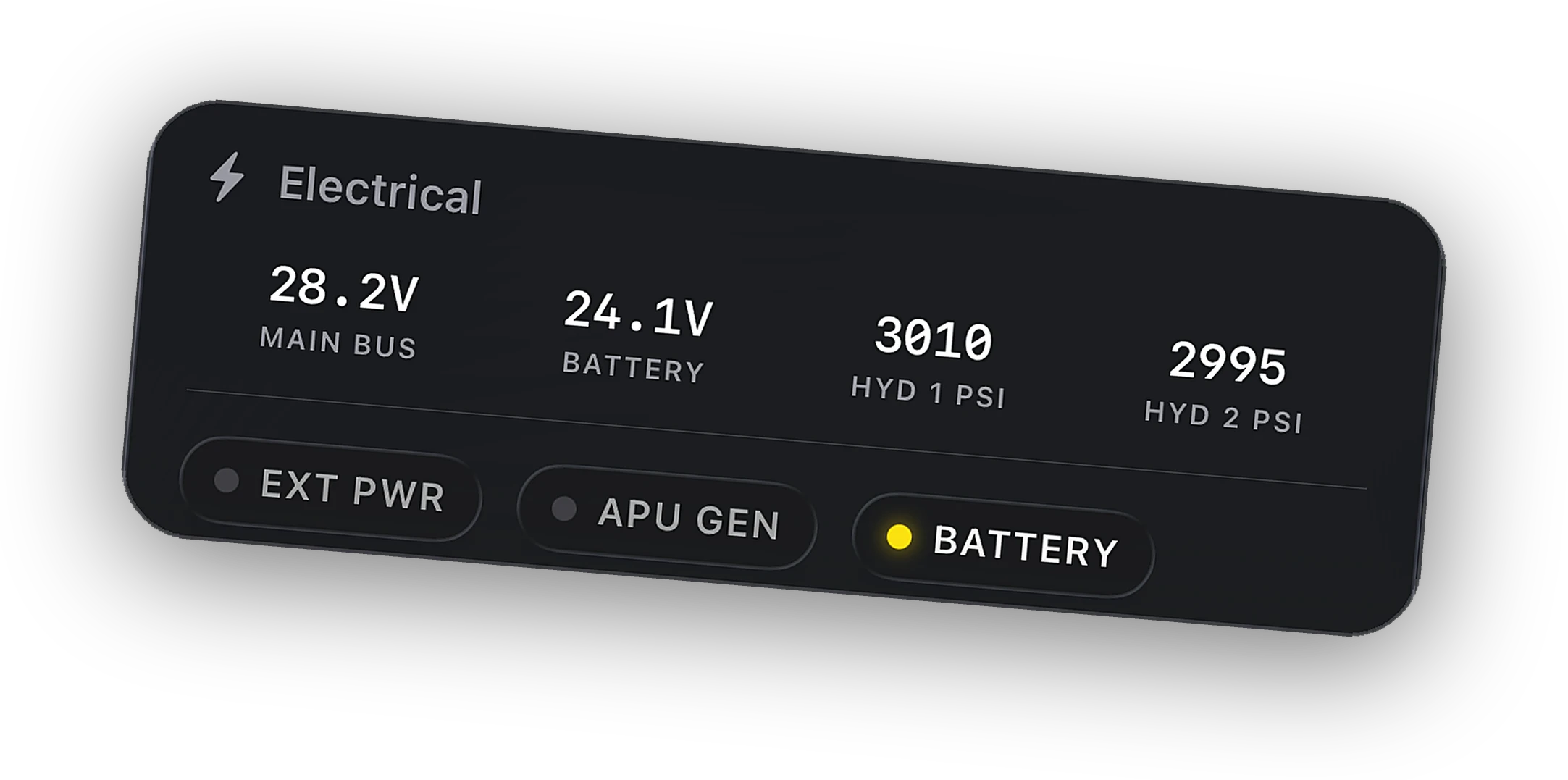
- Engines, fuel, electrical, and pressurization readouts
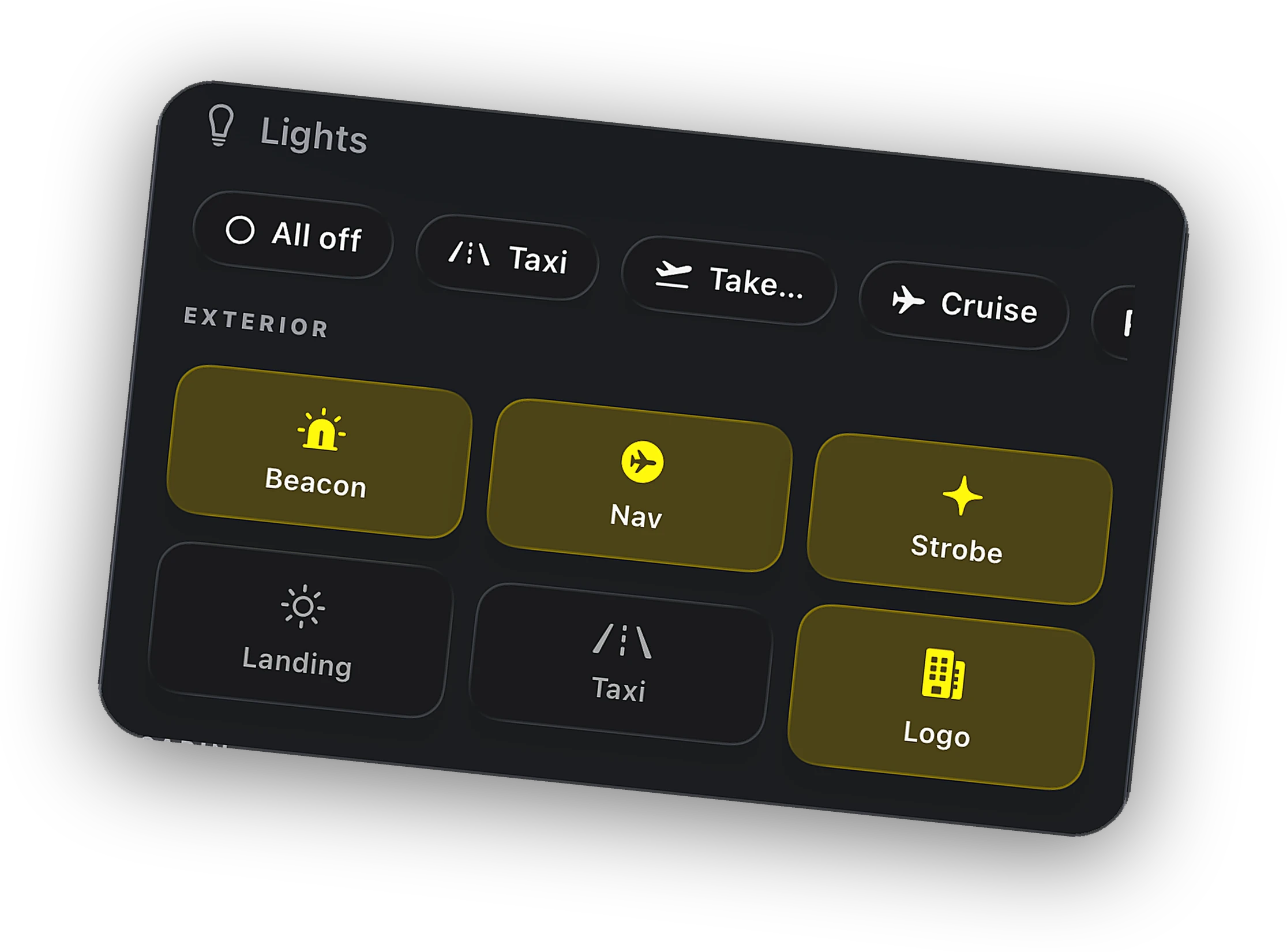
- Lights, gear, flaps, and cockpit switch states
- MCP speed, heading, altitude, and V/S targets
- COM1 and COM2, active and standby
- Autopilot disconnect, engine failure, and sim paused alerts
What you can control with Peak
- MCP speed, heading, altitude, and V/S through PMDG SDK selector events
- Autopilot, flight director, autothrottle, and mode buttons, best effort
- Lights, parking brake, seatbelt signs, and pitot heat, best effort
- Engine start and cutoff, APU, gear, and flaps, best effort
- COM1 and COM2 tuning and swap, best effort
- Camera views, pause, scheduled pause, and sim rate
System by system
What the Bridge does today with this aircraft, read from its source, not a wish list.
| System | Read, free | Control, Peak |
|---|---|---|
| Flight data and phasePosition, speeds, altitude, phase, logbook | Live | Read only |
| MCP speed, heading, altitude, V/SPMDG SDK selector events, one detent per click | Live | Supported |
| Autopilot mode buttonsAircraft controls first, then standard events | Live | Best effort |
| Exterior lightsStandard sim light events | Live | Best effort |
| Cockpit switchesParking brake, seatbelt signs, pitot heat, spoilers | Live | Best effort |
| Engines and APUStart and cutoff per engine, APU | Live | Best effort |
| Fuel, electrical, pressurizationLive readouts on the Systems tab | Live | Read only |
| COM radiosCOM1 and COM2, active and standby | Live | Best effort |
| Gear and flapsStandard sim events | Live | Best effort |
| Camera, pause, sim rateSim-level, independent of the aircraft | Live | Supported |
Good to know before you fly
The MCP selectors use the event IDs PMDG publishes in its SDK. Nothing to install beyond the Bridge, and nothing to configure in the aircraft.
The Bridge looks for PMDG and a 737 type in the aircraft title, so every 737 variant and livery is covered. The PMDG 777 is not part of this profile and uses the standard path.
Lights, engines, and overhead switches go out as standard sim events. The PMDG 737 models its own systems, so some may not follow. Cobalt reads each result back and tells you when a command did not land.
Each MCP value is set by turning the selector one detent at a time, in quick bursts. Heading always takes the short way around. A 20,000 ft altitude change is 200 clicks, so give it a second.
Questions, answered.
Does Cobalt work with the PMDG 737?
Yes, in MSFS 2020 and MSFS 2024. Tracking, the live map, Live Activities, and the logbook are free. With Peak, Cobalt sets MCP speed, heading, altitude, and V/S through PMDG's SDK events. Other switches are sent as standard sim events and confirmed by read-back.
Do I need to install anything for the PMDG 737?
No. Install the free Cobalt Bridge on the sim PC. The MCP path uses events the aircraft already understands, so there is no add-on, module, or aircraft setting to change.
Does it work with the PMDG 777?
Tracking, the map, alerts, and the logbook work with the 777 like any aircraft. The 777 uses a different SDK event block, so its MCP is not part of the 737 profile and goes through standard events, which it may ignore.
Can I use the MCP mode buttons from my phone?
Yes, with Peak, on a best effort basis. Cobalt presses the aircraft's own published controls when they exist, falls back to standard events, and checks the panel afterwards. If a mode did not engage, the Autopilot card tells you.
Is this an official PMDG product?
No. Cobalt is an independent companion app that works with the PMDG 737 through its public SDK. Cobalt is not affiliated with PMDG.
Other aircraft
How Cobalt works with the rest of the hangar.
Launching Saturday, October 10.
Join the list and the launch code lands in your inbox the moment the app is live. 10% off Peak.
Compatibility reflects Cobalt Bridge as of October 2026. Aircraft updates can change what works. Product names belong to their owners. Not affiliated with PMDG.