
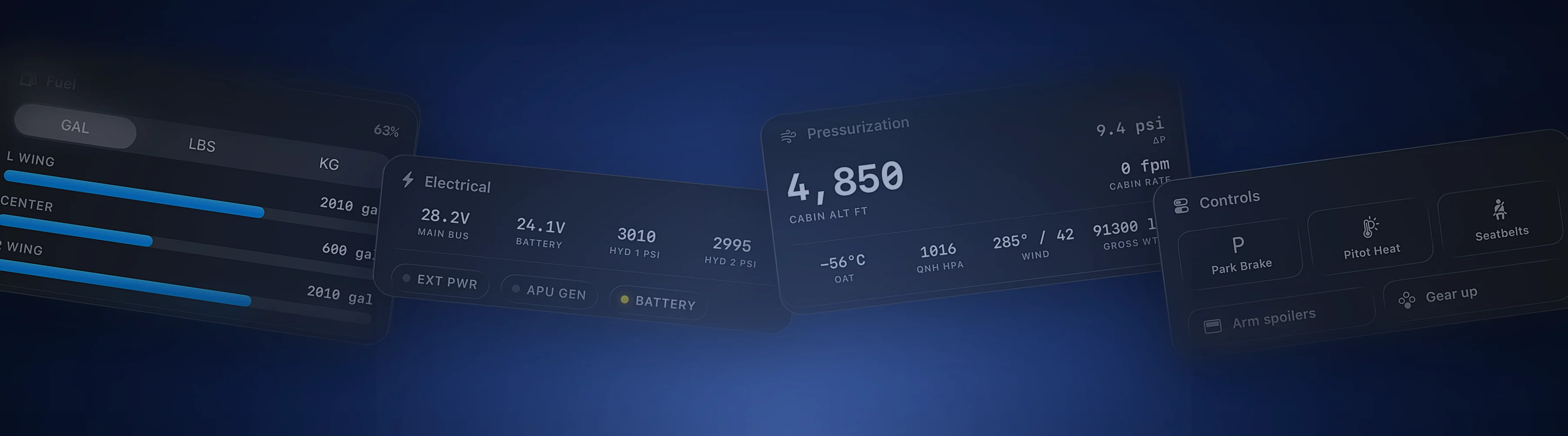
Cobalt and Stream Deck, side by side.
Stream Deck puts programmable keys on your desk. Cobalt puts the aircraft's systems and the whole flight on your phone.
Free to fly. MSFS 2020, 2024, X-Plane 11 and 12. iPhone and iPad.
Control, the phone, and setup.
The features sim pilots ask about most, in plain terms.
| Feature | Cobalt | Stream Deck |
|---|---|---|
| Control | ||
| Physical keys you can press by feel | Not listed | YesDials and a touch strip on Stream Deck + |
| Autopilot, lights, and switches | YesPeak | YesWith a flight sim plugin or profile |
| Live values from the sim | YesFree, on every card | Depends on the plugin |
| Works without building a layout | YesCards adapt to the aircraft | Import or build a profile |
| Controls other apps on the computer | Not listed | Yes |
| On the phone | ||
| Phone and tablet app | YesFree | YesStream Deck Mobile, 6 keys free |
| Connection | Home Wi-Fi, or anywhere with Peak Relay | Wi-Fi to the computer running Stream Deck |
| Live map with network traffic | Yes | Not listed |
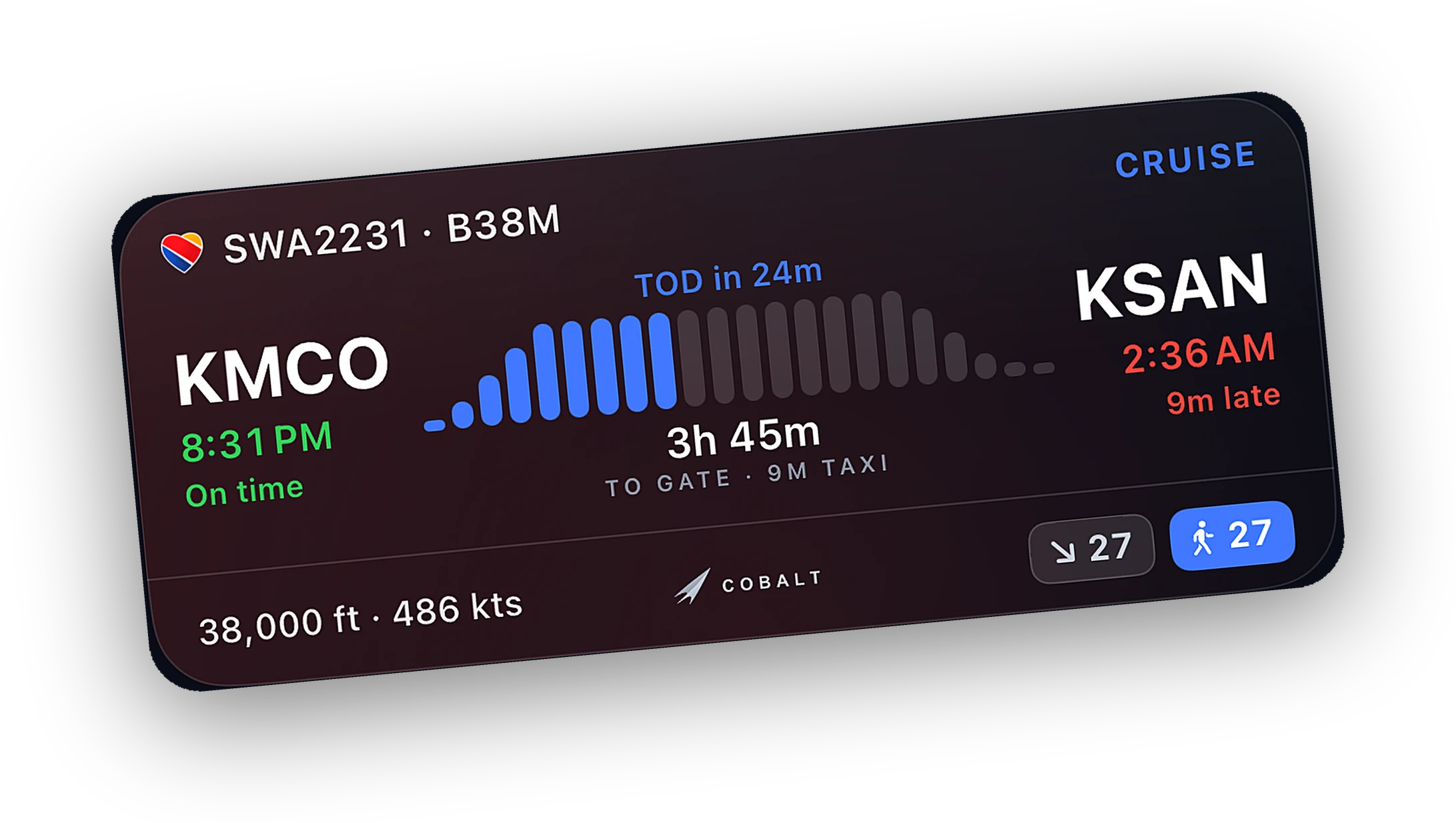
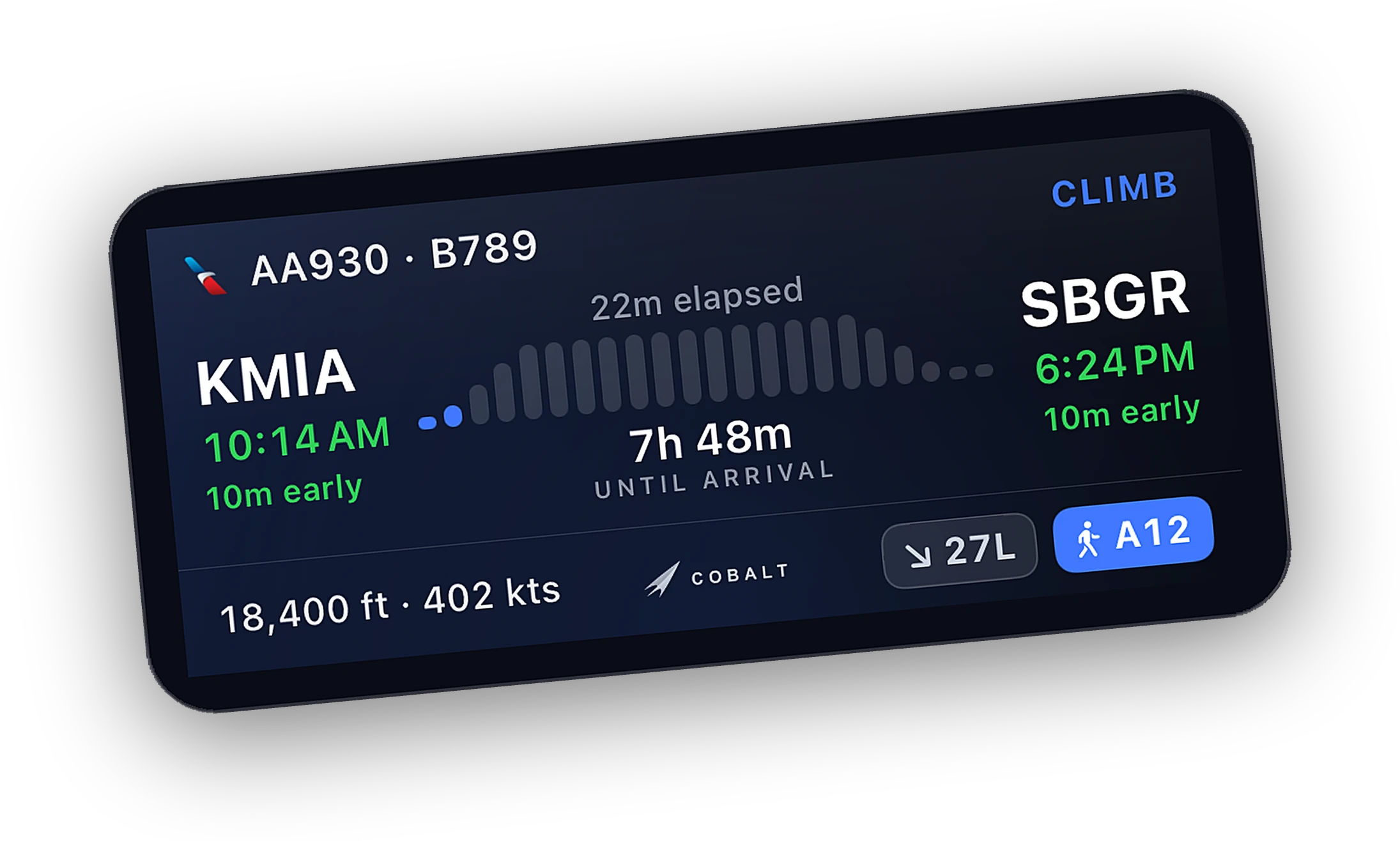
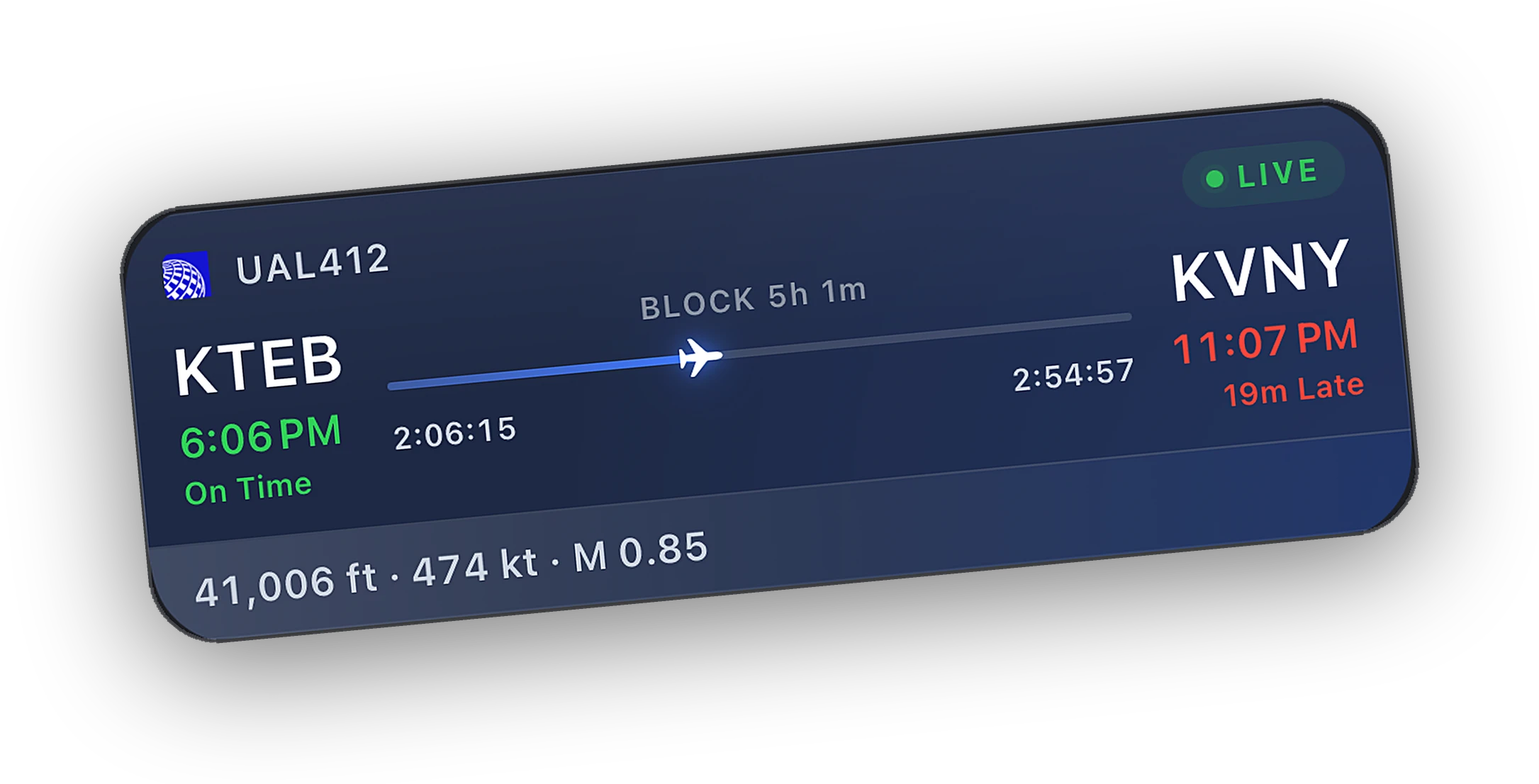
| Lock Screen Live Activity | Yes | Not listed |
| Automatic logbook | Yes | Not listed |
| Setup | ||
| Computer software | Cobalt Bridge for Windows and macOS | Stream Deck app for Windows and macOS |
| Simulators | MSFS 2020 and 2024, X-Plane 11 and 12 | Plugins and profiles exist for MSFS and X-Plane |
Stream Deck details come from Elgato's own pages and store listings. A dash means the feature is not listed there.
Last reviewed October 2026. Something out of date? Tell us at cobaltsim.com/support.
Built around the phone and the flight.
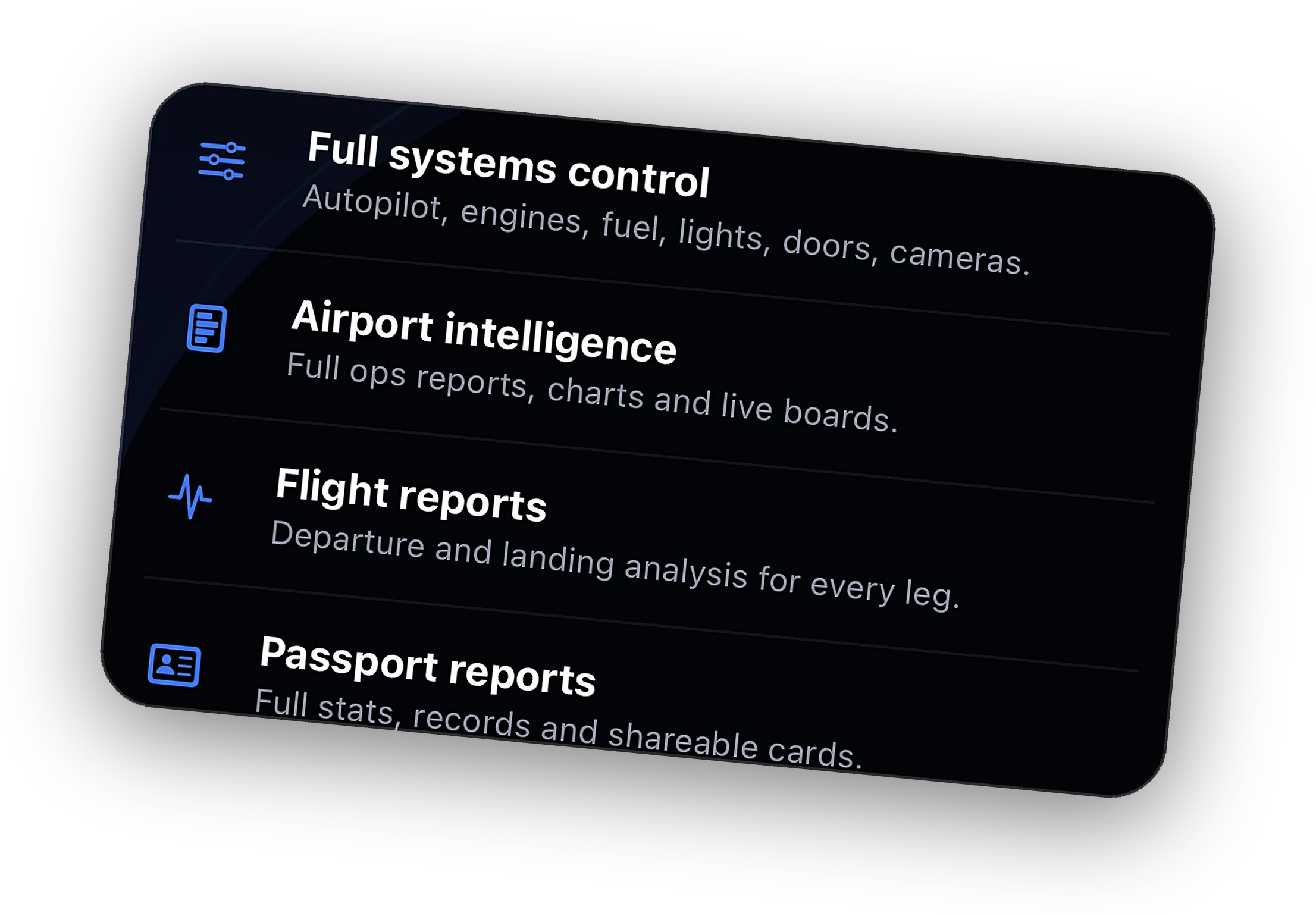
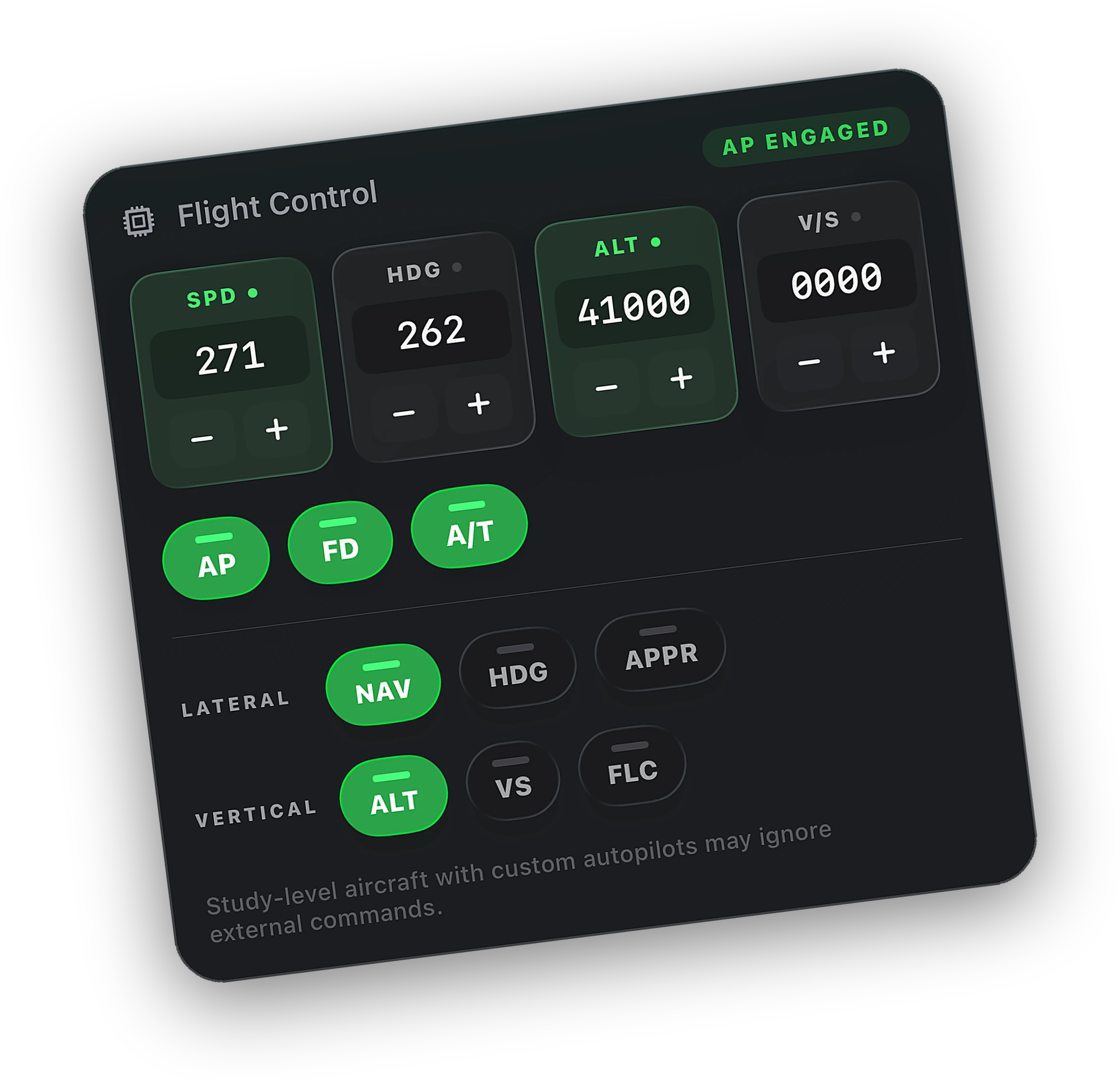
Every card shows live state for free. You see the autopilot targets and the light switches, then change them with Peak.
The Bridge recognizes the loaded aircraft. The Fenix A320, FlyByWire A32NX, and PMDG 737 get dedicated autopilot profiles.
The live map, the Lock Screen, ATC alerts, and a logbook that writes itself, in the same app.
When to choose Stream Deck.
Stream Deck is very good at what it does. Here is when it is the better pick, and when Cobalt is.
Choose Stream Deck if
- You want real keys you can press without looking.
- You already own one for streaming or work.
- You enjoy building a layout for each aircraft.
- You want one device for the sim and every other app on the computer.
Choose Cobalt if
- You want live readouts and controls without building profiles.
- You want to leave the desk and keep the flight.
- You want the map, Lock Screen, ATC alerts, and logbook as well.
- You would rather use the phone you already carry.
Keys at the desk. Cobalt everywhere else.
Keep the Stream Deck for the switches you hit by feel during the busy phases. Both send standard commands to the sim, and the sim stays the source of truth.
Use Cobalt for the hours you are not at the desk. Cruise on the Lock Screen, a new altitude from the couch, and the top-of-descent alert that calls you back.
Questions, answered.
Can my iPhone replace a Stream Deck for MSFS?
For many pilots, yes. With Peak, Cobalt controls autopilot, lights, engines, electrical, and cameras from iPhone or iPad, and it shows live readouts for free. If you want physical keys you can press without looking, a Stream Deck still does that best.
Is Cobalt the same as Stream Deck Mobile?
No. Stream Deck Mobile turns a phone into a programmable keypad for the Stream Deck app on your computer. Cobalt is a flight sim companion. It reads the aircraft and the flight, with controls built in.
Do I need sim plugins for Cobalt?
No. Install the Cobalt Bridge on the sim computer. For VATSIM messaging on MSFS there is an optional vPilot plugin, installed from the Bridge in one tap.
Will Cobalt conflict with my Stream Deck plugin?
No. Cobalt sends the same kind of events your panel sends. The sim stays the source of truth and Cobalt's cards update to match whatever you press.
Keep exploring
More comparisons and the features behind them.
Cobalt is not affiliated with Elgato or Stream Deck. Product names belong to their owners.
Launching Saturday, October 10.
Join the list and the launch code lands in your inbox the moment the app is live. 10% off Peak.