
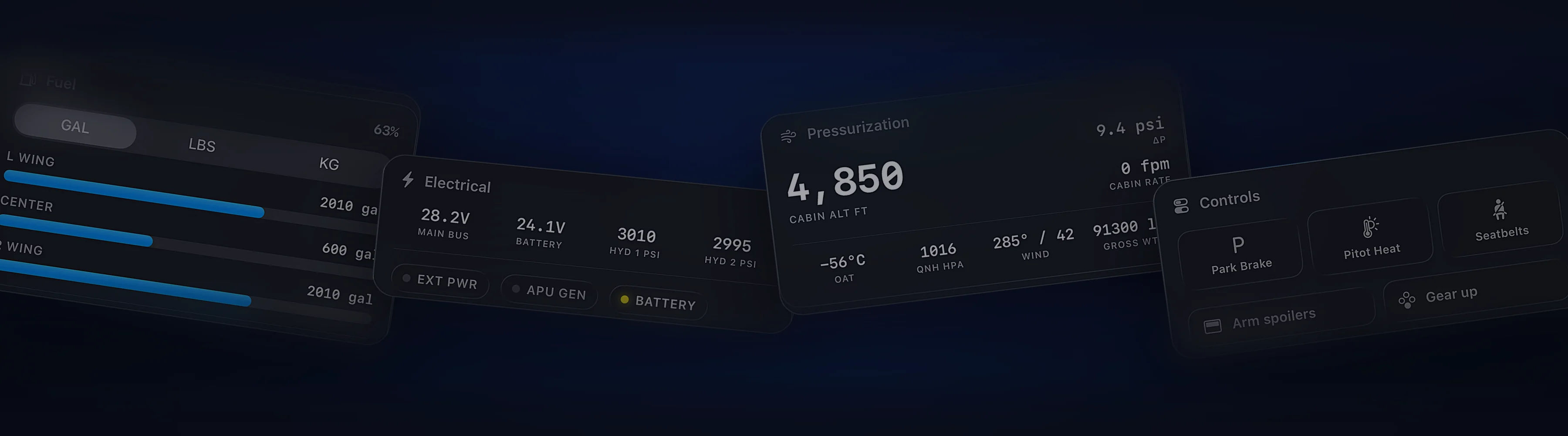
Cobalt and SPAD.neXt, side by side.
SPAD.neXt makes the hardware on your desk talk to the sim. Cobalt puts the aircraft and the whole flight on your phone.
Free to fly. MSFS 2020, 2024, X-Plane 11 and 12. iPhone and iPad.
Hardware, the flight, and setup.
The features sim pilots ask about most, in plain terms.
| Feature | Cobalt | SPAD.neXt |
|---|---|---|
| Hardware and control | ||
| Drives panels, yokes, and button boxes | Not listedRuns alongside your hardware | YesSaitek and Logitech panels, joysticks, and many cockpit devices |
| Stream Deck and Loupedeck | Not listed | YesComplete Edition |
| Build your own profiles and logic | Not listedCards adapt to the loaded aircraft | YesProfiles, plus shared device snippets |
| Gauges on a screen | Not listedClean cards, not gauge replicas | YesVirtual FIP, with an in-app gauge market |
| Touch controls on a tablet | YesPeak, in the iPhone and iPad app | YesvDeck and vFIP in a web browser, Complete Edition or add-on |
| The flight | ||
| Live map with VATSIM and IVAO traffic | Yes | Not listed |
| Lock Screen Live Activity | Yes | Not listed |
| Automatic logbook and landing grade | Yes | Not listed |
| ATC alerts and messaging | YesAlerts free, replies with Peak | Not listed |
| Away from home | YesPeak, over cellular Relay | Not listed |
| Setup | ||
| Simulators | MSFS 2020 and 2024, X-Plane 11 and 12 | MSFS 2020 and 2024, X-Plane, Prepar3D, FSX, and older sims |
| Racing, truck, and train sims | Not listed | YesiRacing, Euro Truck Simulator 2, Train Sim World, and more |
| Computer software | Cobalt Bridge for Windows and Mac | Windows, 64-bit |
| How you pay | Free, with optional Peak | Lifetime license with a year of updates, after a 14-day full trial |
SPAD.neXt details come from the SPAD.neXt website and documentation. A dash means the feature is not listed there.
Last reviewed October 2026. Something out of date? Tell us at cobaltsim.com/support.
Built around the phone and the flight.
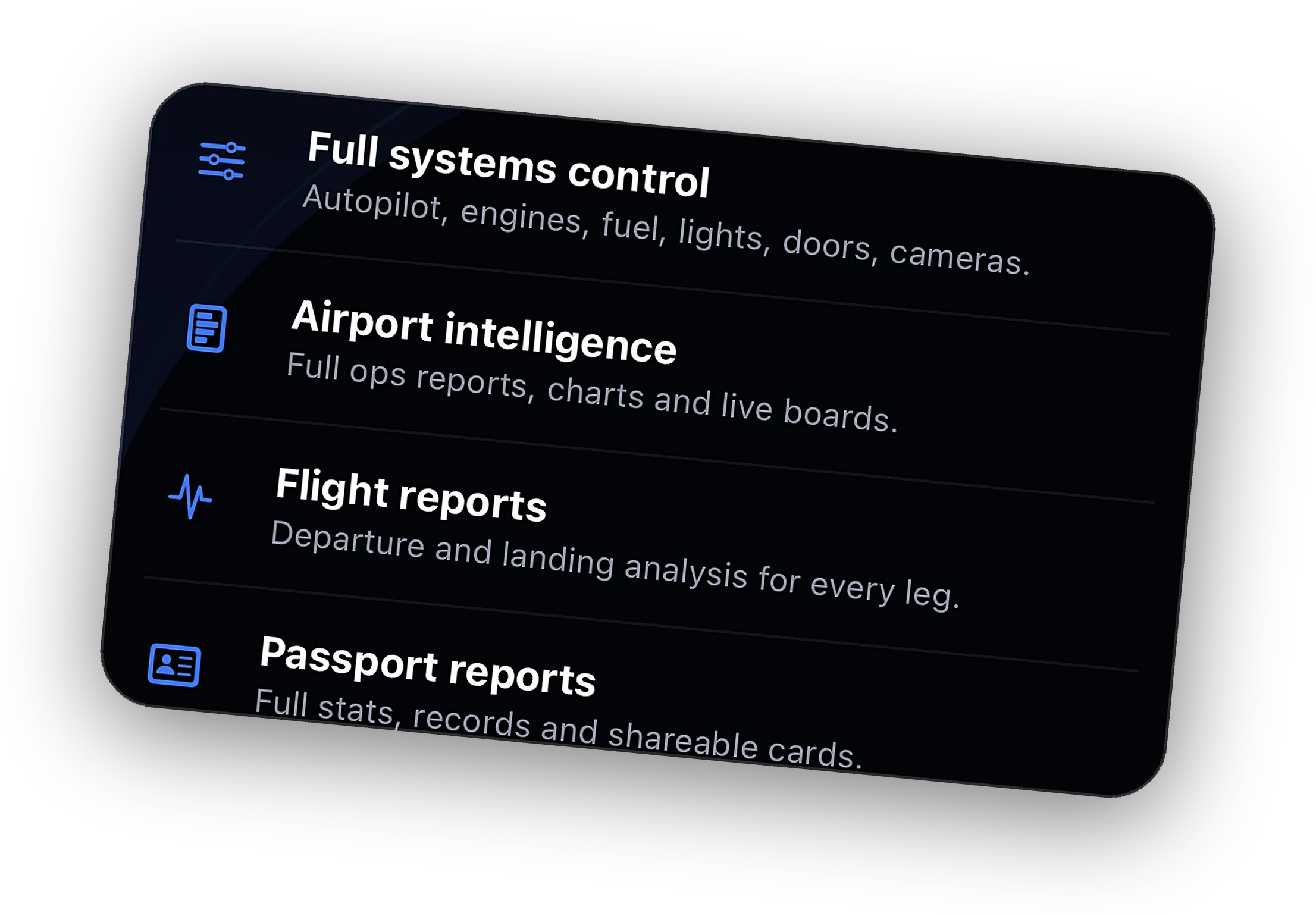
The Bridge recognizes the loaded aircraft and the cards adapt. The Fenix A320, FlyByWire A32NX, and PMDG 737 get dedicated autopilot profiles.
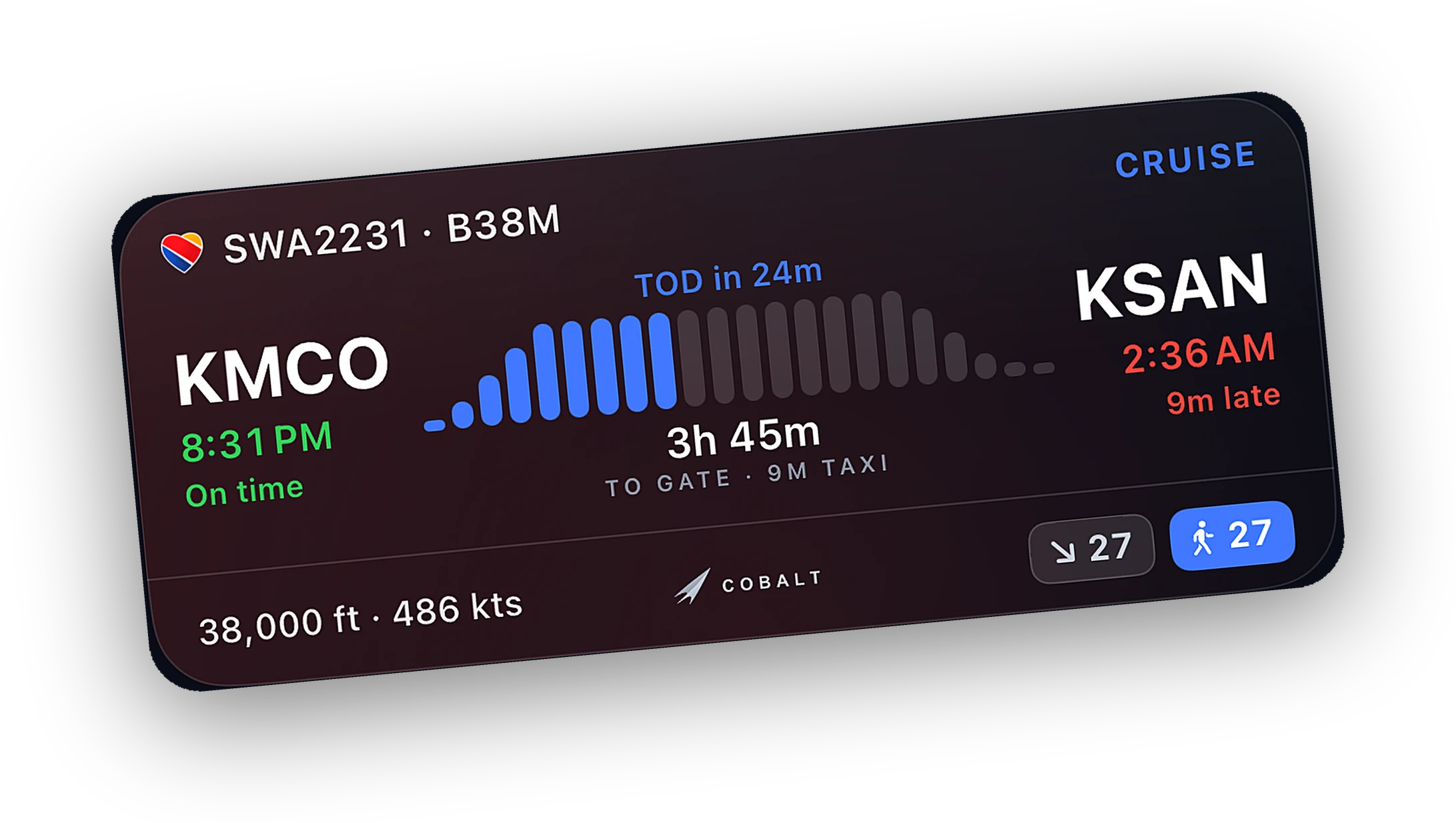
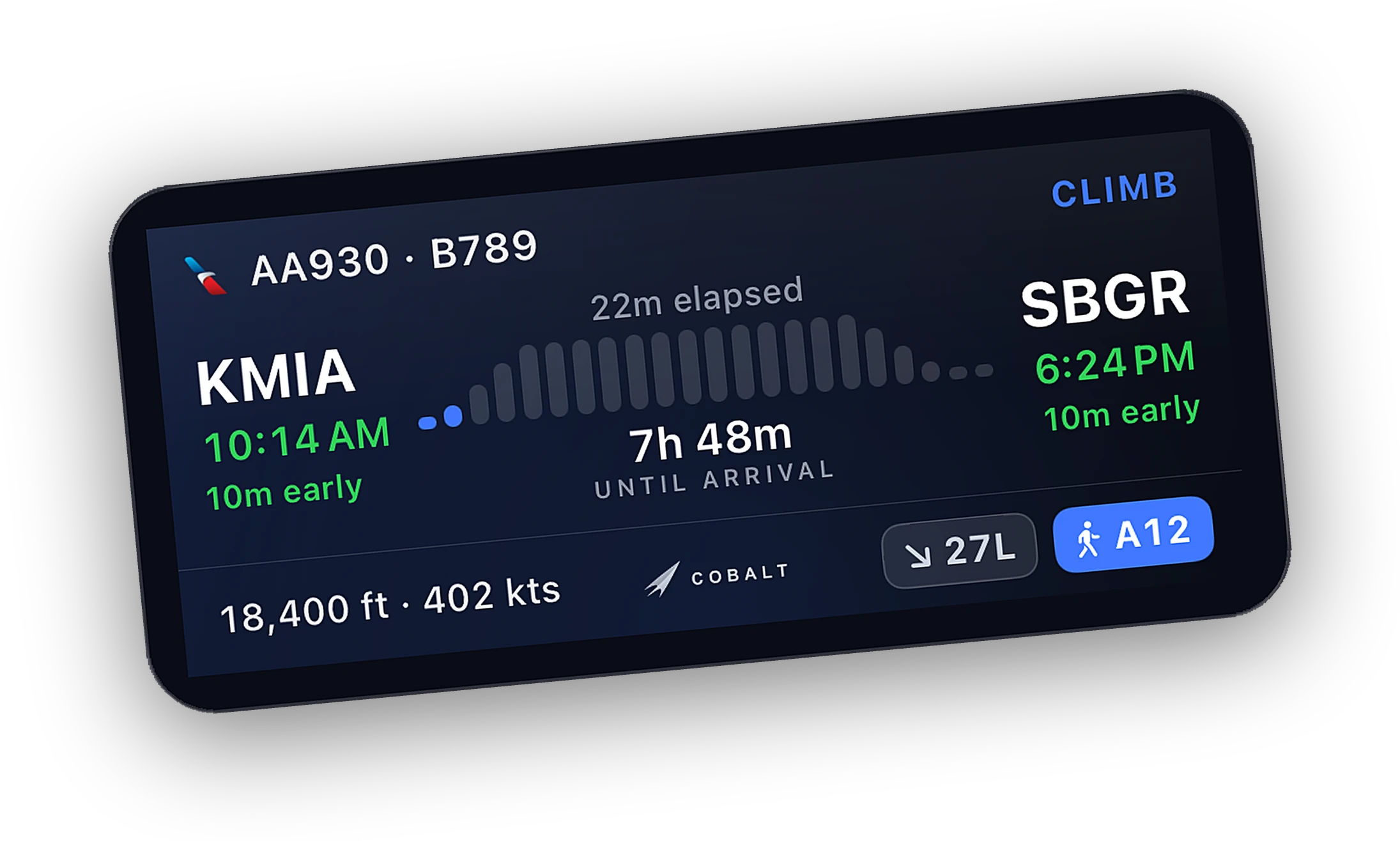
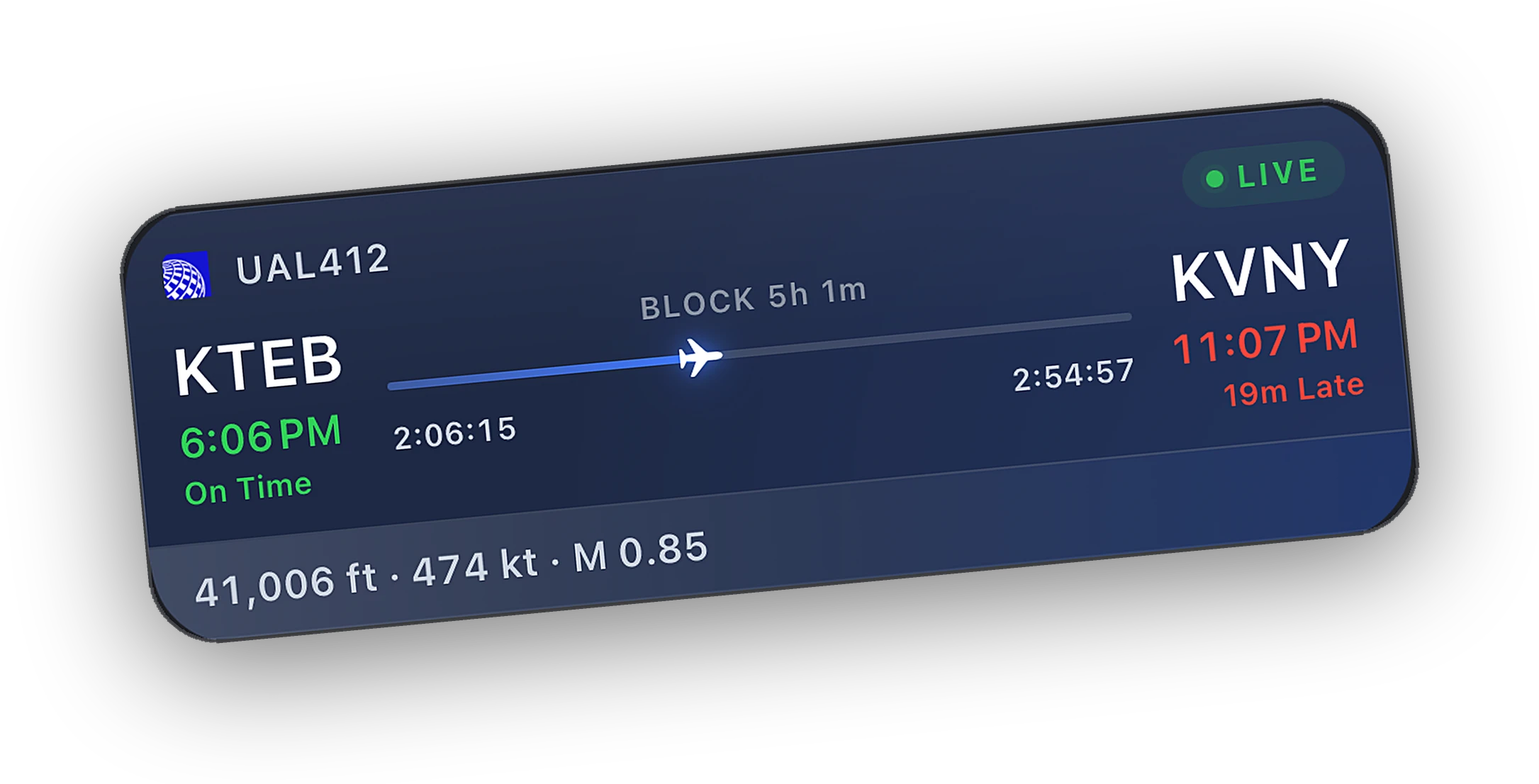
The live map, the Lock Screen, ATC alerts, and a logbook that writes itself, in the same app as the remote.
Every readout is free on home Wi-Fi. With Peak, change autopilot targets from the couch, or from anywhere over Relay.
When to choose SPAD.neXt.
SPAD.neXt is very good at what it does. Here is when it is the better pick, and when Cobalt is.
Choose SPAD.neXt if
- You fly with physical panels, a yoke, or a button box and want to decide exactly what each one does.
- You own Saitek or Logitech panels and want more than the stock drivers.
- You want gauges on a Flight Instrument Panel or a spare monitor.
- You also fly Prepar3D or FSX, or race and drive in other sims.
- You enjoy building profiles and sharing snippets.
Choose Cobalt if
- You want the flight on your iPhone, iPad, and Lock Screen with nothing to set up.
- You fly X-Plane on a Mac.
- You want a live map, ATC alerts, and a logbook that writes itself.
- You want to change autopilot targets from another room, or from anywhere with Relay.
Hardware at the desk. Cobalt in your pocket.
Keep SPAD.neXt for the panels, yokes, and keys in front of you. Cobalt connects to the sim through its own Bridge, so the two run side by side on the same flight.
The sim stays the source of truth. Flip a switch on your panel and Cobalt's cards update to match. Walk away and the flight comes with you.
Questions, answered.
Is Cobalt a SPAD.neXt alternative?
Not really. They do different jobs. SPAD.neXt makes hardware panels, yokes, and keypads work with the sim on Windows. Cobalt is a companion on iPhone and iPad with a live map, Lock Screen tracking, a logbook, and with Peak, a systems remote. Many pilots will want both.
Can SPAD.neXt and Cobalt run during the same flight?
Yes. Each one connects to the sim on its own, so they do not get in each other's way.
Does Cobalt work with my Saitek or Logitech panels?
Cobalt does not drive hardware. Keep SPAD.neXt or your panel software for that. Cobalt reads the sim, so whatever your panels change shows up on its cards.
Does Cobalt run on a Mac?
The Cobalt Bridge runs on Windows and Mac, and the app runs on iPhone and iPad. SPAD.neXt runs on Windows.
Is Cobalt affiliated with SPAD.neXt?
No. Cobalt is made by Cobalt Simulations and is not affiliated with SPAD.neXt.
Keep exploring
More comparisons and the features behind them.
Cobalt is not affiliated with SPAD.neXt, Elgato, Logitech, or Saitek. Product names belong to their owners.
Launching Monday, October 12.
Join the list and the launch code lands in your inbox the moment the app is live. 10% off Peak.