The short answerSet up Cobalt and the Bridge at home, then add Peak for Relay. Relay carries the connection over the internet, so the Live Activity, alerts, and the systems remote keep working on cellular. Before you leave, make sure the PC will not sleep, the autopilot and fuel can carry the leg, and top-of-descent alerts are on. If the phone drops, the Bridge keeps recording on the PC and fills the gap when you reconnect.
What you need
- Cobalt on iPhone, signed in with your Cobalt account. Relay needs an account, not a guest session.
- Cobalt Bridge on the sim PC, activated while you are signed in.
- Cobalt Peak for Relay and remote control. The free plan covers your home Wi-Fi.
- A sim PC set to stay awake for the whole leg.
- Notifications allowed for Cobalt.
Home Wi-Fi versus away
At home, the phone talks to the Bridge directly over your Wi-Fi. That is free and never leaves your network. Once you leave, the phone and the PC are on different networks and cannot find each other. Relay solves that. The Bridge and the phone both connect out to Cobalt's relay server over an encrypted connection, and the relay passes telemetry, commands, camera frames, and ATC messages between them. You do not open any ports on your router.
Relay is part of Peak. Without it, there is still one way to follow a flight you are flying online: adopt your own VATSIM or IVAO flight as yours, and Cobalt tracks it from the public network feed. You get position, progress, an ETA, and the Live Activity, but not your aircraft's systems, and only while you stay connected to the network.
Before you leave the house
-
Connect once at home
Open Cobalt on home Wi-Fi with the Bridge running and the app signed in. The Bridge picks up its Relay credentials from your account on that direct connection. If Relay ever shows connected but no live track, this is the fix: connect directly at home once, then leave.
-
Stop the PC from sleeping
Windows power settings decide whether the flight survives. Set sleep to Never while plugged in, and turn off any screen saver that locks or suspends the session. A sleeping PC ends the flight, and no app can wake it from your pocket.
-
Turn on the alerts that matter
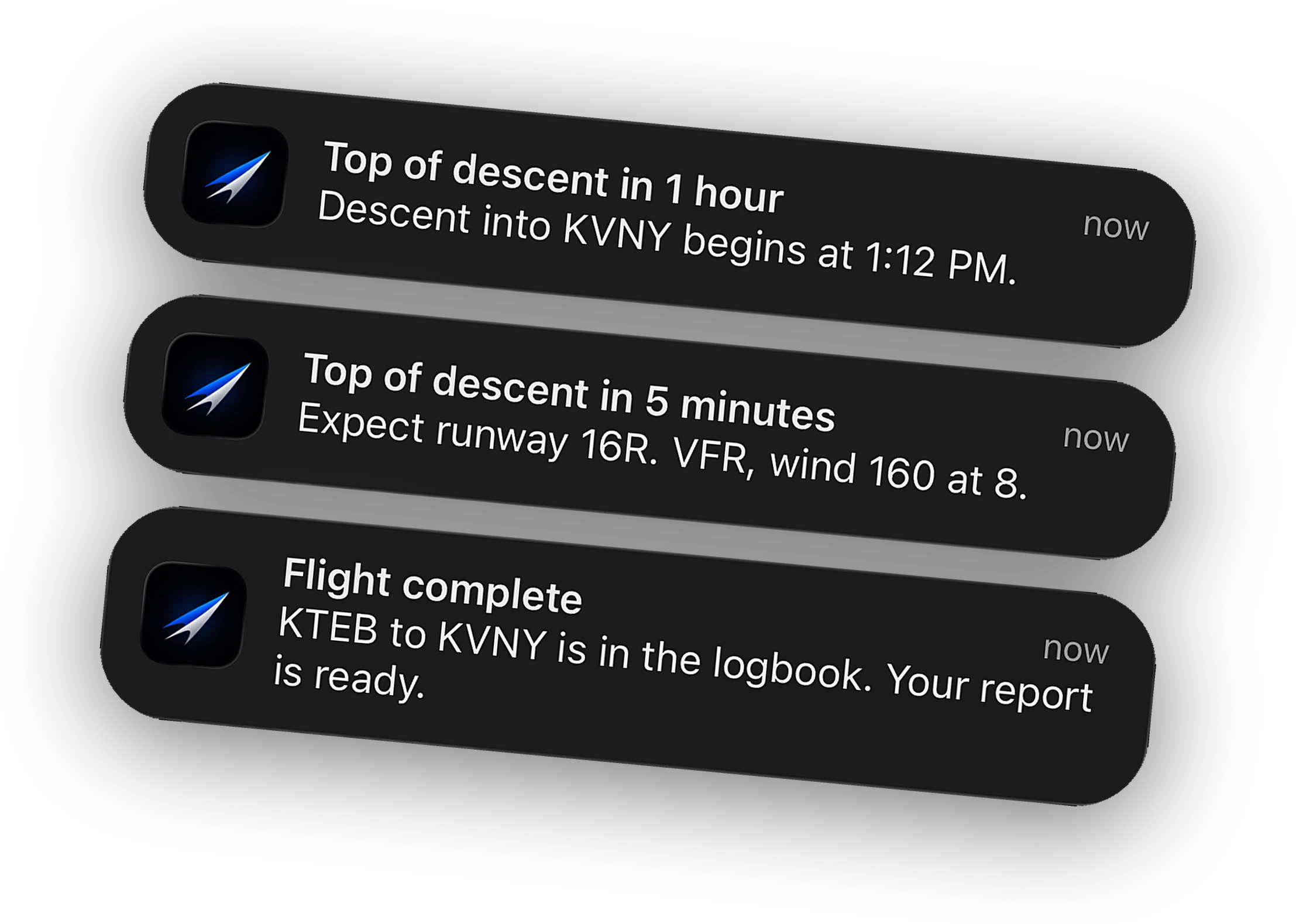
In Cobalt Settings, Notifications, check that phase changes and warnings and failures are on. Top-of-descent alerts arrive one hour out and five minutes out. Under Settings, Alerts, add a recurring fuel check or the TOD minus 10 template if you want one more nudge.
-
Schedule a pause before descent
With Peak, Cobalt can pause the sim at a time you pick, or just before top of descent, so the aircraft waits at cruise if you are running late. Set it from the phone before you go.
-
Make sure the aircraft can carry the leg
Cobalt watches the flight. It does not fly it. Before you walk away, confirm the autopilot is following the route, the fuel covers the leg with reserve, and the FMS has the arrival you expect. A missing waypoint found from a car park is still a missing waypoint.
What you can see and do from the road
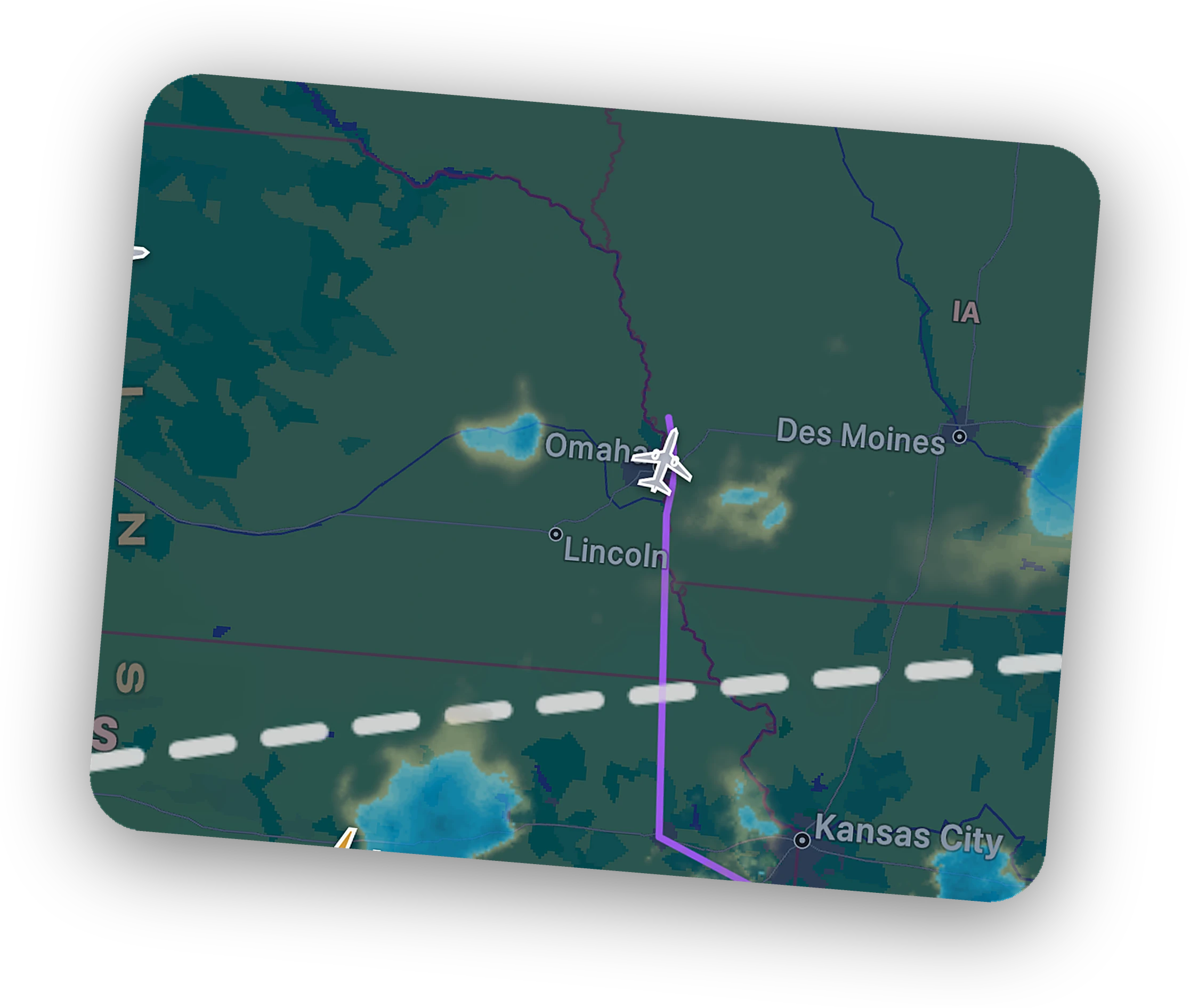
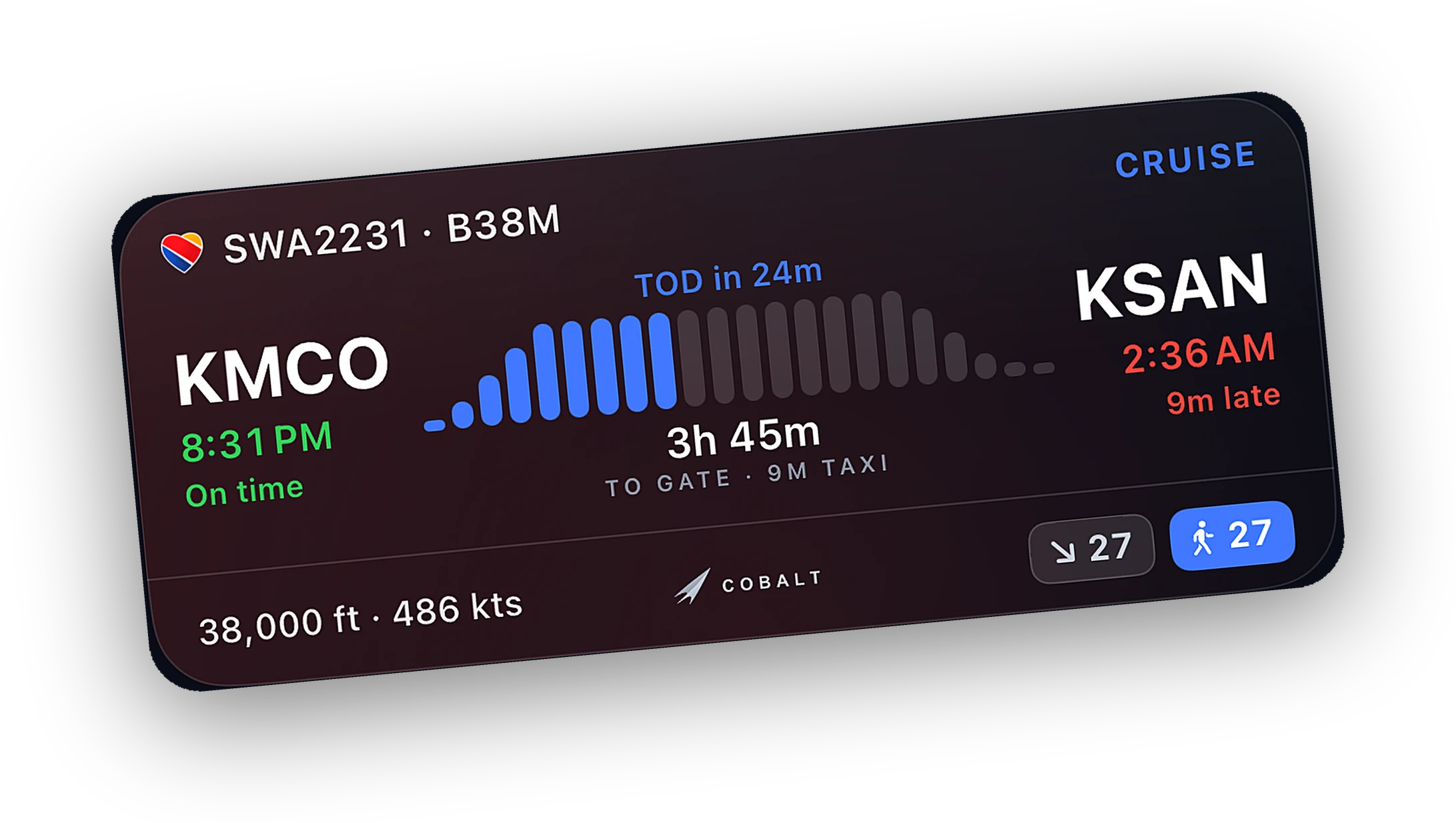
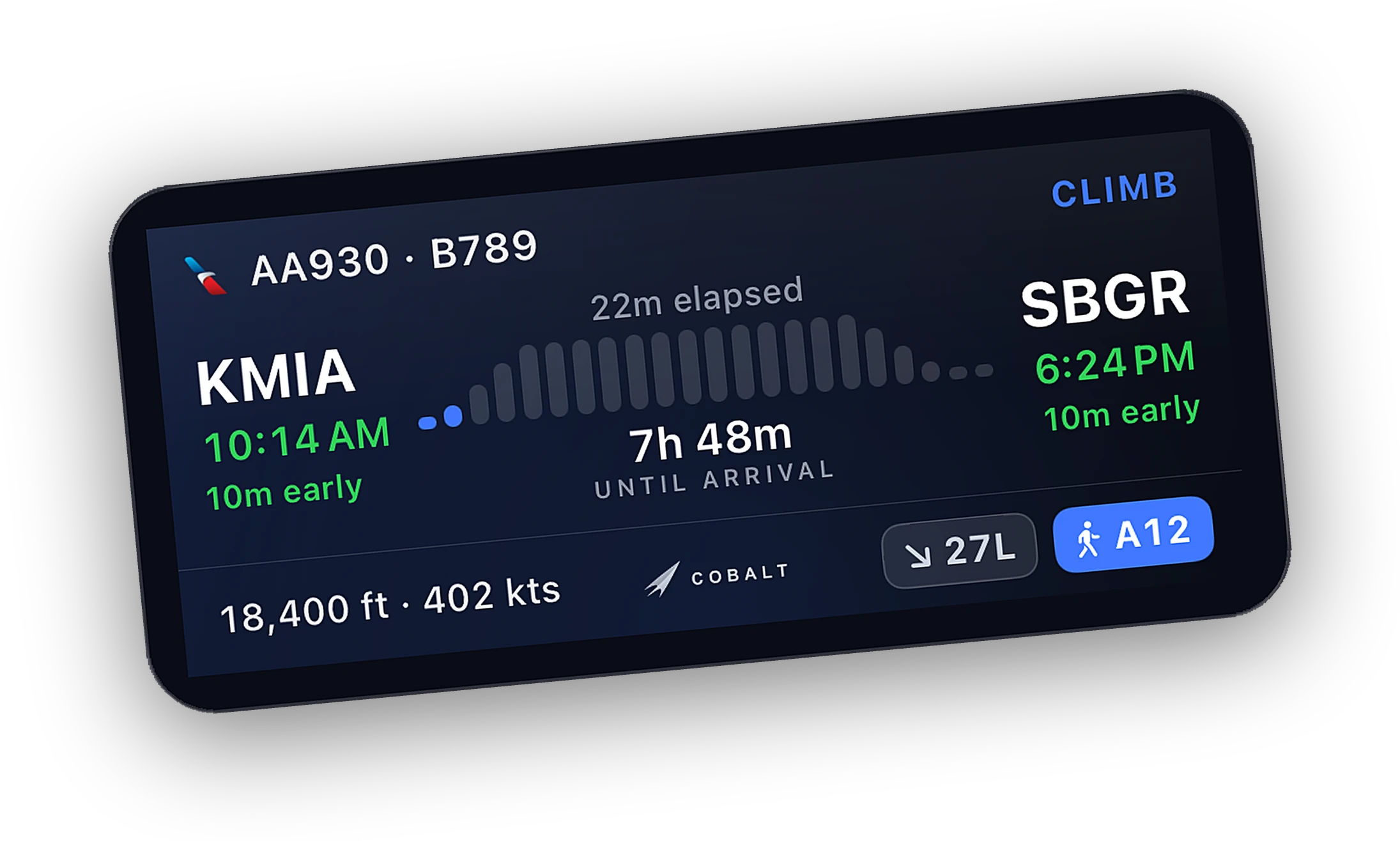
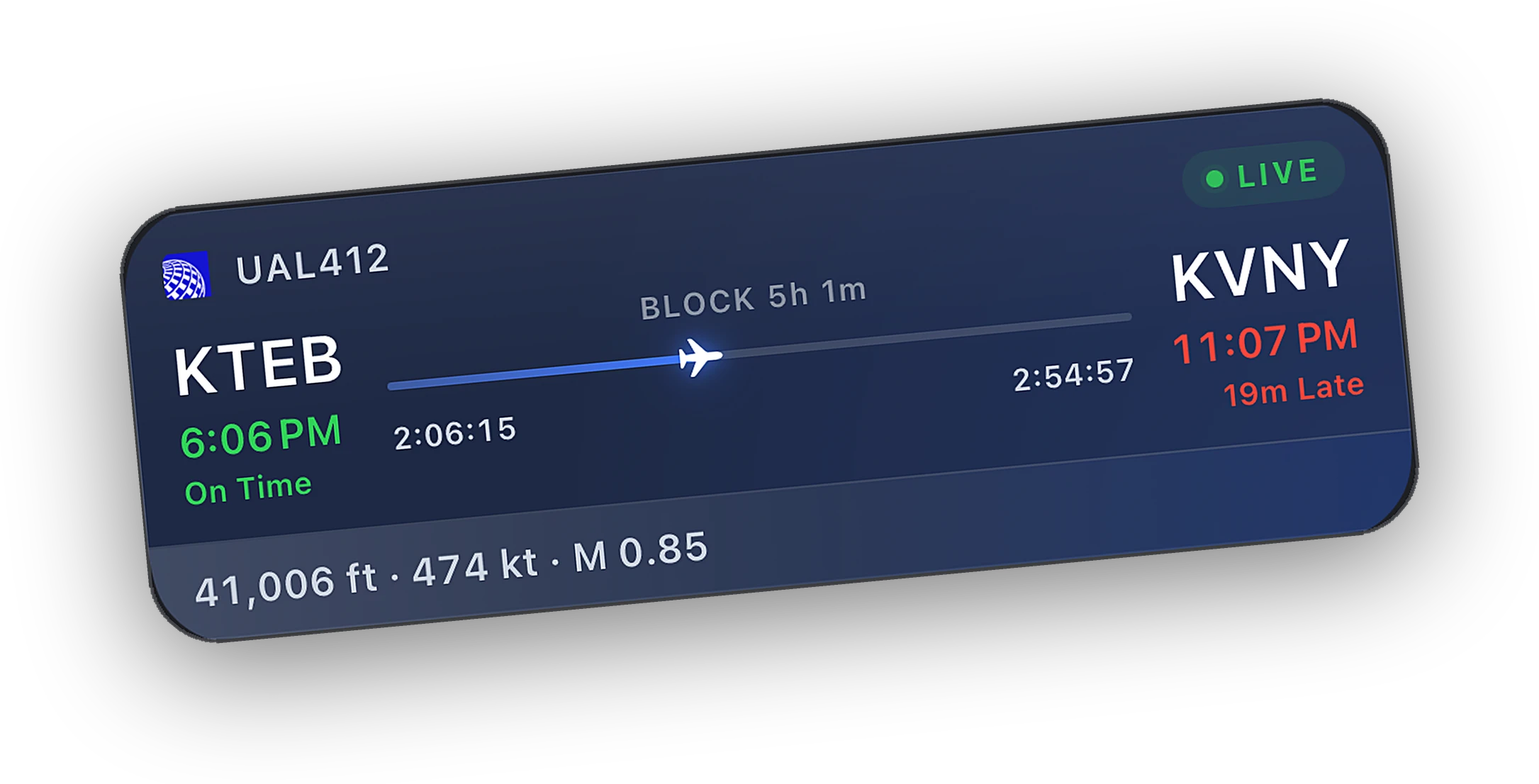
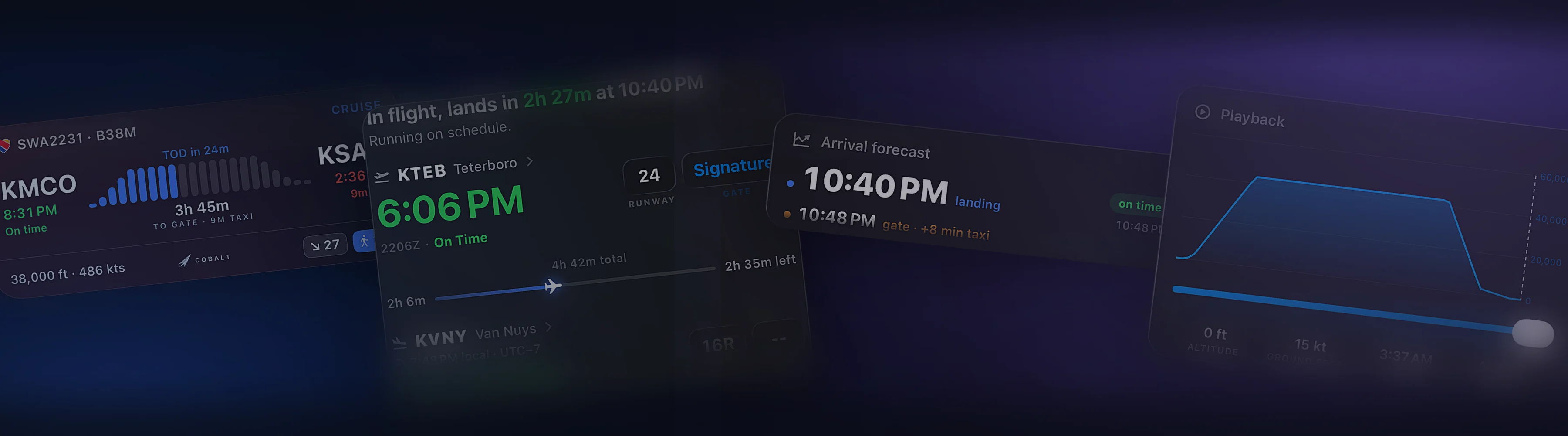
- Lock Screen and Dynamic Island. Phase, progress, altitude, and ETA, updating over Relay.
- Alerts. Top of descent, step climbs, sim paused, sim crashed, engine failure, autopilot disconnect, cabin altitude above 10,000 ft, and low fuel at about 45 and 20 minutes left at the current burn.
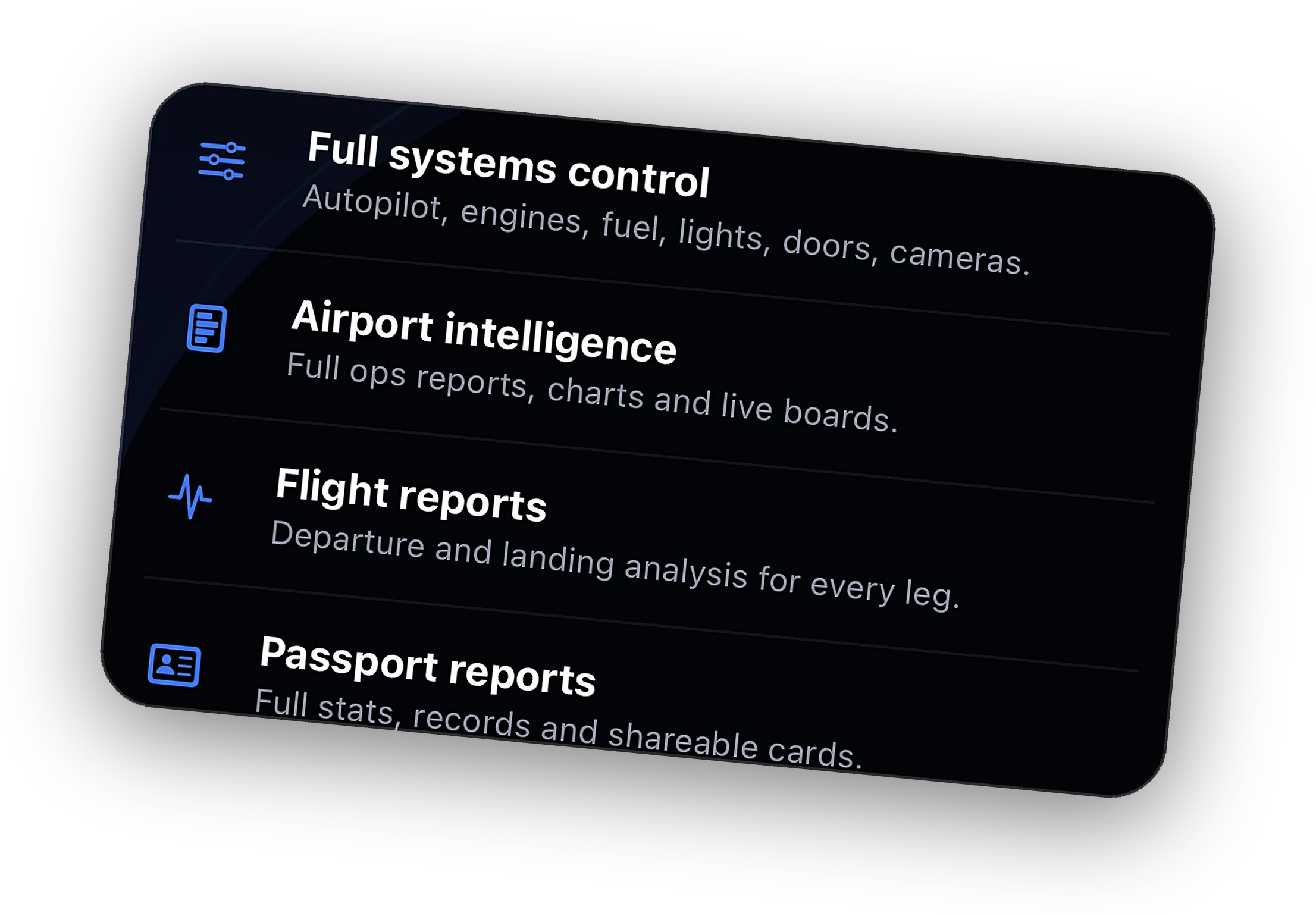
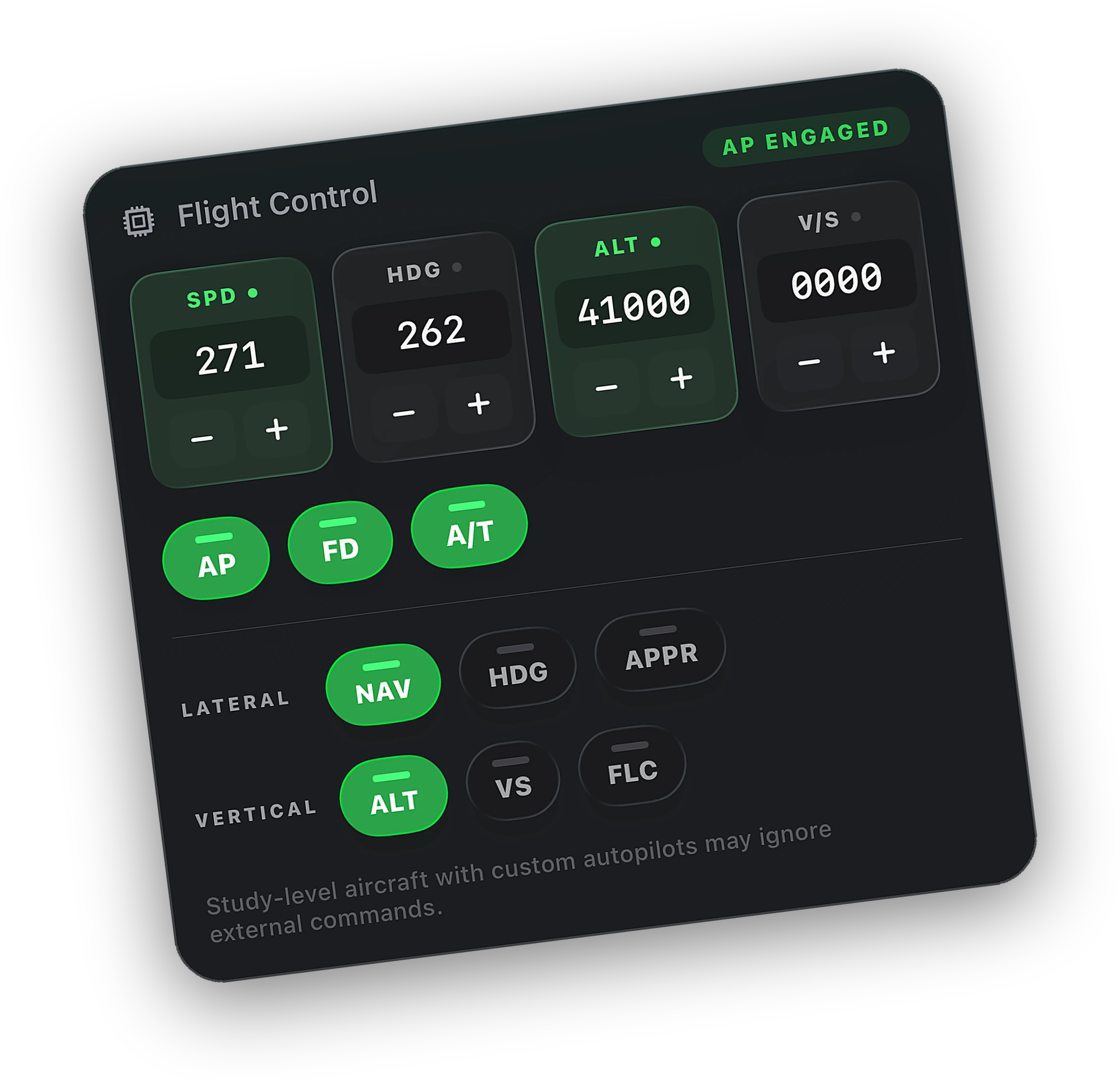
- Systems remote, with Peak. Autopilot targets, lights, engines, and the small switches. See the systems remote.
- Live camera, with Peak. The view from the sim on your phone.
- Pause and resume, with Peak. Hold the flight at cruise until you are back.
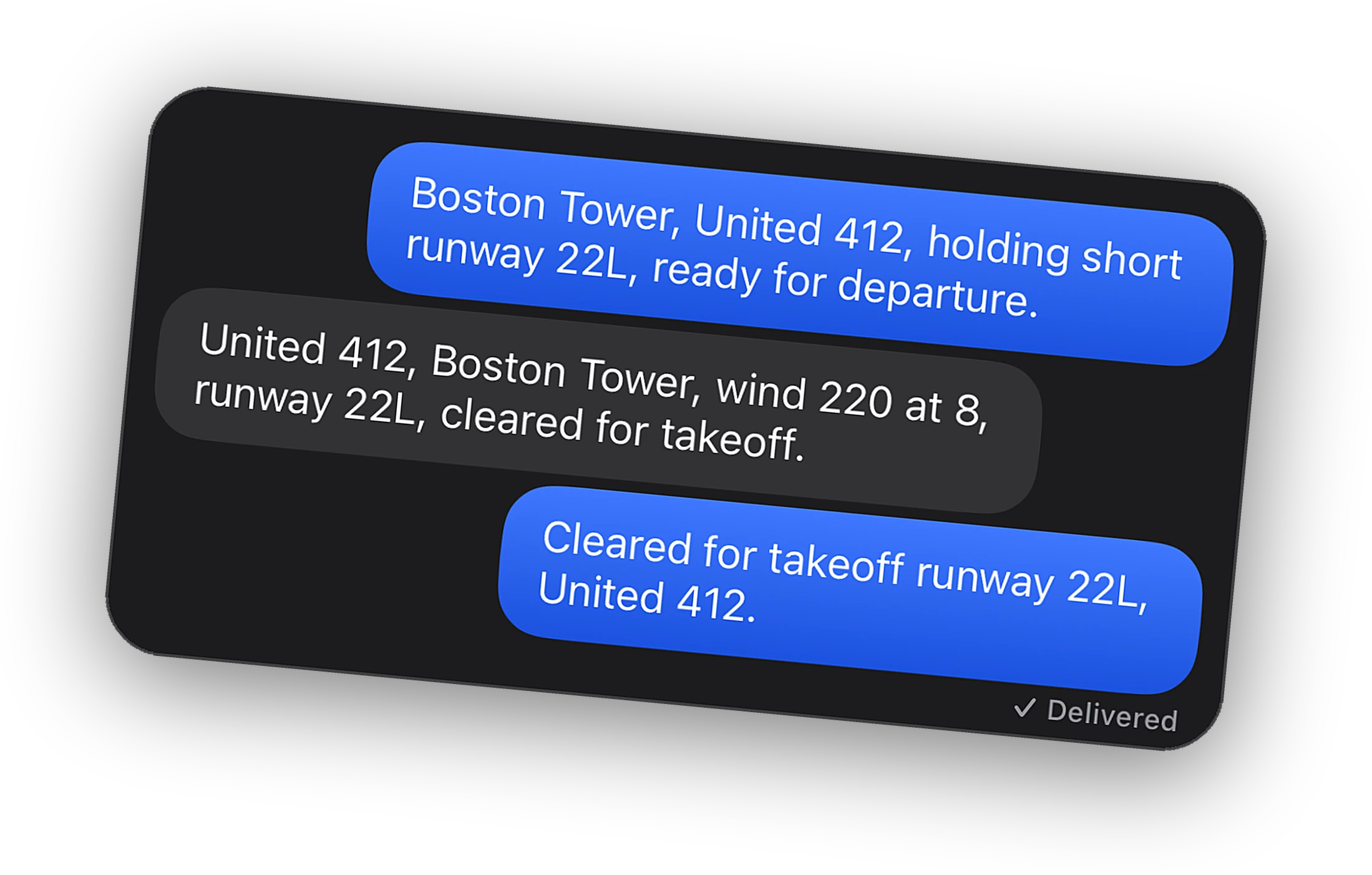
- ATC messages, with Peak. Through vPilot or xPilot, as in the VATSIM ATC guide.
If the phone loses signal
Tunnels, lifts, and flat batteries happen. The Bridge keeps recording the whole flight on the PC, up to 12 hours, and hands the phone the missing segment when it reconnects. Your logbook, timeline, and landing grade stay complete.
Top-of-descent alerts are scheduled on the phone at the estimated time, so they still fire without signal. They cannot move if the estimate changes while you are offline, so treat them as a reminder to check in.
If the sim crashes or stops responding mid-flight, Cobalt tells you, and the flight so far is saved. There is no way to restart the sim from the phone, so fly long legs you plan to leave on a setup you trust.
Flying online while away
Online, the rules are stricter than offline. VATSIM expects pilots to be able to respond to ATC while connected. If you will be away for more than a short break, disconnect from the network and keep flying offline. With Peak, Cobalt can ask vPilot or xPilot to disconnect from the phone, so you do not have to get back to the desk to do it.
Staying home but leaving the desk? You do not need Peak for that. The Live Activity, alerts, and the Lock Screen card are free on your Wi-Fi. The Lock Screen guide covers the setup.
Questions
Do I need Peak to monitor a flight away from home?
For your own sim's telemetry, yes. Relay, which reaches the Bridge over cellular, is part of Peak. Without it you can adopt your own VATSIM or IVAO flight and follow it from the public network feed.
What happens if my phone drops off for an hour?
Nothing is lost. The Bridge keeps recording on the PC, up to 12 hours, and hands your phone the missing segment when it reconnects.
Do I need to open ports on my router for Relay?
No. The Bridge and the phone both connect out to Cobalt's relay over an encrypted connection. Nothing on your router changes.
Can Cobalt get me back for the approach?
Yes. Top-of-descent alerts arrive one hour and five minutes before descent, and you can add a TOD minus 10 reminder. With Peak, Cobalt can also pause the sim just before top of descent.